3D Printers
Bambu Lab P2S Review: A Strong Mid-Range 3D Printer Worth Considering
The Bambu Lab P2S brings significant upgrades over its predecessor, including a new touchscreen, improved cooling, and quick-swap nozzles. Here's what real-world use reveals about its strengths and trade-offs.
Introduction
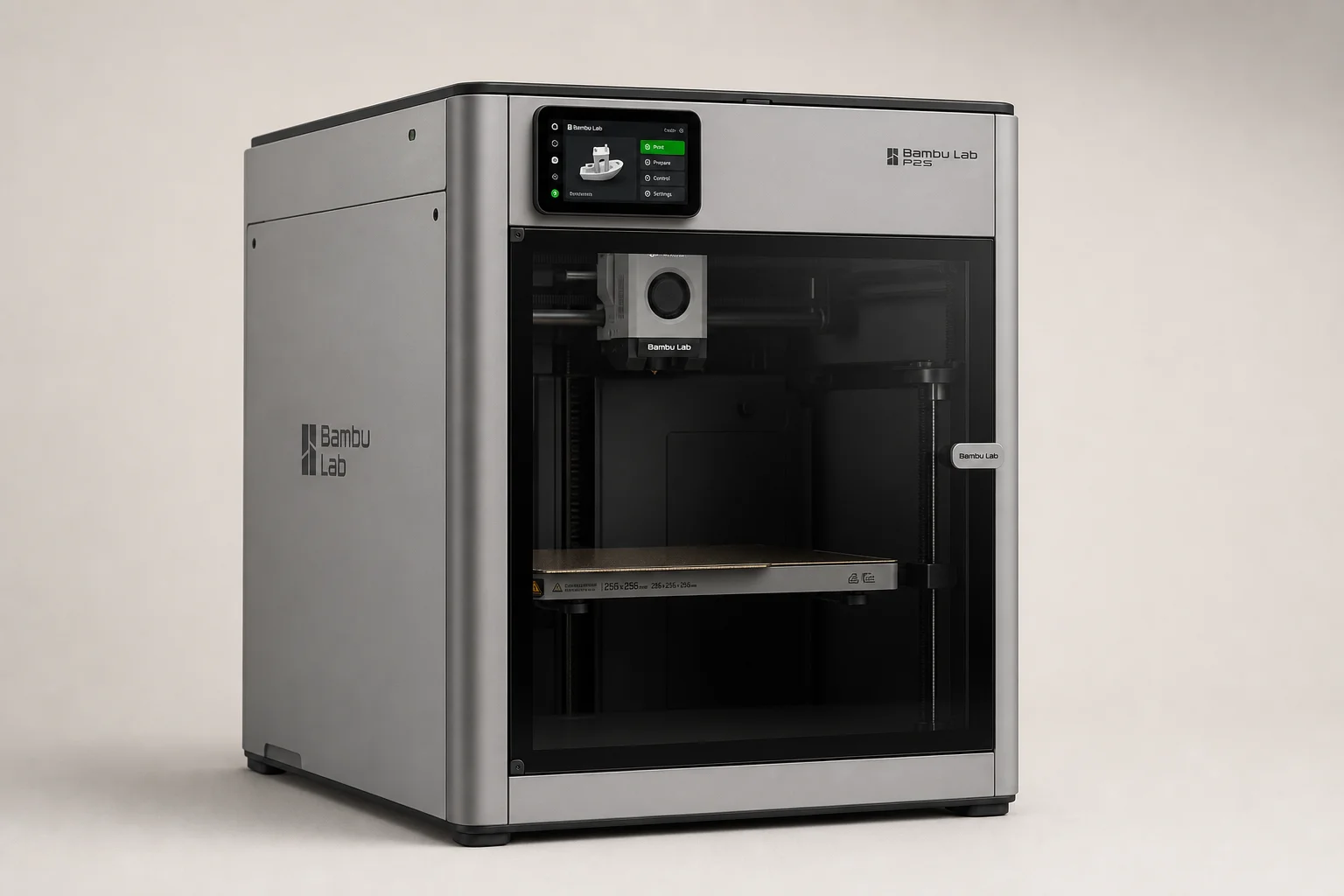
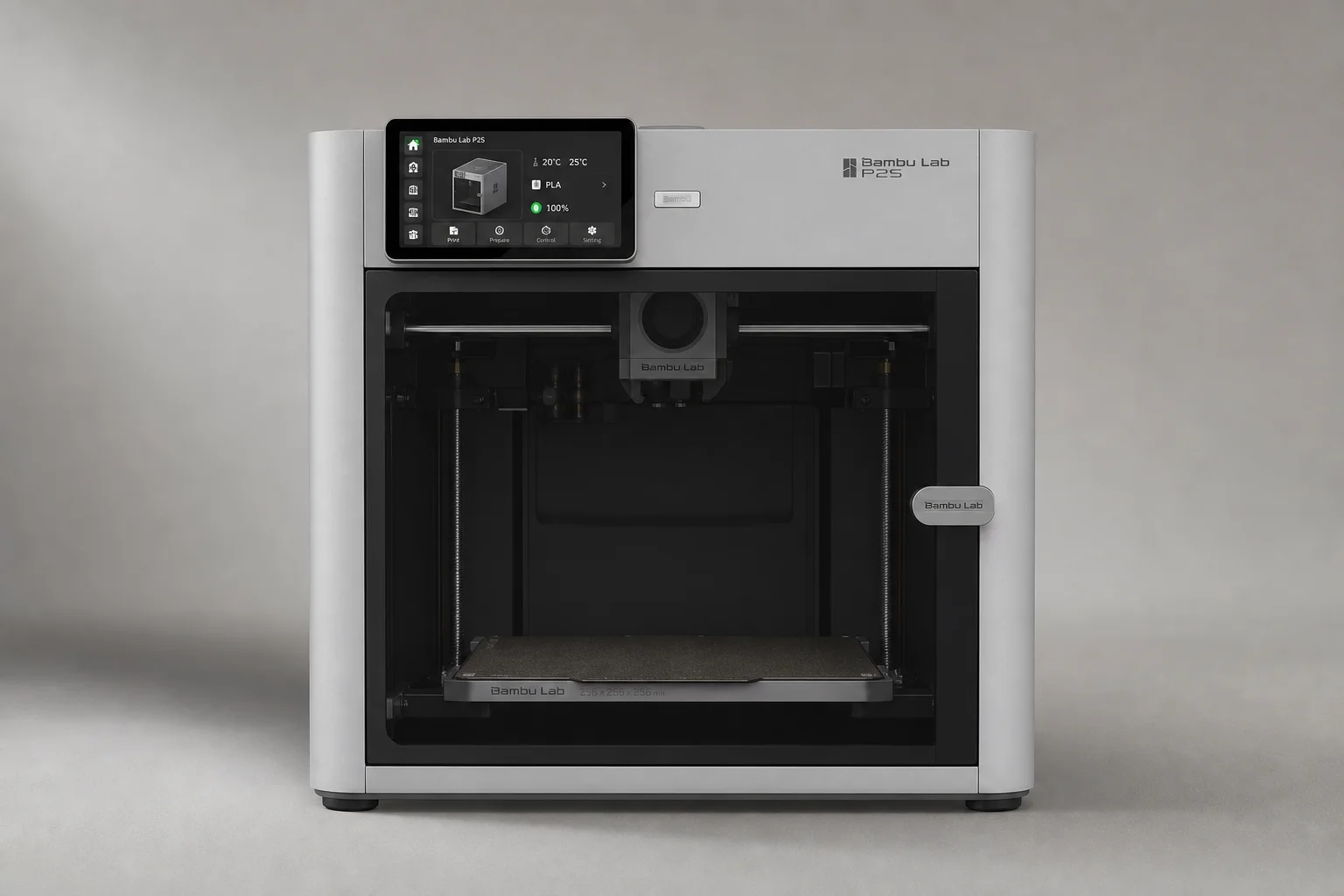
The Bambu Lab P2S arrives as a meaningful step forward from its predecessor, the P1S. At $549 for the printer alone or $799 with the AMS 2 multi-material system, it sits squarely in the mid-range market. After nearly 200 hours of real-world use across multiple materials, this review covers what the P2S does well, where it falls short, and whether it makes sense for your needs.
Design and First Impressions
The P2S arrives well-packaged with minor internal shipping improvements over previous Bambu Lab models. Setup is straightforward once the screen is installed, taking only a few hours from box to first print.
At first glance, the printer resembles the X1 Carbon with its lighter overall finish, though it retains plastic outer panels like the P1S rather than the metal panels found on higher-end models. The industrial design is clean and functional, with a transparent build chamber door that allows clear visibility during printing.
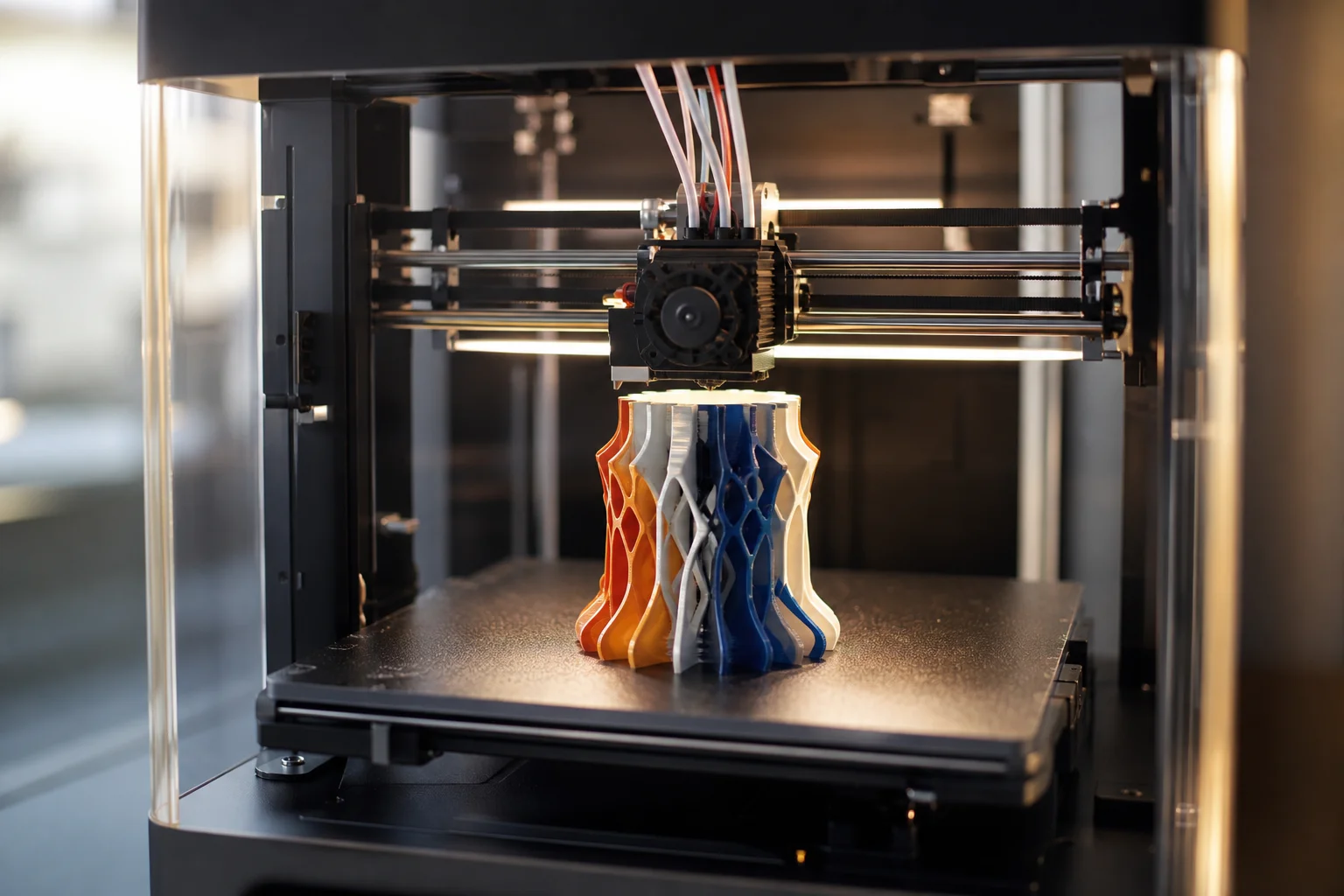
The printer ships with hardened nozzles and a hardened extruder gear, meaning you can print fiber-filled filaments immediately without additional upgrades. This is a practical advantage for users who want to experiment with advanced materials from day one.
Key Hardware Upgrades
The most noticeable upgrade is the new five-inch touchscreen. The P1S’s smaller, less intuitive interface was a genuine pain point for many users, and this larger display with improved responsiveness is a substantial quality-of-life improvement.
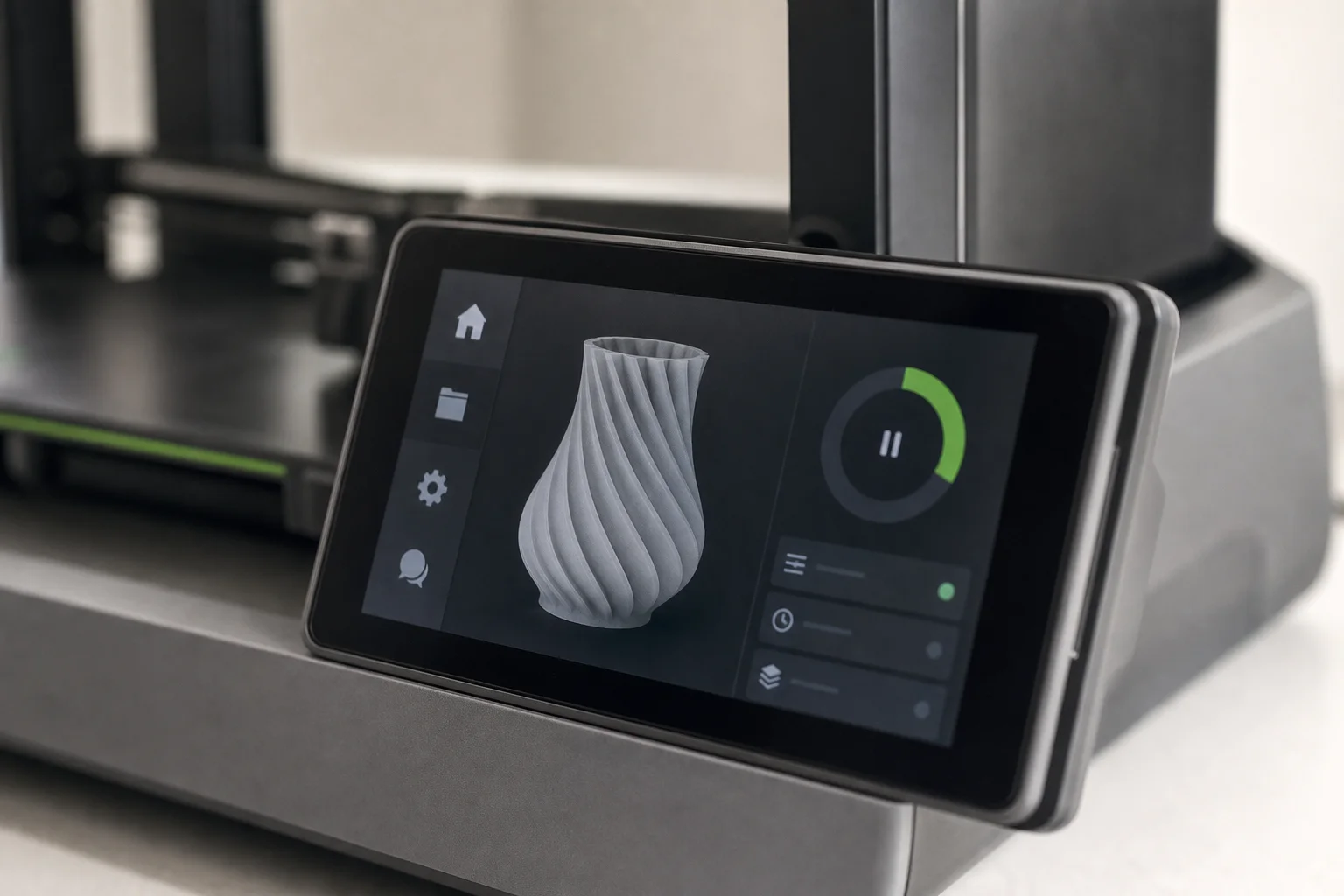
Beyond the screen, the P2S includes several meaningful technical updates. A new cold air intake helps keep the door sealed when printing PLA and PETG, while a heat-sealing flap retains warmth for higher-temperature engineering-grade filaments. The quick-swap nozzle system, carried over from the A1 and H-series, makes material changes faster and more convenient.
The camera system has also been significantly improved. Time-lapses and remote viewing no longer feel like afterthoughts, making it much easier to monitor prints from your phone or the Bambu Studio slicer software.
The printer includes automatic bed leveling, automatic Z-offset, build plate detection, AI flow calibration, an adaptive airflow system, and a built-in carbon filter. An internal light is also included, eliminating the need for aftermarket lighting upgrades that were common on earlier models.
One quirk worth noting: the build plate detection system can be overly strict. Older build plates may not be recognized due to QR code size differences on newer plates, causing the printer to pause and ask for confirmation. This can be disabled in settings, though a firmware update may eventually resolve the issue.
The AMS 2 Multi-Material System
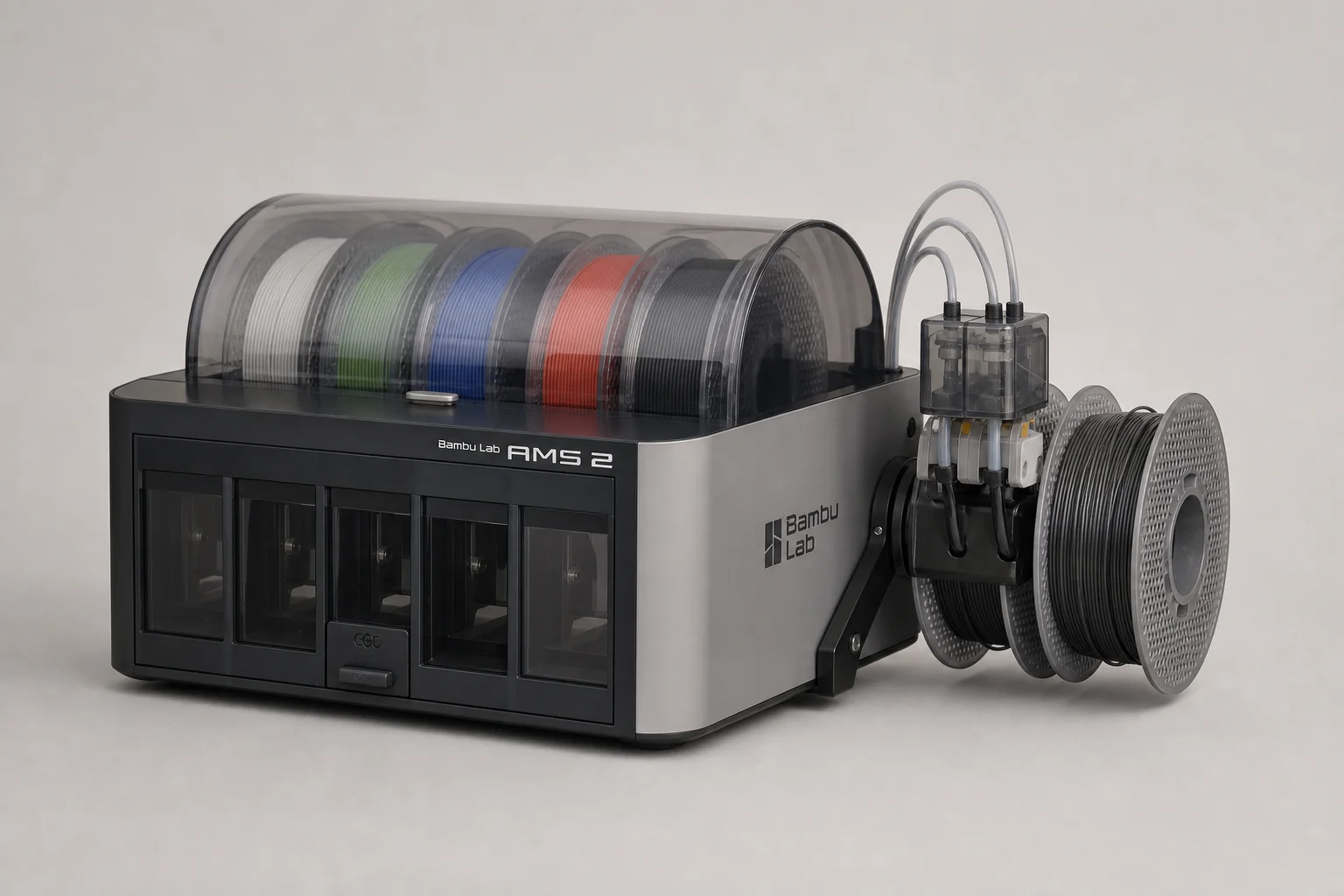
The AMS 2 represents a clear improvement over the original AMS. The motors feel stronger, making filament loading and unloading noticeably faster. The PTFE tubes are now easily accessible, so if filament breaks inside the unit, repairs no longer require disassembly.
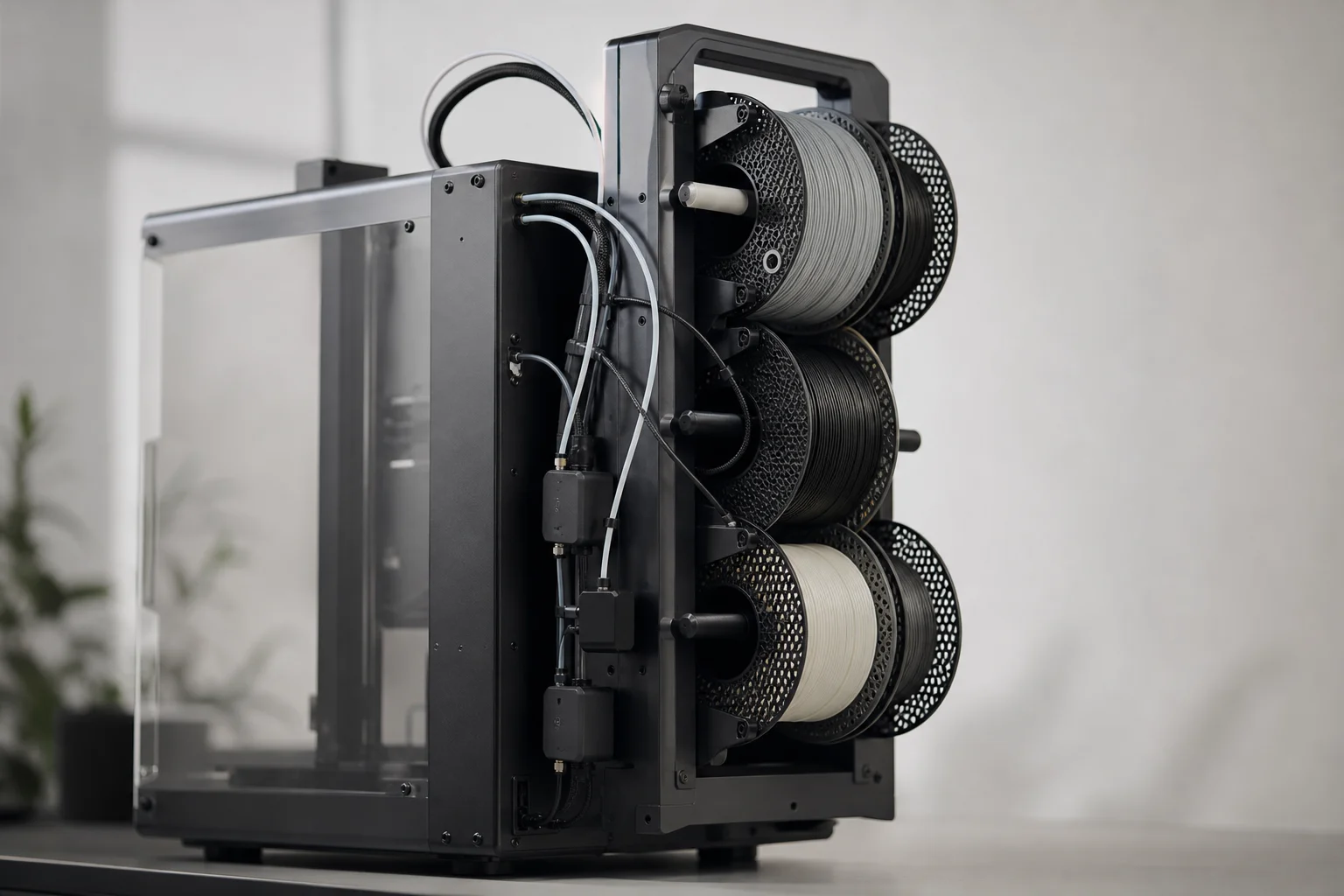
One significant caveat: Bambu Lab advertises the AMS 2 as capable of drying filament while printing, but this requires purchasing an external power supply separately. The unit can dry filament while the printer is in standby mode without the extra supply, but simultaneous printing and drying demands the additional purchase. This feels like a feature that should have been included in the box.
The AMS 2 does rotate spools during drying, which helps ensure even moisture removal. The new side-mounted spool holder is also practical, making it easier to load larger or awkwardly-shaped filament rolls. However, some newer Prusament rolls with NFC tags are too wide to fit in the AMS, so you may need to load them directly onto the printer’s spool holder instead.
Bambu Lab now includes a filament buffer with a built-in Y-splitter, which is a welcome addition for managing multiple material feeds.
Print Quality and Real-World Performance
After testing PLA, PETG, ASA, and Easy PA, the P2S delivers consistent, reliable print quality. A Spider-Man 2099 helmet printed in multiple materials came out well, with clean details and good layer adhesion. Door hooks printed in various filaments also performed as expected, with only minor adhesion issues on one black PETG print that may have been material-related rather than printer-related.
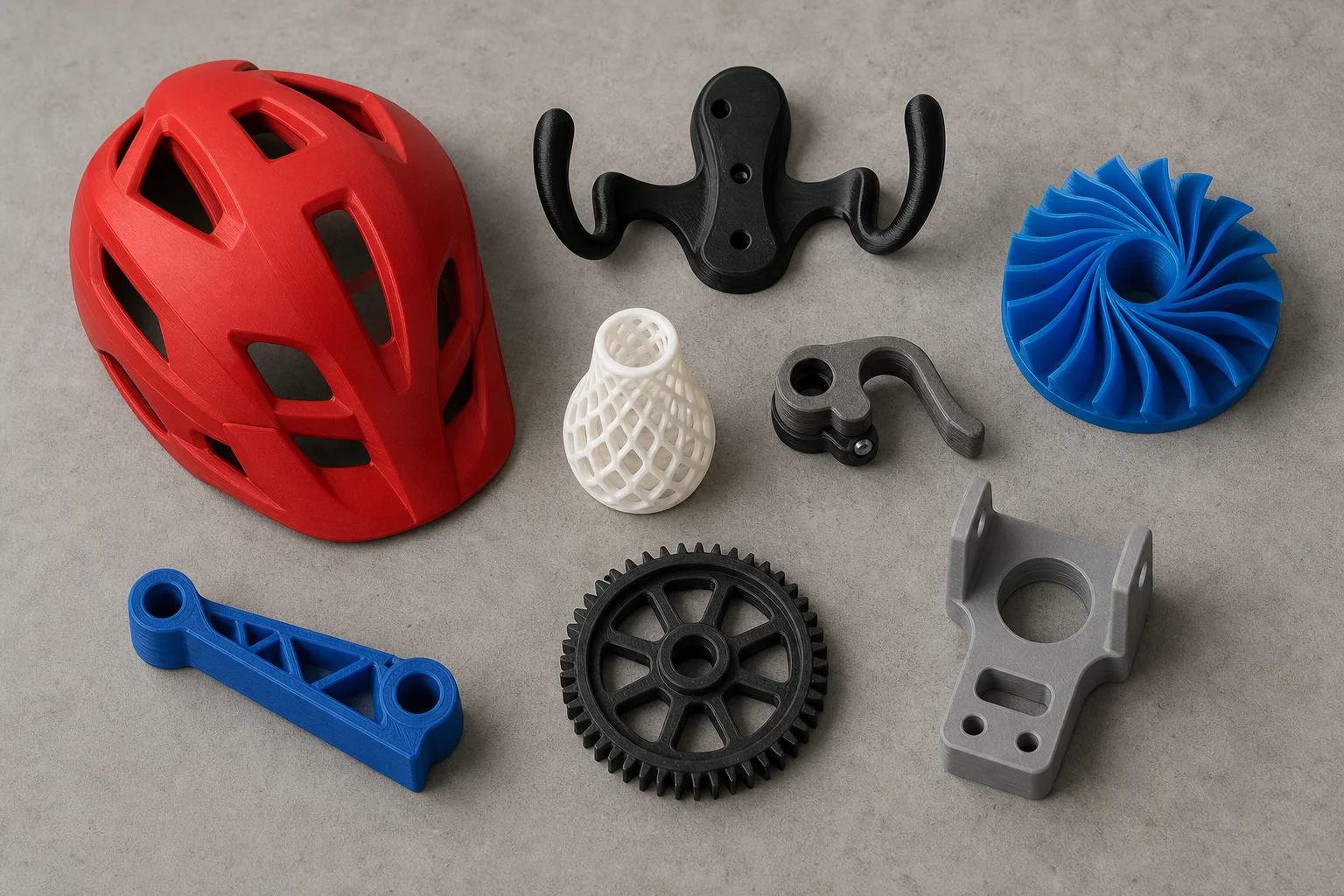
According to Bambu Studio, the P2S is technically slower than both the P1S and X1 Carbon, though it remains noticeably faster than the A1. In practice, the speed difference is not dramatic, and print quality remains the priority.
The printer is part of Bambu Lab’s closed ecosystem, which is either a significant advantage or a drawback depending on your preferences. The ecosystem integration means remote printing, remote monitoring via phone app, and seamless slicer integration all work reliably. For users who value convenience and a cohesive experience, this is a major strength. For those who prefer open-source flexibility, it is a limitation.
Who This Printer Is For
The P2S makes the most sense for beginners entering 3D printing, users upgrading from older machines, or experienced makers adding another printer to a print farm. The feature set is comprehensive without being overwhelming, and Bambu Lab’s extensive stock of replacement parts in U.S. warehouses makes long-term ownership straightforward.
The printer’s reliability and quiet operation are underrated strengths. It simply does its job without fuss, which becomes more valuable the longer you own it.
Things to Consider Before Buying
The closed ecosystem is not for everyone. If you value open-source software and maximum customization, this printer will feel restrictive. The AMS 2’s simultaneous print-and-dry feature requires an additional power supply purchase. Build plate detection can be overly strict, though this may be addressed in future firmware updates. Finally, Bambu Lab does not include a USB thumb drive for saving time-lapses, so budget for that separately if you want local storage.
Conclusion
The Bambu Lab P2S is a strong mid-range printer that delivers on its core promise: reliable, fast printing with a modern interface and practical features. At $549, it offers genuine value compared to the X1 Carbon’s higher price, and it is a meaningful upgrade over the P1S for anyone considering a new machine. The AMS 2 combo at $799 adds multi-material capability, though the separate power supply requirement for simultaneous drying is a frustration. For most users entering 3D printing or expanding an existing setup, the P2S is worth serious consideration.
Further reading
Related Reviews
3D Printers
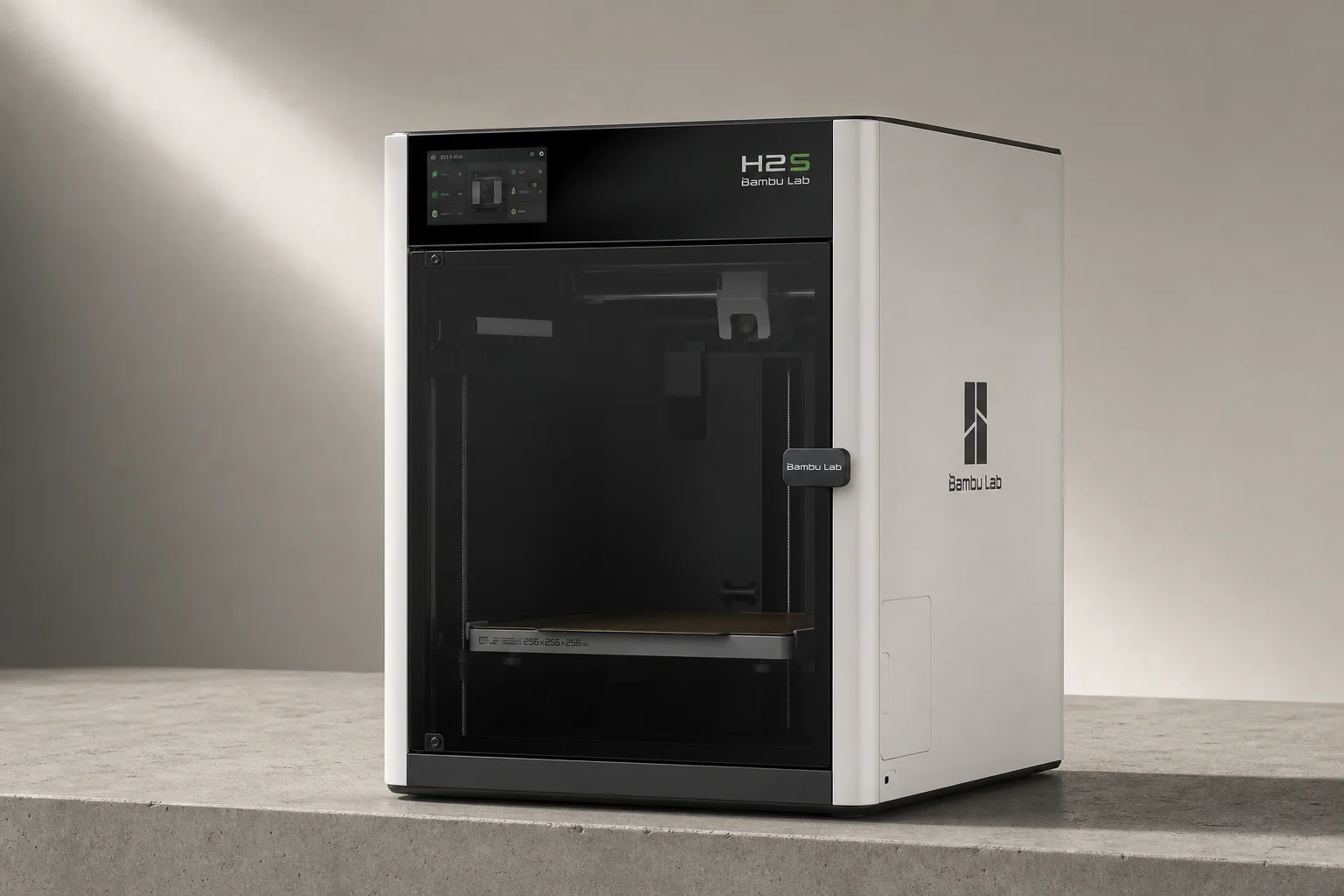
Bambu Lab H2S Review: Large-Format 3D Printing Without the Dual Extruder
The H2S strips away the H2D's dual-nozzle complexity for a simpler, cheaper large-format printer. Here's what that trade-off means for your prints.
3D Printers
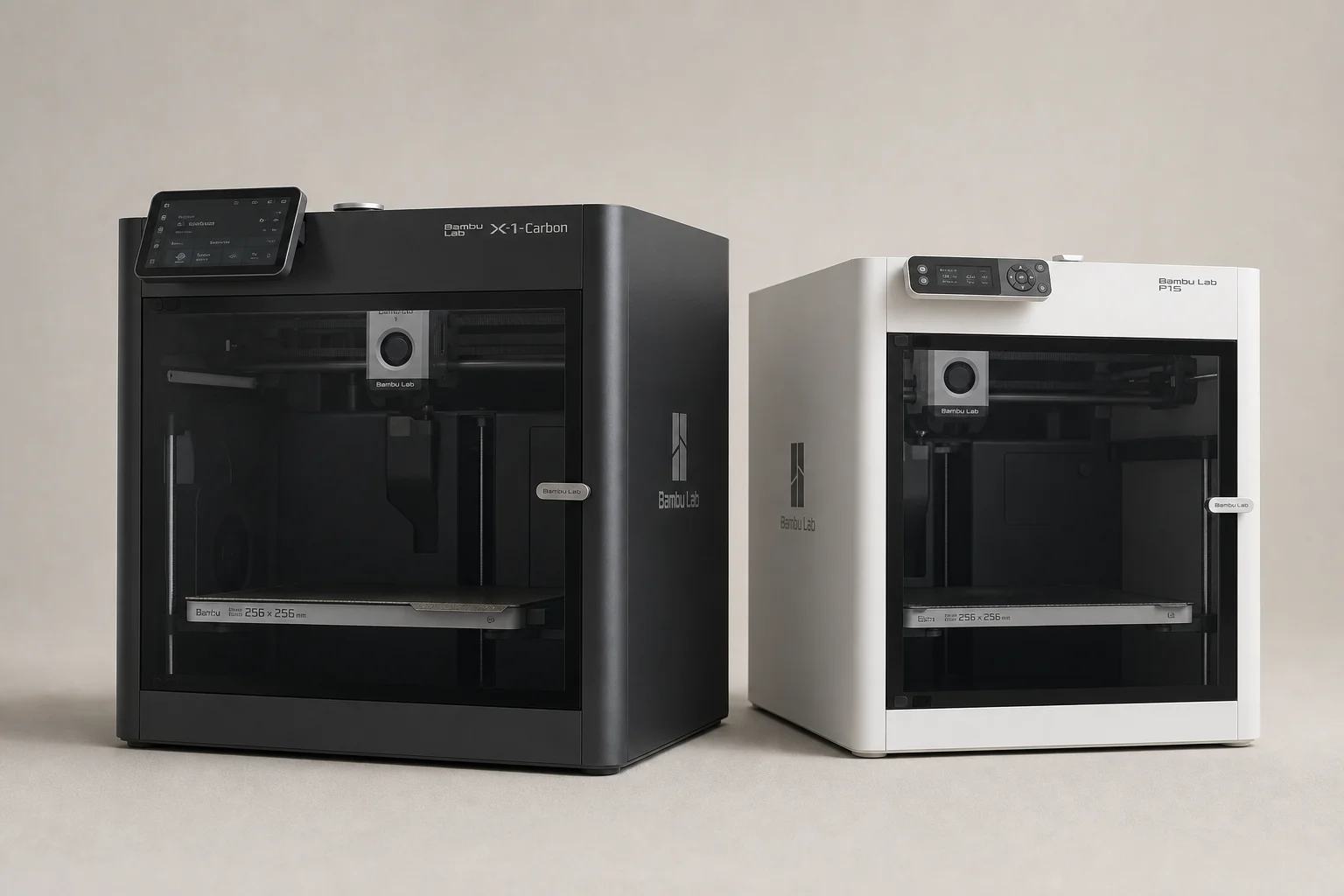
Bambu Lab P1S vs X1 Carbon: Why the Budget Option Wins
After testing both printers side by side, the P1S delivers nearly identical print quality at half the price. Here's what the premium features actually cost you.
3D Printers
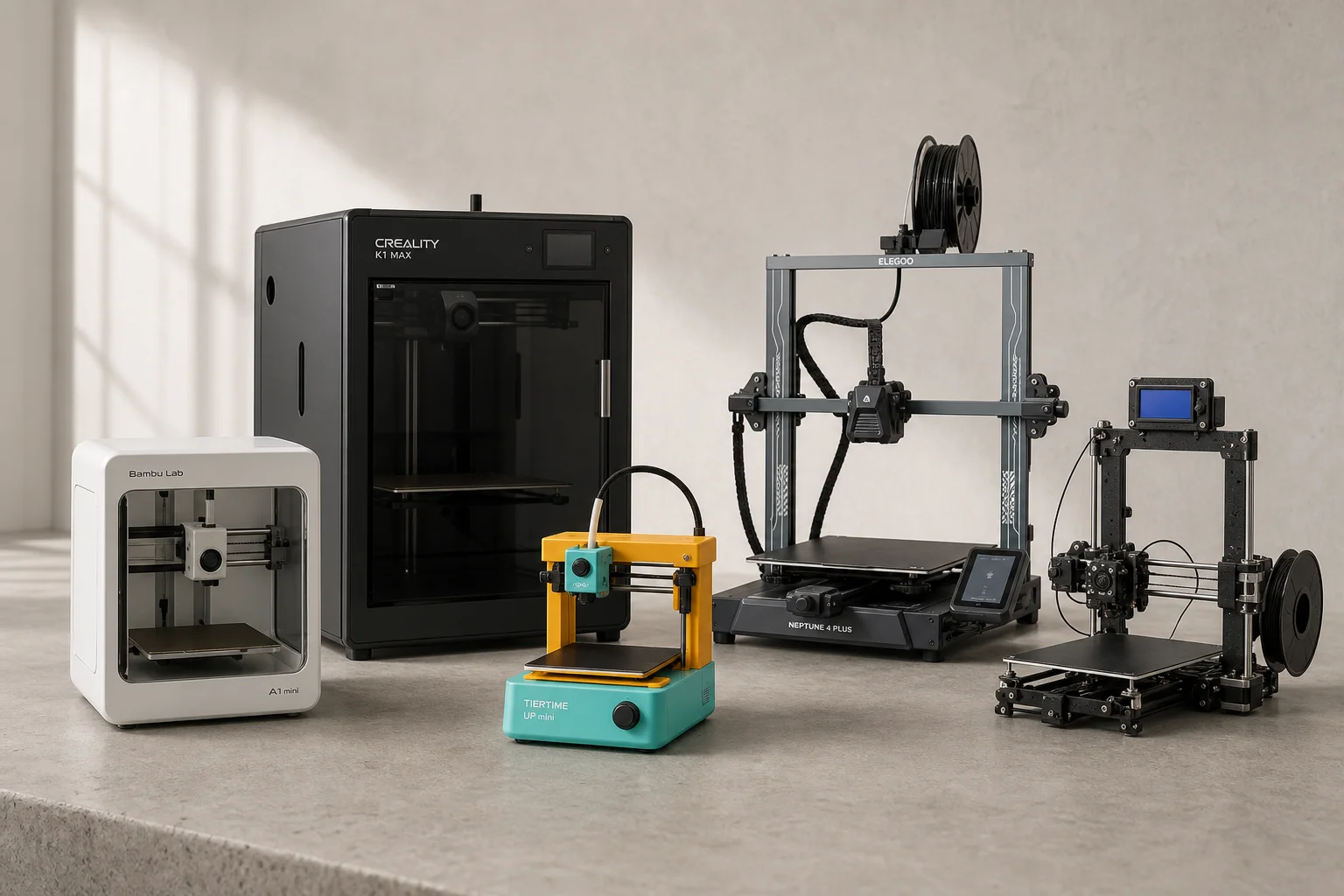
Best Budget 3D Printers 2026: Five Models for Every Skill Level
Five 3D printers that balance affordability with practical features, from beginner-friendly machines to advanced dual-extruder systems.