Tech Accessories
ASUS Docks and the ROG Strix G18: A Desk Setup That Covers Everything
Two ASUS docks for different lifestyles and one beastly gaming laptop that ties the whole setup together.
Introduction
If we could only keep one tech gadget in the bag, it would be a dock. Docks are not glamorous, but they quietly solve the everyday problem of juggling cables, chargers, and adapters. ASUS has two that cover very different needs: a compact model built for life on the go, and a larger Thunderbolt 5 unit meant to anchor a full desk setup. Paired with a capable laptop, they make a convincing case for packing all your tech needs into a single box.
ASUS DG300 Dock: The Portable All-Rounder
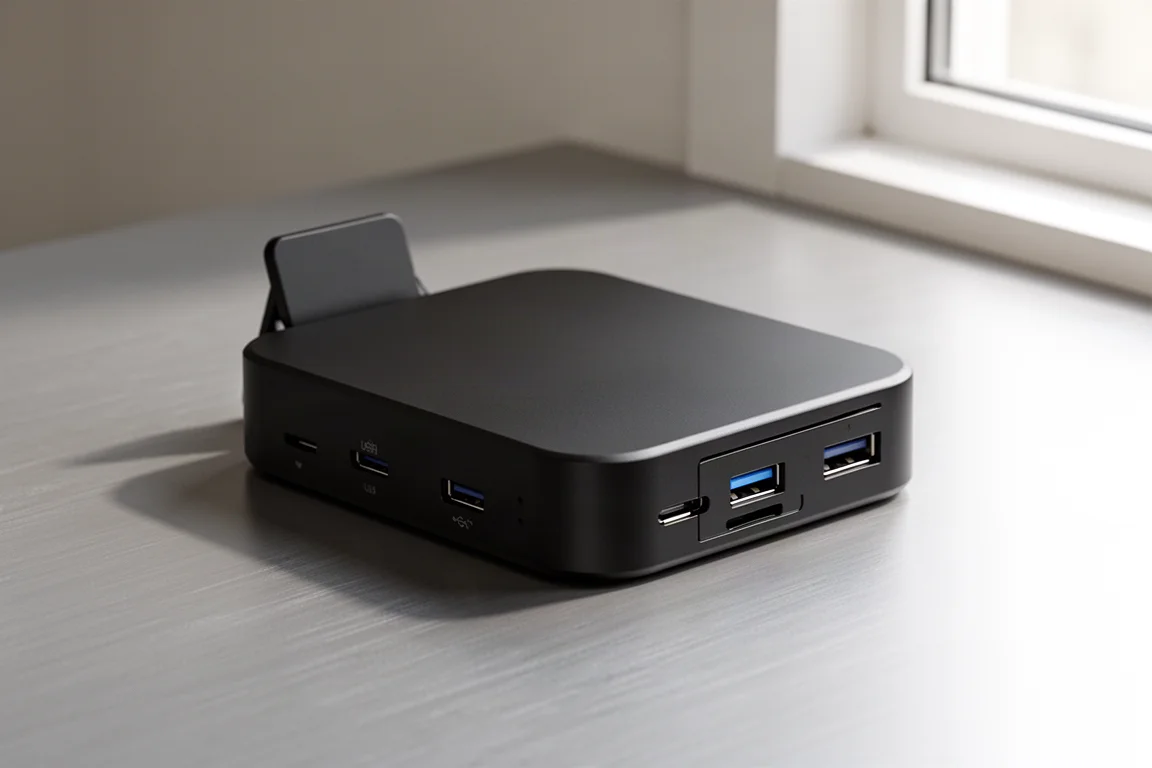
The ASUS DG300 is the dock for people who carry their whole setup with them. It has three Gen 2 USB 3.2 Type-A ports with 10 Gbps data transfer, gigabit Ethernet, HDMI 2.1 supporting up to 8K monitors, fast-charging USB-C ports, and a headphone jack. There is even a built-in flip-out stand that feels thoroughly overengineered, in a good way.
That stand makes it a genuinely useful companion for handheld consoles. Dock a Steam Deck or similar device, connect it to a big screen, and you can play comfortably at up to 144 Hz refresh rates. It also doubles as one of the nicer-looking iPad or phone stands around.
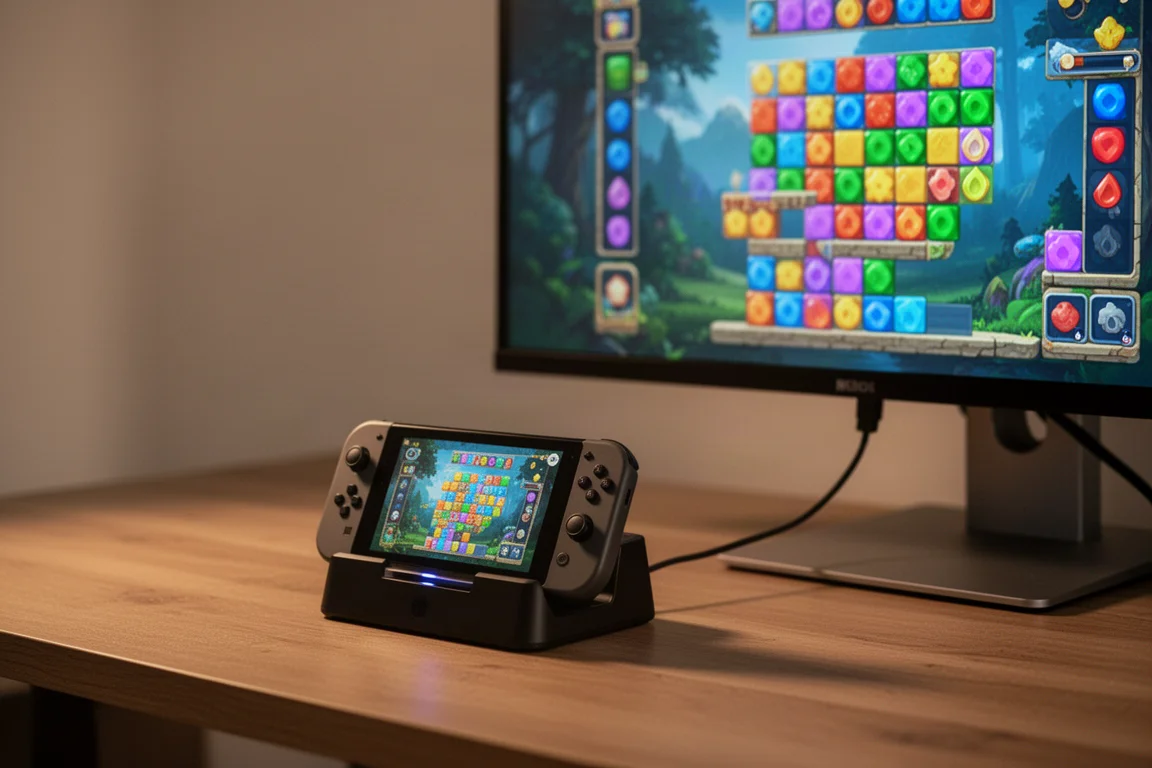
The USB-A ports might raise eyebrows at first, but it makes sense on closer inspection. Most controllers, keyboards, and older accessories still rely on USB-A, so accommodating a full mix of new and old gear in one small unit is practical. And with everything fitting into something close to the size of a sunglasses case, it slots into a bag or pouch without a second thought.
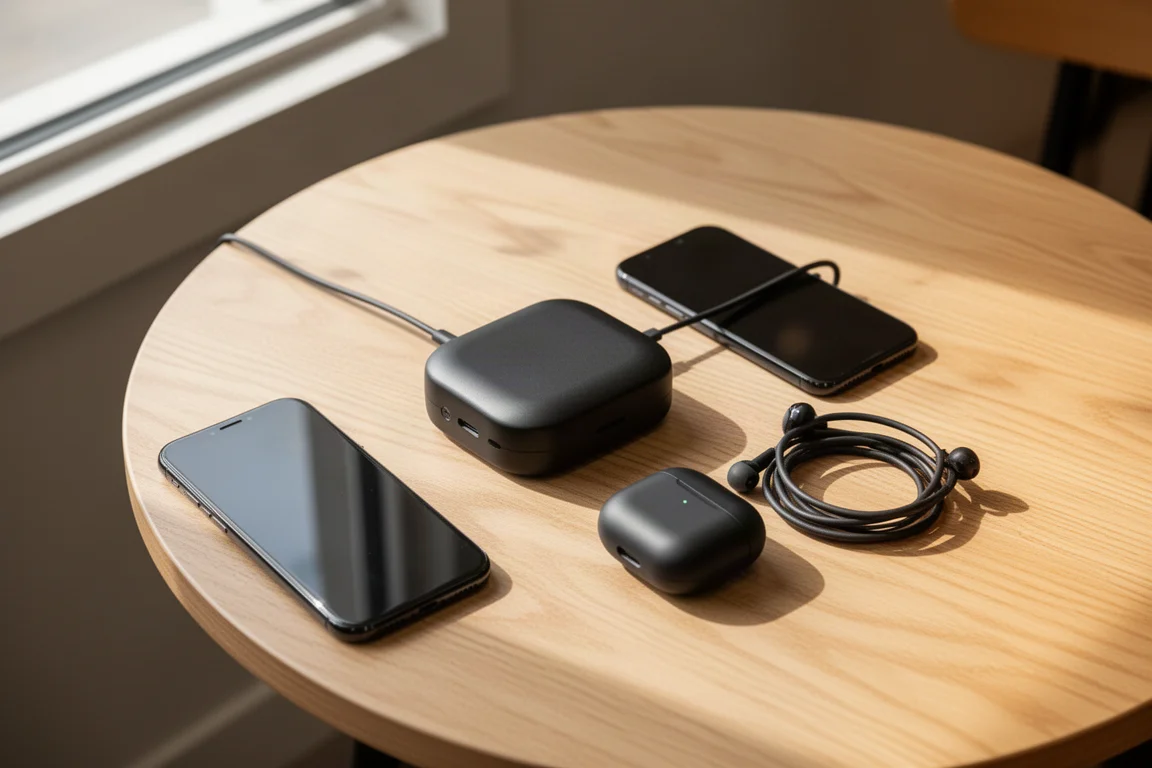
Real-world performance holds up too. Large file transfers barely register, with a 7 GB transfer completing in under 10 seconds in testing, and charging keeps devices topped up without noticeable slowdowns. The main miss is the lack of a built-in SD card reader, though most people arguably will not miss it. Pair it with ASUS’s 140 W USB-C GaN charger, which offers three USB-C ports plus a USB-A port, redistributes power intelligently across all ports, and can push 140 W from a single port to replace a laptop charger on the go.
ASUS Thunderbolt 5 DC510 Dock: The Desk Command Center
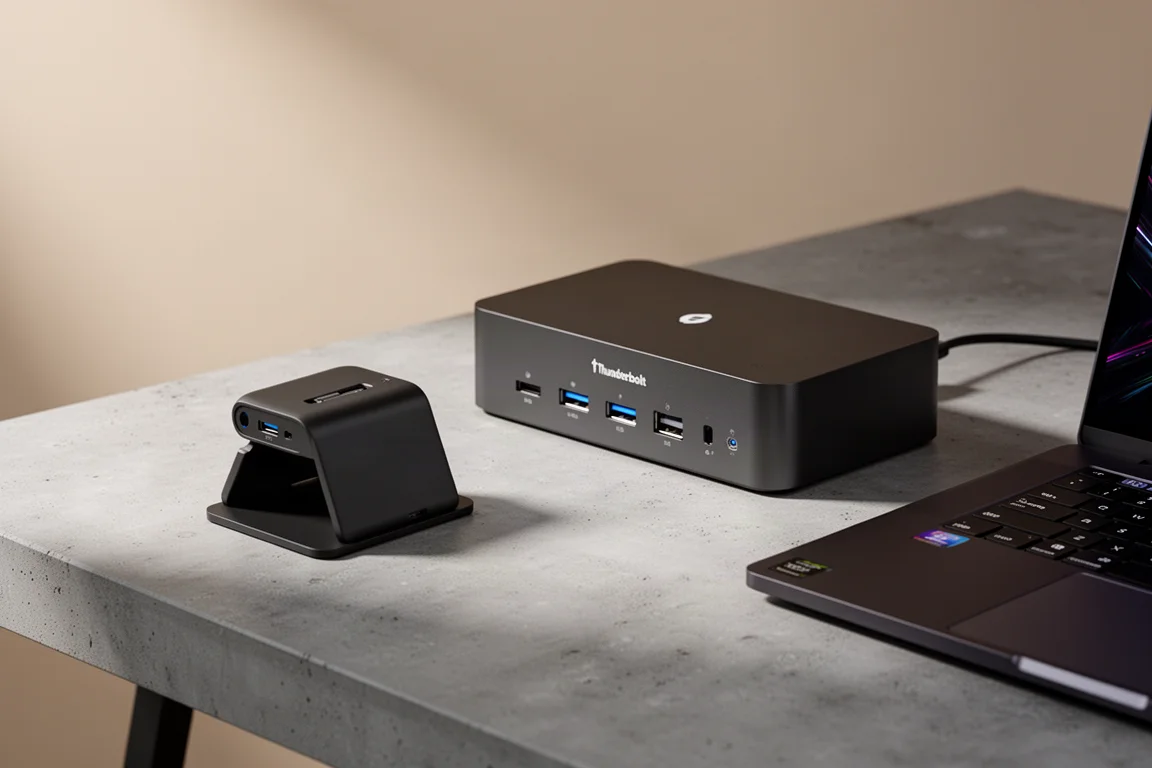
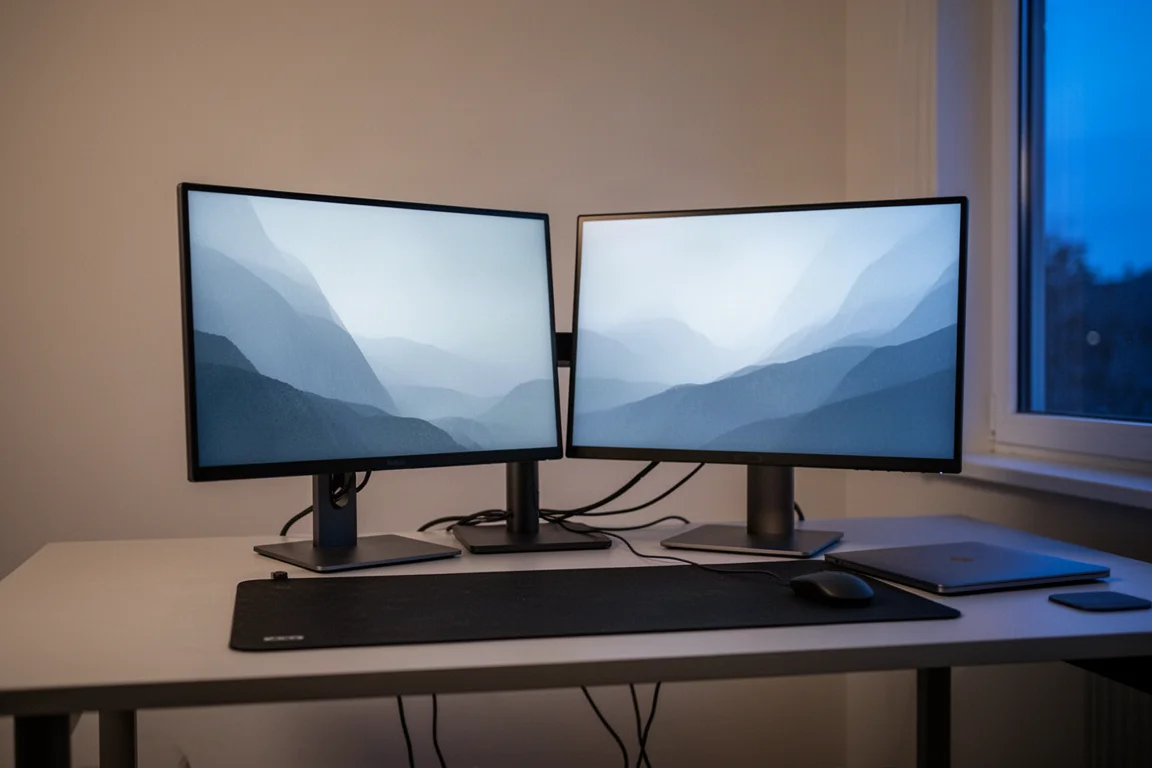
Where the DG300 is made for being out and about, the ASUS Thunderbolt 5 DC510 is meant to stay on the desk. It can drive up to two 8K monitors at 60 Hz or three 4K monitors at up to 144 Hz each, which is the kind of display firepower gamers and multitaskers dream about.
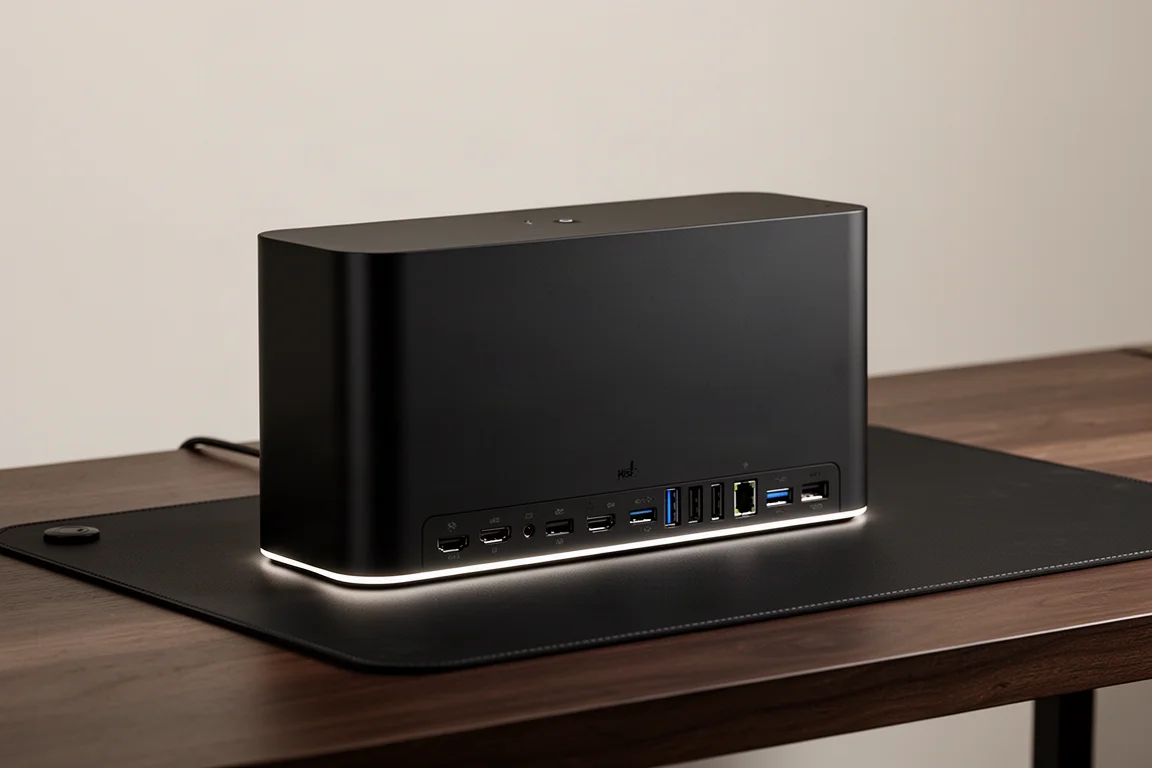
Around the back, it packs an SD and microSD card reader, a 5 Gbps USB-A port and dual 10 Gbps USB-A ports, a 2.5 Gb Ethernet port, and dual Thunderbolt 5 ports capable of 80 Gbps transfer speeds. In classic ASUS fashion, there are three levels of LED lighting around the dock that you can cycle with a click, purely for the vibes.
There is also a hidden SSD compartment, effectively turning the dock into an external hard drive and removing one more device from your desk. A dedicated power button shuts down the whole setup at once, and for dual-monitor users, ProArt monitor daisy chaining keeps the cabling even cleaner.
ASUS ROG Strix G18: The Laptop That Powers It All
A dock this capable deserves a serious machine behind it, and the ASUS ROG Strix G18 fits the bill. It packs an Intel Ultra 9 processor, a GeForce RTX 5080, and up to 32 GB of DDR5 RAM. In short, it is a beast for work, play, and entertainment alike.
The dual Thunderbolt 5 ports are impressive in a laptop, and the built-in RGB lighting keeps things looking the part. Connected to the DC510 with a single cable, it runs a full multi-monitor setup smoothly, making for a dream desk configuration.

Pairing It All Together
The appeal of this trio is simplicity. One dock stays home and runs the entire desk from a single cable to the laptop. The other travels in a pouch and covers most daily tech needs, whether you are working at a coffee shop or gaming on a big screen from a handheld. Add the charger and you have power, display, storage, and connectivity sorted for nearly any device you throw at the setup.

Conclusion
ASUS covers both ends of the dock spectrum: the DG300 for pocket-sized versatility and the Thunderbolt 5 DC510 for a decluttered, high-performance desk. Paired with the ROG Strix G18, the whole setup runs smoothly on a single cable. If you want your accessories to just work wherever you are, this combination is an easy one to recommend.
Further reading
Related Reviews

Tech Accessories
Best Premium Tech Dupes 2026: Five Budget Alternatives That Actually Deliver
We compare five premium desk and streaming staples against their budget counterparts to see which dupes are genuinely worth the savings.
Tech Accessories
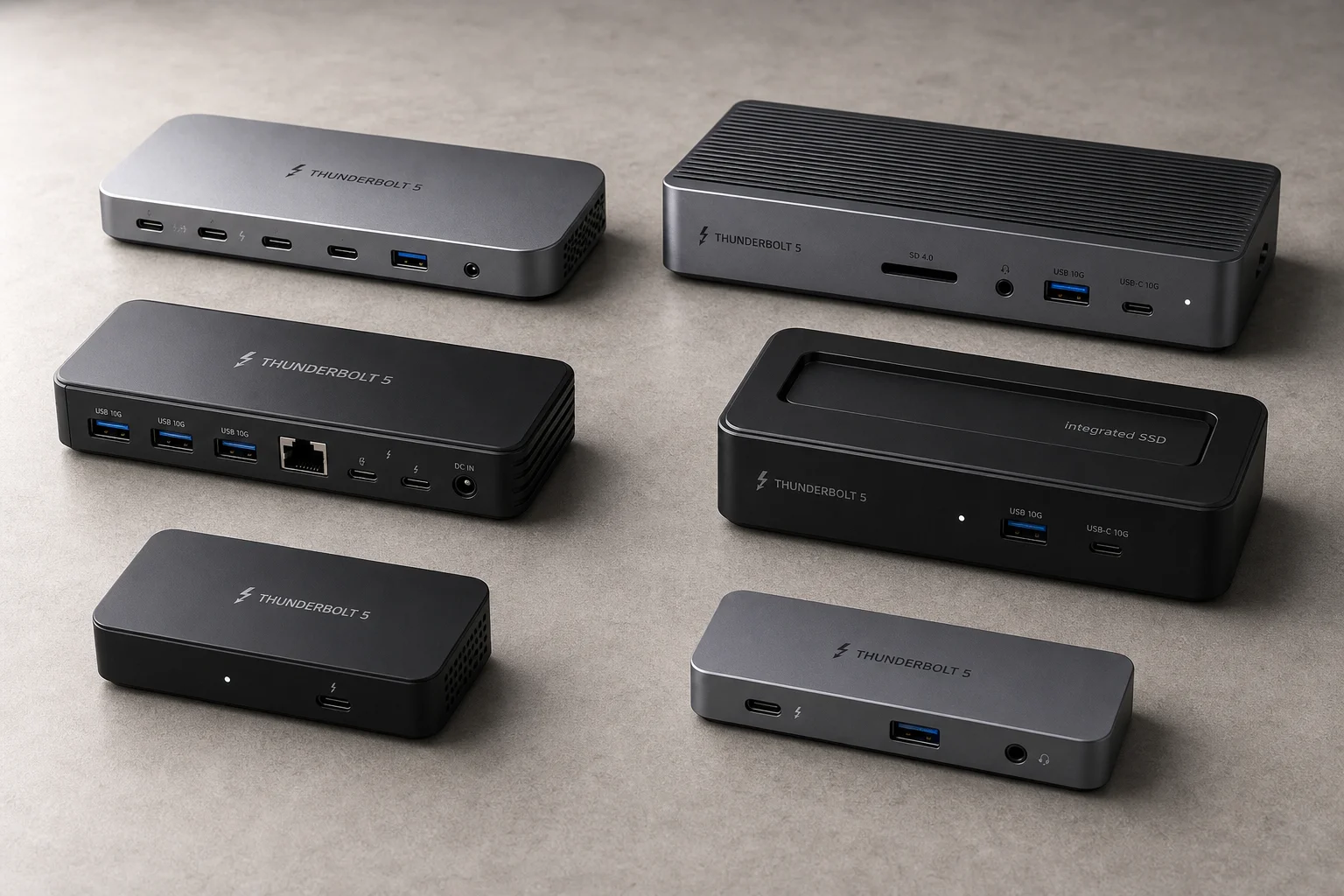
Best Thunderbolt 5 Docks 2026: Six Options Tested for Desktop Connectivity
A practical guide to six Thunderbolt 5 docking stations, covering their strengths, trade-offs, and which setup they suit best.
Tech Accessories
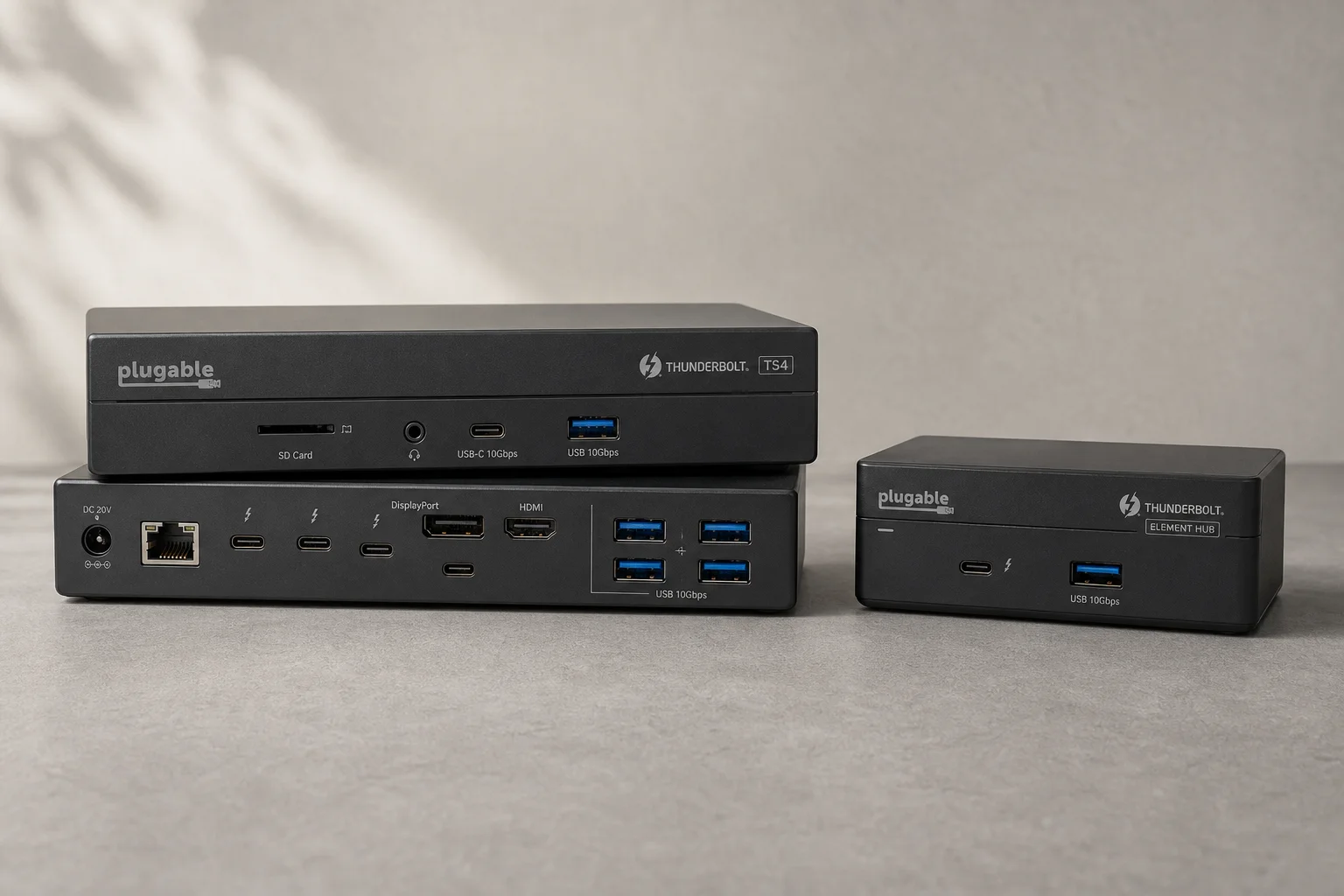
CalDigit Thunderbolt Docks: TS4 vs Element Hub
Two Thunderbolt docking solutions with different port counts and use cases. The TS4 offers 18 ports and 2.5 Gbps ethernet; the Element Hub provides a compact 8-port alternative.