3D Printers
Bambu Lab X2D Review: A Dual-Head Engineering Printer With a Clear Purpose
The Bambu Lab X2D pairs a direct drive head with a lightweight Bowden head, making dual-material support printing genuinely practical in a mid-size enclosed box.
Introduction
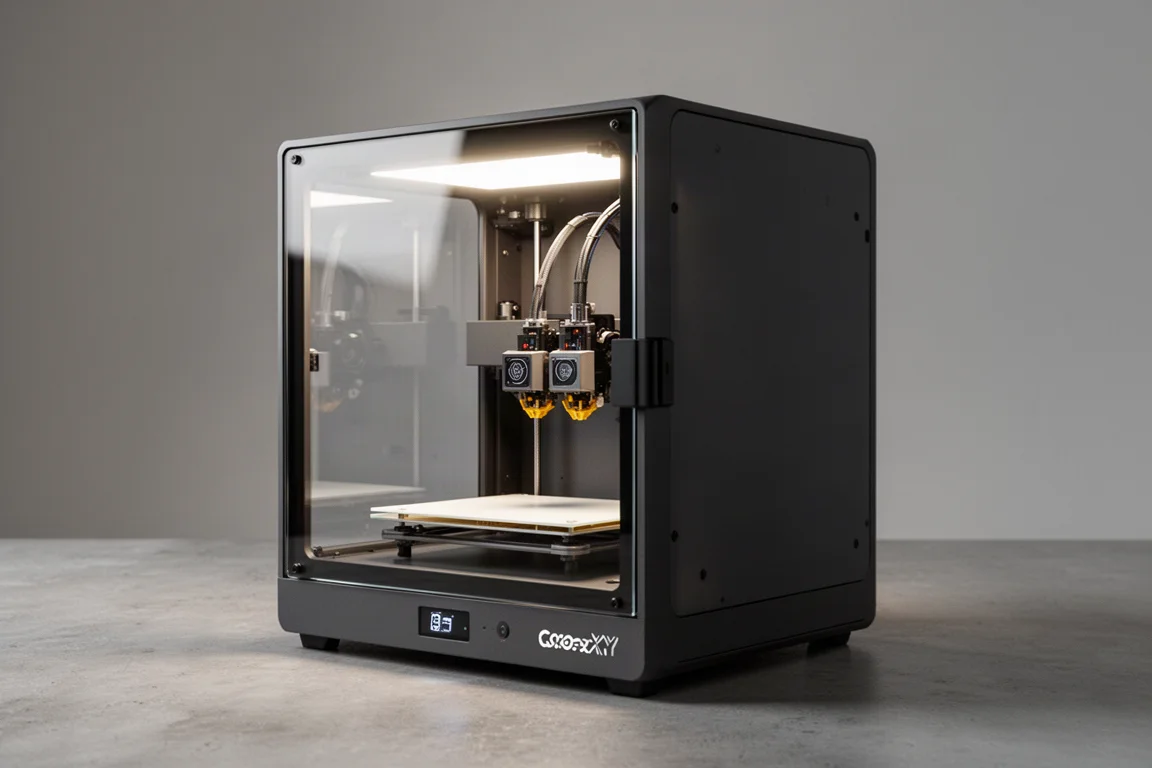
The Bambu Lab X2D is not the mid-size tool changer many people expected after the leaks. It is something more specific: an engineering-focused dual head machine that takes the concept of the X1C to the next level. One head is a direct drive system, the other is a lightweight Bowden setup with the extruder mounted at the back of the machine, and that combination is aimed squarely at people who print functional, two-material parts where support removal has always been the pain point.
If you are printing tons of multi-color flexi dragons, this is not the printer for you. But if you print engineering parts, automotive components, or complicated pieces that need a rigid primary material plus an easy-to-remove support, the X2D makes a very strong case for itself.
First Impressions and Design
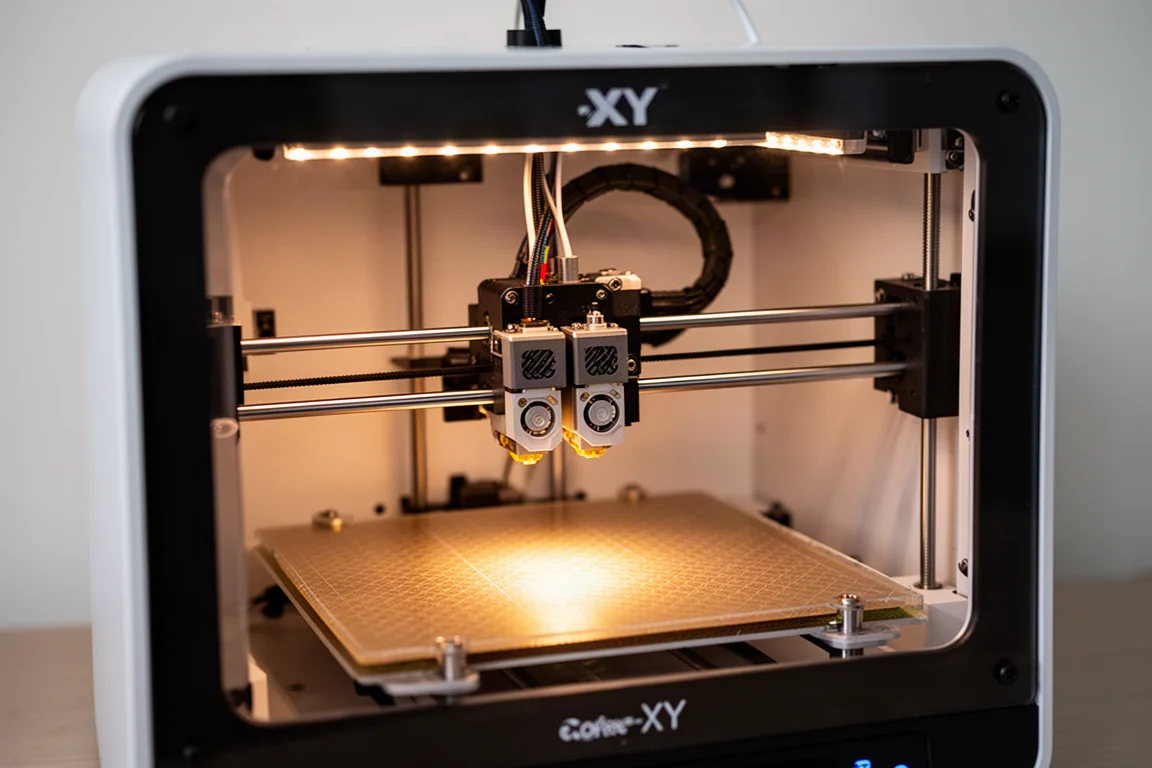
The X2D keeps the familiar enclosed footprint with a 256 x 256 standard plate, a bright interior light, and the same fast, polished touch screen interface found on recent machines from the brand. The side windows are dual, which makes it easy to see what is happening inside the chamber. Notably, there is no carbon fiber trim on the top, and the overall build feels like everything good from the P2S refined and tuned up further.
The back of the machine is where the real configuration lives: an air filter system, buffers for the left and right sides, and the Bowden extruder unit. There is also a spot for a second spool hanger bracket, so you can run two external mounts if you choose. Setup is powered by a standard AMS wire and a standard power plug, with a nice little light down below for visibility.
Setup and the Bowden System
Assembly is mostly straightforward. The glass top panel should be stored somewhere safe until needed, and the AMS attaches with the same cables and buffer arrangement as on the P2S, with the buffer already installed at the factory. Grey and semi-clear PTFE tubes are labeled left and right, so it is easy to keep track of which line feeds which head.
The Bowden drive unit is not the TPU assist module some people assumed it was. It mounts with a very short ribbon cable that needs to be seated correctly with a firm press until it clicks, and the tube attaches with a nut. One practical tip: loosen the nut completely, push the tube in as far as it will go, then tighten. Skipping that step can leave the fitting loose enough to pop off.
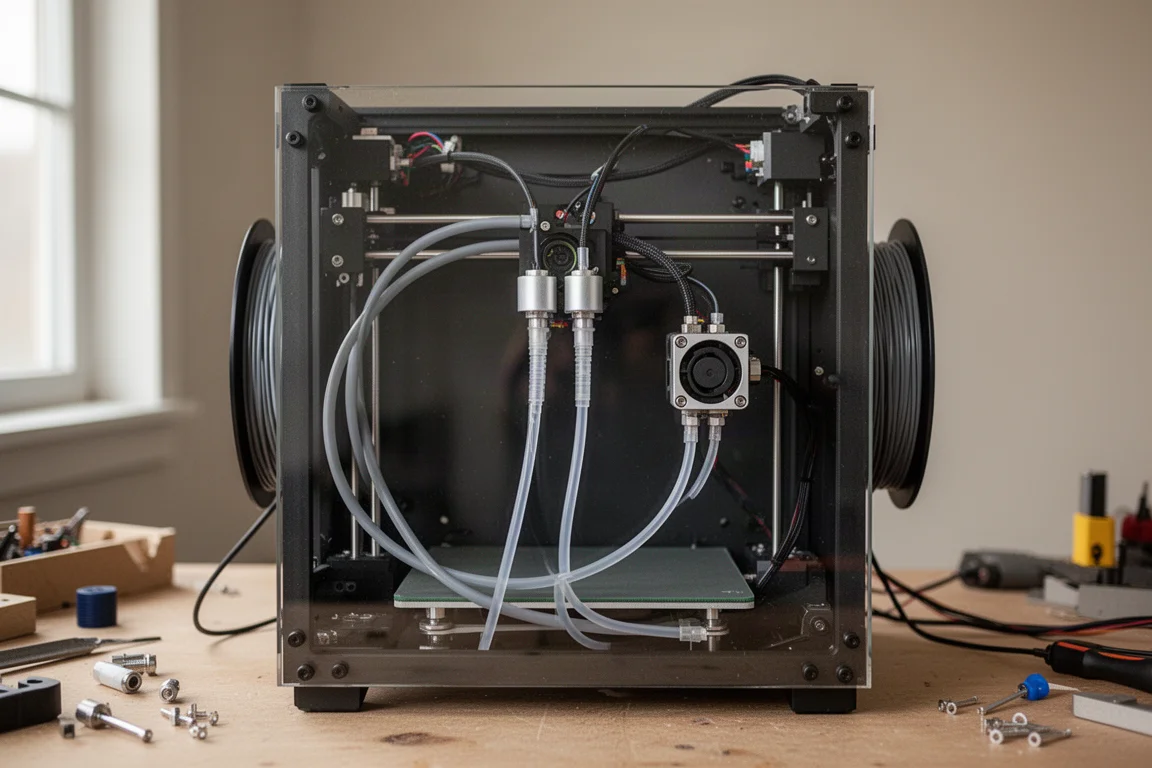
The payoff for this design is that the extruder motor lives at the back of the machine, keeping the print head light. That is what makes the compact footprint possible, but it comes with trade-offs on the Bowden side: stick to rigid, basic materials like PLA and water-soluble support filaments, avoid harsh abrasives, and leave TPU for the direct drive side.
Test Prints and Print Quality
Running a full multi-material test suite straight out of the box with no tuning, the results were genuinely impressive. Overhangs came out clean, stringing was minimal, clearance tests passed on most steps, and the first layer test produced a thin, clean result. A few minor stringing artifacts showed up on the heat and layer height test against a dark background, but nothing that would raise concerns at this stage.
The headline feature is running two different filament types at once, such as a standard PLA part with PETG for the support structure, or using a PLA support on a tougher main material. Supports snapped off with almost no effort, leaving good surfaces behind. The matching support color also means any residue blends into the part itself.
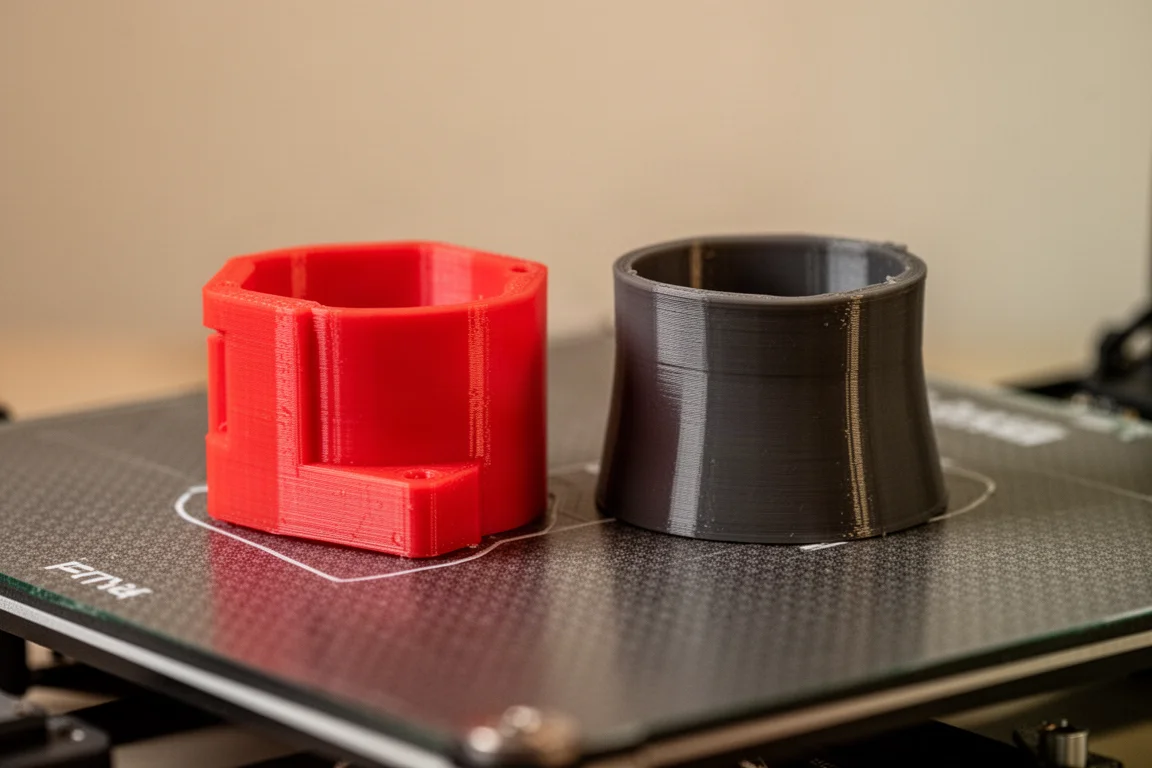
The prime tower did fall over in one run, which caused some surface artifacts, and the interface layers may need a little dialing in. That is the kind of tweak an experienced user will sort out quickly, and it is the only real blemish on an otherwise clean first run.
Who This Printer Is For
This is not a casual user’s machine. If you want production multi-color, the H2C is the better tool. If you want a hobbyist machine, the P2S fits that role. The X2D is aimed at engineers and anyone whose parts naturally break down into a primary material plus a support material. Think socket trays, replacement latches, and small complicated assemblies where snipping away supports for hours would otherwise ruin the experience.
Think of the two heads as a primary and a secondary, not as two identical heads. That asymmetry is the whole point, and it is what makes dual-material printing in a mid-size box so compelling for this specific use case.
Things to Consider Before Buying
The Bowden side has real limitations. Because the pusher motor sits far back on the rear panel, the head stays light, but not every material will run well through it. Rigid basics like PLA and water-soluble supports are the sweet spot; abrasives and TPU belong on the direct drive side.
There is also a cross switching system you can print yourself in PETG with PLA supports, which snaps onto the back and routes filament from either AMS to either print head, like a train crossover. It is designed for dual head setups, though it may work best on the H2D. The TPU assist module is a separate add-on worth loading up if flexible filament is part of your workflow.
Software and Workflow
The slicer interface will feel familiar to anyone who has used recent dual-head machines, including the left nozzle only zone restriction. For support-only work that restriction is easy to work around by adjusting part placement. Switching the support material from PETG to PLA happens with a couple of clicks, and the system automatically draws from the correct side.
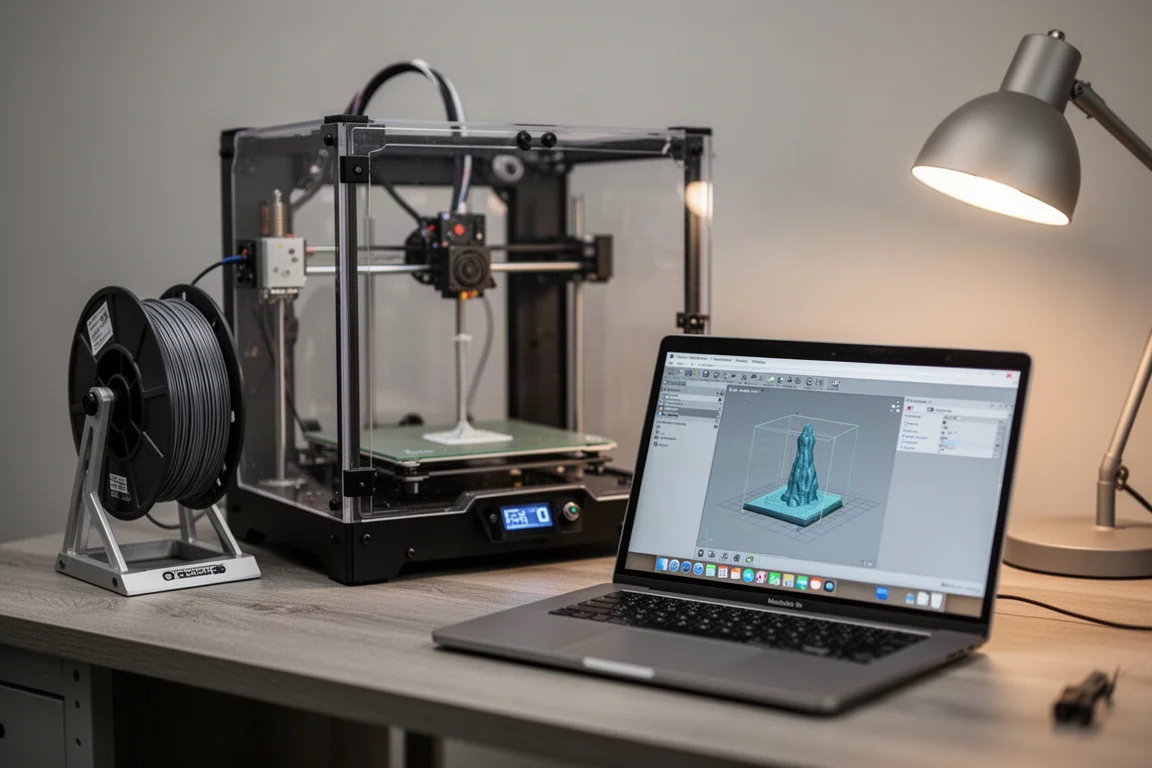
Dual nozzle switching means interface layers print without the massive waste you would get swapping materials on a single nozzle. The printed parts for the cross switcher itself are full of overhangs, and they print cleanly precisely because the supports come from the other head.
Buying Advice
Pricing starts at $650 for the base unit, which is surprisingly low for this feature set, and $900 for the complete package with the AMS. Add-ons are available with discounts of up to 25% or 30%. That places it at an attractive point for shop users and engineers who have been held back by support removal on complicated parts.
If dual-material engineering prints describe your workload, this is one of the easiest recommendations to make. If your focus is production multi-color or hobbyist flexibility, look elsewhere in the lineup. Every tool has its job, and the X2D knows exactly what its job is.
Conclusion
The Bambu Lab X2D is a focused engineering machine rather than the tool changer some hoped for, and that focus is its strength. A lightweight Bowden head paired with a direct drive head, a heated chamber, flow control, and clean dual-material support removal make it the natural next step for anyone whose prints live or die by support quality. At $650 base and $900 with an AMS, it fills a clear spot in the lineup, and for the right user it is exactly the right tool.
Product link
View more details for Bambu Lab X2D
This product is mentioned in the review. Check the specifications, options, and compatibility before buying.
View more details for Bambu Lab X2DFurther reading
Related Reviews
3D Printers
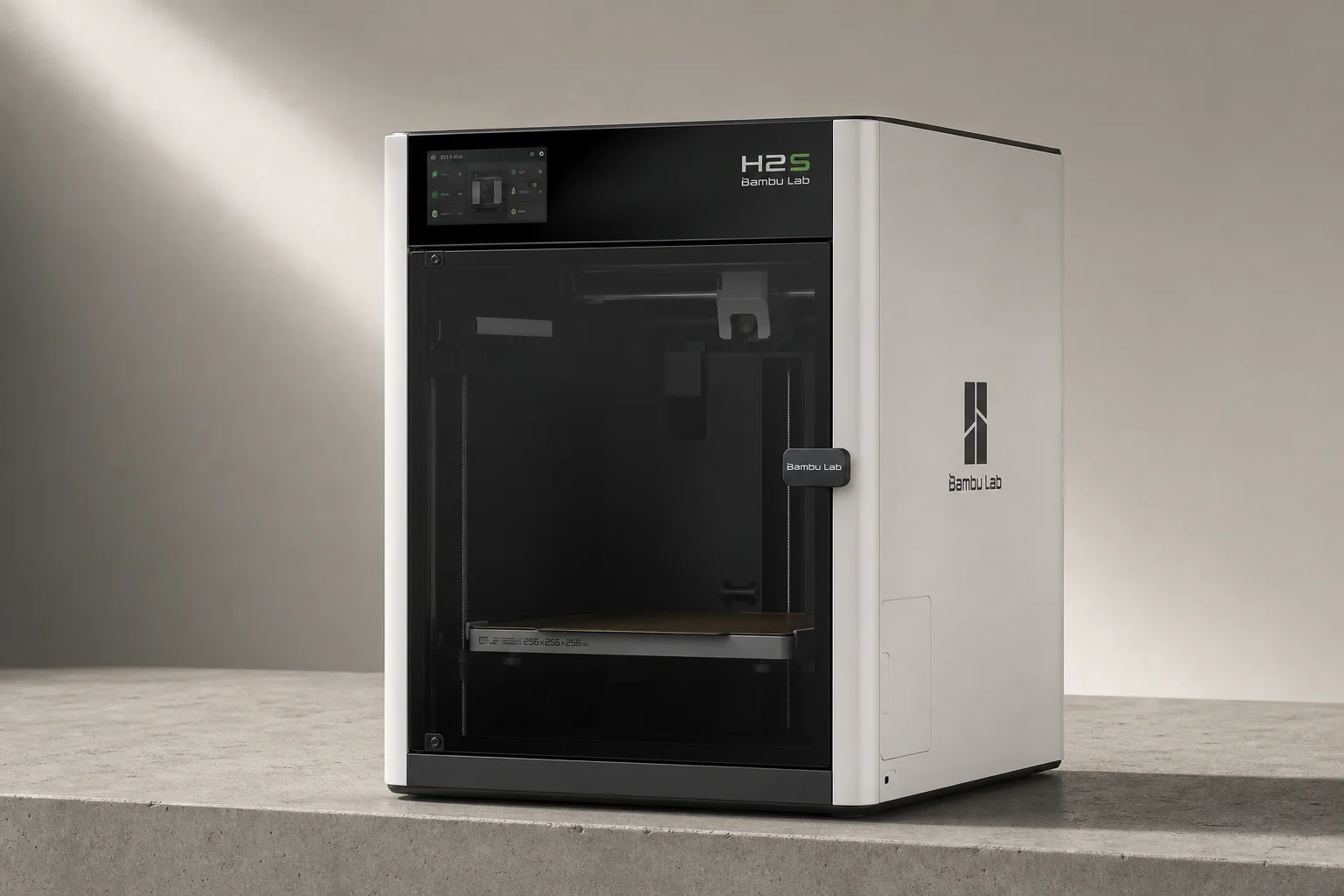
Bambu Lab H2S Review: Large-Format 3D Printing Without the Dual Extruder
The H2S strips away the H2D's dual-nozzle complexity for a simpler, cheaper large-format printer. Here's what that trade-off means for your prints.
3D Printers
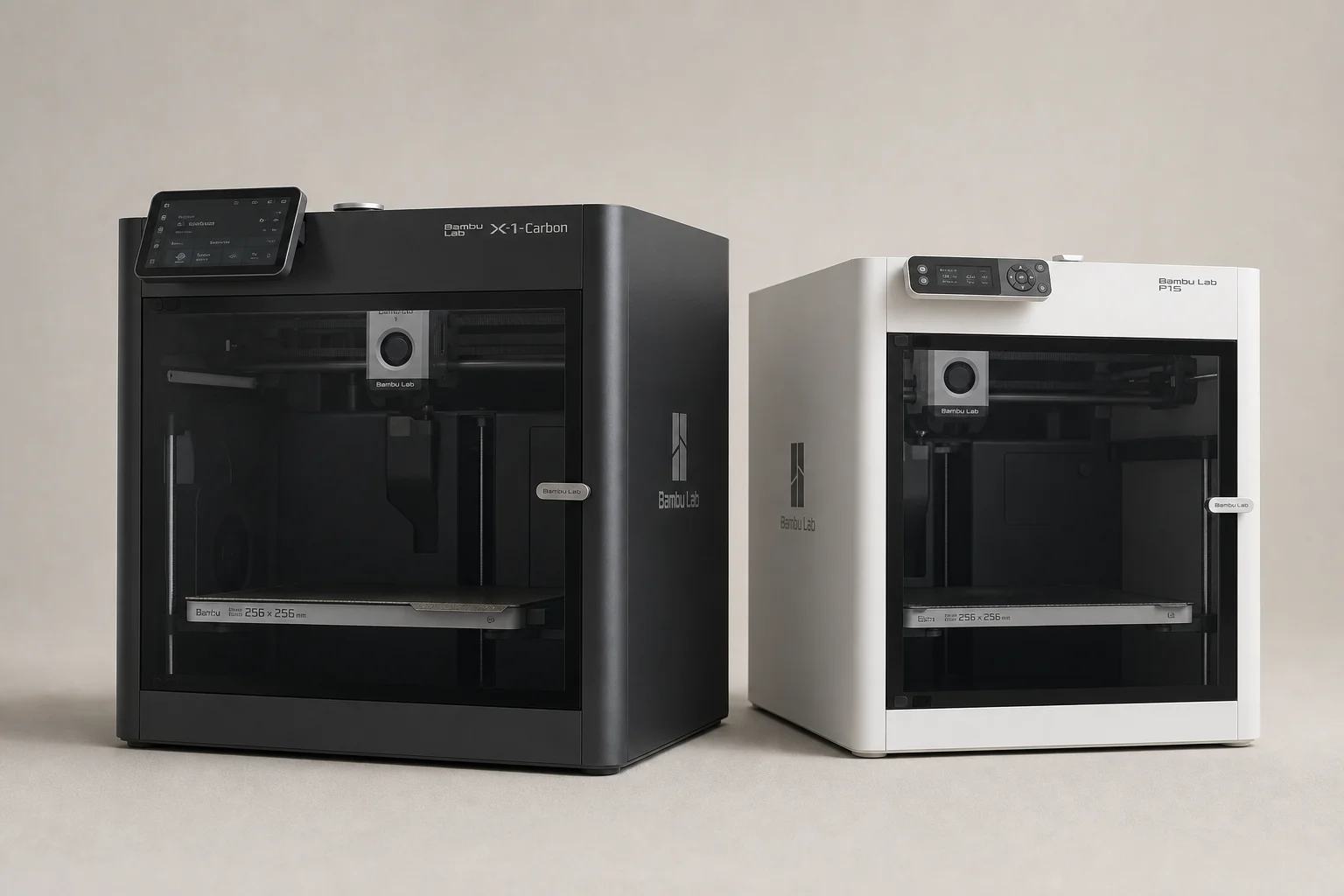
Bambu Lab P1S vs X1 Carbon: Why the Budget Option Wins
After testing both printers side by side, the P1S delivers nearly identical print quality at half the price. Here's what the premium features actually cost you.
3D Printers
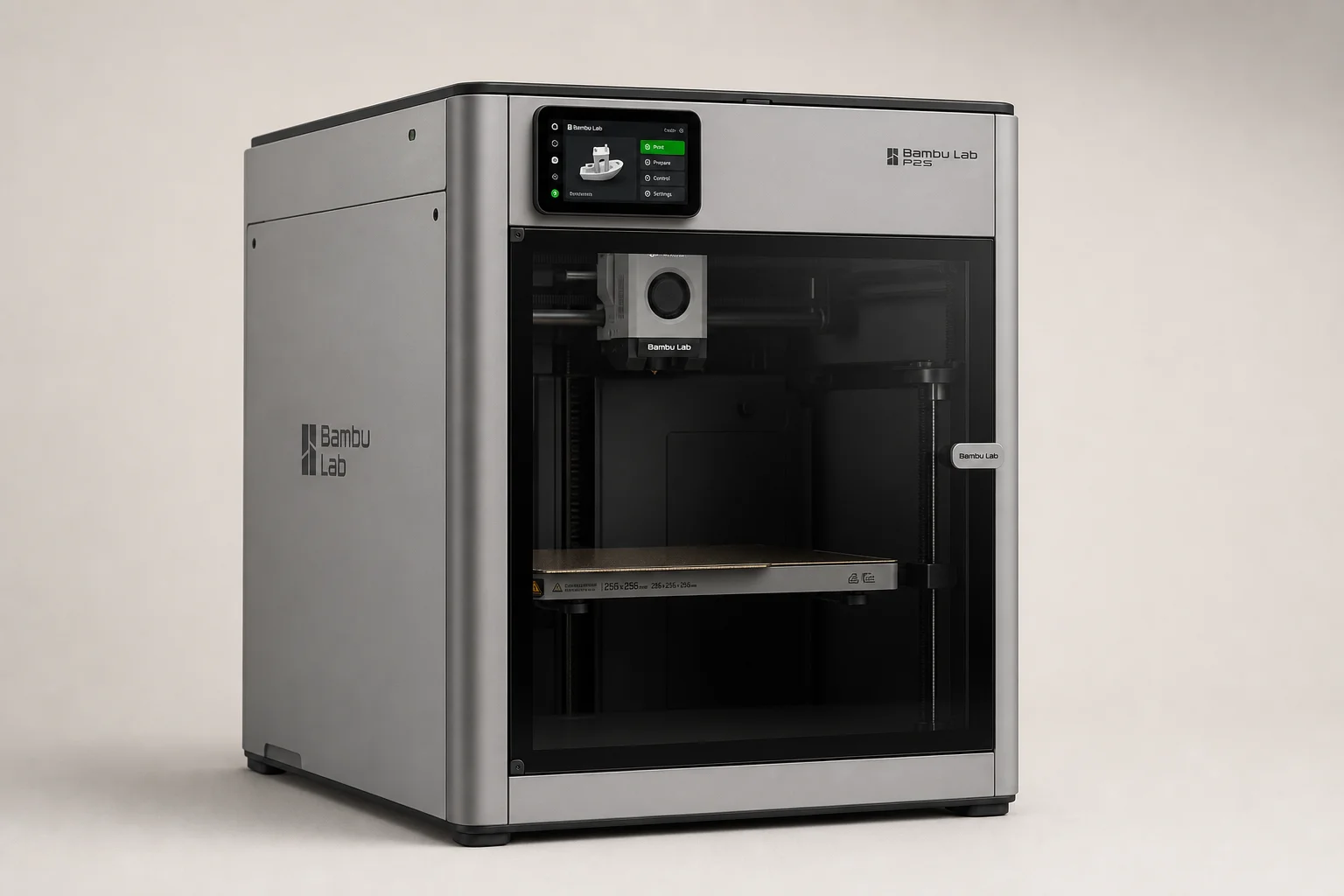
Bambu Lab P2S Review: A Strong Mid-Range 3D Printer Worth Considering
The Bambu Lab P2S brings significant upgrades over its predecessor, including a new touchscreen, improved cooling, and quick-swap nozzles. Here's what real-world use reveals about its strengths and trade-offs.