3D Printers
Bambu Lab H2C Buyer's Guide: How It Stacks Up Against the Rest of the Bambu Lineup
The H2C adds a six-nozzle tool changer to Bambu's flagship enclosed platform. Here is what that means for waste, materials, and whether you should buy it or step down the lineup.
Introduction
If you have been eyeing the Bambu Lab H2C and wondering whether the tool-changer approach is worth it, the short answer is that it depends entirely on how much multicolor printing you actually do. The H2C is the flagship of a lineup that now spans from an entry-level open-frame bed slinger up to a seven-nozzle enclosed machine. With deals flying and stock moving fast around the holidays, it is worth understanding where each model sits before you commit.
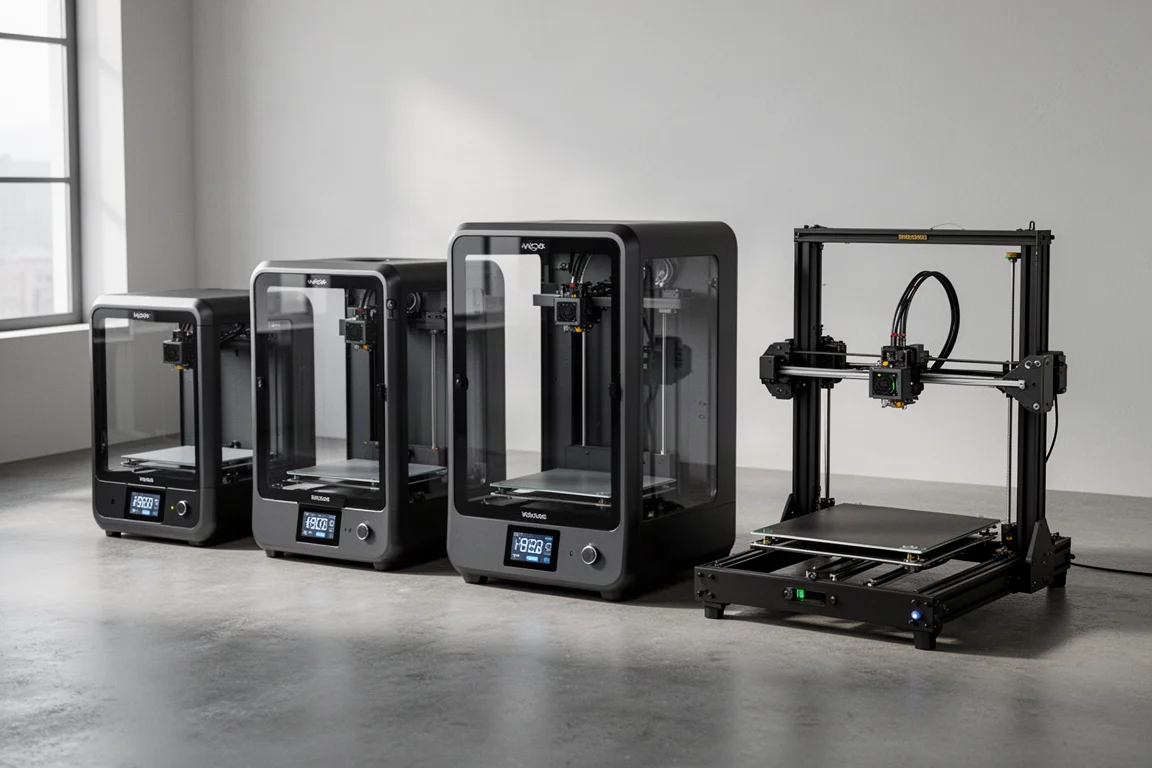
The Three Tiers of the Bambu Lineup
Bambu’s printers fall into three broad levels. The A1 series is the beginner tier: open frame, bed slinger design, where the bed moves back and forth to provide the third axis. They are genuinely good printers for the money and probably the best place to start if you are new to 3D printing. The A1 mini exists but is very small, and it is not the one most people should reach for.
Step up and you get the fully enclosed machines. Enclosure matters more than beginners expect: it keeps dust and debris away from your prints, lets you manage exhaust and fumes, and unlocks higher-end filaments that simply will not print reliably in the open. Then there is the H series, the biggest and most capable machines Bambu makes. The H2C is effectively an H2D with the Vortex tool-changing system added on top.
The H2C Explained: The H2D With a Tool Changer
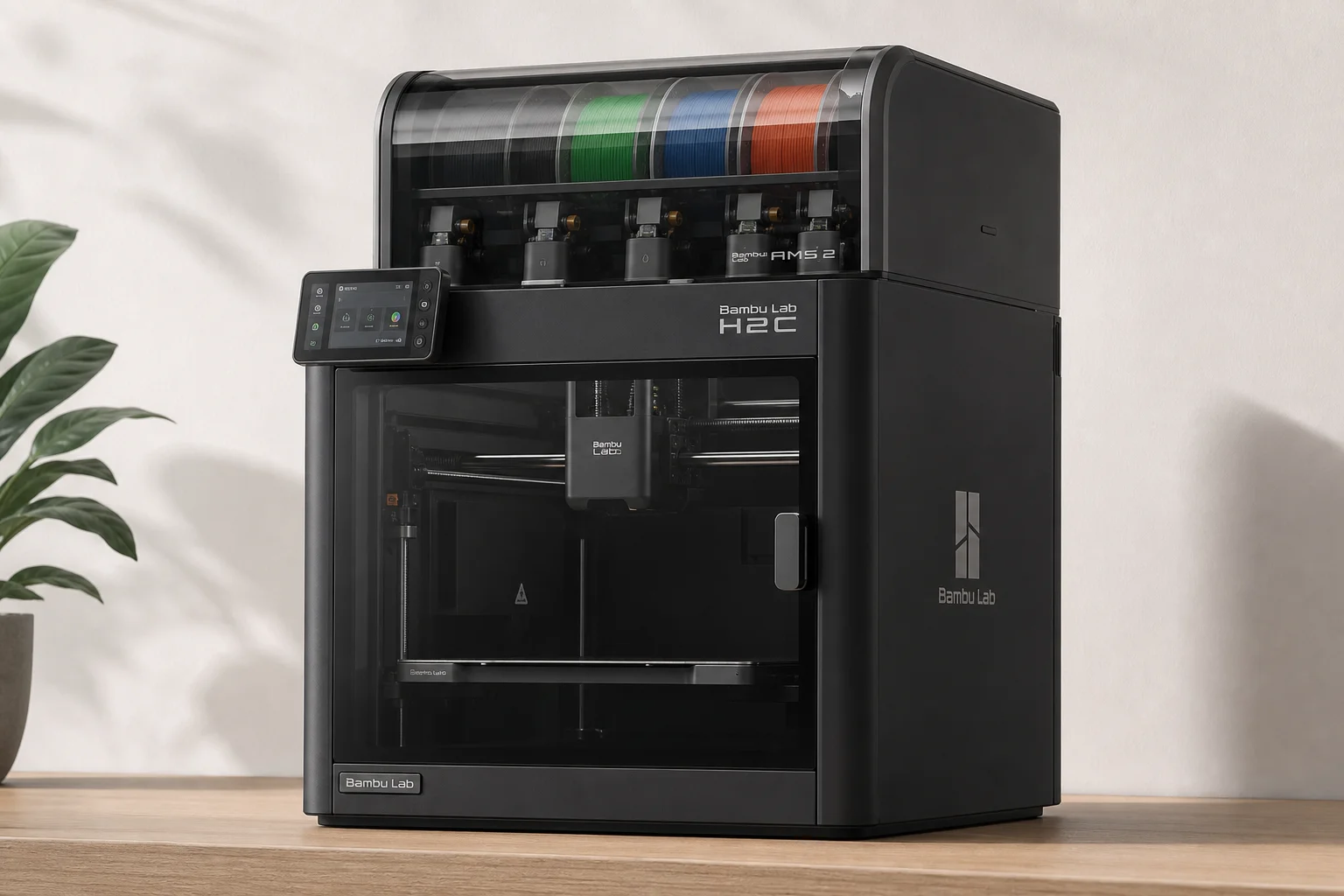
The Vortex system swaps nozzles rather than entire tool heads, and that distinction shapes everything about the H2C. It works with the AMS color unit on top, which holds four spools, but the system is not limited to four. Because it is a dual-head machine, there are six swappable nozzles on one side plus one dedicated nozzle on the other, seven in total. You can load different nozzle sizes and different colors across those six positions.
One current limitation to know before buying: you cannot use different nozzle sizes within the same print. That appears to be a software limitation rather than a hardware one, and the machine has already been getting updates to make it faster. Still, the advice holds: buy it for what it is, not what you hope it will become.
Multicolor Waste: Where the Vortex System Earns Its Keep
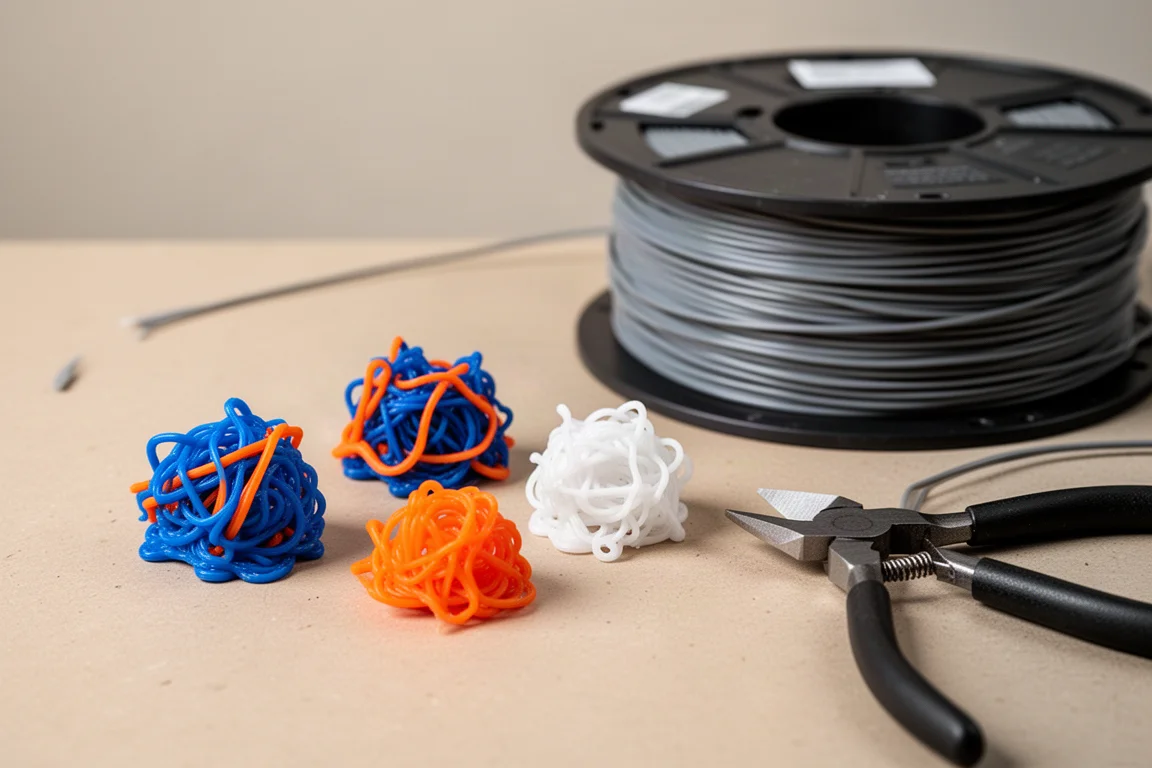
The reason nozzle swapping matters is purge waste. On single-nozzle multicolor systems, every color change pushes out the old filament, pulls in the new one, and purges a blob of mixed plastic. All systems still prime, that step stays. But the purge is the expensive part. With a few color changes it is trivial. With some models, the purge can exceed the model itself.
A three-color cube printed colorized all the way through produced only a small prime tower on the H2C. The same model run through a color-swap-only machine produced a purge pile so large the print was not worth finishing. That difference is why tool changers are increasingly seen as the future of multicolor printing.
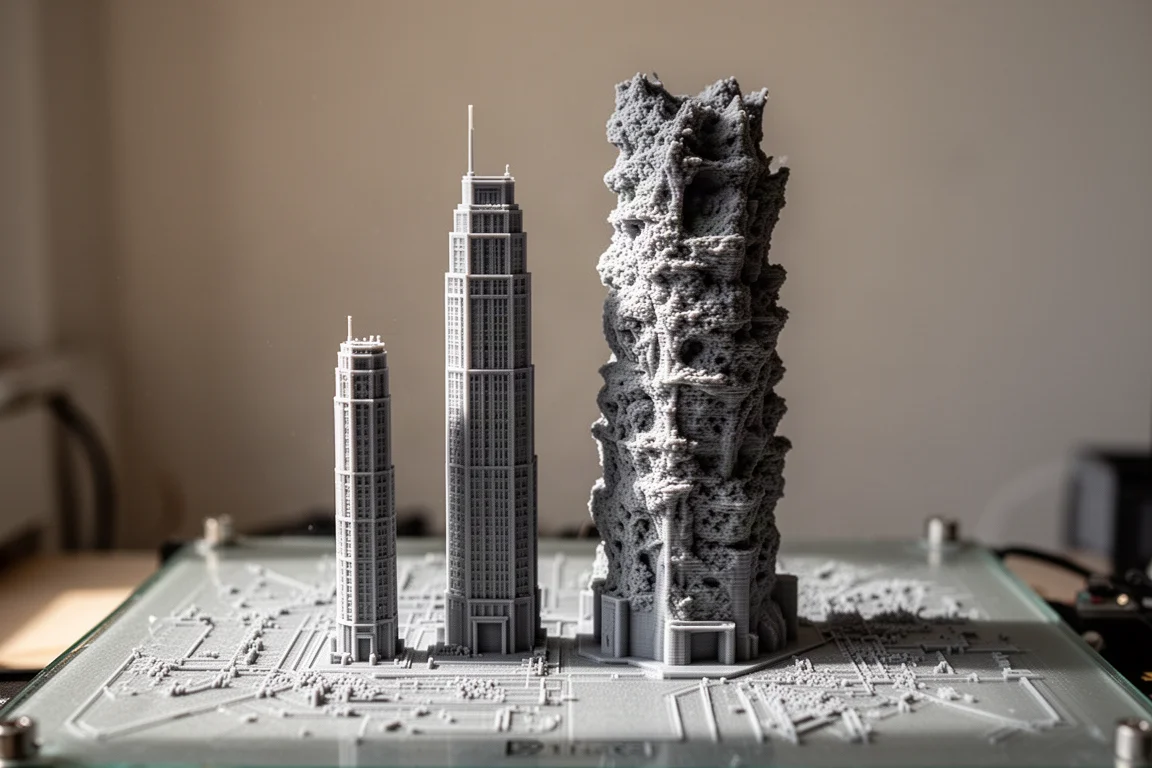
The H2C is not a beginner machine and it is not cheap. It makes sense when the economics of your output justify it. If you are printing hundreds or thousands of multicolor parts for a business, it is easy to justify. If you are making one thing for yourself a few times a year, a couple of color changes are honestly not a big deal and a cheaper machine will do.
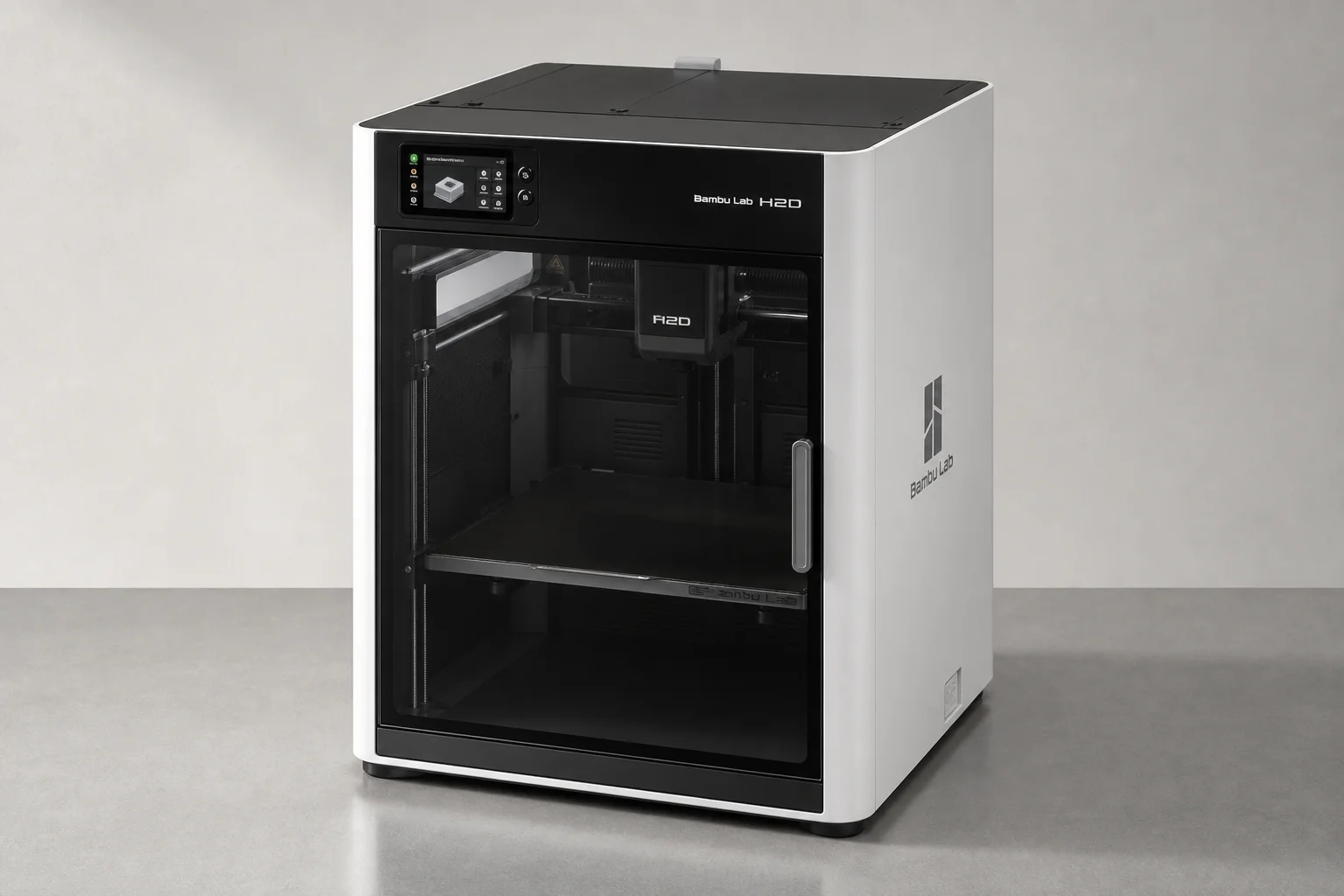
The H2D: Dedicated Dual Nozzles for Mixed Materials
The H2D is the same flagship enclosed platform without the Vortex changer, and it still has a genuine trick: a true dual-nozzle setup with one nozzle fed by the AMS and one dedicated. That matters because some plastics do not adhere to each other, and you can use that to your advantage.
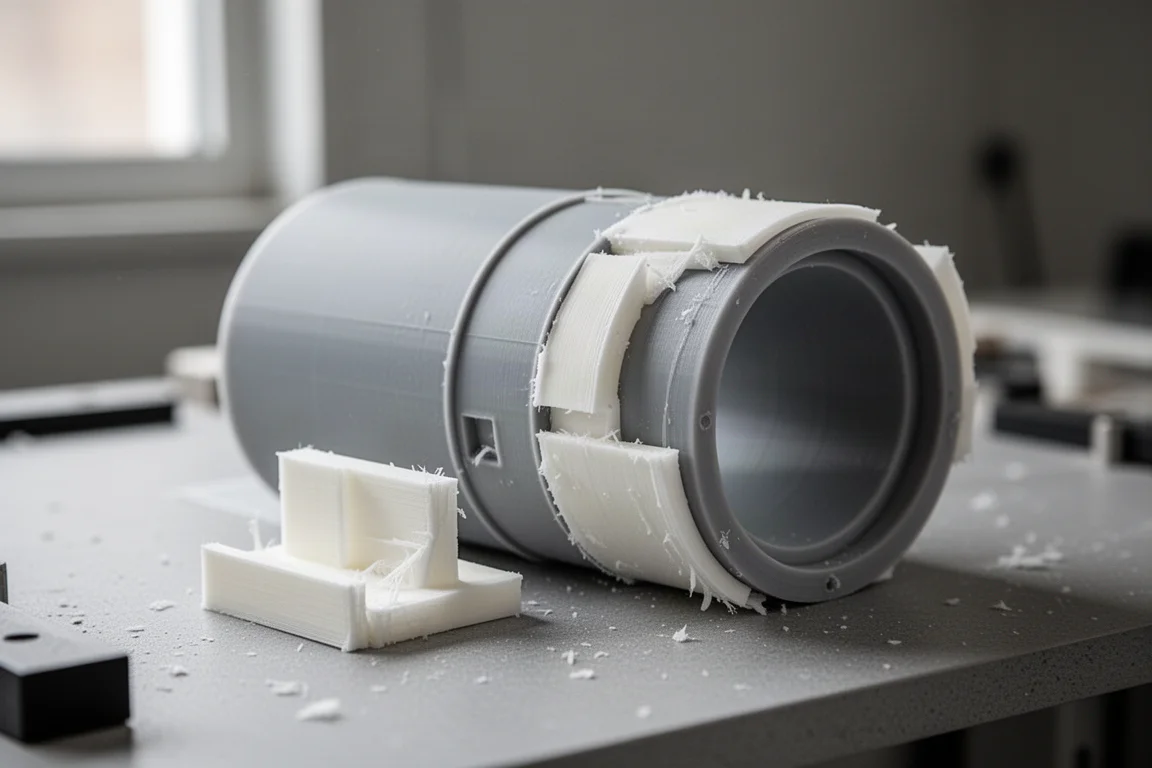
PLA and PETG are the classic example. They do not bond to one another. Print PETG parts and make the supports out of PLA on the second nozzle, and the supports pop apart when the print finishes, with no purging and no waiting for color swaps. If you have ever fought stubborn supports out of a lens recess and left rough ridges behind, this is the cleaner path.
The H2S: Single Head, Same Enclosed Foundation
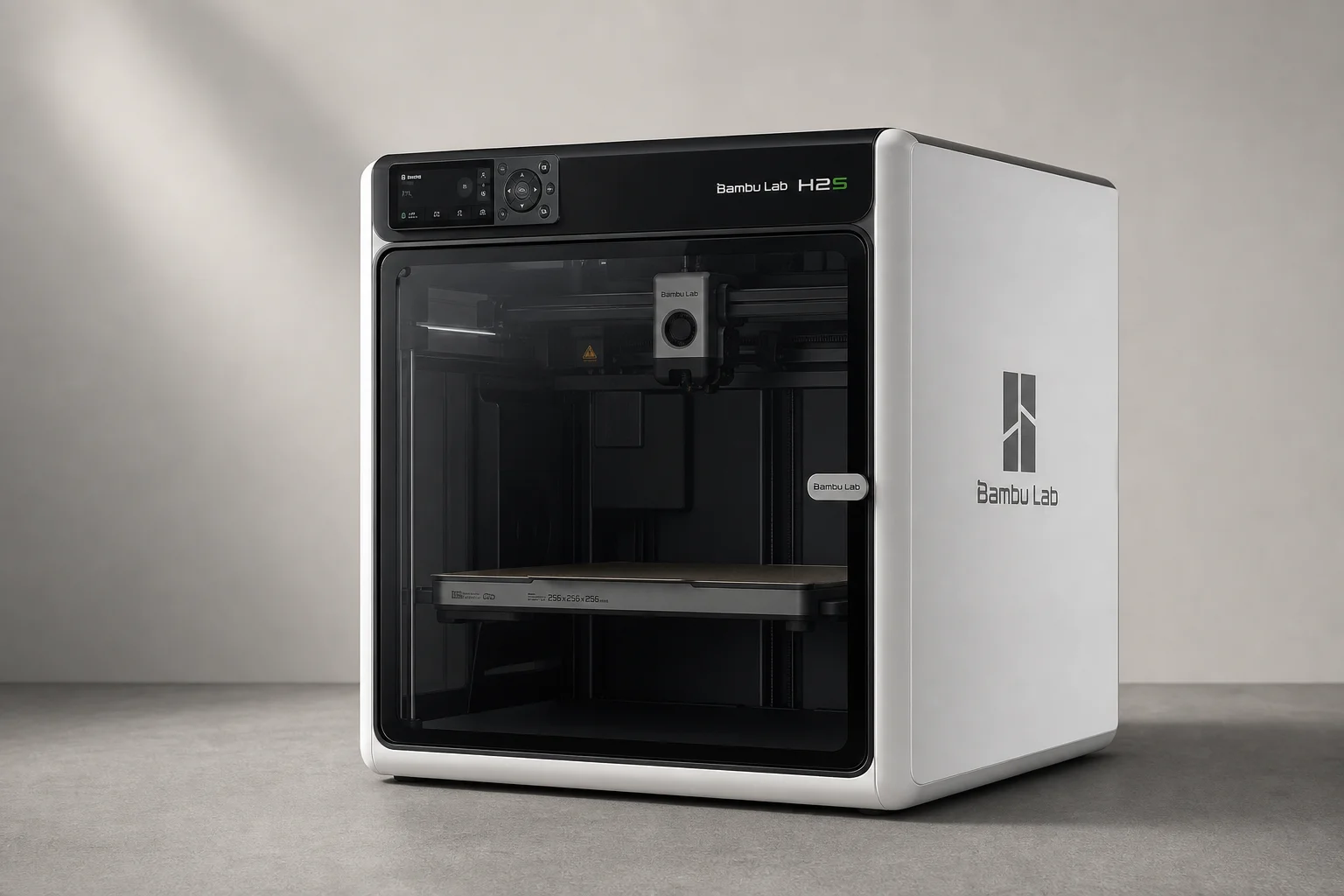
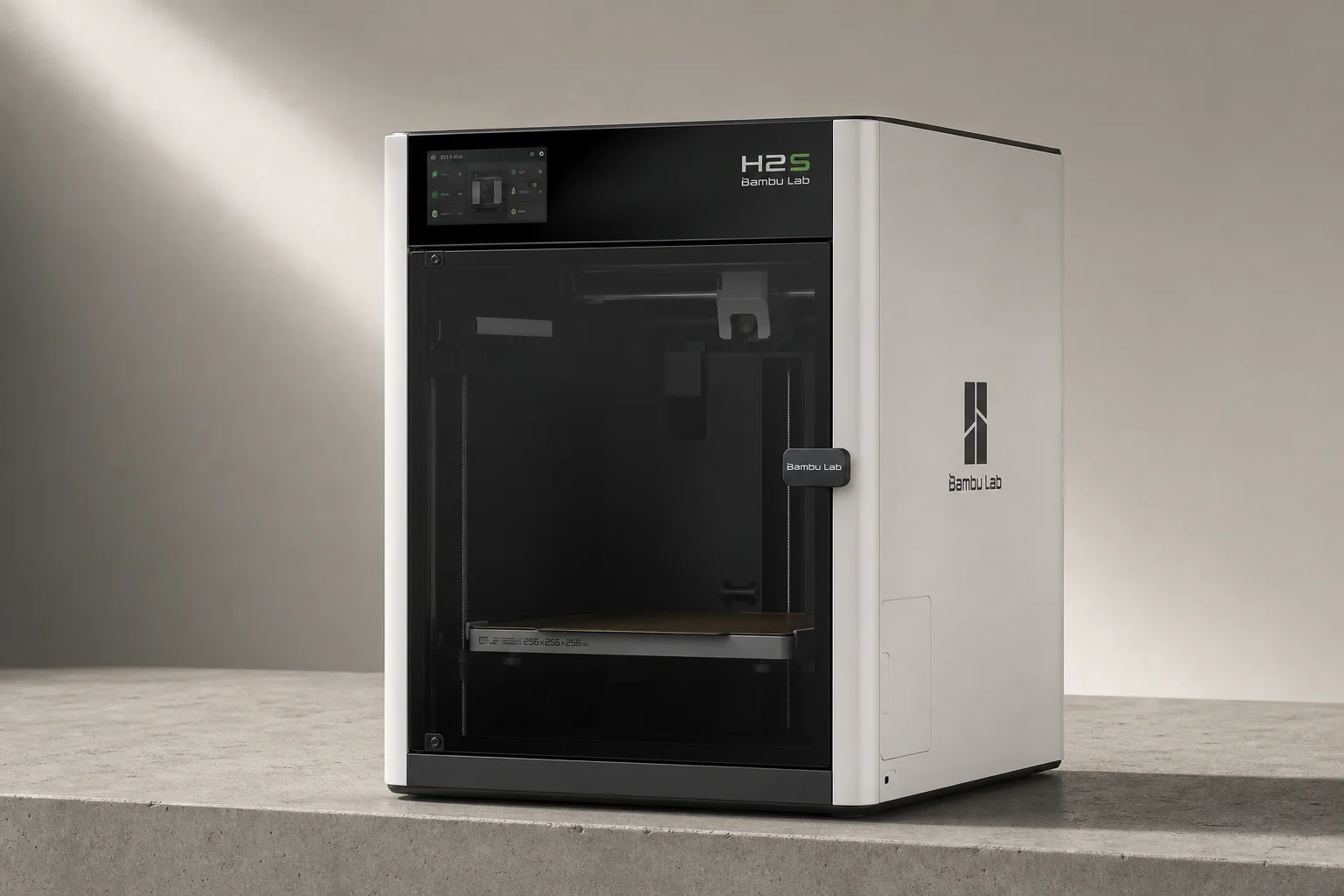
The H2S is the single-nozzle member of the H series, and it is a genuinely great printer. If you rarely do color swaps, maybe adding a second base color occasionally the way most multicolor hobby prints go, it will make you happy without the cost of the changer.
You keep the fully enclosed chassis, the temperature control, and access to the same advanced materials as the H2C and H2D. For a workshop or an engineer who mostly prints functional parts in one or two materials, this is arguably the smartest buy in the H lineup.
P2S vs P1S: Why the Step Up Is Hard to Argue With
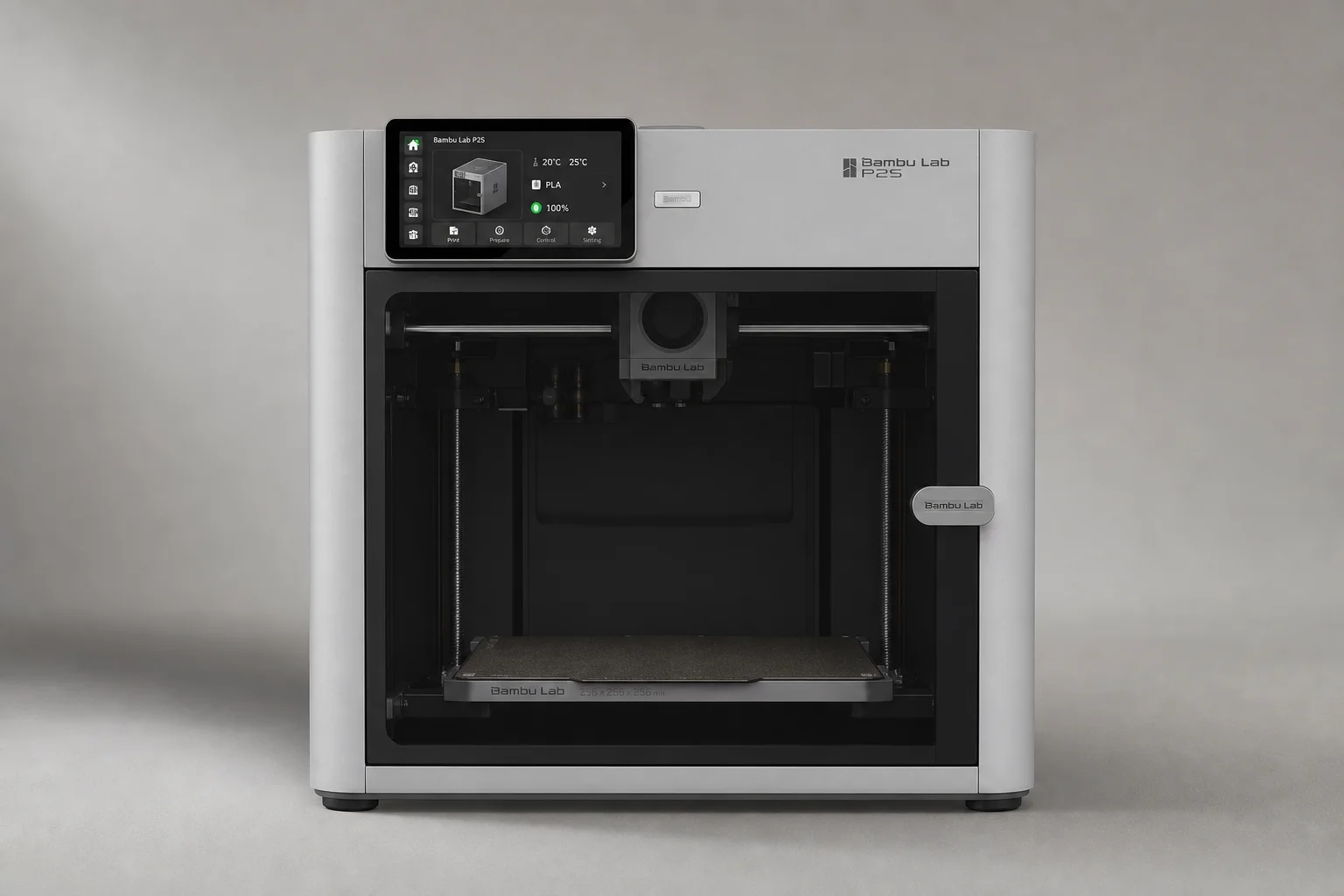
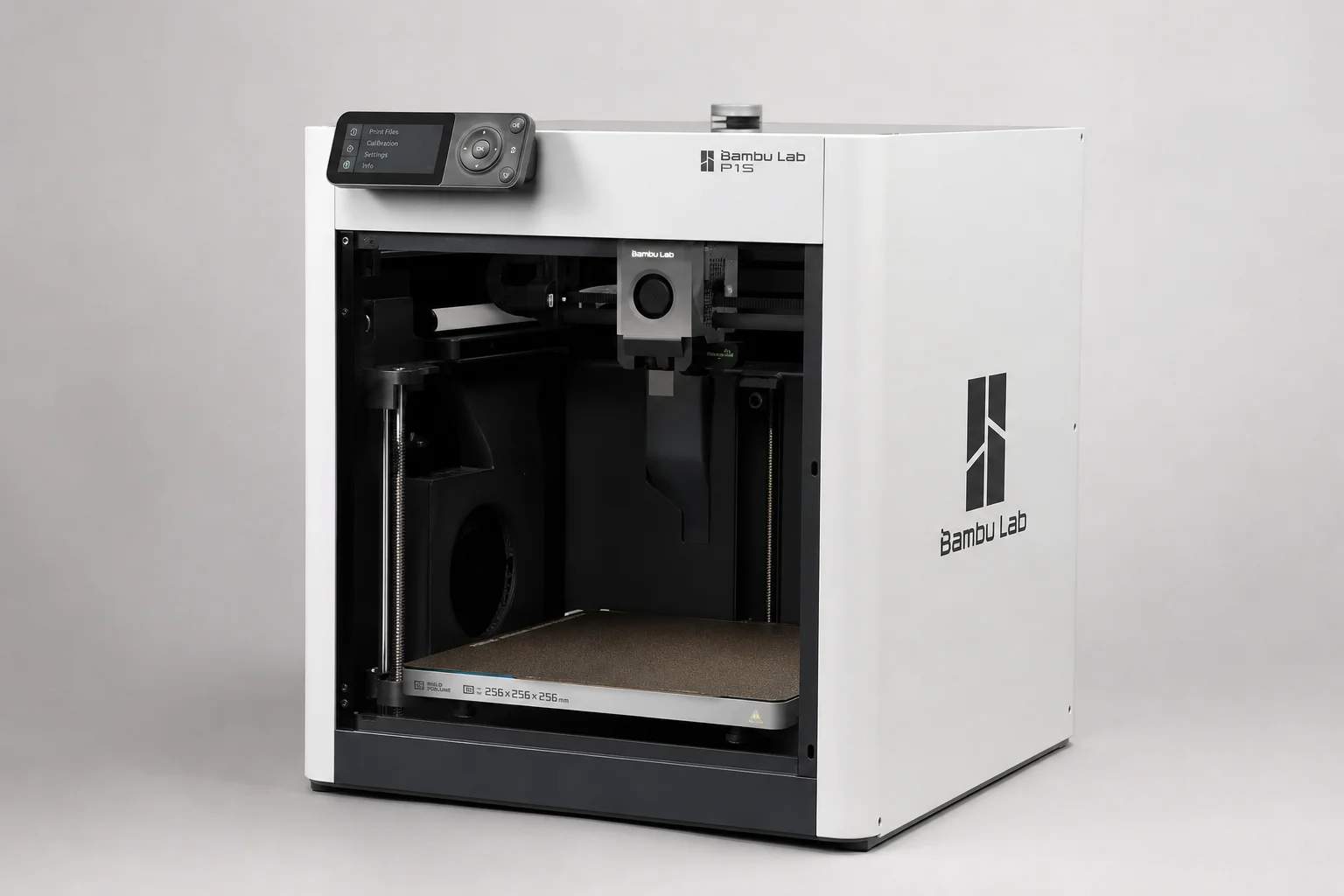
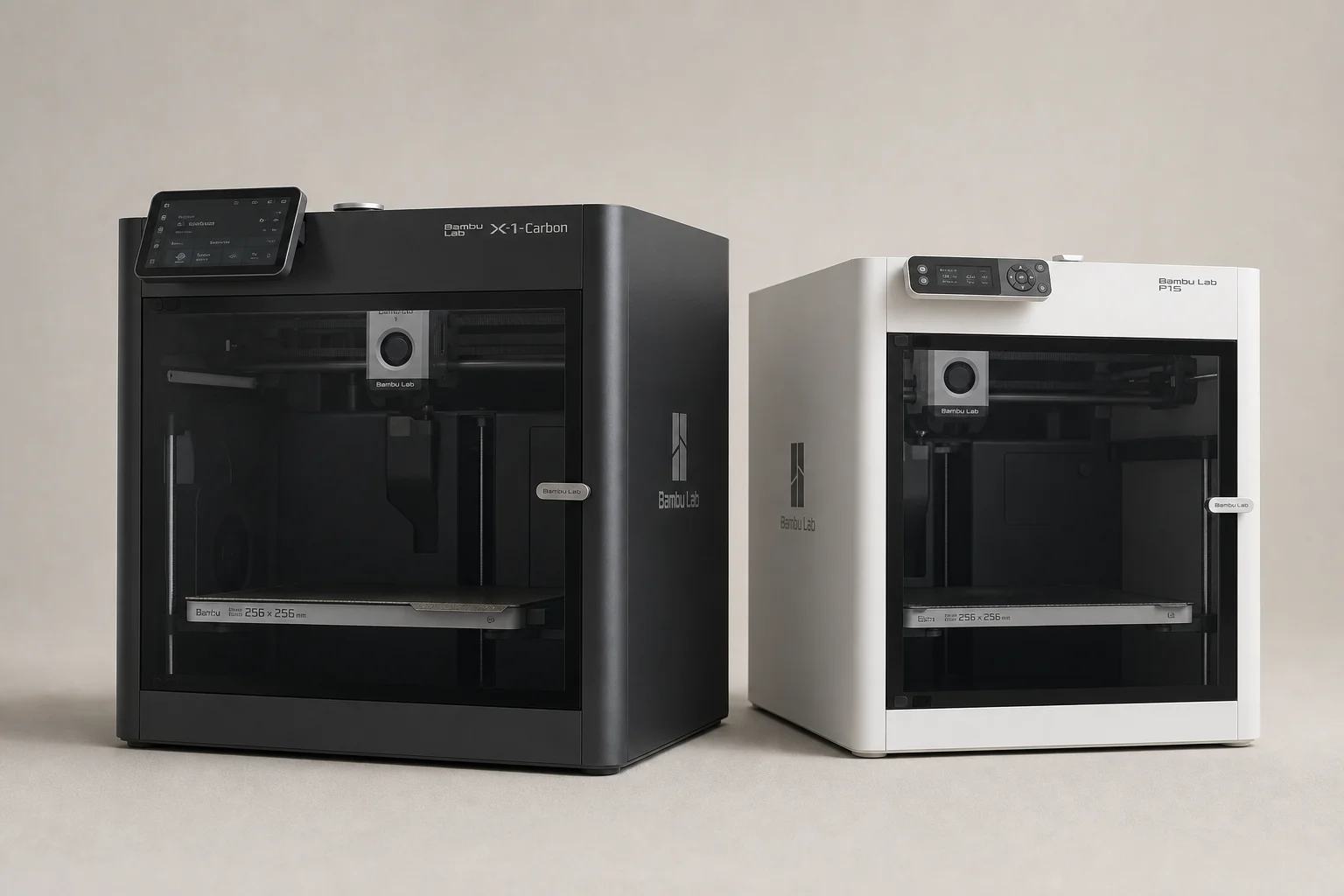
The P1S has been a workhorse, and the example here is nine units purchased for a print shop. They are being phased out and replaced by the P2S. On its own the P1S is a fantastic deal, especially closed out on sale, and adding the hardened steel upgrade lets it print carbon-fiber-filled filaments.
But the math is unforgiving: once you add the hardened steel and the AMS Pro to handle those materials, you are within spitting distance of the P2S price, which already includes that capability. It is hard not to tell most people to just get the P2S. The P1S remains a great buy strictly at its clearance price for basic PLA and PETG work.
The P1S at Clearance Price
If you catch a P1S at its closing-out price and your needs are basic, it is still a solid enclosed workhorse. Just be honest with yourself about whether you will actually add the upgrades that erase its price advantage over the P2S.
The A1: The Right Starting Point
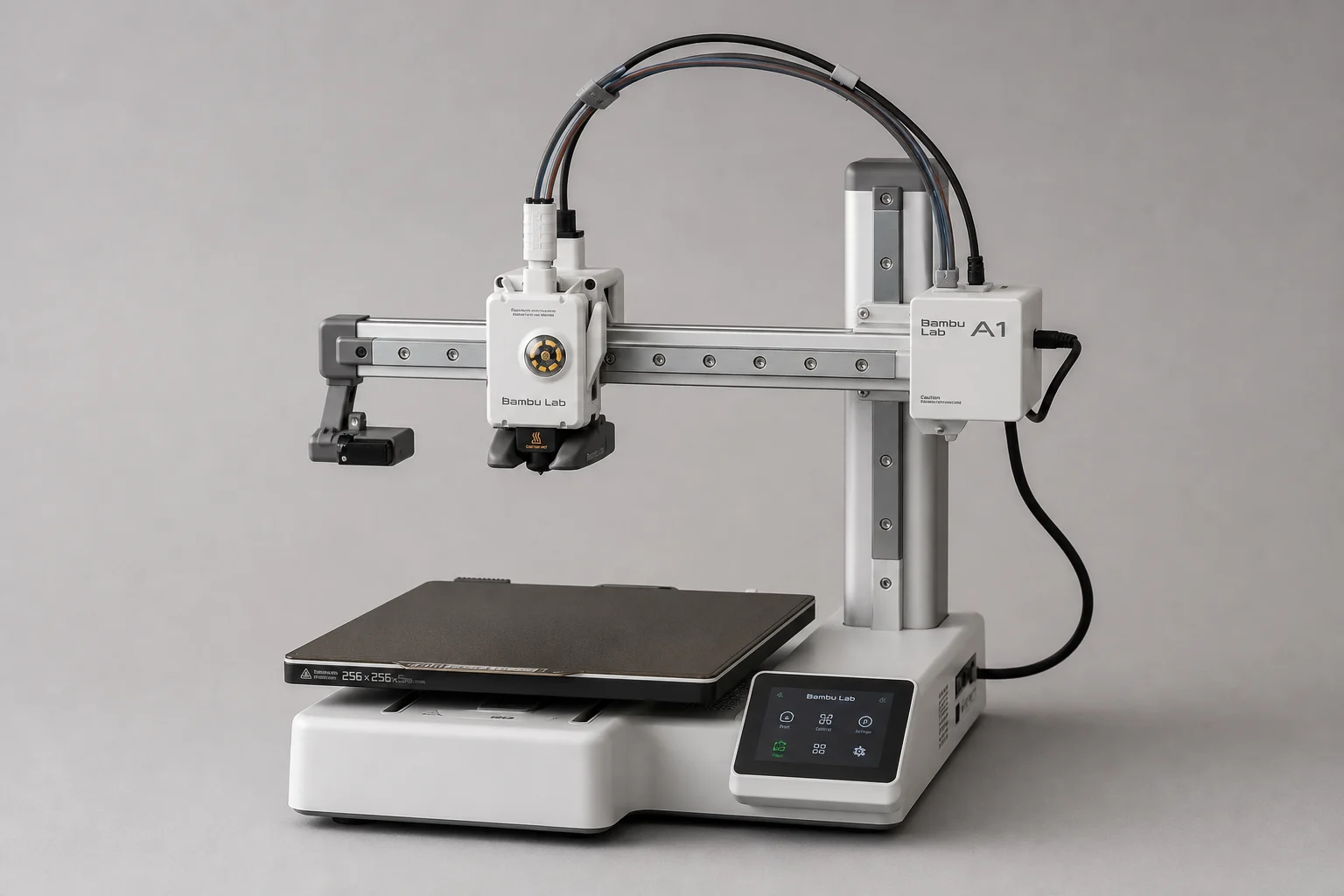
For anyone new to 3D printing, the A1 is the recommendation. It is an open-frame bed slinger, so tall prints can wobble and it cannot handle the higher-end filaments. PLA is easy and looks great but is rigid and impact-brittle and not suited to outdoor UV exposure. PETG is the practical step up, with better impact, chemical, and UV resistance. But as a first printer, the A1 delivers a huge amount of value for the money.
The X1C: The Established Enclosed Favorite
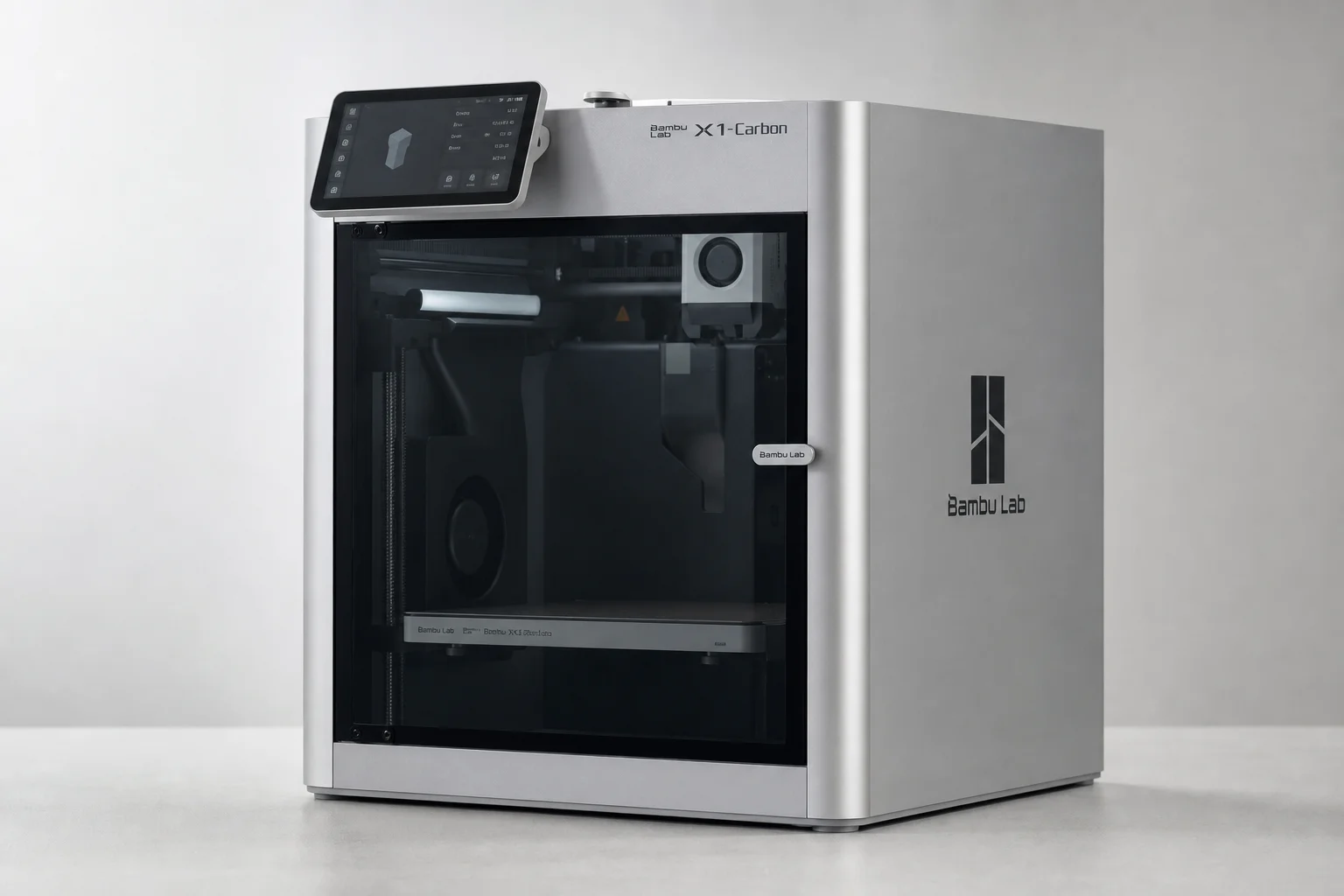
The X1C rounds out the current lineup as the established enclosed option sitting below the H series. It remains a strong choice for a shop environment where you want an enclosed, reliable machine without stepping up to H-series size or price.
Advanced Materials and Why the Enclosure Matters
The enclosed machines are the engineer’s and tool-maker’s printers. Beyond PLA and PETG, they open the door to ASA, which is effectively ABS-plus and the material you should pick instead of ABS if you need that class of shiny, hard, tough plastic. ASA requires a fully enclosed printer with proper temperature control. Some enclosures manage heat passively from the bed and nozzle, while the H series can actively heat the chamber for the really demanding materials. If you print functional parts that need to survive impacts, chemicals, or outdoor use, this is the tier to shop in.
The AMS and Smart Nozzle Allocation
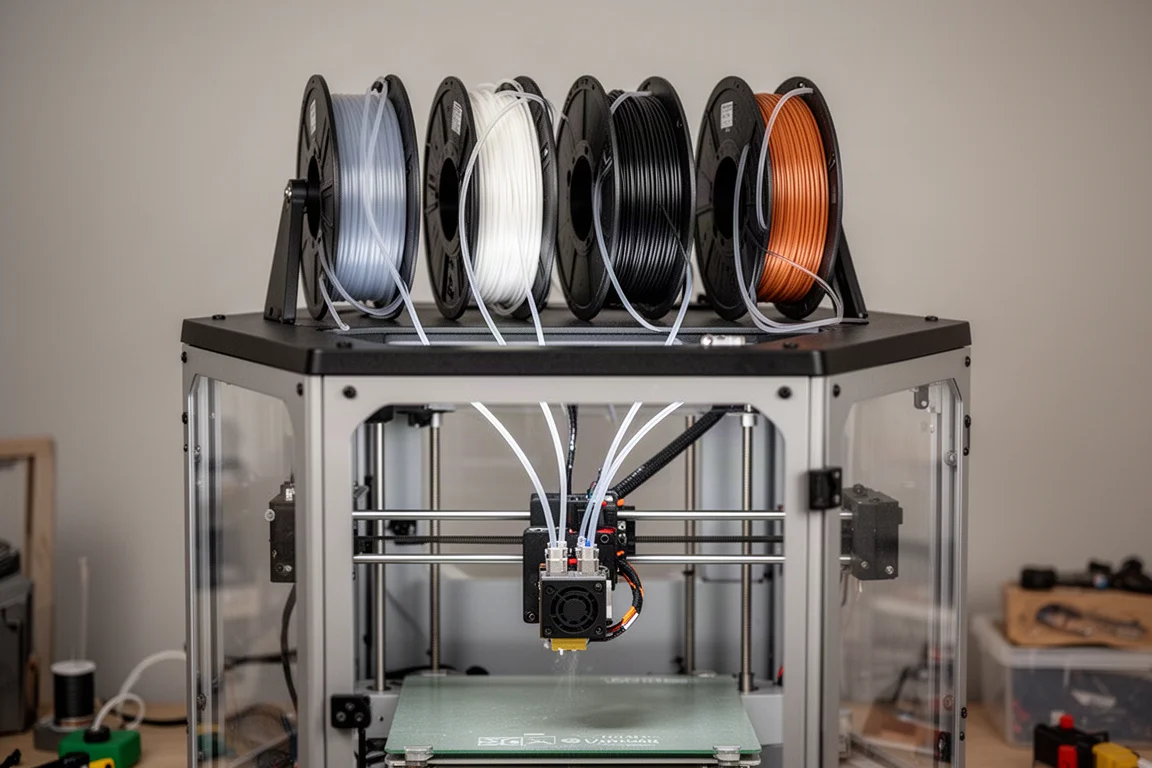
The AMS holds four spools, but you can chain multiple units for up to 24 spools of colors and filament styles. With more colors loaded than nozzles, the system still does some color swapping, but the software allocates intelligently: the colors that get used most get dedicated nozzles, and the rest get swapped through the best-performing nozzle. Algorithms work out the optimal assignments for you, minimizing waste automatically.
View more details for Bambu Lab H2C
Buying Advice
A quick recap for the deal season: the A1 is the beginner pick, the P1S at clearance is a solid workhorse, and the P2S is where most serious buyers should land once upgrades are priced in. The H2S covers single-material enclosed printing beautifully, the H2D adds the dual-nozzle support trick, and the H2C is for people whose multicolor volume justifies a tool changer. The newer machines are not discounted the way outgoing stock is, though backordered units have historically shipped early. This is not a brand for people who want machine-tinkering as a hobby; it is for people who want the machine to just work so the output can support their shop.
Conclusion
The H2C is a genuinely impressive machine, and it is easy to fall in love with after watching it slice multicolor waste down to almost nothing. But the honest recommendation is to match the printer to your actual workload: start on the A1, step to the P2S for enclosed versatility, pick the H2S or H2D for serious materials work, and reserve the H2C for when color changes dominate your production.
Further reading
Related Reviews
3D Printers
Bambu Lab H2S Review: Large-Format 3D Printing Without the Dual Extruder
The H2S strips away the H2D's dual-nozzle complexity for a simpler, cheaper large-format printer. Here's what that trade-off means for your prints.
3D Printers
Bambu Lab P1S vs X1 Carbon: Why the Budget Option Wins
After testing both printers side by side, the P1S delivers nearly identical print quality at half the price. Here's what the premium features actually cost you.
3D Printers
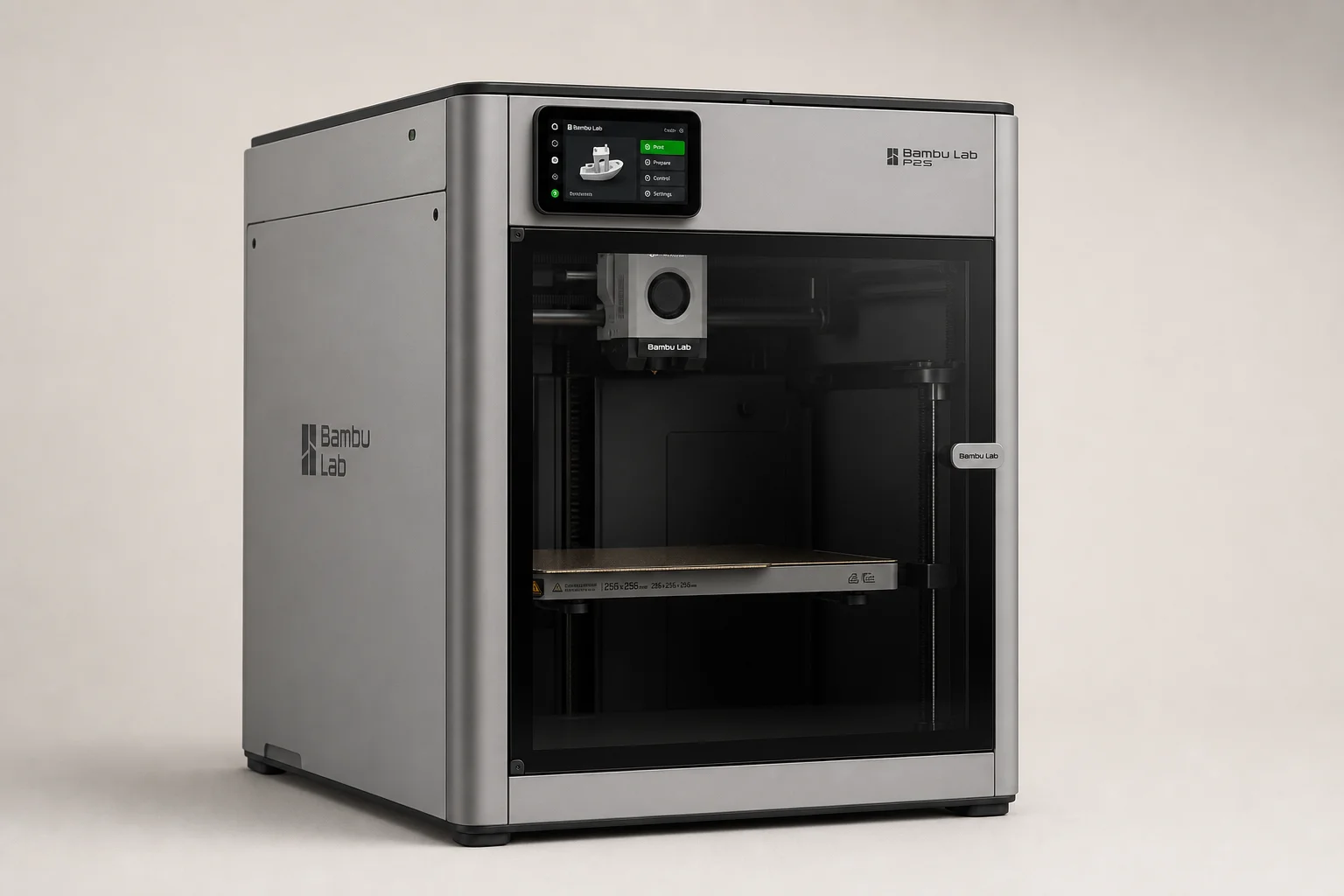
Bambu Lab P2S Review: A Strong Mid-Range 3D Printer Worth Considering
The Bambu Lab P2S brings significant upgrades over its predecessor, including a new touchscreen, improved cooling, and quick-swap nozzles. Here's what real-world use reveals about its strengths and trade-offs.