Handheld Gaming
AYN Odin 3 Six Month Review: The Handheld That Keeps Getting Better
After six months of daily use, the AYN Odin 3 remains a top-tier Android handheld with improved software, driver support, and Linux compatibility.
Introduction
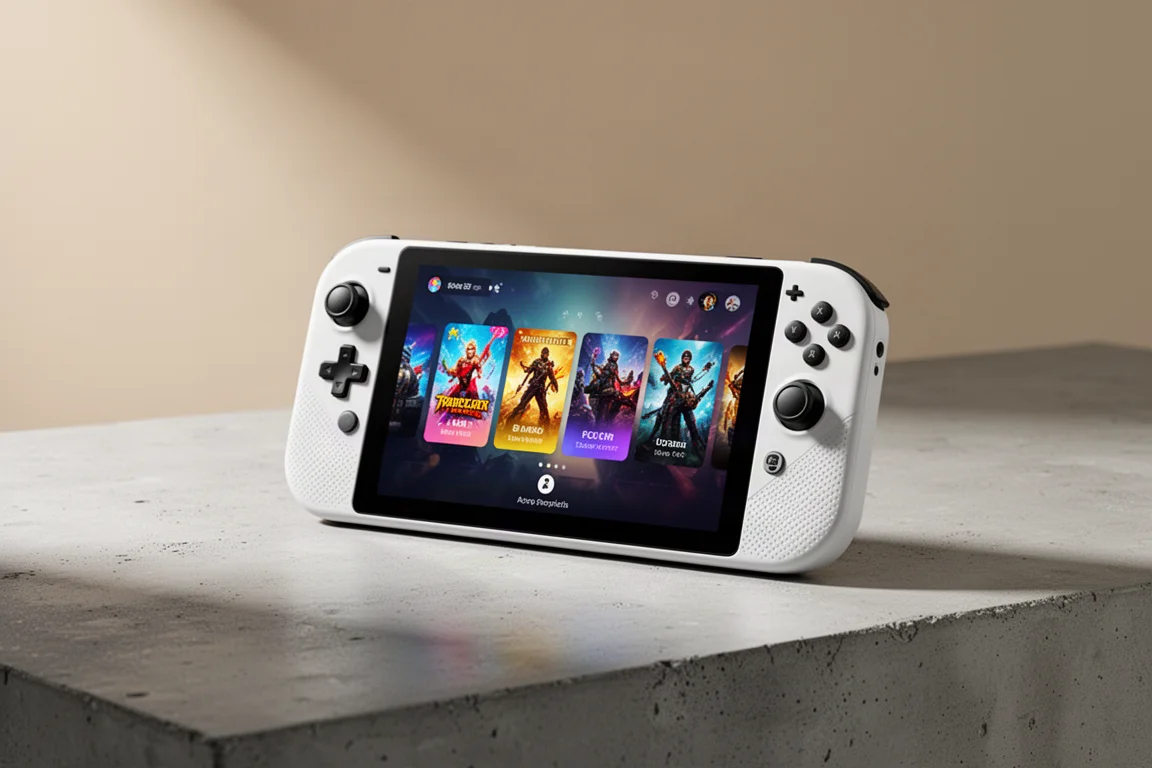
The AYN Odin 3 has been my main handheld for over six months now. When it first launched, the hardware felt ahead of its time, but the software and driver ecosystem had not quite caught up. That has changed dramatically. Over the past half year, software updates, new driver tools, and maturing emulator apps have turned this device into something genuinely special. It is the handheld I reach for almost every day when I want to relax and play something.
The Odin 3 is not cheap. It starts at $340 before shipping for the base model with 8 GB of RAM and 128 GB of storage. But for that price, you get a Snapdragon 8 Elite class processor, a 6-inch OLED display at 1080p with up to 120 Hz refresh, active cooling, an 8,000 mAh battery, Wi-Fi 7, and Bluetooth 6. It is a lot of hardware for the money, even if the price has crept up slightly since launch.
Who This Handheld Is For
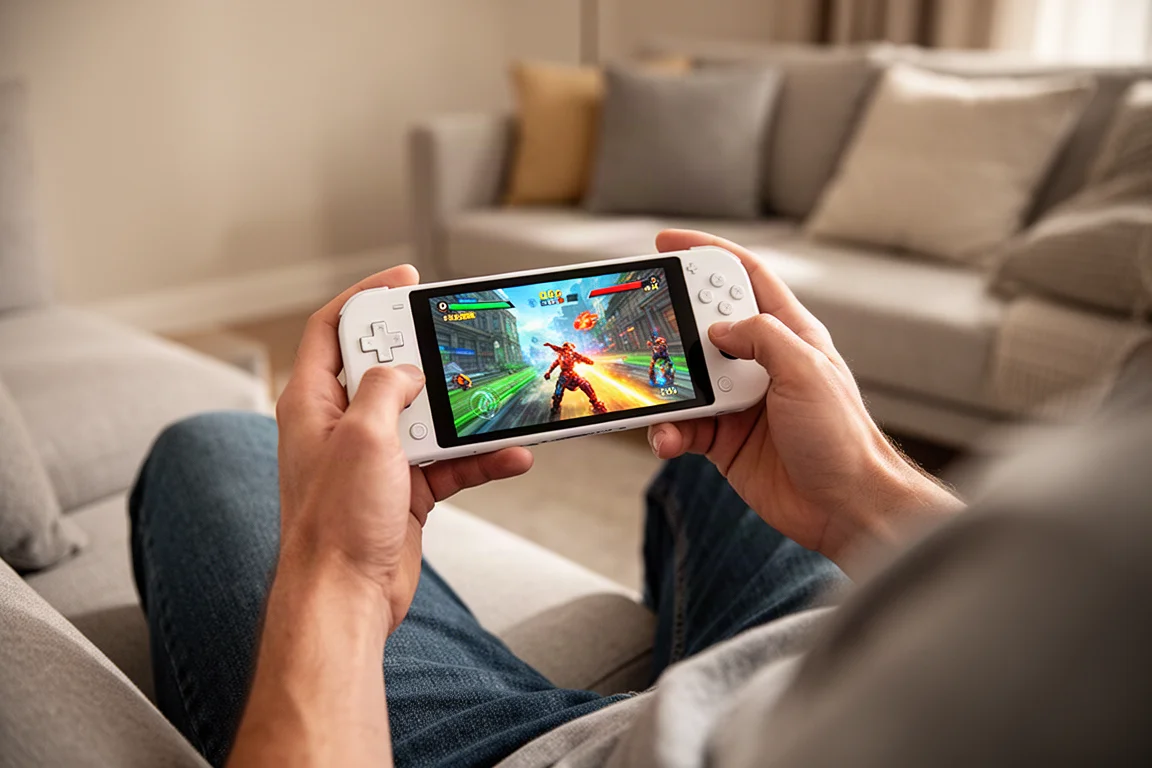
The Odin 3 is aimed at gamers who want one device that can handle almost everything. It excels at Android emulation, covering systems from retro consoles up through GameCube, Wii, Wii U, and Switch. It also runs PC games through apps like Game Native and GameHub, giving you access to your Steam library on the go. And now, with ARM-based Linux support, it can even boot into RockNix and run the ARM version of Steam directly.
This is not a budget device. If you are looking for a cheap way to play retro games, there are more affordable options. But if you want a premium handheld that feels like the future of portable gaming, the Odin 3 is hard to beat. It is compact, comfortable, and powerful enough that you rarely have to worry about performance.
Price and Configurations
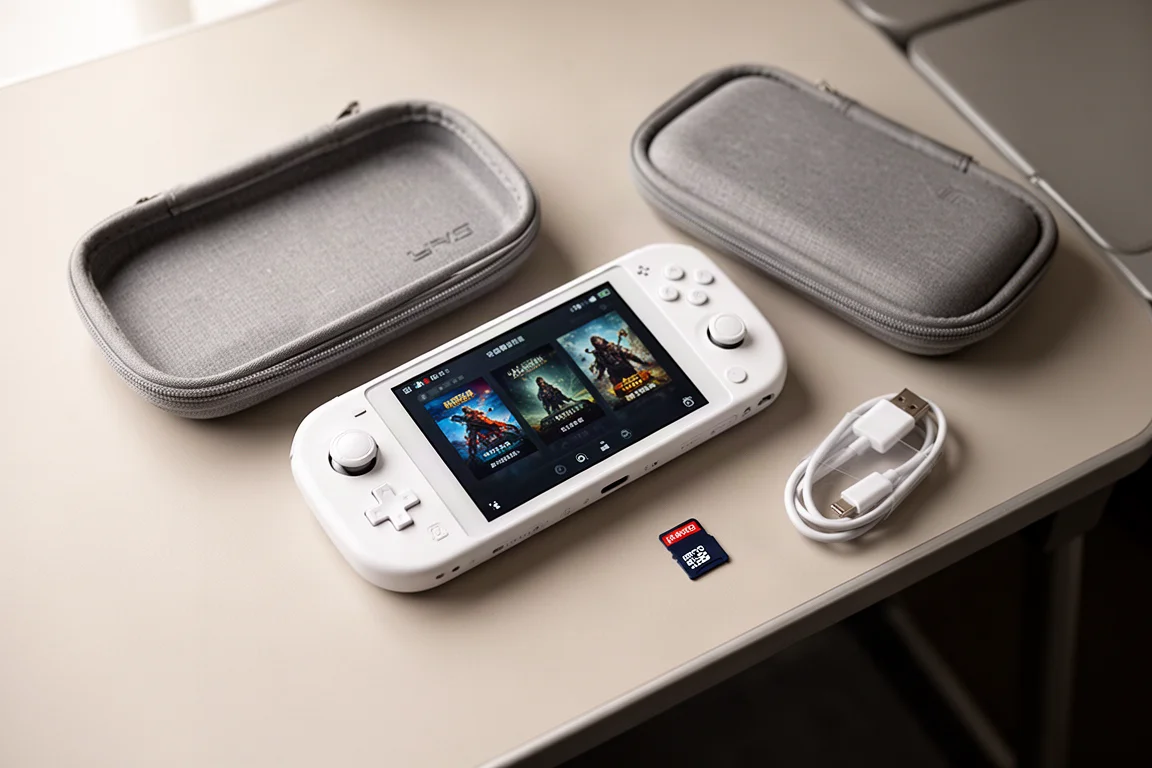
The base Odin 3 costs $340 before shipping and comes in black with 8 GB of RAM and 128 GB of storage. For an additional $100, the Pro model bumps that to 12 GB of RAM and 256 GB of storage, and unlocks other color options including white, rainbow, and transparent blue or purple. The Max model, which I personally bought, costs $489 and includes 16 GB of RAM and 512 GB of storage. There is also an Ultra tier with 24 GB of RAM and 1 TB of storage for $520, though it has been difficult to keep in stock.
For most people, the base model should be sufficient for emulation up through Switch and Wii U. The Pro model feels like a sweet spot if you want a bit more future-proofing. The Max and Ultra tiers are really for enthusiasts who want maximum internal storage and RAM without relying on a micro SD card.
One thing to note is that AYN has reduced the internal storage speed on newer units from UFS 4.0 to UFS 3.1 due to component shortages. In practice, this mostly affects file transfer speeds and loading times for certain games. I have not noticed a meaningful difference in day-to-day use, and I have not seen many complaints from other owners either.
Build Quality and Ergonomics
The Odin 3 feels excellent in the hands. It is compact and tightly built, with a grippy texture on the back and large, comfortable analog sticks. The 6-inch OLED display is beautiful, with vibrant colors and deep blacks. The face buttons were a bit loud and clacky when new, but they have broken in nicely over the past six months and are now much quieter.
The active cooling fan is powerful, and it can get loud when it spins up to maximum. However, with the right software settings, you can keep the fan profile low while still getting excellent performance. I rarely hear the fan during normal gameplay anymore.
One minor issue I encountered was a small hairline crack on the shell of my early white model. AYN replaced the case and heat sink when I visited them, and they said the issue was caused by the heat sink putting too much pressure on the shell in early units. If you have a similar crack, it is worth reaching out to AYN for a replacement back shell.
Performance Tuning: Getting the Most From the Snapdragon 8 Elite
The Odin 3 uses the Snapdragon 8 Elite processor, which AYN markets as the Dragon Wing Q8. It is essentially the same chipset as the Snapdragon 8 Elite found in phones, minus the cellular antenna. The performance is outstanding, but the chip can run hot and cause the fan to spin up aggressively.
The biggest improvement to my experience came from using a third-party app called Cluster Tune. This app allows you to underclock the CPU, which sounds counterintuitive but actually improves performance. By preventing the CPU from ramping up too high, the GPU gets more headroom to perform better. This results in lower temperatures, quieter fan operation, and better overall frame rates.
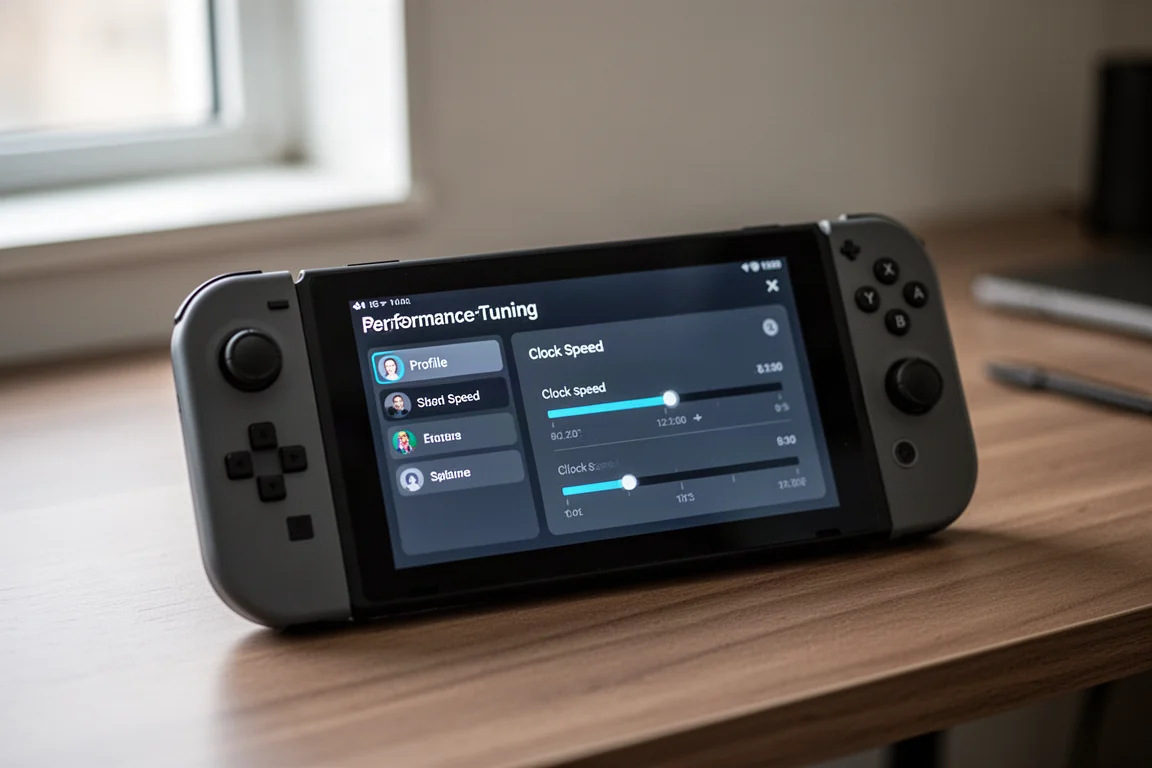
In my testing, using a medium underclock with the standard performance profile produced better 3D Mark scores than the maximum performance profile without underclocking. In-game, I saw power draw drop from about 6.5 watts to around 4 watts, with CPU temperatures falling from 59 degrees to 52 degrees. This means better battery life, lower fan noise, and a more balanced experience overall.
Cluster Tune does not require root access or jailbreaking. It is simply an app you install and apply a profile to. I typically use the standard performance profile with a quiet fan and medium underclock, which handles everything from PS2 and GameCube up through Switch and Wii U without issue.
There is also a promising new app called Pulse, currently in testing, which adds an auto TDP feature. You set a target frame rate, and the app automatically adjusts clock speeds to maintain that target while minimizing power draw. It shows a lot of potential, though it is not publicly available yet.
Linux Support: A New Frontier
One of the most exciting developments since launch is the ability to run Linux-based operating systems on the Odin 3. RockNix, a Linux distribution for handhelds, now supports the Snapdragon 8 Elite and can be booted from a micro SD card. This gives you access to a full Linux desktop environment, including a robust PS3 emulator and native PC games.
The biggest draw for most people is the ability to run the ARM version of Steam through RockNix. Once booted into Linux, you can launch Steam in Big Picture mode and install games. They run through translation layers like FEX and Proton, so it is not a perfect native experience, but compatibility is surprisingly good.
I tested seven games on the ARM version of Steam, ranging from lightweight indie titles to more demanding PS4-era games. All seven booted without issue. Lightweight games like Mina the Hollower ran at a solid 60 frames per second. More demanding games like Prey and Resident Evil 3 ran at 20 to 25 frames per second, which is not quite playable but impressive for early-stage software.
Some games perform better on Android. Dragon Quest 1 and 2 HD 2D Remake ran at about 15 frames per second on the ARM Linux version, but played much smoother through Game Native at 1080p. Bioshock 2 Remastered had serious compatibility issues on Linux but ran close to 60 frames per second on Android.
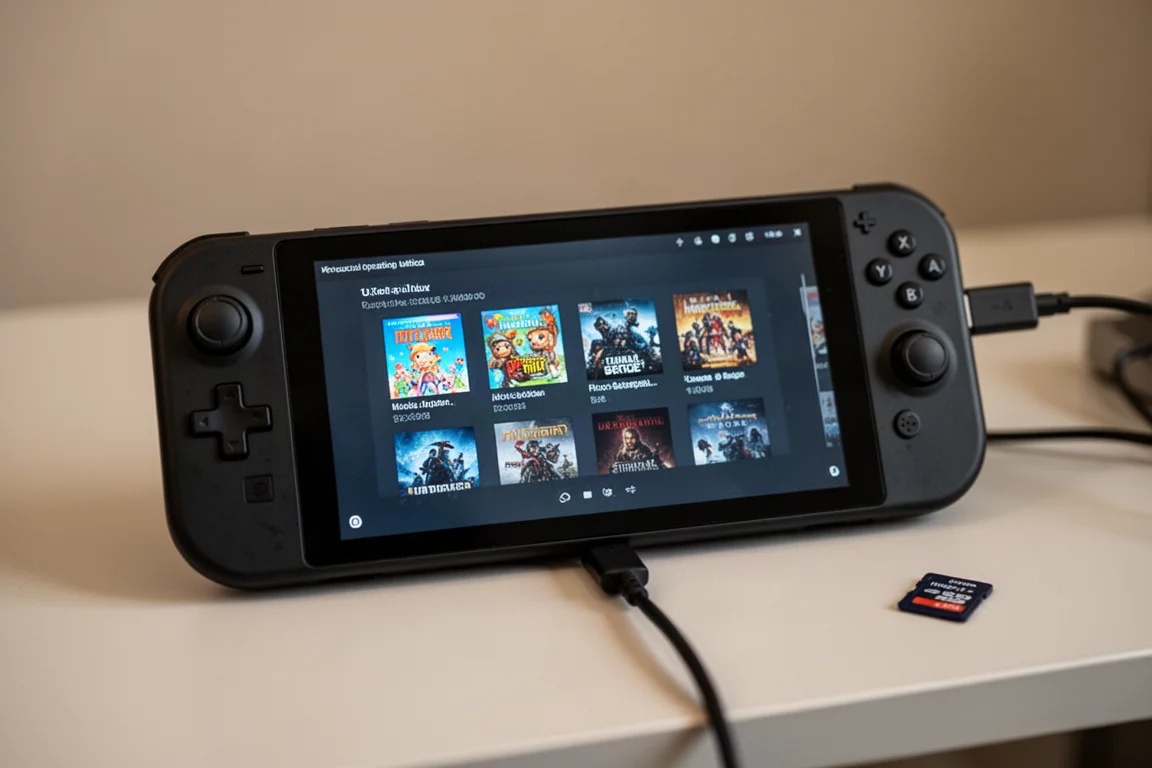
You can install RockNix on the internal storage for faster loading times, but this wipes your Android setup. I prefer dual booting from a micro SD card, which lets me keep my carefully tuned Android build intact. The Linux support is still early, but it is very promising and could turn the Odin 3 into a mini Steam Deck in the months ahead.
Gaming Experience and Software
My daily setup uses two launchers: Emulation Station Desktop Edition for browsing my full library, and Cocoon for a curated collection of my most-played games. Both work flawlessly on the Odin 3, and the device handles everything I throw at it with ease.
I have been playing through God of War on PS2, Mario Kart 8 Deluxe on Switch, and Castlevania Symphony of the Night. Breath of the Wild on Wii U runs at a stable 40 frames per second with a medium underclock, and I prefer the Wii U version because it supports mods and cheats. Outrun 2006 on PSP looks stunning on the OLED display with a perfect 4x upscale.
Most of my time, however, has been spent with PC games through Game Native. I have about 20 to 25 Steam games installed, and they all run well. Games like Ryan Survivors, Hades 2, and Absalom have been my go-to choices for relaxing sessions. The Game Native app has improved significantly over the past six months, and it now feels nearly plug-and-play.
The Odin 3 also handles Android ports beautifully. Twilight Princess via the Dusk Light port runs in widescreen with enhanced graphics at up to 120 frames per second. Link’s Awakening HD DX, a fan remake of the Game Boy Color classic, looks incredible on the OLED panel with the ability to see the entire map at once.
Accessories Worth Considering
AYN sells an official TPU grip for $15 that slides onto the device and improves ergonomics. It is a lightweight solution that works well for longer sessions. There are also third-party options like the Pro Case and Grip from Epic Printing Shop, which doubles as a screen protector and a 3D printed grip. The Clip Shield from Part-Time Cat is another option, offering a hard shell front cover for $22, or $30 with a back plate.
I mostly use the Odin 3 without accessories because it feels so good in the hand. The compact size and tight build make it a pleasure to hold for extended periods. If you are playing a first-person shooter or streaming a modern game, the official grip adds a bit of extra comfort, but it is not essential.
How It Compares to Other Handhelds
The Odin 3 sits at the top of the Android handheld market. The Retroid Pocket 6 and AYN Odin 2 Portal, both with the Snapdragon 8 Gen 2 processor, cost around $250 for the base model. They are excellent devices that can emulate most of the same systems, but they do not have the same level of performance for PC games. If you are on a budget, these are still great options.
The Conquer Pocket Fit offers a Snapdragon 8 Elite version with similar performance to the Odin 3, but it costs more and does not feel as premium. The ergonomics, sticks, D-pad, and face buttons are not quite as good, and it only has an LCD panel instead of OLED. For the price difference, the Odin 3 is the better recommendation.
The AYN Thor remains a fun and innovative dual-screen handheld, especially for DS and 3DS games. But for overall power and comfort, the Odin 3 is the device I reach for most. It is more ergonomic and has that extra performance headroom for PC games.
The Verdict After Six Months
The AYN Odin 3 has become my daily driver. I took it as my only handheld on a three-week trip to China and Taiwan, and it handled everything I wanted to play. It is compact enough to pack lightly, yet powerful enough to play just about anything I can think of.
That said, I do not think the Odin 3 is essential for everyone. If you are primarily playing retro games with a 4:3 aspect ratio, a dedicated device like the Ambernic RG47M might feel more comfortable. If you mostly stream modern games, a larger 7-inch display like the Odin 2 Portal might be a better fit. And if you are on a budget, the Retroid Pocket 6 or Odin 2 Portal offer excellent value at around $250.
But if you want a premium handheld that can do it all, the Odin 3 is the best option available right now. The software and driver ecosystem has matured significantly over the past six months, and the device just keeps getting better. It is expensive, but it feels like the future of handheld gaming.
Conclusion
The AYN Odin 3 has exceeded my expectations. The initial issues I had with loud buttons, fan noise, and driver compatibility have largely been resolved through software updates and third-party tools. The addition of Linux support opens up even more possibilities, and the performance tuning options let you dial in the perfect balance of power, temperature, and battery life.
If the Odin 3 is within your price range and you are looking for a versatile, powerful Android handheld, I can easily recommend it. It is the device I play the most, and it has earned its place as my main daily driver. The future of handheld gaming is here, and it is called the Odin 3.
Product link
View more details for AYN Odin 3
This product is mentioned in the review. Check the specifications, options, and compatibility before buying.
View more details for AYN Odin 3Further reading
Related Reviews
Handheld Gaming
Acer Nitro Blaze Link and Predator Atlas 8: Two New Handhelds Compared
Acer's new handheld lineup includes a budget streaming device and a powerful Windows gaming machine. Here is what to expect from both.
Handheld Gaming
Anbernic RG Rotate Review: A Unique and Powerful Pocket Handheld
The Anbernic RG Rotate brings a clever rotating design, a square 720x720 screen, and solid Android performance to a truly pocketable form factor.
Handheld Gaming
Anbernic RGDS: A Fresh Look at the Linux Experience
The Anbernic RGDS gets better with updated Linux firmware. We explore Rocknix improvements, the new official Anbernic Linux OS, and how this dual-screen handheld handles Nintendo DS gaming.