Aquarium Equipment
Avid Aqua Insight and Insight Pro Review: A Wi-Fi Display for Your Apex Reef Tank
Avid Aqua's Insight and Insight Pro put Apex reef tank data on a Wi-Fi touchscreen you can read from across the room, with the Pro adding room CO2 and VOC sensing.
Introduction
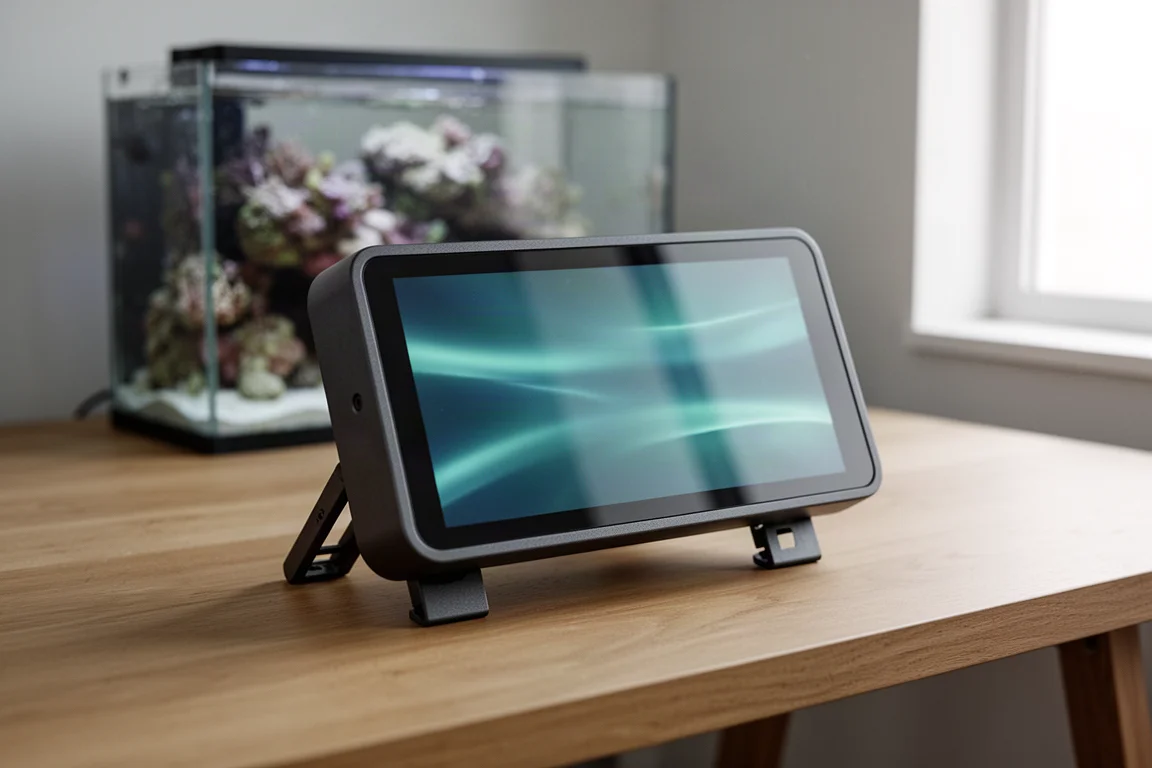
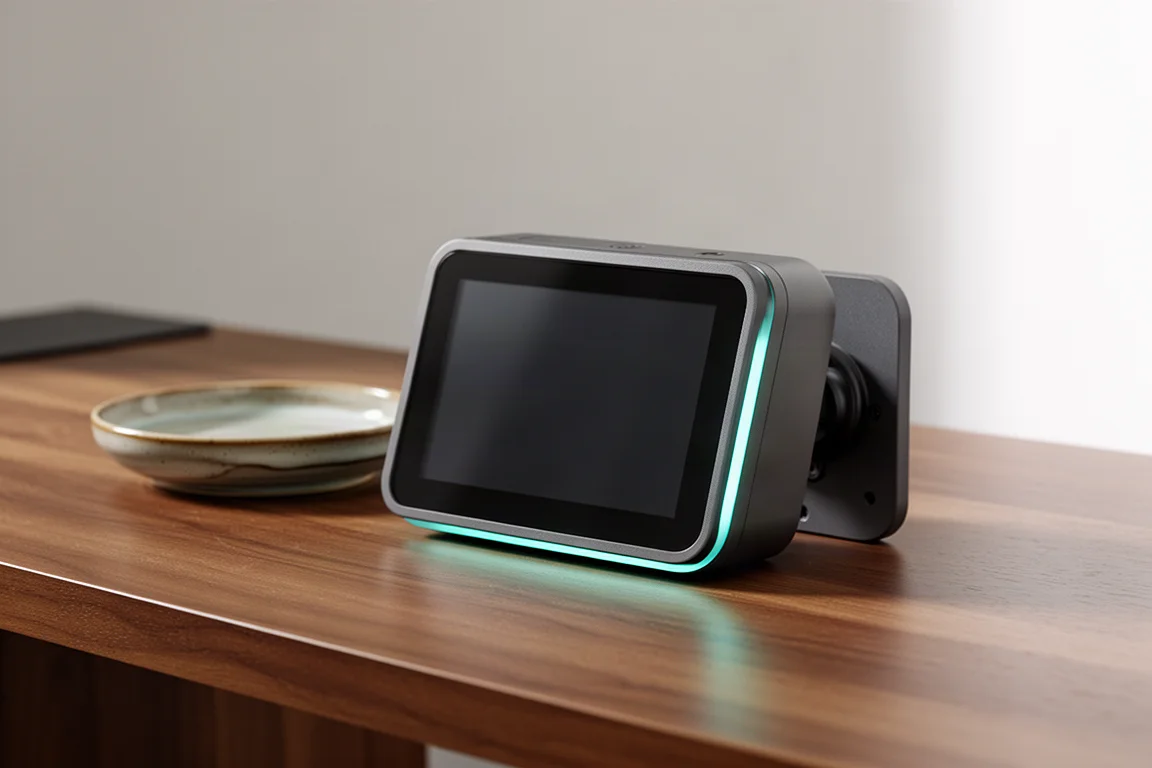
Reef keepers who run an Apex controller have traditionally had two ways to check on a tank: a wired Apex Display Module mounted near the cabinet, or a phone running Apex Fusion. Avid Aqua, a company founded by reef keepers and launched with a line of magnetic mounting products for the hobby, is offering a third option with the Insight, a compact touchscreen that pulls Apex data over the local Wi-Fi network instead of a cable.
Two versions arrive together. The Insight turns your Apex parameters into a display you can read from across the room and tap when you want to act. The Insight Pro adds room-level sensors for temperature, humidity, CO2, and volatile organic compounds, which turns out to matter more to reef keeping than it first appears.
This review covers what each model shows, how it mounts, how it is configured, and the trade-offs worth weighing before you decide which one belongs on your tank.
What the Avid Aqua Insight Adds to an Apex System
The Insight connects to an Apex controller over the Wi-Fi network in your home or office. That single decision shapes almost everything else about the product.
Because it does not plug into the AquaBus, it leaves every AquaBus port on the controller free for other modules. It also does not have to live at the tank. Your aquarium can stay the focal point of the room while the display sits on a desk, a nightstand, or an end table where you actually spend your time.
The problem it solves is a familiar one for anyone who has kept a reef tank for a while. You step away from the tank, you second-guess the adjustment you just made to your skimmer, and you want one piece of information without unlocking a phone and opening an app. A dedicated display answers that question with a glance.
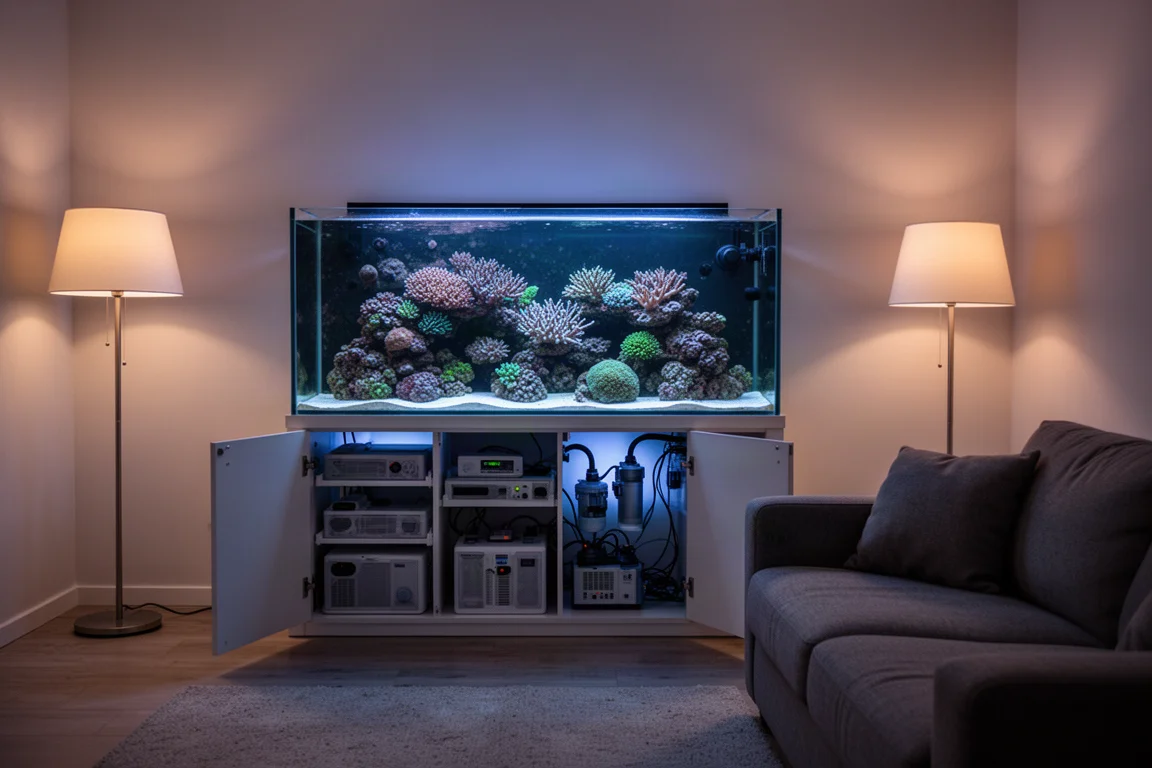
The screen shows anything that appears on the Apex dashboard, including temperature, pH, ORP, salinity, and Trident parameters. Because it is a touchscreen rather than a passive readout, it can also start actions such as feed mode, the same way you would from a phone or from an Apex Display Module.
One practical advantage comes from running locally. If your internet connection drops, Apex Fusion on a phone can become unreliable, but the Insight keeps reading the controller over the local network and continues to show tank parameters while you are at home.
Avid Aqua Insight: The Core Model
The standard Insight concentrates on presenting Apex data clearly rather than reproducing every function of the Apex Display Module. Avid Aqua’s position is that configuration belongs where it already lives, so the Insight is built to display information and offer quick interactions instead.
The display offers several viewing modes for different distances. A detailed mode lists a large number of parameters and is meant for close inspection, which helps on a system with several sensors, such as a setup running both a display tank and a frag tank with two separate salinity readings. A standard view shows the values you check most often and stays legible from a few feet away. A screensaver mode scrolls through the essentials every couple of seconds, readable from clear across the room, with a small indicator that signals whether readings sit in a normal range.
It is worth being precise about the boundaries here. The Insight does not take over the setup and configuration functions of an Apex Display Module, and that is intentional rather than a missing feature. Its role is the glance and the tap, not the full menu tree.
Avid Aqua Insight Pro: Room Environment Sensing
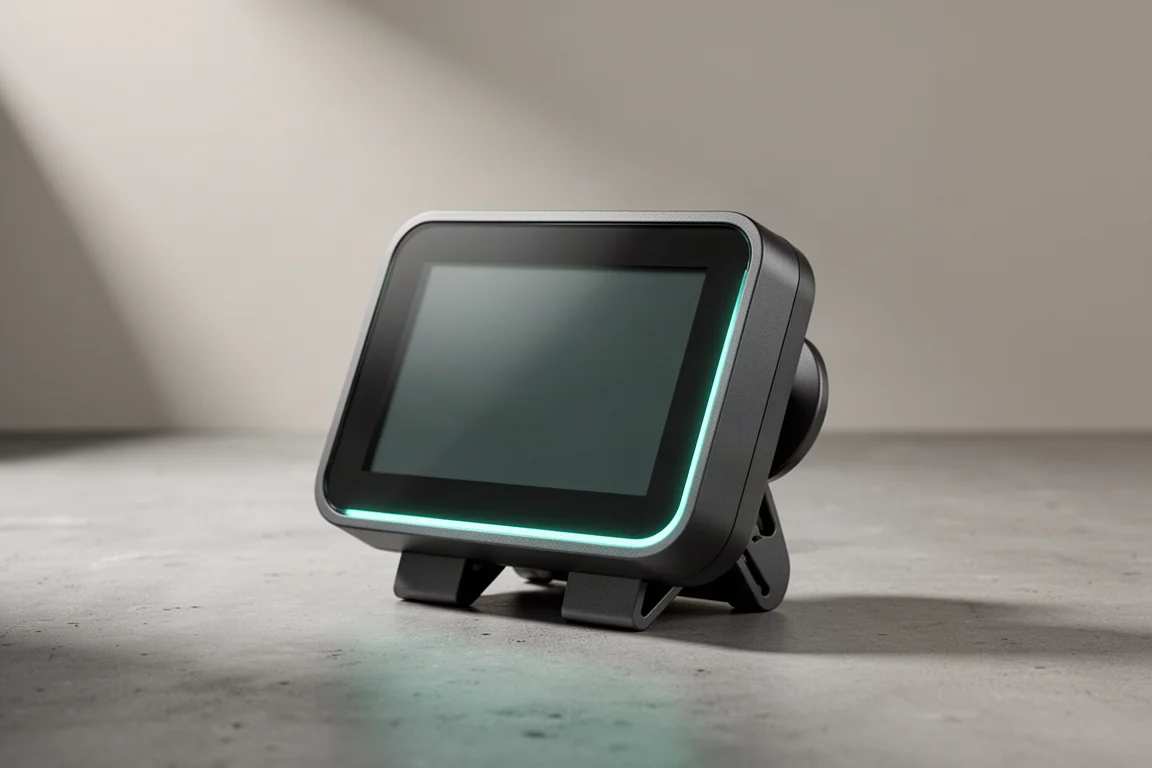
The Insight Pro keeps everything the standard model offers and adds sensors for the room itself: temperature, humidity, CO2, and total volatile organic compounds.
Room CO2 is the addition that will interest reef keepers most. Elevated CO2 in the air around a tank drives pH down in the water, and in a tightly sealed home the level can climb further than most people expect. A large family, pets, regular cooking, and a house full of weekend guests can push indoor CO2 toward 1,000, 1,200, or even 1,500 ppm. Seeing that number gives context to a pH reading that refuses to stay where you want it, and it makes decisions such as opening a window or running a CO2 scrubber far less of a guess.
The VOC sensor works on a different principle. Avid Aqua describes it as an electronic nose for the area under your aquarium, where a protein skimmer, ozone equipment, electronics, and various chemicals all operate at once. The Insight collects that reading over time and helps separate normal conditions from abnormal ones, flagging a change as an early warning that something in the cabinet deserves a look. That change could be a transformer running hot, an electronic component under stress, or something else entirely, and the company is direct that it does not yet know every cause behind an unusual reading. The data gathered through testing is what will teach it more.
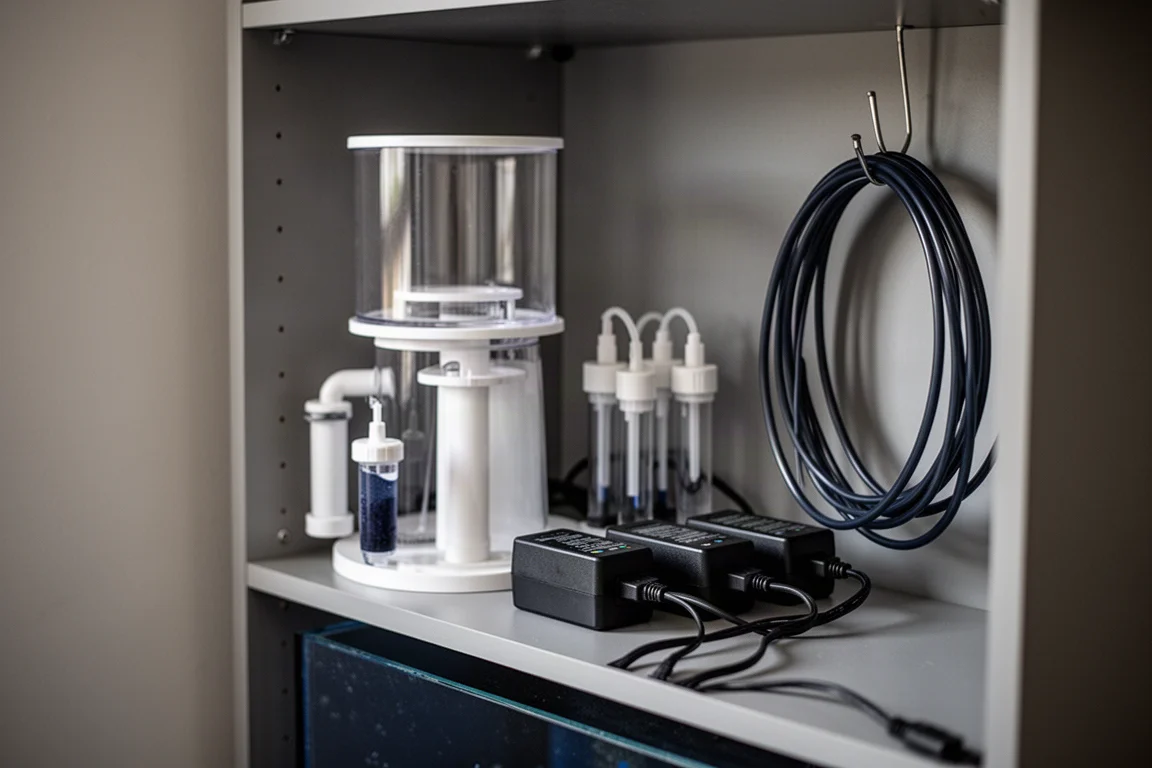
For anyone who has paused near the sump and wondered whether the air smelled different than it did last week, that ambient awareness is the clearest argument for the Pro over the standard model.
Mounting and Placement Options
The Insight is designed for three mounting approaches, which gives it more flexibility than a typical controller display.
The first is the simplest. Integrated feet fold out from the body, so the unit stands on a desk, a coffee table, or a shelf without any extra hardware. The second is a panel mount. If you are willing to cut an opening in a door, a board, or a cabinet face, a small strap slides onto the back of the unit and clamps it into that cutout for a flush installation. The third uses Avid Aqua’s Mod Mag system, the same magnetic mounting platform the company uses across its other products, which attaches the display to the side of an aquarium or to a control board.
Placement deserves a note of caution. The Insight is an electronic device and it is not waterproof, so the space directly above a sump, where splashing and constant humidity are part of daily operation, is not a sensible home for it. Mounting it under the aquarium, on the side of the tank with the magnetic mount, or recessed into a control board are all reasonable choices. On the Pro, an under-cabinet position still makes sense because the room sensors are there to read the air in that space.
Setup, Configuration, and Data Refresh
All configuration happens in the My Aquarium app on your phone rather than on the display itself. The app presents the same dashboard widgets that appear on screen, and you select a widget, then choose which parameter it should show, with the option to keep the default if it already suits you. The approach saves you from learning a second menu system on a small screen, though it does mean the app is required whenever you want to change something.
Refresh speed is close to real time. The Insight polls the controller every 15 seconds or so, frequently enough to keep temperature and pH readings current without flooding the controller with requests.
At launch, one Insight pairs with one Apex system. Avid Aqua has a small alpha group running already and plans an open beta with a couple of hundred participants, and it hopes the product will eventually support swiping between two or three Apex systems so multi-tank households can check everything from a single display. That capability is not part of the current design, and the company has not committed to how many controllers it will support.
That testing phase is worth understanding as a buyer. Avid Aqua expects to keep adding features and iterating on the product through beta and beyond, so the version that reaches customers is a starting point rather than a finished feature list.
What to Consider Before Buying
A few practical points are worth checking against your own setup.
- An Apex controller is required. The Insight is a companion display, not a standalone monitor, and it has no purpose without an Apex system to read from.
- It does not replace an Apex Display Module for configuration tasks. If you rely on the display module for setup work, keep it.
- Pairing is currently one to one. Reef keepers running multiple Apex systems may want to wait for multi-controller support rather than buying a unit per tank today.
- It is not waterproof. Plan a mounting position that keeps it away from splashing and heavy humidity.
- The feature set is still evolving. Room sensor interpretation, in particular, is an area the company expects to refine as it collects more data.
Buying Advice: Insight or Insight Pro
Both models share the same display, the same Wi-Fi connection to your Apex, and the same mounting options, so the decision comes down to one question: do you want to know about the room as well as the tank?
If you mainly want a readable, tappable window into tank parameters that does not require a phone, the standard Insight covers that need without the extra room sensors. If pH stability is a recurring struggle in a closed-up house, or if you would rather have an early signal from the equipment area than discover a problem during maintenance, the sensors on the Insight Pro are the reason to step up.
Either way, this is not a first purchase for a new tank. Both versions assume an Apex controller is already running the system, and both work best when you have a clear idea of where the display will live and what you want to see at a glance.
Conclusion
The Insight takes a straightforward idea and applies it well: if your Apex already knows everything about your tank, you should be able to look across the room and see it without reaching for a phone. Dropping the AquaBus cable in favor of local Wi-Fi is what makes that possible, and it opens placement options that a wired display cannot match.
The Insight Pro goes a step further by treating the room as part of the aquarium’s environment, which is how CO2 and airborne contaminants actually behave. If pH control is a running battle in your home, that added context is genuinely useful. If it is not, the standard model delivers the core experience.
For reef keepers who already run an Apex and want a calmer way to keep an eye on things, this is a sensible upgrade to watch as the open beta and the first release work through their final stages.
Further reading
Related Reviews
Aquarium Equipment
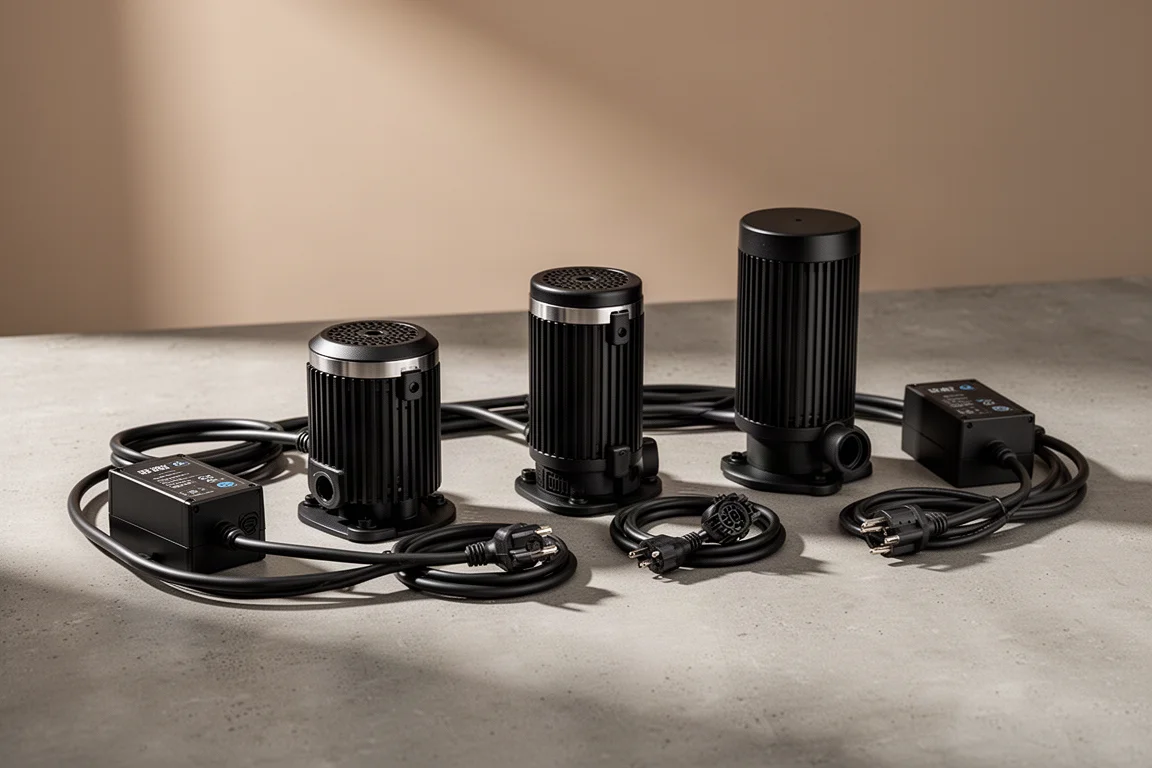
Abyzz Professional DC Pumps: A100, A200, and A400 Reviewed
A closer look at three German-made DC return pumps built for large reef systems, with titanium internals, fine flow control, and a 10-year warranty.
Aquarium Equipment
AdaptiveReef Controller Accessories: Three Tactile Upgrades for Your Reef Controller
A practical look at three AdaptiveReef add-ons that put physical switches, at-a-glance status lights, and a loud alarm within arm's reach of your reef tank.
Aquarium Equipment
Adaptive Reef Controller Boards: Basic vs Deluxe for Cleaner Aquarium Gear
A practical look at the Adaptive Reef Basic and Deluxe controller boards, what each one includes, and how to choose the right size for your tank gear.