Aquarium Lighting
Aqua Illumination Prime 16 Freshwater: Setup Guide and Lighting Control
A complete walkthrough of unboxing, mounting, app pairing, and scheduling the Aqua Illumination Prime 16 Freshwater light for macroalgae tanks.
Introduction
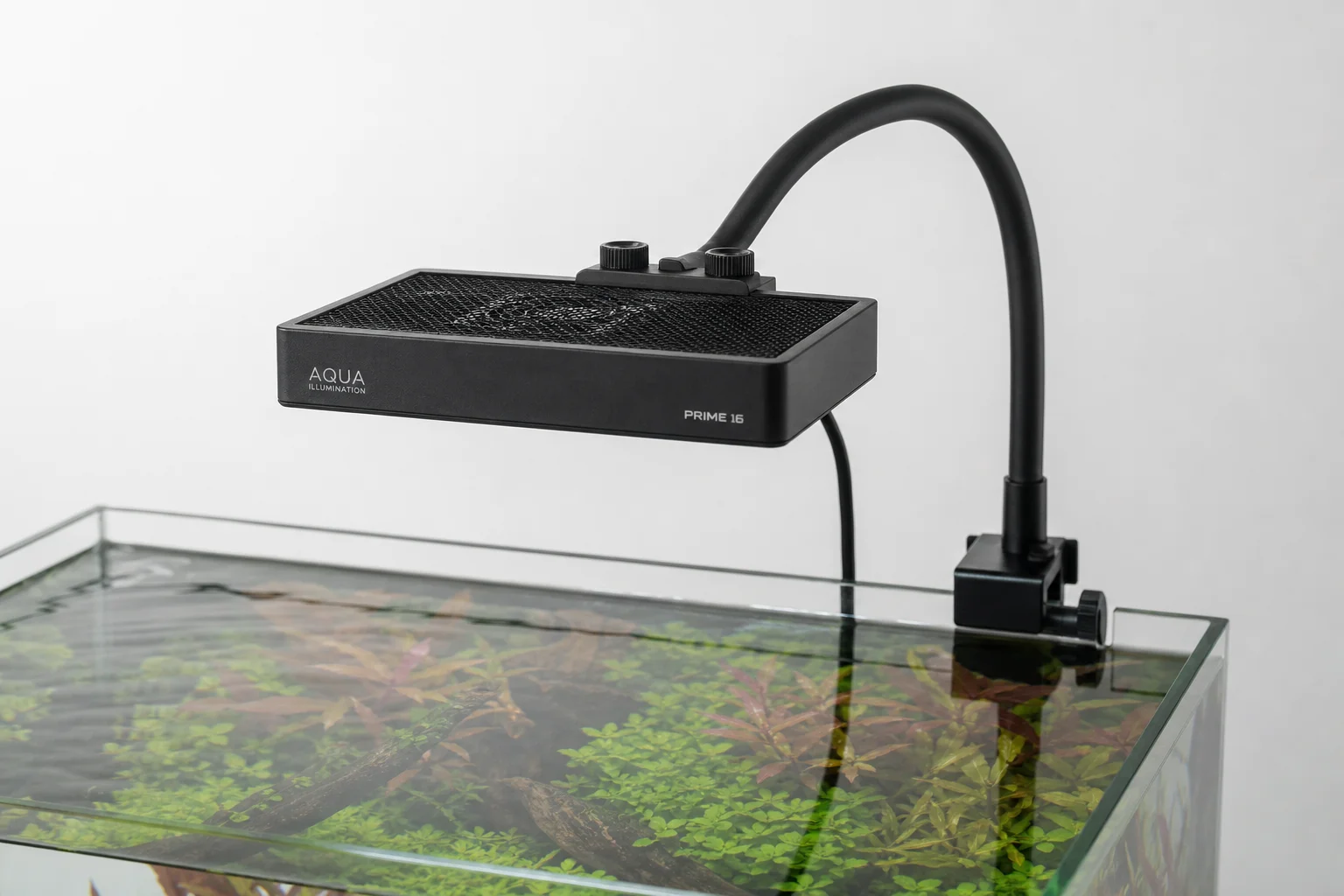
The Aqua Illumination Prime 16 Freshwater stands out as one of the most popular, affordable, and controllable compact lights available for freshwater macroalgae display tanks. This guide walks you through unboxing, mounting, pairing with your phone, and creating a macro-friendly lighting schedule that matches your tank’s needs and your viewing habits.
Unboxing and What’s Included
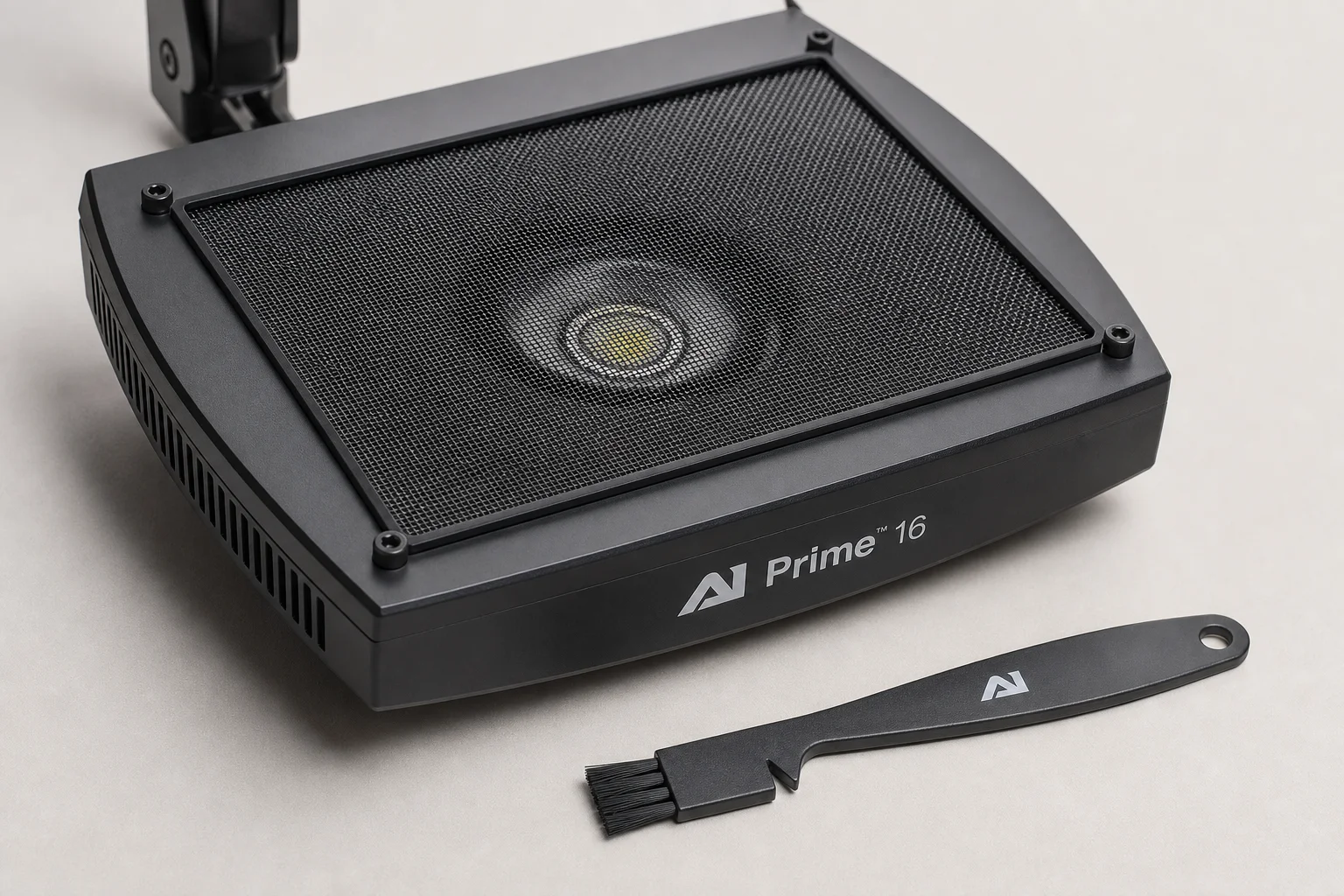
When you open the Aqua Illumination Prime 16 Freshwater box, you’ll find the light fixture itself, a power supply, a small cleaning tool, and a quick start guide. The cleaning tool is worth keeping safe, as you’ll need it later for maintenance.
Before installation, you’ll need to decide how to mount the light. Aqua Illumination offers three main options: a hanging kit for maximum versatility, a gooseneck mount for adjustable positioning, and an aluminum mounting kit for a more permanent installation. The gooseneck option provides good flexibility and was used in this setup, positioned approximately 10 inches above the water surface.
Installation and Mounting
Installing the gooseneck mount is straightforward. Set the bracket on the rim of your tank and tighten the screw to secure it. Aqua Illumination includes clips to manage the power cord if you prefer, though you can also wind the cord around the gooseneck itself. Once the bracket is in place, insert the post and adjust the height to your preference. The entire process takes just a few minutes.
Pairing and App Control
All Aqua Illumination devices include smart control as standard. Download the My AI app for iOS or Android, enable Bluetooth on your phone, and pairing is nearly automatic. Once connected, the app’s interface becomes immediately intuitive.
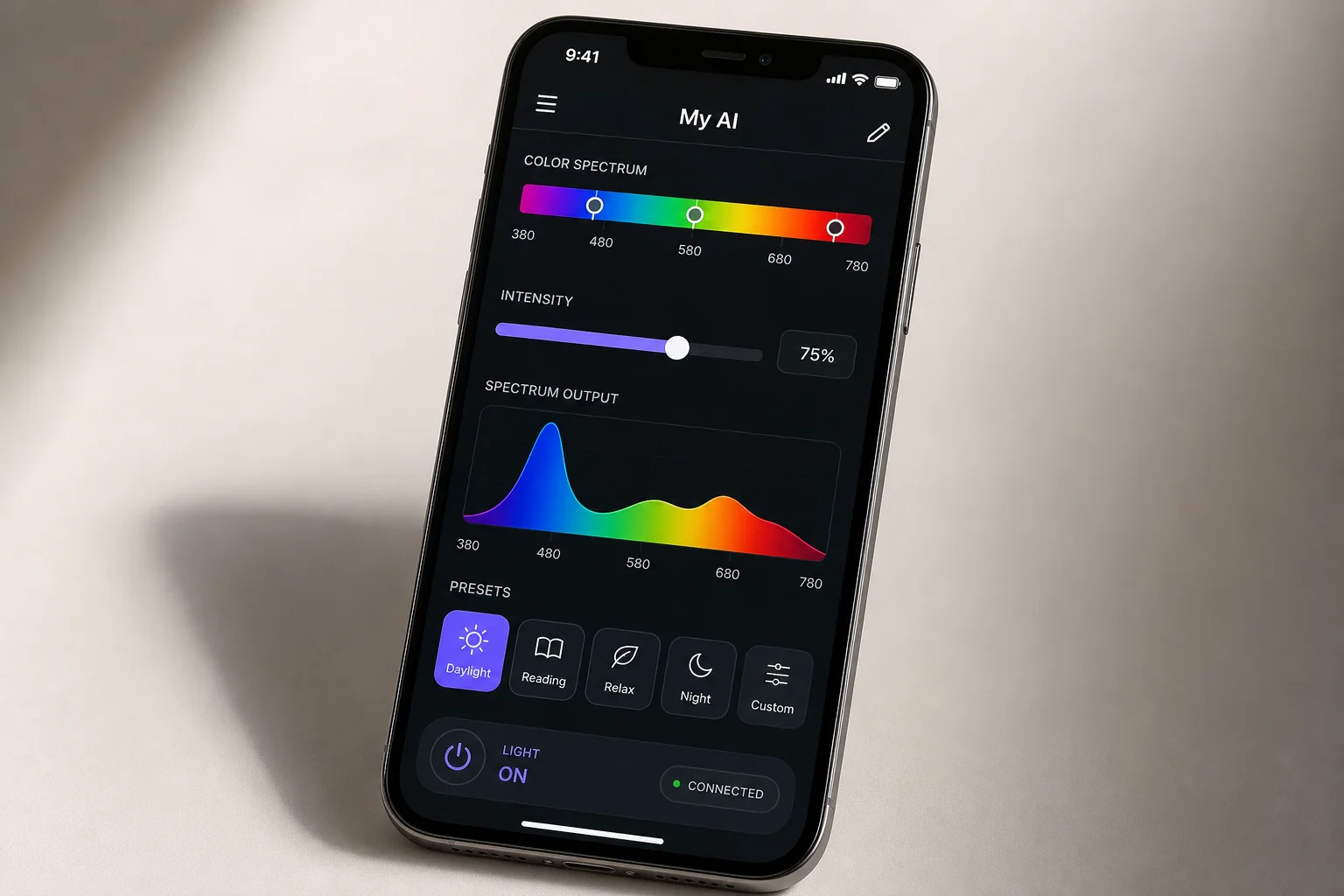
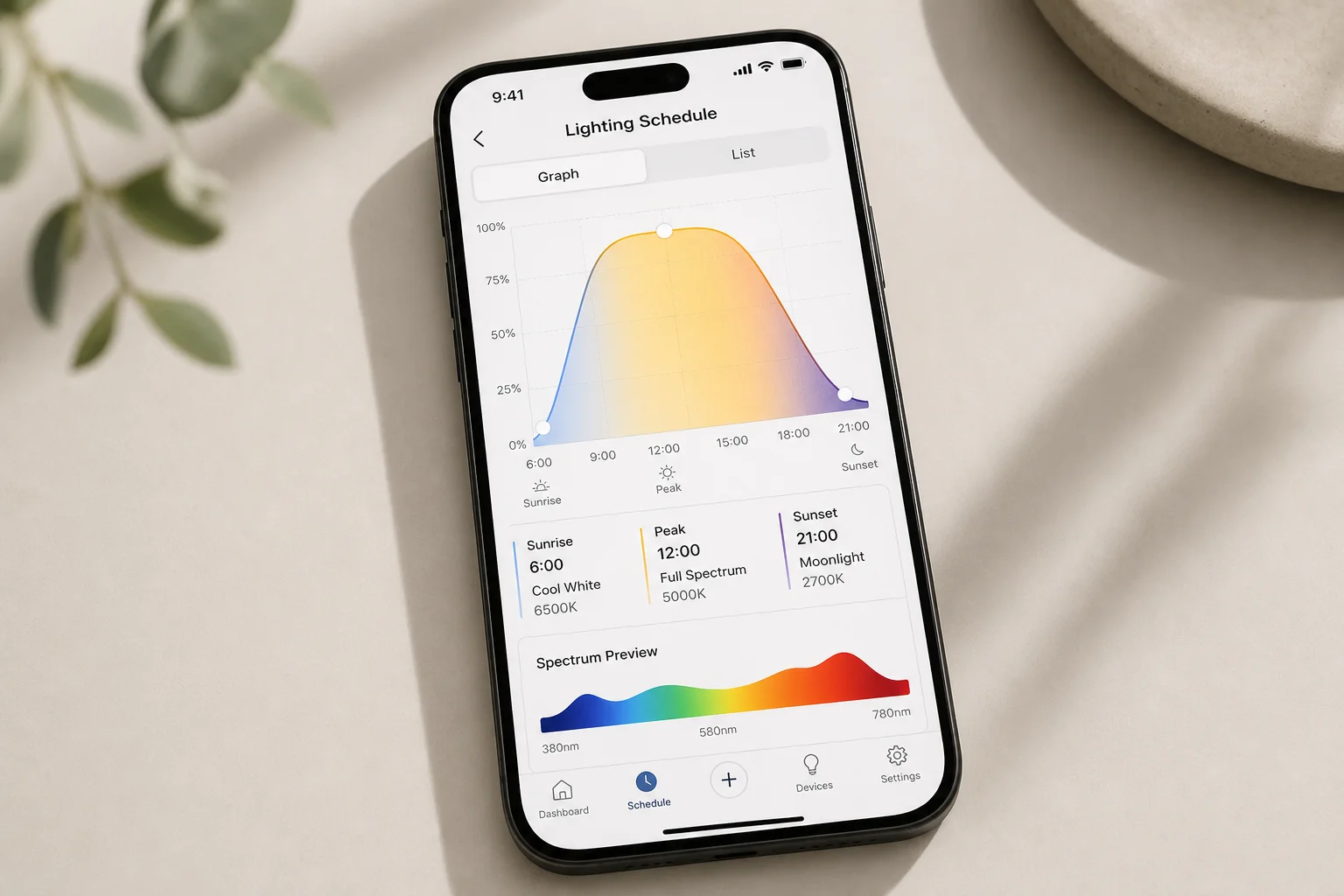
The app includes a live demo mode where you can experiment with color spectrums in real time. You can adjust cool white, warm white, red, green, and blue channels independently to see how different combinations look on your tank. The app displays a spectrum waveform in the background, helping you visualize the overall color temperature you’re creating. You can also set temporary on-times if you want the light on for just one minute, ten minutes, thirty minutes, or an hour without committing to a full schedule.
One of the app’s most useful features is unified control. If you have multiple Aqua Illumination devices on the same tank, you can manage pumps, lights, and other equipment all from one screen.
Understanding Macroalgae Lighting Needs
Unlike most freshwater lights on the market, which simply turn on and off, the Aqua Illumination Prime 16 Freshwater offers extensive controllability. Most competitors require you to buy additional plugins to achieve ramp-up and ramp-down effects, but this light includes those features built in.
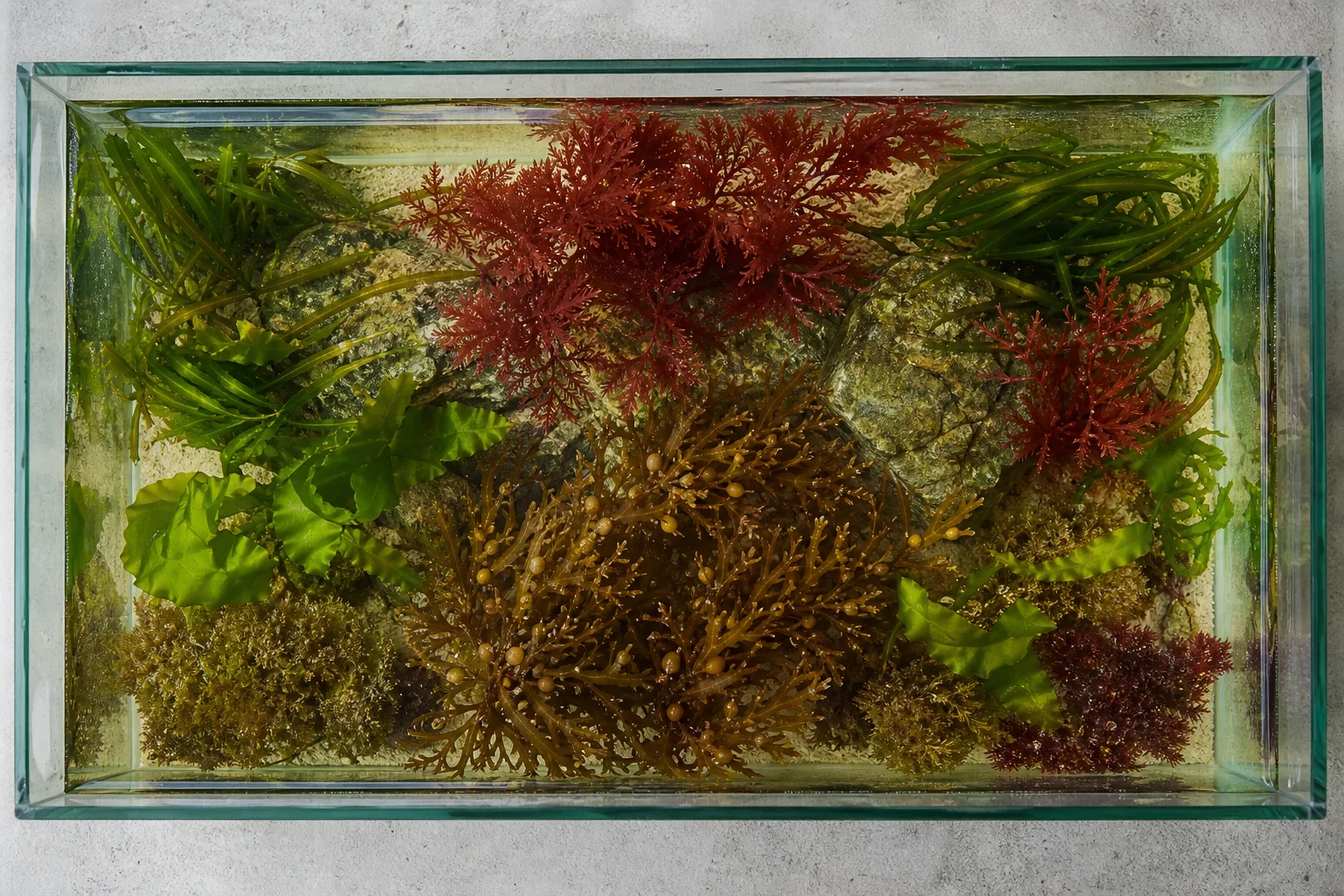
Macroalgae are classified into three major groups: red, green, and brown. Each has different light absorption characteristics. Red macroalgae, found at the deepest ocean depths (sometimes beyond 800 feet), have exceptional light-absorbing ability. Brown macroalgae occupy the middle depth range, while green macroalgae typically thrive in shallower waters. Because macroalgae are highly adaptive to different spectrums, you can keep all three types in the same tank if you use a full-spectrum light.
A full-spectrum light mimics natural daylight as closely as possible, with a color temperature between 5,000 and 6,500 Kelvin. Natural daylight at noon typically ranges from 5,600 to 6,500 Kelvin, though this varies by geographic location and time of year. The Aqua Illumination Prime 16 Freshwater is designed to deliver this balanced spectrum across all three macroalgae groups.
Setting Up Your Lighting Schedule
Creating a lighting schedule in the My AI app is simple. Navigate to the Lighting section and select Easy Setup. This is a good starting point if you’re new to programmable lighting.
First, set your sunrise and sunset times based on your schedule. If you work mornings and prefer to enjoy your tank in the afternoon, you might set sunrise at 1:00 PM and sunset at 9:00 PM. Next, choose your ramp time (the duration over which the light gradually brightens or dims). One hour is a reasonable starting point, though you can adjust this to your preference.
Then configure the spectrum. The app defaults to 60% across all channels, which is a safe baseline. You can reduce cool whites to 30%, keep warm whites at 50%, leave moonlight at 60%, increase deep reds to 70%, boost greens to 70%, and set blue to 50%. The app shows a real-time preview of what your lighting will look like.
Once you’ve set the basic schedule, you can preview the entire day’s lighting progression. The light will ramp up at your sunrise time, hold steady during the day, and ramp down toward sunset. If you want to adjust the spectrum at any point during the day, simply drag to that time point, tap the plus button, and modify the channels. You can create multiple adjustment points throughout the day to simulate natural light changes or cloud cover if desired.
Maintenance and Screen Cleaning
An often-overlooked feature of the newer Aqua Illumination Prime lights is how easily the mesh screen comes off for cleaning. Older Aqua Illumination models had notoriously difficult screens to remove, but this design solves that problem with the included tool.
Use the cleaning tool by pushing down gently on the screen and lifting slightly. The screen slides out easily, allowing you to remove dust and debris. Keeping the mesh screen clean ensures the light operates at maximum efficiency and maintains proper color output.
Conclusion
The Aqua Illumination Prime 16 Freshwater delivers professional-grade lighting control in a compact, affordable package. Its app-based scheduling, full-spectrum output, and straightforward setup make it an excellent choice for freshwater macroalgae displays. Whether you’re just starting out or upgrading from a basic on-off light, this fixture provides the flexibility to match your tank’s biology and your personal viewing schedule.
Product link
View more details for Aqua Illumination Prime 16 Freshwater
This product is mentioned in the review. Check the specifications, options, and compatibility before buying.
View more details for Aqua Illumination Prime 16 FreshwaterFurther reading
Related Reviews
Aquarium Lighting
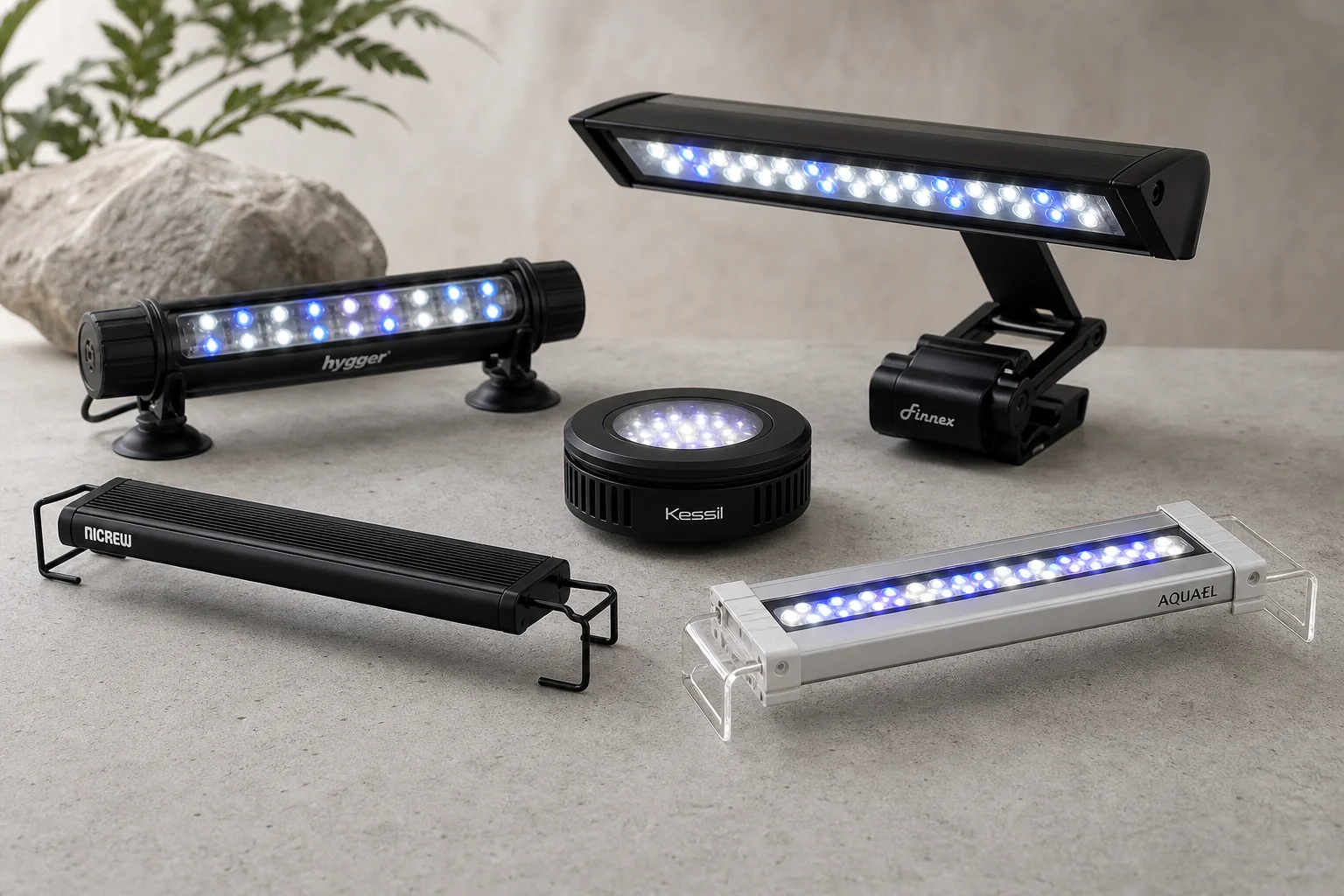
Best Aquarium Lights 2026: Five Reliable Options for Fish and Plant Health
A practical roundup of five aquarium lighting solutions, each with distinct features for different tank setups and plant growth needs.
Aquarium Lighting
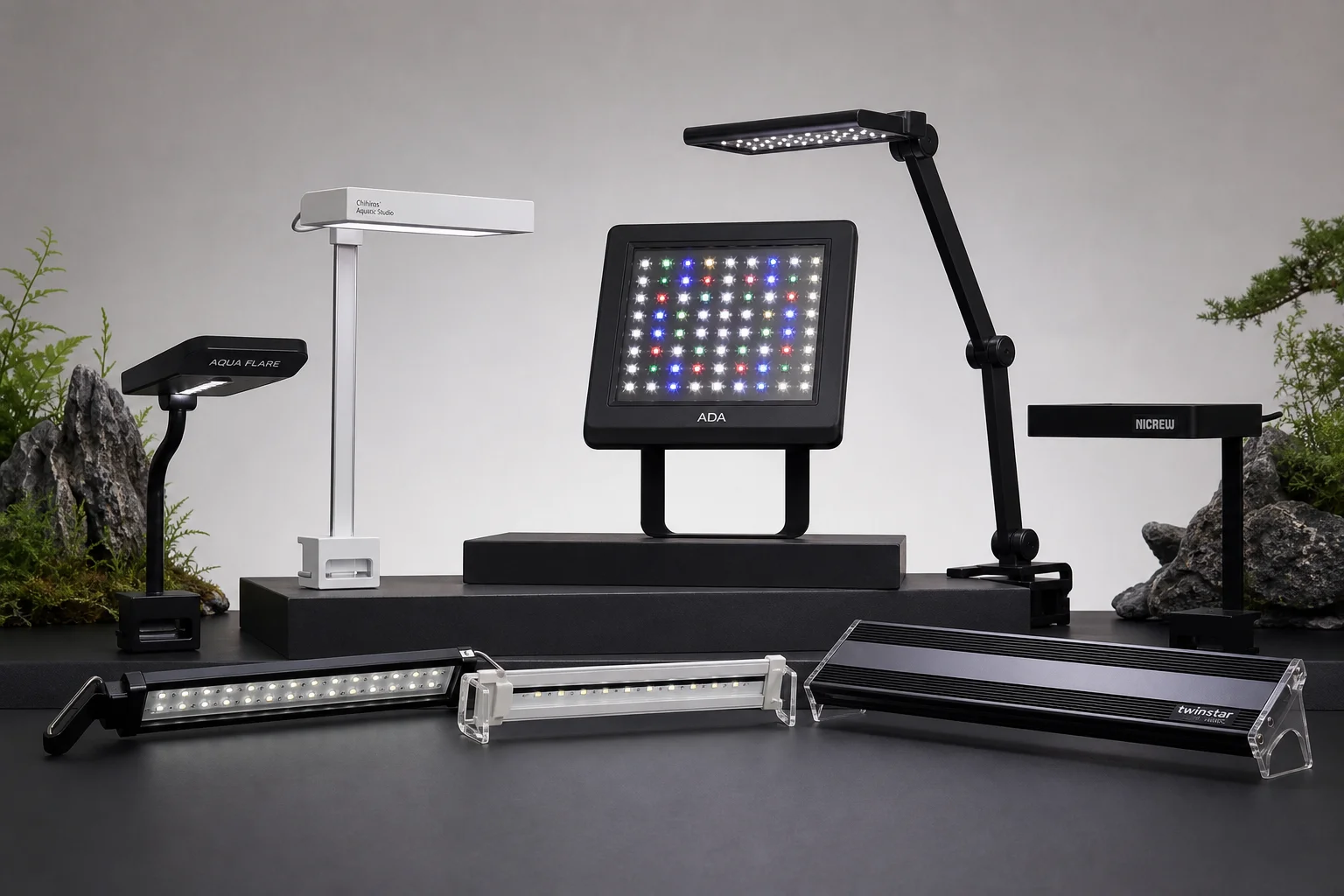
Best Aquarium Lights for Planted Tanks: Budget to Premium Options
A practical guide to nine aquarium LED lights from Chihiros and Twinstar, covering every budget level from entry-level to flagship models for planted tank setups.
Aquarium Lighting
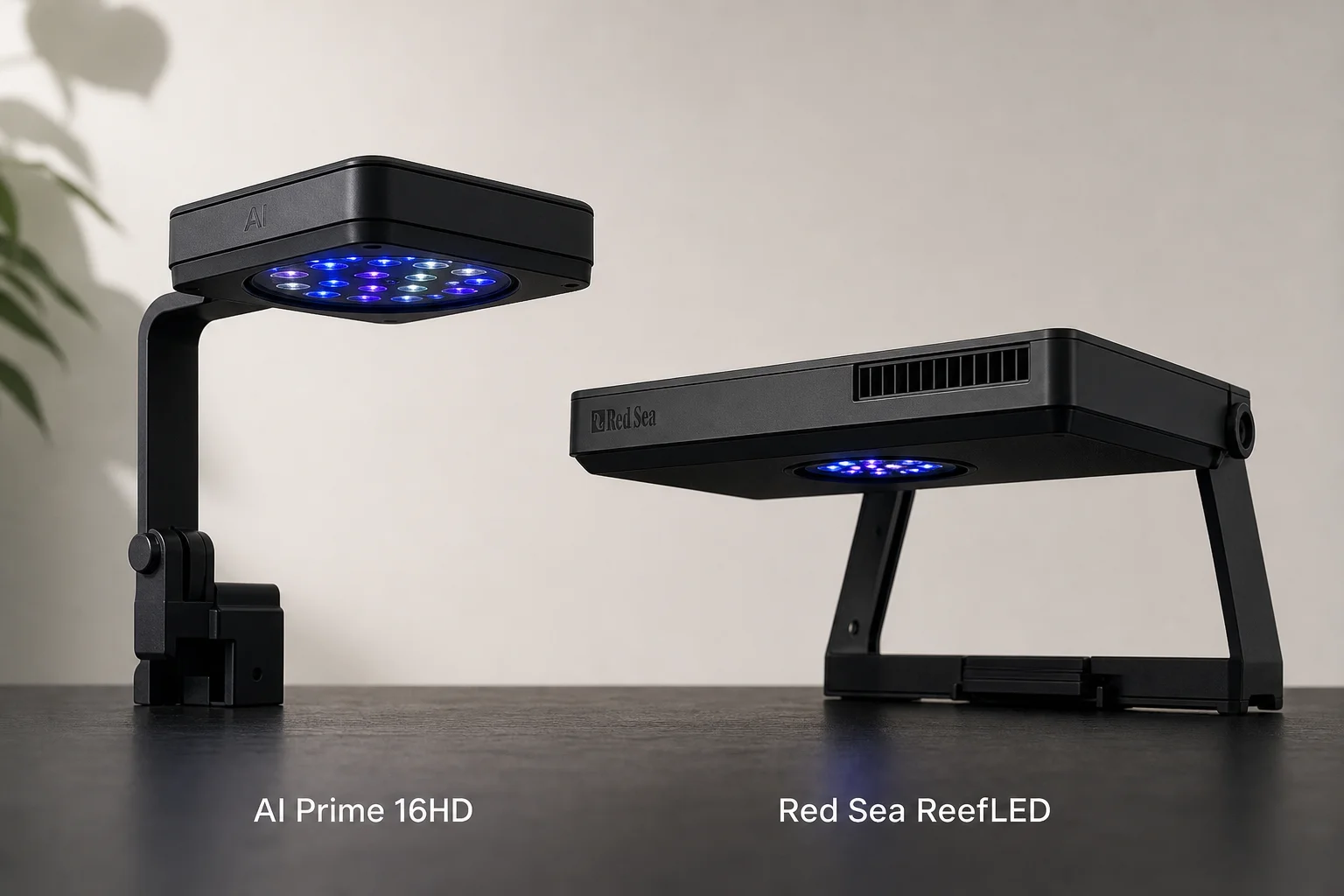
Best LED Lights for Saltwater Aquariums: Two Proven Options for Reef Success
Two reliable LED lighting solutions that balance coral health, visual appeal, and cost for new reef tank setups.