Wearables
Apple Watch vs Garmin Watch for Skiing: Which Snow Tracking Setup Wins?
A side-by-side look at skiing and snowboarding tracking on the Apple Watch, Garmin watches, and the Slopes app, covering on-hill data pages, maps, and post-run analysis.
Introduction
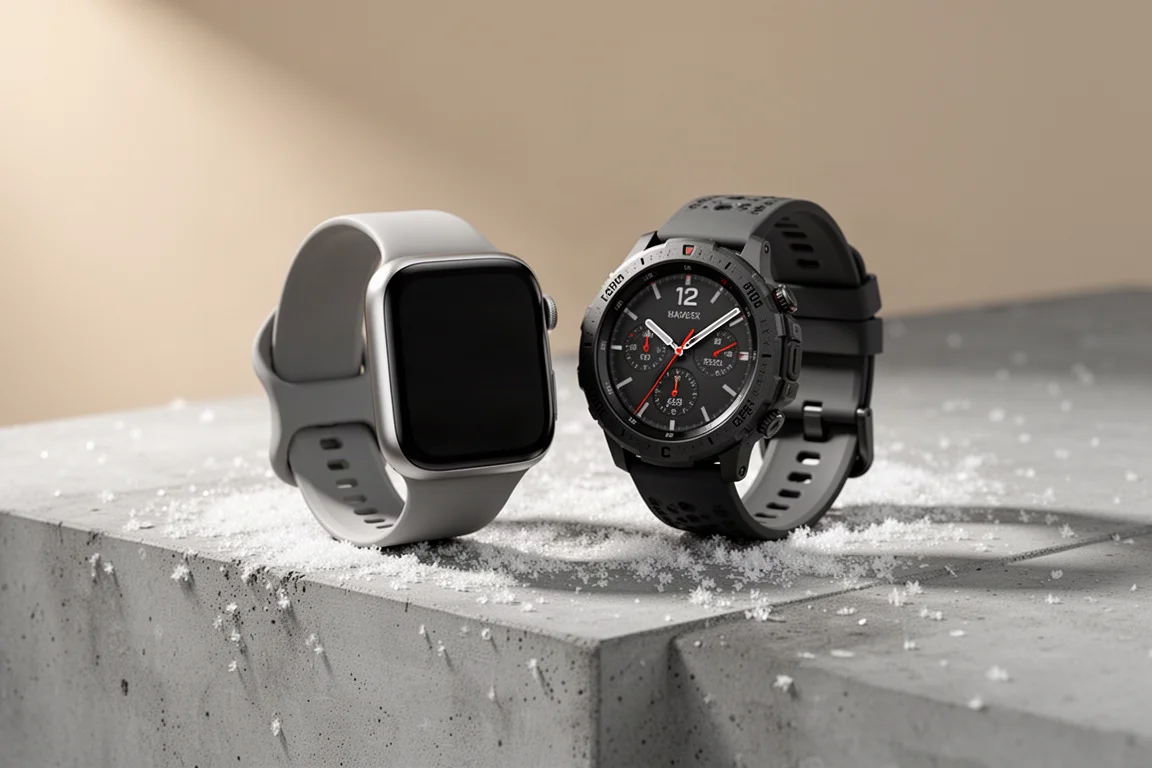
Comparing the Apple Watch with a Garmin watch for skiing and snowboarding reveals two platforms that are almost complete opposites, both in good and bad ways. Tested side by side over a week of skiing in Chamonix and the French Alps, with a watch on each wrist, the differences show up everywhere: on the watch during your runs, and in the companion apps afterwards. Both platforms cover skiing and snowboarding identically from a tracking standpoint, so it does not matter which board you use to get down the hill.
One thing to note upfront: the measured results were remarkably close. Wearing both watches at all times, the total vertical descent recorded on most days sometimes differed by just a meter or two, which is impressive for two independent platforms.

Tracking on the Slopes App
Apple does not ship its own app for tracking skiing and snowboarding runs, so you need a third-party app. The good news is that many of those are free. The Slopes app is a popular choice and offers both a free version and a paid version, with no difference in actual tracking between the two.
Setup is straightforward. After installing the iOS app, confirm that the Apple Watch app was automatically installed before heading to the hill. You can adjust settings such as units (metric, statute miles, or the UK blend of the two), add friends for live tracking, and link the app to platforms like Strava so activities push across automatically. Enabling the autolock setting is worthwhile so the screen does not react to stray touches from gloves or poles.
The Slopes app automatically detects runs versus chairlift time, pauses tracking while you ride the lift, and shows your stats in real time while skiing. At the end of a run or on the lift, you can cycle through total stats and last-run stats using the digital Crown.
That Crown interaction is the main on-hill complaint. With big gloves and ski pole straps on your wrist, turning the digital Crown is not a great experience, and it is the only way to see per-run stats in the Slopes app. You also cannot customize data fields or pages on the watch the way you can on Garmin.
On-Hill Experience: Garmin Watch
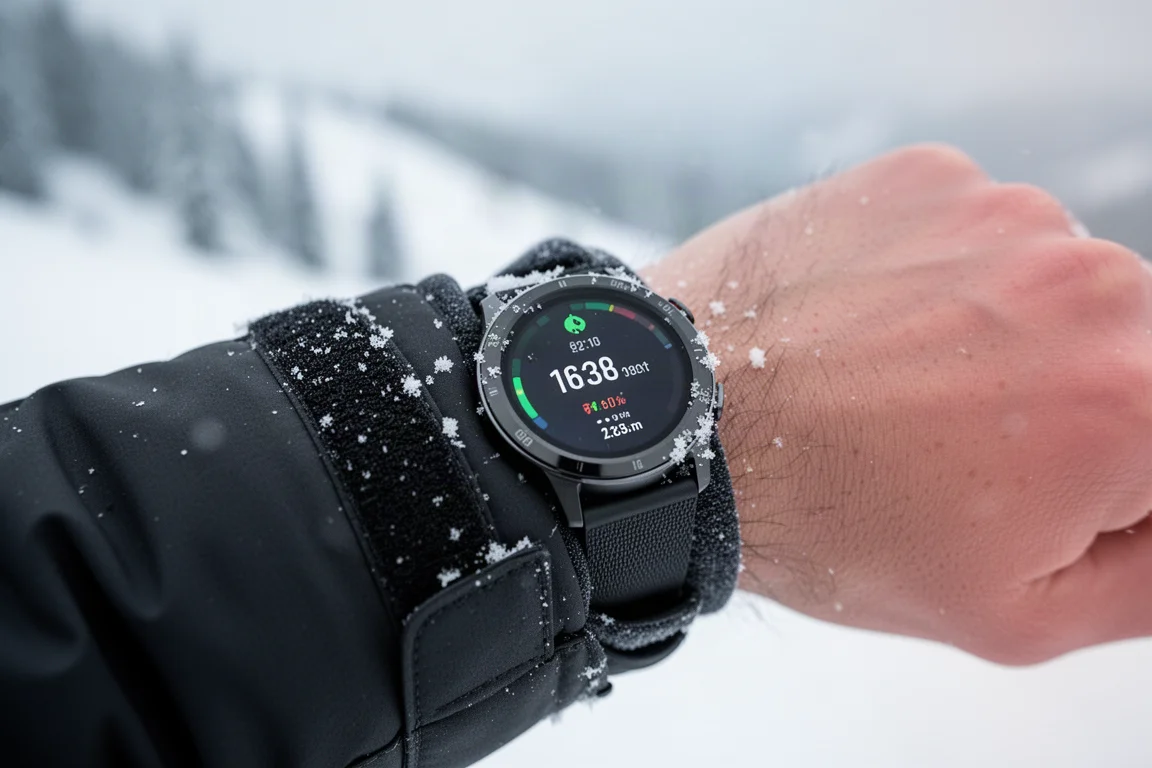
Garmin’s ski activity lives in the sports list on the watch. Which watches support the ski app generally aligns with whether the model has a barometric altimeter, though newer models break that mold. You may need to scroll through the add-sports list to find the ski mode. Garmin also changed its autorun behavior last spring so that lift time is recorded rather than paused, which mostly matters for capturing recovery heart rate after a hard run.
The standout difference versus Apple is customization. On Garmin, every data page and every data field can be configured however you like, with as many or as few metrics as you want, per run or for the day. Using the physical side buttons to page through total and per-run stats is far easier with gloves than turning a Crown.
Garmin watches with built-in maps also include ski resort maps with run and lift details. In practice, though, navigating a small map with gloves is not very practical; most skiers will still rely on the big trail maps at lift stations. It is nice to have as a backup if something goes wrong out on the hill.
Post-Ski Analysis: Slopes on iPhone
The Slopes app on the phone is where the experience really shines. You can create a trip profile with date ranges and a resort so all your stats combine together, and even set up upcoming trips with a countdown and forecasted weather per resort. Community-reported snow conditions appear too, and while reports cover everything from powder to ice, the majority generally calls conditions correctly.
One clever touch: if you ski at a different resort in the morning and another in the afternoon, Slopes combines the separate recordings into a single day. The app also automatically pulls in photos and videos from that time period, shows a map of your day with ski time in red and lift time in black, and offers 3D and 2D map views with zoom and augmented-reality angles. Almost everything is free; the main premium feature is overlaying speed points on the run. Comparing a paid account (around $30 a year) with a free account, the visible stats are very close, with lifetime, season, and per-trip stats available over time.

Post-Ski Analysis: Garmin Connect
Garmin Connect is the biggest contrast with Slopes. There is no dedicated ski section in the app, so you sift through your activities to find the session. Once open, you get summary totals, a tappable map with a classification of ski runs versus lifts, and a free speed overlay, something that costs extra on the Slopes side.
Beyond that, the stats are fairly basic. You see run totals but cannot drill much deeper, and the daily elevation profile appears in the same format as any other Garmin activity, whether a run or a ride.

The Best of Both Worlds
Interestingly, the Slopes app can connect to Garmin Connect. That means you can use a Garmin watch for the on-hill tracking and customization, then feed the data into the Slopes phone app for all the post-ski analysis. It is effectively the best of both worlds: flexible data pages while skiing and a rich app experience afterwards.
Both platforms also work perfectly fine in simpler configurations. A Garmin watch with all default settings worked great, and a free version of Slopes on an Apple Watch worked equally well, with everyone seeing essentially the same stats.
Which Setup Should You Pick?
If you already own an Apple Watch, adding the free Slopes app gets you excellent post-run analysis at no cost, with the caveat of a less glove-friendly watch experience. If you own a Garmin watch, you get superb customization and physical buttons on the hill, but only basic analysis in Garmin Connect unless you pair it with Slopes. And if you own both, connecting your Garmin watch to the Slopes app may be the strongest combination of all.

Conclusion
For skiing and snowboarding tracking, the Apple Watch with Slopes and a Garmin watch are polar opposites that complement each other well. Apple plus Slopes wins on after-ski analysis and trip organization, Garmin wins on on-hill customization and control, and the measured accuracy between the two is so close that either will capture your vertical reliably. Choosing between them is less about stats accuracy and more about where you want the better experience: on the watch, or in the app afterwards.
Further reading
Related Reviews
Wearables
Apple Watch Ultra 3 vs Garmin: Which Training Watch Wins for Athletes
A practical head-to-head comparison of the Apple Watch Ultra 3 and Garmin for serious training, covering GPS accuracy, data tracking, usability, and recovery metrics.
Wearables
Apple Watch vs Garmin for Running: A Year of Training Compared
After a year training for marathons with both devices, here's what actually matters when choosing a running watch.
Wearables
Apple Watch Ultra 3 vs Garmin Fenix 8 Pro: Satellite Messaging Compared
A practical comparison of satellite messaging on the Apple Watch Ultra 3 and the Garmin Fenix 8 Pro, covering connection methods, messaging workflows, coverage, and running costs.