Wearables
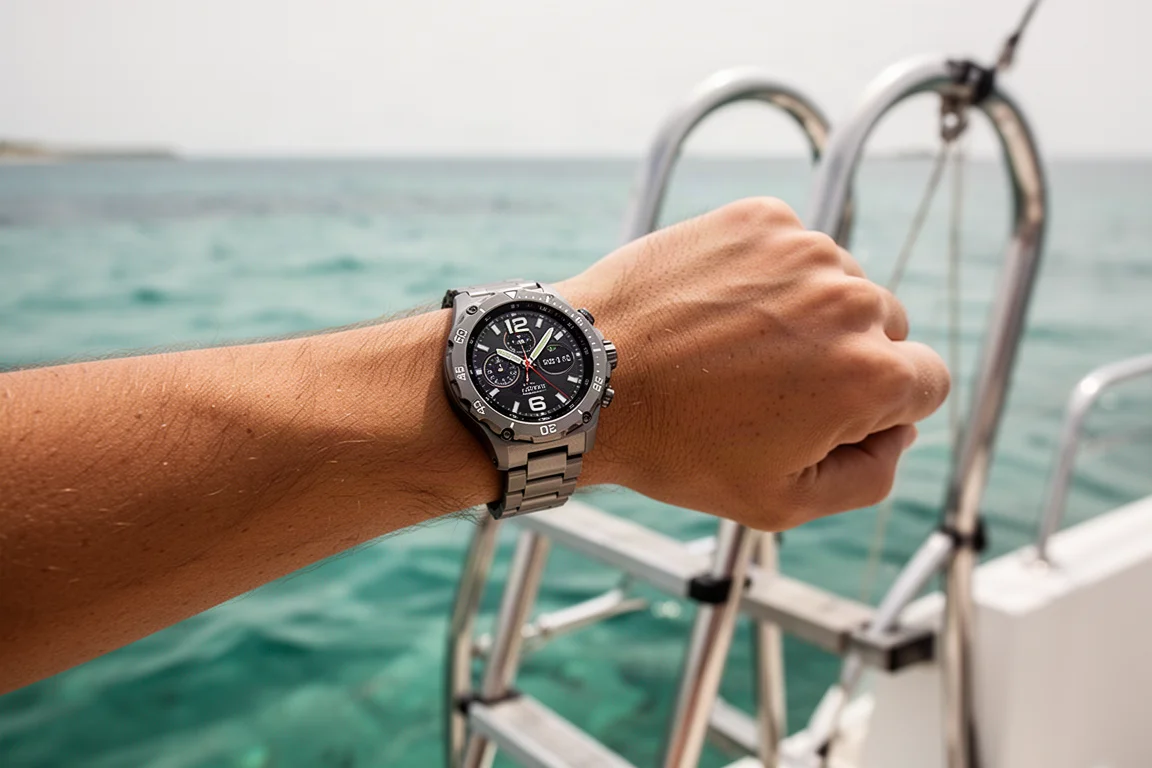
Apple Watch Ultra Dive Test: What Happens Beyond 40 Meters
A pressure chamber test of the Apple Watch Ultra's depth tracking, from the 40-meter Depth app limit down to the hardware's 100-meter rating.
Introduction
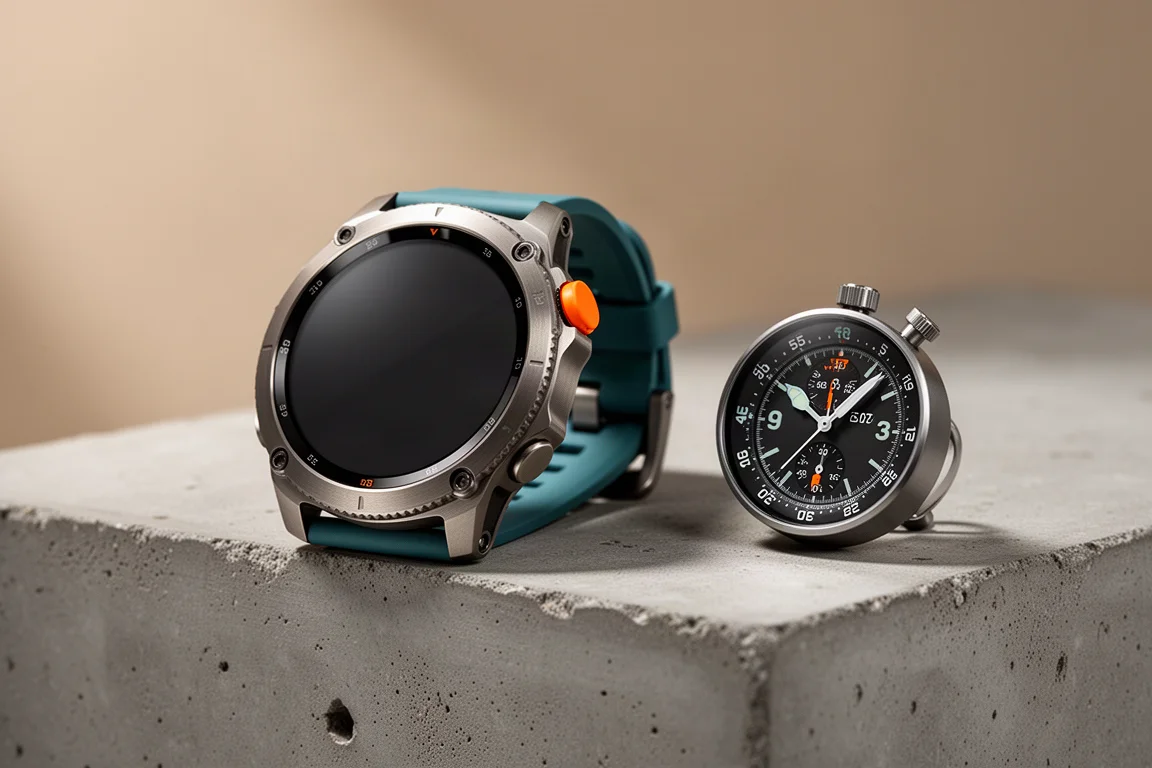
Most water resistance claims are numbers on a spec sheet. To see what the Apple Watch Ultra can actually do underwater, this test put one in a purpose-built pressure chamber that can simulate full dive profiles, including programmed stops at fixed depths, with a reference dive gauge alongside for comparison.
The goal was simple: verify the watch’s depth readings through a multi-stage dive, push past the software limits of the built-in Depth app, and confirm where the line sits between what the hardware is rated for and what the software is willing to show.
Inside the Pressure Chamber Test
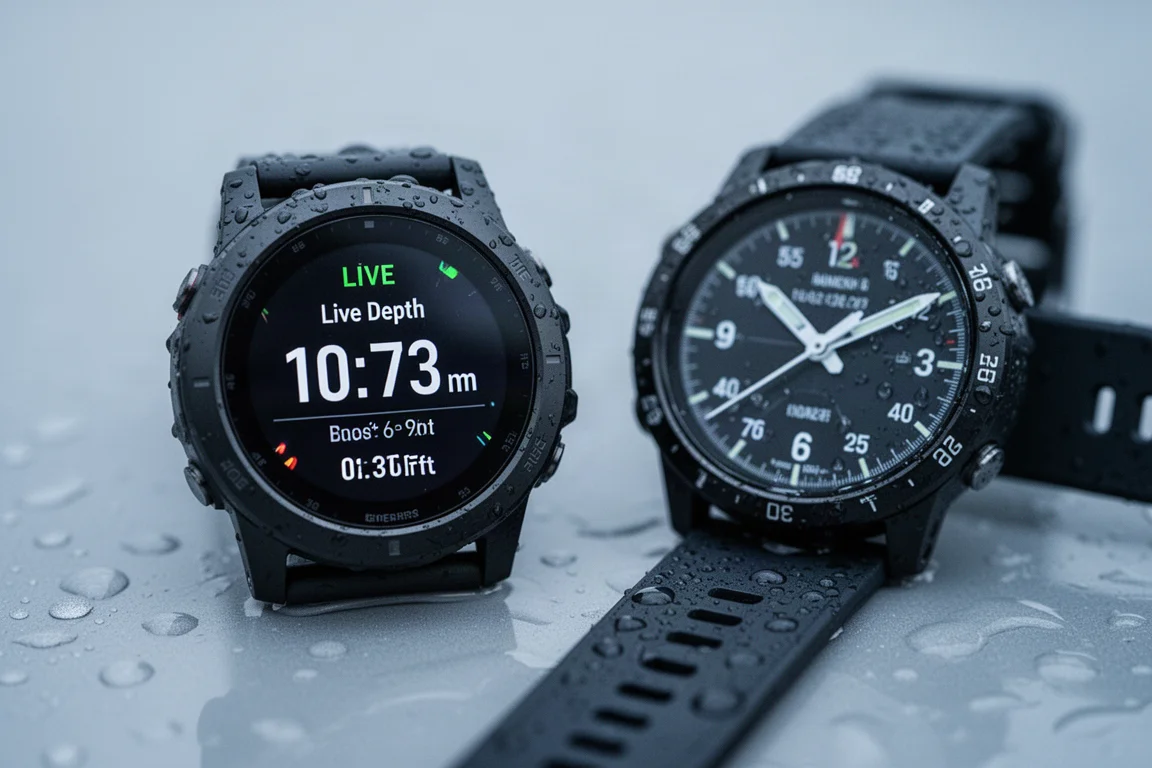
The chamber itself is a heavy-lidded test vessel for dive equipment, fed by a compressor that pressurizes the air inside and drives water pressure against the watch. It is controlled through an aging PC tablet running a custom test application, and a pre-programmed dive profile can be loaded so the watch experiences a realistic sequence of descents, stops, and ascents rather than a single plunge.
For validation, a separate dive gauge sat in the chamber alongside the watch. It had not been calibrated recently, but throughout the test the two tracked each other closely. At a 40-meter stop, the chamber’s control readout showed roughly 125 to 126 feet while the gauge read around 123 feet, a difference small enough not to matter for this kind of test.
The Depth App: Designed for 40 Meters
Every Apple Watch Ultra includes a Depth app by default, and it is designed for a maximum of 40 meters. That limit is deliberate: 40 meters is the boundary for advanced open water recreational diving, which is exactly the use case Apple targets with this app. The hardware itself is a different story. The watch is certified to 100 meters, meaning the case, buttons, and seals are built to be used at that depth with no restrictions.
One practical note from testing: the watch does detect water entry automatically and turns on the Depth app, but unless the app is opened before submersion, the screen will not stay on during the dive. Starting the app manually before going under is the reliable way to get continuous readings.
What Happens Beyond the Limit
During the programmed profile, the watch descended to 40 meters and held there, displaying live depth in both meters and feet along with a maximum depth marker and the time of day. When the profile pushed past 40 meters, roughly beyond 130 feet, the Depth app stopped showing live depth entirely. Instead of a reading, it displays a warning telling you to return to shallower water. The maximum depth field simply reports that the dive went beyond 130 feet.
This is the key distinction to understand before buying: the hardware is rated to 100 meters, but the software deliberately refuses to report deeper than 40 meters. The watch did not fail, glitch, or lose accuracy. It just declined to participate, which is exactly what Apple designed it to do.
After the Dive: Data and History
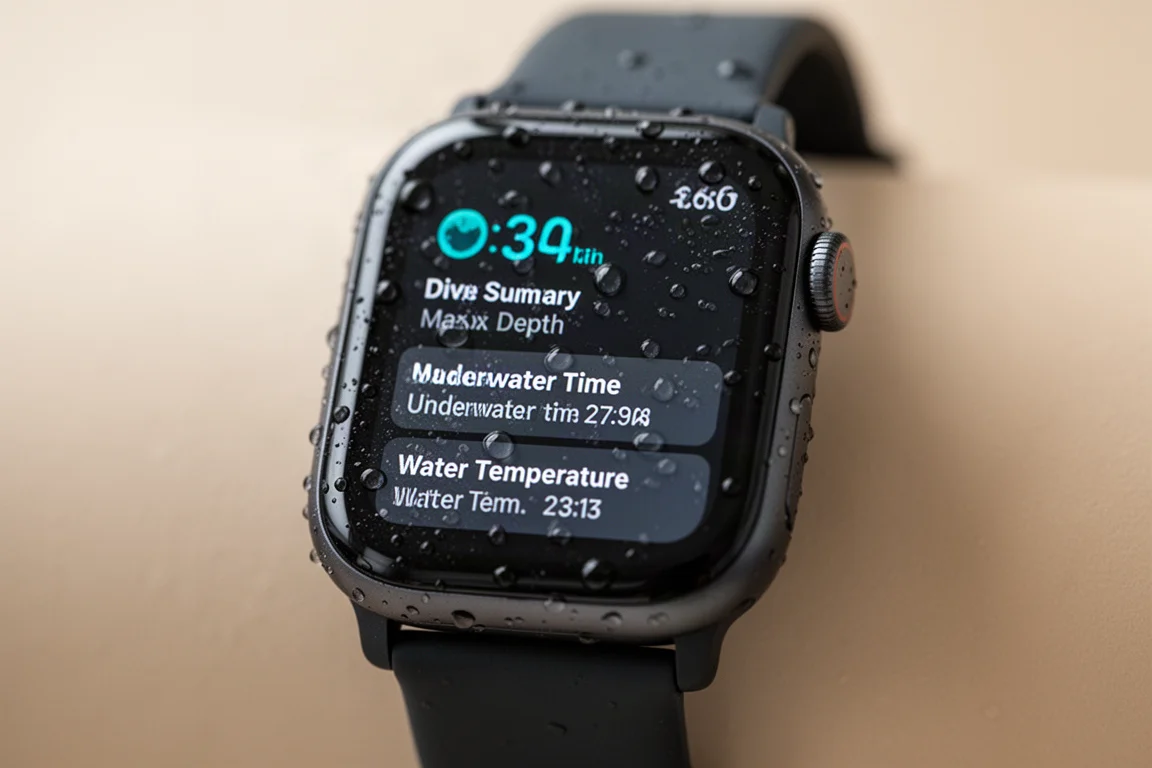
When the dive ended, the watch automatically generated a summary showing maximum depth, underwater time, water temperature, and the time. A deeper history lives in the Health app on your phone, under underwater depth, organized by day and hour. Individual depth samples are recorded every few seconds, and the underlying data includes far more granularity than the summary screen suggests.
That extra data is likely what third-party dive apps can access, and it is why the upcoming Oceanic+ app matters. That app is positioned to turn the Ultra into a full dive computer with dive planning and post-dive syncing to its own platform, features the basic Depth app intentionally lacks. Worth noting: the samples recorded dives deeper than the app’s displayed limit, so the underlying sensor data was there the whole time.
Who This Watch Is For
Apple is clear that the Depth app is for recreational, casual diving and that you should carry a secondary dive computer. The realistic use case is the vacation diver: someone who does an occasional dive on holiday and wants a record of it without buying dedicated dive gear. For serious or frequent diving, the Oceanic+ app’s arrival will be the real test, and until then the built-in app is intentionally basic.
Things to Consider Before Buying
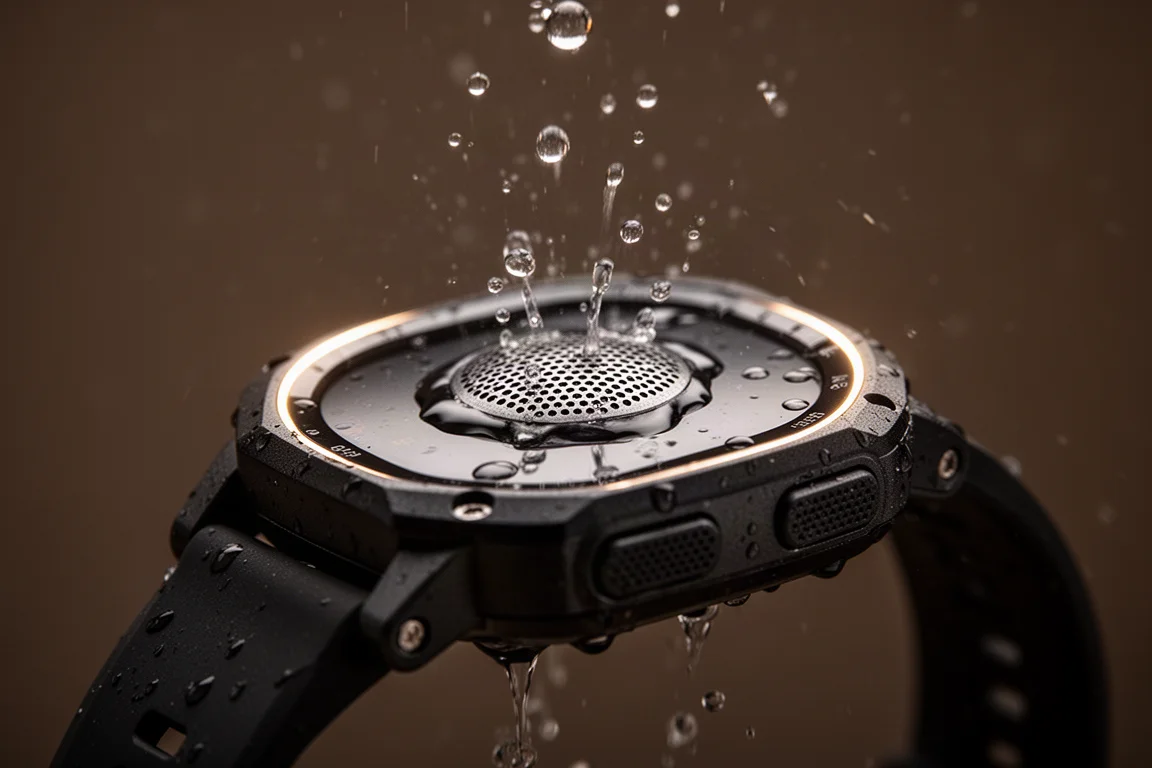
If you want a watch for occasional recreational diving with a beautiful summary of each dive, the Ultra handles it well, and the 100-meter hardware rating gives comfortable headroom. If you need a primary dive computer with planned profiles and detailed logging, wait for or pair with a dedicated solution. The button design also made the chamber’s mechanical button presser unreliable underwater, something to know if you plan to operate the watch while submerged.
Buying Advice
Treat the Depth app as a bonus for casual dives, not the core reason to buy. The Ultra’s strengths underwater are its certified 100-meter hardware, automatic water entry detection, clean dive summaries, and health app integration. Anyone expecting a full dive computer today should look elsewhere or wait for the third-party dive software to arrive.
Conclusion
The pressure chamber test confirmed the essentials: accurate depth tracking against a reference gauge, reliable behavior through a full programmed dive profile, and a hard, intentional software stop at 40 meters that coexists comfortably with 100-meter hardware certification. For recreational divers who also want a premium everyday smartwatch, that combination is genuinely rare.
Product link
View more details for Apple Watch Ultra
This product is mentioned in the review. Check the specifications, options, and compatibility before buying.
View more details for Apple Watch UltraFurther reading
Related Reviews
Wearables
Apple Watch Ultra 3 vs Garmin: Which Training Watch Wins for Athletes
A practical head-to-head comparison of the Apple Watch Ultra 3 and Garmin for serious training, covering GPS accuracy, data tracking, usability, and recovery metrics.
Wearables
Apple Watch vs Garmin for Running: A Year of Training Compared
After a year training for marathons with both devices, here's what actually matters when choosing a running watch.
Wearables
Apple Watch Ultra 3 vs Garmin Fenix 8 Pro: Satellite Messaging Compared
A practical comparison of satellite messaging on the Apple Watch Ultra 3 and the Garmin Fenix 8 Pro, covering connection methods, messaging workflows, coverage, and running costs.