Wearables
Apple Watch Ultra 2 Review: How the Vitals App Helped Me Catch an Illness Early
A practical look at the Apple Watch Ultra 2 and the watchOS 11 Vitals app, including how trend tracking and outlier alerts can flag illness before you realize something is wrong.
Introduction
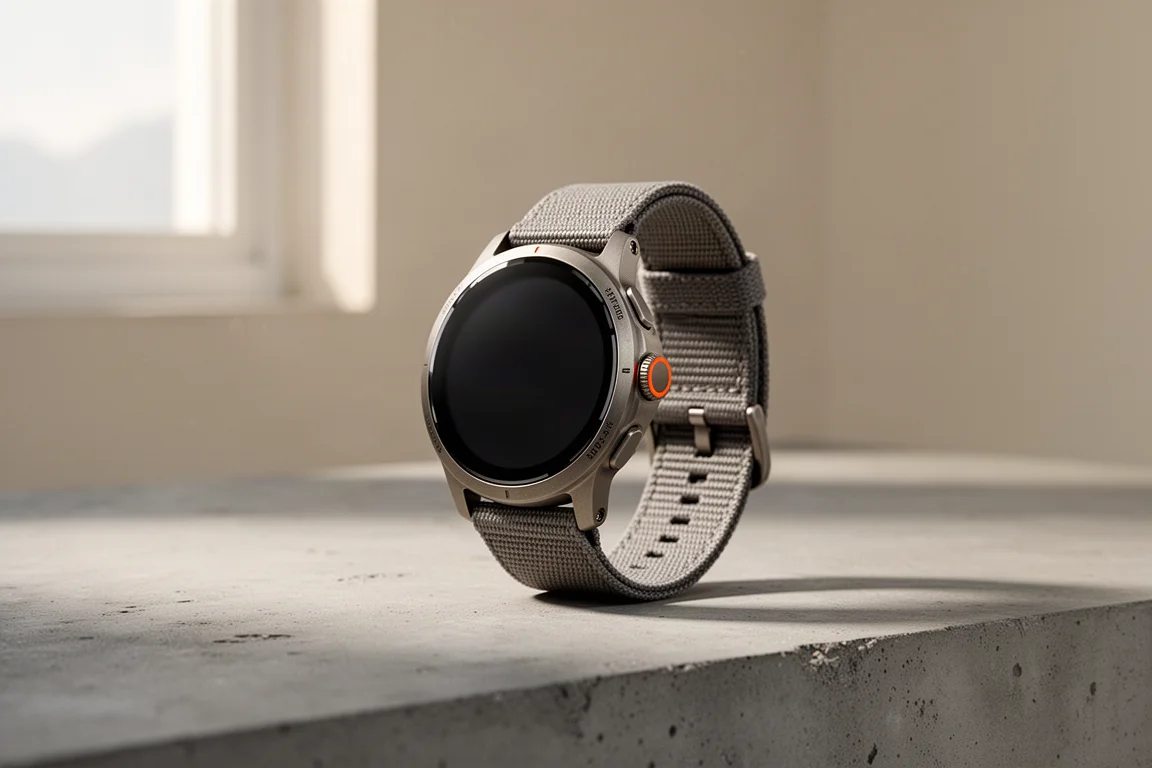
When Apple released watchOS 11, it brought a few features cyclists and fitness-focused users had been waiting on for a long time, including training load to track workout trends over time. But the quieter addition that turned out to be surprisingly useful is the Vitals app, and this review of the Apple Watch Ultra 2 covers how it works in practice, including what happened when it helped flag an illness that looked a lot like ordinary training fatigue.
Who This Product Is For
The Apple Watch Ultra 2 suits people who want a durable everyday smartwatch that also happens to track serious health data around the clock. If you train hard, care about overnight metrics, and want warnings when something drifts out of your normal range, the combination of this hardware and the Vitals app is genuinely relevant. It is less suited to anyone expecting a single morning readiness number, because that is not what Apple is doing here.
Main Strengths
What the Vitals App Actually Does
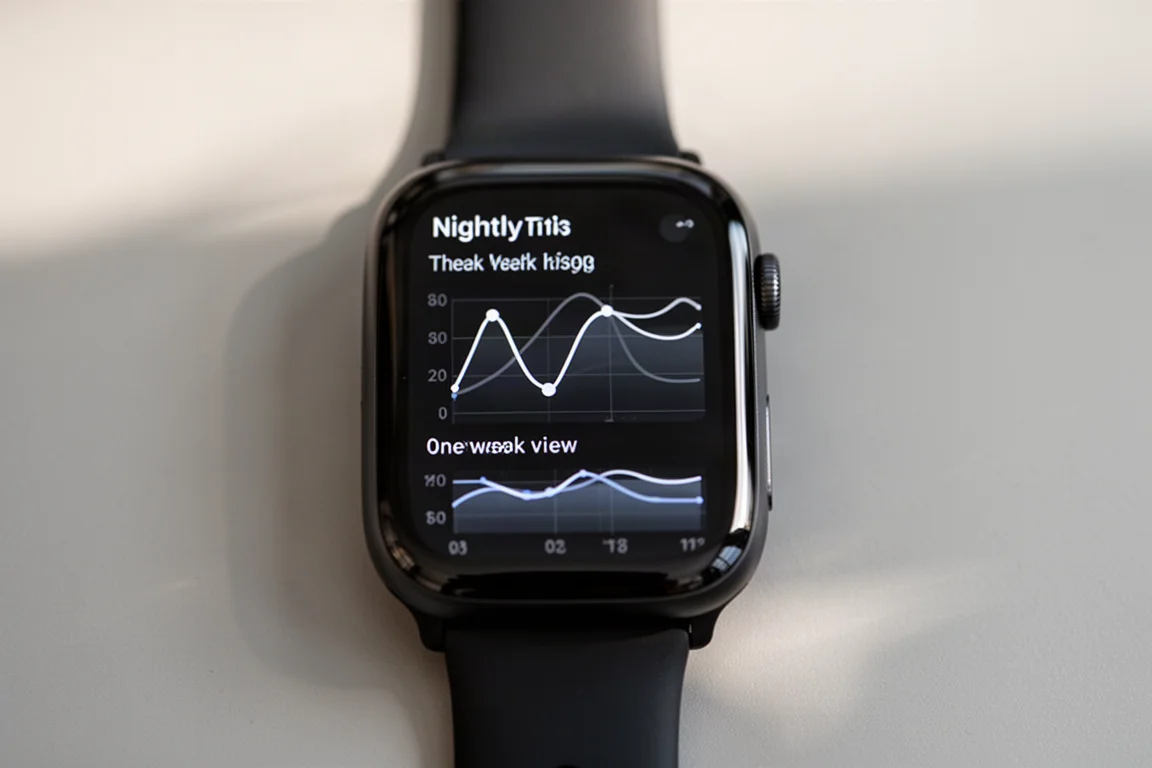
The Vitals app collects the important health metrics an Apple Watch already tracks during sleep and puts them all in one place: sleep duration, resting heart rate, breathing rate, and skin temperature, plus blood oxygen saturation if your watch supports that feature in your region. Over time, it establishes a baseline so it can tell you whether you are within your normal range or out of range on one or more metrics.
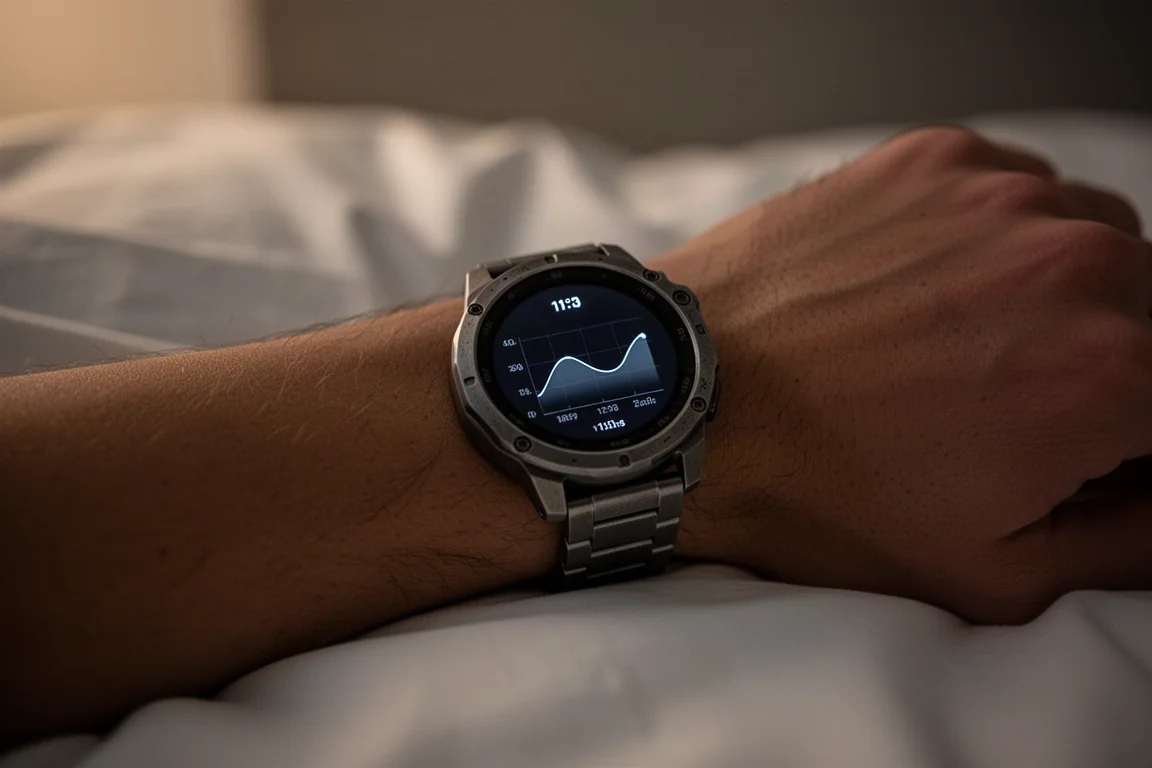
Unlike Fitbit’s readiness score, Whoop’s recovery score, or Garmin’s Body Battery, there is no score at all. It simply tells you if things look normal, and if one metric is off, it flags that as an outlier.
Outlier Alerts That Actually Mean Something
Here is the detail that matters: a single outlier in a night shows up in the app, but the watch will not push a notification. Only when multiple metrics are off in the same night do you get an actual notification. That is a deliberate, conservative design, and in practice it keeps the alerts meaningful rather than noisy.
A Real Week of Training and One Off Night
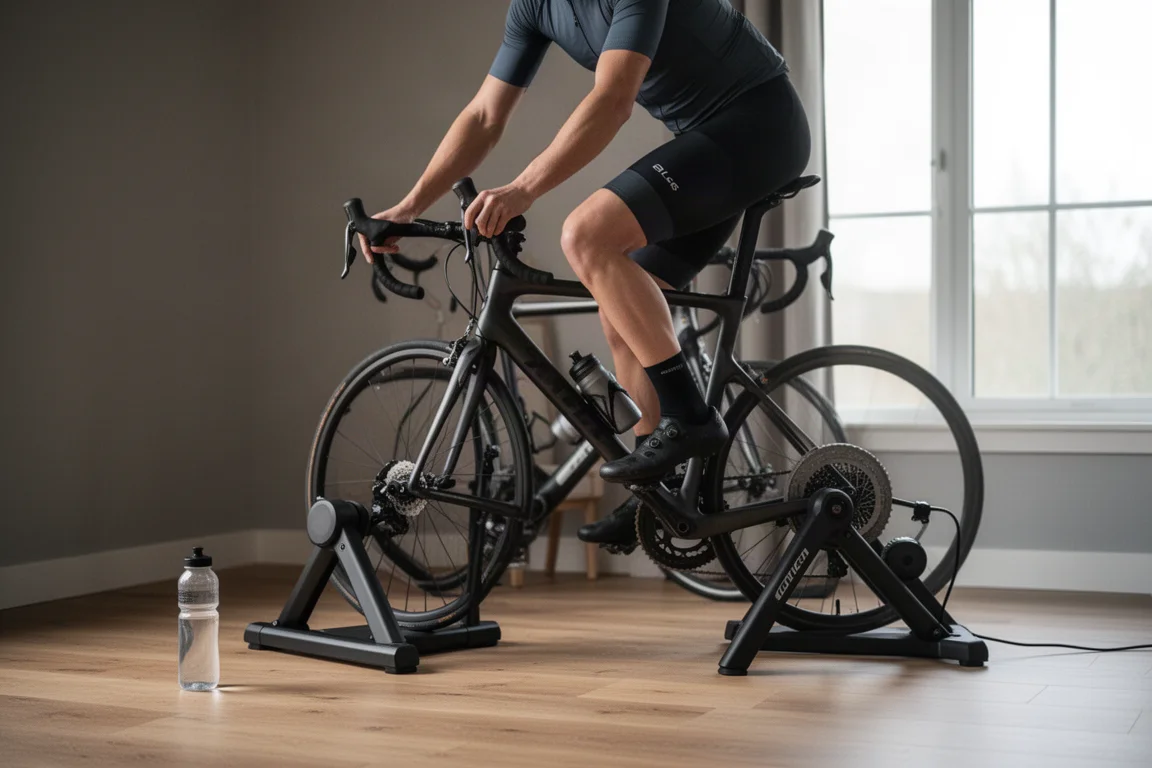
One week of hard training, with rides well over two hours long plus some weight training and high-intensity interval sessions layered on top, ended with a Friday easy ride that felt harder than it should have. The next morning felt like the usual post-training fatigue, but the Vitals app showed resting heart rate well above normal while everything else stayed in range. Looking back a couple of days earlier, there had been another out-of-range night that was easy to blame on late-night cookies. It was not the cookies.
The next day brought a watch notification: two outliers, resting heart rate and skin temperature, both out of range in the same night. After ruling out late meals, caffeine, and alcohol, a thermometer confirmed a fever and a follow-up test confirmed illness. During recovery, watching the stats gradually normalize again was just as useful, backing up what the body was already saying.
Things to Consider Before Buying
The Vitals app does not diagnose anything. It provides clues and context, and it is still essential to listen to your own body. Apple also takes a notably conservative approach: no readiness score, no recovery score, and not even a sleep score, even though the watch collects the data those features would require.
The biggest missing metric is HRV, or heart rate variability. Apple Watches collect it throughout the night, but it is not currently included in the Vitals metrics list. Given that HRV baselines are exactly the kind of trend data the Vitals app is built around, that omission is noticeable. Third-party apps do exist that provide Fitbit, Whoop, or Garmin style features on an Apple Watch, for those who want a scored approach.
Regional availability also matters: in the US, blood oxygen saturation tracking is not available on this watch, so the Vitals app tracks heart rate, respiratory rate, skin temperature, and sleep duration instead. In some regions outside the US, SPO2 tracking is included.
Buying Advice
If you want a rugged, capable smartwatch and you value overnight health trends presented honestly rather than dressed up as a score, the Apple Watch Ultra 2 with watchOS 11 is an easy recommendation. It caught an illness that easy-to-blame training fatigue would have masked, and it kept providing useful context through recovery. If a daily readiness or recovery score is the thing you actually want, third-party apps on the same watch can fill that gap.
Conclusion
The Vitals app is not a recovery score and it is not trying to be one. What it does well is track your nightly health metrics, establish a baseline, and flag outliers that can point to overtraining, illness, or simply too much fun the night before. On the Apple Watch Ultra 2, it proved genuinely useful in exactly the scenario that matters: knowing when it was not just fatigue.
Product link
View more details for Apple Watch Ultra 2
This product is mentioned in the review. Check the specifications, options, and compatibility before buying.
View more details for Apple Watch Ultra 2Further reading
Related Reviews
Wearables
Apple Watch Ultra 3 vs Garmin: Which Training Watch Wins for Athletes
A practical head-to-head comparison of the Apple Watch Ultra 3 and Garmin for serious training, covering GPS accuracy, data tracking, usability, and recovery metrics.
Wearables
Apple Watch vs Garmin for Running: A Year of Training Compared
After a year training for marathons with both devices, here's what actually matters when choosing a running watch.
Wearables
Apple Watch Ultra 3 vs Garmin Fenix 8 Pro: Satellite Messaging Compared
A practical comparison of satellite messaging on the Apple Watch Ultra 3 and the Garmin Fenix 8 Pro, covering connection methods, messaging workflows, coverage, and running costs.