Wearables
Apple Watch Fitness Features You Might Have Missed: Series 8, SE and Ultra
Less-publicized fitness features across the Apple Watch Series 8, SE (2nd gen) and Ultra, from always-on watch GPS to track running, Race Route and Backtrack.
Introduction
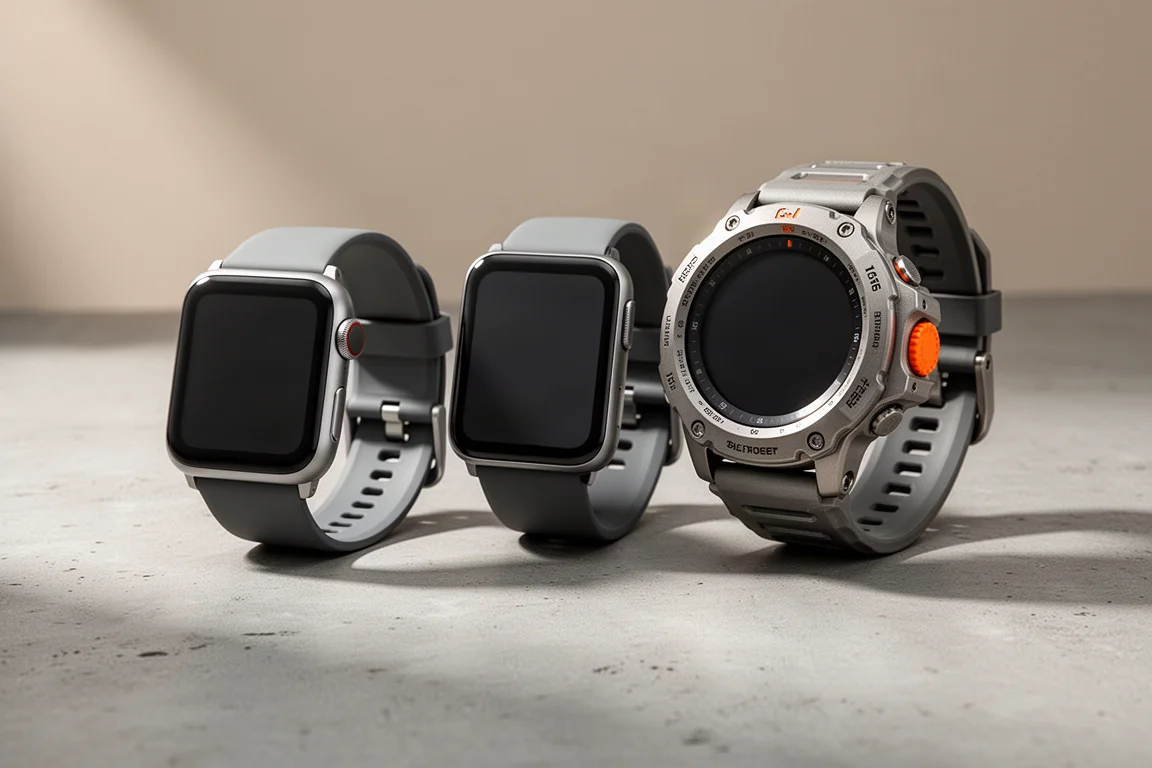
Most coverage of the Apple Watch Series 8, the SE (2nd gen) and the Ultra focused on the headline announcements. But Apple’s newest watches pack a set of fitness-focused features that got far less attention, and some of them change how the watch behaves in ways worth understanding before you buy.
Here are the standout ones, plus a bonus detail about the Ultra’s LTE situation in some markets.
GPS Now Comes from the Watch Itself
This is the biggest fundamental shift. Up until now, if your iPhone was in range, the Apple Watch would borrow the phone’s GPS for workouts, burning the phone’s battery instead of the watch’s. This year’s watches, including the Apple Watch SE (2nd gen), the Series 8 and the Ultra, no longer do that. They always use the GPS inside the watch itself, whether or not your phone is with you.
There are two camps here. If you are an outdoor user, you probably want to manage your phone’s battery separately from the watch’s, which this change supports. If you mostly train near civilization and could charge your phone anytime, you might have preferred the old battery-saving behavior. Either way, the decision is made, and it favors people who head into the outdoors.

Track Running Mode, Apple’s Way
The new outdoor track running mode gives you more accurate splits on the track, so crossing the line registers precisely 100, 200 or 800 meters rather than something like 836 meters due to GPS inaccuracy.
What is interesting is how differently Apple approaches it. Garmin, Coros and Wahoo all require you to run roughly two or three calibration laps so the watch learns each track, since every track’s curvature is slightly different, then saves it forever. Apple instead leverages its own maps data to recognize tracks in advance. If your track is in the database, you just show up, set your lane number on the watch, and start running. No calibration laps.
The catch: the feature is launching only in North America this year, and it only works if your track is in Apple’s database. Local, private, or stadium tracks may never be recognized, which could be a real limitation as the feature expands globally.

Race Route
Coming later in the year, Race Route lets you race your past activities. No loading GPX files or planning routes ahead of time. If you have run the same 5K or 10K route twice, the third time you start from that spot the watch will offer to let you compete against your previous times.
Apple says the matching is reasonably smart. If you typically start several routes from the same place, it will show you a list to pick from. And if you simply cross to the other side of the road 100 meters in, it should still recognize the route as the same. It was not shown running in the keynote, so real-world behavior remains to be seen.
Compass Upgrades: Waypoints and Backtrack
The compass changes reach further than the keynote suggested. Watches from Series 5 and up get the revamped compass app. Series 6 and above also gain waypoint saving and the new Backtrack feature, so you can mark a location with a custom icon, save many waypoints around the world, and navigate back to them.
Backtrack leaves a breadcrumb trail of your path so you can retrace your steps, recording a point roughly every two minutes. That is lower fidelity than most dedicated navigation devices, but probably good enough for most scenarios.
The trigger logic is clever. Backtrack does not start automatically when you begin a workout. Instead, the watch monitors the density of Wi-Fi signals around you and your cellular signal. When both drop significantly, it infers you may be heading somewhere without coverage and turns on automatic tracking. For casual walkers who never start a workout and did not plan on getting lost, that automatic trigger is genuinely useful, though always-on tracking during hikes would arguably be better still.

Smarter GPS Track Correction
More tied to watchOS 9 than to the new hardware, Apple is now doing far more proactive real-time correction of your GPS track using its maps data. In the past, if GPS placed you slightly off the road or trail, the track would generally stay there. Now the watch snaps your position back to the mapped road or path when it detects you drifting.
This could produce noticeably more accurate-looking GPS tracks, though it deserves longer-term testing to see how the correction behaves in edge cases.
Workout Timer Controls
Two long-requested features arrive around starting workouts. Exclusive to the Ultra, Precision Start lets you lock GPS and get the watch ready in running mode without starting the timer, then trigger it at the exact second you cross the starting line using the action button. Ideal for race starts where a 3-second countdown would throw off your splits.
On watchOS 9 across the lineup, you can now see whether the watch has actually acquired a GPS signal, with a locked indicator appearing in the upper corner after you start the workout. It only shows up post-start rather than on the workout selection screen, but it is a welcome first step.
More Customizable Data Screens
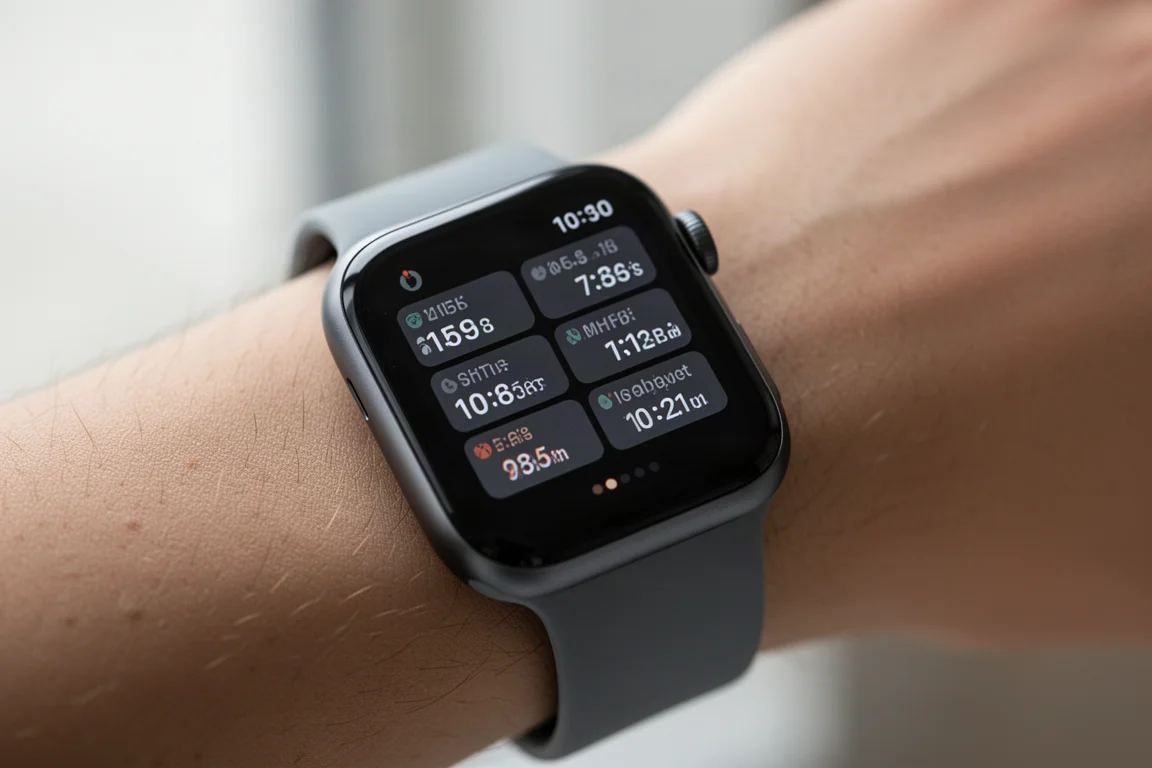
One of the quieter additions: a new data screen allows up to six configurable data fields plus the time in the upper corner. That is one more field than the previous generation, and you can customize up to two of these data pages. Competitors like Garmin allow far more, but for Apple this is a meaningful step forward for anyone who trains with structured data.
The Ultra’s LTE Situation in Some Countries
A bonus detail worth knowing if you are shopping internationally. Every Apple Watch Ultra sold has LTE built in, unlike the Series 8, which comes in LTE and non-LTE versions. Some countries have no cellular carrier partnerships for the watch, so buyers there cannot purchase a cellular Series 8 at all. But all countries will sell the Ultra, even without a carrier partner. In those markets you simply use it without LTE coverage, relying on your phone instead.
Choosing Between the Three
If you are a serious outdoor athlete, the Ultra is the clear fit: rugged build, always-included LTE, and exclusive features like Precision Start. The Series 8 is the balanced choice for most fitness-focused users who want the full feature set. The SE (2nd gen) covers the essentials for casual trainees at a friendlier price, and shares the same new watch-based GPS behavior as the rest of the lineup.
Conclusion
Beyond the keynote highlights, this generation of Apple Watch brings meaningful fitness changes: watch-based GPS across the board, map-powered track running, retrospective racing with Race Route, waypoint and Backtrack navigation, real-time GPS correction, and better race-day and data-screen control. For anyone who trains with an Apple Watch, these quieter updates may matter more than the headline features.
Product link
View more details for Apple Watch Series 8
This product is mentioned in the review. Check the specifications, options, and compatibility before buying.
View more details for Apple Watch Series 8Further reading
Related Reviews
Wearables
Apple Watch Ultra 3 vs Garmin: Which Training Watch Wins for Athletes
A practical head-to-head comparison of the Apple Watch Ultra 3 and Garmin for serious training, covering GPS accuracy, data tracking, usability, and recovery metrics.
Wearables
Apple Watch vs Garmin for Running: A Year of Training Compared
After a year training for marathons with both devices, here's what actually matters when choosing a running watch.
Wearables
Apple Watch Ultra 3 vs Garmin Fenix 8 Pro: Satellite Messaging Compared
A practical comparison of satellite messaging on the Apple Watch Ultra 3 and the Garmin Fenix 8 Pro, covering connection methods, messaging workflows, coverage, and running costs.