Nederlands · Home Theater
Kaleidescape Strato K Review: 4K Cinematic, Native 8K, and What Changes
Kaleidescape's flagship Strato K introduces the 4K Cinematic format with up to 4:4:4 chroma and adds native 8K playback. Here is what it changes and who it suits.
Introduction
The Kaleidescape Strato K is the company’s new flagship movie player, and it arrives with two firsts attached. It is the first Kaleidescape player with native 8K playback, and it is the first Kaleidescape player to be certified by the 8K Association.
The bigger story, though, is 4K Cinematic. It is a new format that pushes chroma sampling as far as a full 4:4:4, and these versions of the films were rebuilt from the ground up rather than switched on from a menu. On a large screen, that extra color information is what most viewers will actually notice.
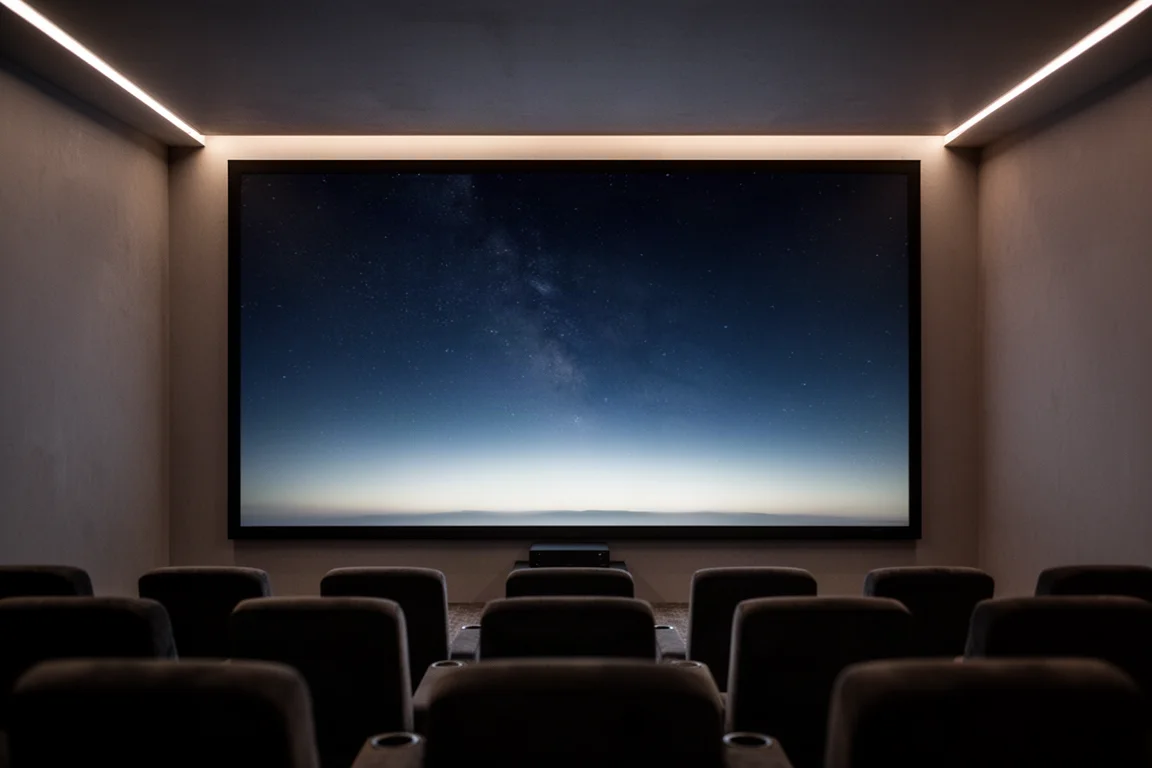
Kaleidescape has been building this platform for almost 25 years and describes it as the world’s only high-fidelity movie library, covering movies, TV series and concerts with reference-quality video and full lossless audio. Titles are downloaded to local storage rather than streamed, so there is no buffering, no compression artifacts and no ads. Once a film is on the drive, it plays back without an internet connection at all.
Physically, the Strato K is about the size of a thick hardcover book. The chassis is black anodized aluminum, and the glass front panel glows faintly blue with the Kaleidescape logo, much like the Strato V. What separates it from the rest of the lineup is what it can play.
Who This Player Is For
The Strato K is aimed at viewers who already treat picture quality as the main event in a home theater. Three groups stand out.
The first is anyone building a high-end room around a very large television or a projector. Those are the setups where the extra color data and the higher bitrate are easiest to see, because larger images make banding and compression artifacts more obvious rather than less.
The second is existing Kaleidescape owners moving up from another Strato player. The Strato K does everything the Strato C and the Strato V can do, and adds 4K Cinematic and native 8K on top. Upgrading also unlocks 4K Cinematic downloads of the movies already sitting in a library.
The third is the standalone buyer. The internal drive holds about seven 4K Cinematic titles or about ten standard 4K titles, which is double the download capacity of the Strato E. That means a single Strato K can serve as a complete system without adding a server.
If the display in the room is a more basic panel, some of the advantage gets lost, because the screen simply cannot reproduce all of the extra data. In that case the Strato E remains the most affordable way into the 4K Kaleidescape ecosystem.
Main Strengths
Two developments carry the Strato K: the 4K Cinematic format and the way 8K content is sourced. Neither comes at the expense of audio support or setup flexibility.
4K Cinematic and What Chroma Actually Changes
4K Cinematic is not a setting or a mode you switch on. It is a completely separate file. Kaleidescape went back and created new versions of these movies from the ground up, so a 4K Cinematic download is a different file from the standard 4K version of the same title.
The real upgrade is chroma subsampling. Most 4K video, whether that is a 4K Blu-ray, a streaming service or the standard Kaleidescape 4K library, uses 4:2:0 chroma, which means only one out of every four pixels carries its own unique color information while the rest borrow color from their neighbors. 4K Cinematic re-transcodes movies from the studio master files using either 4:2:2 or a full 4:4:4, where every pixel gets real color data.
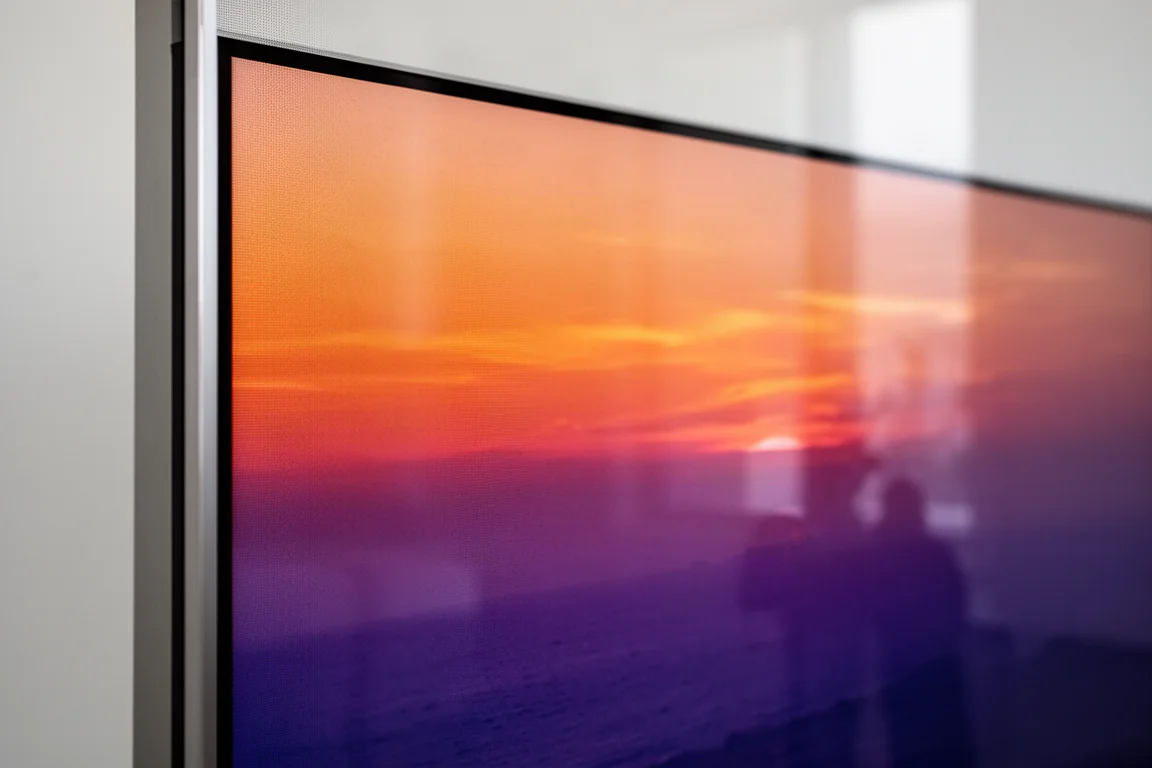
On its own, the difference between 4:2:0 and full 4:4:4 is not something most people consciously notice in everyday viewing. It shows up in specific situations: gradients in skies, subtle color transitions, scenes with a lot of saturated color, and HDR highlights. Those are exactly the places where lower chroma resolution can produce visible banding or posterization even when everything else in the frame looks sharp.
Bitrate, HDR, and What You Actually See
All of that extra color data makes the files substantially bigger, roughly 50% larger than a standard Kaleidescape 4K file. Because bitrate is really just file size spread over time, a larger file played back over the same runtime means a higher bitrate. The new 4K Cinematic files average around 110 megabits per second. Standard Kaleidescape 4K movies run around 75 Mbps on average, a 4K Blu-ray disc averages around 60 Mbps, and typical 4K streaming from the major services usually sits around 16 Mbps.
More data per second means less compression, and less compression means fewer of the things that quietly hold standard 4K back. In practice you should see less banding in skies, fog and dark scenes, cleaner motion during fast action, richer and more accurate color in scenes that would otherwise show posterization, and cleaner edges without the slight fringing or halo that sometimes appears around high-contrast detail.
HDR benefits as well. With more data per frame, a display can do a better job of tone mapping, which is the process of translating the HDR information in the file to what that specific television or projector can actually produce. That points to more accurate highlights, smoother transitions between bright and dark scenes, and fewer artifacts in difficult material such as neon signs, explosions and shots built around specular highlights.
Pricing and the Launch Library
Kaleidescape is pricing 4K Cinematic titles at the same level as its standard 4K releases. If a 4K Cinematic version of a movie exists and you have a Strato K, the store automatically gives you that version at the regular 4K price. Owners who upgrade from a different Strato player can download 4K Cinematic versions of the movies already in their library, which amounts to a free library upgrade to the larger file.
The launch library is not thin either. Somewhere in the range of 150 to 200 4K Cinematic titles are available at launch, starting with many of the most popular movies in the catalog, and more new releases and catalog titles will follow. The store can be browsed specifically for 4K Cinematic or 8K titles.
Native 8K Without the Usual Upscaling
An honest caveat belongs here. A good amount of research suggests that for most people in a normal living room or theater, the jump from 4K to 8K resolution alone is very hard to see. At typical seating distances the eye cannot resolve much more detail than 4K already provides, unless the screen is massive or the seat is unusually close.
That is not really what is interesting about 8K on this player. Kaleidescape’s 8K movies are sourced from real 8K mezzanine files, the densest and most complete master files used in professional post-production, rather than upscaled from 4K. Even when the Strato K downscales that file to 4K for a display, the result is a 4K image built from an even richer source than a 4K Cinematic master. At launch, very few theatrical titles are actually available from the studios in true native 8K, because mastering and distributing files that large takes considerable time.
Audio, Storage, and Standalone Setup
The Strato K does not cut corners on audio. It supports full lossless decoding for Dolby Atmos, DTS:X and the other formats a serious room will need.
Storage is straightforward. The internal drive holds about seven 4K Cinematic titles or about ten standard 4K titles, double the download capacity of the Strato E. A movie typically downloads in around 10 minutes over a gigabit Ethernet connection, and it can do that while you are watching another movie at the same time.
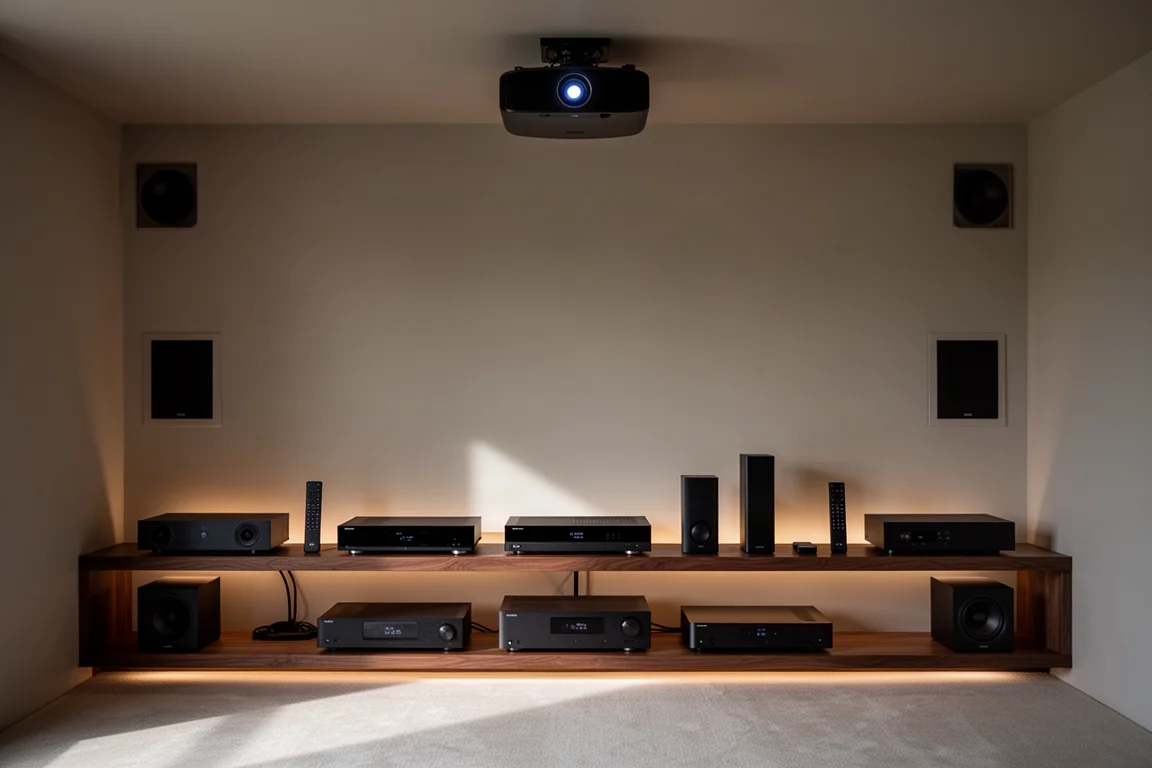
Setup can stay simple or grow. You can buy a single Strato K and run it as a standalone system, watching movies at the highest quality Kaleidescape offers without adding a server at all. Add a Terra or Terra Prime movie server at any point and the Strato K converts from standalone mode into grouped mode, pulling from the server just like any other player in a multi-zone system. That adds immediate access to your entire library along with features such as the cover shuffle.
Things to Consider Before Buying
The most important limitation is compatibility. 4K Cinematic titles play only on the Strato K. If you own a Strato V, Strato E or Strato C, those players will keep doing everything they have always done, but they will not receive the new 4K Cinematic or 8K files.
Display quality matters more than usual here. To really appreciate the difference, you want a high-end television or projector that can resolve all of the extra data. On a more basic display, some of that advantage starts to get lost simply because the panel cannot reproduce it.
Internal storage is modest relative to a large collection. Around seven 4K Cinematic titles fit on the drive, so anyone with a substantial library will eventually be looking at a Terra or Terra Prime server.
Native 8K content is scarce at launch. Very few theatrical titles are available in true native 8K, so the 8K capability is more of a foundation than an immediate library.
Finally, there is the price of entry. The Strato K comes in at $5,000, while the Strato V drops to $4,000 at launch. That places the flagship clearly above the rest of the range.
Buying Advice
If you are choosing between the players in Kaleidescape’s upper range, the Strato K is the strongest option going forward. It does everything the Strato C and the Strato V can do and adds 4K Cinematic and native 8K on top, and the 4K Cinematic mode with its 4:2:2 or full 4:4:4 chroma subsampling is the feature that makes the extra spend worthwhile. The extra color and extra detail are the reason to choose it.
The Strato E still holds its place as the most affordable route into the 4K Kaleidescape ecosystem. For everything above that, the Strato K is an easy recommendation.
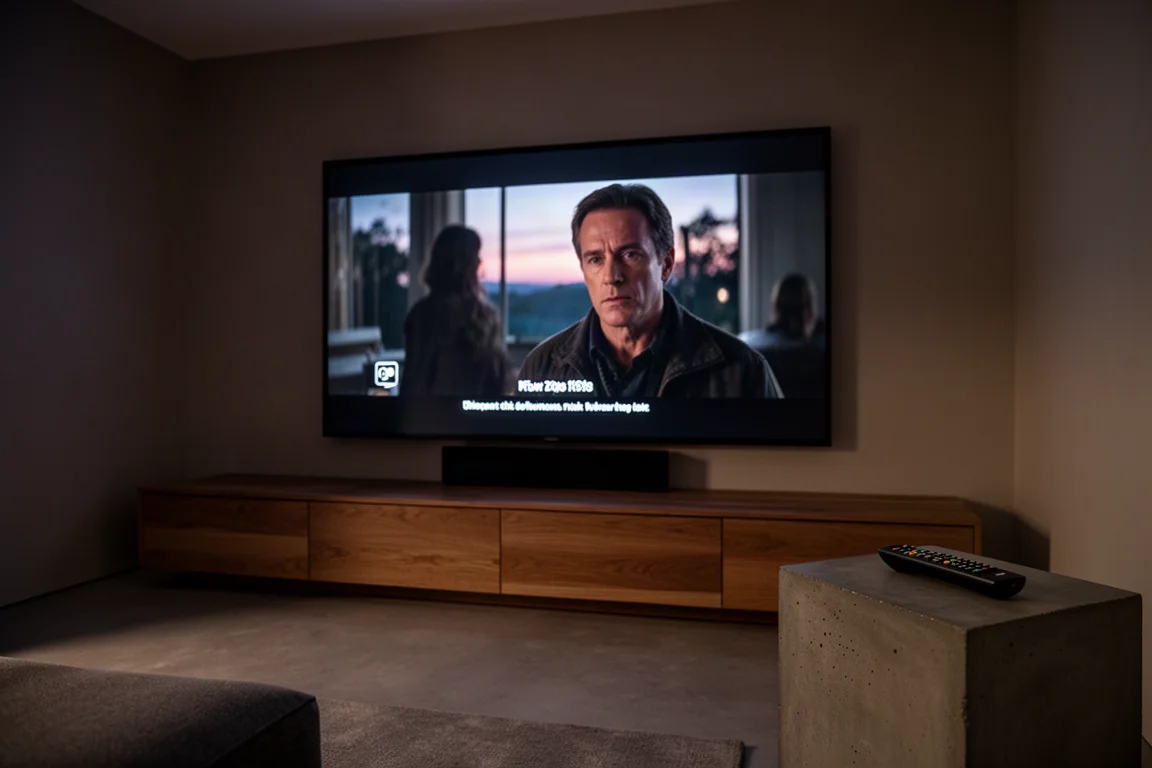
Two questions are worth answering before you order. The first is whether standalone mode fits your habits or whether you plan to pair the player with a Terra server later. The second is whether the display in the room can actually show what the player is sending it, because the format upgrade is most convincing on a large, capable screen. If you already own a Strato player, the upgrade path is unusually generous, since your existing library gains 4K Cinematic downloads at no additional cost.
Conclusion
The Kaleidescape Strato K is the new flagship of the lineup, and the headline is not simply that it plays 8K. It is that the 4K Cinematic format delivers dramatically more color information, up to a full 4:4:4 chroma, at bitrates that comfortably exceed 4K Blu-ray and streaming, with the titles priced the same as the standard 4K releases. Native 8K playback and 8K Association certification add headroom for the future, and full lossless audio, standalone operation and an upgrade path to a Terra server round out the package.
For a high-end room built around a large screen or projector, that combination is exactly what makes the Strato K worth considering. On a modest display, the case is weaker, and the Strato E remains the smarter entry point.
Productlink
Bekijk meer details over Kaleidescape Strato K
Dit product wordt in deze review genoemd. Controleer voor aankoop de specificaties, opties en compatibiliteit.
Bekijk meer details over Kaleidescape Strato K