Laser Engraving
WeCreat Flex Laser Engraver: A Closer Look at the Upgraded Portable Diode
The WeCreat Flex brings a significant power boost and a larger work area to a familiar portable laser engraver design. Here is what stands out and what to verify before buying.
Introduction
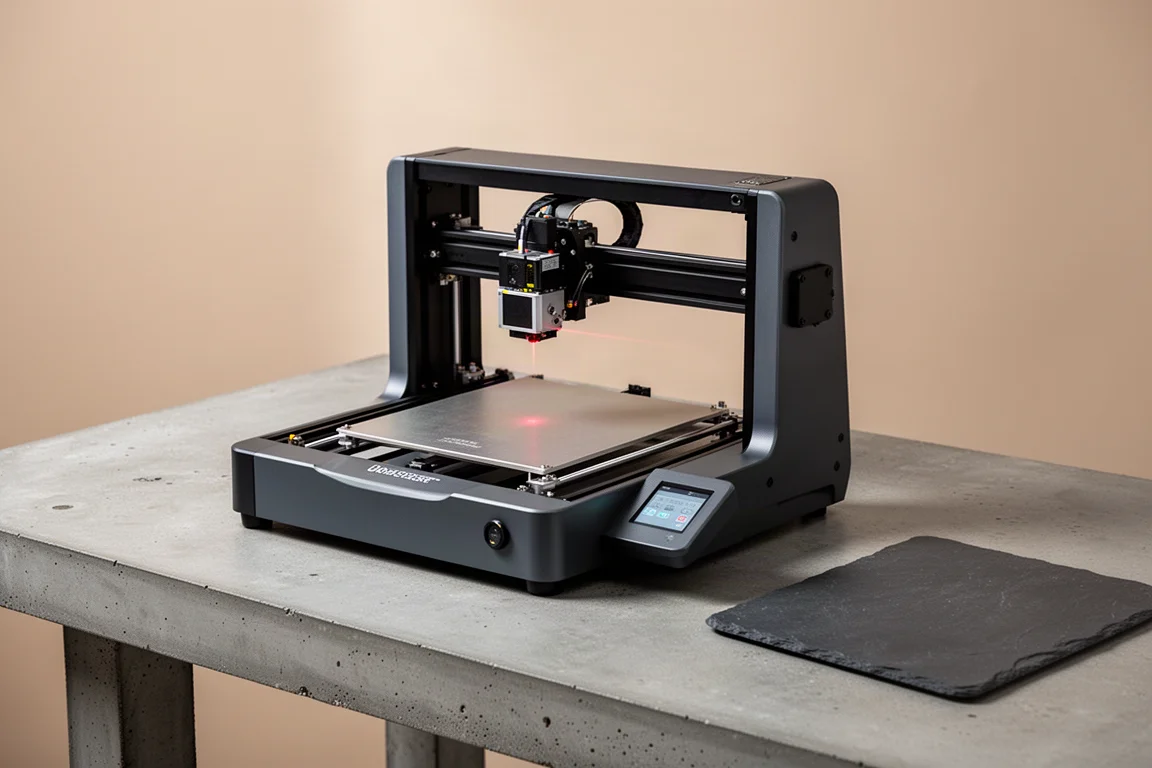
Portable laser engravers have become a practical tool for small shops and hobbyists who want to add marking and engraving without dedicating a full workshop bay to a large machine. The WeCreat Flex is the latest iteration of a familiar design, and it arrives with a notable jump in power and a larger work area than its predecessor.
This review looks at what the Flex offers on paper, where the claims deserve a closer look, and who is most likely to get real value from it.
What Is the WeCreat Flex?
The WeCreat Flex is a portable diode laser engraver that builds on the design of the original Lumos model. It keeps the same general form factor and operating concept, but the internal specifications have been upgraded in two meaningful ways.
The infrared source has been increased from 3 watts to 15 watts, which is a substantial jump in power for an IR laser. The diode source has also been upgraded, moving from 10 watts to 15 watts. Together, these changes give the Flex considerably more engraving capability than the earlier model.
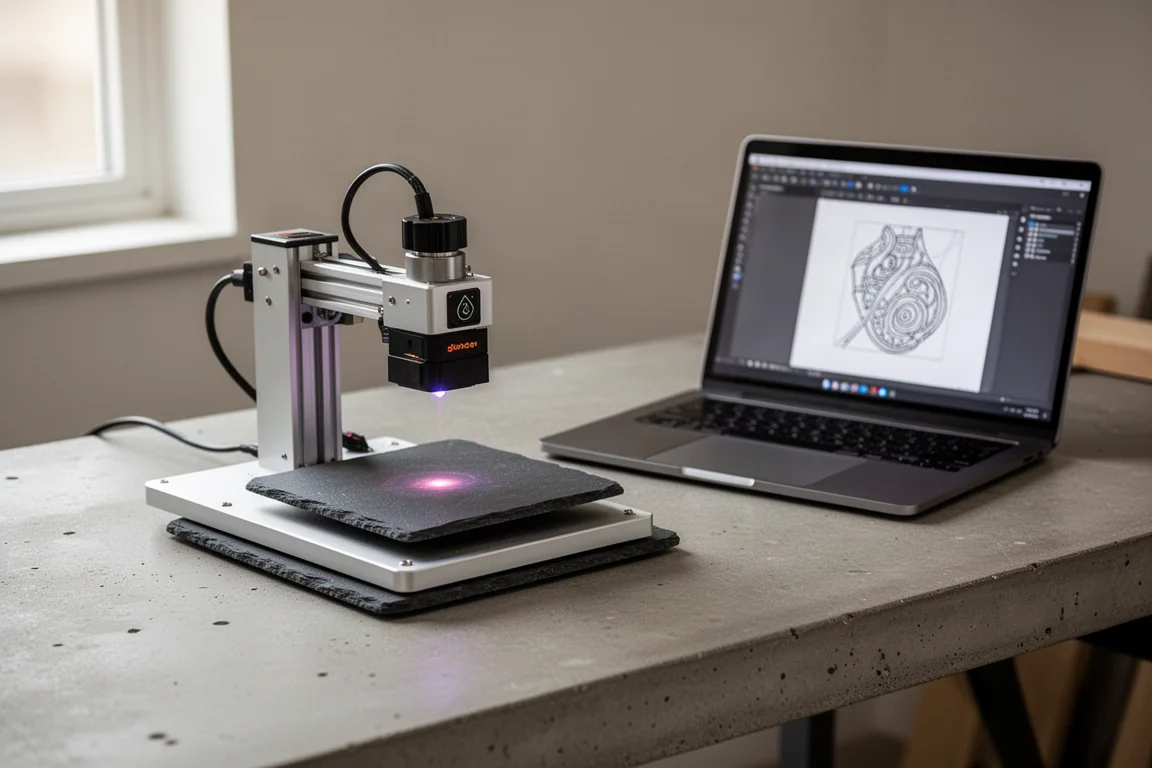
The machine is designed to be operated by hand, with a claimed weight of 2.8 kilograms. That is roughly the equivalent of a gallon of water, so extended one-handed use is likely to be tiring. The company also offers an add-on that is meant to make one-handed operation easier, though the practicality of holding the unit steady for any length of time remains an open question.
Power and Performance Upgrades
The headline change with the Flex is the power increase. Moving from a 3-watt IR source to a 15-watt IR source is a significant step up, and it should make the machine feel noticeably more capable on materials that respond well to infrared lasers.
The diode upgrade from 10 watts to 15 watts is also welcome, though the impact depends on the work area. The Flex now offers a 200 by 200 millimeter work area, which is four times the surface area of the original model. With only 15 watts of diode power spread across that larger field, the effective power density is lower than the raw wattage number might suggest.
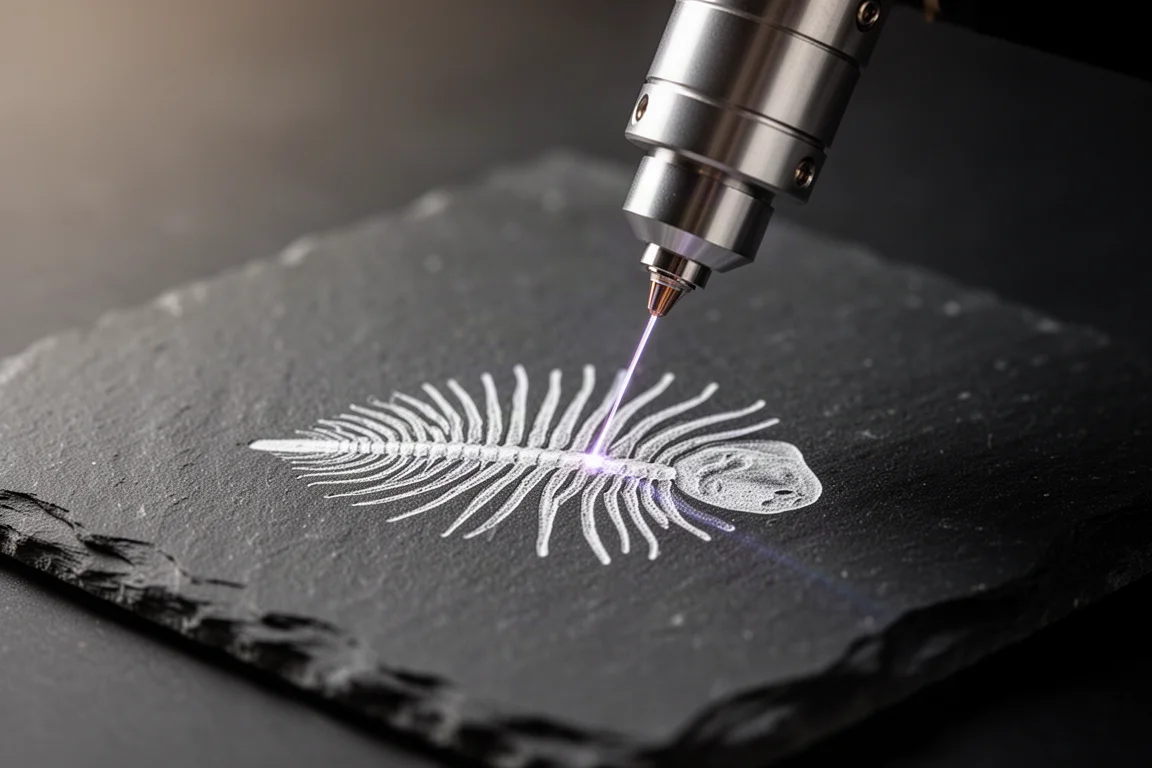
In practical terms, the machine may feel like a 4-watt IR laser on the original Lumos work area when used across the full 200 by 200 millimeter field. That is still an improvement, but it is worth understanding that the larger work area dilutes the power increase.
The company claims speeds up to 10,000 millimeters per second. That figure is likely a positioning speed rather than an engraving speed. Real-world engraving at that rate is not realistic, so the number should be treated with some skepticism.
Work Area and Portability
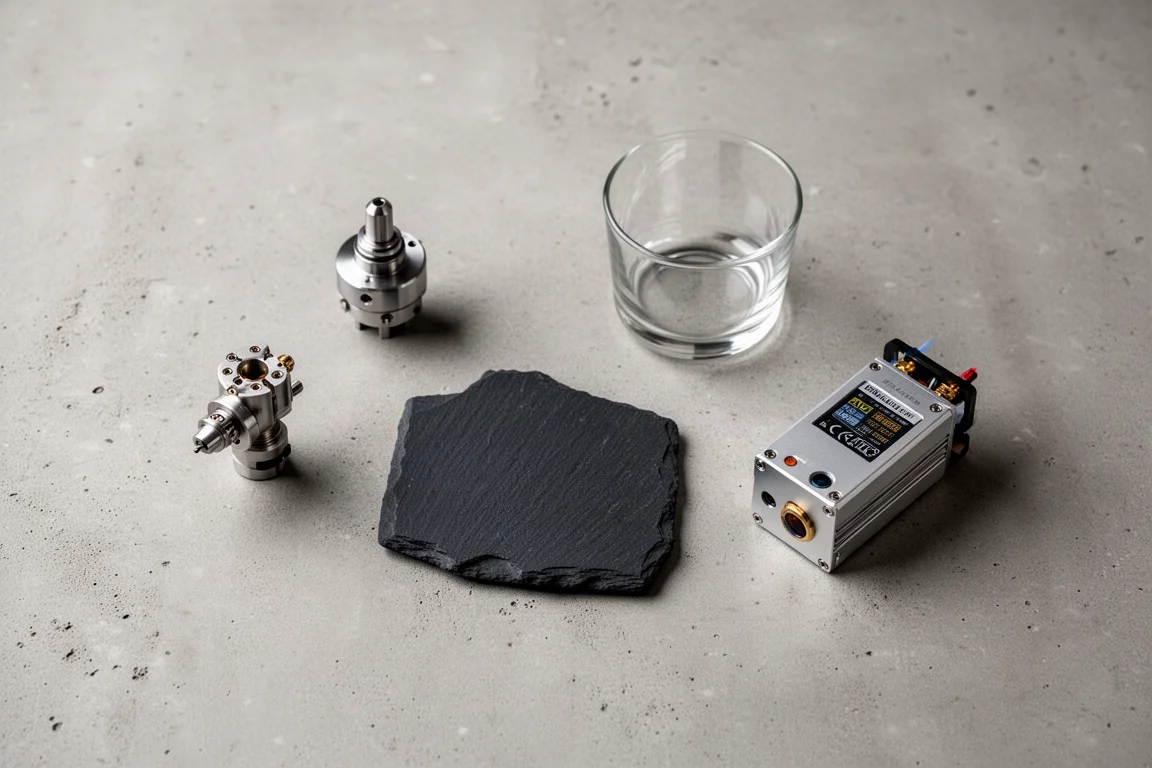
The expanded 200 by 200 millimeter work area is one of the most practical upgrades in the Flex. It allows larger pieces to be engraved in a single pass, which is useful for items like slate coasters, wooden plaques, and other medium-sized flat objects.
The machine also supports a rotary attachment, which extends its usefulness to cylindrical items like cups and glasses. The rotary unit appears to be similar to what is offered with other machines in the same category, and it should work with the Flex’s existing software setup.
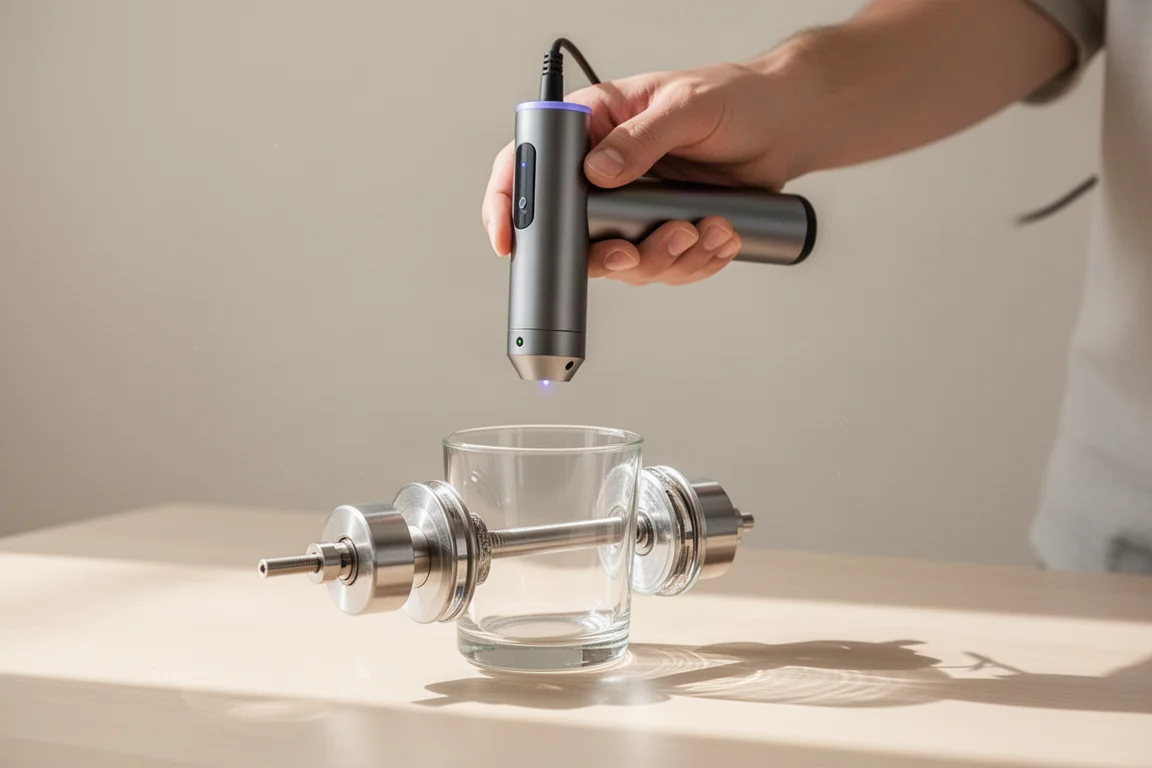
Portability remains a core strength. At 2.8 kilograms, the Flex is light enough to move between workstations or take to a job site. The trade-off is that holding it steady by hand for extended engraving sessions is physically demanding. For best results, it is likely to be used on a stable surface or with the optional one-handed operation accessory.
Software and Compatibility
A common question with any new laser engraver is whether it works with LightBurn, the widely used laser control software. The Flex is expected to be compatible, but that has not been confirmed in practice yet.
The machine also offers a 50-megapixel camera for full-area preview across the work surface. This is an add-on feature that would make positioning and alignment easier, especially for repeat jobs or multi-part projects.
For users who already work with LightBurn, compatibility will be a key factor in deciding whether the Flex fits into their existing workflow. Until the machine is tested with the software, it is reasonable to wait for confirmation before committing.
Things to Consider Before Buying
The Flex is priced at around $2,000, which is a significant investment. The original Lumos and the original F1, both with much lower specifications, were priced around $1,000. The Flex’s price is in line with the power and work area upgrades, but it is still a notable expense for a portable machine.
The 15-watt IR source is powerful for its class, but the larger work area means the effective power density is lower than the raw number suggests. Users who primarily work on small items may not notice the difference, but those who plan to use the full 200 by 200 millimeter area should set expectations accordingly.
The 10,000 millimeters per second speed claim is likely a positioning speed, not an engraving speed. Similarly, the 2.8 kilogram weight is manageable but not comfortable for extended one-handed use. These are marketing numbers that deserve a practical test before being taken at face value.
Buying Advice
The WeCreat Flex makes the most sense for users who already have experience with portable diode laser engravers and want a meaningful power upgrade without moving to a larger, more expensive machine. The jump from 3 watts to 15 watts on the IR source is substantial, and the expanded work area adds real flexibility.
For beginners, the $2,000 price point is steep. A lower-powered machine at a lower cost may be a better starting point. For established users who understand the limitations of portable engraving and want more capability, the Flex is a reasonable upgrade.
The machine is expected to work with LightBurn, but that has not been confirmed. If software compatibility is important to you, it is worth waiting for that confirmation before making a purchase decision.
Conclusion
The WeCreat Flex is a compelling update to a proven portable laser engraver design. The power increase is real, the work area is more useful, and the price is fair for what is being offered. The main caveats are the diluted power density across the larger field, the optimistic speed claims, and the physical demands of one-handed operation.
For experienced users who want more capability in a portable format, the Flex is worth serious consideration. For everyone else, it is a machine to watch until the real-world performance matches the marketing numbers.
Product link
View more details for WeCreat Flex
This product is mentioned in the review. Check the specifications, options, and compatibility before buying.
View more details for WeCreat FlexFurther reading
Related Reviews

Laser Engraving
Accel Laser Pro and Ultra: A First Look at Hybrid Motion Control
A closer look at the Accel Laser Pro and Ultra, two machines that combine galvo and gantry motion for large-format laser engraving.

Laser Engraving
Excel Laser HD1 Pro and Ultra: A First Look at the Dual-Source Hybrid
A practical look at the Excel Laser HD1 Pro and Ultra, two dual-source laser machines that combine diode and fiber capabilities in one system.

Laser Engraving
Gweike G2 Pro Fiber Laser Review: A Compact 30W Upgrade for Small Shops
The Gweike G2 Pro brings a more rigid stand, extended height, quieter fans, and LightBurn compatibility to a compact 30W fiber laser.