Tech
watchOS 26 Review: Workout Buddy Is a Promising Start With Clear Limits
Hands-on impressions of watchOS 26 and its AI-powered Workout Buddy, including where it works well, where it stumbles, and the four requirements you need to know before relying on it.
Introduction
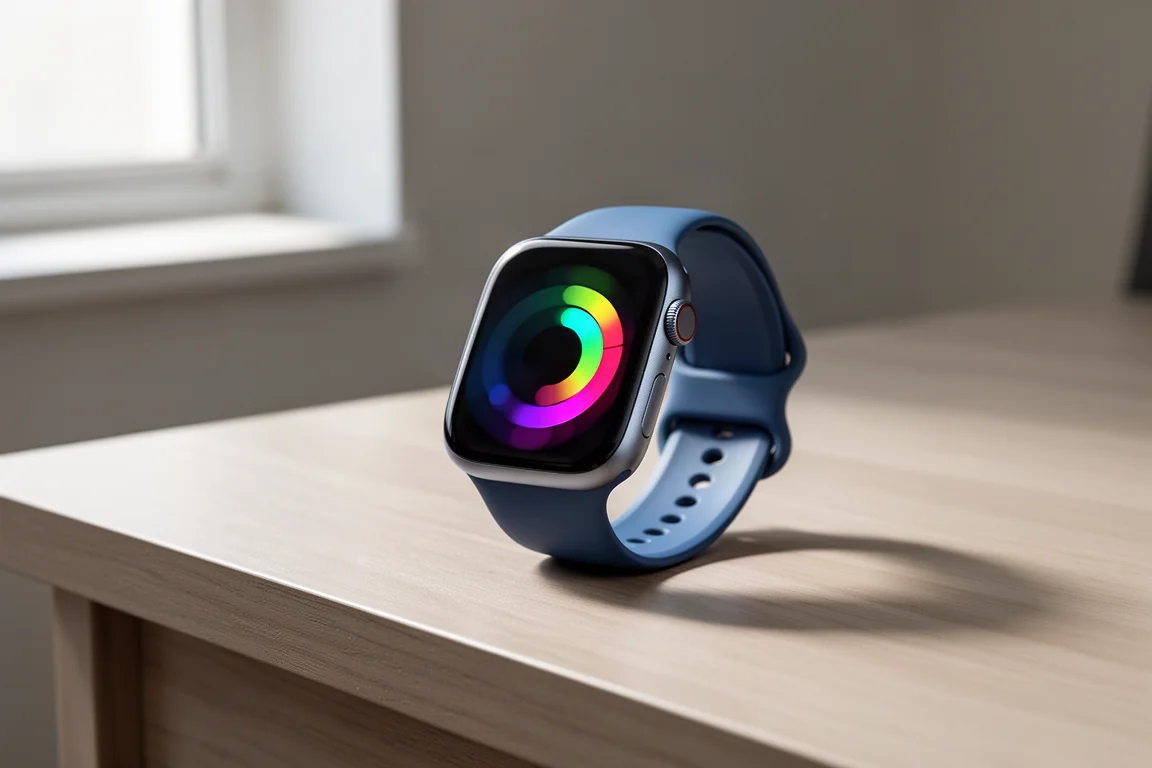
watchOS 26 has just landed in public beta, and after roughly a month of testing across bikes, runs, and a variety of other workouts, the headline is clear: the new AI-powered Workout Buddy is the marquee feature, and it is both more impressive and more fragile than you might expect. The full release is expected on production devices in the September time frame, alongside whatever new watches Apple typically launches then.
This review focuses mostly on Workout Buddy, with a quick pass over the rest of the update, including the new Liquid Glass UI and smaller quality-of-life additions.
What watchOS 26 Brings Beyond Workouts
The main non-sports feature is the new Liquid Glass UI. It starts on the iPhone side with a glassy look and then makes its way to the watch in a barely-there sort of way. The most noticeable example is the PIN unlock screen. Beyond that, Liquid Glass is heavily toned down on the watch, and you are unlikely to notice it in most cases. It feels natural, which is good, but it does not feel like a major visual overhaul, which makes sense given the smaller screen and the limited processing headroom available without draining the battery.
There are roughly ten or so other non-sports features in the update, and one stands out: the Notes app is now on the watch. Notes sync from your iPhone and Mac, and you can read existing notes and create new ones. You cannot edit existing notes, which is a shame if you use notes as shopping or shot lists and would love to cross items off from your wrist. Still, for anyone who lives in Notes on their other devices, having them on the watch is genuinely useful.
The New Workout Interface
When you open the workout app, things look different. The three scrolling blocks of workout types are gone. Instead, you see one workout type on the main page and scroll through the others with the digital crown or your finger. The impression is mixed. The scrolling can be finicky when you are trying to land on exactly the workout you want before it snaps away, though it has improved over the beta cycle and hopefully continues to sharpen before the September release.
The Four Corners
The cleverer change is the layout of workout settings, now grouped into four dots in the corners of the workout screen. They map to fairly logical buckets:
- Upper left: workout views, including data pages and metrics settings.
- Upper right: structured workouts and goals, including distance, time, and calorie goals, plus the Pacer and Race Route features.
- Lower left: music, including a new “Picked for You” option.
- Lower right: voice, where all spoken alerts now live, including pace alerts and Workout Buddy.
The “Picked for You” feature automatically starts a playlist when your workout begins and builds it dynamically. Apple says it picks the music tone based on the workout type, such as a HIIT session or yoga, but it does not take the workout’s content into account, like whether you have an interval session loaded. In testing, it worked well more often than not. When it nails it, it really nails it; other times, it misses the mood entirely. One notable gap: there is no way to see which songs played during a workout, at least not anywhere on the watch or in the fitness apps. That would be a welcome addition.
Pace, time, and distance alerts work exactly as before, except they are now spoken in the Workout Buddy voice if that feature is enabled.
Workout Buddy: How It Works
Workout Buddy can be enabled on a per sport profile basis, so you can have it on for runs but off for outdoor cycling, for example. There are two voices to choose from, modeled after two current Apple Fitness Plus trainers: Sam Sanchez for the women’s voice and Jamie Ray for the men’s voice. A mysterious third voice occasionally appears in the beta, which may or may not stick around.
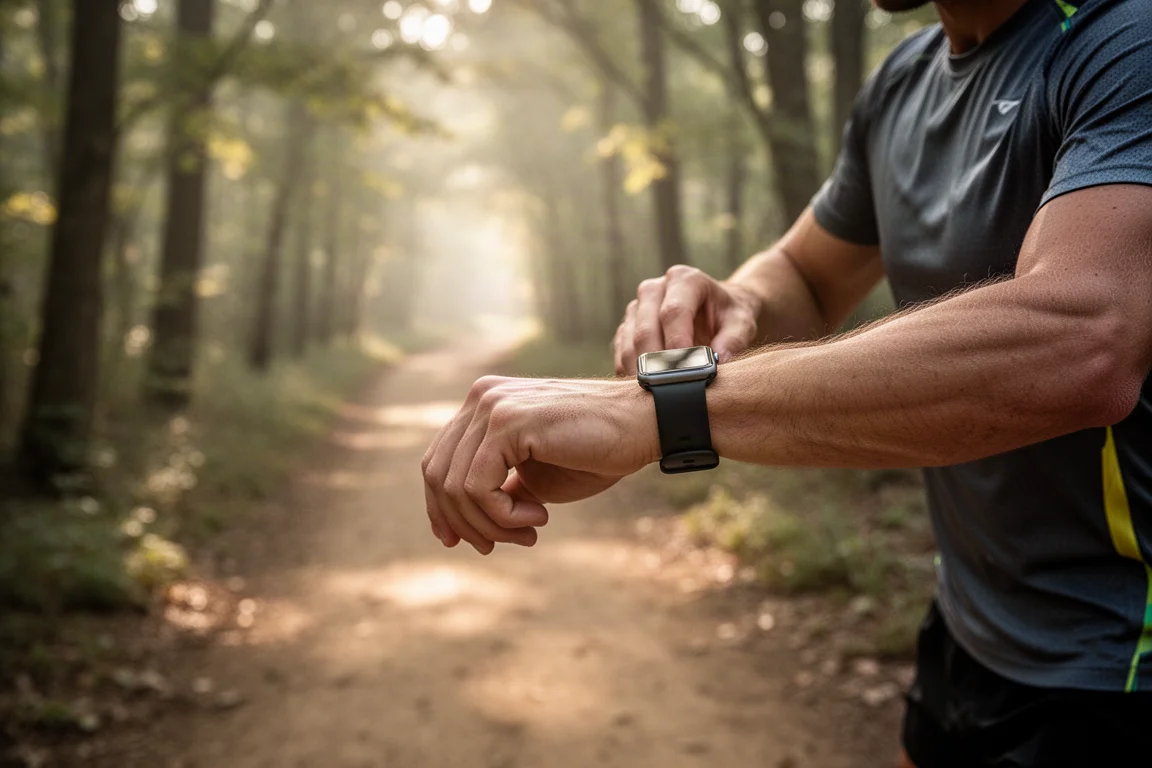
The feature opens with context about your day, then follows you through the workout. Between 8 and 16 seconds after you press start, the music ducks down and the buddy voice chimes in with things like your ring status and recent streaks. During the workout, it announces splits, milestones, and manual laps. The exact second you close one of your activity rings, it notifies you immediately. After you save the workout, there is a “walk-off” summary that recaps the session in detail, and these post-workout summaries are consistently one of the strongest parts of the feature.
The Four Requirements for Workout Buddy
This is where expectations need to be tempered. Workout Buddy has four hard requirements:
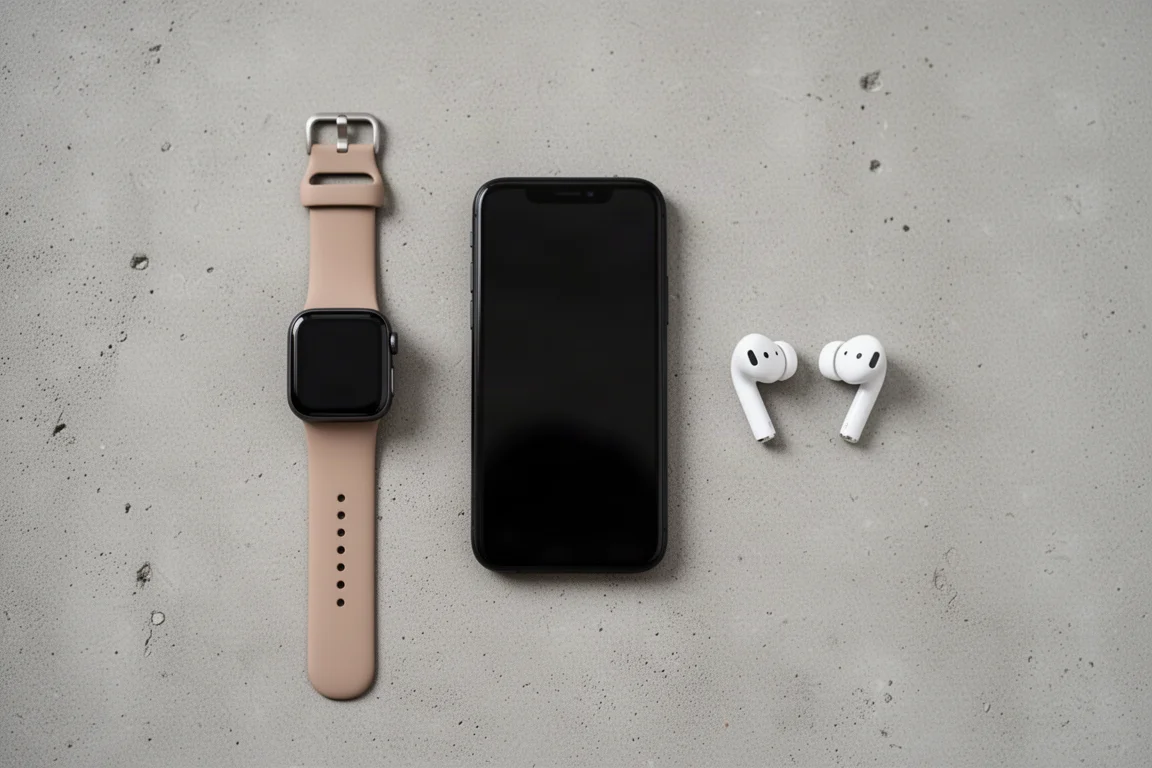
- A compatible Apple Intelligence phone paired to the watch: any iPhone 15 Pro or Pro Max series device, or any iPhone 16 device.
- The phone must be within Bluetooth range of the watch at all times. You cannot leave your phone behind and go out for a run; Workout Buddy simply will not work.
- A live internet connection at all times. On trail runs with no connectivity, the feature stops entirely, including spoken lap splits. Splits still show on the watch display, but no audio is produced.
- Headphones connected to the watch or phone. The watch speaker is not used, which Apple says is to protect your privacy in public. It would be nice to have an opt-in for speaker use for people who prefer not to run with headphones.
The reason for the connectivity demands is architectural: there is no on-device Apple AI on any current-generation watch. The processing happens on your phone and in Apple’s cloud, specifically its Private Cloud Compute, which generates the audio snippets. That is why an internet connection is mandatory and why offline use is off the table for now.
Where Workout Buddy Works Well
The good news first. The insights given during, before, and after workouts are generally solid. The post-workout walk-off summaries are arguably among the best summaries Apple has produced for any fitness product. A mountain ride recap covering distance, average speed, elevation gain, and average heart rate was detailed and accurate, and a run summary comparing your pace against the last four weeks was similarly well done.
Milestone alerts work reliably too. Closing a ring triggers an immediate notification, as do markers like hitting a 5K or logging a faster split than before. The guardrails Apple has placed around the feature mean it only delivers positive feedback. It will happily tell you when you have hit your fastest pace of the day or week, but it will never tell you that a run was slow. That caution is common across the industry, where companies are more afraid of saying something badly wrong or dangerous than something obvious.
Where Workout Buddy Falls Short
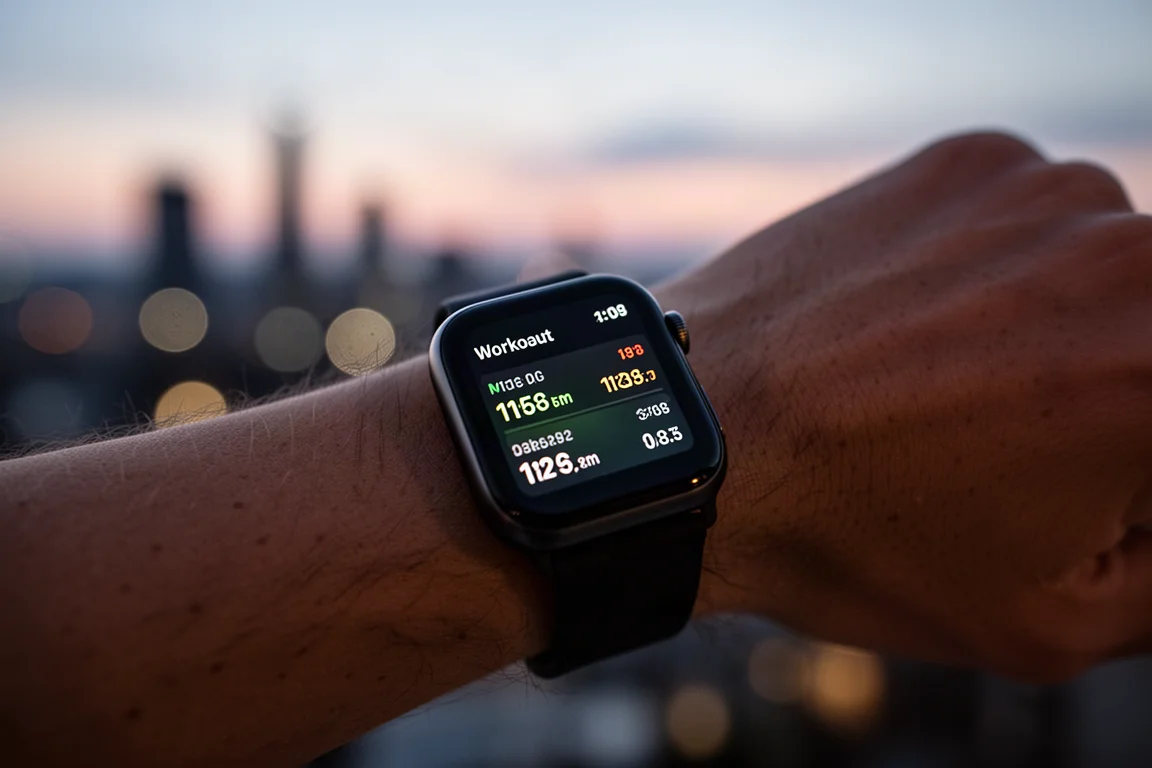
Now the problems, and they come down to one word: hallucination. The feature sometimes states things that are simply not true, and it does so most often about your activity rings. In one run, it claimed a 19-day move ring streak on a day when the actual streak stood at roughly 309 days. On a morning cargo bike ride, it announced the move ring had already been closed, seconds after waking up and doing absolutely nothing. Another split announcement claimed 47 minutes of running when the elapsed time was 62 minutes.
These errors matter because they undermine trust. Everything else about the experience is polished, but if you cannot rely on what the voice says, you start tuning it out. The connectivity requirements compound the issue: without your phone, without headphones, or without signal, the feature goes silent entirely, taking even basic spoken lap splits with it.
Solving hallucinations is a known hard problem across the entire industry, and Apple is not currently regarded as an AI leader. Expecting it to be the first to fix this is unrealistic. The hope is that future versions can run on the watch itself without connectivity, which would make the feature far more interesting for runners who leave their phones behind or lack cellular coverage.
Buying Advice
If you already own a compatible Apple Watch and an iPhone 15 Pro or later Pro model, or any iPhone 16, watchOS 26 costs you nothing and adds genuine value, especially in the post-workout summaries and milestone alerts. Treat Workout Buddy as a bonus rather than a core training tool until the hallucination problem improves, and make sure your typical workout routine actually fits the requirements: phone in range, signal available, and headphones on. If you run phone-free on trails with poor coverage, the feature will largely pass you by for now.
Conclusion
watchOS 26 is a solid update with a genuinely interesting new feature. Workout Buddy delivers well-crafted workout summaries, timely milestone alerts, and a pleasant conversational voice, but it is limited by four strict requirements and undermined by occasional statements that are simply not true. It is a promising start, and with a few months left before the stable release, there is still room for improvement. For now, enjoy the summaries, take the pep talks with a grain of salt, and keep your phone nearby if you want to hear it at all.
Product link
View more details for Apple Watch (watchOS 26)
This product is mentioned in the review. Check the specifications, options, and compatibility before buying.
View more details for Apple Watch (watchOS 26)Further reading
Related Reviews
Tech
Apple MacBook Neo Review: A Surprisingly Capable Budget Laptop
The MacBook Neo brings M1-equivalent performance to a $599 entry-level laptop. We tested it across real workflows to see if it's worth considering over pricier alternatives.

Tech
ASUS ZenBook 16 With Snapdragon and RTX 4060: Can an ARM Laptop Game With an External GPU?
An early look at pairing an Nvidia RTX 4060 with a Snapdragon-powered laptop using a Thunderbolt 5 eGPU dock, including real gaming results.

Tech
GPD G2 eGPU Dock Review: A Sturdy, Future-Ready Boost for Your Handheld or Mini PC
The GPD G2 eGPU dock brings new connectivity standards, a robust build, and desktop-class graphics to laptops, handhelds, and mini PCs.