Monitors
Ultrawide OLED Monitor Upgrade 2026: From First-Gen QD-OLED to the Latest Panels
A practical look at moving from a first-generation 34-inch QD-OLED to the newest ultrawide options, including what actually improves and what stays the same.
Introduction
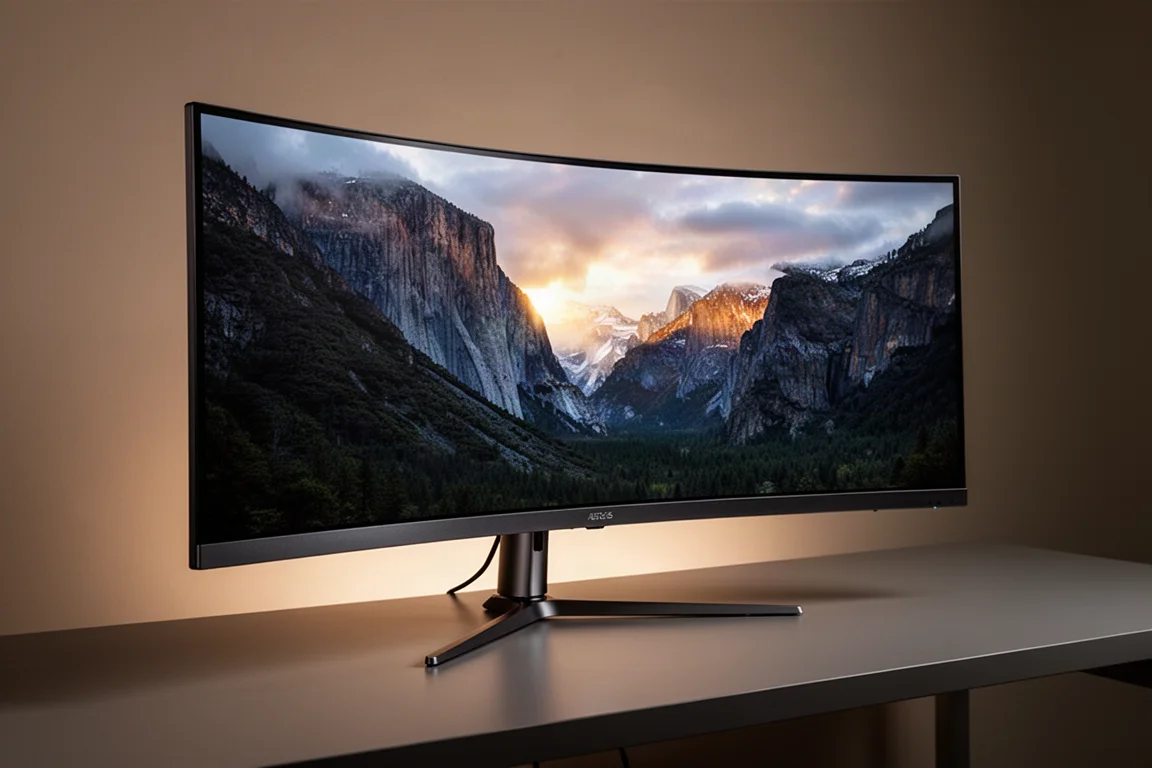
For the last few years, a first-generation 34-inch QD-OLED ultrawide served as a daily gaming display. It delivered excellent image quality, deep blacks, and a format that felt right for immersive titles. But with the arrival of new 34-inch QD-OLED panels at the start of 2026, and then a larger 39-inch W-OLED option shortly after, the upgrade path became much more interesting. This article covers what changed when moving from that original panel to the newest options, and whether the jump makes sense for most gamers.
Why Upgrade From a First-Generation QD-OLED
The original 34-inch QD-OLED panels were the first consumer QD-OLED gaming displays, and they set a high bar for image quality. But the new 2026 panels are a generational improvement in several key areas: higher refresh rate, a better sub-pixel layout, higher brightness, and improvements to the screen coating and layer composition.
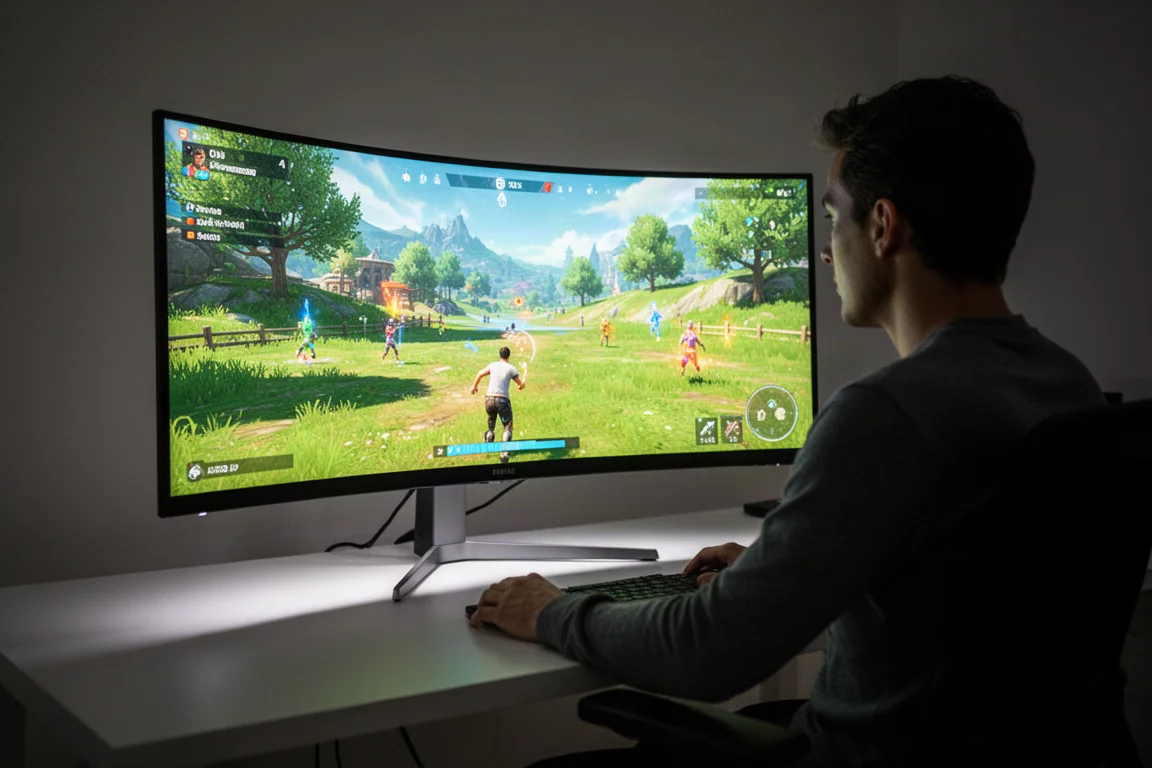
For someone using a first-generation panel daily, these changes add up. The newer panels are noticeably brighter in full-screen scenes, offer a much higher refresh rate ceiling, and render text more cleanly thanks to the upgraded RGB stripe sub-pixel layout. None of these are revolutionary on their own, but together they make the new generation feel like a genuine step forward rather than a minor refresh.
Brightness: A Noticeable but Not Transformative Gain
The original 34-inch QD-OLED was rated for DisplayHDR True Black 400, which meant roughly 250 nits full-screen brightness, 450 nits at a 10% window, and 1,000 nits peak. The newer 2026 QD-OLED ultrawides are rated for DisplayHDR True Black 500, with full-screen brightness climbing to just over 300 nits, a 10% window reaching 530 nits, and peak brightness topping out at 1,300 nits.
In the best cases, that makes the new panel about 30% brighter, and in real-scene testing it worked out to roughly 15% brighter overall. In actual games, that translated to a small to moderately noticeable increase, usually in brighter outdoor scenes that push the full-screen brightness number.
However, both the original and new QD-OLED panels still have issues with panel dimming in bright scenes. That means the brightness improvements are not as significant as they could have been had the underlying panel behavior been addressed. For SDR content, the jump from 250 to 300 nits was inconsequential in practice, since most users run their monitors at around 200 nits anyway.
Refresh Rate and Frame Generation Headroom
The refresh rate improvement is arguably the most significant upgrade for modern hardware. The original 34-inch QD-OLED capped out at 175Hz, which was fine when the fastest GPU on the market was the RTX 3090. Today, with the RTX 5090 being roughly twice as fast, many games can push well above 175 FPS at decent quality settings.

The refresh rate ceiling also matters for frame generation. With a 175Hz monitor and 2x frame generation, the maximum base render rate you can use without introducing tearing is just 87 FPS. With 3x frame generation, that drops to 58 FPS. On a 360Hz monitor, the render rate cap with 2x frame generation is an excellent 180 FPS, and with 3x it is 120 FPS. Even 4x mode becomes viable, using a 90 FPS render rate to output 360 FPS.
In practice, the higher refresh rate made games run smoother with less blur, and in low-intensity titles that can easily render at 360 FPS, the responsiveness improvement was massive. Even the desktop feels better, with scrolling text, window manipulation, and cursor movement all feeling much more fluid.
Sub-Pixel Layout and Screen Coating: Minor Impacts
The upgraded RGB stripe sub-pixel layout makes text rendering look identical to LCDs, which is a real improvement for anyone using the monitor for productivity work. For pure gaming, the difference between the new layout and the older triangle RGB layout is negligible.
The changes to the screen coating and layer composition, which improve hardness and reduce ambient light reflectivity, also had a minor impact in a typical dimly lit gaming setup. The newer panel definitely looks better with overhead lights on, but for someone who games mostly at night with lights behind the display, the difference is not huge.
MSI MPG 341CQRX36: The Practical Choice
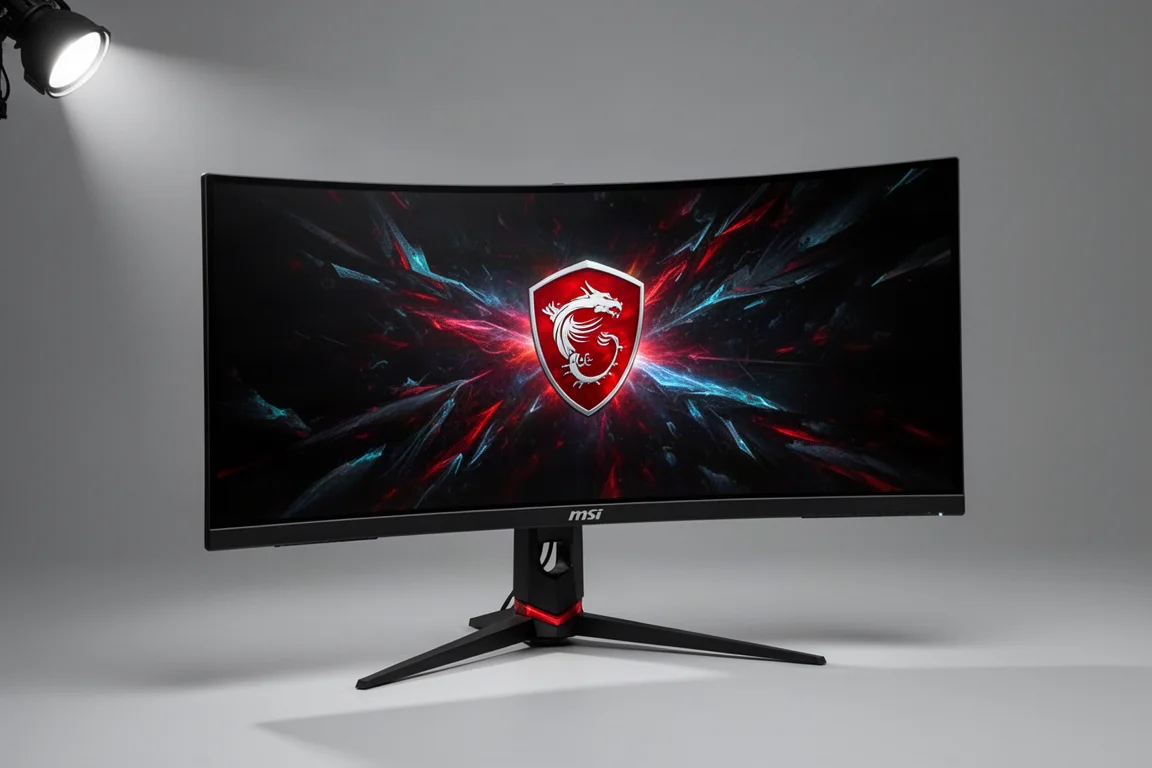
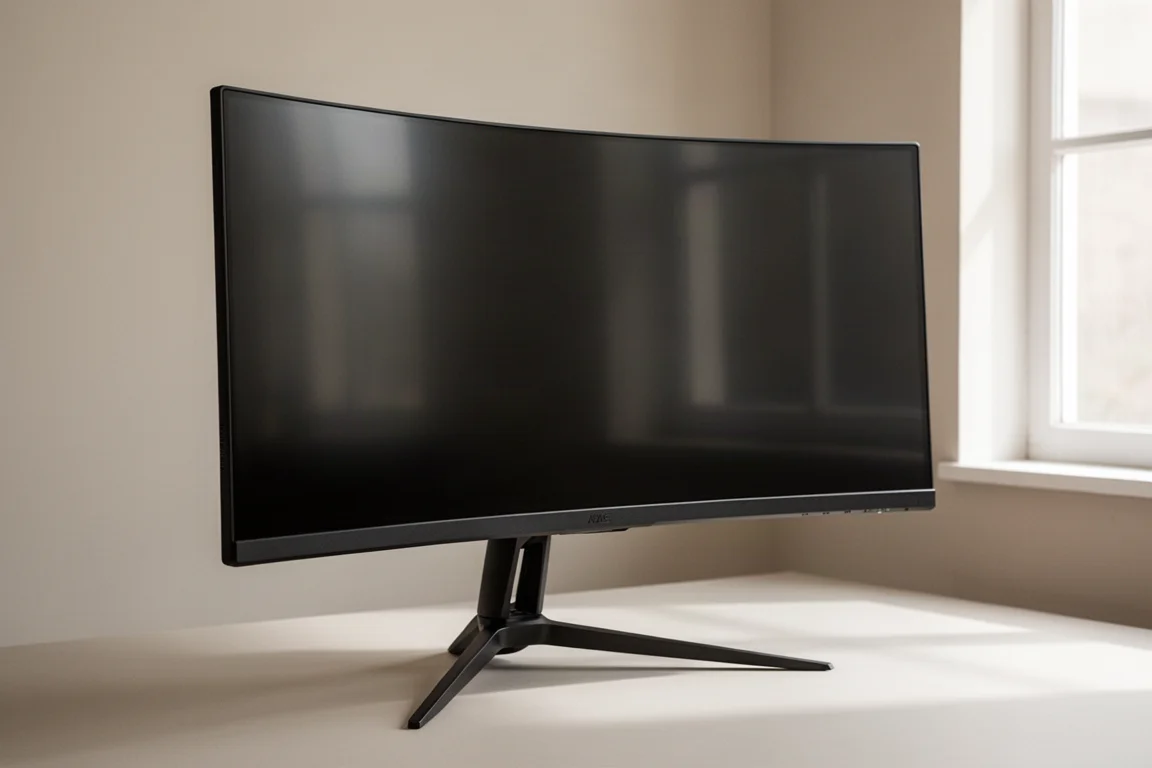
The MSI MPG 341CQRX36 is one of the first monitors to use the new 34-inch QD-OLED panel. It delivers essentially identical image quality to the ASUS ROG Swift PG34WCDN, with the main differences being feature-related rather than performance-related.
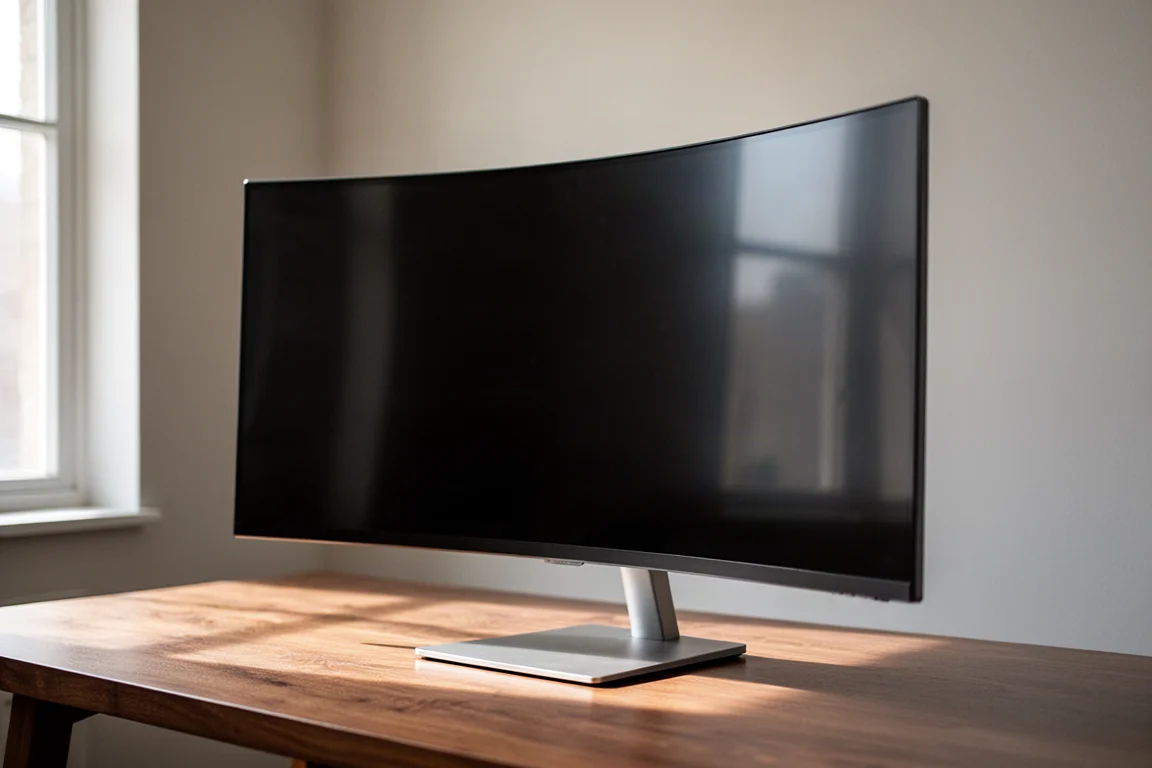
The MSI model has more OLED care options, which is useful for long-term panel maintenance. Its stand uses a smaller, flat metal plate that takes up less desk space, which can be a deciding factor for setups with limited room. The monitor is a solid all-around choice for anyone looking to move from a first-generation QD-OLED to the new panel technology.
ASUS ROG Swift PG34WCDN: The Feature-Rich Alternative
The ASUS ROG Swift PG34WCDN uses the same new 34-inch QD-OLED panel as the MSI model, so image quality and performance are essentially identical. The main differentiator is DisplayPort 2.1 support, which provides more bandwidth for future GPUs and higher refresh rates at the panel’s native resolution.
The stand uses a wide prong design that may not fit well around other desk items, which is worth considering if desk space is tight. For anyone who values the latest connectivity options, the ASUS model is a strong contender.
LG 39GX950B: A Bigger Canvas With More Punch
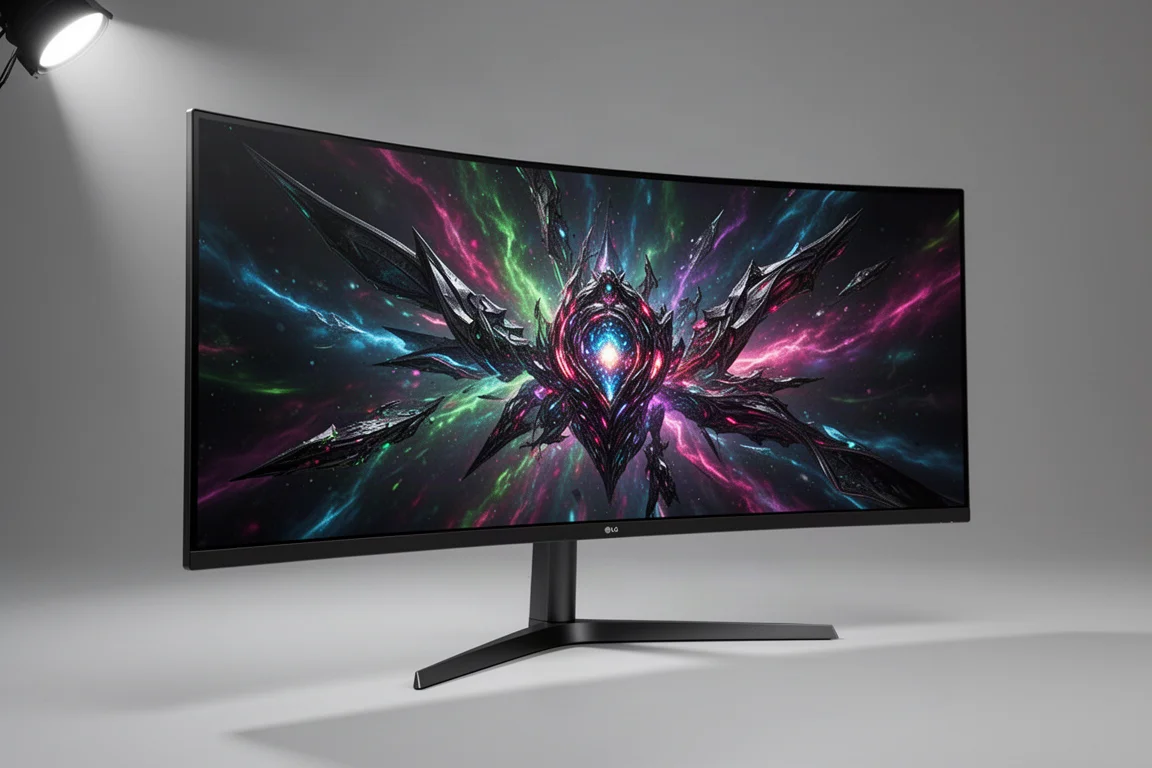
After a couple of months with the 34-inch QD-OLED, the switch to the LG 39GX950B brought a significant change. This monitor uses a 39-inch W-OLED panel with a 5120 x 2160 resolution at 165Hz, which is a shift from QD-OLED to W-OLED technology, an increase in size and resolution, but a decrease in refresh rate.
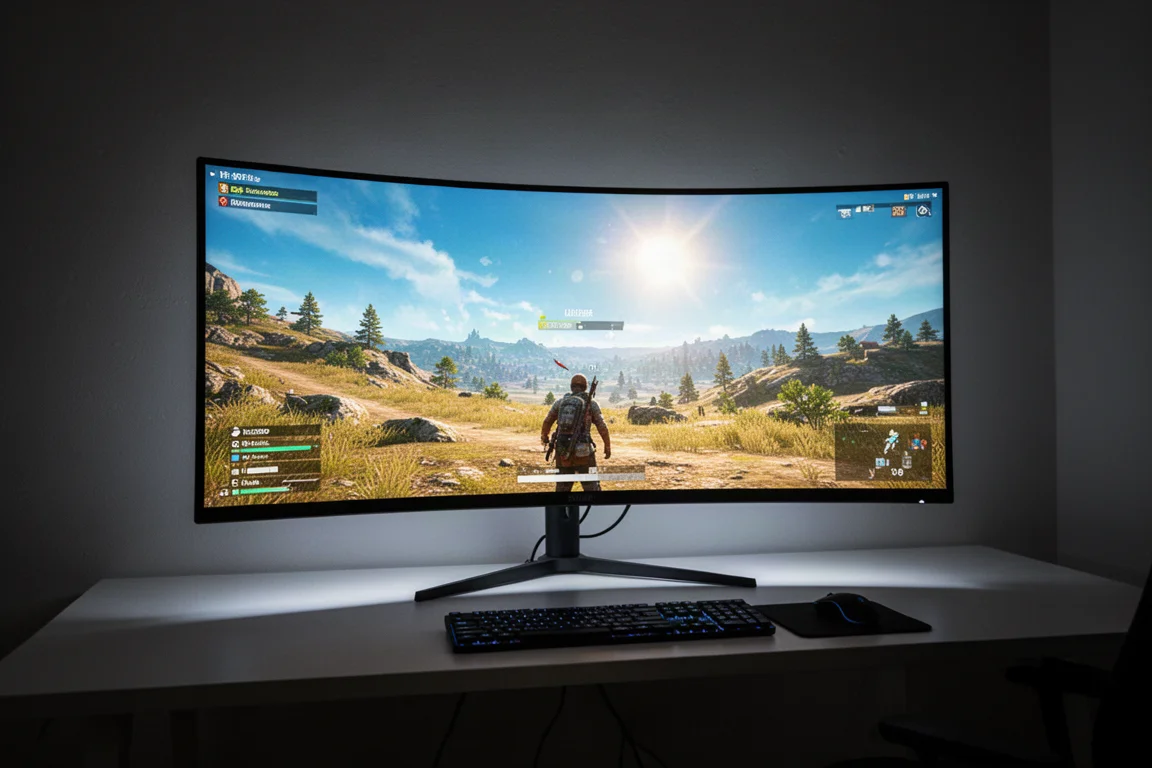
The 39-inch size is a genuine game changer for immersive ultrawide gaming. The total area is only 32% larger than a 34-inch panel, but the extra height and width envelop much more of the field of view. The 1500R curve feels natural at this size, and going back to a 34-inch panel makes it feel like a much smaller display.
The higher resolution is a doubling of pixel count compared to 3440 x 1440, which makes games significantly harder to render. However, upscaling can compensate to some degree. In practice, 5120 x 2160 with performance upscaling looks better than 3440 x 1440 with quality upscaling, because the higher output resolution handles lower upscaling modes better. Games look sharper, and texture quality and UI elements are simply better.
The refresh rate is the main compromise. At 165Hz, it is a sidegrade from the original 175Hz QD-OLED, and a clear downgrade from the 360Hz 34-inch models. It would be much better at 240Hz, which would feel less like a cutback. For single-player titles, the refresh rate is still enough for a high-refresh experience, but it is not ideal for competitive gaming where super high frame rates matter.
The switch to W-OLED brings a major brightness advantage, especially in brighter scenes. This panel does not suffer from panel dimming and typically outputs much higher brightness in high APL scenes compared to QD-OLEDs. In testing, the LG model produced 330 to 450 nits in high APL scenes, while the 34-inch QD-OLED could be less than half as bright in the same scenes due to panel dimming. This was immediately noticeable in HDR gaming, especially in outdoor daytime environments.
Overall Buying Advice
For anyone still using a first-generation 34-inch QD-OLED, the new 34-inch panels are a worthwhile upgrade if the higher refresh rate and brightness improvements matter to you. The MSI and ASUS models are essentially equal in performance, so the choice comes down to features like DisplayPort 2.1 versus OLED care options, and stand design.
For those who want a more immersive experience, the 39-inch LG model is a significant upgrade despite the lower refresh rate. The larger size, higher resolution, and superior brightness in bright scenes make it a compelling option for single-player gaming. The $1,800 price tag is steep, but for anyone in the high-end gaming category, it could be worth considering.
Conclusion
Moving from a first-generation 34-inch QD-OLED to the latest panels is a meaningful upgrade, whether you choose the new 34-inch models or step up to the 39-inch W-OLED. The refresh rate and brightness improvements are the most noticeable gains, while the larger format and higher resolution of the 39-inch model add a new level of immersion. The right choice depends on your priorities: raw smoothness and responsiveness, or a bigger, brighter canvas for single-player experiences.
Further reading
Related Reviews
Monitors
ASUS ROG PG27AQWP-W Review: Tandem OLED Meets 540 Hz
A 27-inch 1440p OLED monitor with Tandem panel tech, a 540 Hz refresh rate, and serious motion clarity for competitive gamers.
Monitors
ASUS ROG Swift OLED PG27AQDP G Edition 20 Review: A 540 Hz Tandem OLED Gaming Monitor
The ASUS ROG Swift OLED PG27AQDP G Edition 20 brings a tandem OLED panel, 540 Hz refresh rate, and striking 20th anniversary design to competitive gaming.
Monitors
BenQ EX271QZ Review: A 27-Inch QD-OLED Gaming Monitor Built for Immersion
The BenQ EX271QZ pairs a 27-inch QD-OLED panel with a 500 Hz refresh rate, aiming to deliver both competitive performance and rich, story-driven visuals.