Gaming Mice
SteelSeries Aerox 3 Gen 2 Review: Internal Upgrades, Same Familiar Shape
The SteelSeries Aerox 3 Gen 2 brings internal upgrades, crisper switches, and improved side buttons, but the weight balance and price keep it from being an easy recommendation.
Introduction
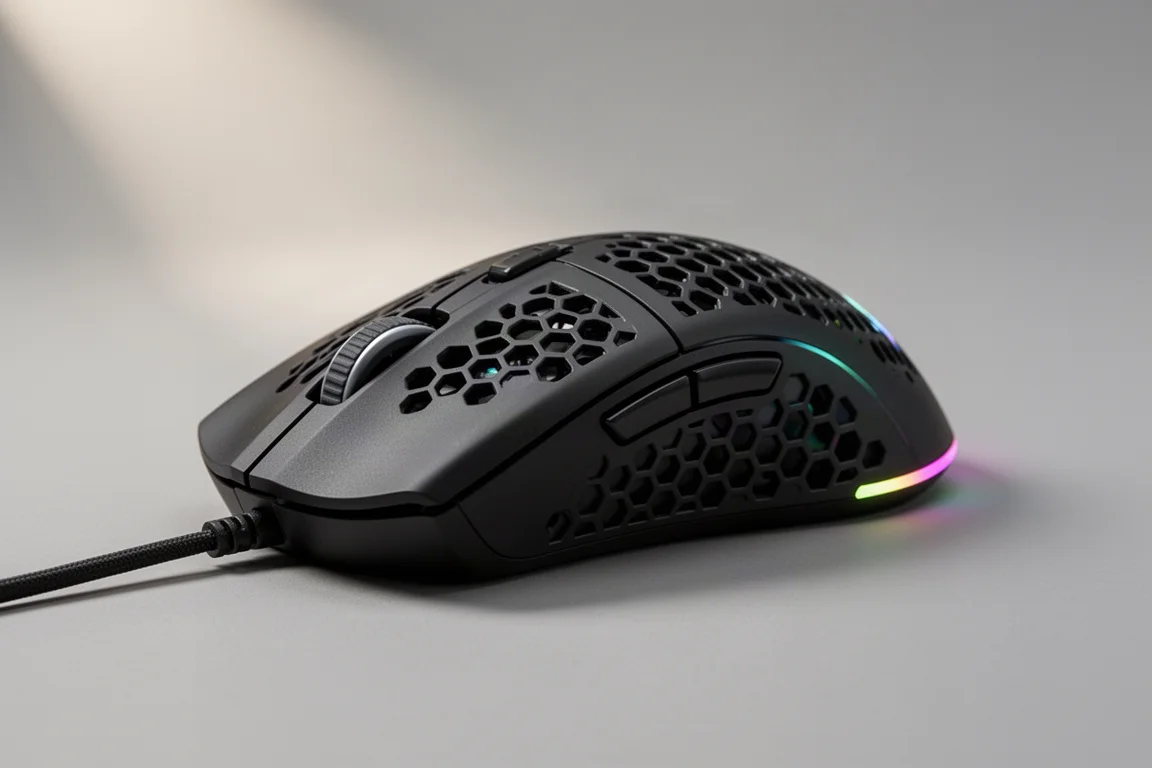
SteelSeries has updated the Aerox 3, and just about all of the upgrades are internal. The shape and coating remain familiar, while the internals get refreshed with new switches, a new sensor, and updated software features. The result is a mouse that performs well but leaves a few questions about value and balance.
Who This Mouse Is For
The Aerox 3 Gen 2 is aimed at gamers who want a lightweight, ambidextrous mouse for fast-paced FPS titles. Its medium-to-small footprint and contoured side grooves make it a strong fit for players who prefer a claw or fingertip grip and want extra control when flicking and tracking targets. It also suits those who appreciate a grippy PBT-style coating and a low-profile scroll wheel.
If you already own a previous Aerox 3 and are happy with it, the internal changes alone may not justify an upgrade. This mouse makes more sense if you are buying fresh or moving from an older, heavier mouse.
Shape and Coating
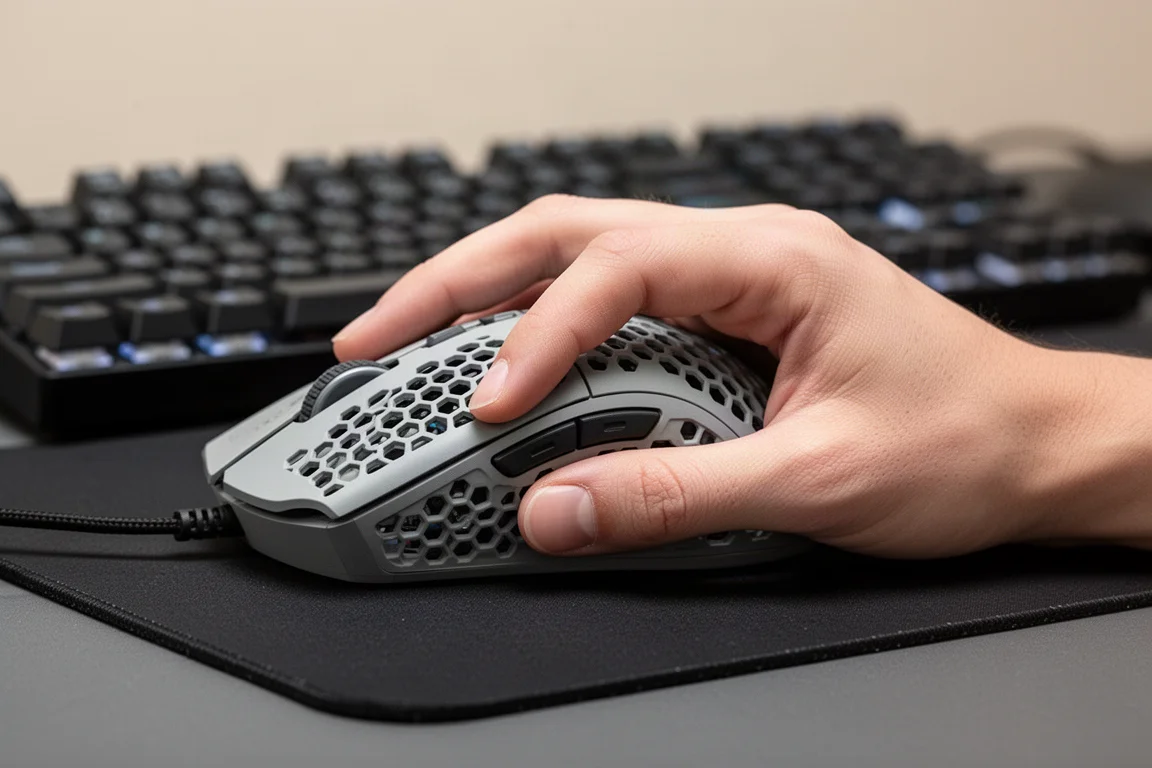
The shape of the Aerox 3 Gen 2 is identical to previous versions. The PBT-style coating on the exterior provides a grippy texture that feels secure in hand. The mouse weighs around 66 g, which is not heavy, but the weight distribution leans toward the mid and back sections. The battery sits toward the rear, and the RGB lighting is also positioned near the back, which contributes to that rearward balance.
During gaming, that weight bias is noticeable. The mouse feels slightly heavier toward the middle and back rather than neutral across the whole chassis. Removing the rear RGB and shifting internals forward would likely improve the feel, but as it stands, the balance is one of the weaker points.
The side grooves are a genuine highlight. The thumb and pinky can lock into contoured recesses on each side, which helps keep the mouse stable during fast movements. For a smaller mouse, this locking-in effect is surprisingly effective. Instead of fingers sliding around when flicking, the grooves hold them in place, making it easier to land shots consistently.
Software and Features
The SteelSeries GG software has been updated with a cleaner layout. You can select your product, access presets for certain games, and adjust core settings such as button assignments and DPI. The DPI adjustment allows multiple profiles, and the polling rate can be set up to 1000 Hz in wired mode and 4000 Hz in wireless and Bluetooth modes. Lift-off distance, power save, and sleep timer options are also available.
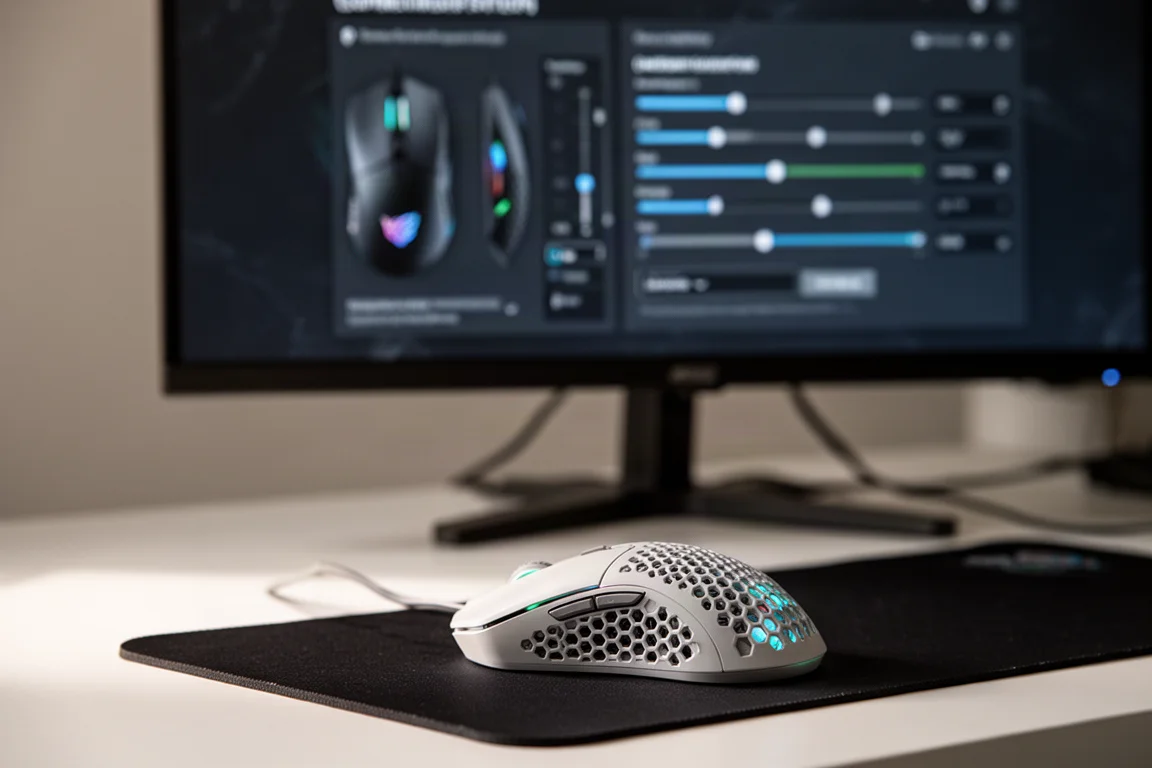
The advanced section includes DPI matching, which lets you align your sensitivity with a previous mouse. Acceleration settings and precision controls, including rotation and angle snapping, are also present. These are familiar features seen in other gaming mice, and they give players fine control over how the mouse responds.
One standout addition is the “find your perfect shooter sensitivity” tool. It lets you select a game and run through a few tests to find a suitable sensitivity setting. It is a fun and practical way to dial in your aim, and it also serves as a useful way to explore your grip and how you hold the mouse.
Buttons and Scroll Wheel
The buttons and scroll wheel have been upgraded and feel crisper than before. They behave like classic mechanical switches, which many players prefer over optical switches. The clicks are sharp and audible, with a satisfying tactile response.
The scroll wheel is tactile and sits low in the chassis, a design choice SteelSeries has used for a while. The low profile makes it easy to roll from one button to another without lifting your finger.
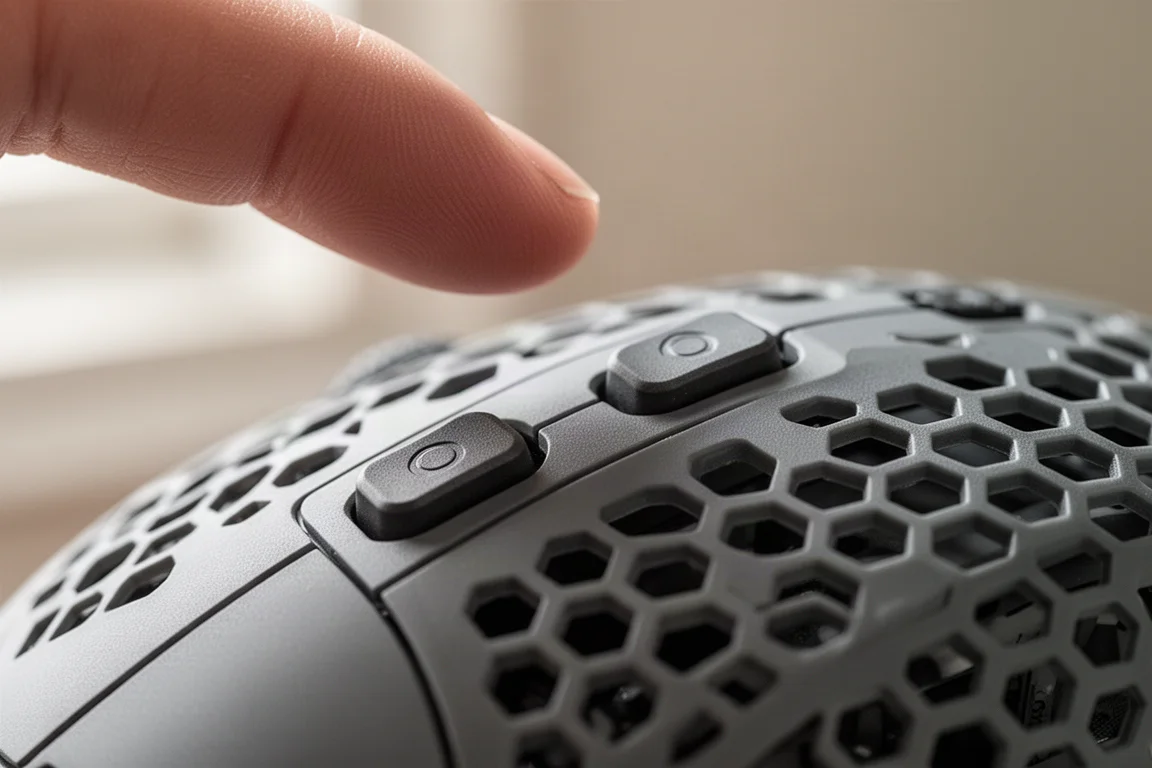
The biggest improvement is the side buttons. Previous versions had tiny side buttons that were difficult to distinguish. The new ones are noticeably larger and easier to tell apart, which makes a real difference during gameplay. Being able to differentiate the two buttons quickly is a welcome change.
Performance
Performance is where the Aerox 3 Gen 2 shines. Tested wirelessly at 4000 Hz polling, the mouse delivered flawless tracking with no stutters, delays, or hiccups. It paired cleanly with other wireless peripherals and handled fast-paced gameplay without issue.
The core performance is solid, and modern gaming mice in this class are all extremely capable. Differences in click latency and polling rate are barely noticeable in practice. Factors like monitor refresh rate, PC specs, and internet connection tend to matter more than the mouse itself.
The main caveat is size. For players used to larger ergonomic mice, the Aerox 3 Gen 2 may feel small. Extended sessions can lead to hand cramps, particularly in the pinky, as the grip locks into the side grooves. A larger version of this mouse would be welcome for those who prefer a bigger footprint.
Buying Advice
The SteelSeries Aerox 3 Gen 2 is a well-performing mouse with a strong shape and meaningful internal upgrades. The improved side buttons, crisp switches, and reliable wireless performance are all positives. The 4000 Hz polling rate works flawlessly, and the software offers useful tools for fine-tuning sensitivity.
However, the weight balance and price are harder to overlook. At around $110, it sits close to competitors that offer similar or better value. If the price were closer to $80 or $90, it would be a much easier recommendation. As it stands, the Aerox 3 Gen 2 is a good mouse with potential, but SteelSeries still has room to refine the balance and pricing to make it a standout in the crowded gaming mouse market.
Conclusion
The SteelSeries Aerox 3 Gen 2 delivers solid internal upgrades, a comfortable shape, and reliable performance. The side buttons are a major improvement, and the software adds useful features. But the rear-heavy weight distribution and premium price keep it from being a clear winner. If you need a new lightweight mouse and value the shape and grip, it is worth considering. Otherwise, it may be wise to wait for a price drop or a future revision that addresses the balance.
Product link
View more details for SteelSeries Aerox 3 Gen 2
This product is mentioned in the review. Check the specifications, options, and compatibility before buying.
View more details for SteelSeries Aerox 3 Gen 2Further reading
Related Reviews

Gaming Mice
ASUS ROG Harpe Ace Review: A Flagship Wireless Gaming Mouse That Delivers
The ASUS ROG Harpe Ace is a lightweight wireless gaming mouse with 8K polling, optical switches, and a refined shape. Here is our full review.

Gaming Mice
Corsair Saber V2 Pro Ultralight Wireless Review: A Lightweight Mouse That Beats Its Price
The Corsair Saber V2 Pro Ultralight Wireless delivers a sub-36g weight, 8K polling, and a refreshing $100 price. We spent serious time with it to see if it holds up.

Gaming Mice
Fingertip Mice Roundup 2026: Five Ultra-Light Options Compared
A look at five fingertip mice, from Pulsar's X2F beta to the Zeromouse Blade, and how weight and grip style affect aim performance.