Running Headphones
Shokz OpenFit vs OpenRun Pro vs OpenRun: Which Open-Ear Headphones Make Sense for Runners?
Three open-ear headphones compared on fit, sound, controls, battery life, and running practicality, with a clear recommendation for each type of runner.
Introduction
Shokz has built its reputation on bone conduction headphones, and the OpenRun and OpenRun Pro remain firm favourites for runners who want to hear the world around them. The OpenFit changes that formula: instead of vibrating sound through your cheekbones, it uses air conduction via true wireless ear-hook earbuds that sit just outside the ear canal. Priced similarly to the OpenRun Pro, with the OpenRun sitting below both, these three headphones cover a lot of the same ground in very different ways. Here is how they compare, and which one we would put our own money on.
Key Design Differences at a Glance
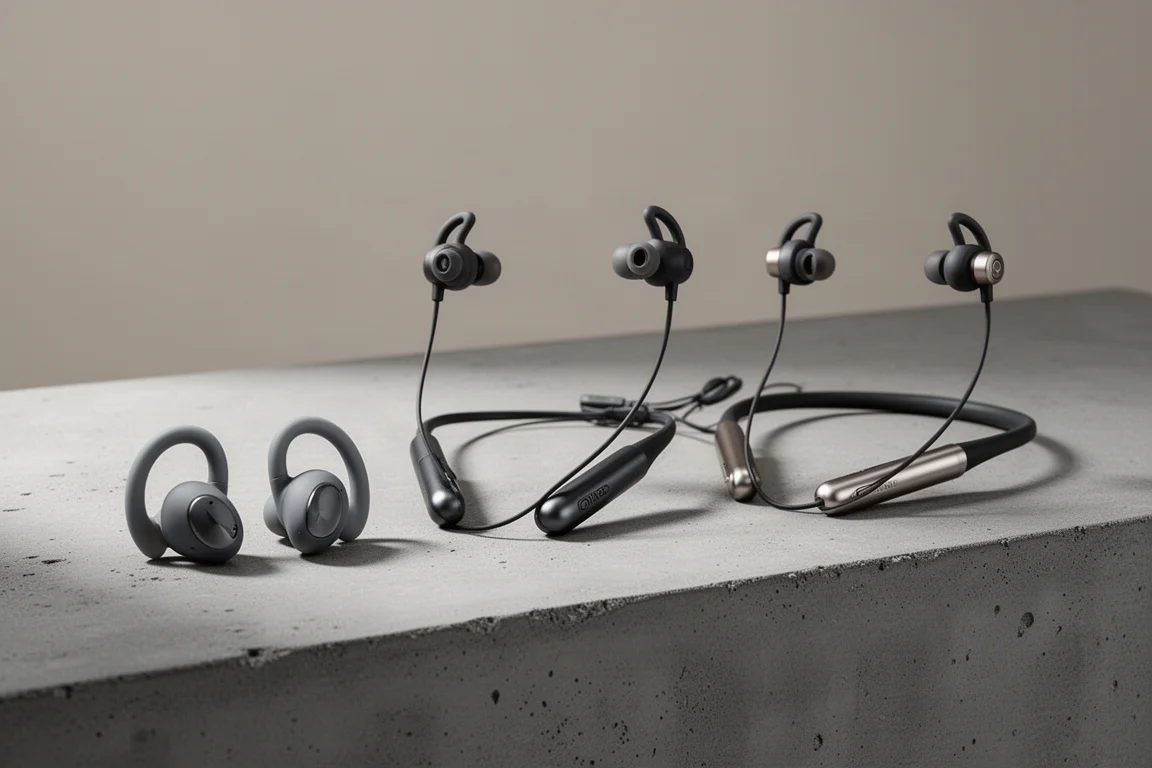
The most obvious difference is the form factor. The OpenFit are ear-hook style truly wireless earbuds, while the OpenRun and OpenRun Pro are neckband style headphones that wrap around the top of your head. The OpenRun and OpenRun Pro come in standard and mini sizes, where the mini version uses a smaller frame that hugs the head a little more closely. The OpenFit comes in a single one-size-fits-all design.

Durability ratings differ too, particularly against moisture. The OpenRun carries the strongest rating of the three, essentially waterproof, though none of these are intended for swimming. In terms of protection you are looking at the OpenRun first, then the OpenRun Pro, then the OpenFit, and note that the IP rating on the OpenFit does not apply to its charging case.
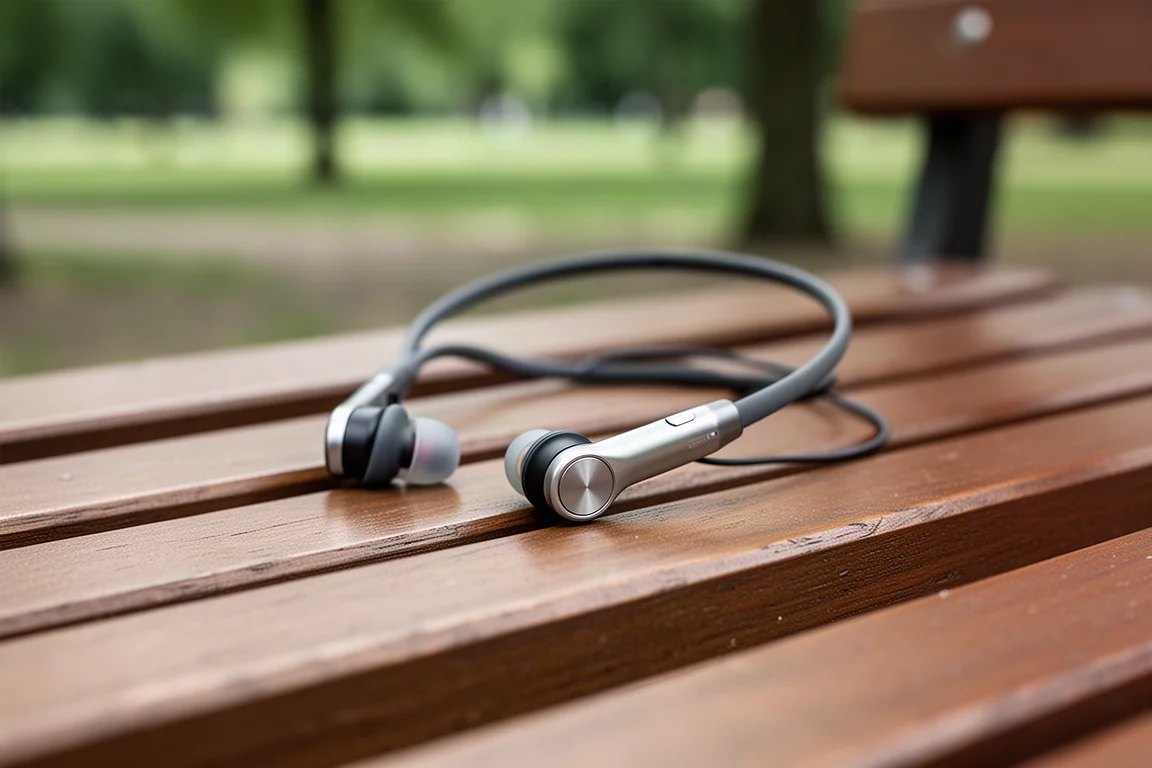
On materials, the OpenFit is predominantly silicone, while the OpenRun and OpenRun Pro use titanium in the frame: light, but also strong and durable for long-term use. All three are very light headphones. The OpenFit weighs less overall than the neckband models, partly because the weight is split across two separate earbuds rather than one connected unit.
Features: Air Conduction vs Bone Conduction
The biggest feature difference is how sound reaches your ears. The OpenFit uses air conduction: wearable speakers positioned close to your ears deliver the sound while keeping you aware of your surroundings. The OpenRun and OpenRun Pro do the same job with bone conduction, sending vibrations through your cheekbones up toward your ears. The premise is identical across all three; they simply get there differently.
Connectivity is close but not identical. The OpenFit runs Bluetooth 5.3, promising slightly better connection stability, while the OpenRun and OpenRun Pro use Bluetooth 5.2. If you want multipoint pairing to connect to two devices at once, the OpenRun and OpenRun Pro support it; the OpenFit currently does not.
EQ options also differ meaningfully. The OpenFit offers four EQ modes plus a custom EQ in the Shokz companion app, giving you far more control over how your audio comes through. The OpenRun and OpenRun Pro have two EQ modes you can switch between on the headphones themselves, enough to tune things for bass-heavy music or spoken content. For calls and voice assistants, all three work, and all three carry dual noise-cancelling microphones. The OpenFit’s noise cancellation is AI-based, which promises an edge in call quality over the standard dual mics on the neckband models.
Battery and Charging
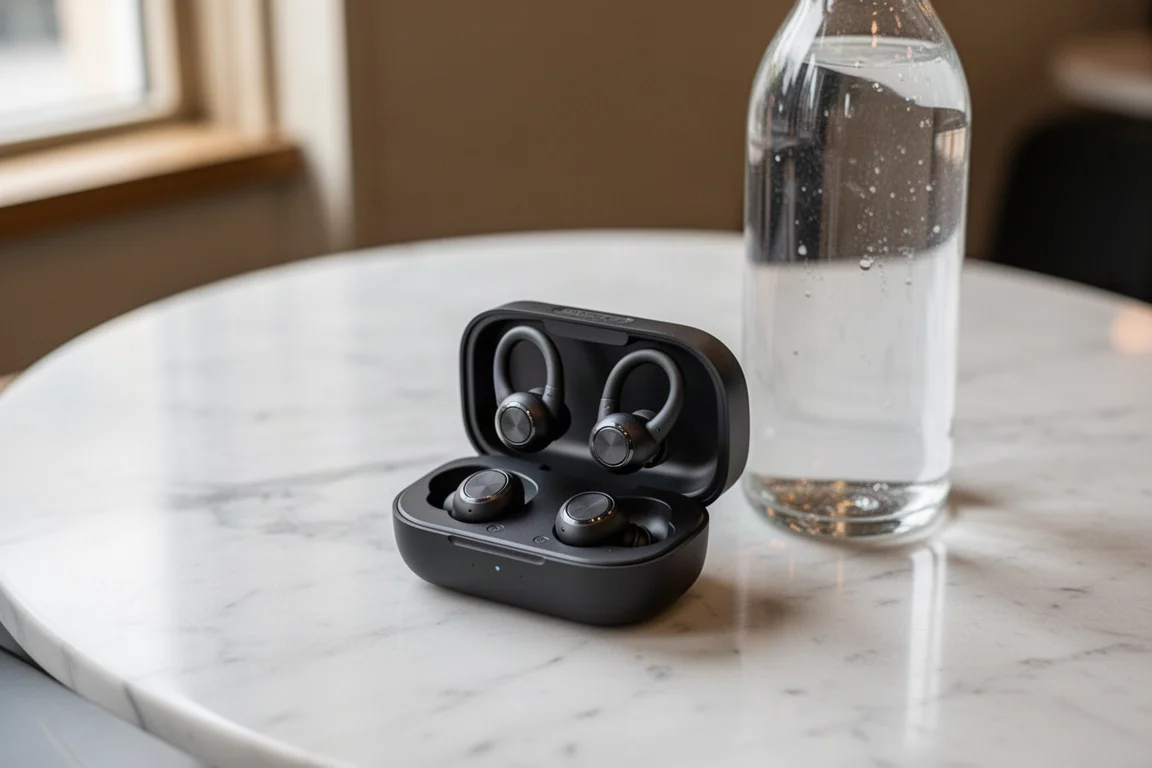
On Shokz’s own numbers, the OpenRun Pro lasts longest on a single charge, followed by the OpenRun, then the OpenFit. Charge times are broadly similar, and the OpenFit and OpenRun Pro offer the quicker top-ups, with some form of fast charge available across the range so a forgotten charge does not ruin a run. Charging method differs: the OpenFit drops into its charging case, while the OpenRun and OpenRun Pro rely on a proprietary charging cable. One caveat worth remembering: listening at higher volumes, and using more power-hungry EQ modes on the OpenFit, drains the battery noticeably faster across all three.
Controls: Physical Buttons vs Touchpad
The OpenRun and OpenRun Pro use physical controls: a multi-function button on the edge of the headphones plus additional buttons tucked alongside for volume, skipping tracks, and switching EQ modes. The OpenFit replaces these with a touchpad that offers a similar range of control through touch-sensitive input.
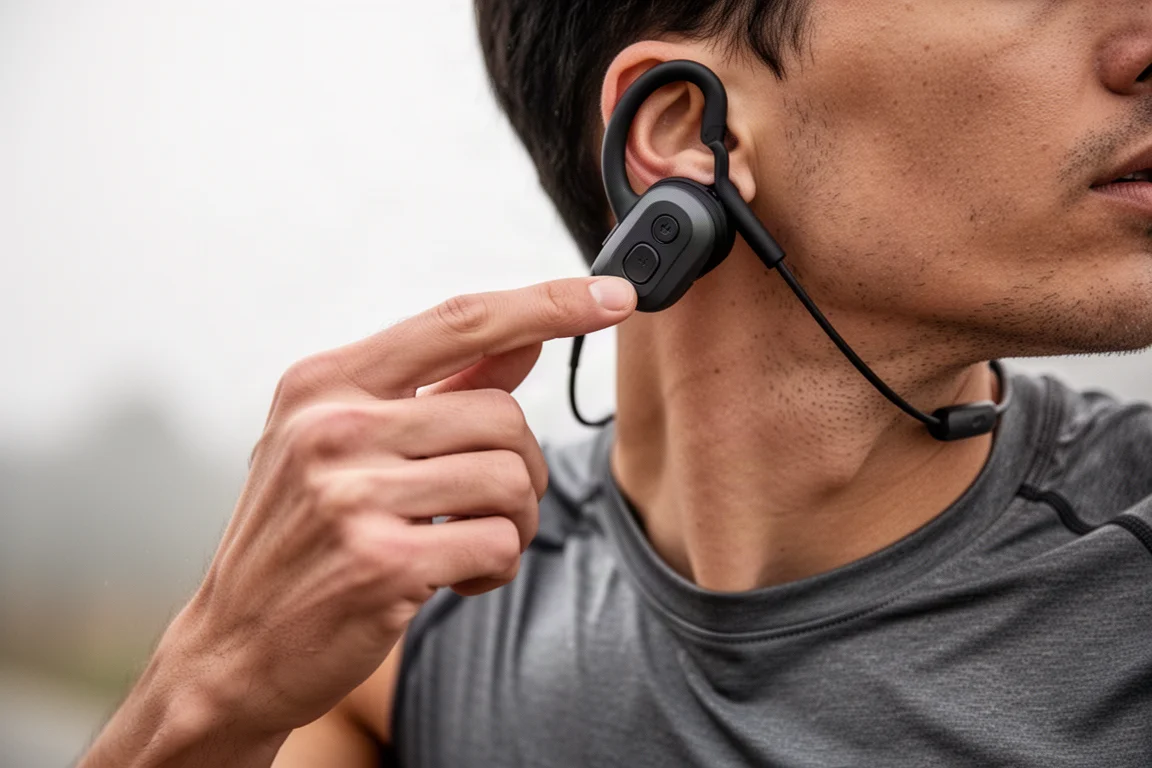
In practice, the touch controls on the OpenFit can be temperamental. After a few taps they sometimes stop registering until you re-find the sweet spot, and because the control options are limited to one tap area on each earbud, setting it up for volume means losing track skipping. The physical buttons on the OpenRun and OpenRun Pro are easier to use reliably, especially on faster runs or mid-race, though the volume buttons on those models are small and fiddly in their own right.
Running Experience: Fit and Comfort
Long-term use tells you the most about these headphones. The OpenRun and OpenRun Pro have handled marathons, training blocks, and plenty of races, and they consistently deliver a secure, comfortable fit that you can forget you are wearing. The mini versions of both have worked particularly well, with a shorter neckband that hugs closer, bounces less, and feels more secure even on larger heads.
The OpenFit has been less convincing. Despite the low weight, the fit has not felt completely secure, with a bit of wobble on faster runs and steep descents, and even some movement when sweating or worn under a cap. It is comfortable and easy to put on, but the neckband designs have held up better in terms of a locked-in feel.
Sound and Situational Awareness
If you care about a bigger, more powerful, and customizable sound, the OpenFit is the pick. With preset and custom EQ configured in the app, it gets closer to the sound of regular headphones, and it is noticeably louder than the bone conduction models. That loudness cuts both ways, though: crank the volume and you lose much of the awareness that makes open-ear headphones appealing. There were moments where someone shouting a few metres away went completely unnoticed, which made the OpenFit feel less safe than the OpenRun models in traffic.
The OpenRun and OpenRun Pro share a similar sound profile: more balanced, less bold and bassy than the OpenFit, but genuinely enjoyable. The difference in sound between the OpenRun and OpenRun Pro is minimal, and the EQ modes on both make less of a difference than the OpenFit’s do. Sound leakage exists on all three, even with the OpenFit’s different approach, so quiet environments will betray what you are listening to.
Verdict: Which One Should You Buy?
If situational awareness is the priority, the OpenRun is the pick. It offers the most bang for buck: good balanced sound, solid battery life with fast charging, reliable physical controls, the strongest moisture rating of the three, and a secure disappearing fit. It is also lighter than the OpenRun Pro and cheaper than both the Pro and the OpenFit, and the difference versus the Pro is small enough that we would not spend the extra. Consider the mini version if you want a fit that sits closer and bounces less.
The OpenRun Pro is the alternative if you want the best battery life in the range and a slightly faster charge, with a very nicely balanced sound and an even more refined fit. For reliability across every box a runner needs to tick, it edges ahead, but only just.
The OpenFit sits in a different category. Its sound is fuller, more balanced, and more nuanced than the bone conduction models, the charging case is genuinely convenient, and it looks more like ordinary earbuds, which makes it more versatile for commuting or office use. But the fit is less secure, the touch controls are hit and miss, louder listening costs you the awareness that defines this category, and the price is high against in-ear alternatives that also include transparency modes. If your main use case is racing or running near traffic, the OpenRun models remain the safer and more practical choice.
Conclusion
These are really three headphones for different people rather than one product in three sizes. For open-ear running where awareness and value matter most, the Shokz OpenRun is the clear overall pick. The OpenRun Pro earns its place for the best battery life and a marginally better fit, while the OpenFit is a promising air-conduction option best suited to everyday versatility rather than race day, provided you can live with its fit quirks and price.
Product link
View more details for Shokz OpenFit
This product is mentioned in the review. Check the specifications, options, and compatibility before buying.
View more details for Shokz OpenFitFurther reading
Related Reviews
Running Headphones
Beats Powerbeats Pro 2 Long-Term Review: Still a Top Pick for Runners
After a year of running, battery cycles, and multi-device pairing, here is how the Powerbeats Pro 2 holds up as a sports earbud.
Running Headphones
H2O Audio Tri Run vs Shokz OpenRun Pro 2: Which Bone Conduction Headphones Make More Sense?
A value-focused bone conduction option goes up against the best-sounding pair we have tested. Here is how the trade-offs stack up for running and cycling.
Running Headphones
IO Breezy Bone Conduction Headphones Review: Affordable Open-Ear Running Audio
The IO Audio Breezy (IO iT Geo 1) packs Bluetooth 5.3, an IPX6 rating and a 36g frame into open-ear sports headphones that cost about half the price of the leading rivals.