Running Headphones
H2O Audio Tri Run vs Shokz OpenRun Pro 2: Which Bone Conduction Headphones Make More Sense?
A value-focused bone conduction option goes up against the best-sounding pair we have tested. Here is how the trade-offs stack up for running and cycling.
Introduction
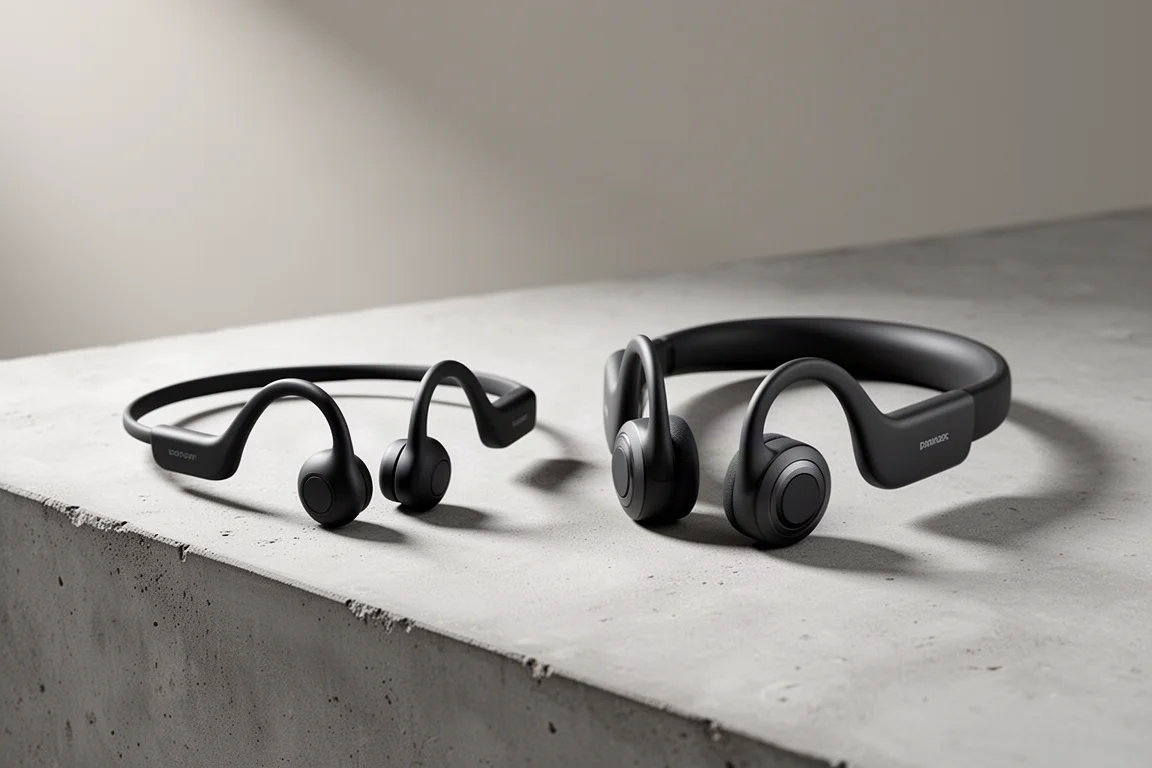
Bone conduction headphones live or die on one trade-off: they keep your ears completely open to traffic, wind and conversation, but they rarely sound as good as in-ear buds. H2O Audio’s Tri Run leans into that formula at a notably lower price than the category leader, Shokz, whose OpenRun Pro 2 remains the best-sounding bone conduction pair in this space. This comparison looks at what the cheaper option gives up, and whether the saving is worth it.
H2O Audio Tri Run: The Value Play
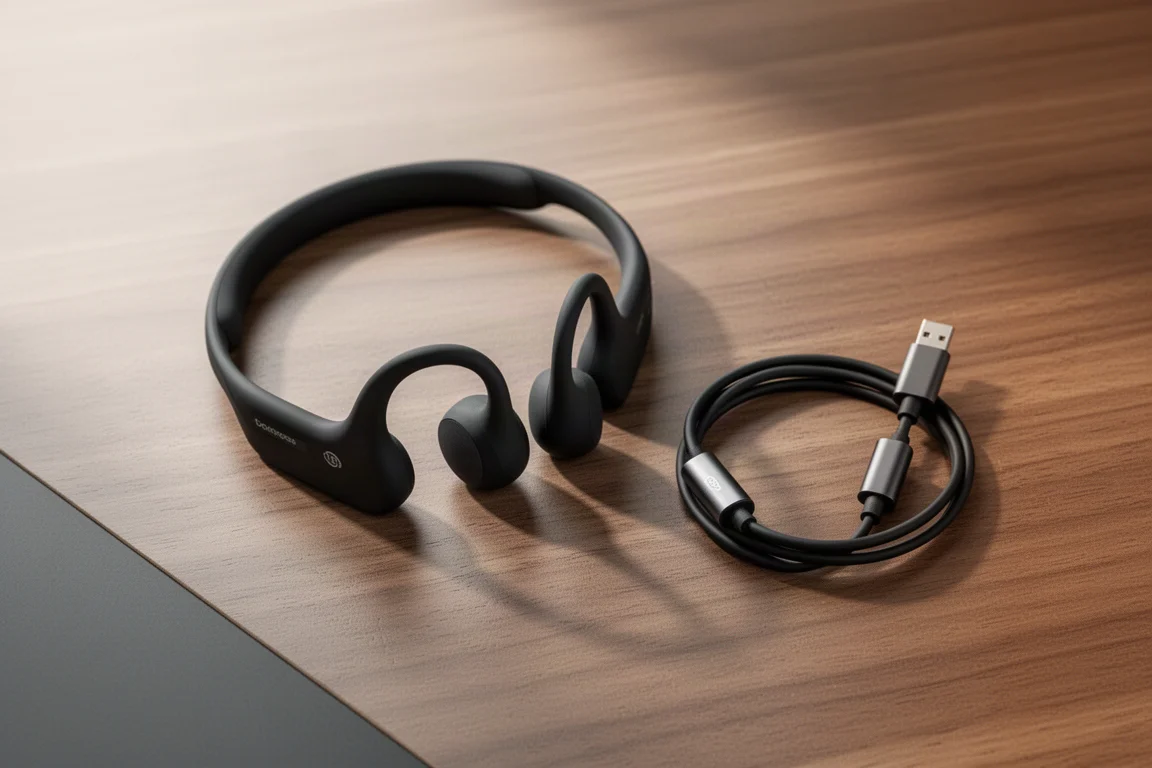
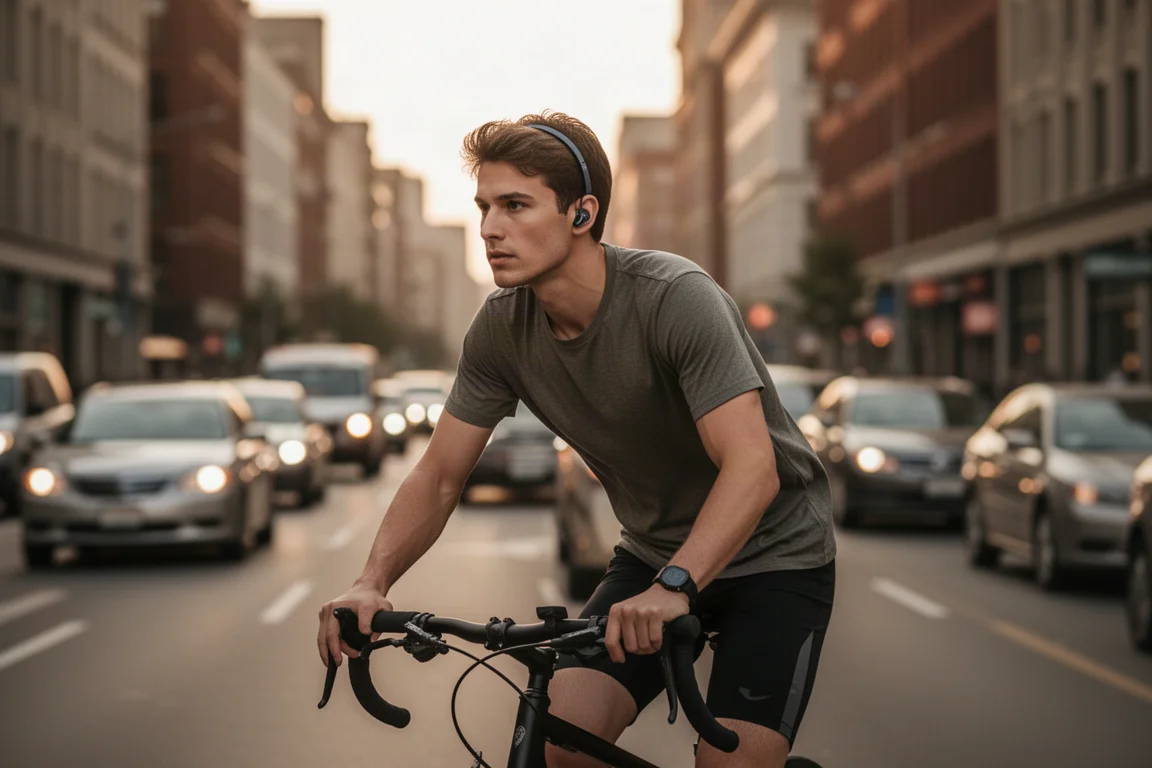
The Tri Run is built squarely for running and cycling. It uses the classic bone conduction layout, a band around the back of the head with ear hooks holding the transducer pads against your cheekbones just outside your ears. Audio is delivered by vibrating the cheekbones, which leaves your ears completely clear so you stay aware of your surroundings. It is waterproof with an IPX8 rating, so sweat and rain are a non-issue, but it is not designed for the pool because there is no MP3 storage and Bluetooth does not travel through water. Everything streams over Bluetooth only.
At $99.99 it undercuts most of Shokz’s range, and that price is the headline here. It is not directly available in the UK at the time of writing, though ordering from the US with international shipping is possible.
Fit, Controls and Everyday Use
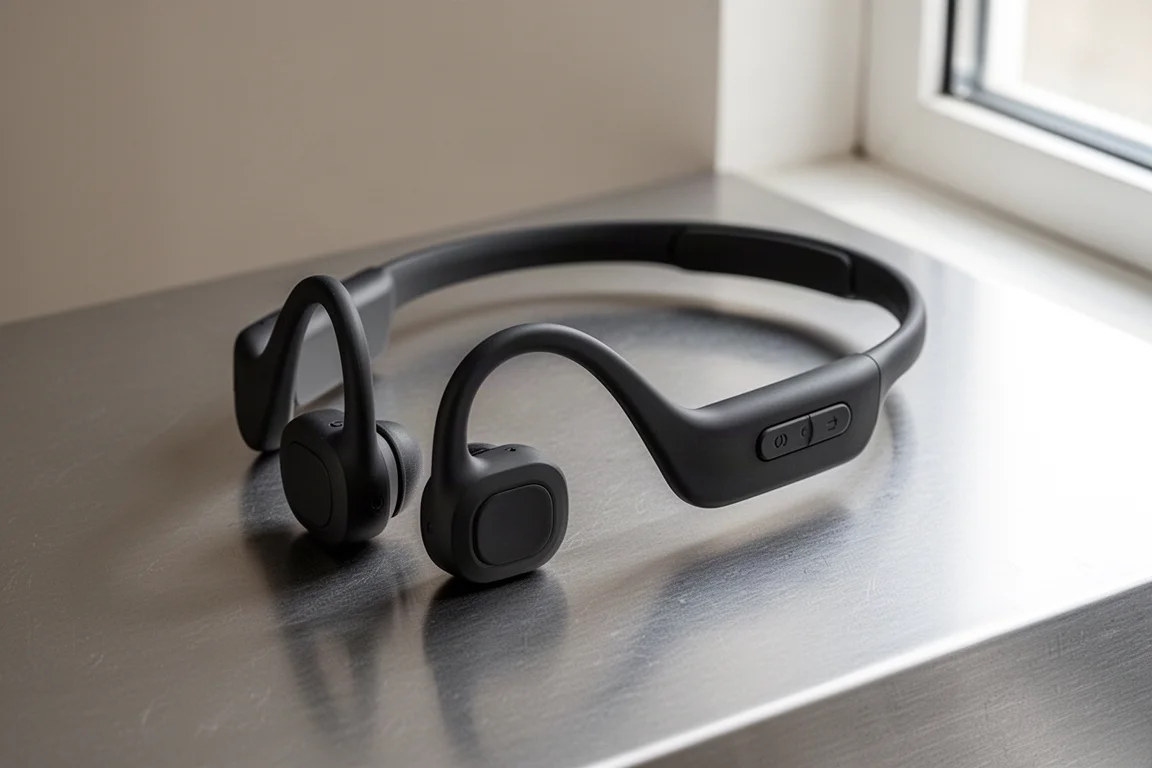
Fit is one of the Tri Run’s genuine strengths. Across long runs with and without glasses, hats and other headgear, the small ear hooks stayed out of the way and the band did not budge. As with any ear-hook design, these stay reliably in place and you never have to worry about them dropping out mid-run.
The controls are equally straightforward. Three buttons cover everything: a middle multi-function button for power and play/pause, plus volume buttons on either side that double as track skip controls. Each press gives a clear click, and there is audio feedback, for example when maxing the volume. They are easy to operate even when running hard.

Sound Quality: Acceptable, Not Exceptional
This is where the price shows. The Tri Run delivers okay rather than exceptional sound. Vocals and upper frequencies come through with decent clarity, and poppy music sounds reasonably pleasant, but the bass lacks punch and overall volume and power fall short of the best bone conduction options. On hard workouts when you want your running playlist to kick in, the sound does not quite deliver that boost.
Practical limits matter too. In really busy areas you will struggle a little to hear your audio, and on a windy track, hitting the wind at the wrong angle costs you part of the sound. Bone conduction simply does not match the volume of in-ear buds that passively block ambient noise.
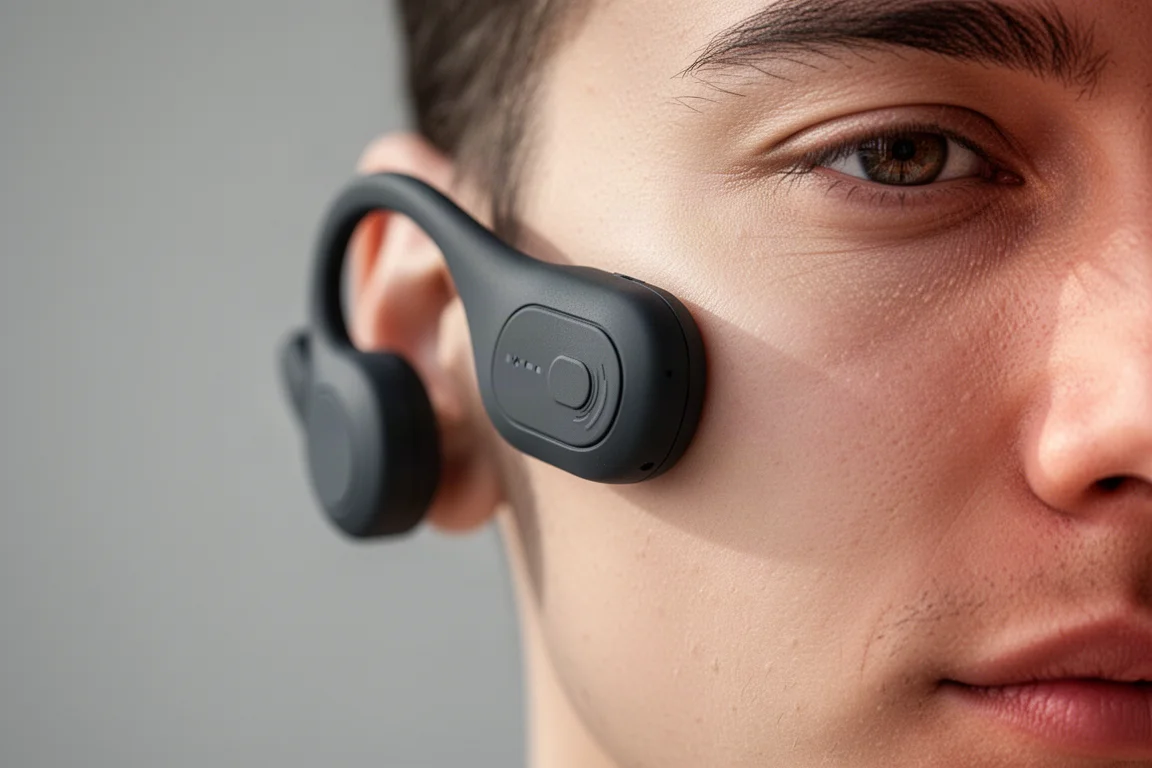
There is also noticeable cheek tickle. On bassier tracks the transducers vibrate aggressively trying to push the low end through, and the sensation is more pronounced than with recent Shokz pairs. The awareness benefit, on the other hand, is excellent: with no blockage at all, you hear everything around you, arguably better than with air conduction open-ear designs that partly obscure the ear.
Shokz OpenRun Pro 2: The Sound Benchmark
The Shokz OpenRun Pro 2 is the best bone conduction headphone tested in this category, and the reason is a hybrid approach: it combines air conduction with bone conduction to produce a fuller soundscape, noticeably better audio quality in general, and higher volume. If sound quality is your priority within the open-ear category, this is the one that sets the bar.
The trade-off is price. It costs a fair bit more than the Tri Run, though it is nearly always discounted during major sales events, which narrows the gap somewhat. Even on sale, though, you will typically still pay more than the Tri Run’s asking price.
Battery Life and Charging
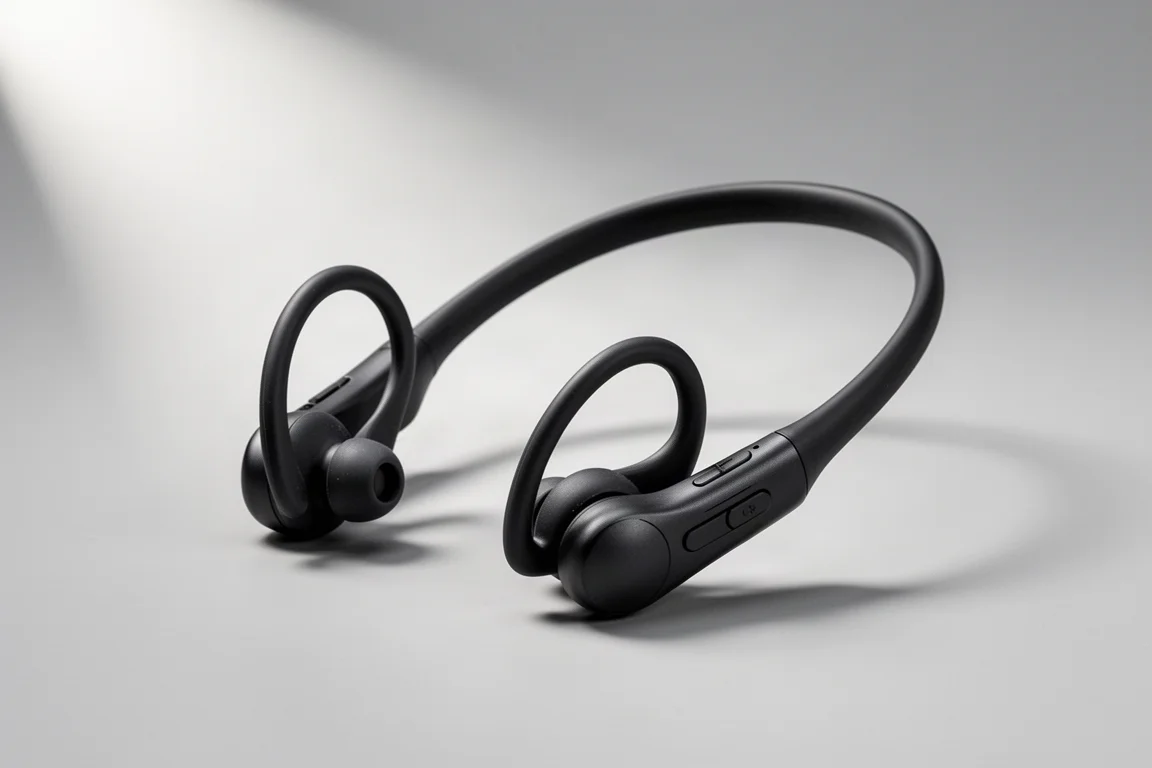
The Tri Run is rated for 6 hours of battery life, which is modest when many current bone conduction headphones deliver 8 to 10 hours or more. In practice it hits the claimed figure: running with the volume at max throughout testing, which these headphones often need given they are not the loudest pair, the battery lasted the full 6 hours. That is honest battery life, even if the number itself is not great.
Charging uses a proprietary connector, a near-universal design choice on waterproof headphones like these. It gets you through most of your weekly runs before needing a top-up, but nothing about the charging experience stands out.
Alternatives Worth Considering
Two directions are worth a look before committing. Older Shokz models, such as the original OpenRun Pro, come in close to the Tri Run’s price and still sound better, though they are not quite as cheap. The bigger competitive threat comes from even cheaper brands like Nank, where around $80 gets you a bone conduction set that may not sound quite as good as the Tri Run but is similar enough, since awareness plus good-enough sound is really the goal here.
Open-ear earbuds are another route. Options such as the JLab Epic Open Sport sit around the same price, and some EarFun models come in below $100. They give you much of the same situational awareness, not quite as much as true bone conduction but good enough for running, with clearly better sound quality.
Which One Should You Buy?
The Tri Run is a solidly made, fairly average bone conduction headphone at a fair price. It gets the job done, fits well, survives rain and sweat without fuss, and delivers honest battery life, but it does not stand out in any single area and the sound is a clear step behind Shokz’s best. If you are dedicated to bone conduction on a budget under $100, it is a reasonable pick. If fuller, louder sound matters more than saving money, the OpenRun Pro 2 is worth the premium.
Conclusion
The H2O Audio Tri Run lives up to its price without beating it: acceptable audio, strong fit, good awareness, and modest battery life at under $100. The Shokz OpenRun Pro 2 costs more but delivers the best sound in the category thanks to its hybrid air and bone conduction design. Choose based on how much you value sound quality versus savings.
Further reading
Related Reviews
Running Headphones
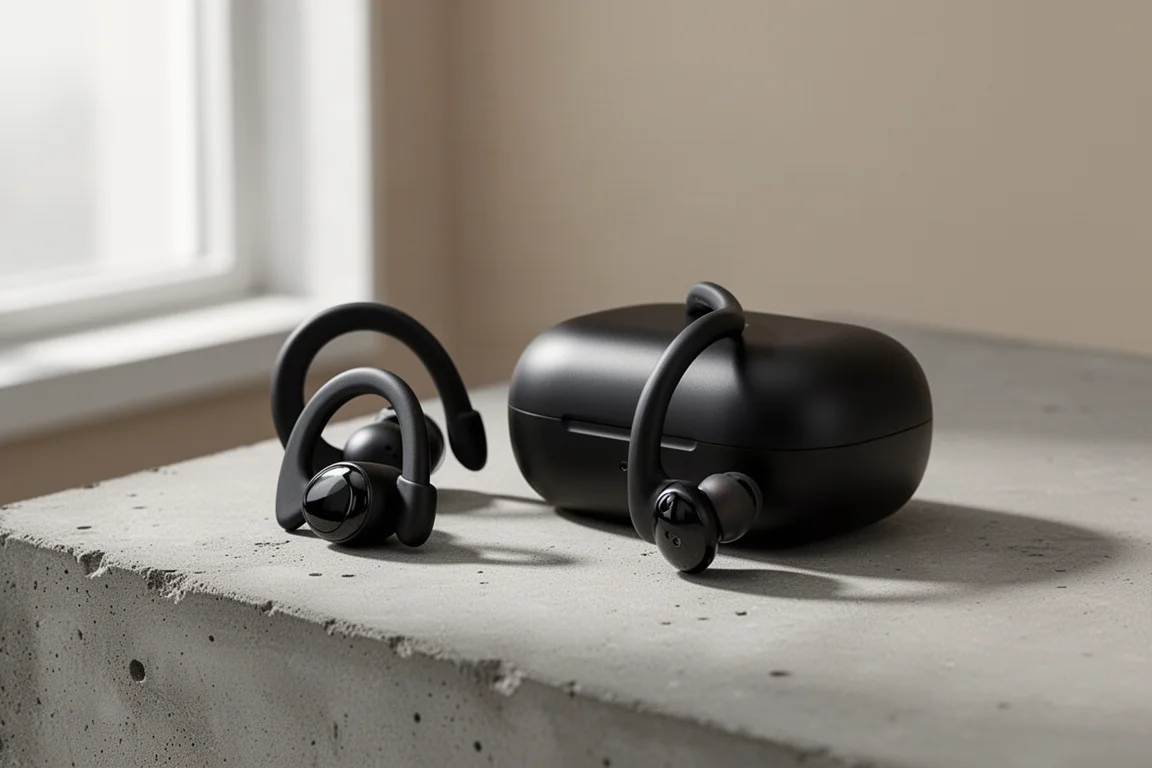
Beats Powerbeats Pro 2 Long-Term Review: Still a Top Pick for Runners
After a year of running, battery cycles, and multi-device pairing, here is how the Powerbeats Pro 2 holds up as a sports earbud.
Running Headphones
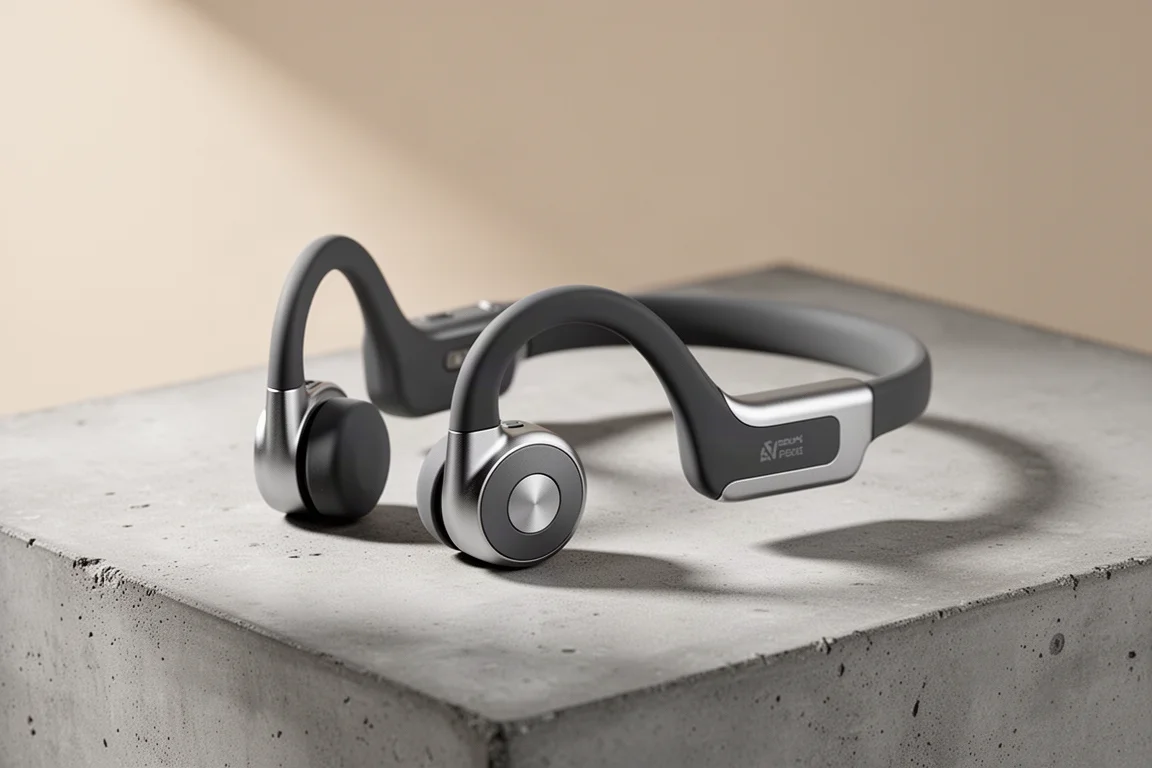
IO Breezy Bone Conduction Headphones Review: Affordable Open-Ear Running Audio
The IO Audio Breezy (IO iT Geo 1) packs Bluetooth 5.3, an IPX6 rating and a 36g frame into open-ear sports headphones that cost about half the price of the leading rivals.
Running Headphones
Jabra Elite 8 Active Review: The Best Running Earbuds We've Tested This Year
Tough, wing-free and genuinely secure, the Jabra Elite 8 Active pairs stronger adaptive ANC with rich, tweakable sound in a compact running-friendly package.