Kitchen Appliances
Samsung Family Hub SpaceMax Review: Is a Smart Fridge Worth It?
We spent two weeks living with Samsung's Family Hub SpaceMax smart fridge freezer, testing the touchscreen, food tracking, Bixby assistant and built-in recipes to see if the premium price holds up.
Introduction
Smart fridges promise a lot: cameras that show you inside, expiry reminders, built-in assistants, recipe guidance and energy analytics. The Samsung Family Hub SpaceMax is one of the most feature-packed examples on the market, and after living with one for two weeks, we have a clear picture of what it genuinely adds to a kitchen and where it falls short.
The short version: the fridge and freezer themselves are excellent, and some of the smart features are genuinely useful. Whether the whole package justifies the premium is a harder question.
First Impressions and Setup
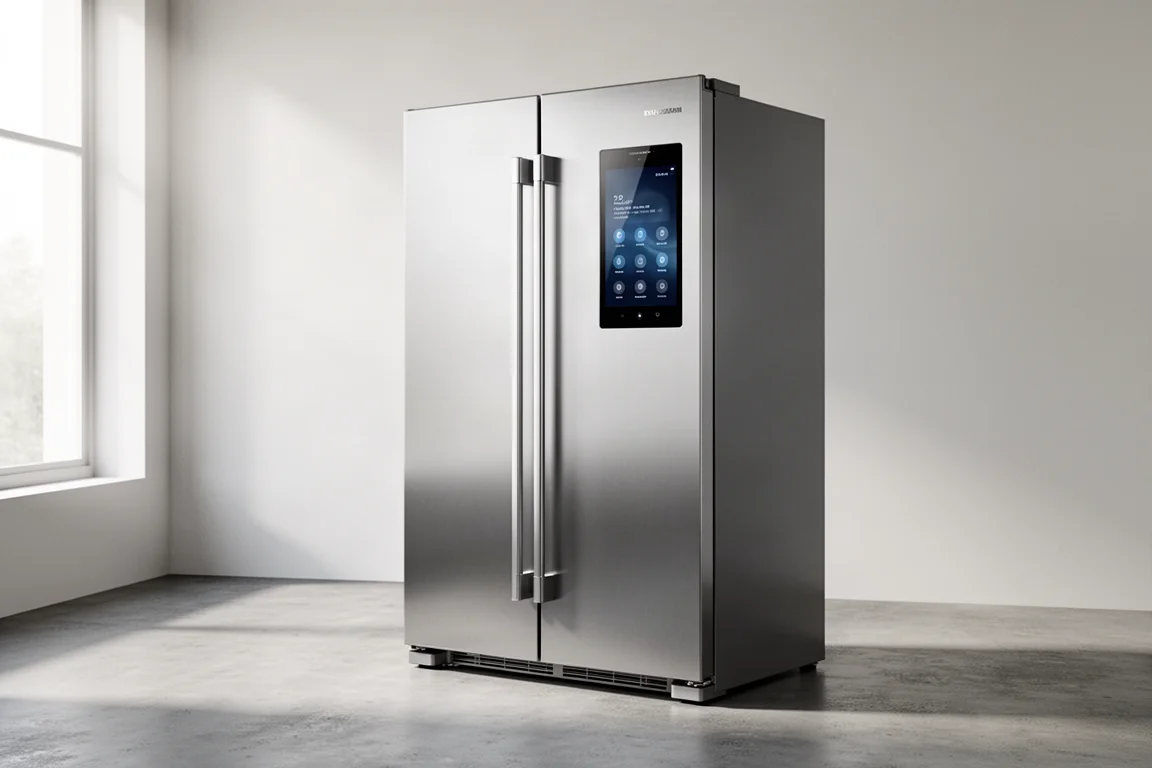
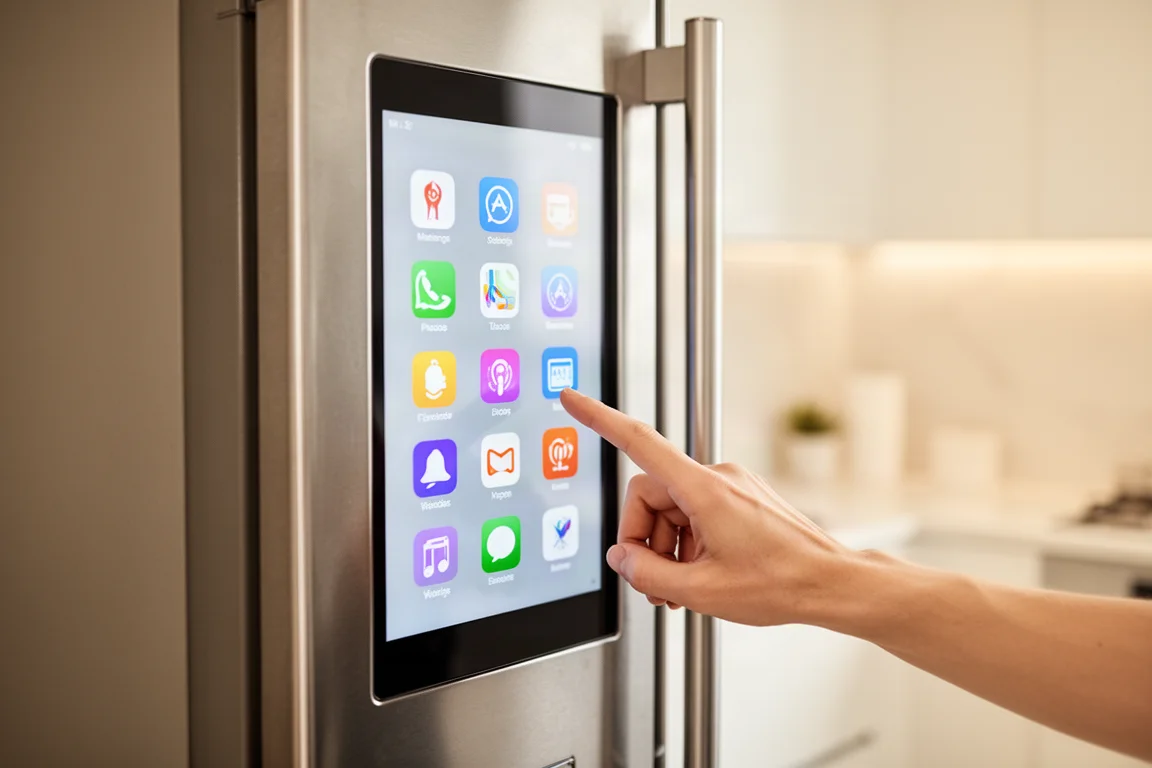
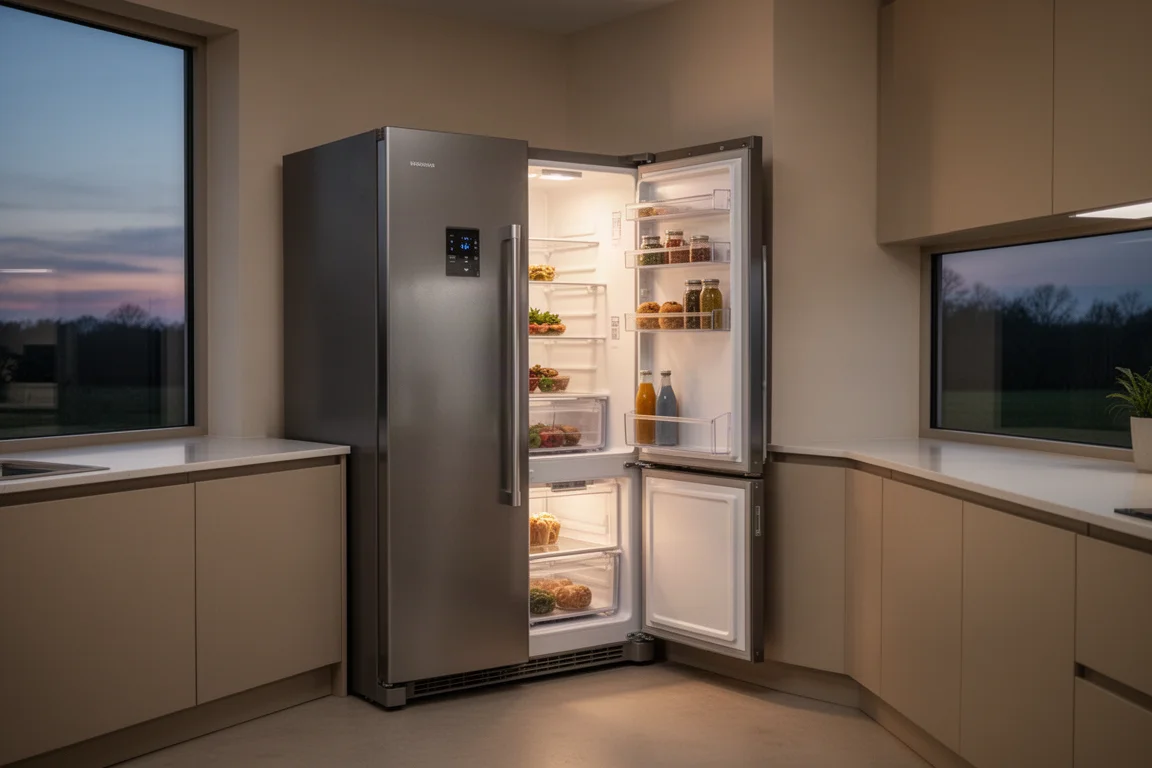
The Family Hub SpaceMax is a large American-style fridge freezer with a big touchscreen built into one door. That screen is the hub for everything: temperature controls for both compartments, a fridge manager app, audio streaming, video apps, sticky notes, a whiteboard and access to recipes.
Temperature control works well and is refreshingly simple. The freezer includes a Power Freeze function that speeds up freezing, and the panel makes it easy to check or adjust settings at a glance. You can also manage everything from a phone app, which mirrors the on-screen controls and adds an interior camera view.
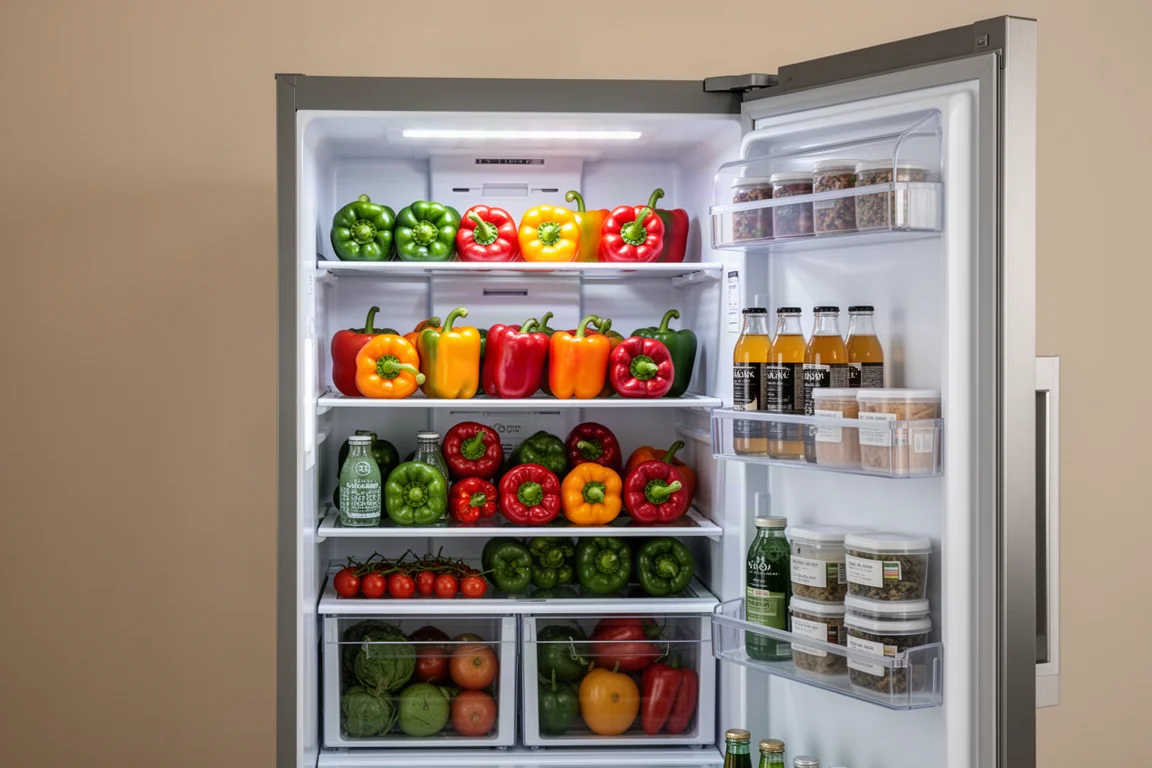
The interior camera is accessed either through the app or with a four-finger swipe down on the screen. It covers roughly two and a half shelves out of a large fridge, so the field of view is fairly narrow for the fridge’s size. It is handy for a quick peek while shopping, but do not expect a complete inventory.
Food Tracking and Expiry Reminders
The standout feature is the food list. You manually add items and their expiry dates, and the fridge warns you when something is approaching its use-by date. It sounds mundane, but it addresses a real problem: food pushed to the back of the fridge and forgotten until it is past saving.
Everything is manual for now, so you have to invest a few minutes entering your shopping. There is a barcode and label scanning function for meat in the companion app that promises to log items automatically, but in testing across multiple packets from multiple supermarkets, it refused to connect. When it works, it could meaningfully reduce food waste; today, it feels like technology that has not quite arrived.
If you do put in the effort, the payoff is real: less thrown-away food, fewer surprise trips to the shop and a running picture of what is actually in your kitchen, sortable by expiration date.
Cooking With the Built-In Assistant
The fridge runs Bixby, Samsung’s voice assistant. Voice control handles the basics well: asking to see inside the fridge, setting labelled timers, adding memos and pulling up recipes. It sometimes mishears, and learning to phrase requests the way it expects takes a little patience.
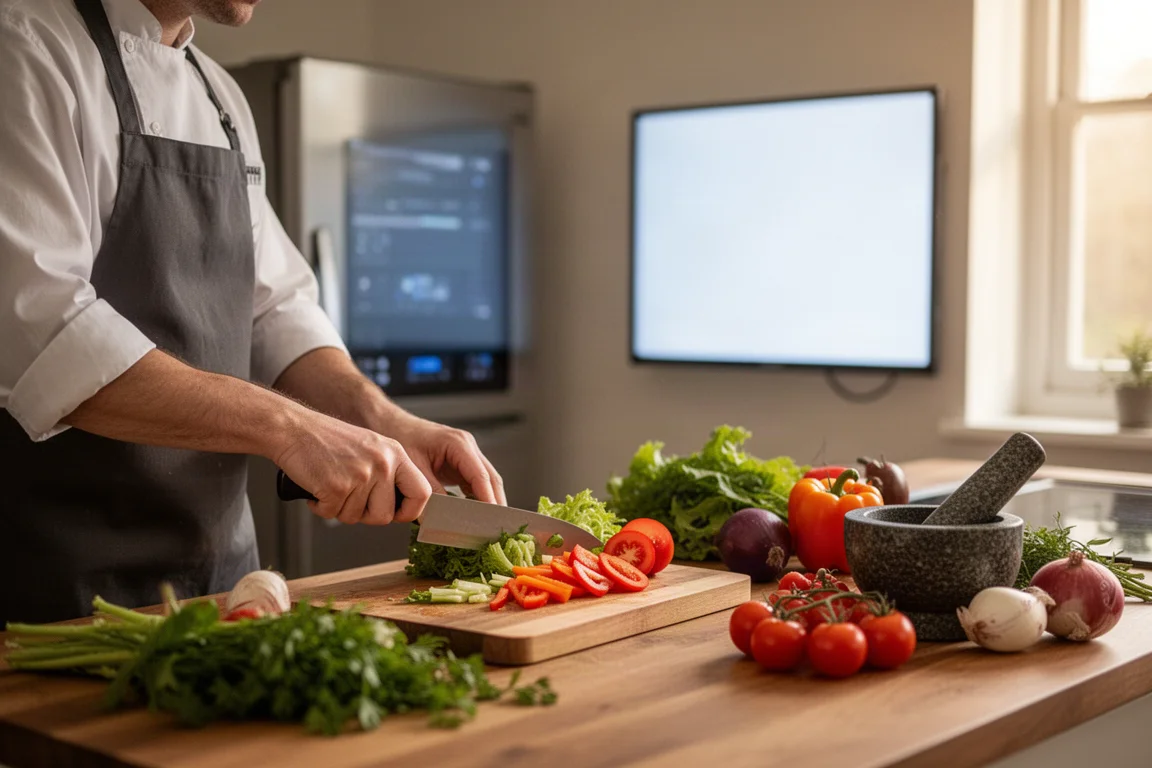
The built-in recipe feature lets you browse recipes, send missing ingredients to a shopping list and check what you already have via the View In Fridge function. Step-by-step voice-guided cooking is included, but the experience is mixed: instructions arrive in large blocks rather than clean single steps, there is no equipment list up front, and some recipes read as if they were written for another website entirely. Managing multiple labelled timers, however, is genuinely handy when you are juggling several components at once.
You can also stream music and watch online video on the screen, which turns the fridge into an意外 capable kitchen entertainment hub while you cook.
Energy Monitoring and Vacation Mode
The fridge tracks power consumption and presents it in the app with cost estimates. In testing, on the coldest settings, in a hot studio, it estimated around £10.92 for a full month. How exactly that figure is calculated is unclear, but having visibility over running costs at all is a nice touch most ordinary fridges do not offer.
Vacation mode raises the fridge compartment temperature to under 17 degrees Celsius to minimise power use while keeping the freezer running. It is designed for trips where only jars, pickles and long-life items remain inside. It will not switch the fridge off entirely, but it does reduce the cooling load sensibly.
Things to Consider Before Buying
The price is the elephant in the kitchen. A premium Samsung fridge freezer without the smart features and screen retails for around £1,000, while the Family Hub SpaceMax comes in at about £2,600. That is roughly £1,600 for the screen, speakers, camera and software.
The software, while promising, still has rough edges. The meat scanning does not reliably work, voice recognition can be finicky, and the recipe experience depends heavily on the quality of the individual recipe. First-generation smart features like these tend to mature over time.
The food list feature is the strongest argument for the whole concept. It ties together the food waste, money-saving and shopping-trip threads into one genuinely useful tool, provided you commit to using it.
Buying Advice
This is a fridge for a specific buyer: a family with a large kitchen who was already in the market for a top-of-the-range American-style fridge freezer and wants the smart layer on top. If you cook a lot, manage a household’s food shopping and like the idea of expiry reminders and a shared family screen, the individual functions have real value.
If you are a smaller household or simply want excellent cooling, a non-smart premium model delivers most of the practical benefit for far less money. And if you like the idea but balk at the price, waiting for later iterations, or for competing brands to drive the market forward, is a reasonable play.
Conclusion
The Samsung Family Hub SpaceMax does what a fridge should do very well, and layers on smart features that range from genuinely useful, like food expiry tracking and energy monitoring, to not quite ready, like barcode scanning. It is a lot of money for a tablet, speakers and a camera bolted onto an otherwise excellent fridge freezer, but for the right family, the food-tracking ecosystem alone could justify the premium over time.
Product link
View more details for Samsung Family Hub SpaceMax
This product is mentioned in the review. Check the specifications, options, and compatibility before buying.
View more details for Samsung Family Hub SpaceMaxFurther reading
Related Reviews

Kitchen Appliances
Arboleaf Smart Kitchen Scale Review: Connected Cooking Made Simple
A Bluetooth-enabled kitchen scale that syncs with a nutrition-tracking app, offering real-time weight monitoring and recipe guidance for home cooks.
Kitchen Appliances
Best Air Fryer Toaster Ovens Under 100: Five Practical Options for Budget-Conscious Kitchens
Five air fryer and toaster oven combinations that deliver real cooking performance without breaking the bank, each with distinct strengths for different kitchen needs.
Kitchen Appliances
Best Air Fryer Toaster Ovens: Three Top Picks for Multi-Function Cooking
Three high-performing air fryer toaster ovens tested for versatility, ease of use, and real-world cooking results. Find the right fit for your kitchen.