3D Scanners
Revopoint MetroY Ultra 3D Scanner Review: Detail, Accuracy, and Inspection Workflows
A hands-on look at the Revopoint MetroY Ultra 3D scanner, covering scan detail, accuracy, wireless operation, and automated inspection workflows.
Introduction
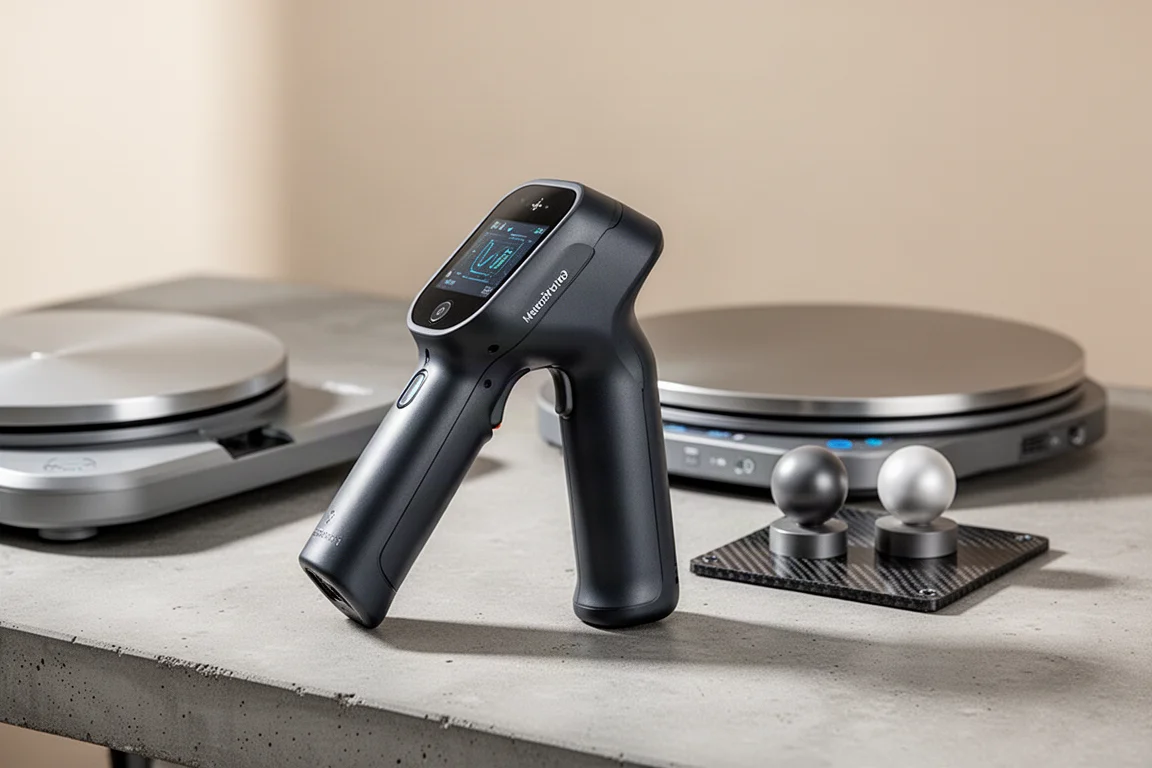
3D scanners have moved well beyond the toy category. The Revopoint MetroY Ultra is a handheld 3D scanner designed for users who need real detail, reliable accuracy, and the ability to run inspection workflows. It comes as a comprehensive package that includes the scanner, an automated turntable, a calibration standard, and a handheld battery for portable use.
The setup is straightforward. Everything arrives in a protective case, and the scanner connects to a computer through a single cable that carries both power and USB-C data. A glass plate is included for calibration, and the software walks through every step of that process.
Who This Product Is For
The Revopoint MetroY Ultra suits makers, engineers, and workshop users who want to capture physical parts for reverse engineering, create interfacing components, or run dimensional inspections. It is especially relevant if you work with tools, automotive parts, or machined components and need a scan that preserves fine surface detail.
It is also a practical option if you want both marker-based tracking for maximum accuracy and feature-based tracking for quick scans without prep. The same machine handles both approaches, which adds flexibility depending on the task.
Scan Detail and Stitching
Scanning an angle grinder is a good test because the tool has many different surfaces, colors, and details. Using reflective markers spaced about every 3 inches provides reliable tracking. The scan runs at around 90 frames per second, which makes data capture fast and responsive.
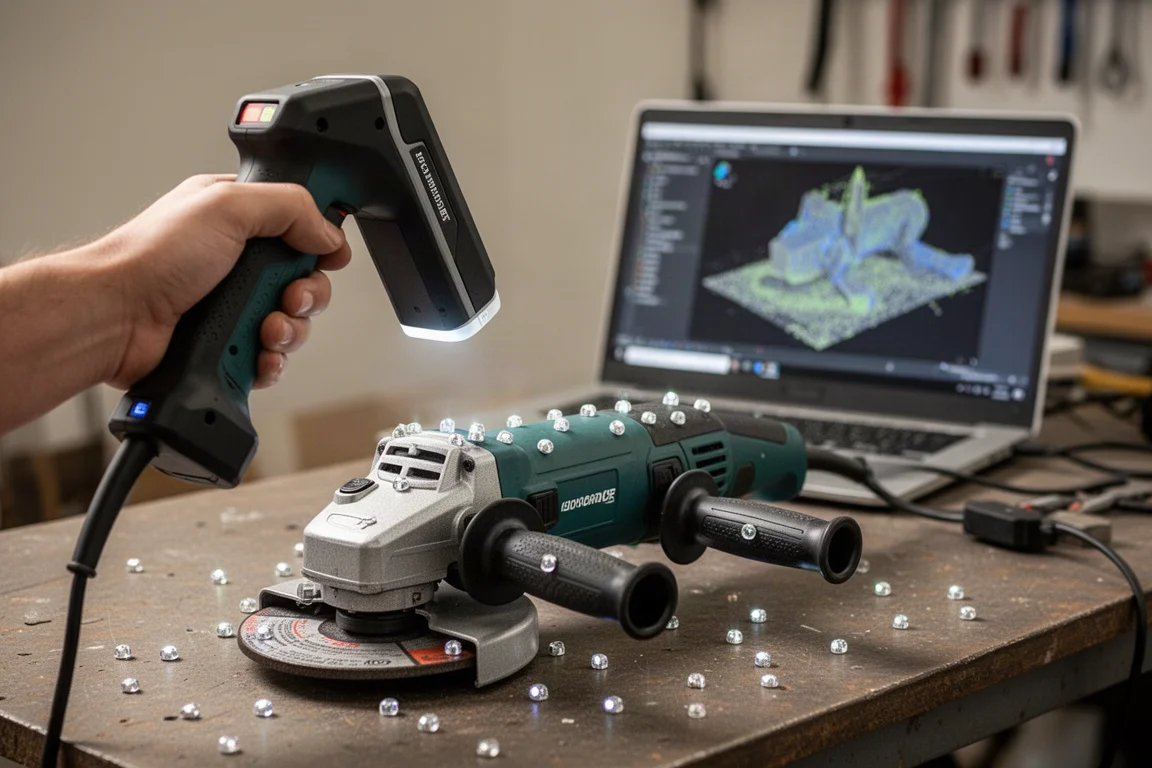
After scanning both sides of the grinder, the automatic merge feature aligned the two point clouds well. Once meshed, the model preserved enough detail to be useful for creating interfacing parts or automotive applications. A few holes remained where the geometry was hard to reach, but the overall result was impressive.
The scanner does require a computer with high specifications. Upgrading to a new machine was necessary to run the software smoothly, and the cost of RAM should be factored into the overall budget.
Wireless Scanning Over Wi-Fi
For users who do not want to be tethered to a computer, the scanner supports wireless operation over Wi-Fi. The handheld battery threads into the side of the scanner and doubles as a handle, with a short cord to power the unit.
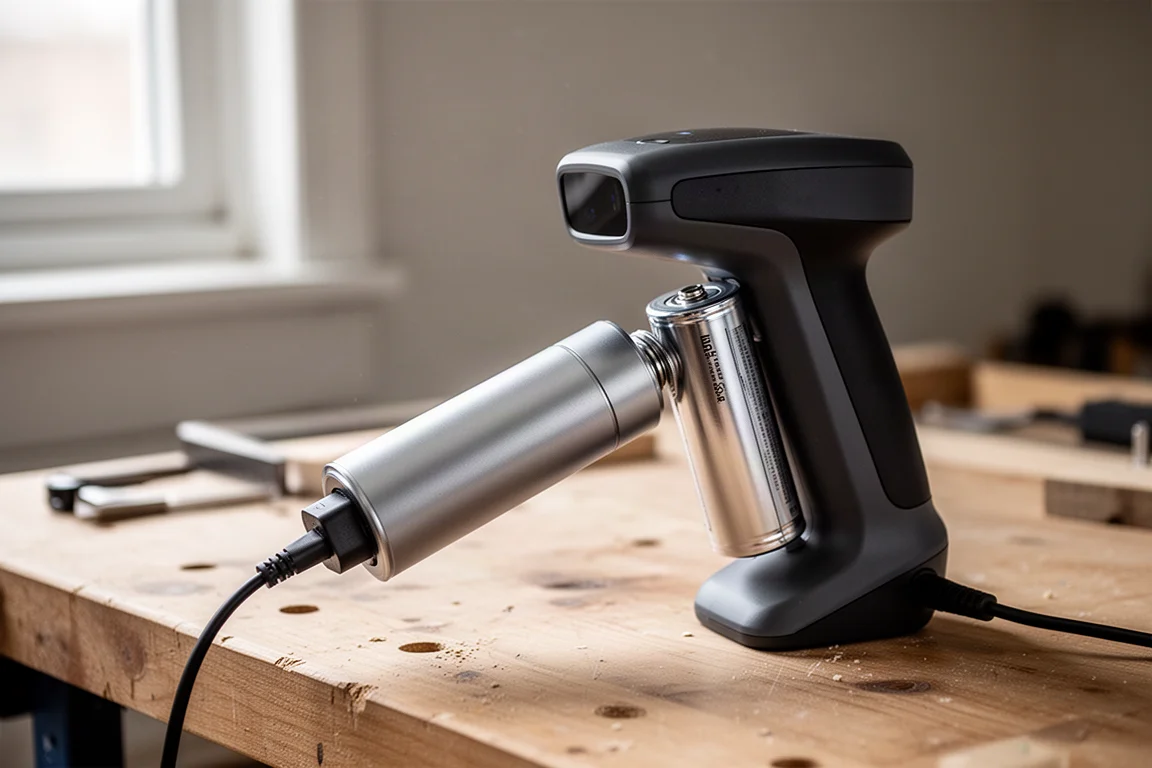
Scanning a chuck with markers placed around the edges worked well for a smaller object. The wireless scan ran at around 80 frames per second, which is slightly below the wired rate but still fast. One-click processing fused and meshed the data without needing manual adjustments, and the resulting quality was strong.
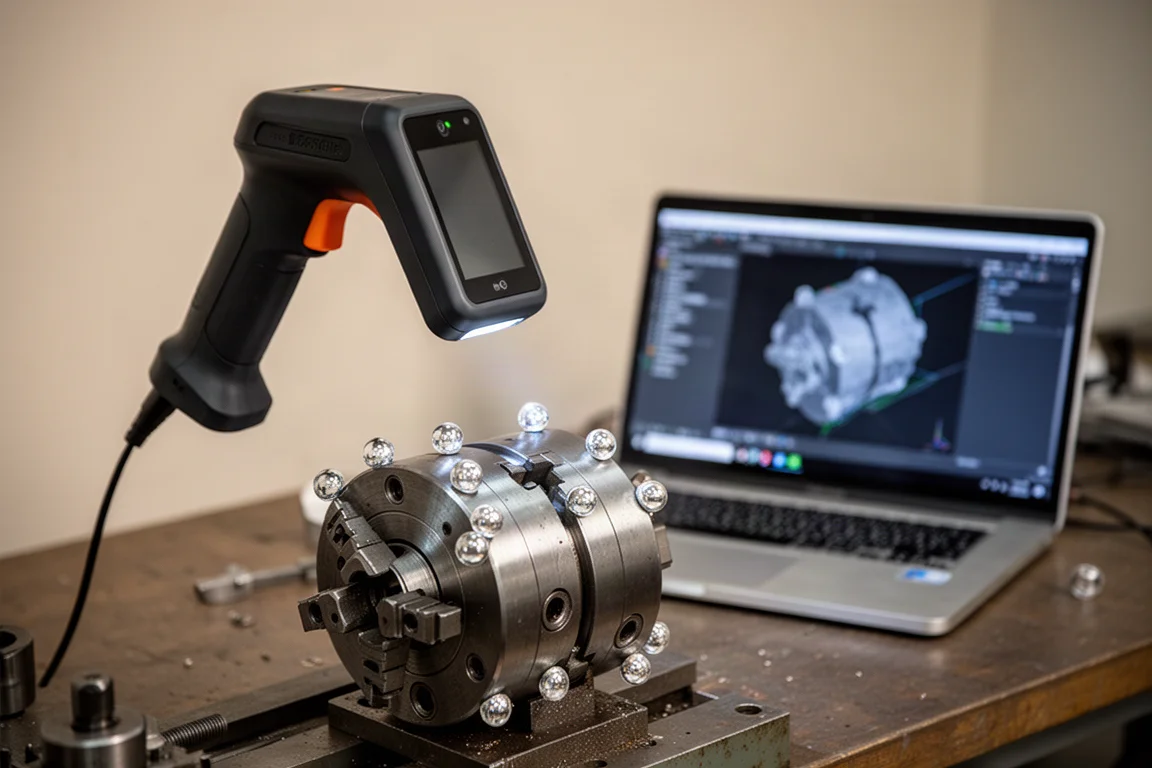
There is also an option to mirror the screen to a phone from the software, which can be useful when working away from the computer or from a desktop in the area.
Accuracy and Calibration
The MetroY Ultra includes a calibration standard with two spheres on a carbon fiber plate that is dimensionally stable. A dedicated ball plate measurement button on the interface handles the calculation automatically. When tested, the calibration was already within 0.0004 mm, which is essentially right on target.
To verify accuracy further, a 1-2-3 block of known size was scanned. Fitting planes to the surfaces and measuring distances in both dimensions came within just a few tenths of an inch. That level of accuracy at this price point is notable.
The laser cross-line mode offers a wider field of view and is worth sticking with for most scans. Parallel line and single line modes also work well, with some differences in detail or depth in holes.
Feature-Based Tracking
Reflective markers remain the most accurate and reliable tracking method. However, the scanner also offers feature-based tracking for quick scans without marker prep. This mode works best on parts with plenty of visual features, such as a bandsaw or a timing cover under the hood of a car.
Feature-based tracking runs at around 13 frames per second because the software continuously fits the model to the data. Movement needs to be more intentional, but the final model came out surprisingly good. For bolt hole locations or interfacing parts, there is enough data to work with, though markers still deliver better results overall.
Automated Inspection Workflows
Beyond reverse engineering, the scanner can handle measurement and inspection tasks. Revo Measure is an additional software package that enables inspection-type workflows. It allows you to create features like cylinders that are curve fit to scanned surfaces and measure them against known dimensions.
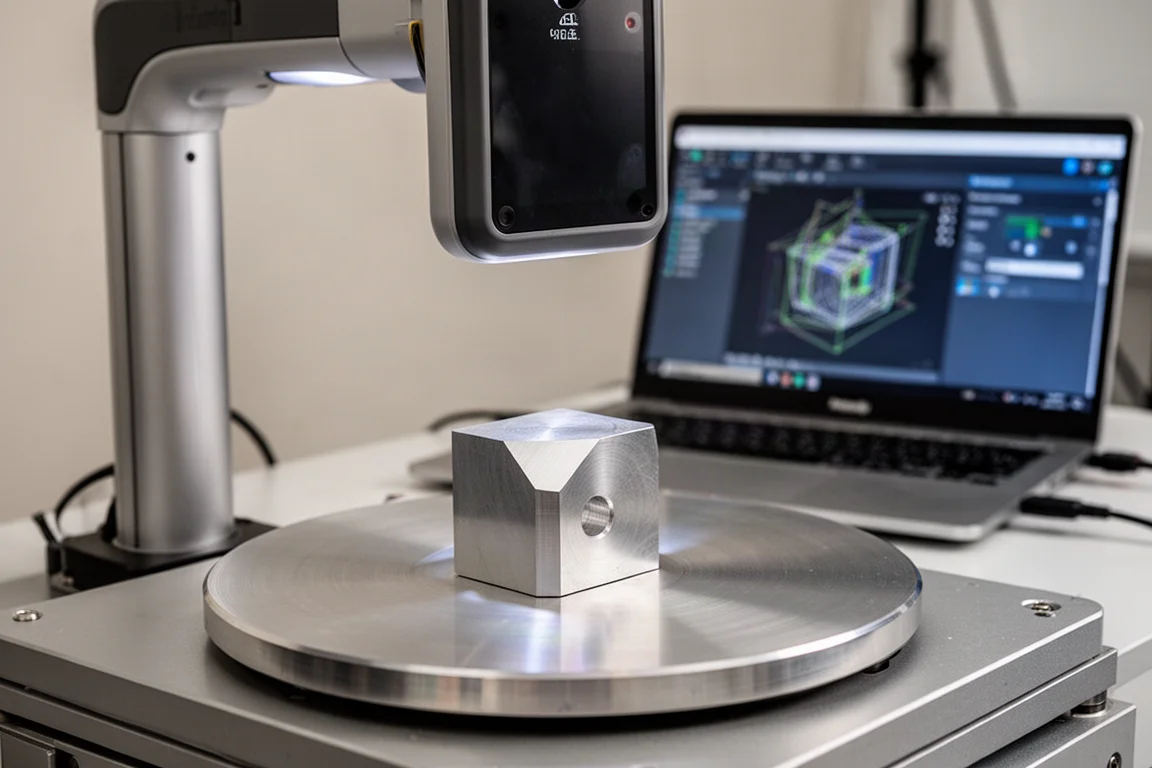
Using an automated turntable, the scanner can rotate a part a few degrees, capture frames, and repeat the process. This makes it possible to set the scan and let it run. The turntable connects wirelessly to the software.
For a test piece with a chamfer and a hole, a baseline measurement of the width came out slightly smaller than a caliper check. The likely reason is that calipers pick up high spots on a 3D printed surface, while the scan captures the whole surface and fits data to it. A full gauge R&R study would be needed to confirm whether results are suitable for specific tolerances.
The software can import CAD data as a reference and align it automatically. A one-click comparison shows stock on and stock off conditions. Dimensions with tolerances can be set up, and the software will display pass or fail results. Inspection reports can be customized and exported.
Workflows can be saved and repeated with the next part. After cleaning up scan data manually, the rest of the process runs automatically, fitting parts together, comparing surfaces, and generating the same dimensions and report. It can also run as a batch operation for inspecting multiple parts quickly.
Buying Advice
The Revopoint MetroY Ultra is not cheap, but for the capability it offers, it is surprisingly affordable. The scanner delivers strong detail, reliable accuracy, and useful inspection features in one package. The software worked well, especially when paired with a computer that meets the recommended specifications.
If you need to reverse engineer parts, create interfacing components, or run dimensional inspections, this scanner is worth considering. The combination of marker-based and feature-based tracking adds flexibility, and the wireless option makes it easier to work away from a desk.
Conclusion
The Revopoint MetroY Ultra impressed across detail capture, stitching, accuracy, and automated inspection workflows. It is a capable tool for workshop and engineering use, and the included accessories make it a complete package. For anyone serious about 3D scanning, it is a strong option at its price point.
Product link
View more details for Revopoint MetroY Ultra 3D Scanner
This product is mentioned in the review. Check the specifications, options, and compatibility before buying.
View more details for Revopoint MetroY Ultra 3D ScannerFurther reading