Gaming Mice
Razer Naga V3 Pro Review: A Feature-Packed MMO Mouse With a New Look
The Razer Naga V3 Pro brings new side buttons, a three-mode scroll wheel, and a fresh optical switch setup. Here is how it performs.
Introduction
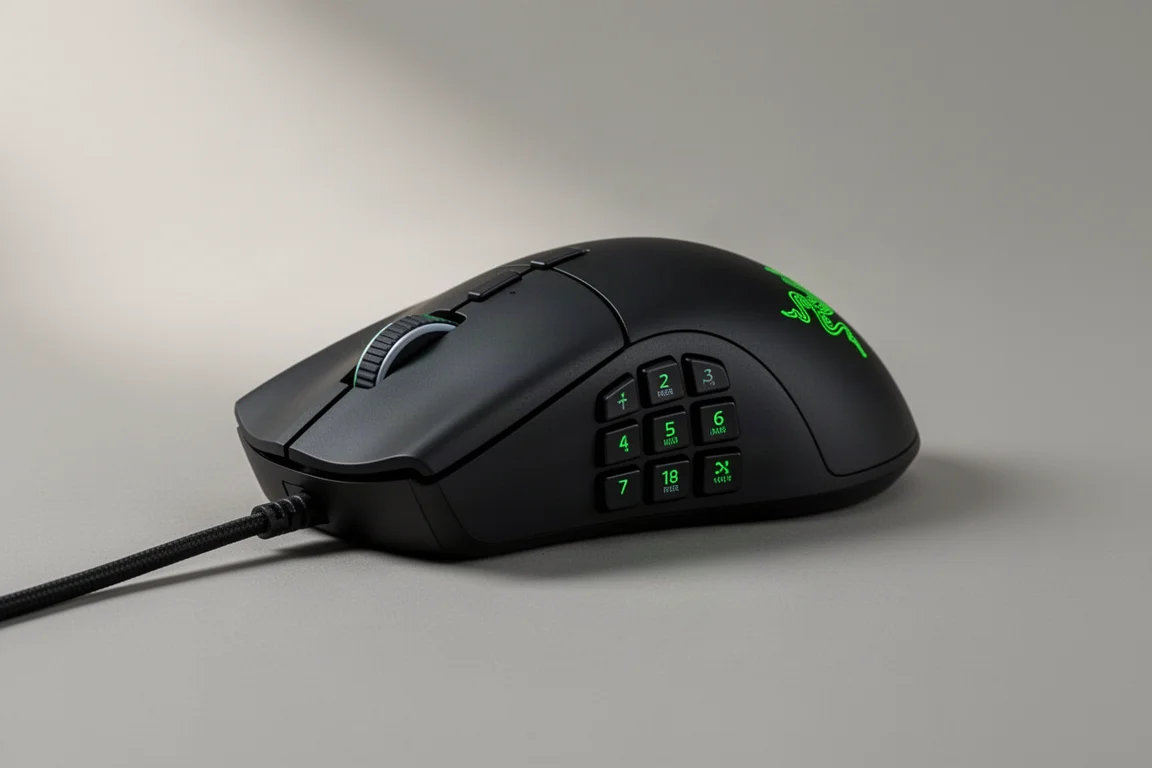
Razer has updated the Naga line with the Naga V3 Pro, bringing a refreshed design and several new features to the long-running MMO mouse series. The update includes new side buttons, a redesigned scroll wheel, and the latest optical switches, all wrapped in the familiar Naga shape that fans of the series will recognize.
The Naga V3 Pro is aimed at gamers who need many programmable buttons at their fingertips, particularly those who play MMOs or other titles that benefit from extensive key mapping. It also works as a productivity mouse for users who want to streamline repetitive tasks.
Design and Build
The Naga V3 Pro keeps the tried-and-true Naga shape, which is a relaxed claw-style grip that has been a staple of the series. The mouse feels solid in hand, and the matte finish provides a secure grip during extended sessions. The shape is described as a little short and plump, with the hump sitting toward the back of the palm. This will feel familiar to existing Naga users, but those coming from longer mice like the DeathAdder may find it takes some adjustment.
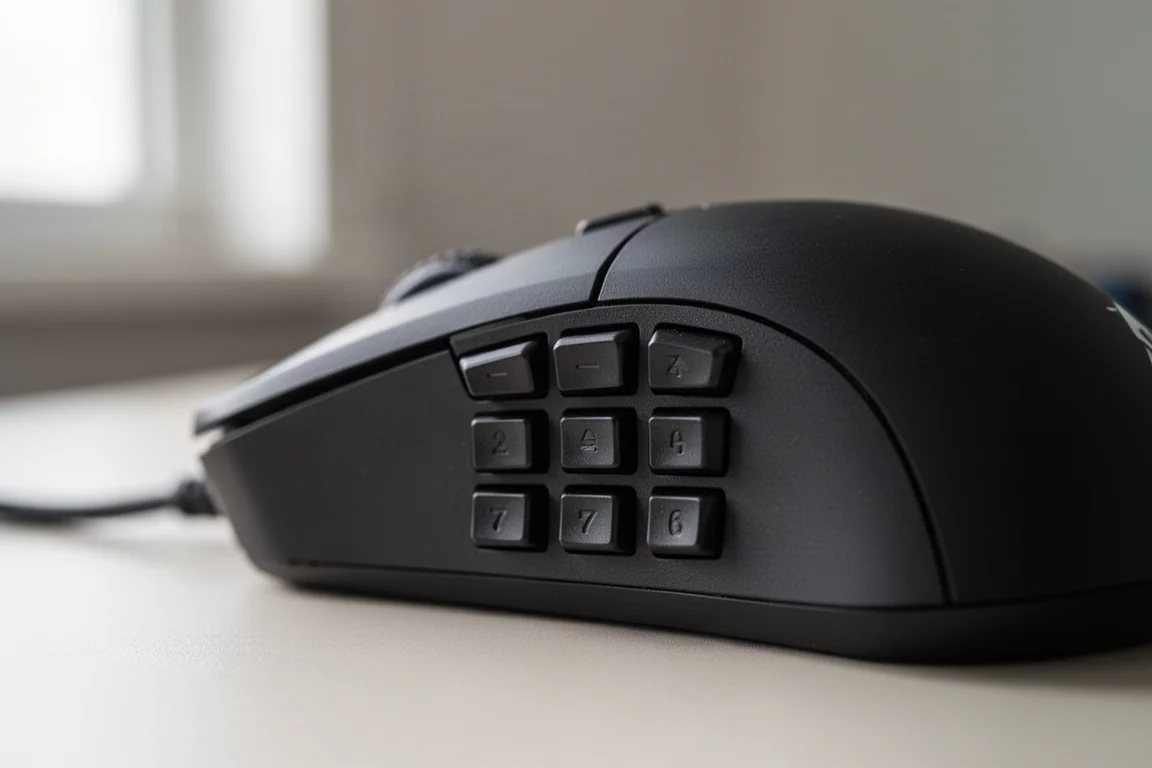
One of the most noticeable additions is the pair of new side buttons located near the front of the mouse, right at the fingertips. These buttons are easy to reach and press without shifting your grip. For users who prefer a firmer grip and worry about accidental presses, there is a lock switch underneath the mouse that completely locks the side button from moving, not just the actuation. This is a thoughtful touch for those who want the option without the risk of misclicks.
The side panels are interchangeable, with options for two, six, or twelve buttons. The twelve-button panel is the classic Naga layout, and the buttons are now doubleshot, meaning the numbers are injected into the plastic rather than printed on top. This should keep the legends legible over time, even with heavy use.
Scroll Wheel and Switches
The scroll wheel on the Naga V3 Pro has been redesigned with three modes. The first is a standard tactile mode, which feels like a typical mouse wheel. The second is free spin, which lets the wheel spin freely with minimal resistance. The third is precision tactile, which provides very small, distinct steps for precise scrolling. You can cycle through these modes using a button on top of the mouse or through the software.

The precision mode offers very fine control, though it may feel a bit too small for some users’ presses. The free spin mode is useful for quickly scrolling through long pages or weapon wheels, while the standard tactile mode is a good all-around default. The scroll wheel also supports scroll acceleration, which can automatically switch to free spin when you scroll faster.
Under the hood, the Naga V3 Pro uses the new Razer optical Gen 4 switches, which are rated for fast and reliable actuation. The sensor is the 50K sensor, which offers high DPI capabilities. The mouse supports up to 8K polling, though the included dongle is limited to 1000 Hz. A separate dongle would be needed for the higher polling rate.
Performance and Wireless Experience
In testing, the Naga V3 Pro performed flawlessly. There were no issues with lag, delay, or interference, even when used alongside wireless headsets. The mouse felt rock solid at 1000 Hz polling, which is more than sufficient for most gaming scenarios. The optical switches provided crisp, responsive clicks, and the sensor tracked accurately across various surfaces.
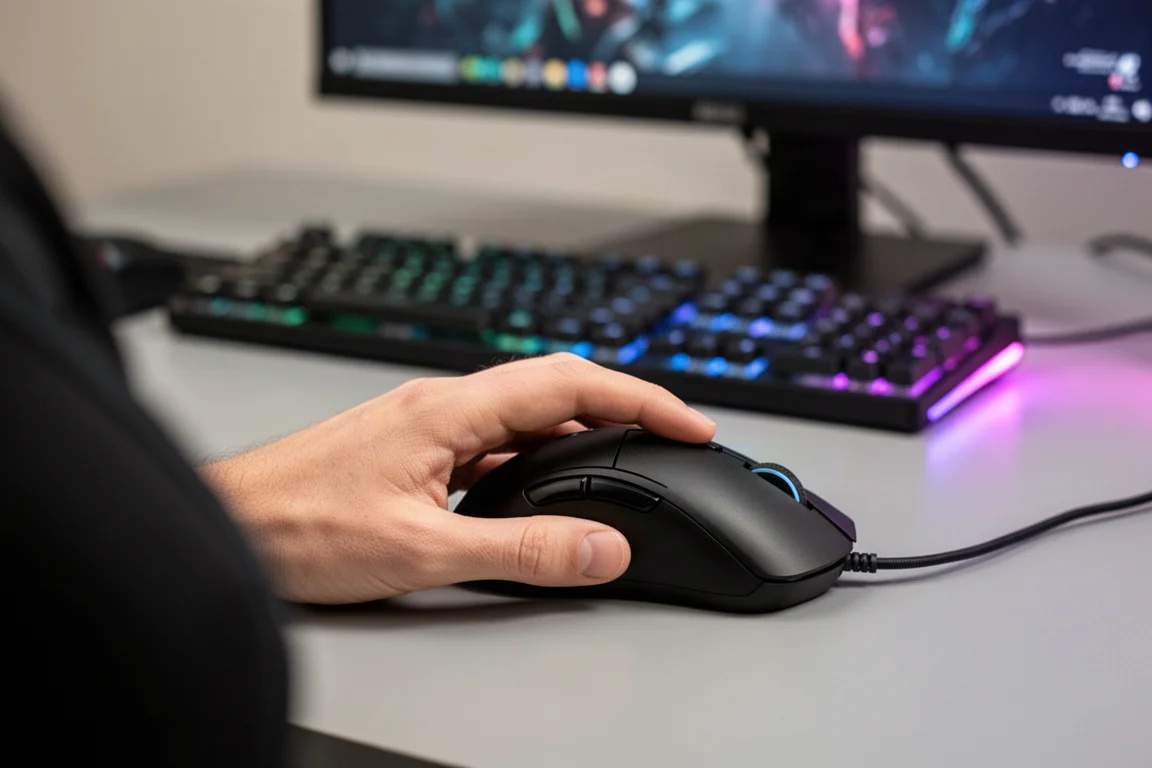
The wireless connection was stable throughout testing. The mouse also includes a convenient dongle storage compartment inside the side panel, so you can keep the dongle with the mouse when traveling. This is a small but welcome detail that keeps the setup tidy.
The Naga V3 Pro weighs in at 112 grams with the two-button side panel and the bottom cover attached. The six-button panel adds about a gram, and the twelve-button panel adds another, bringing it to around 113 grams. Removing the bottom cover saves a few grams, but the difference is negligible. The HyperFlux puck adds roughly five grams if you use it.
Battery Life and Charging
Battery life is a bit of a non-issue with the Naga V3 Pro, thanks to its compatibility with the Razer HyperFlux V2 mouse pad. The HyperFlux V2 continuously charges the mouse while it sits on the pad, so you never have to worry about running out of power. The mouse pairs instantly with the HyperFlux V2 out of the box, using a small puck that attaches to the back of the mouse.

The seamless auto pairing is a standout feature. You simply place the mouse on the pad, and it connects and starts charging without any manual setup. This is the kind of simplicity that makes the experience feel polished. The HyperFlux V2 itself is a smaller pad, but it was still manageable during testing, even in fast-paced games. The only minor issue was occasionally bumping the front of the mouse against the edge of the pad during intense movements.
If you use the mouse without the HyperFlux, you can manage battery life through the software, which includes options for low power mode and smart dimming. The smart dimming feature dims the RGB when your hand is on the mouse, which some users may find distracting. Leaving RGB at 80 percent brightness is a good balance between aesthetics and battery conservation.
Software and Customization
The Naga V3 Pro is fully configurable through Razer Synapse. You can remap every button, adjust the scroll wheel behavior, and save profiles for different games or applications. The software also includes a sensitivity matcher, which lets you match the DPI to your previous mouse for a seamless transition.
The smart polling switcher can automatically adjust the polling rate based on the game you are playing, though leaving it at 1000 Hz is perfectly fine for most users. The DPI can be adjusted in increments, and during testing, 1600 DPI felt comfortable for a larger mouse.
The software is familiar to anyone who has used Razer peripherals before, and it offers a deep level of customization without being overwhelming. The seamless auto pairing toggle for the HyperFlux is a nice touch, and the battery optimizer provides additional control over power usage.
Buying Advice
The Razer Naga V3 Pro is priced at $180. This puts it in line with other premium gaming mice from Razer, such as the Viper Pro and DeathAdder Pro. For that price, you are getting a feature-packed mouse with three interchangeable side panels, a versatile scroll wheel, and the latest optical switches.
The main consideration is the shape. If you are already a Naga user and enjoy the relaxed claw grip, the V3 Pro will feel like a natural upgrade. If you prefer a longer, palm-style mouse like the DeathAdder, the Naga’s shorter profile may not be ideal. It is a personal preference, but it is worth considering before you commit.
The HyperFlux V2 is a separate purchase, but it pairs exceptionally well with the Naga V3 Pro. The continuous charging and seamless pairing make it a compelling combination for users who want a worry-free wireless setup. The HyperFlux V2 is smaller than some other mouse pads, but it performed well in testing.
Conclusion
The Razer Naga V3 Pro is a solid update to the Naga line, bringing meaningful improvements in the form of new side buttons, a three-mode scroll wheel, and the latest optical switches. The build quality is excellent, and the performance is flawless in wireless mode.
The standout feature is the seamless integration with the HyperFlux V2, which eliminates battery anxiety entirely. The interchangeable side panels and deep software customization make it a versatile tool for both gaming and productivity.
The only real drawback is the shape, which may not suit everyone. If you are comfortable with the Naga form factor, the V3 Pro is a worthy upgrade. If you prefer a longer mouse, it may be worth trying before you buy. Overall, the Naga V3 Pro is a strong choice for MMO gamers and anyone who values a feature-rich, customizable mouse.
Product link
View more details for Razer Naga V3 Pro
This product is mentioned in the review. Check the specifications, options, and compatibility before buying.
View more details for Razer Naga V3 ProFurther reading
Related Reviews

Gaming Mice
ASUS ROG Harpe Ace Review: A Flagship Wireless Gaming Mouse That Delivers
The ASUS ROG Harpe Ace is a lightweight wireless gaming mouse with 8K polling, optical switches, and a refined shape. Here is our full review.

Gaming Mice
Corsair Saber V2 Pro Ultralight Wireless Review: A Lightweight Mouse That Beats Its Price
The Corsair Saber V2 Pro Ultralight Wireless delivers a sub-36g weight, 8K polling, and a refreshing $100 price. We spent serious time with it to see if it holds up.

Gaming Mice
Fingertip Mice Roundup 2026: Five Ultra-Light Options Compared
A look at five fingertip mice, from Pulsar's X2F beta to the Zeromouse Blade, and how weight and grip style affect aim performance.