Gaming Accessories
Razer Atlas Pro Review: The Thinnest Glass Mousepad We Have Tested
The Razer Atlas Pro is an ultra-thin glass mousepad that balances speed and control. Here is our full hands-on review.
Introduction
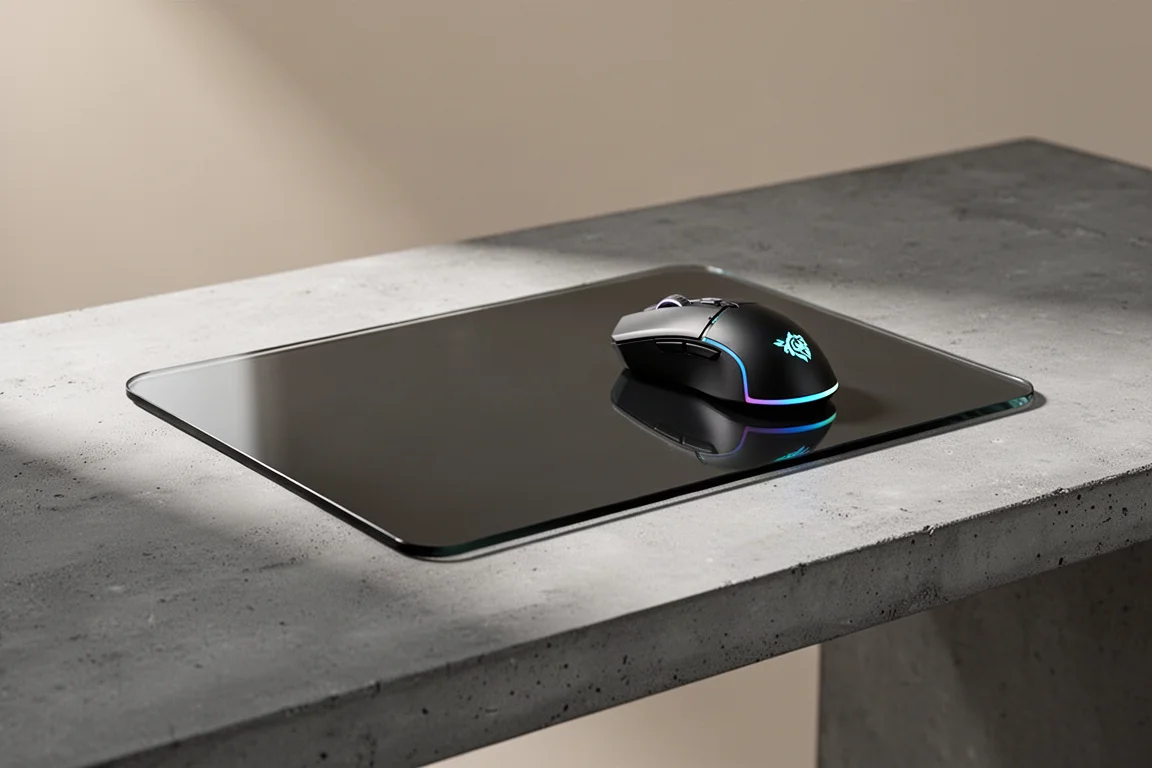
Mousepad reviews rarely generate much excitement, but the Razer Atlas Pro deserves attention. This is the thinnest glass mousepad we have handled, and it manages to combine the speed of glass with a level of control that makes it easy to recommend.
The Atlas Pro is a follow-up to the original Razer Atlas, and it arrives with a thinner profile, a slightly larger surface, and a $130 price tag. That is a $30 increase over the original. The question is whether the thinner design and refined feel justify the premium.
Design and Build Quality
The first thing you notice about the Atlas Pro is its thickness, or rather the lack of it. At just 1.9 mm, this mousepad is remarkably thin. Holding it in your hands, it flexes like a sheet of plexiglass, which is surprising for a glass product. The camera does not do it justice; it is genuinely thinner than it looks in promotional images.
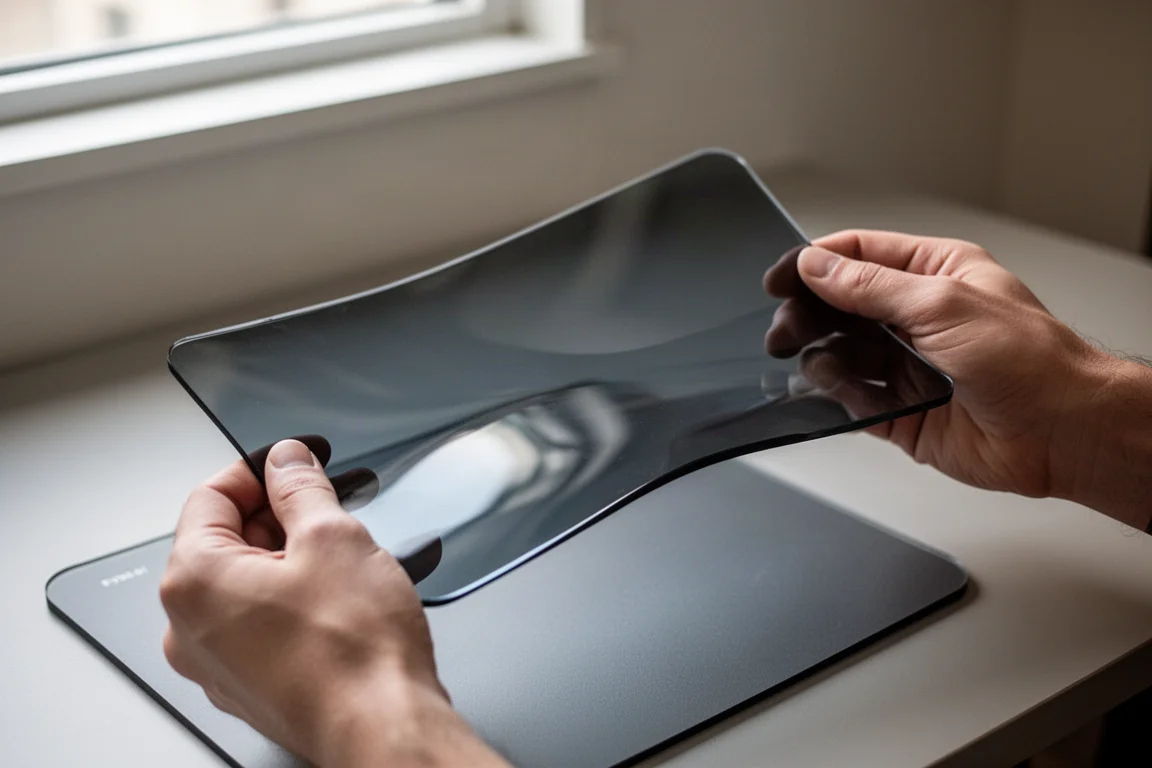
That thinness does introduce a small amount of flex when the pad is placed on an uneven surface. On a butcher’s block desk, the edges can sit slightly higher than the center, giving the pad a subtle springy feel. However, this appears to be a characteristic of hard glass mousepads in general rather than a flaw specific to the Atlas Pro. The original Atlas exhibits the same behavior on the same surface.
During actual gameplay, that flex is not noticeable. It only becomes apparent when you press down on the pad and look closely. For most users, this will not affect the experience.
Glide and Feel
The most important aspect of any mousepad is how it feels during use. Razer markets the Atlas Pro as a fast mousepad, and it is faster than a typical cloth pad. However, it does not feel out of control. The glide is smooth and quick, but there is enough resistance to keep your aim precise.
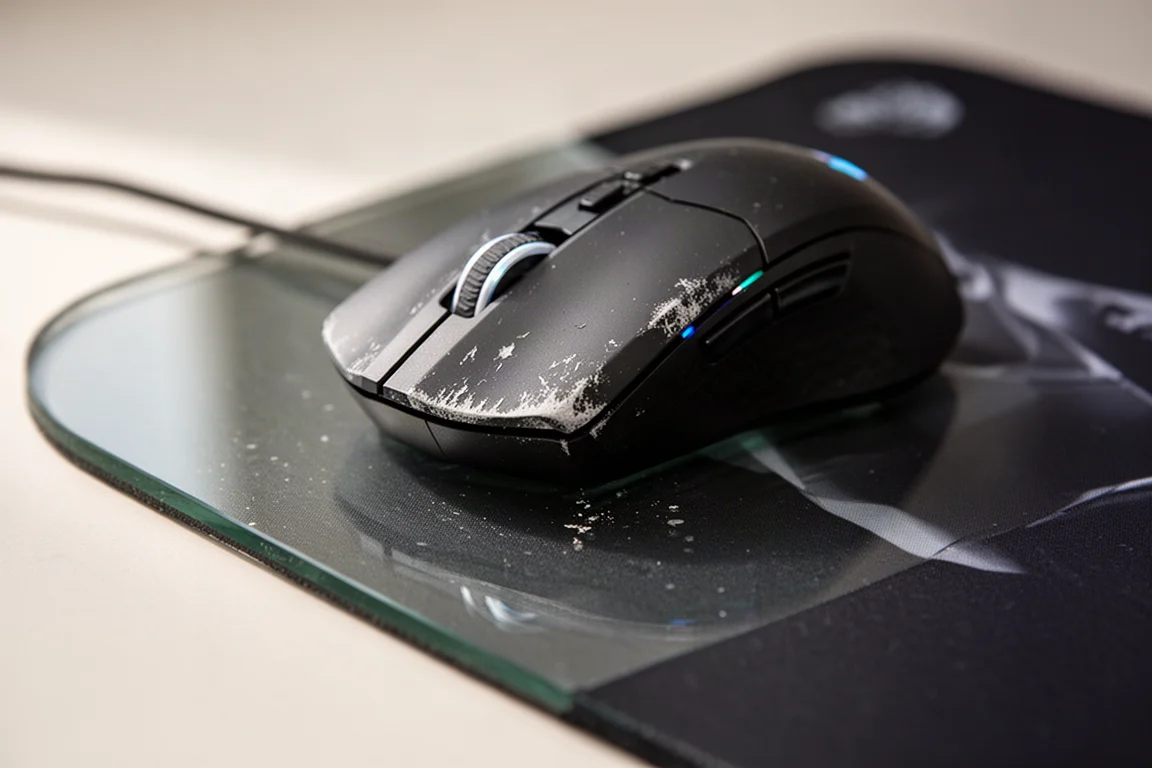
The surface has a slight texture to it, more so than the original Atlas. This gives it a bit more tactile feedback without sacrificing speed. It sits in a comfortable middle ground between the ultra-smooth original Atlas and the very fast Wallhack SP04.
One thing to keep in mind is that the glide speed depends on your mouse. A well-worn mouse with broken-in feet will feel more controlled, while a newer mouse with fresh feet will glide faster. This is true of any mousepad, but it is more noticeable on glass.
Comparison With Other Mousepads
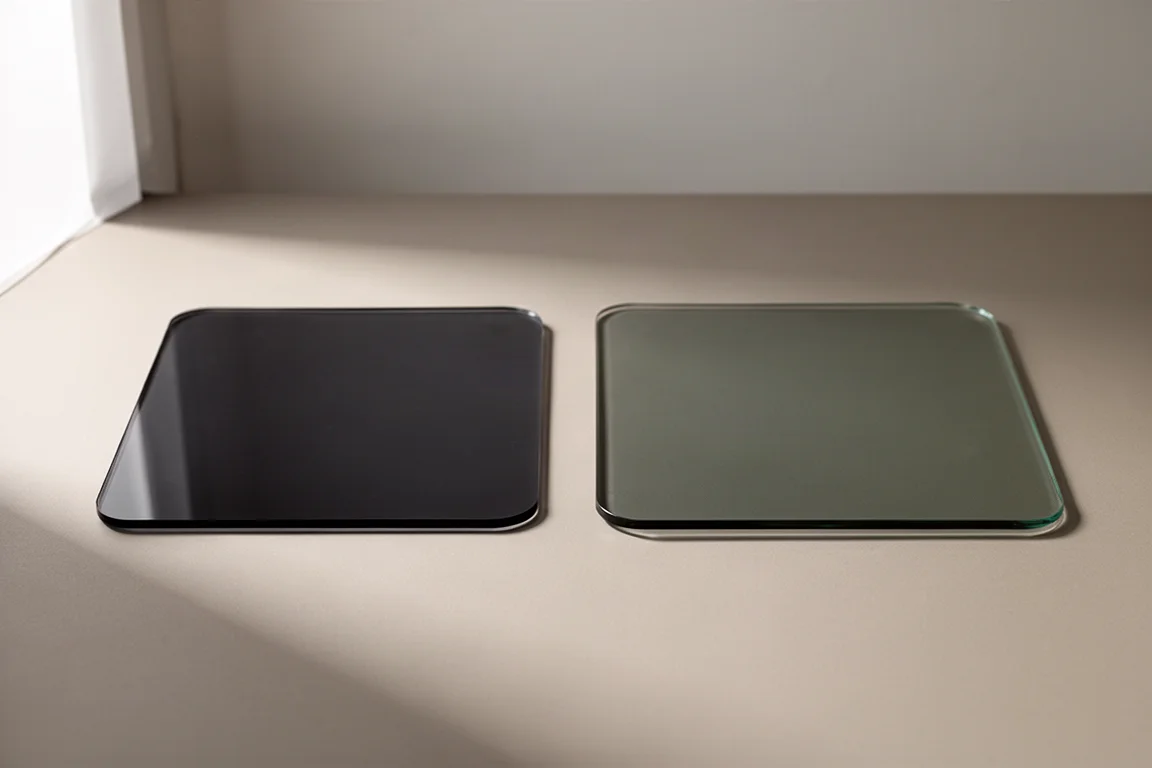
To understand where the Atlas Pro sits, it helps to compare it with other popular options. The original Razer Atlas feels slightly faster, likely because it is thicker and firmer. The Wallhack SP04 feels significantly faster, almost to the point where your arm wants to slide off. The Atlas Pro splits the difference, offering the smoothness of the Atlas with a touch more texture and control.
Against cloth pads, the Atlas Pro is notably faster. A quality cloth pad like the SteelSeries Balance slows the mouse down gradually, and the Atlas Pro behaves in a similar way, just with a faster overall glide. It does not come to a screeching halt like a muddy cloth pad, but it also does not feel slippery or uncontrollable.
Comfort and Ergonomics
One of the biggest drawbacks of traditional glass mousepads is their height. A thick glass pad can create an uncomfortable crease in your wrist, especially during long gaming sessions. The Atlas Pro eliminates this problem entirely.

Because it is so thin, you barely notice it is there. Your wrist rests at nearly the same height as your desk, which makes long sessions more comfortable. It genuinely feels like you are gaming directly on your desk surface, which is a significant improvement over other glass options.
The size is also well considered. The Atlas Pro is slightly larger than the original Atlas, adding about an inch or two on each side. It is not a massive desk-sized pad, but it offers enough room for low-sensitivity players without getting in the way.
Buying Advice
The Razer Atlas Pro is priced at $130, which is $30 more than the original Atlas. That is a meaningful difference, but the improvements are real. The thinner profile improves comfort, the surface texture adds a touch of control, and the slightly larger size is a welcome change.
If you have never tried a glass mousepad, this is the one to start with. It offers the speed and smoothness of glass without the drawbacks that usually come with it. If you already own the original Atlas, the upgrade is less essential, but the comfort improvements may still be worth it.
Conclusion
The Razer Atlas Pro is the best glass mousepad we have used. It is incredibly thin, comfortable for long sessions, and offers a balanced glide that works for both fast flicking and precise aiming. The $130 price is steep, but for anyone interested in glass mousepads, this is the one to buy.
Product link
View more details for Razer Atlas Pro
This product is mentioned in the review. Check the specifications, options, and compatibility before buying.
View more details for Razer Atlas ProFurther reading
Related Reviews
Gaming Accessories
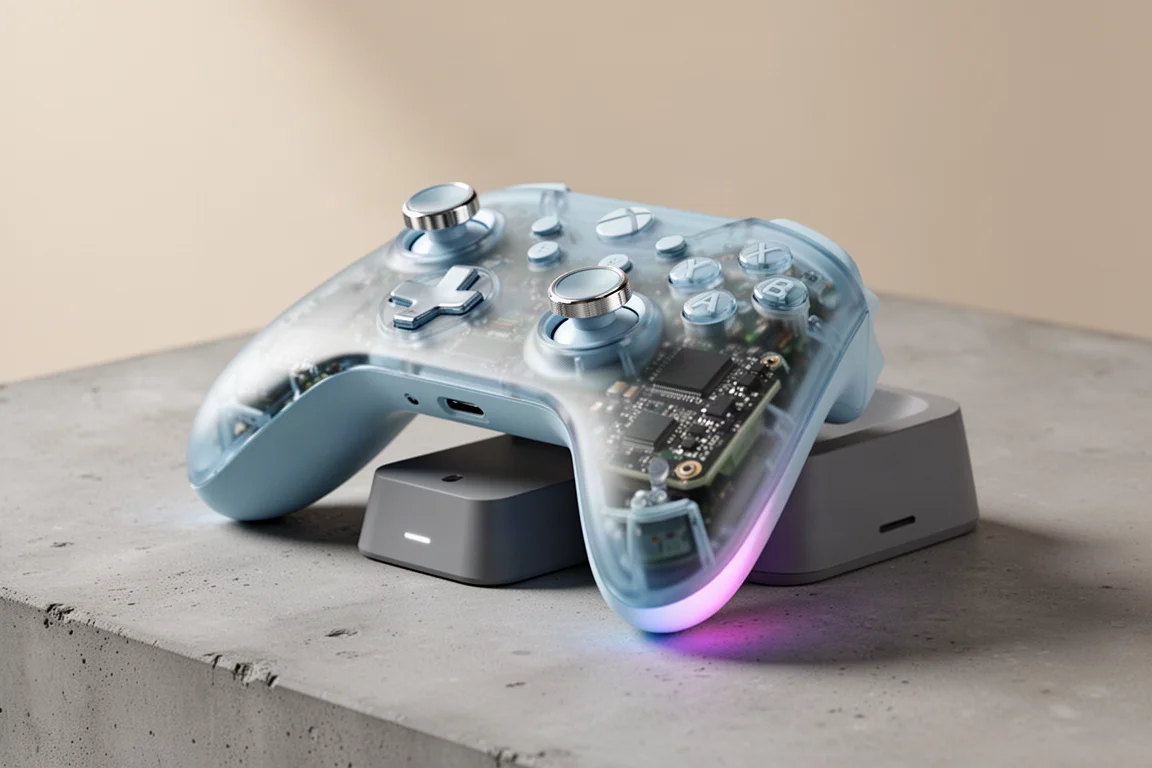
8BitDo Ultimate 2 Wireless Controller Clear Blue Review
A nostalgic clear blue take on the 8BitDo Ultimate 2 Wireless Controller, with TMR sticks, a charging dock, and hidden Steam Input support.
Gaming Accessories
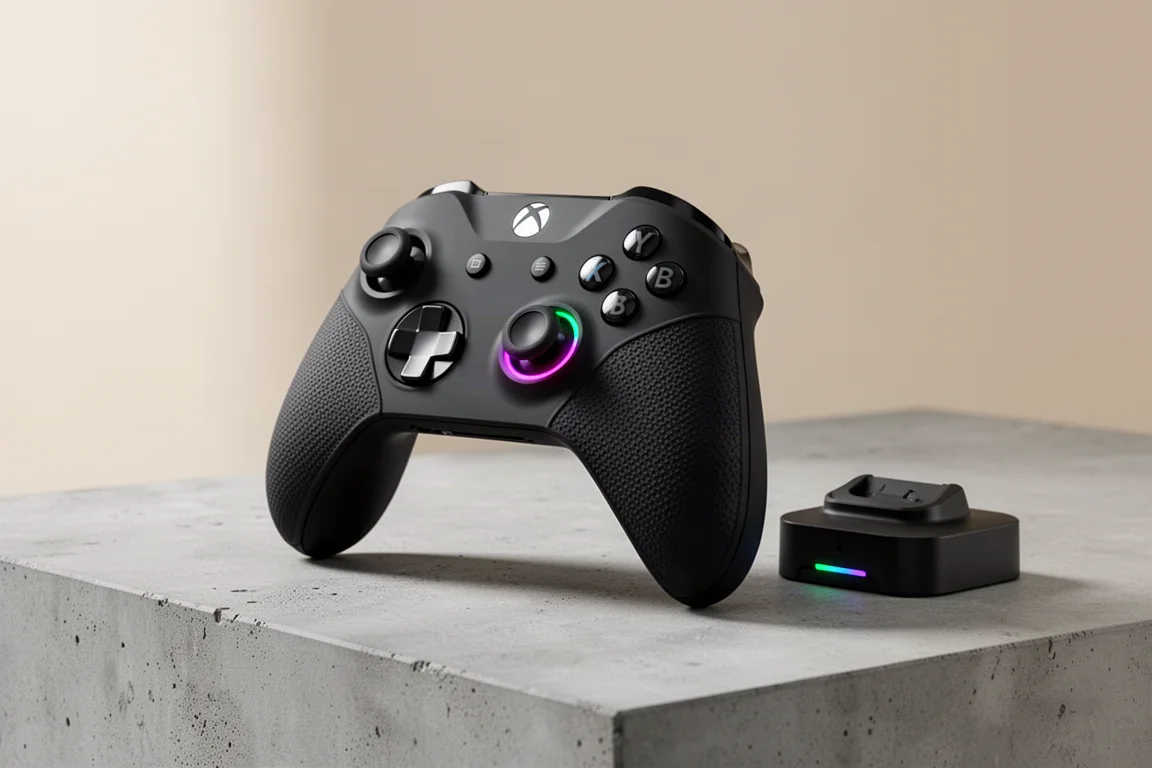
8BitDo Ultimate 3E Review: A Premium Xbox Controller With Elite Ambitions
The 8BitDo Ultimate 3E brings a refined shape, swappable controls, and a wireless dock to the Xbox ecosystem. Here is our full review.
Gaming Accessories
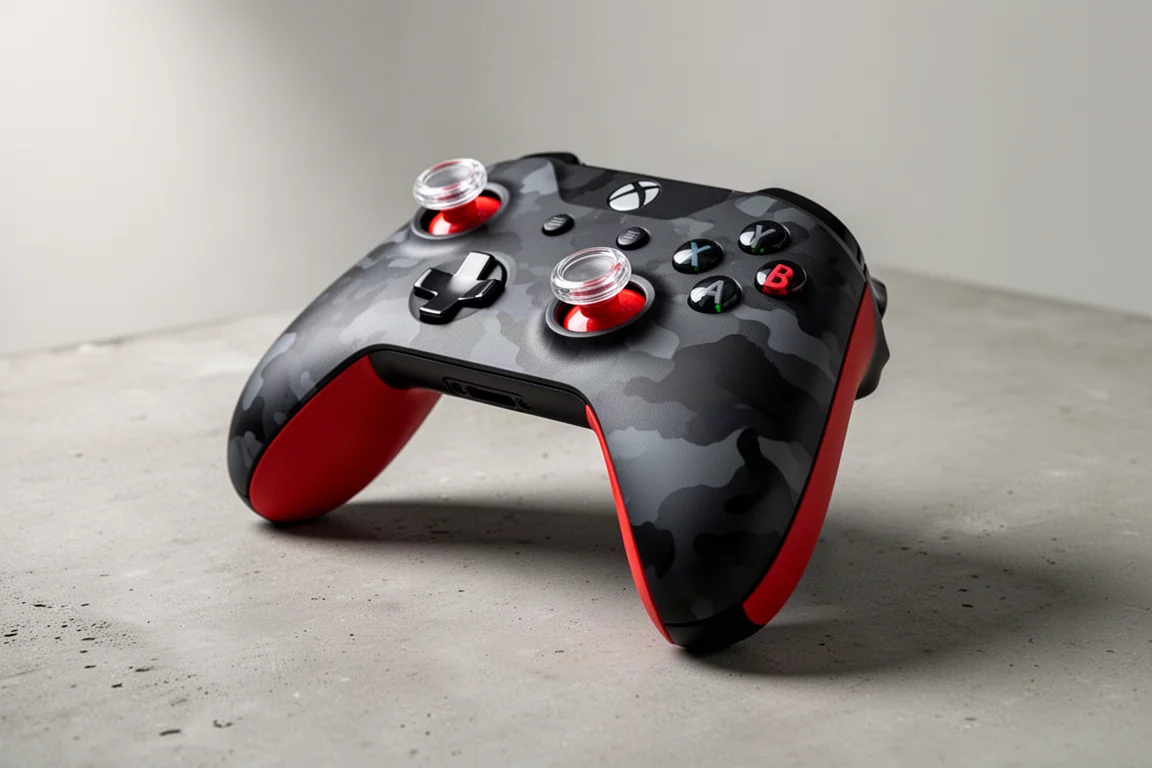
AIM Controller Review: A Custom Xbox Controller That Keeps the Classic Feel
A detailed look at a custom Xbox controller that keeps the familiar shape and weight while adding useful customization options.