Gaming Accessories
8BitDo Ultimate 3E Review: A Premium Xbox Controller With Elite Ambitions
The 8BitDo Ultimate 3E brings a refined shape, swappable controls, and a wireless dock to the Xbox ecosystem. Here is our full review.
Introduction
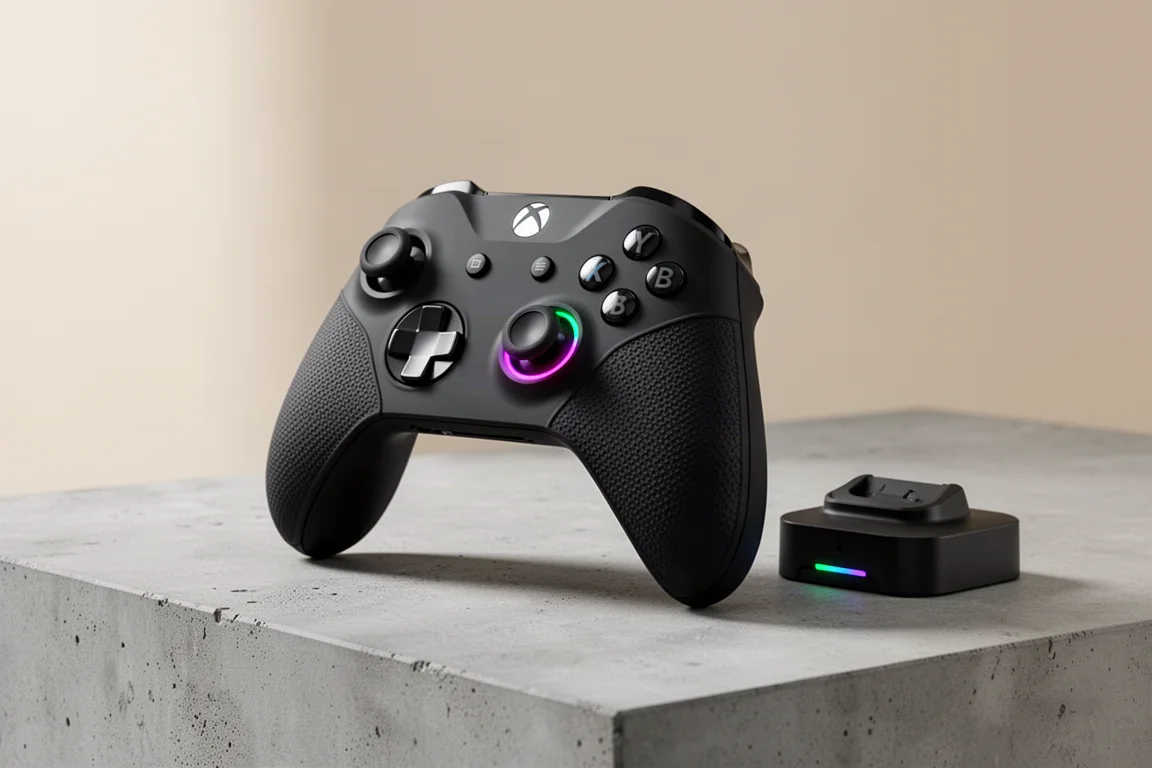
8BitDo has been using the Ultimate name for a while now, and the Ultimate 3E marks the start of the third generation of Ultimate controllers. Among the dozens of controllers tested from this company, this one feels like the most ultimate yet. The E stands for elite, and in terms of features and pricing, it takes direct aim at first-party Xbox Elite controllers.
This review covers the Ultimate 3E specifically, along with a broader look at the new Ultimate 3 series, including the new wireless dock and the redesigned shape that feels genuinely comfortable. The Ultimate 3E is priced at $150, which puts it in direct competition with premium controllers from Microsoft and other manufacturers.
Who This Product Is For
The Ultimate 3E is designed for Xbox players who want a premium wireless controller with elite-style features. It is a fully licensed Xbox controller, which means it works seamlessly with Xbox consoles and supports wireless connectivity through a 2.4 GHz dongle. This is a significant advantage, as few third-party controllers offer this level of Xbox integration.
This controller is also suitable for PC gamers who primarily play through Xbox-compatible titles and do not require advanced Steam input features. It works well on Windows, though it registers as an Xbox One controller, which limits some customization options.
The Ultimate 3E is not the best choice for players who want a budget-friendly PC controller. 8BitDo’s own Ultimate 2 controller offers excellent PC performance at around $60, making it a more practical option for those who do not need Xbox connectivity.
Design and Build Quality
The most noticeable change with the Ultimate 3 series is the redesigned shape. Previous Ultimate controllers had a somewhat squarish feel, with an angle that could push elbows together during long sessions. The Ultimate 3E features a wider flare that holds elbows slightly further apart, making it almost identical to a standard Xbox controller in overall feel.
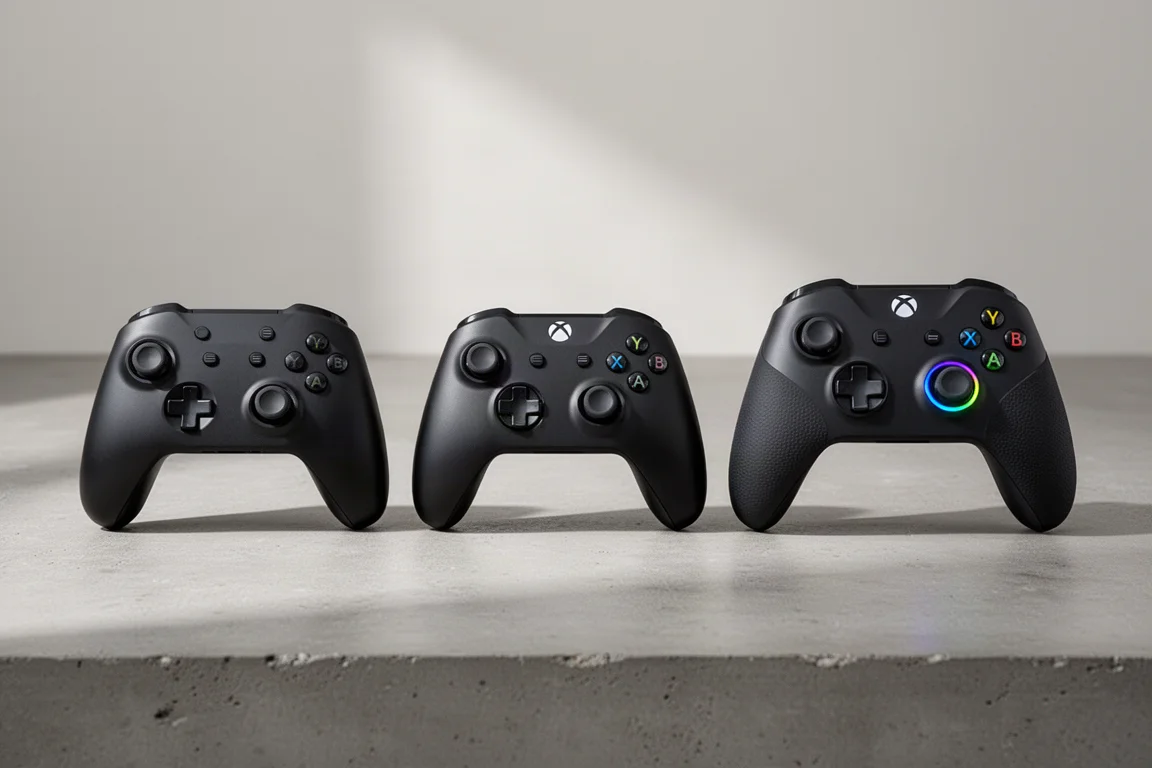
The controller is smaller and more compact than an Xbox Series controller, which makes it easier to reach the upper bumpers. The new shape feels immediately comfortable and familiar, addressing a chief complaint about earlier Ultimate models.
This is also the first 8BitDo controller with a silicone grip. The softer rubber has a nice texture and wraps all the way around to the back. It feels similar to an Xbox Elite controller, adding a premium touch to the overall experience.
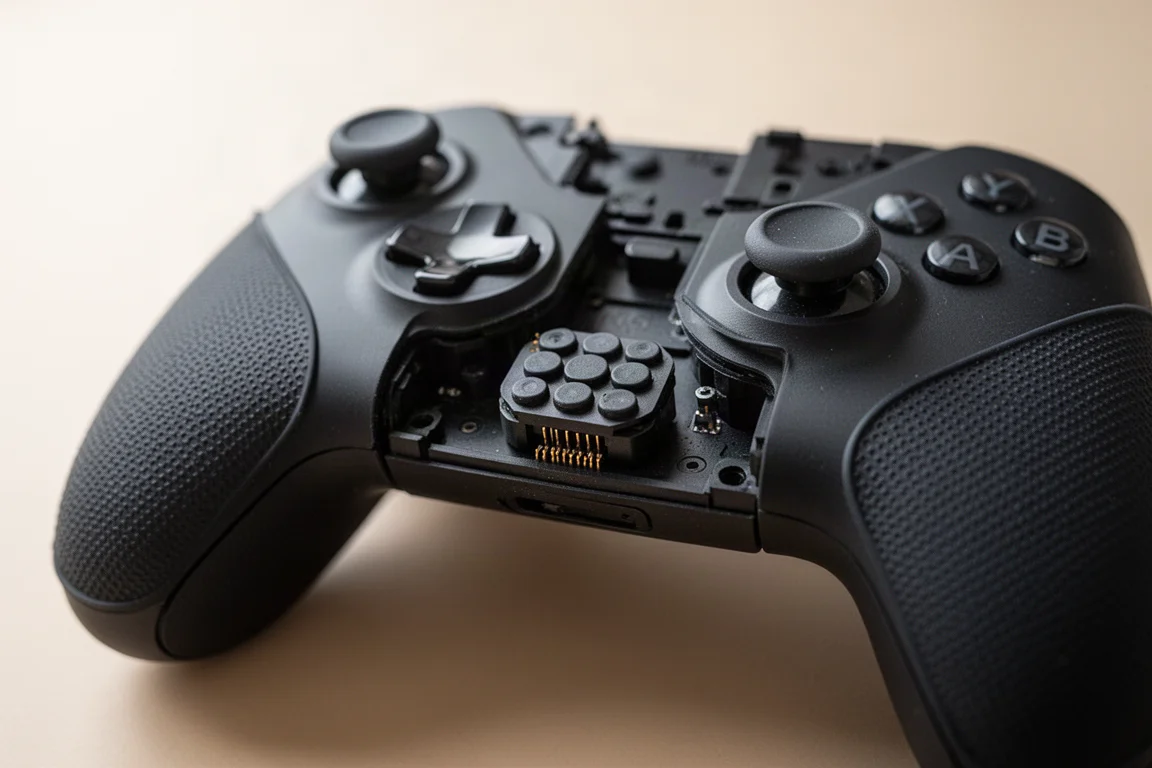
The Ultimate 3E features a removable face plate, another first for 8BitDo. Removing the D-pad first, then pulling the face plate off, reveals the internal components. The face plate includes the silicone grips on the sides, meaning replacing the face plate also refreshes the grips, which will likely wear out over time due to their softer material.
Controls and Customization
The analog sticks use TMR technology with a metal band around the sides. They feel ultra smooth and use magnetic sensors, which means they will not develop stick drift over time. TMR sticks are also low power, helping with battery life. The stick caps have a hybrid PlayStation Xbox layout, slightly concave with a small convex hill at the top.
The carrying case includes several alternative stick options. There is a fat tire style stick that looks like a tire, popular for first-person shooter games. A lower profile option provides a different range of motion, and a Nintendo 64 or GameCube style stick offers an old school feel. Swapping sticks is simple: pull the old one off and press the new one into place.
The face buttons come in two modules. The default rubber membrane buttons feel great, quieter than most other 8BitDo controllers, with a professional and tight feel. The included mechanical button module provides a much faster input, similar to a mouse click, which is excellent for PC gaming. Swapping between them takes seconds using the pogo pin connectors.
The D-pad offers two options: a shield style that looks very Sega-inspired and a traditional cross style. Both feel good, though the shield style is slightly touchier than ideal for precision platformers like Contra. For fighting games like Street Fighter, the cross style performs better due to the separation between the metal-coated D-pad and the plastic shell. The metallic look is actually a coating rather than real metal.
The shoulder buttons are clickier and louder than previous models, but still not loud. The triggers are shaped like PS4 triggers with a good range of motion and precise feel. Trigger stops provide quicker digital input for first-person shooters. Four programmable buttons are available: L4 and R4 on top, plus PL and PR back bumpers.
A 3.5 mm headphone jack on the bottom works great on both Xbox and PC. Volume and chat mix can be adjusted using the 8BitDo button with directional inputs, a feature that is notably missing from the Steam Controller.
Dock and Wireless Charging
The included dock is a healthy upgrade over previous 8BitDo docks. It houses the 2.4 GHz dongle, allowing a single cable solution that connects to Xbox or PC. The controller simply drops onto the dock to charge.
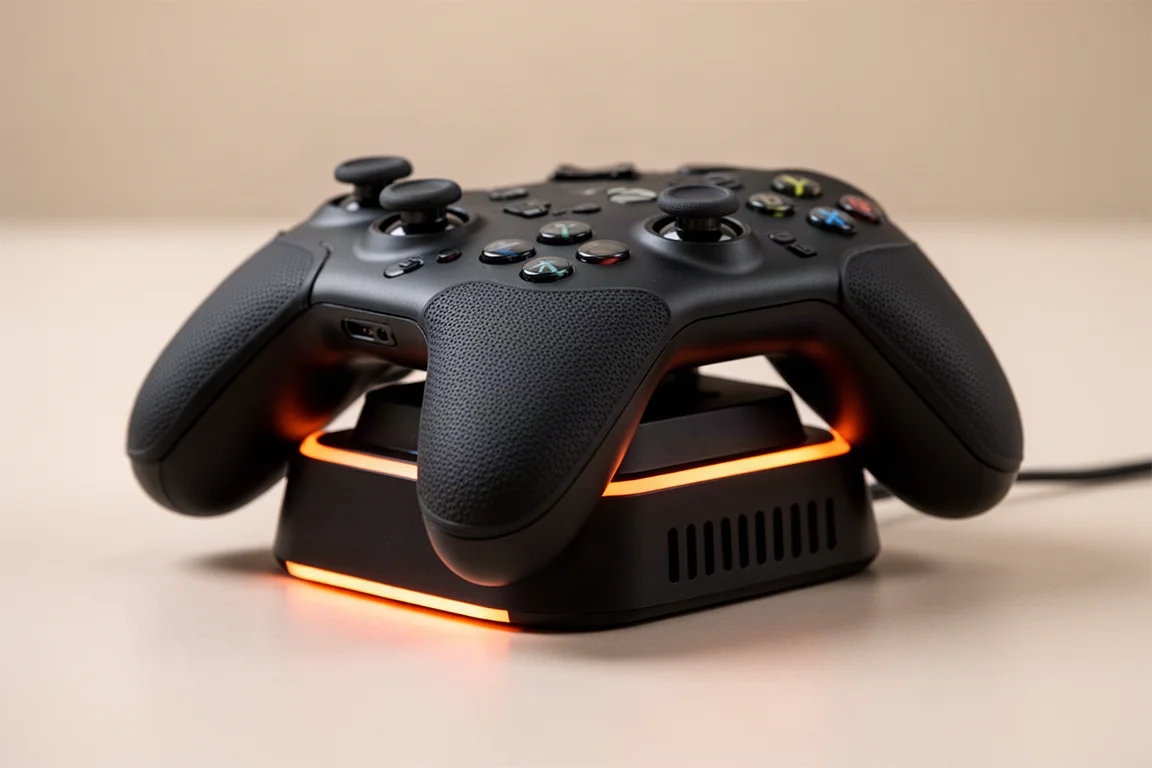
The most significant change is the removal of contact pins entirely. This is now a wireless charger, so there is no need to align pogo pins correctly. It just works. Ventilation slots on the back help manage temperatures from the wireless charging.
The RGB lighting has been moved to a strip at the top of the dock. When the controller is docked, a faint orange light appears, changing to white or a bluish hue when charging is complete. A small green LED blinks during charging. The subtle look is appreciated, dimmer than other LED lights in an entertainment center.
Xbox Experience
As an Xbox controller, the Ultimate 3E is completely seamless. Once the dock is connected, everything works wirelessly without any configuration. The controller can be set to turn on the Xbox when lifted from the dock, making it easy to start a quick gaming session.
The controller has been used as a primary Xbox controller for about six months, and the Ultimate 3E feels noticeably more elite than previous models. The buttons, triggers, sticks, and D-pad all feel slightly more elevated. The Xbox Elite Series 2 controller offers adjustable stick tension, which is missing here, but otherwise the Ultimate 3E covers everything most players would want.
PC and Mobile Use
On Windows, the Ultimate 3E works but is somewhat rudimentary. It registers as an Xbox One controller in Steam, which means the extra top and back buttons are not recognized within Steam software. These buttons must be assigned using the controller’s built-in hotkeys instead.
There is no Steam input support, so gyro configuration is not available. The controller has a six-axis gyro inside, but nothing in Steam or the current 8BitDo beta software can unlock it. Trigger rumble also does not work on PC because the controller is treated as an Xbox One controller, which predates that feature.
These limitations are similar to what players would experience with an Xbox Elite controller on Steam. For players who do not need gyro and do not mind assigning hotkeys, the Ultimate 3E functions well as a high-level Xbox controller on PC.
Switching to Bluetooth mode allows pairing with Android or iOS devices. It is detected as its own controller, the Ultimate 3, making it a viable option for mobile gaming or travel.
Software and Configuration
The 8BitDo software is currently in beta and may change in the future. Firmware updates are available for both the controller and the wireless dongle, which sometimes receives separate updates.
The config section offers multiple profile slots, allowing different setups for different people or game types. Button mapping is available for all programmable buttons, either through the software or directly on the controller.
Stick settings include dead zone adjustment, anti-dead zone, stick curve options, and stick shape settings for circular or square input. Trigger dead zones can also be adjusted, allowing partial presses to register as full input.
Vibration settings cover all four rumble motors, with one in each trigger and one in each grip. Each can be adjusted from zero to five, and the software allows testing vibration strength on the fly.
RGB lighting options are somewhat limited. The fire ring mode cycles a yellow and orange pattern around the ring, light tracing follows movement, and a fixed color option is available. Brightness and saturation can be adjusted, but there is no rainbow RGB mode. The Xbox button remains a solid white light with no option to change or disable it.
Things to Consider Before Buying
The $150 price point is significant. This is an expensive controller, and it only makes sense if the primary use case is Xbox gaming with PC as a secondary platform. Players who mainly use PC should consider the Ultimate 2 at around $60 or wait for future Ultimate 3 models.
The PC experience has limitations. Without Steam input support, gyro is unusable, and the extra buttons are not recognized in Steam. Trigger rumble is also unavailable on PC. These are notable drawbacks for PC-focused players.
Color options are limited to black. The cheaper Ultimate 3 model comes in a lavender dusk color, which is a strange choice for the premium model. Given the removable face plate, more color variety would be welcome.
The D-pad is slightly touchier than ideal for precision platformers. While it performs well for most games, players who spend significant time on games like Contra or Tetris may notice the difference.
Buying Advice
The Ultimate 3E is an exceptional controller, but it might not be the right controller for everyone. For players specifically looking for a solid elite-style Xbox controller, this is a strong choice. The seamless wireless experience, comfortable new shape, and swappable controls make it a compelling alternative to the Xbox Elite Series 2.
For PC-focused players, it is worth waiting to see what other Ultimate 3 models bring. The cheaper Ultimate 3 model at $99 includes adjustable tension TMR sticks, which are missing from the Ultimate 3E. Future models may also add Steam input support, which would make them more versatile for PC gaming.
The ideal future Ultimate 3 controller would retain the new shape, possibly drop the silicone grip, use standard rubber membrane buttons, keep the swappable D-pad and face plate, add adjustable stick tension, and include Steam input connectivity. At around $60, that would be a winner for PC players.
Conclusion
The 8BitDo Ultimate 3E is a great controller that delivers a premium Xbox experience. The refined shape, comfortable silicone grip, swappable controls, and wireless charging dock all contribute to an elite feel. It has most of the tuning options players would want, aside from adjustable stick tension.
The main limitation is the price. At $150, it is only practical for players who want an elite-style Xbox controller. Everyone else should probably wait to see what 8BitDo releases in the coming months, as the Ultimate 3 series is likely to expand with more affordable options.
Product link
View more details for 8BitDo Ultimate 3E
This product is mentioned in the review. Check the specifications, options, and compatibility before buying.
View more details for 8BitDo Ultimate 3EFurther reading
Related Reviews
Gaming Accessories
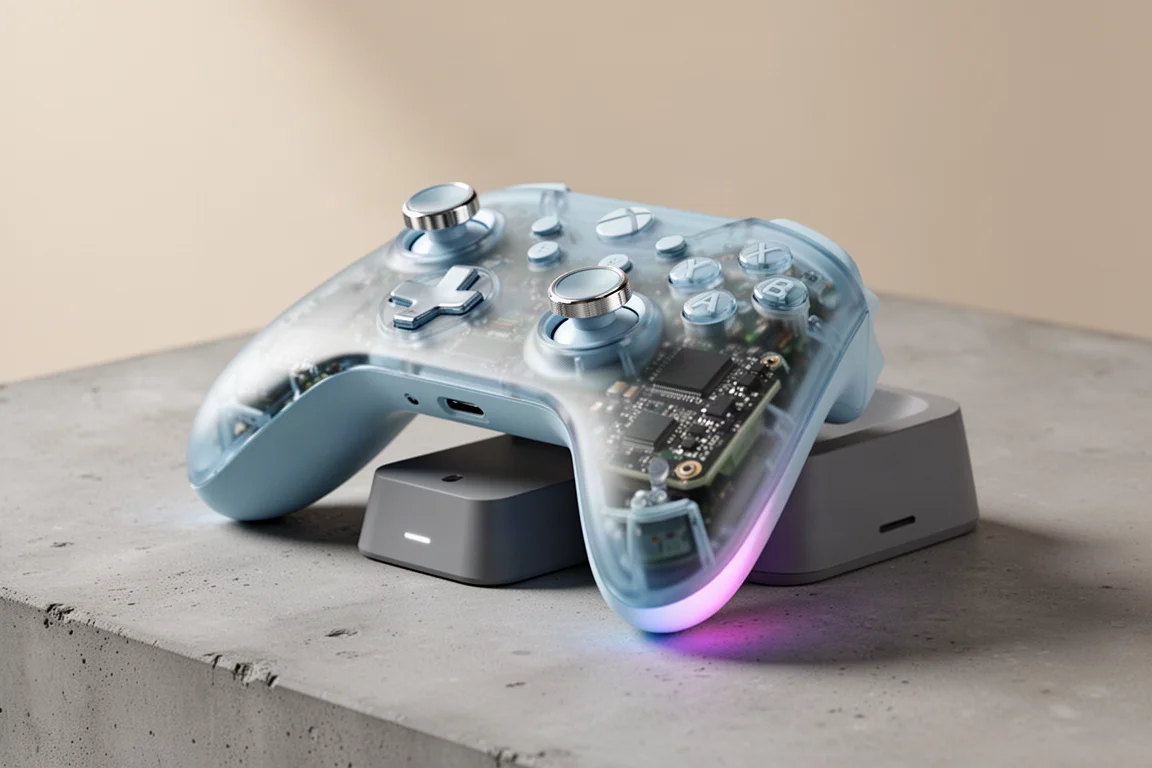
8BitDo Ultimate 2 Wireless Controller Clear Blue Review
A nostalgic clear blue take on the 8BitDo Ultimate 2 Wireless Controller, with TMR sticks, a charging dock, and hidden Steam Input support.
Gaming Accessories
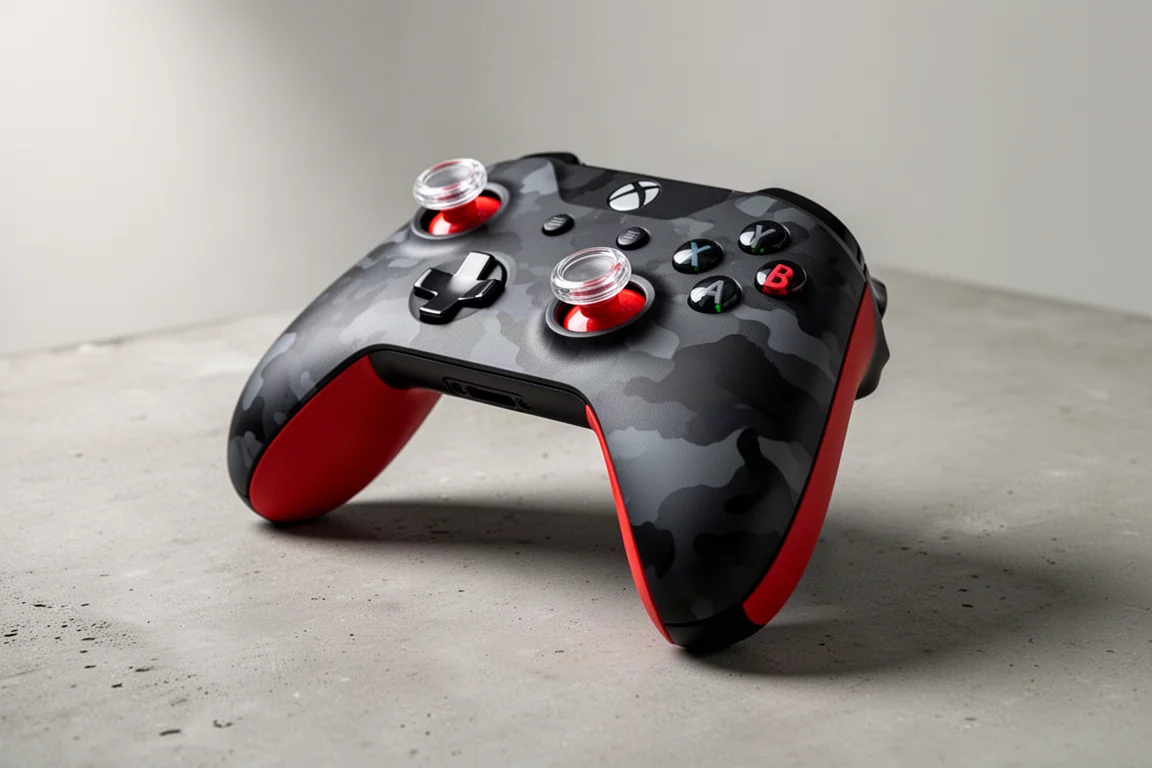
AIM Controller Review: A Custom Xbox Controller That Keeps the Classic Feel
A detailed look at a custom Xbox controller that keeps the familiar shape and weight while adding useful customization options.
Gaming Accessories
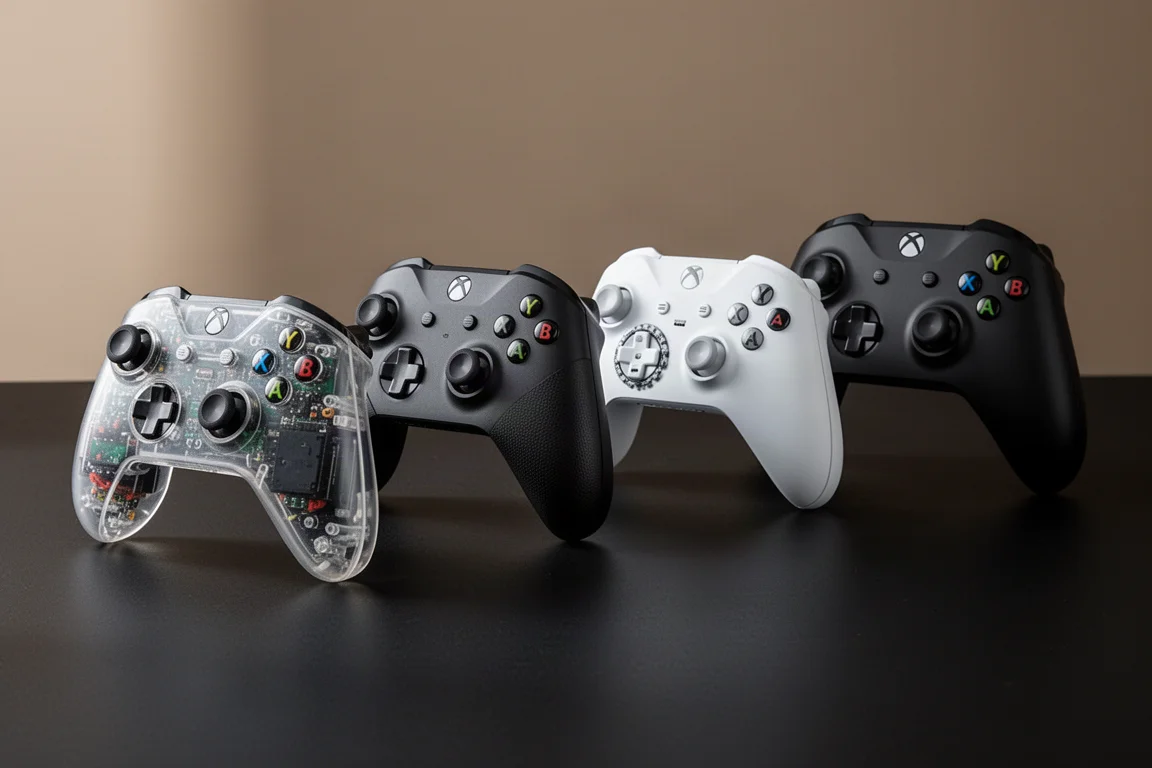
Best PS5 Pro Controllers 2026: Four Top Picks Compared
A practical comparison of four premium PlayStation 5 controllers covering comfort, features, weight, and customization options.