Music Production Software
PreSonus Studio One 6 Review: Smart Templates, Live Tools, and a Global Video Track
A practical look at PreSonus Studio One 6, from smart templates and the customization editor to lyrics, live show control, and the global video track.
Introduction
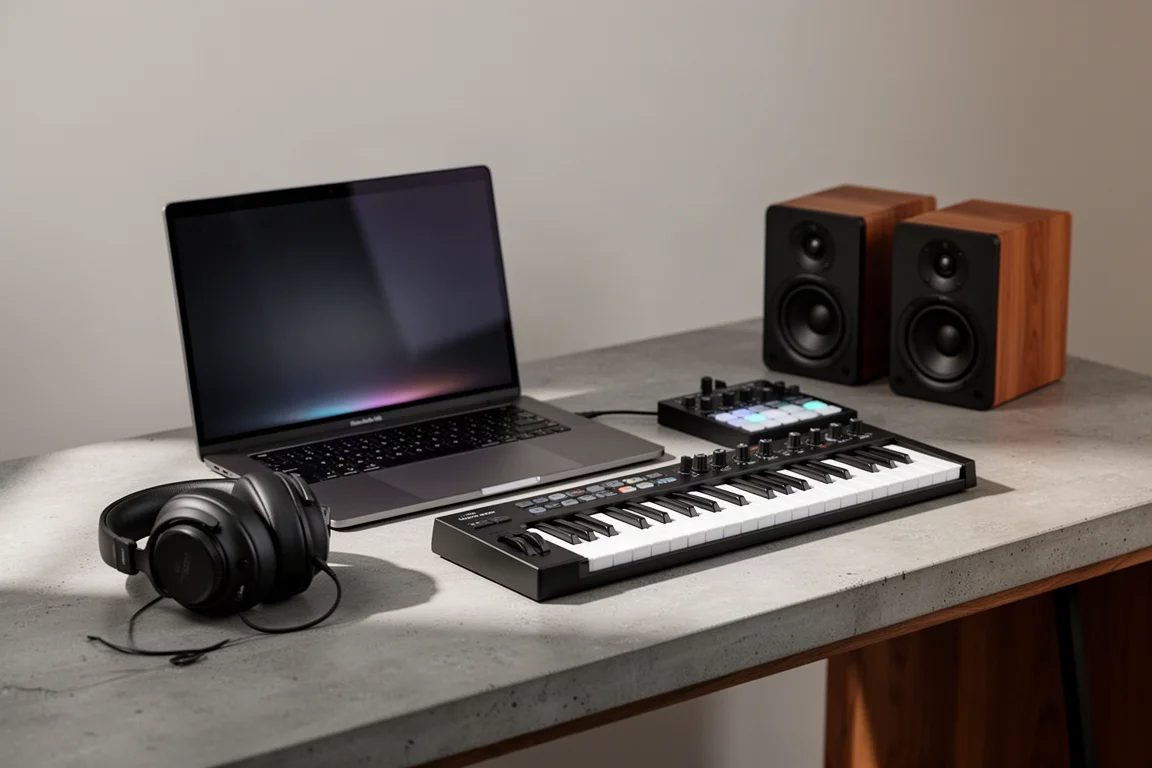
PreSonus Studio One 6 is a digital audio workstation built around a simple promise: the software should arrange itself around the session you are about to start, rather than making you build everything from an empty canvas.
That idea runs through the whole release. New sessions open with smart templates tuned to a specific kind of work, the workspace can be stripped down to only the tools a task needs, and the mixer view has been reshaped to feel closer to a hardware console. This review covers what has changed, who each part of it suits, and the practical points worth weighing before you commit.
Who Studio One 6 Is For
Studio One 6 suits anyone who wants one application to carry a project through its entire life: gathering ideas, recording, mixing, and mastering. Because that whole span is handled as a single project, you are not pushed into a strictly linear workflow, and you can move between stages as the music demands.
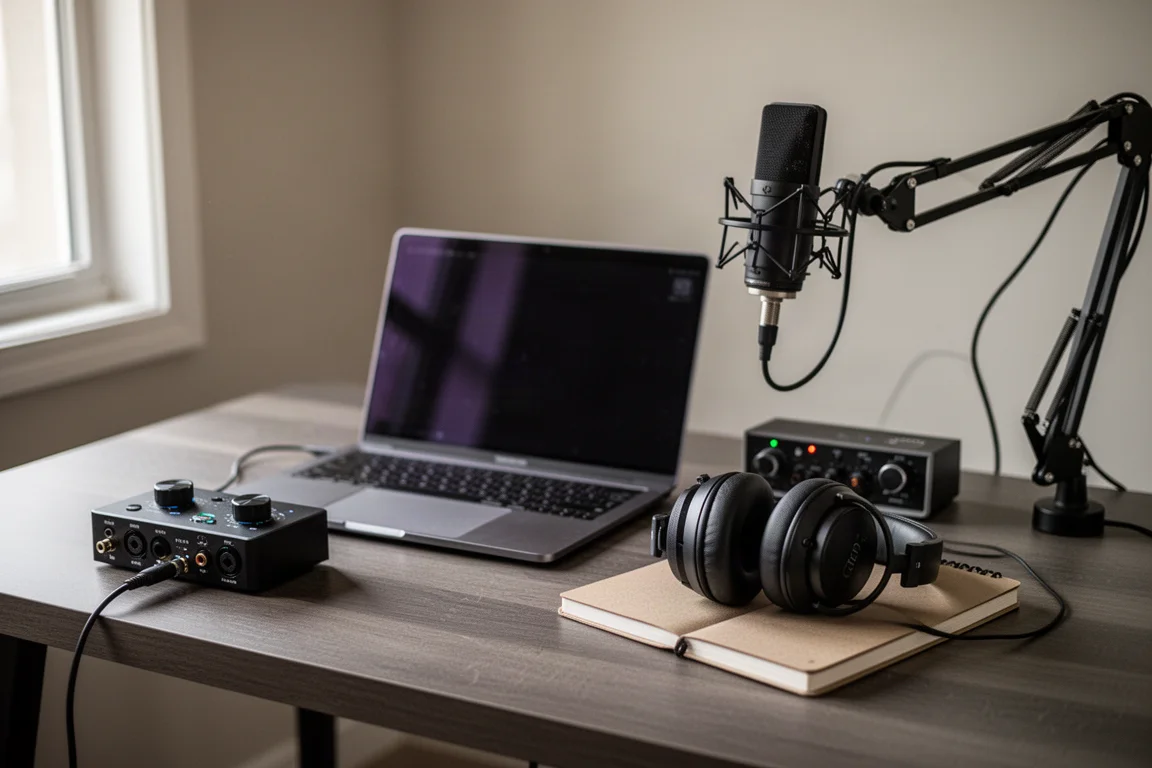
Songwriters and recording musicians are the most obvious audience. There are smart templates for capturing ideas with instruments, for recording and mixing, and for mastering, so a session can open with the tracks, instruments, and plugins that the task usually needs.
The release also speaks clearly to podcasters and content creators, who get a template that arrives with a music and effects track plus a couple of voiceover tracks, and to producers working on beats, who get a template of their own.
Live performers may find the strongest argument of all. Studio One 6 can hold a full set list of songs, including backing tracks and patch changes, and those can be prepared in advance or adjusted while you play.
Main Strengths
Smart Templates and a Personalized Workspace
When you create a new session in Studio One 6, the first thing you see is a list of smart templates, each one set up for a different kind of project: recording and mixing, mastering, rehearsing and performing live, capturing ideas with instruments, producing beats, and creating podcasts and video content.
Every template carries its own settings, and some include a drop zone where you can add stems or other files so they are already loaded when the session opens. If you simply want to sit down and experiment, the play now template asks which instrument you want to record and then loads a session with the essential tracks, instruments, and plugins already configured.
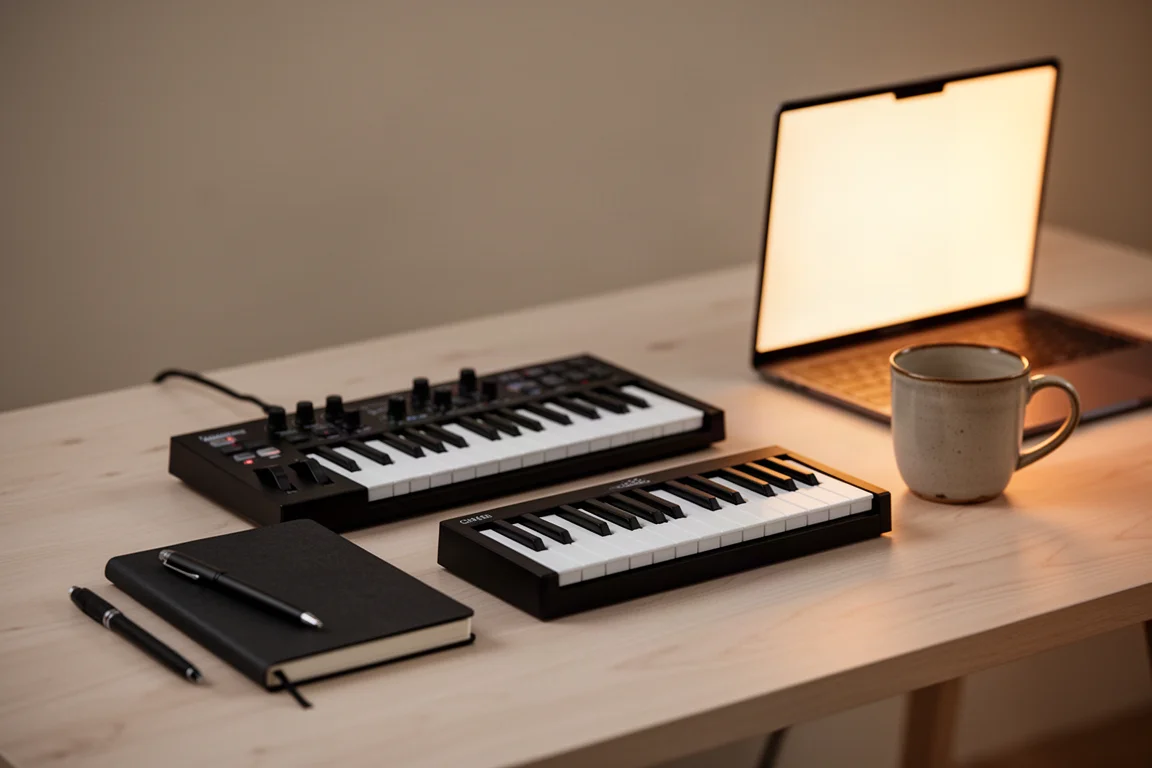
Once you are inside a template, the workspace is customized for the task at hand, with unrelated features tucked away. The customization editor lets you hide or expose nearly every tool and function, so the layout can be tuned to you rather than the other way around. Track presets work in the same spirit, saving you from rebuilding the same signal flow for a track or a group of tracks again and again.
Lyrics and Live Performance Tools
Lyrics integration is one of the more distinctive additions. Lyrics can be used for composition inside the score editor, and a global lyrics track at the top of the timeline makes it easy to navigate between sections of a song. If you rehearse or perform live, the same lyrics can be transferred to the show page for reference on stage.
The live performance side goes well beyond lyrics. You can organize a complete set list of songs, complete with backing tracks and patch changes, and control it either programmatically or on the fly using the show page inside the software or a remote iPad app. In practice, that means a full show can be orchestrated from the session while you keep the freedom to improvise and change things in real time.
The Global Video Track
For podcasters and content creators, the headline addition is the global video track. Video files can be dragged and dropped straight into the session, and the audio can be extracted for referencing and processing alongside everything else.
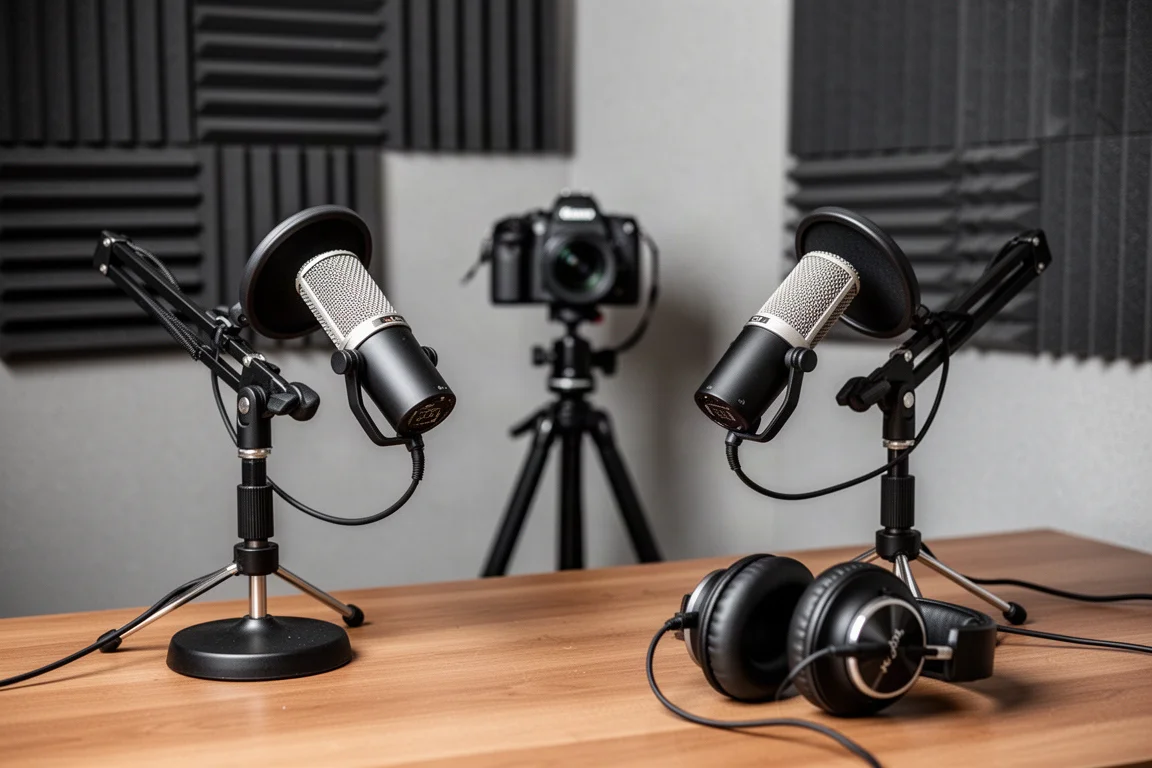
The intent is not to turn the software into a video editor. It provides the basic video editing functionality that content work tends to require while keeping the audio-focused features of a full workstation at the centre. Paired with the create content template, which pre-loads channel strips and basic audio plugins for a couple of voiceover tracks and a music and effects track, it gives podcast and streaming setups a ready-made starting point: connect your microphones and begin.
Console-Style Mixing and the Project Workflow
The look and feel of Studio One has shifted in this release, and the clearest example is the channel overview window. This pane gives a consolidated view of the selected channel, including input controls, inserts, sends, and cue mix sends, which makes the software feel more like a digital console where everything is within easy reach.
Flip to fader mode builds on that feeling by letting you control any send level with the channel faders. It is a fast way to build submixes or headphone mixes for different destinations.
The project workflow is the other long-standing strength worth understanding. A project can move from gathering ideas to recording, mixing, and mastering without leaving the software, and because it is treated as one project, corrections are not painful. If you have arranged, recorded, and mixed a song and then spot a mistake that needs reworking in the multitrack session, you can return to the song tab within that project, fix it, and update the master mixdown without bouncing between folders and separate sessions.
Things to Consider Before Buying
Studio One 6 is a full-featured workstation, so there is a genuine amount to learn, particularly if you are new to the software or moving across from another platform. The smart templates and the customization editor reduce that load by hiding what a task does not need, but they do not remove the learning curve entirely.
It is also worth being honest about your priorities. The video track covers basic editing rather than full video production, so creators who need deep video work will still rely on other tools. Remote control of a live show depends on a separate iPad app. And if your work is built around a very different workflow, it is worth checking how the template-driven approach fits before you commit.
Buying Advice
The simplest way to decide is to start from the kind of work you do most. Songwriters and recording musicians will get the most from the templates for capturing ideas, recording and mixing, and mastering. Producers working on beats have a dedicated starting point. Podcasters and content creators should look closely at the create content template and the global video track. Live performers should weigh the set list, backing track, and patch change features, along with show page control from the software or a remote iPad app.
It also helps to think about how you begin a project. If you like the idea of opening a session that is already shaped around the task, the smart template system is the feature that will define your experience day to day. If you prefer to build every session by hand, the customization editor and track presets still give you a way to keep things lean without losing control.
Conclusion
Studio One 6 is a considered update rather than a reinvention. Its strongest idea is personalization: templates that configure a session for the work ahead, a workspace you can strip back to what matters, and a mixer view that borrows the immediacy of a console. Add lyrics integration, live show control, a global video track, and a project workflow that keeps ideas, recording, mixing, and mastering in one place, and the release makes a clear case for anyone who wants a single application to follow a project all the way through.
Product link
View more details for PreSonus Studio One 6
This product is mentioned in the review. Check the specifications, options, and compatibility before buying.
View more details for PreSonus Studio One 6Further reading
Related Reviews
Music Production Software
Muse Review: Remote Music Collaboration With Studio-Grade Audio
Muse is a remote collaboration tool for musicians and audio engineers, built around high-resolution audio, a DAW plugin, and shared screen control.

Music Production Software
Native Instruments KOMPLETE 26 Review: A Deep Look at the Latest Collection
KOMPLETE 26 brings new instruments, effects, and expansions across four editions. Here is what each tier offers and who it suits best.

Music Production Software
Scaler 3 Review: A Smarter Way to Write Chords, Melodies, and Full Arrangements
Scaler 3 is a music theory plugin that helps producers find chords, build progressions, and sketch full arrangements without leaving their DAW.