Music Production Software
Muse Review: Remote Music Collaboration With Studio-Grade Audio
Muse is a remote collaboration tool for musicians and audio engineers, built around high-resolution audio, a DAW plugin, and shared screen control.
Introduction
Making music on your own has never been easier, but the collaborative side of production has not gone anywhere. Muse is a tool built specifically for producing and collaborating on music remotely, and it approaches the problem differently from general-purpose conferencing software.
This review covers what Muse does, the workflows it makes possible, and the practical limits worth understanding before you commit to it.
What Muse Does for Remote Music Production
Muse is designed to facilitate music production and collaboration between people who are not in the same room. Starting a session works much like setting up a standard call: you open a Muse session, send the link to the person you want to work with, and they join from their own studio.
What separates it from ordinary conferencing software is the audio path. Where a typical tool supports up to 192 kbps compressed audio, Muse can send 16, 24, or even 32-bit audio. For a remote mixing session, that is the difference between hearing a rough impression of a mix and hearing something you can actually make decisions about.
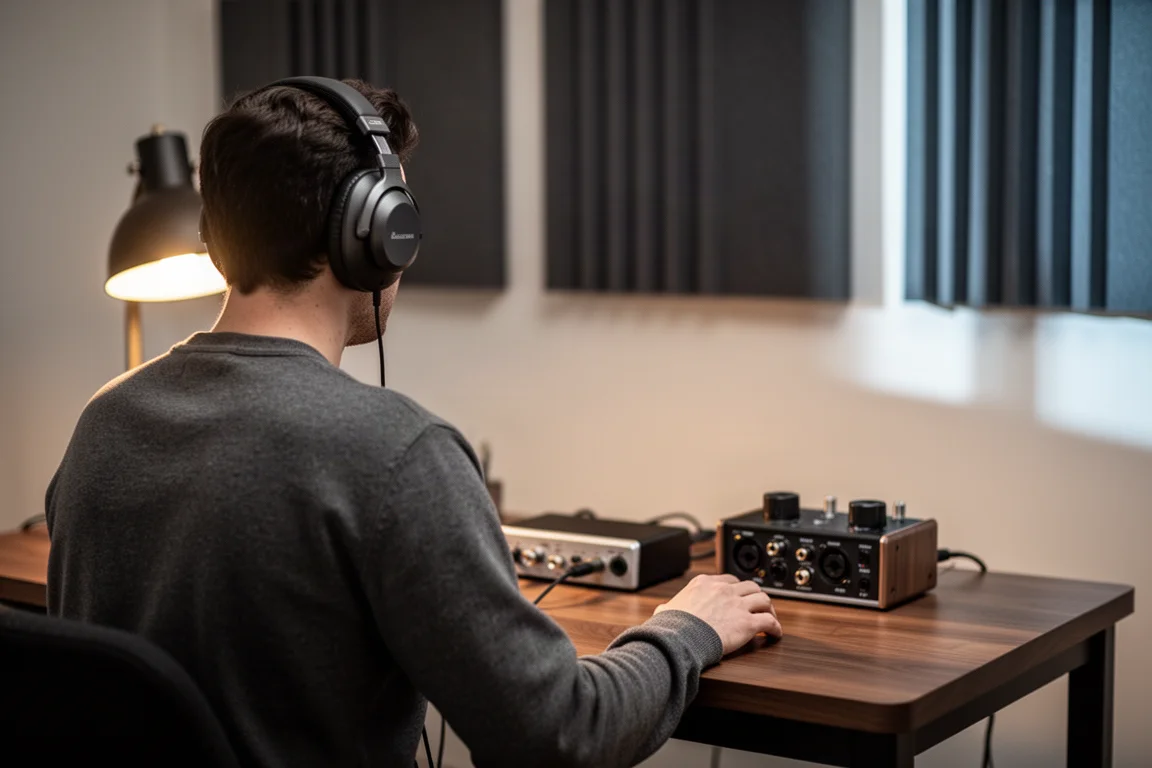
For anyone who has tried to describe a mix problem in writing, the appeal is obvious. A remote session becomes a conversation about what both people are hearing, rather than a chain of exported files and written notes.
Who Muse Is For
Muse is most useful in three situations.
Producers and mix engineers who work with clients at a distance. The traditional loop is slow: export the mix, send the file, wait for written notes, then revise. With Muse you play the mix on the call, hear feedback as a conversation, and adjust the session while the client is still listening.
Collaborators writing or producing a track together. Instead of passing sessions and audio files back and forth, one person keeps the session open and both people work on it.
Educators and mentors working with students on their own material. Being able to look inside someone’s session and make changes together gets much closer to sitting beside them than any file exchange can.
Main Strengths: High-Resolution Audio for Remote Sessions
The strongest argument for Muse is the quality of what travels over the call. Sending 16, 24, or 32-bit audio means a client, a collaborator, or a student hears the work at a standard worth critiquing.
The second part of the equation is routing. General conferencing software typically lets you select only one audio input for a microphone, which makes getting audio out of a DAW and into a call genuinely awkward. It often takes an advanced audio interface or additional software to bridge the gap. Muse sidesteps that with a VST plugin that can be inserted anywhere in a DAW session, for example on the master bus, so everything at that point in the signal chain is routed into the Muse call.
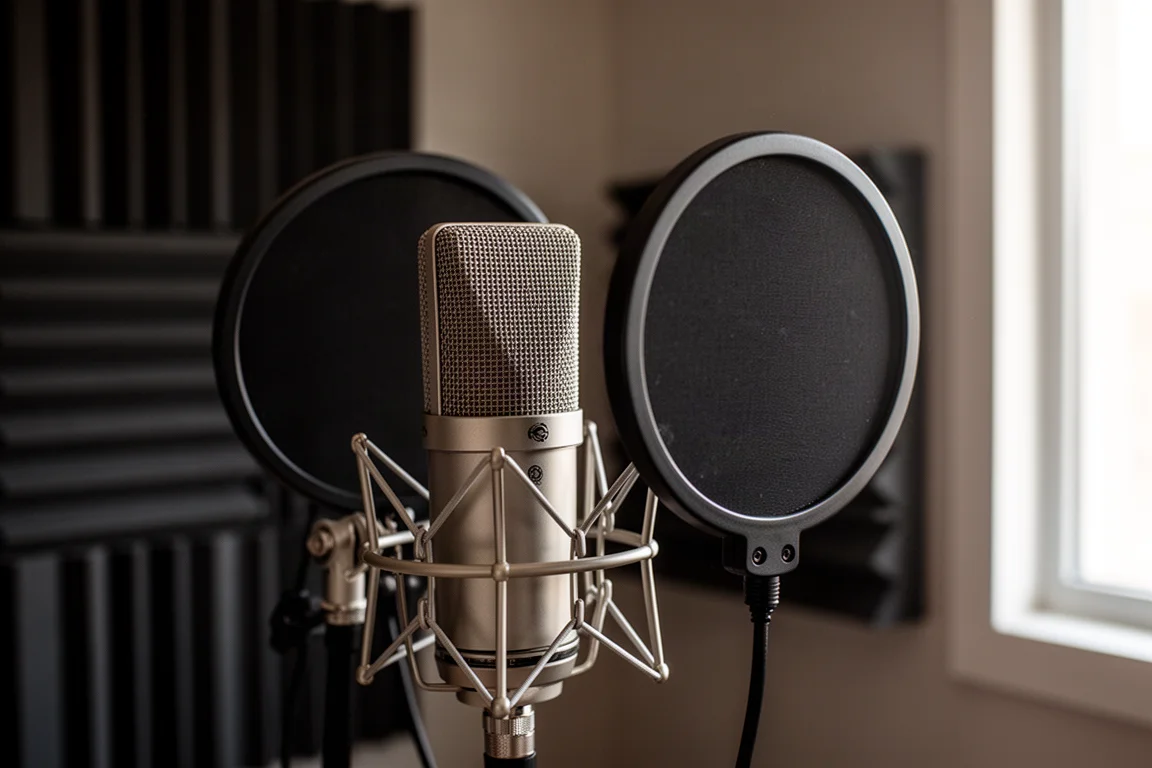
That single change removes the main technical obstacle to remote mix sessions, and it does so without asking either side to rebuild their setup around a specialized streaming rig.
Sending DAW Audio and Talkback Separately
Once the plugin is in place, you select a TalkBack microphone separately from the session audio. That separation is what makes the setup usable in practice: your voice and your mix have independent muting and level control, so you can talk over a passage without raising your voice above the music, and you can pull the mix down without losing the conversation. For a remote mix review, that is a far more efficient arrangement than emailing revisions back and forth.
Main Strengths: Writing and Producing Together in Real Time
Muse is not limited to reviewing finished work. It also supports writing, arranging, and producing, where the collaboration happens earlier and the parts are still moving.
A second plugin handles audio coming from the far end of the call, taking it from the other collaborator and routing it into an input of your DAW. In the setup window you choose the interface and outputs you want to use, selected independently from the TalkBack microphone, which keeps the routing simple and the audio clean. A collaborator can connect an instrument or a microphone on their side and you can record it straight into the session. MIDI can also be routed through the call to control instruments on the other side.
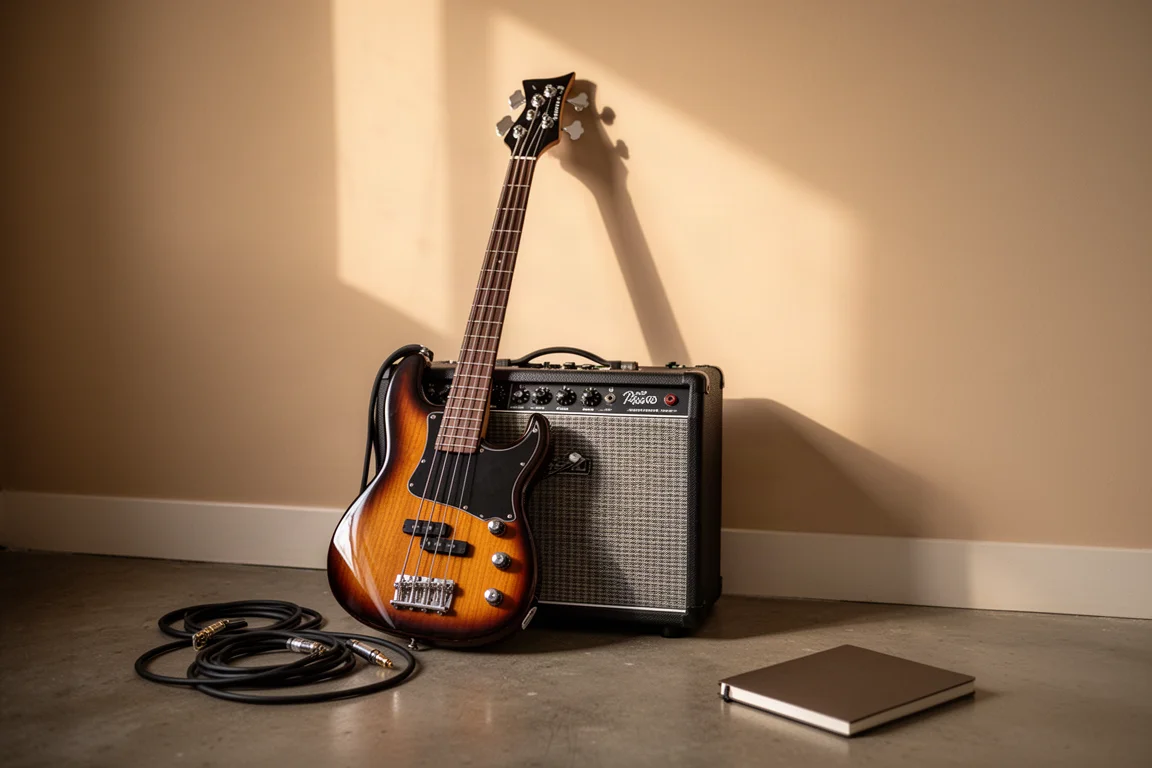
Because those recordings arrive at high quality, a good take can stand as the final recording rather than a rough guide. Layering tracks and rearranging sections in real time keeps the momentum of a session that would otherwise stall between file transfers.
Things to Consider Before Buying
Latency is the honest limitation. The signal from the far-end caller takes a few milliseconds to reach your DAW session, so recorded audio is printed slightly later than expected on the timeline. Right now you need to drag the audio back into place manually after recording to keep everything in time. Work is underway to make that process simpler and to potentially allow multi-track audio to be shared through a session, but it is not available yet.
There are also practical prerequisites. Muse needs to be installed on the machines involved, and the workflow assumes one person holds the session open. That is a benefit for file and plugin management, but it does mean agreeing on who hosts. If you and a collaborator work in different DAWs, or one of you is missing a plugin the other relies on, that is exactly the situation the shared-session model is designed to solve.
Buying Advice
Muse earns its place if remote collaboration is a regular part of your work rather than an occasional favor. For producers running client reviews, for writing partners in different cities, and for teachers who want to work inside a student’s session, the combination of high-resolution audio, DAW plugin routing, and remote screen control covers ground that file sharing cannot.
If you mostly work alone and only rarely want a second opinion on a mix, a simple file transfer may still be enough, and the latency caveat is only worth accepting if live collaboration is something you will actually use. Where it fits, the case is clear: you show up with your session, both people hear the same thing, and the work moves forward in the moment.
Conclusion
Muse is built around a straightforward idea: technology should make working with other people easier, not replace it. Its strengths are concrete. High-resolution audio instead of compressed audio, a VST plugin that puts your DAW into the call, a separate TalkBack path, and screen control that lets collaborators work hands-on in the same session.
The trade-offs are equally concrete. Latency currently requires a manual adjustment after recording, and multi-track sharing is still in development. Both are manageable for the workflows Muse is built for, and both are worth knowing before you buy.
Product link
View more details for Muse
This product is mentioned in the review. Check the specifications, options, and compatibility before buying.
View more details for MuseFurther reading
Related Reviews

Music Production Software
Native Instruments KOMPLETE 26 Review: A Deep Look at the Latest Collection
KOMPLETE 26 brings new instruments, effects, and expansions across four editions. Here is what each tier offers and who it suits best.
Music Production Software
PreSonus Studio One 6 Review: Smart Templates, Live Tools, and a Global Video Track
A practical look at PreSonus Studio One 6, from smart templates and the customization editor to lyrics, live show control, and the global video track.

Music Production Software
Scaler 3 Review: A Smarter Way to Write Chords, Melodies, and Full Arrangements
Scaler 3 is a music theory plugin that helps producers find chords, build progressions, and sketch full arrangements without leaving their DAW.