Monitors
Philips Evia 27M2N5500XD Review: A 500Hz LCD That Falls Short
The Philips Evia 27M2N5500XD promises 540Hz at 1440p and 1000Hz in dual mode, but slow response times and poor overdrive tuning hold it back.
Introduction
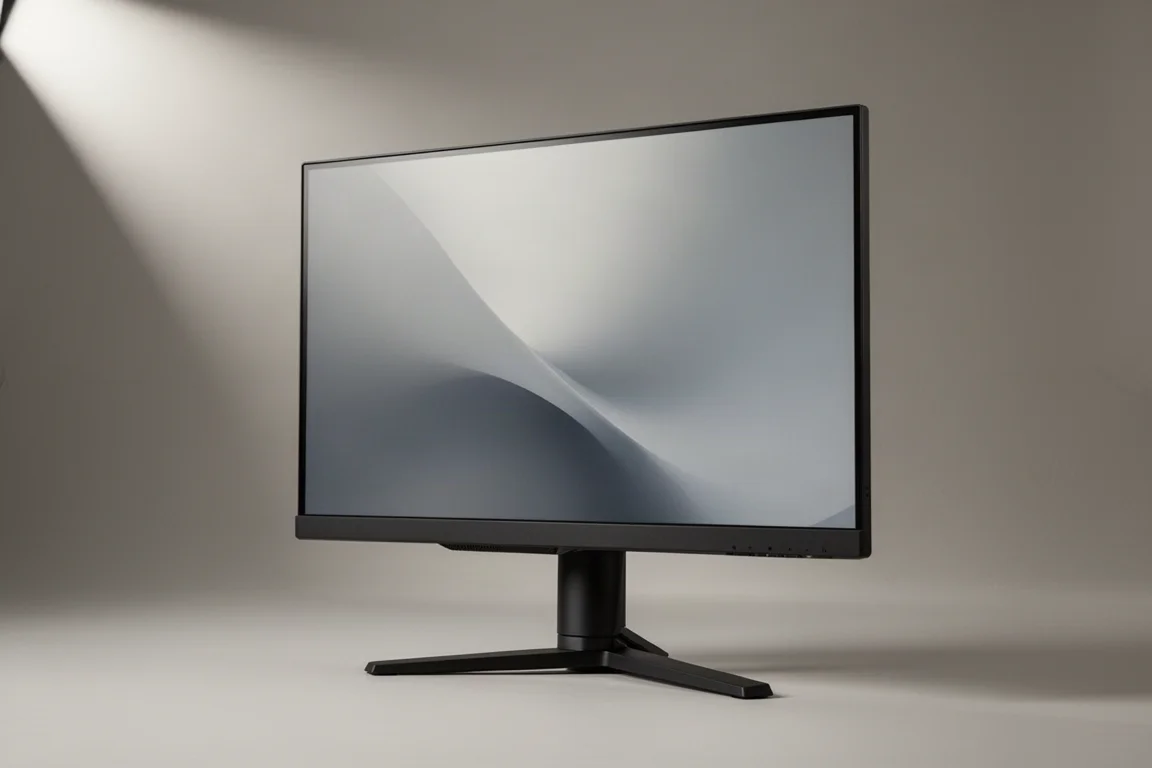
The Philips Evia 27M2N5500XD is the first 1440p 500Hz LCD gaming monitor to hit the market. It pushes LCD refresh rates into new territory, but the question is whether IPS LCD technology can actually support this sort of refresh rate. This is a classic 27-inch 2560x1440 IPS LCD monitor with relatively standard gaming specifications. There is adaptive sync variable refresh rate support, no real HDR capabilities as it lacks proper local dimming, and it is rated at 1 millisecond gray-to-gray response time. The headline feature here is the 500Hz refresh rate at 1440p, which can be pushed to 540Hz through an overclocking mode. It also has dual mode support, which pushes the refresh rate up to 1000Hz at a resolution of 1280x720.
Who This Monitor Is For
This monitor is aimed at competitive gamers who want the highest possible refresh rates for smooth motion and low input lag. The 540Hz at 1440p and 1000Hz in dual mode are impressive numbers on paper. However, the reality is that this monitor does not deliver the motion clarity that those refresh rates promise. It is also not a good option for general mid-range gaming, as the overdrive settings are optimized for the highest refresh rates, leading to overshoot artifacts at lower refresh rates.
Main Strengths
The most interesting thing about this monitor is its contrast ratio, which came in at 2235:1. That is an excellent outcome from an IPS LCD, which typically sits more in the 1000:1 range. Panel brightness is fine at 414 nits, which is perfectly adequate for an LCD. The design is also quite good. The rear looks good and not too gamey. Most of the outer surfaces are constructed from plastic, so it is not the most premium product overall, and the stand is a little wobbly, but there is a good range of ergonomic control. Philips uses a directional toggle to control the on-screen display. Port selection is fine as well, with one DisplayPort 1.4 and two HDMI 2.1 ports. Dual mode works seamlessly, switching between the 1440p and 720p configurations.
Things to Consider Before Buying
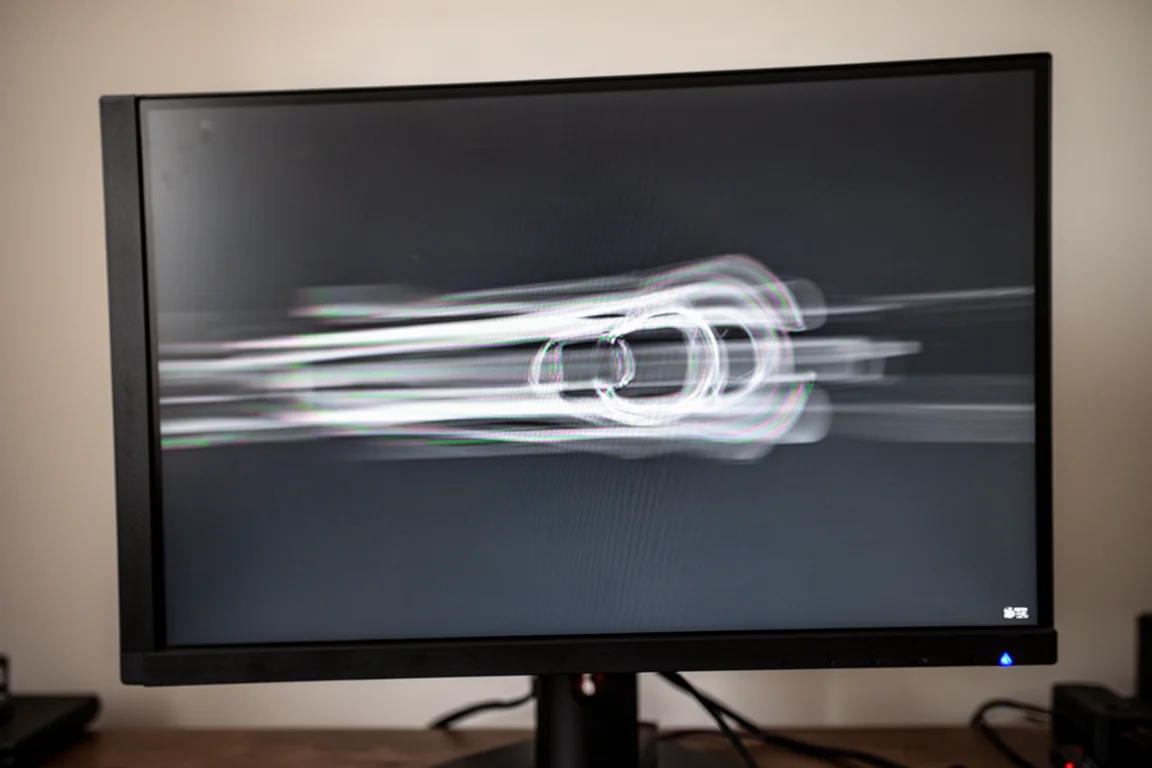
The main problem is that this monitor does not offer a good motion experience for anyone. Response time speeds are not fast enough to handle the 540Hz refresh rate, let alone the 1000Hz dual mode. In testing, the overdrive off performance showed an average response time of 11 milliseconds, which is not especially fast. The fast mode improved to 7.88 milliseconds, and the faster mode to 6.3 milliseconds, but overshoot enters the picture. The fastest mode has an average of 5.5 milliseconds, but the level of inverse ghosting is high and quite noticeable, leading to a poor experience with lots of artifacts. Across the three included overdrive settings, there is nothing here that is suitable for 540Hz.
The other issue is that variable overdrive has not been implemented, and performance falls away significantly at lower refresh rates. In the faster mode, dropping to even 360Hz increases overshoot substantially. By 240Hz, there is an inverse ghosting rate of over 40%, meaning a large portion of transitions produce noticeable overshoot artifacts. There is no overdrive setting that is optimized well for the middle to lower parts of the refresh rate range. This leaves the monitor without good performance for anyone, not high refresh gamers and not low refresh gamers.
In the 1000Hz 720p configuration, overdrive tuning appears slightly different, but not by enough to change the fortunes of this monitor. Using the fast overdrive mode, there is an 8.7 millisecond average response, which is far too slow for 1000Hz. The faster mode moves up to a 7.2 millisecond average, and the fastest mode is at 6.9 milliseconds with a bit of overshoot. This is miles off the sorts of speeds required for a true 1000Hz experience. The reality is that this particular IPS LCD panel is not fast enough for the sorts of refresh rates that are being asked of it.
Design and Connectivity
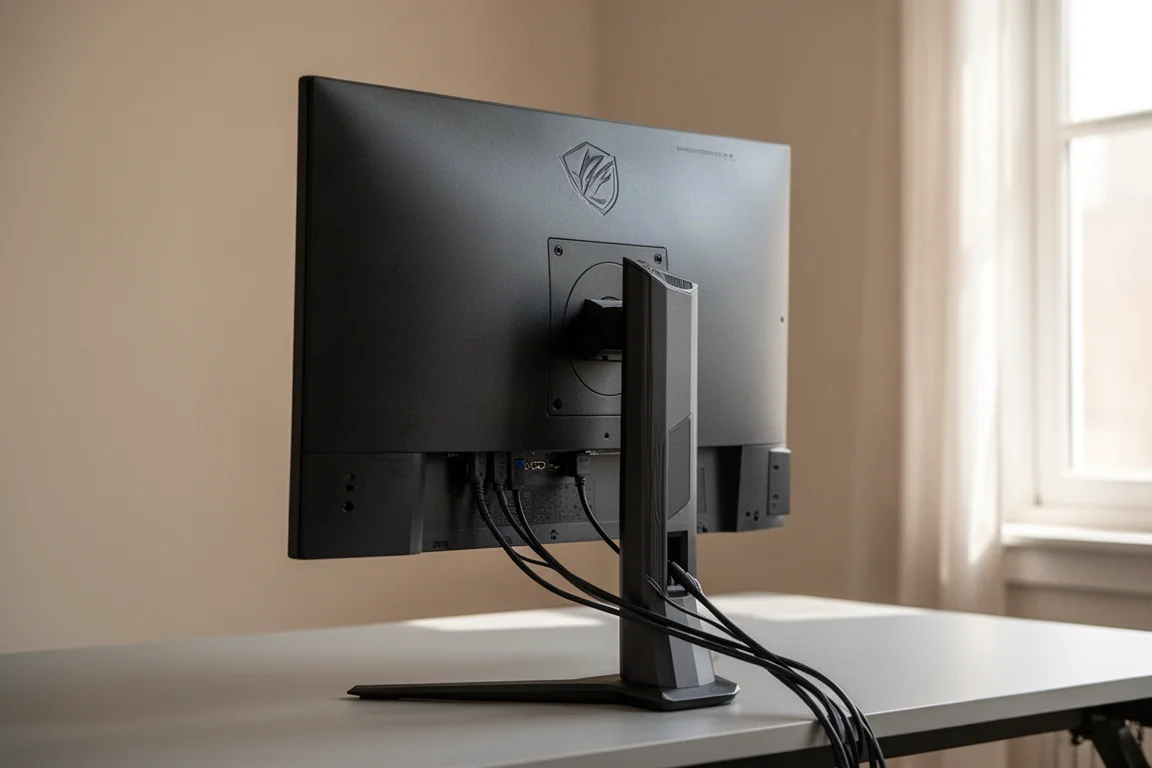
The rear of the monitor looks good and not too gamey. Most of the outer surfaces are constructed from plastic, so it is not the most premium product overall. The stand is a little wobbly, but there is a good range of ergonomic control. Philips uses a directional toggle to control the on-screen display. The chin is pretty big though. Port selection is fine as well, with one DisplayPort 1.4 and two HDMI 2.1 ports. There are no USB ports and not much in the way of interesting functionality.
Buying Advice
This monitor is not yet available in the US, but in Hong Kong it has been listed for $6,000 Hong Kong, the equivalent of about $750. That is a terrible deal given 500Hz QD OLEDs are a similar price right now, or even cheaper in the best cases. If you want a monitor that is fast, clear, and responsive for competitive gaming, a high-performance OLED is the better choice. It does not even have to be the same refresh rate. 360Hz OLED is generally better, and even 240Hz OLED is less blurry in some areas. Those OLEDs will probably be cheaper too.
Conclusion
Unfortunately, the Philips Evia 27M2N5500XD is a bad monitor that cannot be recommended. This is not a situation where it might be recommended at certain price points or after a massive discount. The fundamental problem goes back to the IPS LCD panel being used natively. This is not a fast panel, which makes it very difficult to support such high refresh rates through overdrive tuning. A 1000Hz LCD needs a new generation of IPS technology that is faster than anything seen before, not repurposed old IPS technology being pushed further than it can handle. The monitor is neither good for high refresh rates nor middle or lower refresh rates, so it is basically good at nothing.
Product link
View more details for Philips Evia 27M2N5500XD
This product is mentioned in the review. Check the specifications, options, and compatibility before buying.
View more details for Philips Evia 27M2N5500XDFurther reading
Related Reviews
Monitors
ASUS ROG PG27AQWP-W Review: Tandem OLED Meets 540 Hz
A 27-inch 1440p OLED monitor with Tandem panel tech, a 540 Hz refresh rate, and serious motion clarity for competitive gamers.
Monitors
ASUS ROG Swift OLED PG27AQDP G Edition 20 Review: A 540 Hz Tandem OLED Gaming Monitor
The ASUS ROG Swift OLED PG27AQDP G Edition 20 brings a tandem OLED panel, 540 Hz refresh rate, and striking 20th anniversary design to competitive gaming.
Monitors
BenQ EX271QZ Review: A 27-Inch QD-OLED Gaming Monitor Built for Immersion
The BenQ EX271QZ pairs a 27-inch QD-OLED panel with a 500 Hz refresh rate, aiming to deliver both competitive performance and rich, story-driven visuals.