Tech
Olight Ostation Pro vs Ostation X: Which Automatic Battery Charger Makes Sense?
The Ostation Pro charges and stores both AA and AAA batteries automatically, with a full front display, Wi-Fi app control, and flashlight charging ports. Here is how it compares to the Ostation X.
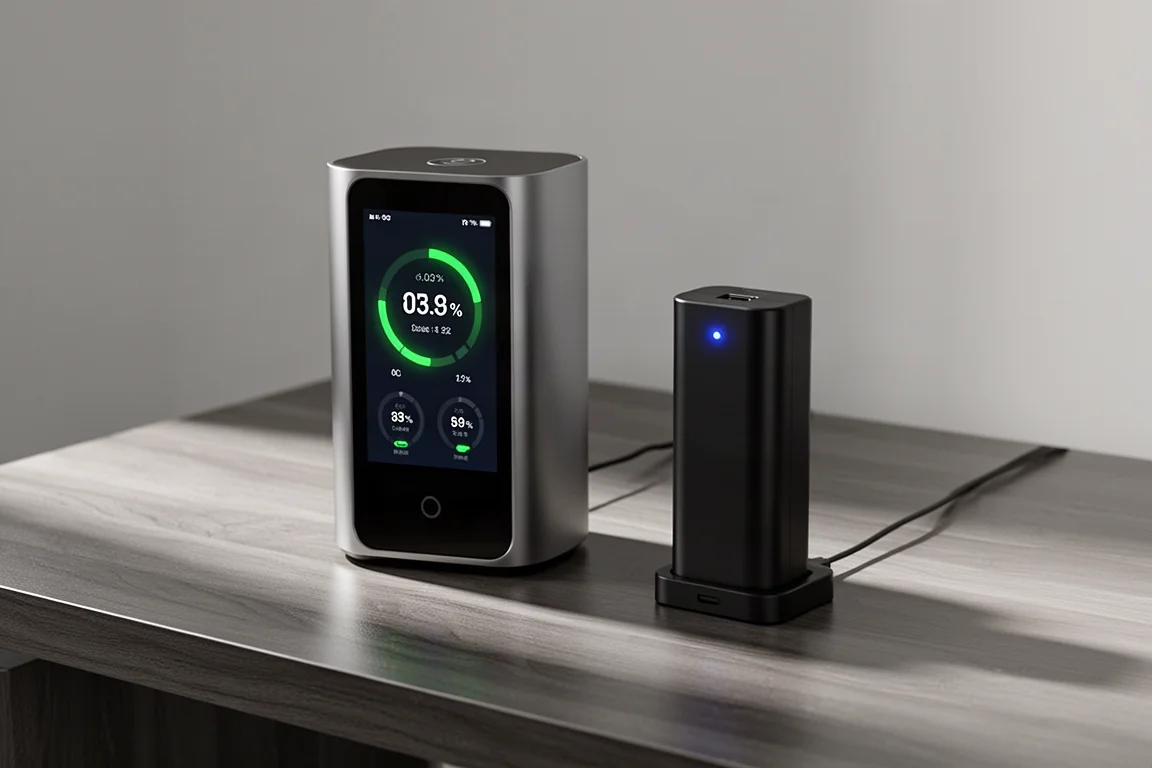
Introduction
Rechargeable AA and AAA batteries only save money if you actually keep them charged, and most chargers turn that into a chore. Olight’s Ostation line tries to fix that by turning battery charging into something closer to a vending machine: drop used batteries in the top, pull fresh ones out of the bottom. The Ostation X already did this for one battery size at a time, and the new Ostation Pro handles both AA and AAA in a single, more compact unit with a much better display.
Olight Ostation Pro: AA and AAA in One Automated Station
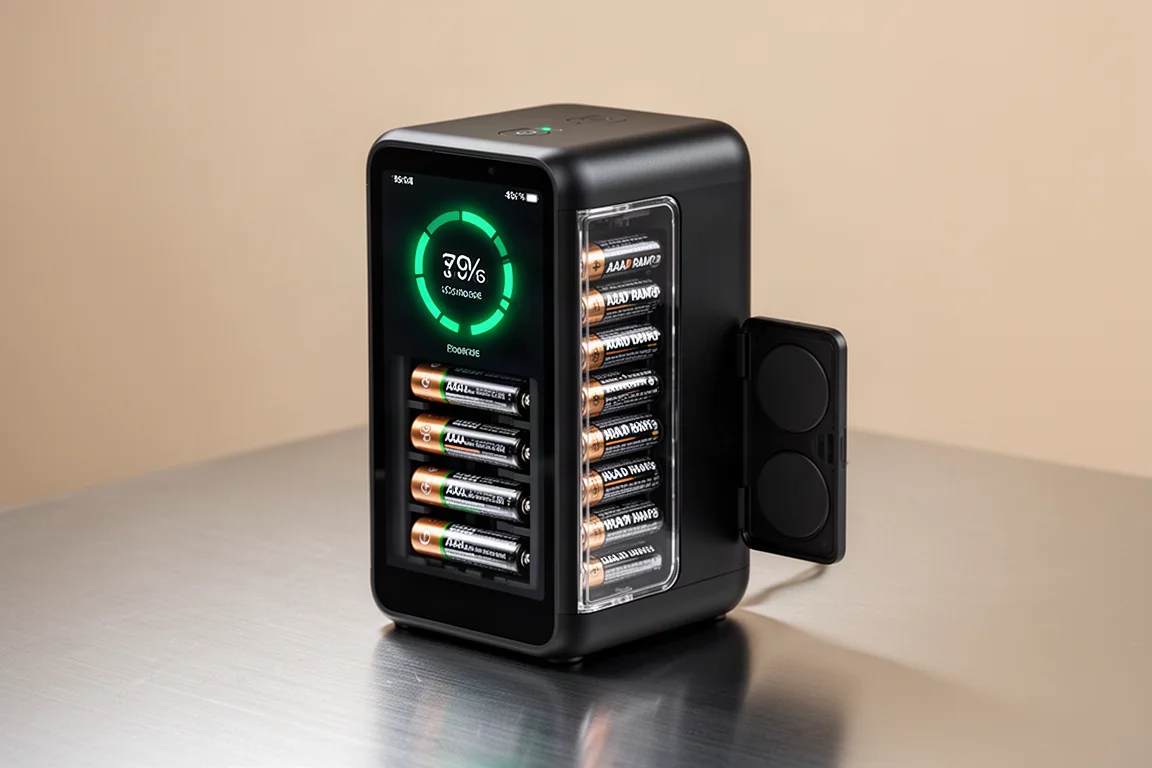
The Ostation Pro combines what previously took two separate Ostation X units. AAA batteries go in the front and AA batteries go in the back, so you sort them yourself, but everything after that is automatic. The station stores batteries up top and pushes them through the charging port with an internal motor. When a battery finishes charging, it drops into a tray at the bottom that slides out for easy access.
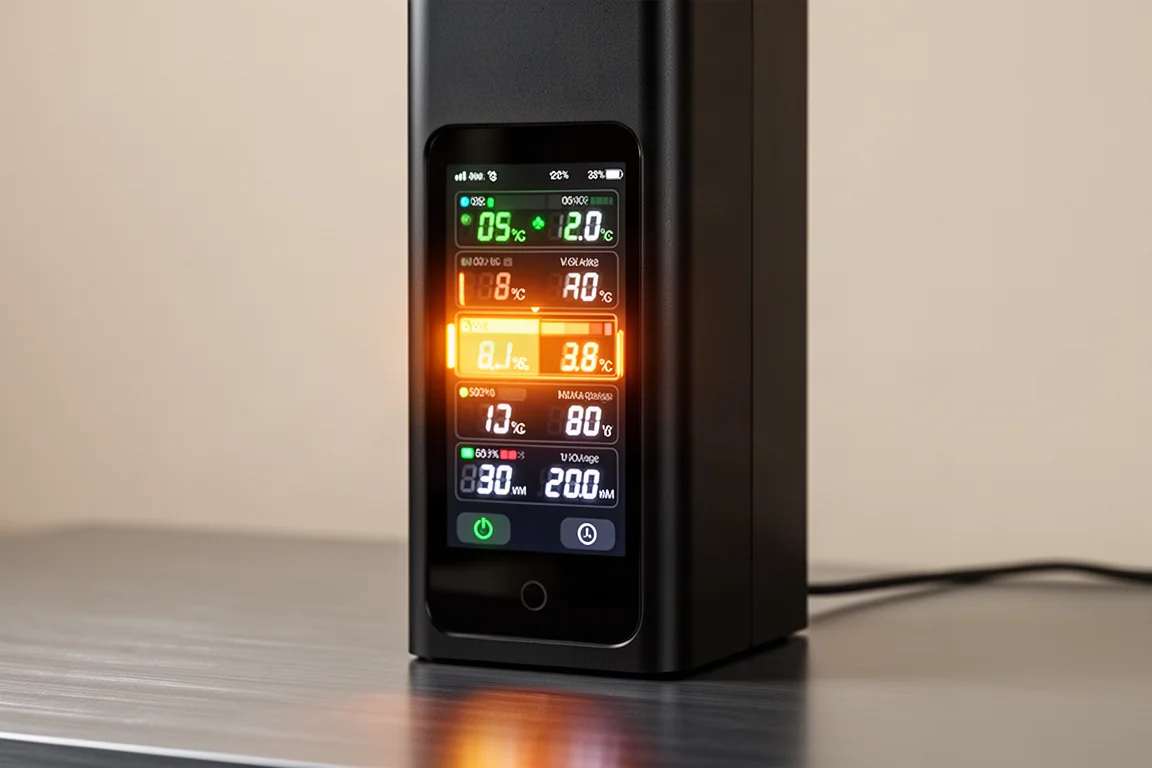
The biggest upgrade is the full front touchscreen. It shows individual charge percentages, so you can watch two AAA batteries sitting at 99% and 97% and know exactly when they will cycle out. It also detects what type of battery you have inserted. In testing, it correctly identified a 1.5V lithium AA and a nickel-metal-hydride AA, displaying the chemistry and voltage for each. That means you can charge either type without thinking about it.
If the station cannot identify a battery, it diverts it to a small stow compartment you access by pressing the middle section. The manual suggests running unrecognized batteries through again, since the issue may simply be imperfect alignment.
Olight Ostation X: The Original Single-Size Option
The Ostation X came first, in separate AA and AAA versions, each handling one battery size only. It still works the same way: a blue indicator light shows when batteries are charging, and finished batteries collect in the bottom tray. It is a solid, reliable machine, but it gives you very little information compared with the Pro. You get a charging light and not much else, which means checking the app if you want real status details.
One practical observation from long-term use: with the Ostation X it is easy to end up with far more charged batteries sitting in the bottom tray than you actually need, simply because it keeps producing them. That is not a flaw so much as a sign the automation works, but it can make the single-size station feel like more capacity than necessary.
View more details for Olight Ostation X
Everyday Use: Storage, Charging, and Automation
Both stations are designed around a continuous cycle: keep them topped up, pull batteries out when you need them, and drop the drained ones back in the top. The Pro will not overcharge by pushing too many batteries through; it stores extras up top and releases them into the bottom tray as slots free up. You can hear the motor moving batteries through and dropping them into the tray, and the movement is genuinely audible, which is worth knowing if it will sit on a quiet desk.
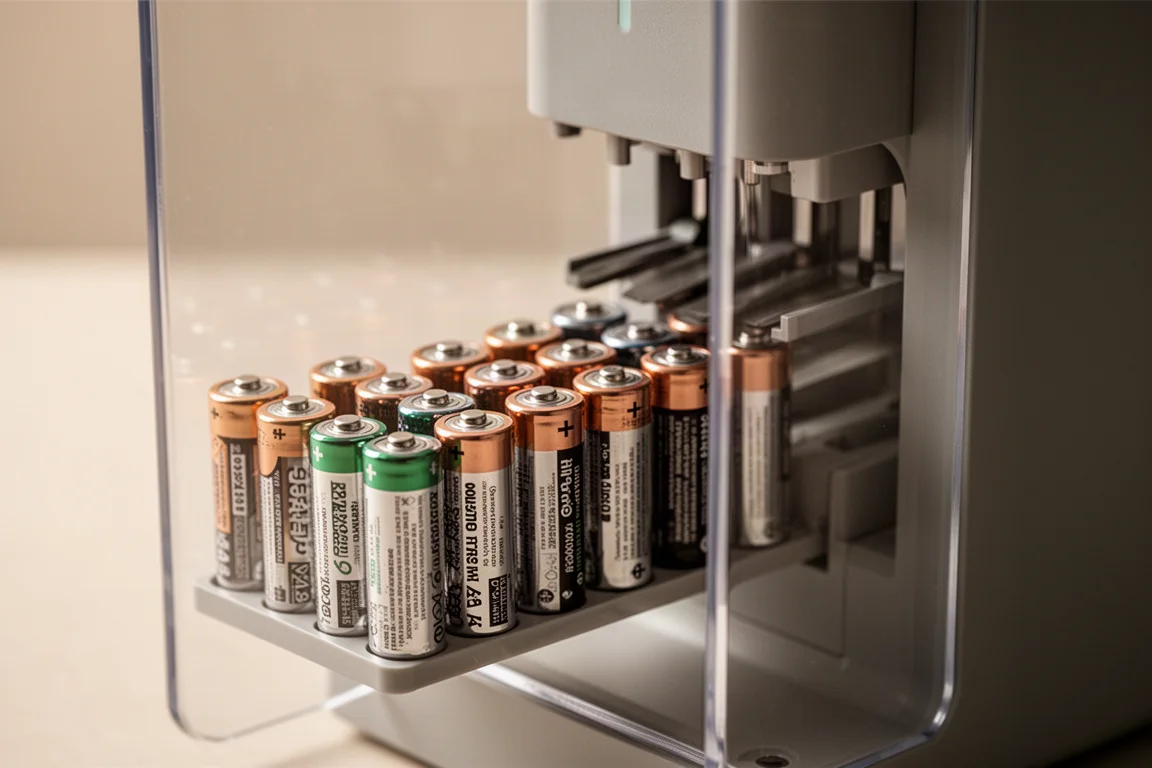
Charging speed is impressive. Two batteries went from empty to full in roughly 20 minutes in use, and the whole cycle of dropping in drained batteries and pulling out charged ones takes seconds.
App Control and Settings
The Ostation Pro connects over Wi-Fi so you can monitor charging from your phone. The app lets you pause charging, turn the screen off, and adjust various settings. There is also a slide-and-tap sleep mode: swipe to power down the screen and touch it again to wake everything up.
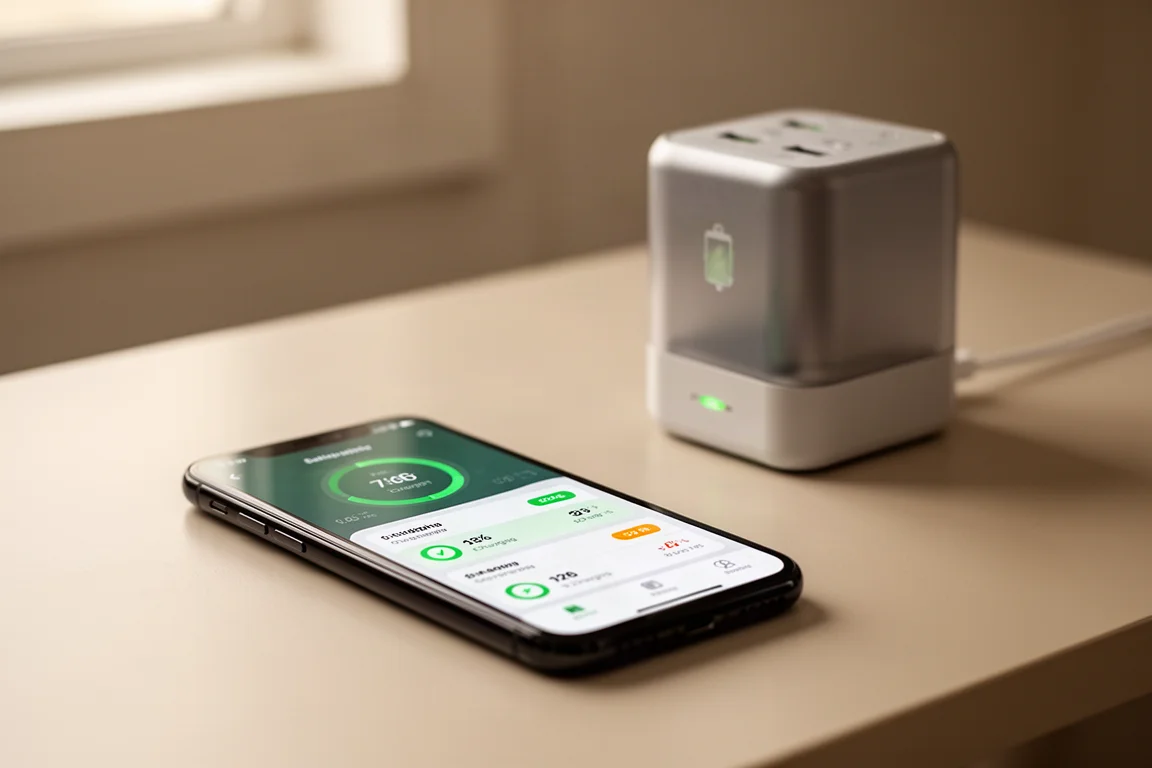
That said, the front display is arguably the better interface for most people. It shows charge status at a glance, so you do not need to pull out your phone, open an app, and connect just to see what is happening. The app is a nice bonus rather than a necessity.
A Bonus for Olight Flashlight Owners
The Ostation Pro includes a folding panel with two MCC magnetic charging ports, the same connectors used by Olight flashlights. Fold it down, place up to two compatible lights on the pads, and they charge simultaneously. The panel stows out of the way when not in use, so it does not add bulk.
Who Should Actually Buy One
The honest framing from the launch plan: the Ostation Pro is expected to arrive through a crowdfunding-style release, meaning early supporters get discounts before the price climbs toward its full market price. If you want one, backing early is likely the cheapest route.
The value case depends entirely on how many batteries you go through. If you use a lot of AAs and AAAs, the math works: rechargeable batteries cost real money to keep replacing, and an automated station that keeps a rotating supply charged pays for itself. NiMH batteries do drain faster than typical store-bought alkalines, so you need to stay on top of topping them up, but the station makes that easy. If you only burn through a handful of batteries a year, inexpensive multipacks from a hardware store on sale remain the more sensible choice.
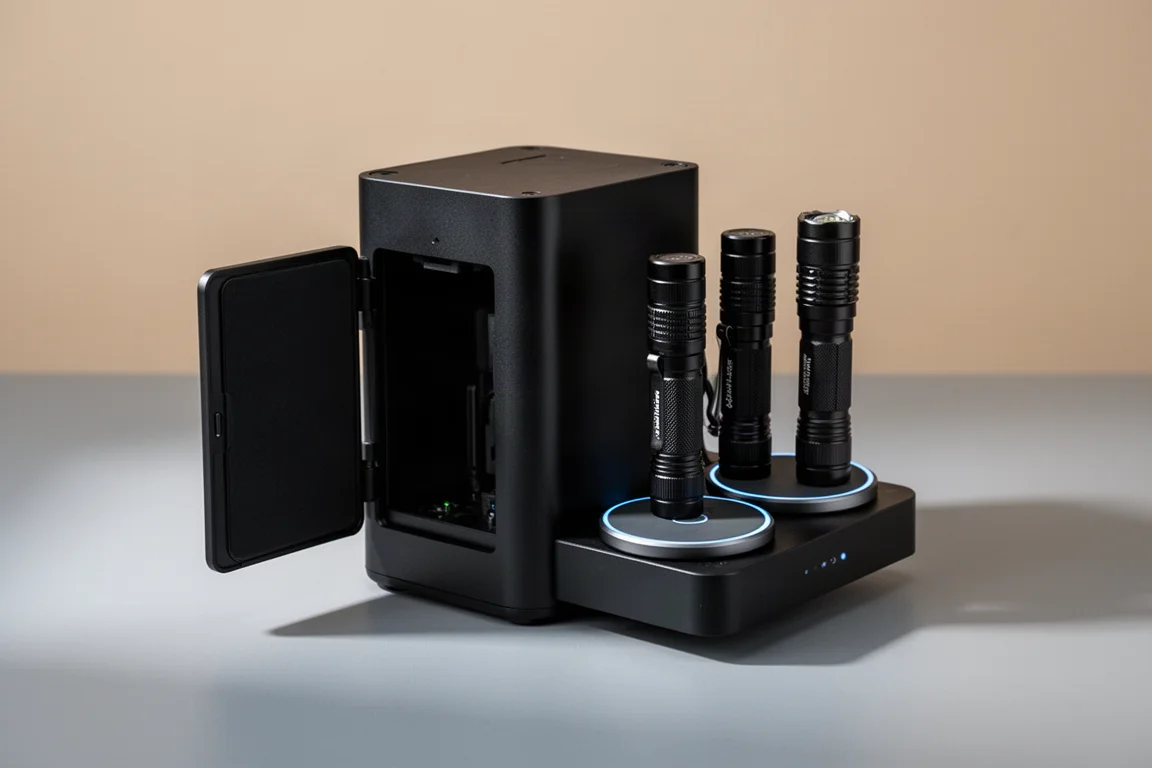
The Pro also has the practical edge in size and build. It is smaller than running an Ostation X, better built, and the display removes the daily friction of checking an app.
Conclusion
The Olight Ostation Pro is the more thought-out version of an already clever idea: one compact unit that handles AA and AAA, tells you exactly what is happening on its front screen, and quietly keeps a rotation of batteries charged. The Ostation X remains a fine choice if you only use one battery size and want a simpler, less informative option. For anyone who goes through rechargeable batteries regularly, the Pro’s display, dual-size support, and flashlight charging ports make it the one worth watching when it launches.
Further reading
Related Reviews

Tech
Apple MacBook Neo Review: A Surprisingly Capable Budget Laptop
The MacBook Neo brings M1-equivalent performance to a $599 entry-level laptop. We tested it across real workflows to see if it's worth considering over pricier alternatives.

Tech
ASUS ZenBook 16 With Snapdragon and RTX 4060: Can an ARM Laptop Game With an External GPU?
An early look at pairing an Nvidia RTX 4060 with a Snapdragon-powered laptop using a Thunderbolt 5 eGPU dock, including real gaming results.

Tech
GPD G2 eGPU Dock Review: A Sturdy, Future-Ready Boost for Your Handheld or Mini PC
The GPD G2 eGPU dock brings new connectivity standards, a robust build, and desktop-class graphics to laptops, handhelds, and mini PCs.