Tech
O Station 2 Pro Review: One Dock for AA and AAA Rechargeables
The O Station 2 Pro merges AA and AAA storage, charging, and dispensing into a single unit with an OLED display and built-in flashlight charging.
Introduction
Some products get refined slowly. The O Station line has been refined in public. The original O Station was a prototype that was never sold, developed as an early exploration of a combined storage and charging solution for batteries. That was followed by the O Station X, the first purchasable version, which was a significant upgrade shaped by early tester feedback. Now the line has arrived at a single answer to a simple question: why not make one unit that does it all?
That answer is the O Station 2 Pro, a dual-unit dock that handles both AA and AAA rechargeable batteries in one place. This review walks through what it does, how it handles everyday use, and who it makes the most sense for.
What the O Station 2 Pro Actually Does
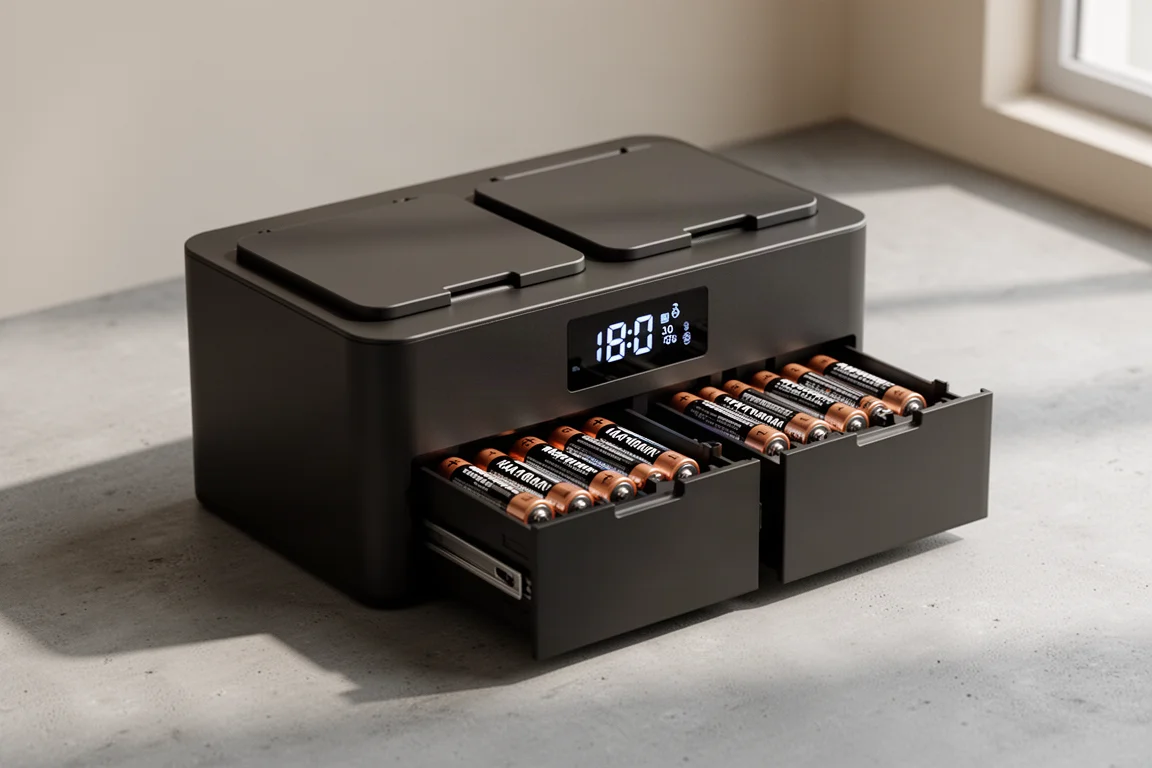
The core design is a dual unit with two lids on top, one for AA batteries and one for AAA batteries. Each lid feeds into its own independent mechanism and its own marked drawer below. Batteries go in through the top and come out through the front, ready to use.
The standout addition is an OLED display on the front. Earlier versions used a small glowing circle as a rough progress indicator. The 2 Pro shows actual charging status: individual battery percentages, a running timer, and status for everything currently inside. You can see exactly what state each battery is in rather than guessing from a light.
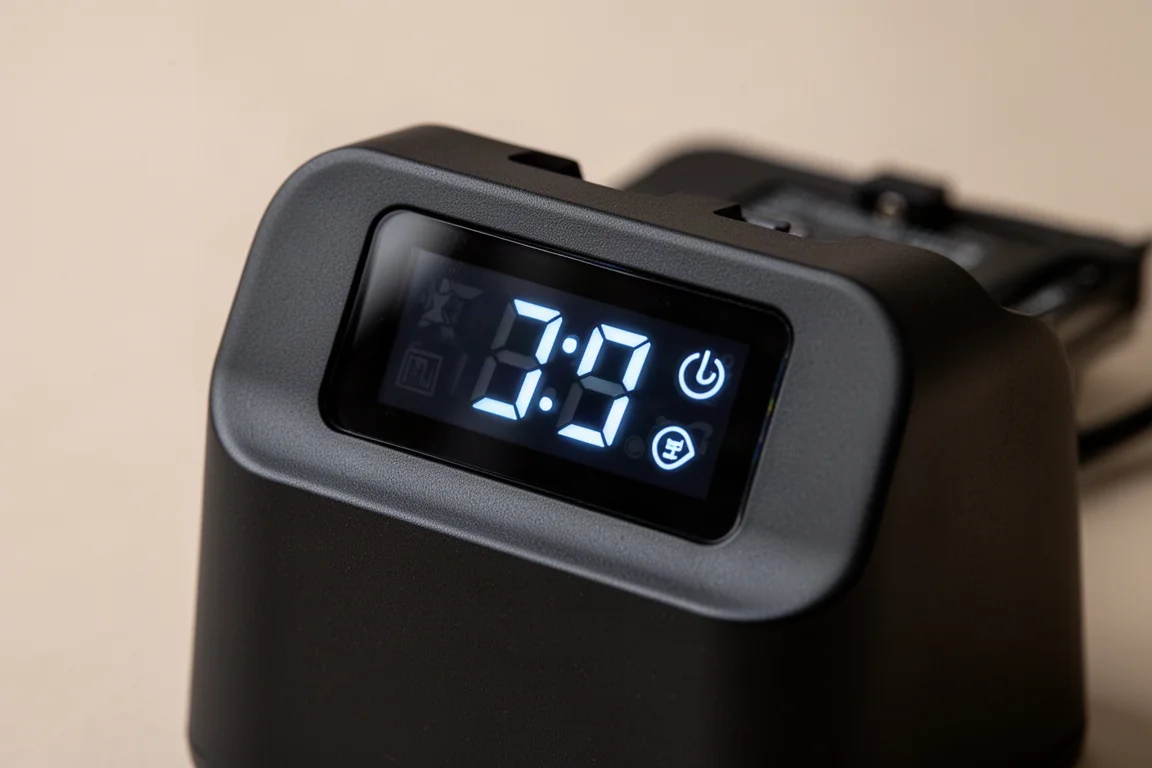
The display also gives you real control. You can power the unit off without unplugging it, connect it to a phone app, pause the charging schedule if you want quiet, or turn the screen off entirely. On the older models, pulling the cord was the only way to stop it from checking on itself.
Dispensing and Battery Handling
The drawer mechanism works like a well-designed dispenser. Push the batteries forward and they serve up two at a time, and you can keep pulling for more if you have a large draw. The detail work in the drawers is noticeably better than the earlier versions, which dispensed only one or two at a time in a more limited way.
Loading is deliberately foolproof. It does not matter which orientation you drop the batteries in, as long as they go in the correct side. The dock figures out the rest automatically. If a battery is not rechargeable, or there is a problem, it pops out into a small catch tray. If you think those batteries just needed charging, dump them back in. If not, you are done with them.
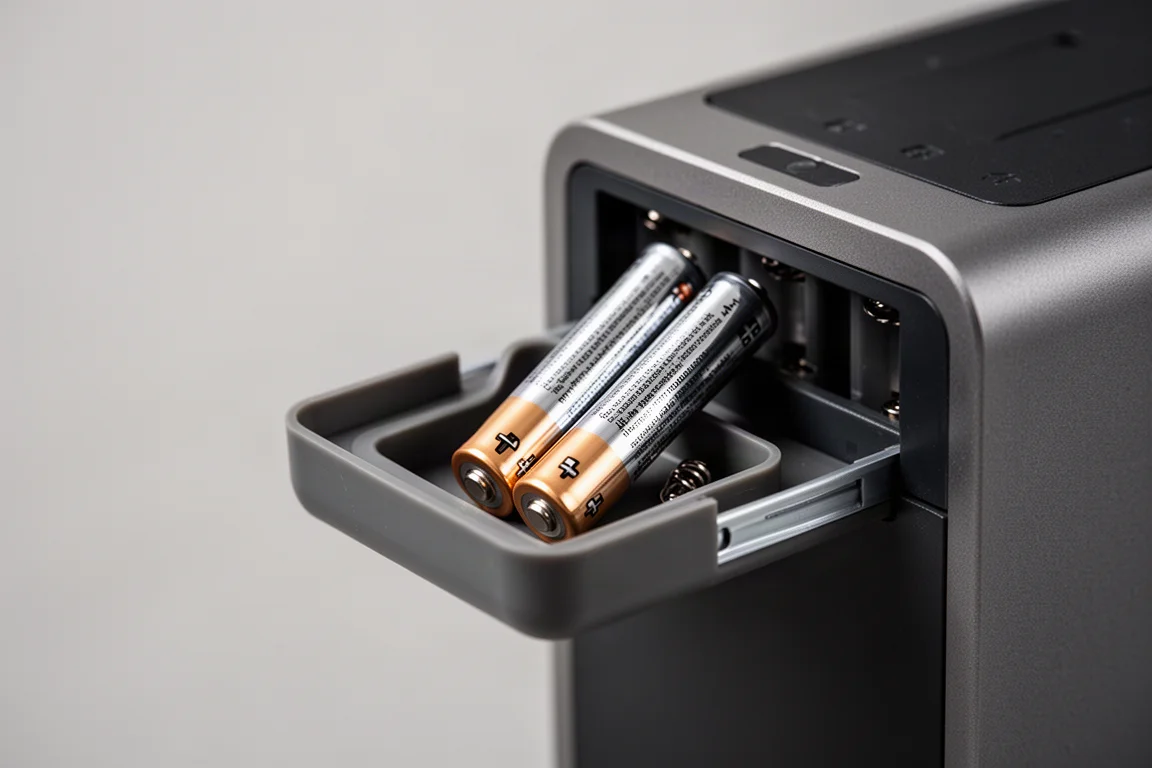
The batteries in use here are nickel metal hydride cells, the standard for this kind of dock. That chemistry is exactly what the unit is built to analyze, charge, and organize.
Flashlight Charging Panel
One thoughtful addition is a fold-down panel on the unit with two dedicated charging ports for Olight flashlights. Each port shows a small red indicator light while charging. Earlier versions offered dual USB and USB-C output so you could still charge a flashlight through a cable. The 2 Pro replaces that with a purpose-built panel, which feels like more forethought rather than less.
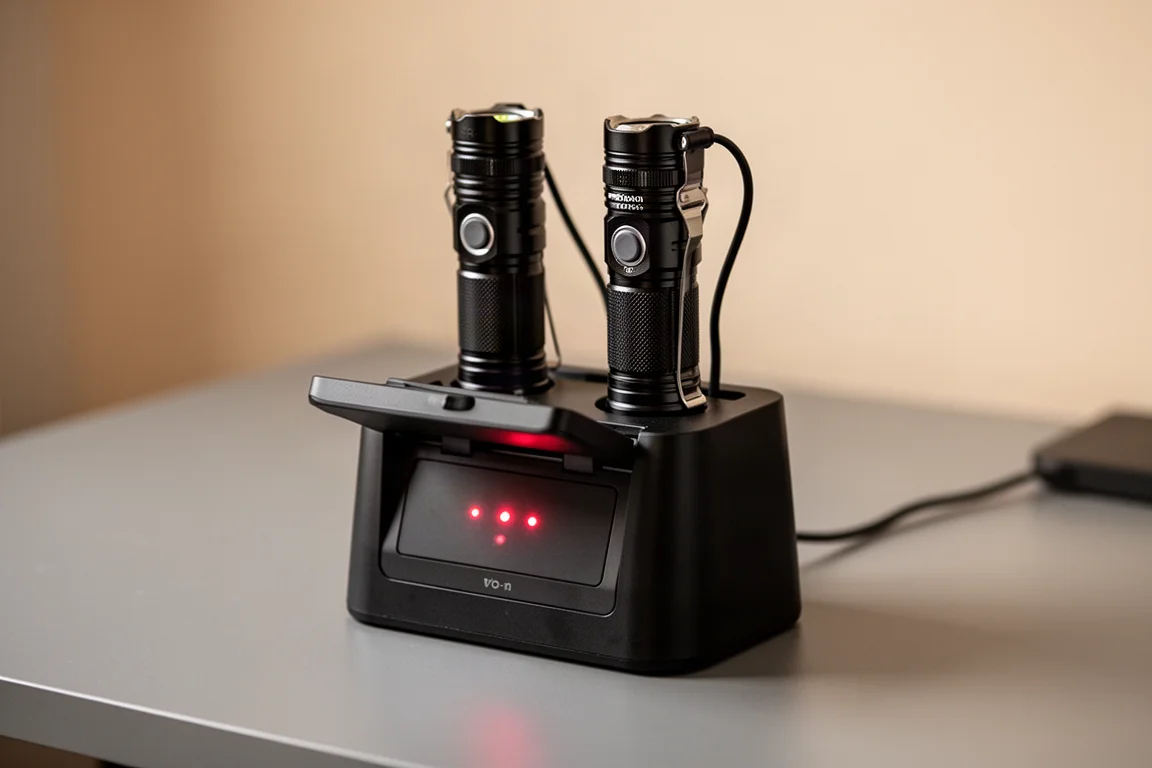
If your gear rotation includes flashlights that share the same rechargeable ecosystem, this panel means one less set of cables on the desk and one less thing to lose.
Why Rechargeables Still Make Sense
The argument for a dock like this comes down to power on the go. Many devices are either tethered while charging or go offline during it. Being able to swap out fresh batteries instead of waiting for a device to charge is a genuinely useful capability, and it is the reason a ready supply of charged AA and AAA cells matters.
It also matters how much capacity you need. The earlier single-chemistry stations came in a larger size aimed at heavy users, think fire stations running walkie-talkies or field teams swapping GPS units daily. The smaller AA-and-AAA combined format is aimed more at the average user who keeps a mix of both sizes in circulation. If you go through a steady stream of batteries, having both sizes organized, analyzed, and charged in one place is a meaningful upgrade.
The company describes the concept as analyze, charge, and organize, and the name fits. The unit does not just top up cells; it tells you what is in there, rejects what should not be in there, and keeps everything dispensed and ready.
Should You Buy the O Station 2 Pro?
The O Station 2 Pro is being released in a Kickstarter-style campaign, so early supporters can get in before a wider release. If the rechargeable battery workflow fits your lifestyle, that is the window to get on board.
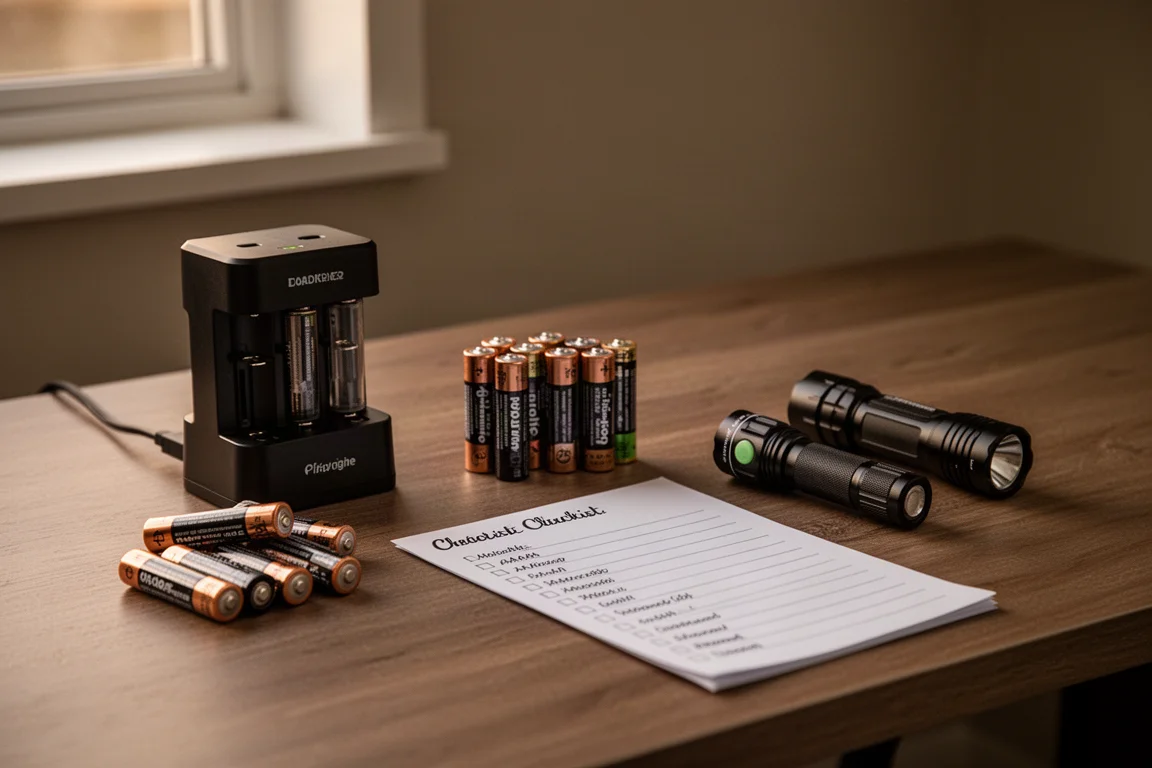
It is easy to dismiss a battery dock as unnecessary, especially if you do not think you go through that many AAs. But once you think through how many devices around the house run on AA and AAA cells, the case gets stronger. It is a particularly natural fit if you are in the preparedness community and want a good supply of batteries that is always ready to go. Swappable power that is always charged is exactly what that use case demands.
Conclusion
The O Station 2 Pro is the culmination of a product line that has iterated from an unsold prototype to a refined dual-chemistry dock. The OLED display, automatic battery handling, reject tray, and built-in flashlight charging make it the most complete version yet. If you manage a mix of AA and AAA rechargeables, this is the single unit that finally does it all.
Product link
View more details for O Station 2 Pro
This product is mentioned in the review. Check the specifications, options, and compatibility before buying.
View more details for O Station 2 ProFurther reading
Related Reviews

Tech
Apple MacBook Neo Review: A Surprisingly Capable Budget Laptop
The MacBook Neo brings M1-equivalent performance to a $599 entry-level laptop. We tested it across real workflows to see if it's worth considering over pricier alternatives.

Tech
ASUS ZenBook 16 With Snapdragon and RTX 4060: Can an ARM Laptop Game With an External GPU?
An early look at pairing an Nvidia RTX 4060 with a Snapdragon-powered laptop using a Thunderbolt 5 eGPU dock, including real gaming results.

Tech
GPD G2 eGPU Dock Review: A Sturdy, Future-Ready Boost for Your Handheld or Mini PC
The GPD G2 eGPU dock brings new connectivity standards, a robust build, and desktop-class graphics to laptops, handhelds, and mini PCs.