Graphics Cards
Nvidia RTX 5080 Review: Modest Gains and a Big Bet on AI Features
The RTX 5080 delivers only modest raw performance gains over the previous generation, while Nvidia leans heavily on DLSS 4 and multi-frame generation.
Introduction
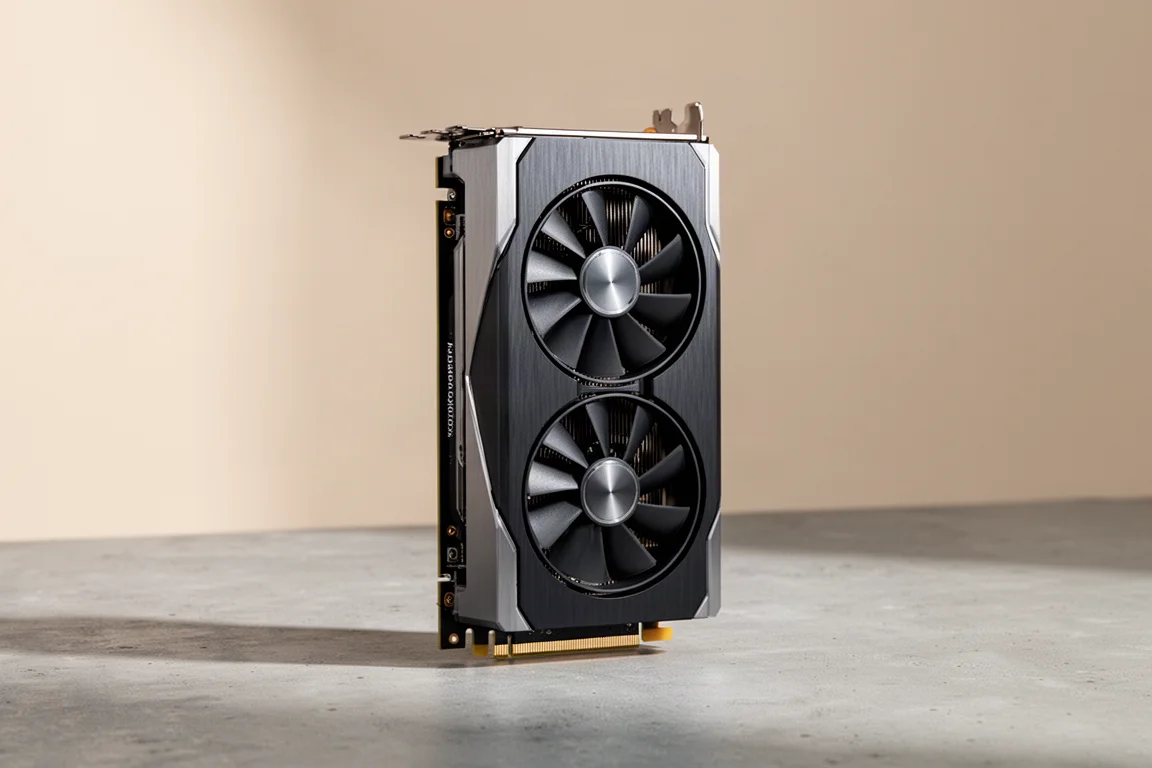
For PC gamers, few things are as exciting as a new flagship GPU release, because we usually see huge performance gains over the previous generation. The RTX 5080, however, isn’t eliciting the same type of reaction. That comes down to two main factors. First, it beats the outgoing 4080 and 4080 Super cards by a much smaller margin than anticipated. Second, it fails to clear the outgoing 4090, which is not something we’re used to seeing.
The benchmark numbers were surprising enough that some testers initially thought there had to be something wrong with their test bed or methodology. But the results held up across multiple runs and configurations.
Raw Performance: A Smaller Step Forward
In 4K benchmarks using a 9800X3D and settings one step down from maximum presets, the RTX 5080 shows an average uplift across 12 games of only 15% at 4K. At 1440p, the improvement drops to just 10%. If you have a 4080 Super, these performance gains are even smaller.
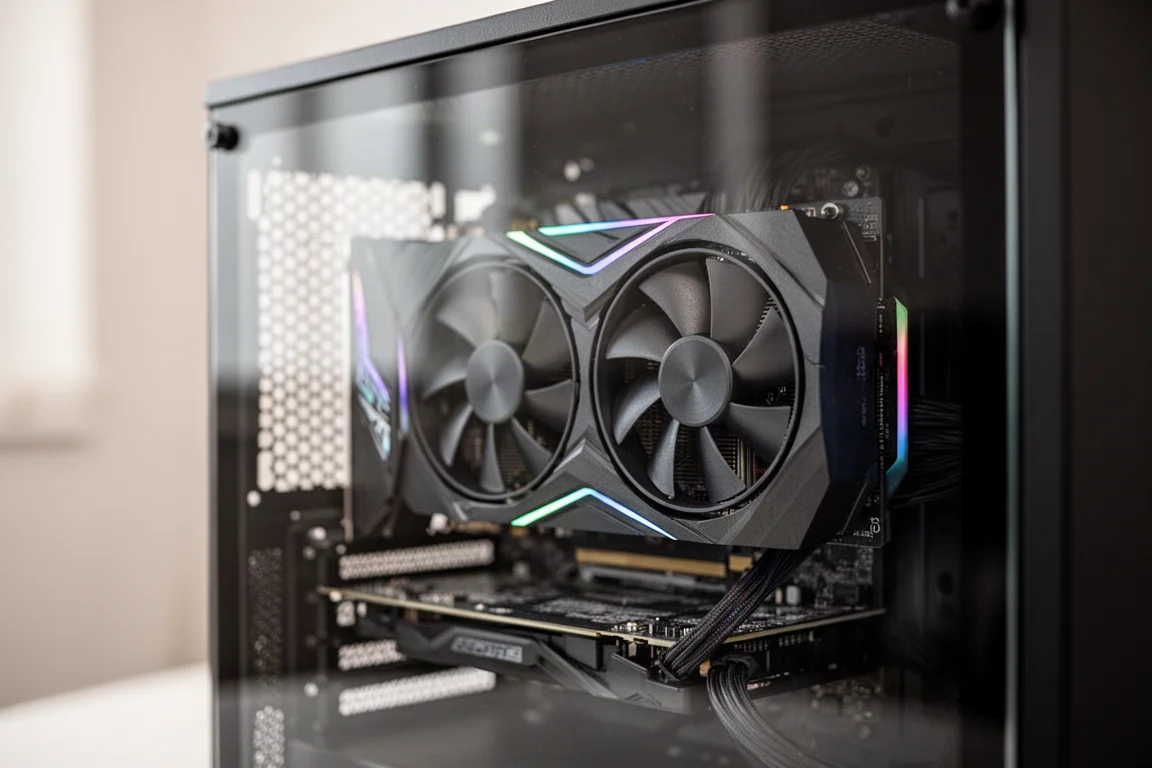
To put this in perspective, the jump from the 3080 to the 4080 delivered an average of 48% uplift at 4K, with similar results at 1440p. Comparing 48% improvement versus 15% makes it easy to see why people weren’t really wowed by this generation.
The other issue is that the RTX 5080 doesn’t match or beat the RTX 4090. In a 12-game selection, the 4090 leads the 5080 by a 15% average. Granted, the 4090 is still a very expensive card to find used, and the limited amount of 4090s available at launch made the situation even tougher. But historically, we’re used to seeing the 80-series cards clear the 90-series cards of the previous generation.
Even the 20-series cards, which people weren’t really stoked on at the time, still had some impressive gains versus this generation.
Understanding DLSS 4 and Multi-Frame Generation
It’s important to remember that all the conversation so far has centered around raw performance and native rendering. These benchmarks didn’t use any DLSS upscaling and no frame generation. The claims made at CES with the 5070 offering 4090-level performance were the result of the new multi-frame generation in the DLSS 4 suite. That seems to be what Nvidia is really banking on for this generation and presumably going forward.
This introduces a lot of subjective opinions about GPU performance into an area that’s normally really objective. Assuming tests are carried out with any level of competence, it’s pretty tough to argue with the numbers from comparative benchmarks. The numbers just are what they are.
DLSS 4 is a suite of features designed to improve the output of games, and there are two that are really important. The first is DLSS upscaling, which renders the base game at a lower resolution and then uses AI to upscale to a higher resolution output. That gives you similar performance to the lower resolution but looks much better. For single-player stuff, especially at 4K, the quality is nearly indistinguishable from the real thing, and it allows you to turn up graphical details for a 4K experience while still enjoying high frame rates. If your game supports it, turn it on, and it’s basically free frames. There’s not a lot of controversy here, and it’s available on any RTX series card going back to the 20 series.
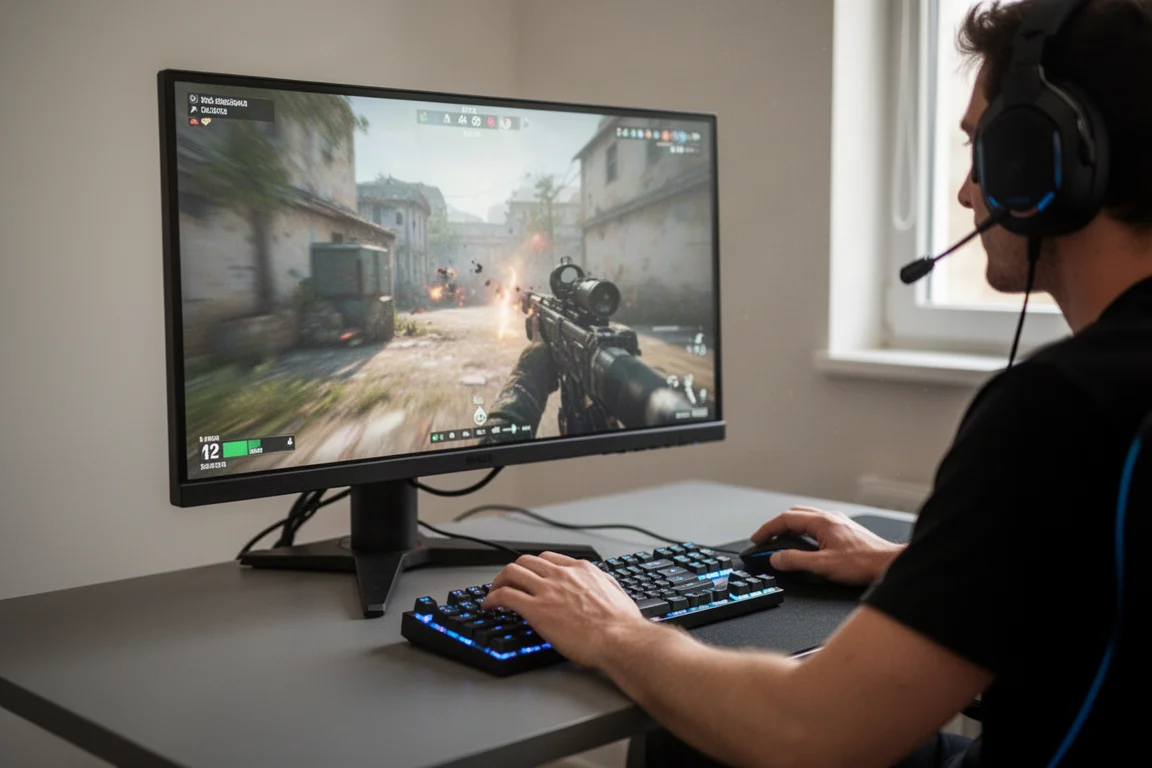
The feature that’s causing such a wide range of reactions is frame generation, where the GPU inserts a generated frame in between each native frame, or what some people call real frames. This isn’t new, as it’s been available since the 40 series, but multi-frame generation is new and exclusive to the 50 series. It allows you to insert up to three generated frames in between each native frame, which sounds like four times as much FPS. Well, not exactly.
The simplest way to explain this is that real or native frames respond directly to input from your mouse and keyboard, whereas AI-generated frames don’t, because they occur in between game engine frames. This is where the idea of fake frames comes from. Using frame generation introduces input latency. If you’re playing competitive titles, shooters, rhythm games, or even something like a soulslike single-player where combat timing is really precise, do not use frame generation.
Outside of latency, there’s another issue at work with multi-frame generation: what happens when the base rate of your game dips below a certain number. Whenever you start talking super high FPS output, people with a self-awarded doctorate of comment section science will tell you the human eye can’t see over 60 FPS. But what that argument always misses is feel. It’s easy to show how frame quality and fidelity look in a video, but it’s harder to show how smooth the experience looks, and it’s nearly impossible to show how smooth input feels.
If you’ve ever played 30 FPS versus 60 FPS, you know the way the visual response to your input feels much smoother at 60. When you’re using multi-frame generation on something like Cyberpunk, you may be seeing 200 FPS, but if your base rate dips below 60, your controls might feel sluggish compared to what you’re seeing on screen. That’s why benchmark numbers of multi-frame generation aren’t showing the full picture.
In general, you’ll have a better time using multi-frame generation when you have a higher base rate number, because all it’s really doing is giving you more of whatever is already happening on screen.
Real-World Testing: Cyberpunk and Frame Generation
Take this example of Cyberpunk running at 4K Ultra settings with no ray tracing and no upscaling, just a native 4K Ultra render. The game pulls between 77 and 85 FPS, and everything looks and feels smooth. Adding just a little ray tracing drops it to around 45 to 50 FPS, and things feel a little sluggish, with motion blur becoming a little much.
Bumping up the ray tracing and adding path tracing brings it down to around 20 to 23 FPS, which is basically unusable. Logic would say to turn on 4X frame generation, which should take that 20 to 23 FPS to more like 80 to 90 FPS and make things feel smooth again. In practice, the game actually gets around 70 to 75 FPS, but it’s just a more fluid version of the same poor presentation we had at 20 FPS, still completely unusable. It’s actually multiplying the high motion blur in the graphic settings too.
Turning off motion blur makes it more clear and more smooth, but still not what most would consider playable. Aiming feels crazy, and the whole thing is nauseating on a 32-inch monitor. What we’ve essentially done is multiplied poor performance, because the base render rate of 20 FPS isn’t cutting it.
We can try to improve that base rate by turning on DLSS upscaling. Set at quality with motion blur off, the game runs at 130 to 150 FPS and feels really smooth. Aiming still feels a little floaty and off, but this is usable as long as motion blur is off. Accidentally leave that on, and it becomes more important than ever to know how each individual setting is affecting your game.
After that, it’s just a matter of checking for graphical glitches caused by using both AI upscaling and AI multi-frame generation. With significant time in Cyberpunk, testers report being way more distracted by things like model and texture pop-in than by the errant graphical glitches in DLSS or frame generation. It’s not that they’re not there, it’s just that they’re not nearly as affected by them.
This is where things get really subjective. You may hate the idea of using fake frames in exchange for ray tracing, but it’s a major improvement in Cyberpunk. This doesn’t hold true for all games though. Take Hogwarts Legacy, where it actually adds a weird constantly moving shimmer to some objects. It’s easy to think this is an AI byproduct of the frame generation or upscaling, but it’s not. And if you’re not going to run ray tracing, you still get over 90 FPS without using frame generation or upscaling, so it’s not even really a conversation. Using frame generation does introduce some distracting artifacts in certain areas of this game, particularly where someone’s hair is backlit.
This is something you should consider if you really want to crank up the eye candy where it otherwise wouldn’t be possible. Even if you do have one of the newer 4K 240Hz monitors, multi-frame generation isn’t the best way to max out that monitor. If you’re getting between 90 and 120 FPS in a single-player game in 4K, that’s good. Save the overhead in that monitor for games that can take advantage of it without using frame generation. But again, this is highly subjective.
Overclocking Potential
If you find yourself on the line of trying to get at least a solid 60 FPS base rate, you could consider overclocking. Overclocking isn’t for everyone, as some prefer playing games uninterrupted rather than mitigating crashes and constantly tweaking their PC. But this is the easiest card to overclock in recent memory.
Load up MSI Afterburner, add 1,000 to the memory and 375 to the core clock, and you’re done. This was stable in every game engine benchmark it was put through. The best score achieved was 9687 in Speedway at 400 core clock and 1,000 to the memory. Pushing the core clock to 425 with 500 to the memory resulted in a lower score. At max fan speed, 400 and 1,000 did validate in Speedway but caused a lot of crashes in game. The best stable in-game setting was 375 core and 1,000 to the memory, which pulled a 9668 in Speedway.
You don’t have to adjust anything with those settings, not even the fan curve. Even with a core clock of 3250, temperatures were 64.3 degrees with power draw of 387 watts. Your mileage may vary, and you overclock at your own risk, but that’s a dead easy adjustment to gain another like 10% in game performance.
There’s also a theory that Nvidia might be artificially limiting these core clocks in order to leave room for a Ti or Super variant down the road. That theory holds a lot of water based on the fact that not much effort was needed to get a pretty significant performance boost.
Who Should Buy the RTX 5080
The RTX 5080 is not a super exciting card. The cooler design and slimmer form factor are appreciated, and the aesthetic has been enjoyable lately. It’s essentially on the same process as the previous generation, but gaming consumers don’t really care about that. They just want to see how much faster they can run their games for the money.
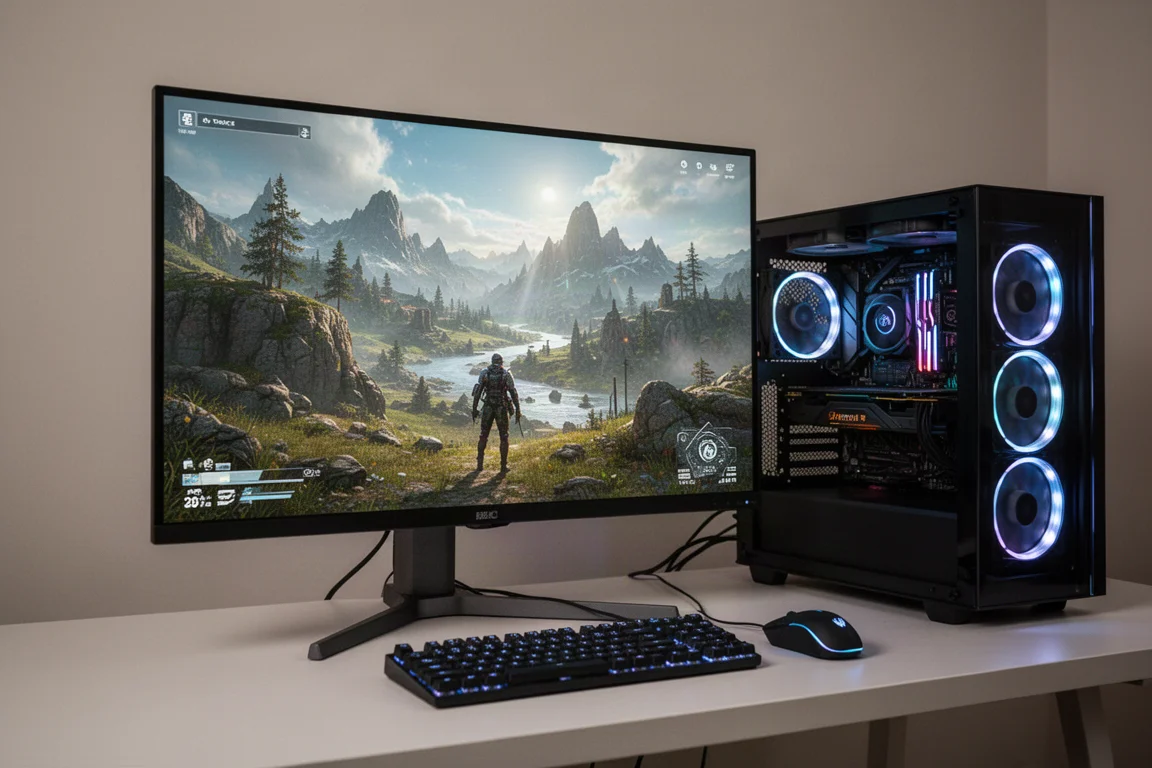
If you’re on a 40-series card, it’s probably worth skipping this generation. If you’re coming from a 30-series or older, you’re going to have a good time. There are some other additions that make this card strong for applications outside gaming, but those users are probably looking at a 5090 with its 32GB of VRAM.
It’s clear that Nvidia is hanging their hat heavily on DLSS 4 and multi-frame generation for this series. While some hope that’s not a sign of things to come, the smart money says that’s where the industry is headed. There’s a lot of anger out there about this, as people think this will be a crutch for developers to not optimize their games. Others see it more as something that allows you to use some seriously demanding effects that you otherwise wouldn’t be able to.
It’s hard to ignore games like Star Wars Outlaws where ray tracing is just on all the time. You can turn it down, but you can’t turn it off. It’s also concerning to see multi-frame generation used to pull focus away from really mediocre gains in native rendering, especially in the verbiage of calling native rendering brute force rendering like it’s some clumsy outdated method.
If anything, this could make for some really interesting competition this year. High-end buyers are always going to be high-end buyers, and AMD doesn’t really punch at that level. But the vast majority of PC gamers buy mid-tier cards. With Nvidia banking so hard on AI features over raw rendering performance, we could see an upset. It’ll be interesting to see what the 5070 Ti looks like.
Buying Advice
For most gamers, the decision comes down to what you currently own. If you’re on a 4080 or 4080 Super, the modest gains in raw performance don’t justify the upgrade cost. If you’re still on a 3080 or older, you’ll see some trend-level gains that make the RTX 5080 a more compelling option.
The card’s real value lies in its DLSS 4 features, particularly multi-frame generation, which can dramatically boost frame rates in supported titles when the base render rate is already healthy. But it’s not a magic solution for poorly optimized games or for competitive play where input latency matters most.
Conclusion
The RTX 5080 represents a shift in how Nvidia approaches GPU performance, leaning heavily on AI-driven features rather than raw rendering power. The modest native performance gains over the previous generation are disappointing by historical standards, but the DLSS 4 suite offers a genuinely useful toolbox for single-player gaming at high resolutions.
If you’re coming from a 30-series card or older, the RTX 5080 delivers a meaningful upgrade. If you’re on a 40-series card, you can probably wait for the next generation. Either way, this card signals where the industry is headed, and it will be interesting to see how the competition responds.
Product link
View more details for Nvidia RTX 5080
This product is mentioned in the review. Check the specifications, options, and compatibility before buying.
View more details for Nvidia RTX 5080Further reading
Related Reviews
Graphics Cards
Asus Prime RTX 5070 Ti Review: A Solid 4K Performer at the Right Price
The Asus Prime RTX 5070 Ti delivers 4080-class performance, easy overclocking, and strong cooling in a compact design. Here is what to consider before buying.
Graphics Cards
ASUS Prime RX 9070 OC Review: A Small Form Factor Powerhouse
The ASUS Prime RX 9070 OC delivers strong 1440p and 4K performance in a compact 2.5-slot design that fits perfectly in small form factor builds.

Gaming Accessories
8BitDo Ultimate 2 Wireless Controller Clear Blue Review
A nostalgic clear blue take on the 8BitDo Ultimate 2 Wireless Controller, with TMR sticks, a charging dock, and hidden Steam Input support.