Automotive Tools
MUCAR 632 Elite Review: A Compact Scan Tool With Lifetime Updates
A hands-on look at the MUCAR 632 Elite, a compact OBD2 scan tool with bi-directional control, 15 reset functions, and free lifetime software updates.
Introduction
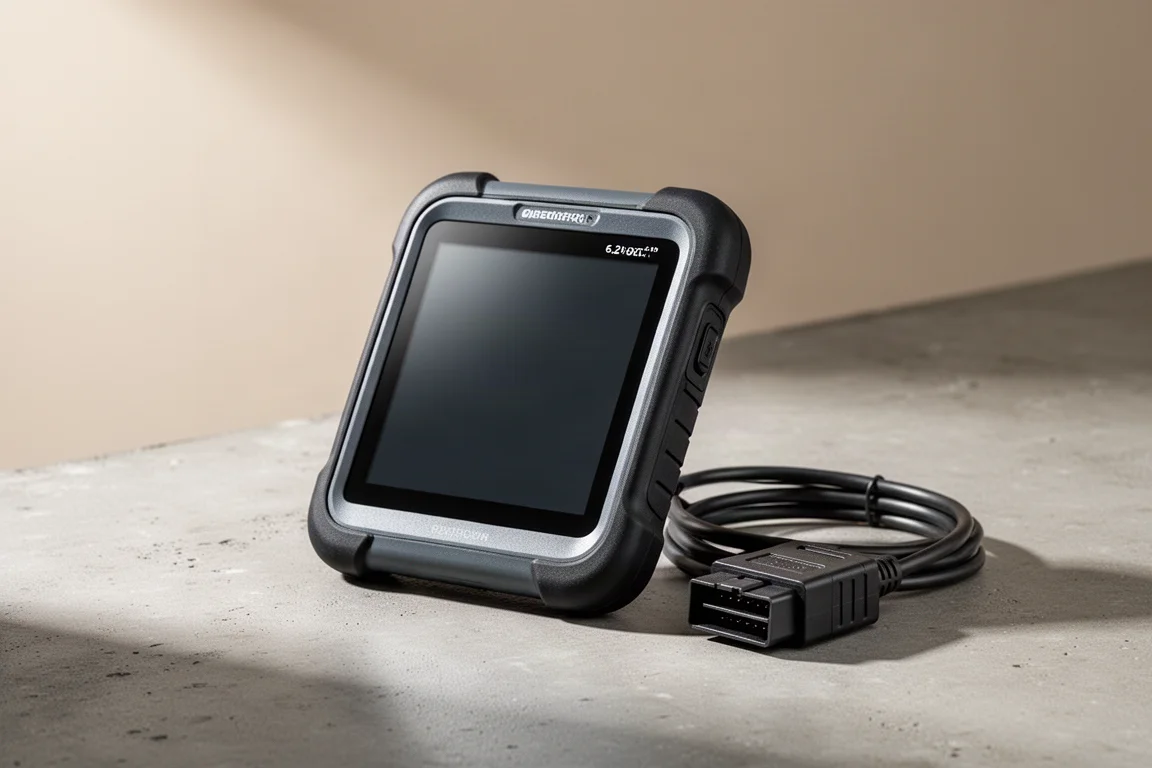
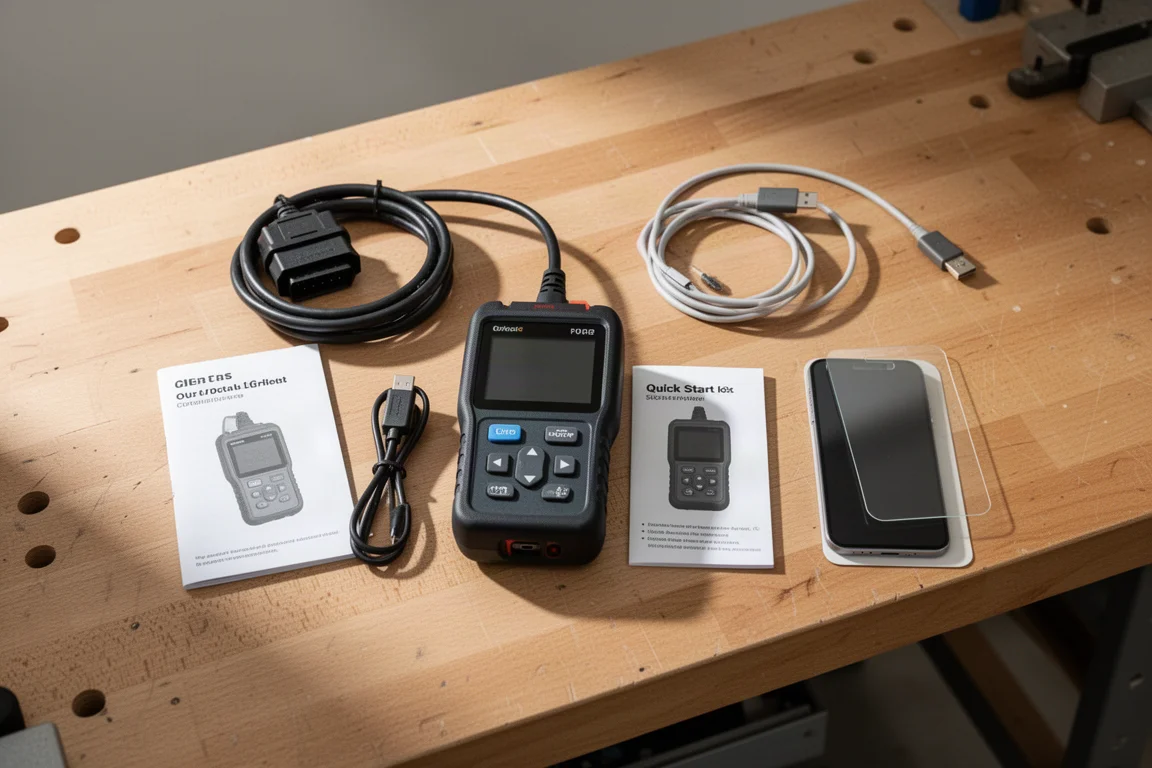
The MUCAR 632 Elite is a compact OBD2 scan tool designed for checking and clearing fault codes, reading live data, and performing service resets. It goes beyond basic code reading with bi-directional control and 15 reset functions, making it a versatile option for home mechanics and professional shops alike.
One of the standout claims is free lifetime software updates. Many scan tools on the market require an annual subscription to keep diagnostic software current, but this device aims to remove that recurring cost entirely. It also includes an AI assistant called Mew AI that can search the internet for repair information and offer guidance on how to approach a problem.
Who This Scan Tool Is For
This tool is aimed at do-it-yourselfers who want to diagnose their own vehicles without paying a shop for every check engine light. It is also practical for professionals who need a portable second tool for quick scans and resets. The interface is designed to be easy to navigate, so it does not require deep technical knowledge to get useful results.
The compact size makes it easy to store in a glovebox or toolbox. At 7 3/4 inches long and 5 inches wide, it is noticeably smaller than many full-size diagnostic tablets, yet the 6.2 inch touch screen still provides enough space to read data comfortably.
Main Strengths
Full System Diagnostics
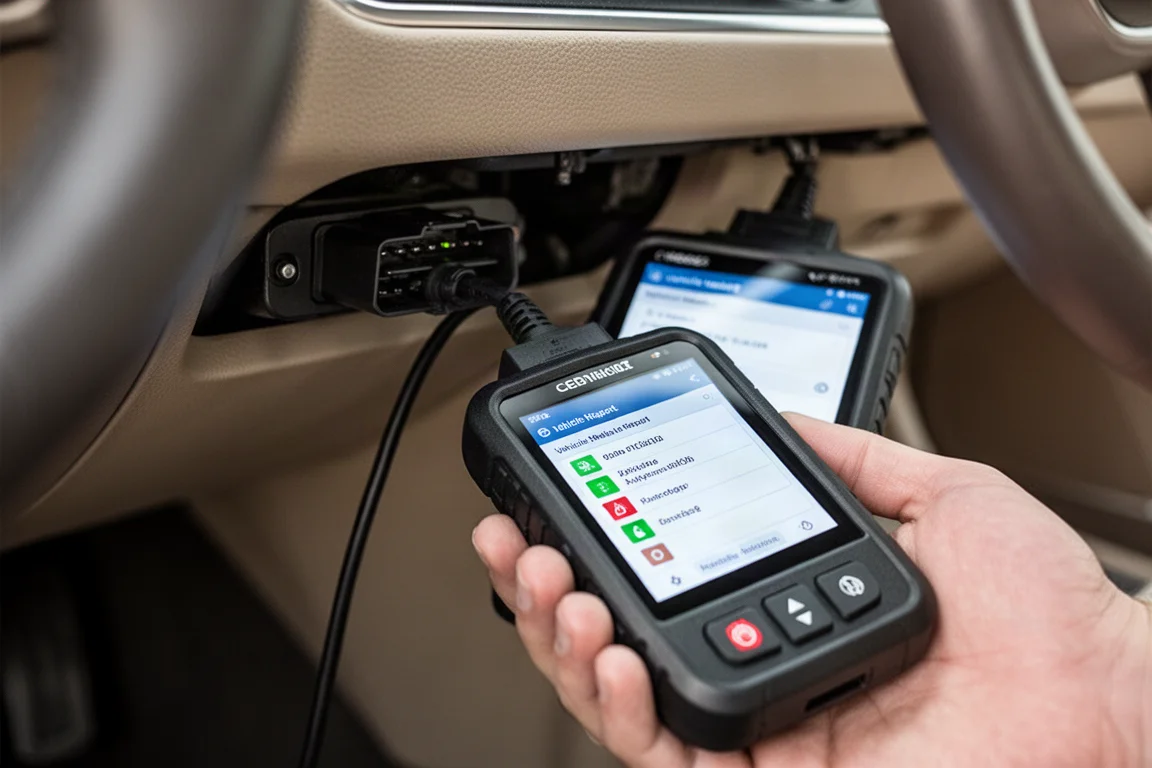
The MUCAR 632 Elite supports diagnostic coverage for four main vehicle systems: engine, ABS, SRS, and transmission. When connected to a vehicle, it can perform a health report that scans all four modules and reports any trouble codes found. In testing on a 2017 Nissan Pathfinder, the scan completed quickly and reported zero DTCs.
The tool also offers a system scan option that checks all four modules without generating a summary, requiring you to enter each module individually to read codes. This gives you flexibility depending on whether you want a quick overview or a detailed look at each system.
Live Data With Graphing
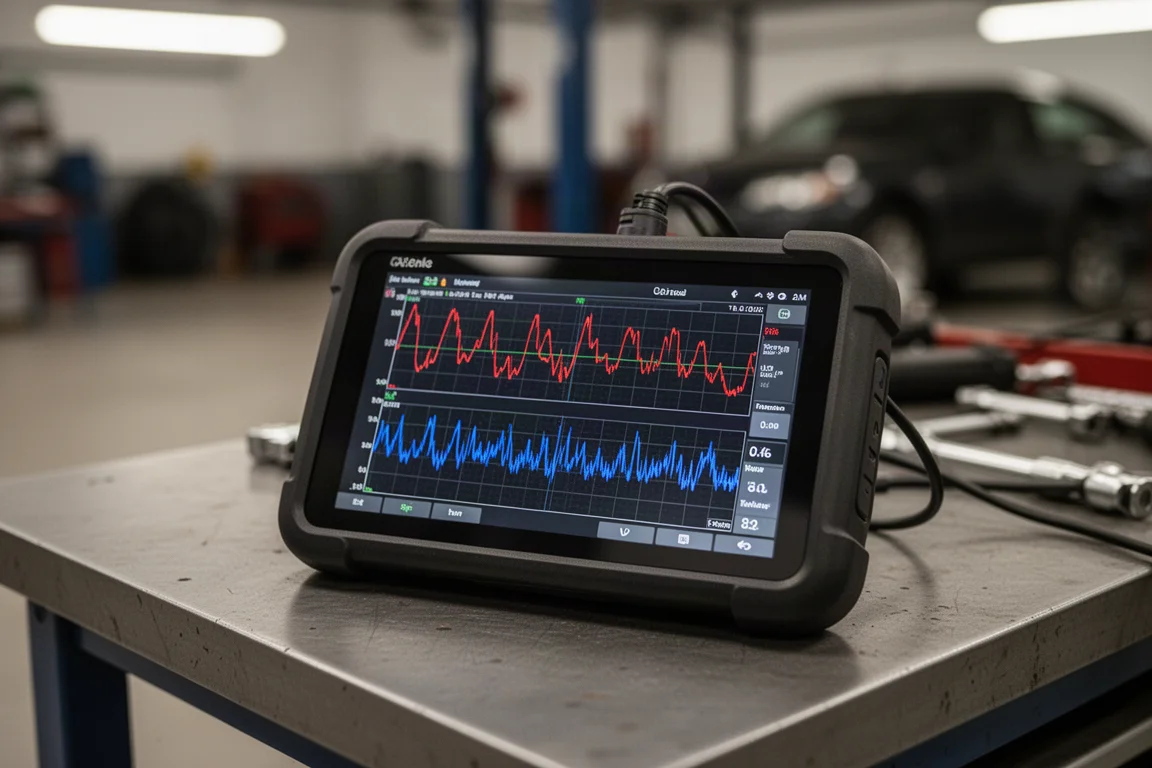
Live data is one of the most useful features for diagnosing intermittent problems. The tool can display data from the engine control module, transmission control module, and ABS system. You can select individual PIDs or view multiple PIDs at once, with the option to switch between metric and imperial units.
A graphing mode lets you visualize data over time, and a combine function overlays multiple PIDs on a single graph with color-coded lines. This makes it easier to spot correlations between readings, such as engine oil temperature versus coolant temperature. You can also record live data during a test drive and review it later, then save the recording as a PDF report with shop information and notes.
Bi-Directional Control
Bi-directional control allows the tool to send commands to vehicle modules, enabling actuator tests. The available controls vary depending on the vehicle and what it supports, but this feature is valuable for verifying that components such as solenoids, relays, or actuators respond correctly. This goes beyond passive code reading and gives you a way to actively test systems.
15 Reset Functions
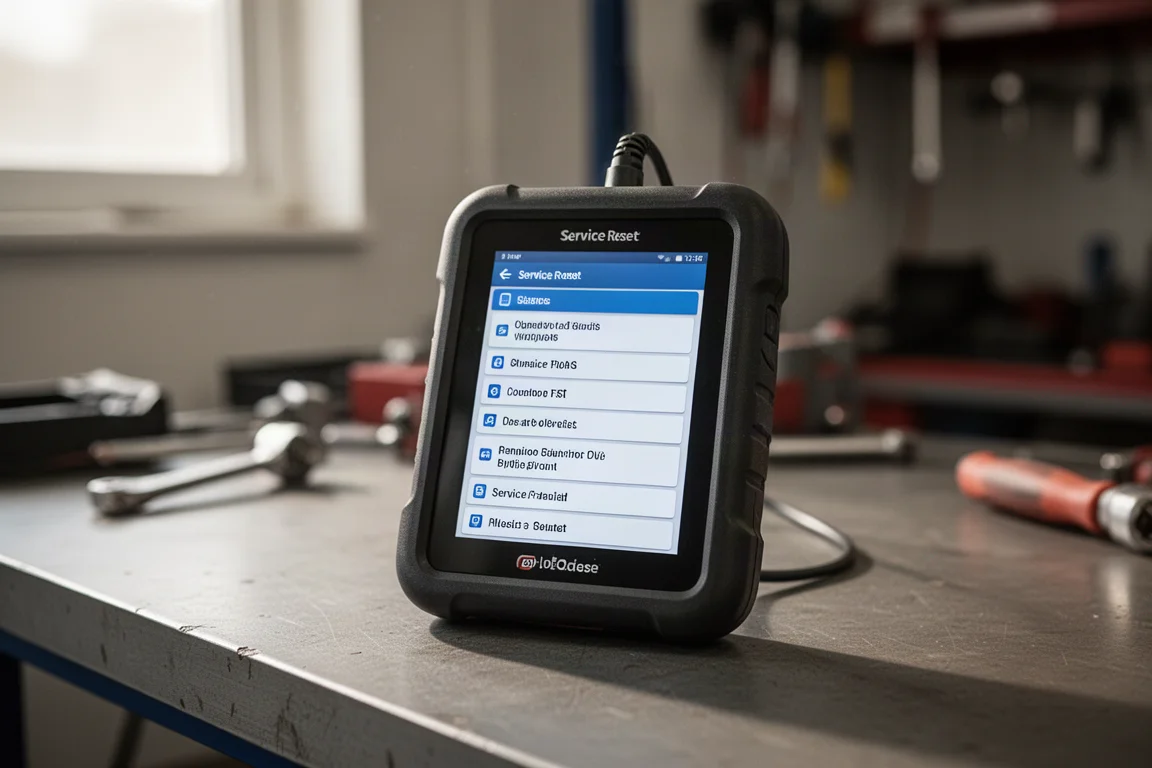
The maintenance menu includes 15 reset functions, including battery matching, electronic parking brake reset, electronic throttle adaptation, immobilizer system reset, oil change reset, steering angle reset, and TPMS reset. Keep in mind that not every function applies to every vehicle, so you will need to check compatibility for your specific make and model.
Mew AI Assistant
The built-in Mew AI assistant can look up trouble codes and answer car-related questions by searching the internet. For example, entering a code like P0430 returns a definition of the fault, such as catalyst system efficiency below threshold for bank two. The information provides guidance on what to investigate, though it may not always pinpoint the exact cause of your specific problem.
Free Lifetime Software Updates
Once you purchase the tool, you get full coverage across all makes and models without paying for annual software subscriptions. The device connects to Wi-Fi to download updates for vehicle diagnostic software, maintenance software, and the application software. This is a significant advantage over tools that require recurring fees to stay current.
Things to Consider Before Buying
The MUCAR 632 Elite runs Android 8.1 with 2 GB of RAM and 32 GB of storage. While this is adequate for the diagnostic functions, it is not a high-performance tablet. If you plan to run heavy third-party apps, you may notice limitations, though the built-in diagnostic software operates smoothly.
Storage can be expanded via a micro SD card slot that supports up to 128 GB, which is useful if you want to store many reports or recordings. The device also has a USB-C port for charging its internal battery.
The reset functions and bi-directional control are not universal across all vehicles. Some features may not be available depending on the make, model, and year of your car. It is worth checking compatibility before relying on a specific function for a job.
Buying Advice
At the time of review, the MUCAR 632 Elite retailed for $193. For that price, you get a compact scan tool with full four-system diagnostics, live data graphing, bi-directional control, 15 reset functions, and an AI assistant. The free lifetime software updates add long-term value, since many competing tools require yearly subscription fees that can add up quickly.
This tool is a strong fit for home mechanics who want professional-level diagnostic capability without a steep learning curve. It is also practical for shop professionals who need a portable backup tool for quick scans and resets. The quick module scanning and easy-to-navigate interface make it a convenient option for everyday use.
If you frequently work on multiple vehicles or want to avoid subscription costs, the MUCAR 632 Elite is worth considering. For occasional use on a single car, a simpler code reader might suffice, but the added features here give you room to grow into more advanced diagnostics.
Conclusion
The MUCAR 632 Elite delivers a well-rounded diagnostic experience in a compact package. It covers the four most important vehicle systems, offers live data with graphing and recording, includes bi-directional control, and provides 15 reset functions. The free lifetime software updates remove a common recurring cost, and the Mew AI assistant adds a helpful layer of guidance for troubleshooting.
For do-it-yourselfers and professionals alike, this tool offers a practical balance of capability and ease of use. If you are looking for a scan tool that can handle everyday diagnostics without ongoing subscription fees, the MUCAR 632 Elite is a solid choice.
Product link
View more details for MUCAR 632 Elite
This product is mentioned in the review. Check the specifications, options, and compatibility before buying.
View more details for MUCAR 632 EliteFurther reading
Related Reviews
Automotive Tools
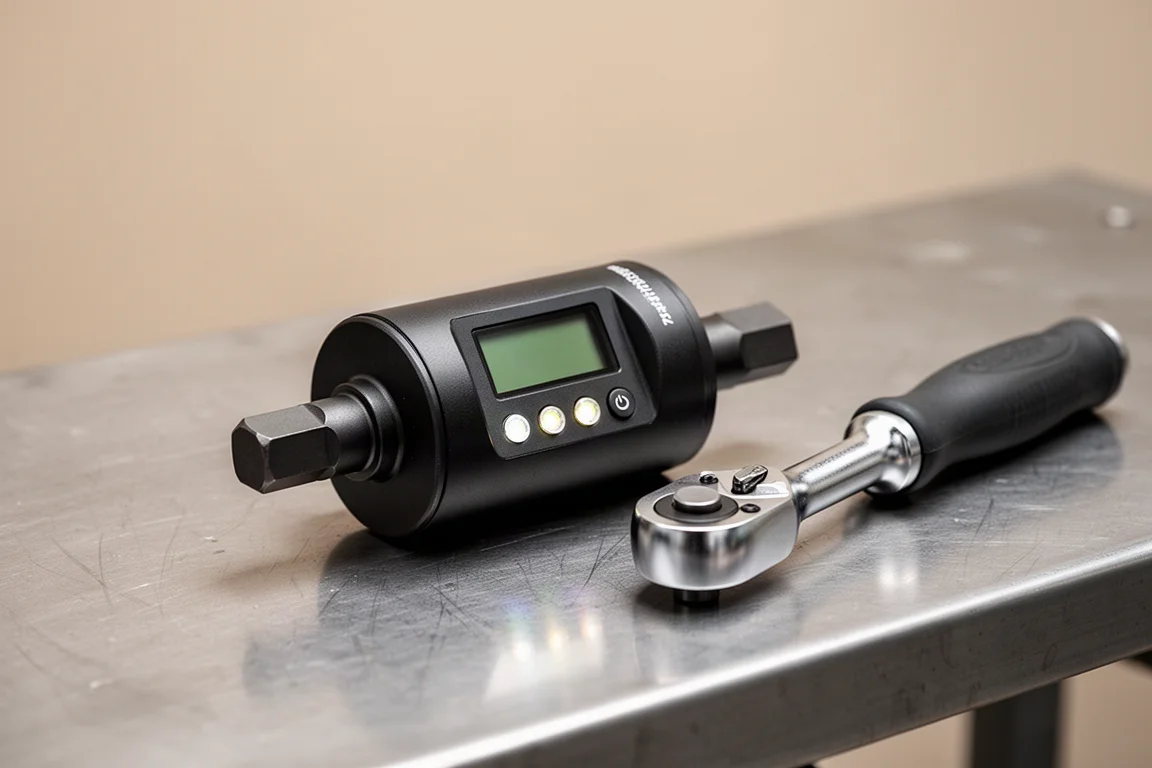
ALAIAL 1/2" Digital Torque Adapter Review: Turn Any Ratchet Into a Precision Tool
A practical look at the ALAIAL 1/2" digital torque adapter, an affordable way to add torque measurement to your existing ratchet.
Automotive Tools
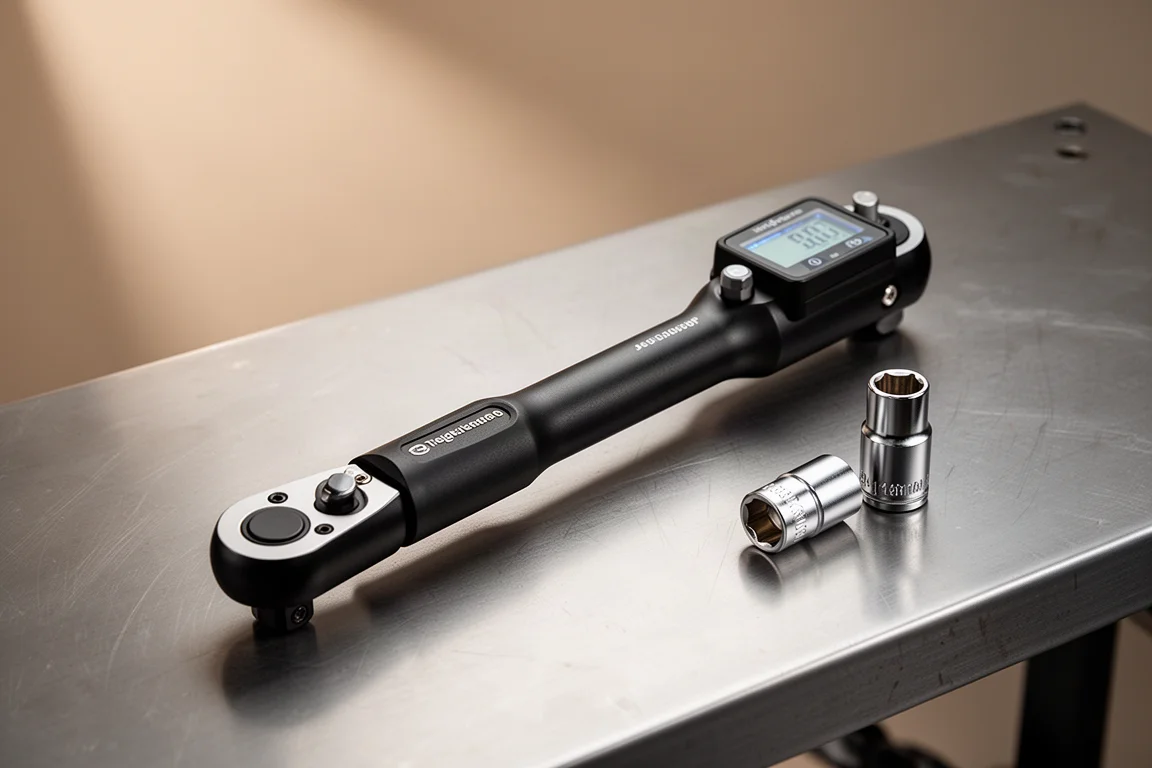
ALAIAL 3/8" Digital Torque Wrench Review: Accurate Fastening Made Simple
A practical look at the ALAIAL 3/8" digital torque wrench, covering its features, ease of use, and real-world performance for vehicle maintenance.
Automotive Tools
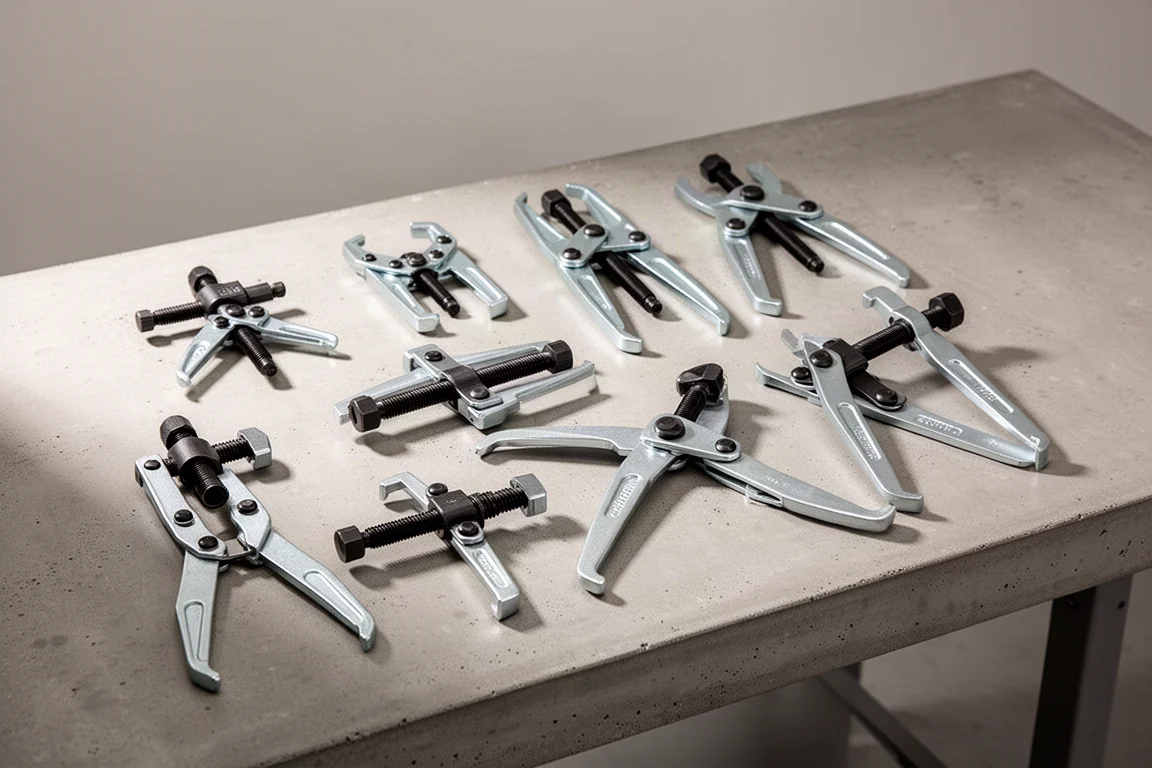
Best Gear Pullers 2026: 2-Ton and 5-Ton Options Compared
We compared nine gear pullers across 2-ton and 5-ton classes to see how design, build quality, and price affect real-world pulling performance.