Robot Lawn Mowers
Mova Lydekx 3000 AWD Review: A Robot Mower That Handles Complex Yards Without Boundary Wires
An all-wheel-drive robot lawn mower that maps by driving, not by RTK or wire, with powerful app tools for curbs, corridors, and no-go zones.
Introduction
The Mova Lydekx 3000 AWD is a robot lawn mower aimed at properties that are anything but simple. It was tested on a busy 2.66-acre commercial property with curbs, rough patches of grass, narrow passages between areas, and streets running along the edges, and it handled that environment once the map was dialed in.
What sets it apart is how it learns your lawn. There is no RTK station and no boundary wire to bury. Instead, you drive the mower around with the remote control and show it the boundaries yourself. From there, the app does the heavy lifting, and the mower goes to work in clean straight lines.
Who This Mower Is For
This machine makes the most sense for anyone dealing with a complex property: a commercial site, a multi-area home landscape, or even several smaller city yards, including a neighbor’s lawn. If your yard has curbs, tree lines, light posts, or narrow corridors connecting one area to another, this is the kind of challenge the Lydekx 3000 is built for.
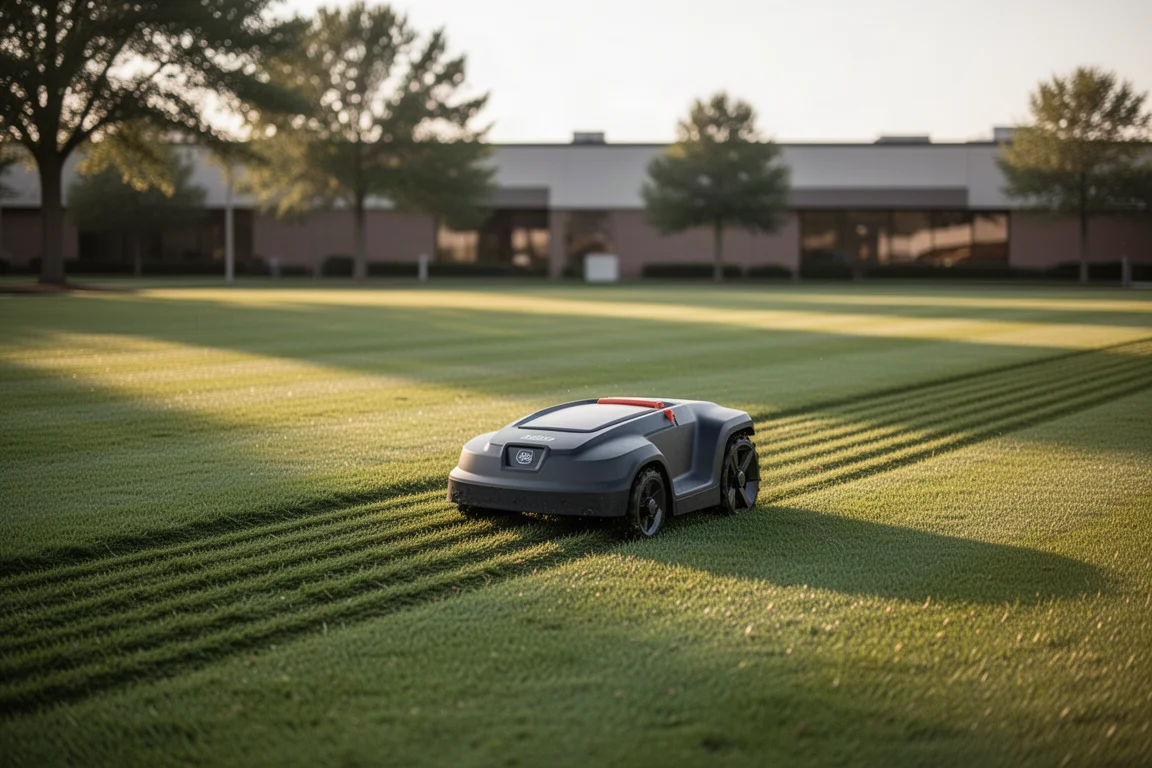
It also suits people who do not want an installation project. Setup on the 2.66-acre test property took well under an hour from start to finish, and the company describes the process as an easy 20-minute setup. That speed is largely thanks to the drive-and-map approach rather than a wire or satellite-based system.
Setup and Mapping: Simple by Design
Setup starts with driving the mower around the property to record the boundaries. From there, zones are created in the app, and the mower can be sent out to mow in straight, customizable lines. No-go zones can be added either by manually driving the mower or by drawing lines, rectangles, or circles directly on the map in the phone app.
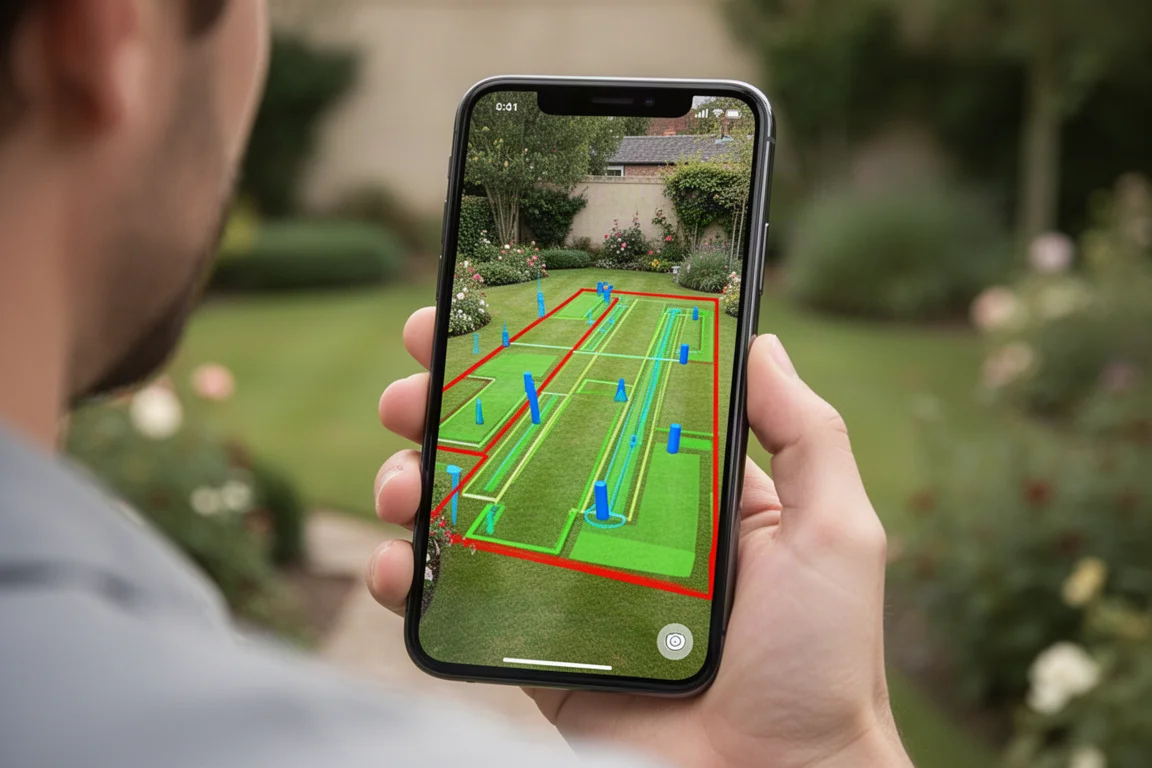
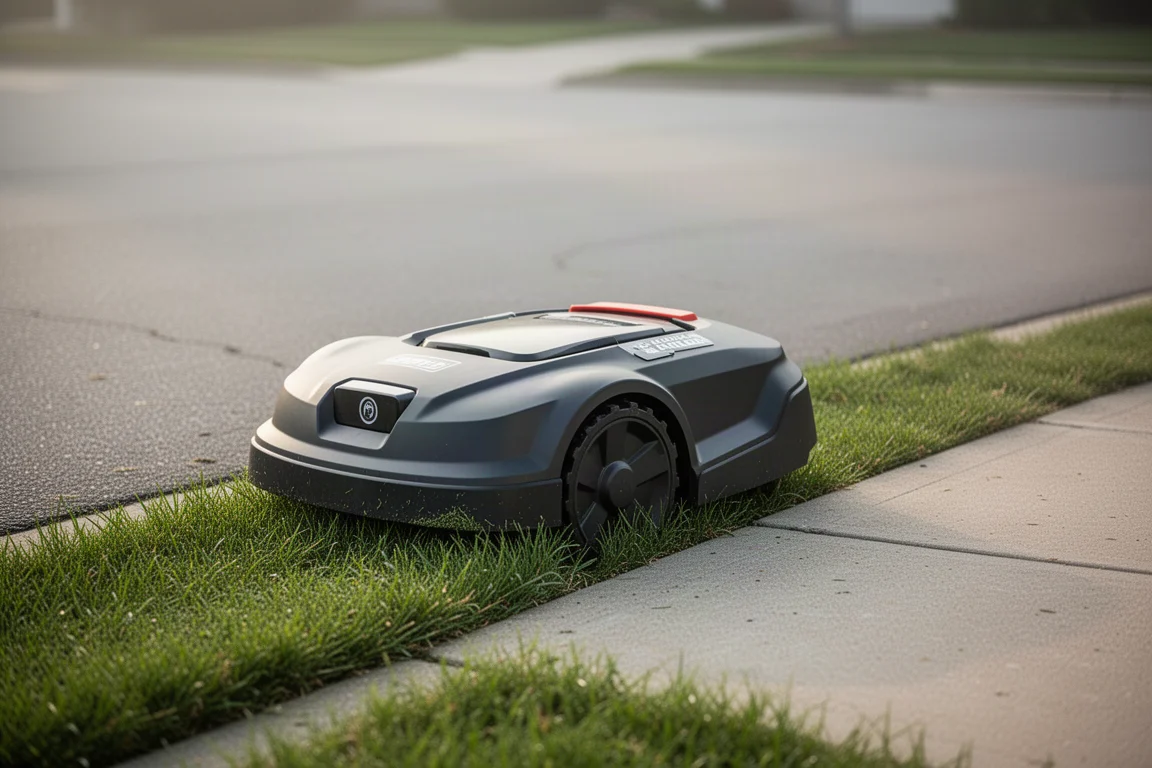
The app editing tools are the standout. Boundary lines can be tapped and moved, so the mower can be kept a safe distance from curbs, for example about one pass, roughly 7 inches, to prevent it from dropping off an edge. On the busiest street-facing zones, a larger buffer of around three passes was set. Where turning on grass was risky, the map can even allow the mower to turn on the asphalt instead, since the cutting discs sit in the center of the chassis.
Passages can be defined too, letting the mower travel through narrow links between zones such as around sidewalks, across a driveway, or along the front of a building. Maps can also be backed up, which is strongly recommended, and there is a 3D map view that renders the whole property, including trees, buildings, roads, and even structures across the street.
Safety Features and Terrain Handling
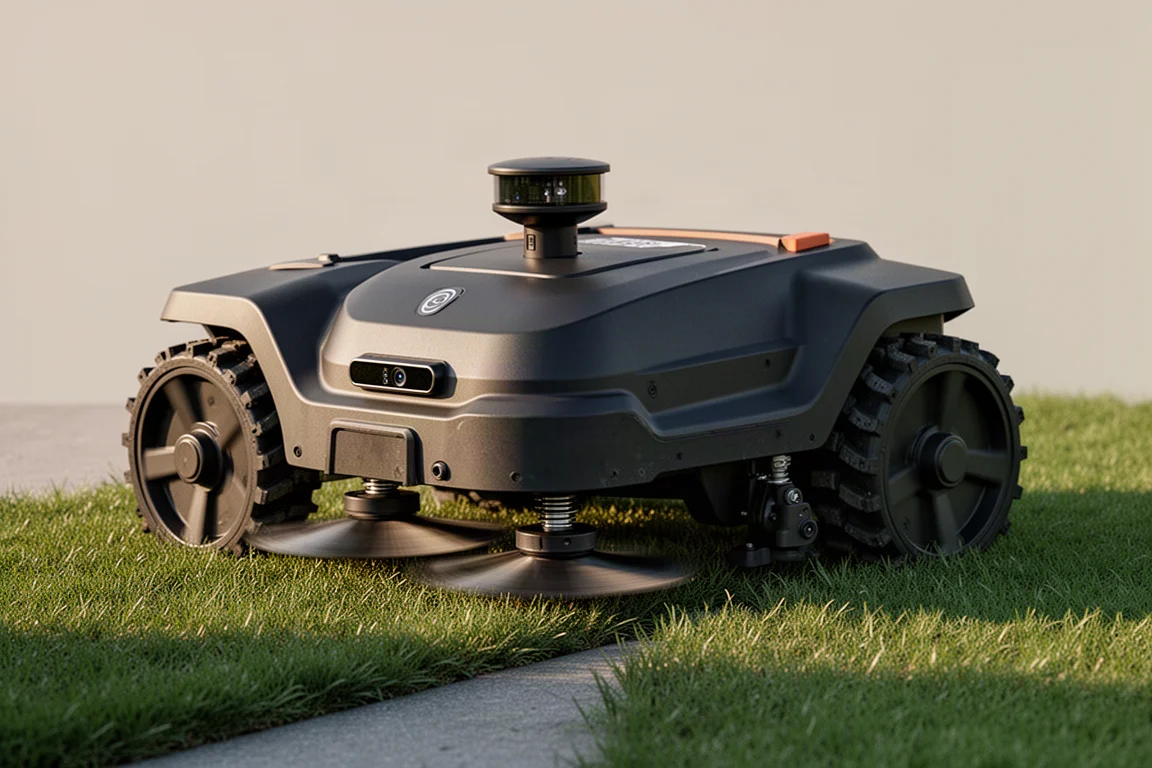
The Lydekx 3000 layers multiple safety systems. In front, physical bumpers stop the machine on contact. The Ultra View 3.0 camera system adds AI-based obstacle recognition, and a lidar unit on top handles obstacle detection independently. Obstacle avoidance height can be configured, for example ignoring anything below about 7.9 inches, so trees and light posts are navigated around rather than flagged as hazards.
At the rear there is a stop button and a rain sensor, and an alarm sounds if the mower is lifted. Together, these systems let the mower operate confidently around people and activity, which is exactly what a commercial setting demands.
Underneath, two spinning cutting discs handle the actual cutting, and independent front suspension helps the chassis track over rough ground and around curves. Wide, grippy rear tires complete an all-wheel-drive package that copes well with uneven, patchy lawns.
Mowing Performance and Settings
Each zone can have its own custom configuration: mowing mode, mowing height, mowing direction, and edge behavior. On the test property, a 3.5-inch cutting height was used with a fixed mowing direction chosen to avoid excessive turning on or near curbs. Automatic edge mowing was left off to keep the machine away from curb edges, while safe edge mowing, which keeps a buffer between the mower and the lawn boundary, was enabled.
Ultra Trim 2.0 is an interesting extra: it moves the blades over and drops the cut down to 1.2 inches for certain areas. It can be great in the right spot, but when mowing at 3.5 inches it risks scalping a section of lawn, so it was disabled. That level of per-zone control is what makes the app so flexible.
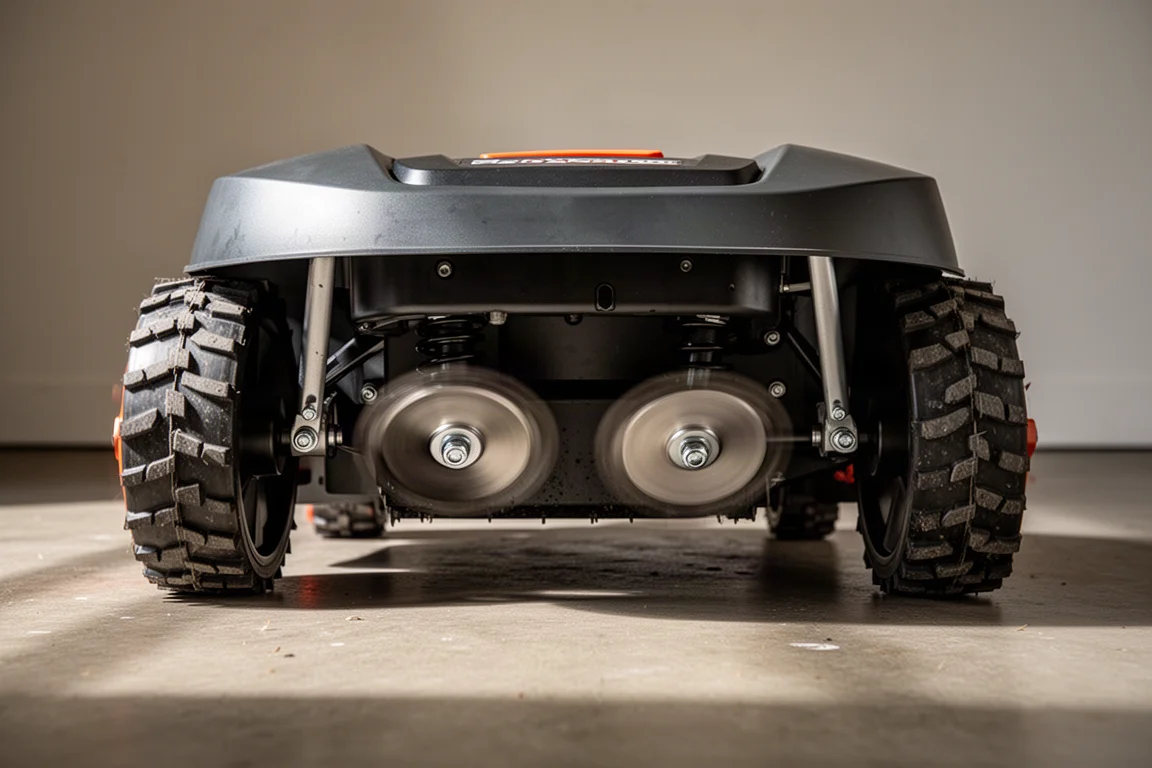
The schedule system supports all-area mowing, specific work zones, and edge mowing, so you can run the whole property or just one zone at a time. One large zone on the test property took around 8 hours to complete, which is worth factoring in for big or narrow areas. The end result on this property was a lawn that looked noticeably better than it did before the mower arrived.
Buying Advice
If your lawn is a simple rectangle, any basic robot mower may serve you. But if you are dealing with curbs, drop-offs, corridors, multiple zones, or a commercial property with foot and vehicle traffic, the Mova Lydekx 3000 AWD’s combination of drive-and-map setup, detailed app editing, per-zone custom modes, and layered safety systems makes it unusually easy to configure precisely to your property. Back up your maps once you have them right, adjust buffer distances as you watch the mower work, and let the per-zone settings do the rest.
Conclusion
The Mova Lydekx 3000 AWD stands out for how much control it hands you without demanding a complex installation. No RTK, no boundary wires, a quick drive-and-map setup, genuinely useful map editing, and safety hardware that suits busy environments. For complex home lawns, commercial sites, or even multiple smaller yards, it is a strong contender.
Product link
View more details for Mova Lydekx 3000 AWD
This product is mentioned in the review. Check the specifications, options, and compatibility before buying.
View more details for Mova Lydekx 3000 AWDFurther reading
Related Reviews
Robot Lawn Mowers
Segway Navimow X430 Review: A Hands-Off Robot Mower for Large, Challenging Lawns
A real-world look at the Segway Navimow X430 robot lawn mower, covering setup, cutting quality, obstacle detection, heat tolerance, and daily automation.
Robot Lawn Mowers
Airseekers Tron SE DS Review: A Robot Mower That Mulches Like Nothing Else
Six blades, Flow Cut mulching, net RTK navigation and strong wet-grass performance make this compact robot mower an interesting pick for smaller lawns.
Robot Lawn Mowers
Antbot M9 Pro Review: A Compact Robot Mower That Cuts Where Others Give Up
The Antbot M9 Pro combines RTK, 360-degree lidar and dual cameras so it keeps mowing under trees and around obstacles. Here is how it performed in real-world testing.