Robot Lawn Mowers
Antbot M9 Pro Review: A Compact Robot Mower That Cuts Where Others Give Up
The Antbot M9 Pro combines RTK, 360-degree lidar and dual cameras so it keeps mowing under trees and around obstacles. Here is how it performed in real-world testing.
Introduction
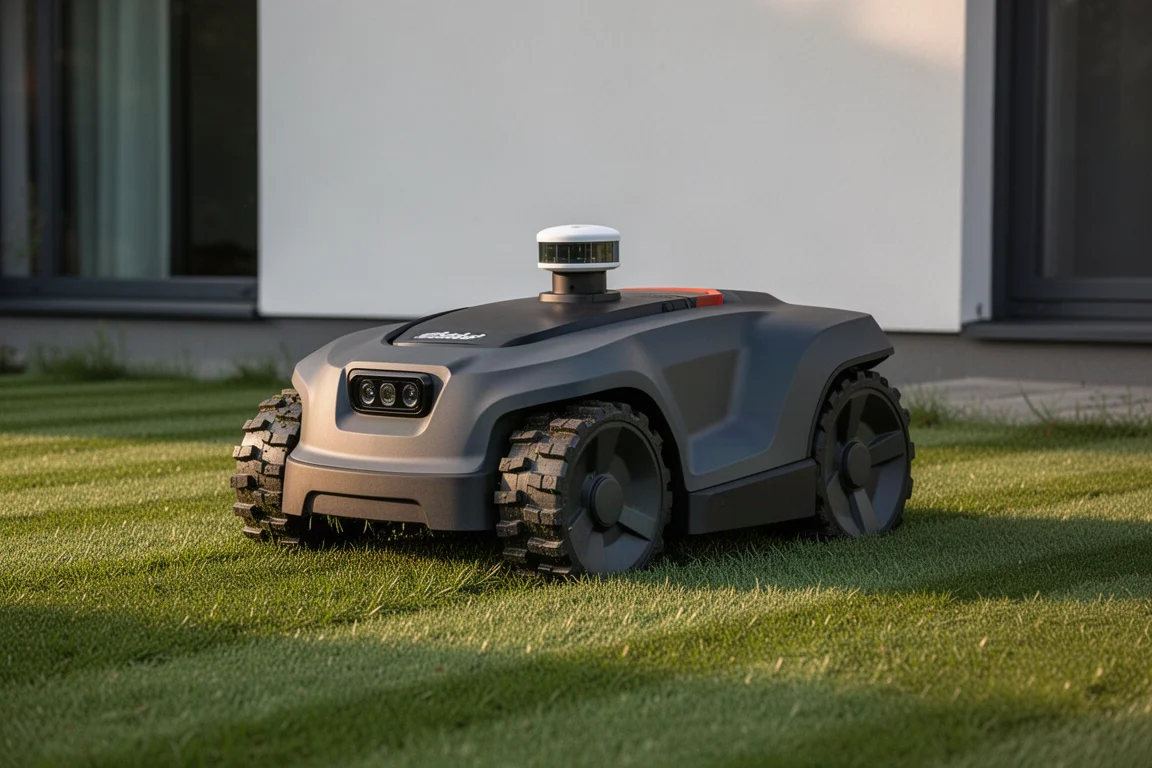
The Antbot M9 Pro is the latest intelligent robot mower from Antbot, and it is designed to solve the problem that trips up most robotic mowers: losing positioning under trees. Rather than relying on RTK satellite positioning alone, it adds a 360-degree lidar unit and dual front-facing cameras, wrapped in a navigation system Antbot calls Holosense. The result is a compact mower intended for open lawns and tree-filled gardens alike.
After spending real time setting it up, mapping a lawn and letting it cut, the M9 Pro impressed with quiet operation, accurate positioning and a genuinely tidy finish.
Holosense Navigation: Lidar, Cameras and RTK
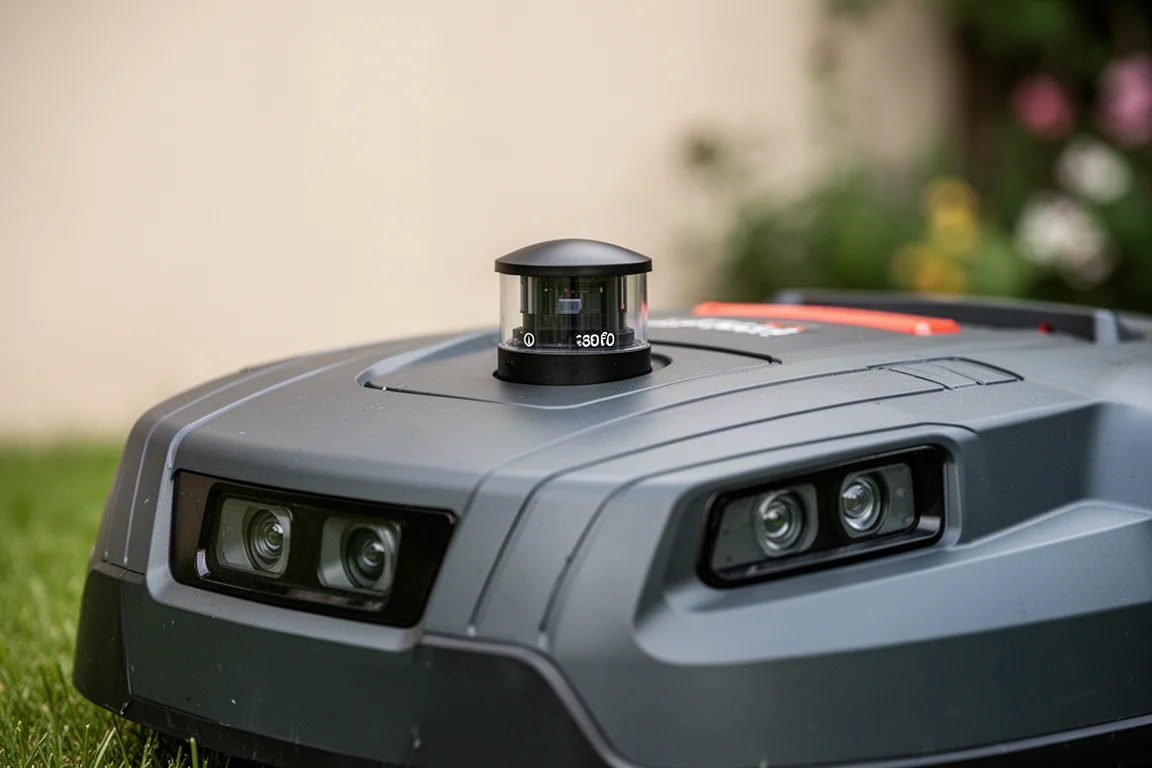
The headline feature is Holosense, Antbot’s combination of RTK satellite positioning, a 360-degree lidar sensor on top of the unit and front-facing cameras. Where an RTK-only mower can get confused when the aerial loses sight of the sky, the M9 Pro falls back on lidar and vision to work out where it is, including under tree cover.
The obstacle handling is just as convincing. The mower identifies what it is about to hit, stops, then re-routes around it and returns to cut that patch later once the obstruction is gone. During testing, a spray bottle placed deliberately in its path was handled twice: once it navigated around and resumed cutting on exactly the same line, and once it simply turned 180 degrees and came back for that area a little later.
Hardware and Build
Straight out of the box, the M9 Pro feels sensibly put together. It uses Antbot’s standard cutting disc with five small razor blades underneath, which delivers a clean cut, and the chunky tires carry a serious amount of grip. That matters more than it sounds: on wet grass, slippery wheels cause mowers to lose traction, lose track of where they are, and give up entirely.
The mower itself is compact and not too heavy to pick up and carry around the garden single-handedly, which makes it a practical fit for average-sized gardens. A quick start guide covers everything you need if you would rather skip the full manual.
Setup and Mapping
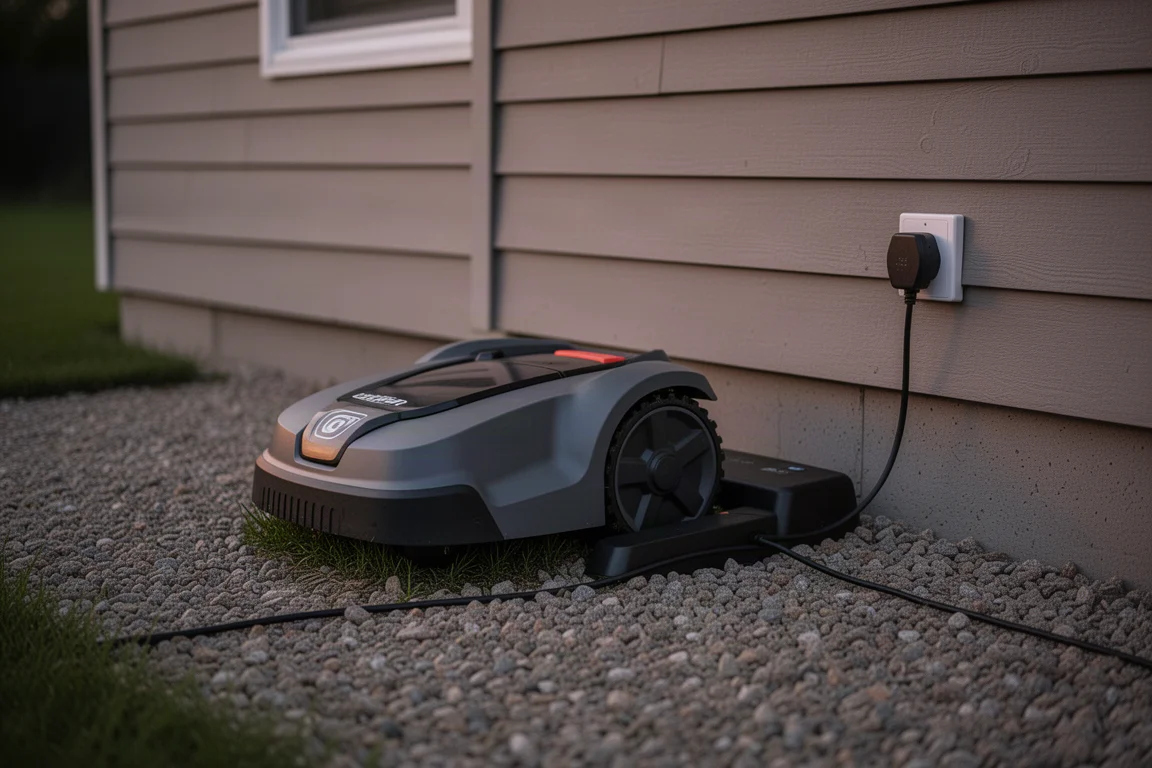
Antbot claims a 3-minute quick setup, and in practice there is not much to it. The charging base fixes down beside the house, and it can be installed inside or under cover for extra security. The transformer can go in a waterproof box, and the cables between the base and an outdoor socket can be hidden under gravel or edging.
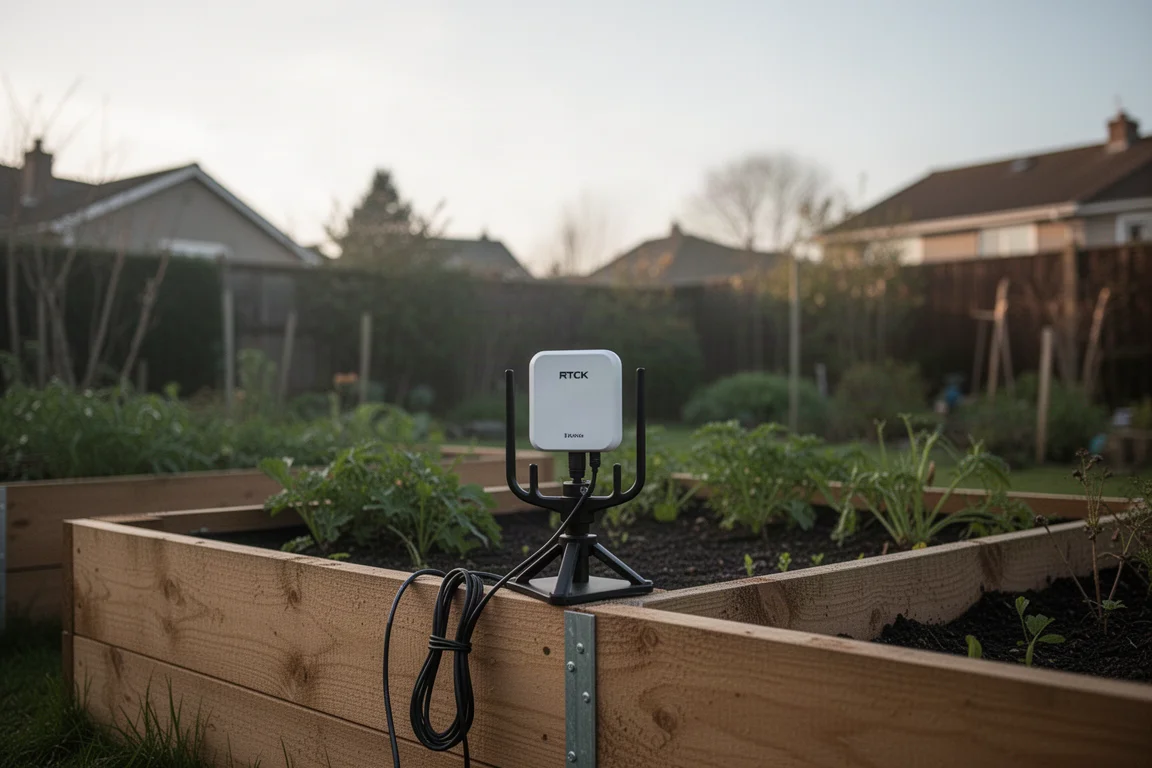
The RTK aerial has a trident-pronged base and should be placed somewhere with height and a clear view of the sky, such as a raised bed. A light indicator keeps you informed: red means no signal, flashing means it is picking up satellites, and solid green means you are ready to go.
Everything runs through the Antbot app. You connect over Bluetooth and Wi-Fi, update the firmware, then map your lawn by driving the mower around the area using your phone as a controller. If your first pass is not perfect, the app lets you go back and adjust the boundary, adding or removing small areas. You can map as many zones as you want, name them, and configure cut type, height and direction individually for each one.
Cutting Performance
The first thing you notice is how quiet it is. It was difficult to tell whether the cutting disc was even spinning until clippings started shooting out the back. That makes early-morning or nighttime mowing realistic without disturbing the neighbors, and the mower naturally leaves stripes on the lawn even without a roller.
The cutting height adjusts from 30 mm up to a maximum of 70 mm, and there is an efficient mowing direction setting plus the option to cut the same area at different angles. Cutting around 40 degrees off from a previous pass produces a crisscross effect that looks genuinely professional.

Positioning accuracy was excellent throughout testing. The mower cut right up to the mapped boundary, never lost track of where it was, and returned to the charger without issue. When the battery dropped below 10 percent mid-test, it headed back to the dock automatically, a behavior that matters less once the mower is running full-time and always fully charged.
Everyday Living With the M9 Pro
Once configured, the M9 Pro asks very little of you. Set it off twice a week and even a rough, weedy patch of ground can be turned into a respectable lawn, with the blades keeping larger weeds at bay while the grass thickens up. After a couple of hours and a couple of passes in different directions, the lawn looked genuinely well maintained with no manual effort beyond a few taps in the app.
Things to Consider Before Buying
The Holosense system is the main reason to choose the M9 Pro, and it is most valuable if your garden has trees or shade that would knock an RTK-only mower offline. If your lawn is wide open, a simpler and cheaper positioning system may be enough. Setup requires a spot for the RTK aerial with a decent view of the sky, and like any robot mower, it rewards patience while you fine-tune cutting height and direction over the first few weeks.
Buying Advice
For average-sized gardens, the M9 Pro hits a nice balance: compact, light enough to carry, quiet enough for night cutting, and accurate enough to cut right up to the mapped edge. It launched at the end of July, so availability should now be straightforward through the usual retailers. If your priority is a mower that keeps working under trees and around obstacles without supervision, this one deserves a spot on your shortlist.
Conclusion
The Antbot M9 Pro is a quietly excellent robot mower. Holosense navigation kept it on track under tree cover and around deliberate obstacles, the cut was clean and well striped, and day-to-day operation takes almost no effort. For anyone with an average garden, especially one with trees, it is an easy recommendation.
Product link
View more details for Antbot M9 Pro
This product is mentioned in the review. Check the specifications, options, and compatibility before buying.
View more details for Antbot M9 ProFurther reading
Related Reviews
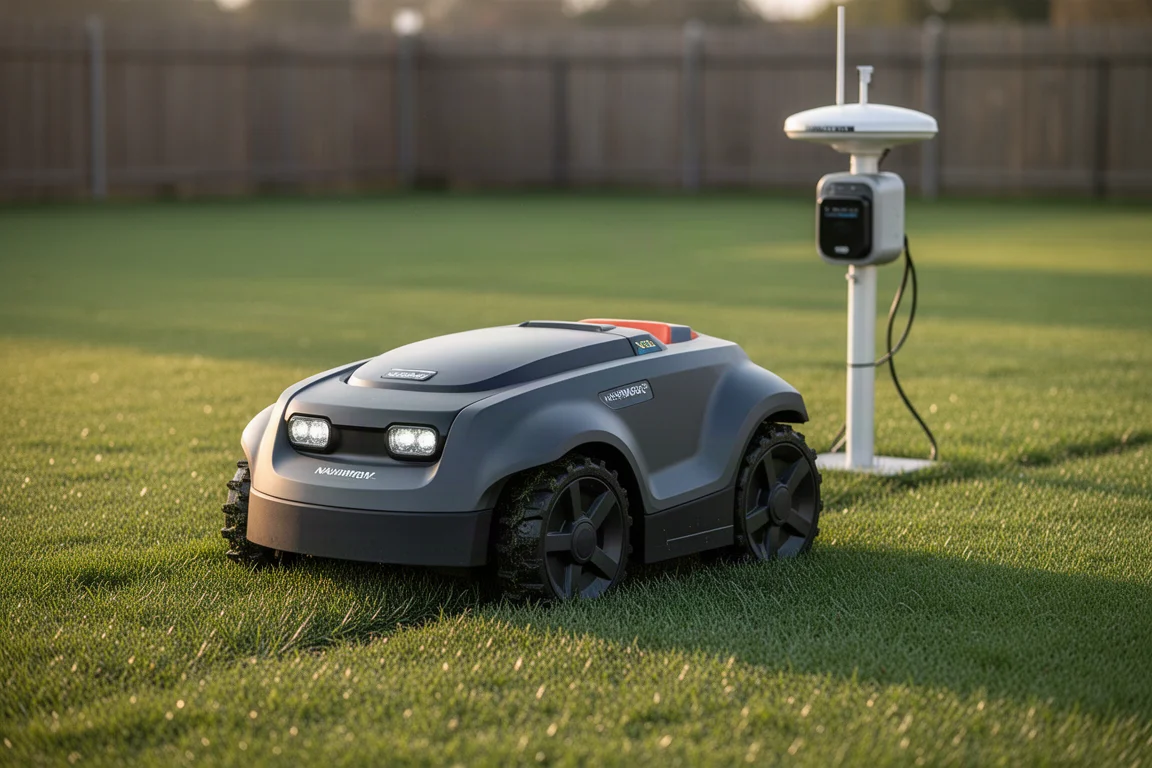
Robot Lawn Mowers
Segway Navimow X430 Review: A Hands-Off Robot Mower for Large, Challenging Lawns
A real-world look at the Segway Navimow X430 robot lawn mower, covering setup, cutting quality, obstacle detection, heat tolerance, and daily automation.
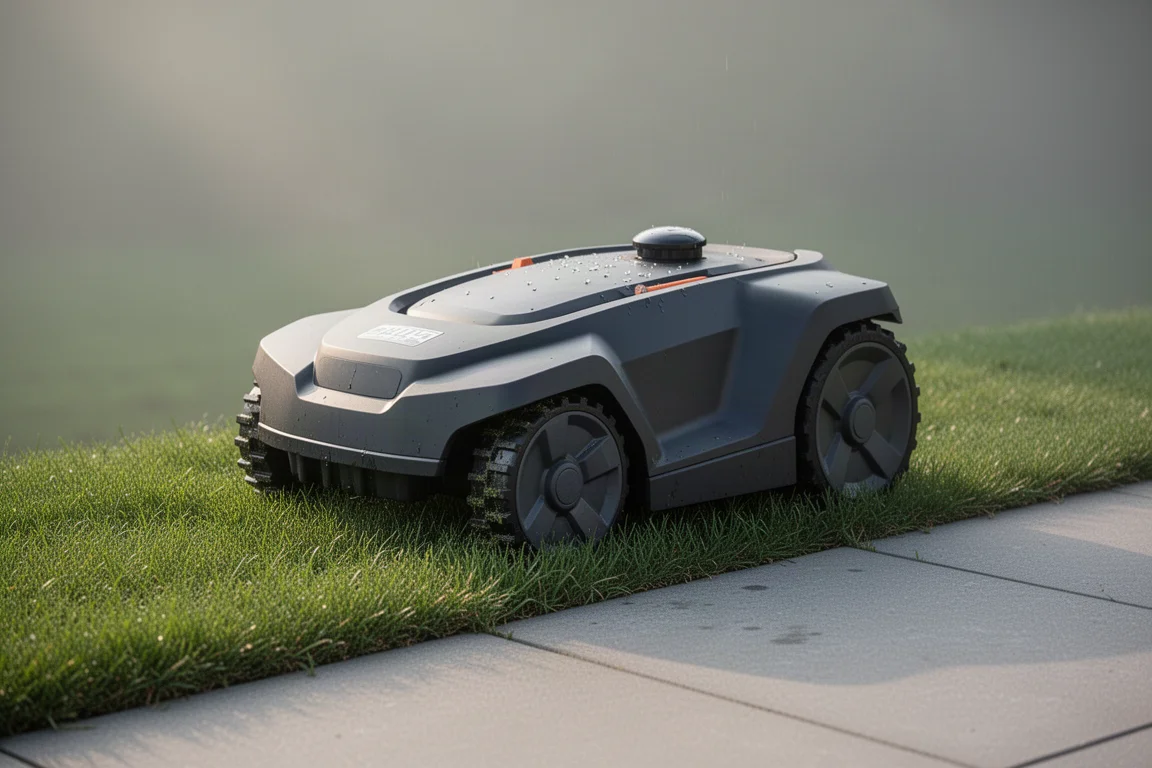
Robot Lawn Mowers
Airseekers Tron SE DS Review: A Robot Mower That Mulches Like Nothing Else
Six blades, Flow Cut mulching, net RTK navigation and strong wet-grass performance make this compact robot mower an interesting pick for smaller lawns.
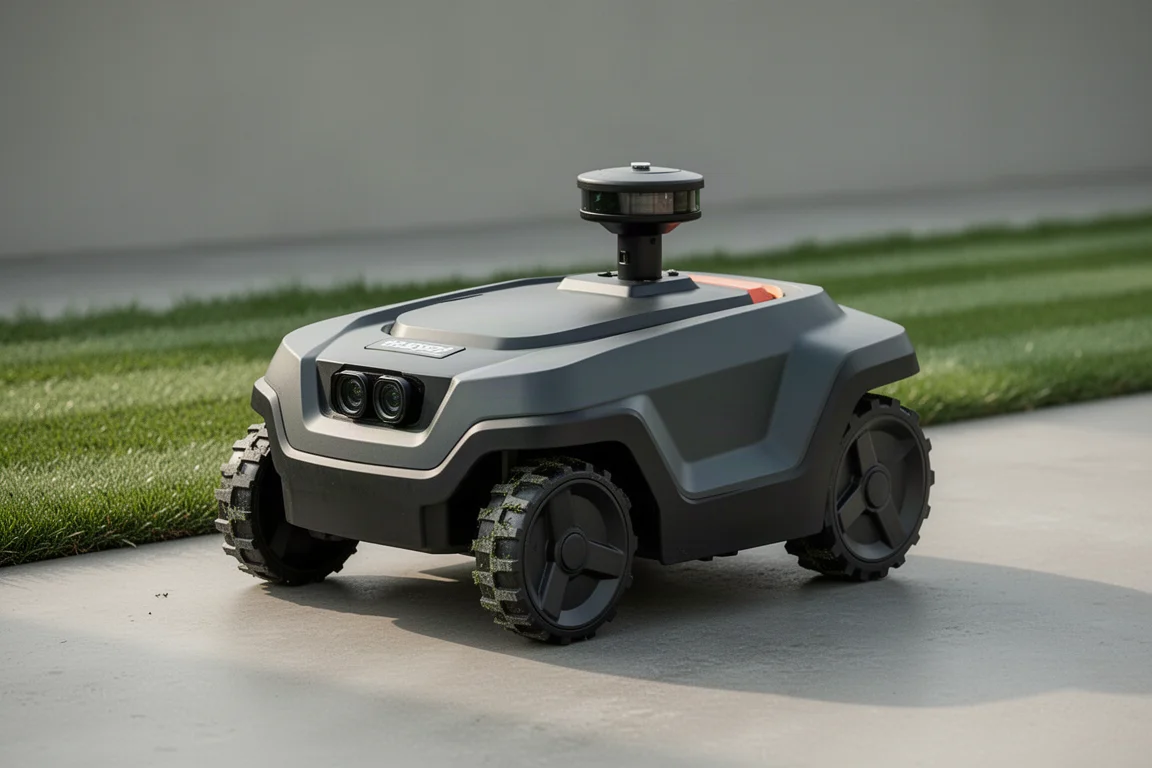
Robot Lawn Mowers
Dreamy A3 AWD Pro 3500 Review: A Lidar Robot Mower Built for Tough Terrain
An all-wheel-drive lidar robot mower that maps without wires, climbs steep slopes, and keeps mowing where GPS alone would fail.