Tools & Diagnostics
MileC TR20 Handheld Thermal Imager Review: A Surprisingly Capable Diagnostic Tool
A handheld infrared camera that spots hot water lines, overheating engines, and vent leaks with impressive detail, right out of the box.
Introduction
Handheld thermal imagers used to feel like specialist equipment you only saw in movies. The MileC TR20 brings that kind of infrared vision to a much wider audience, and after spending real time with it around the house and garage, it is easy to see why these tools have become popular with HVAC technicians, plumbers, and DIY troubleshooters alike.
The premise is simple: point the camera, and the screen shows you heat. Hot water lines glow, cold-water pipes read cool, a freshly ridden engine is clearly toasty, and a leaking vent stands out immediately. What matters is whether the image quality and accuracy are actually good enough to trust, and that is where the TR20 genuinely surprised.
Build Quality and Design
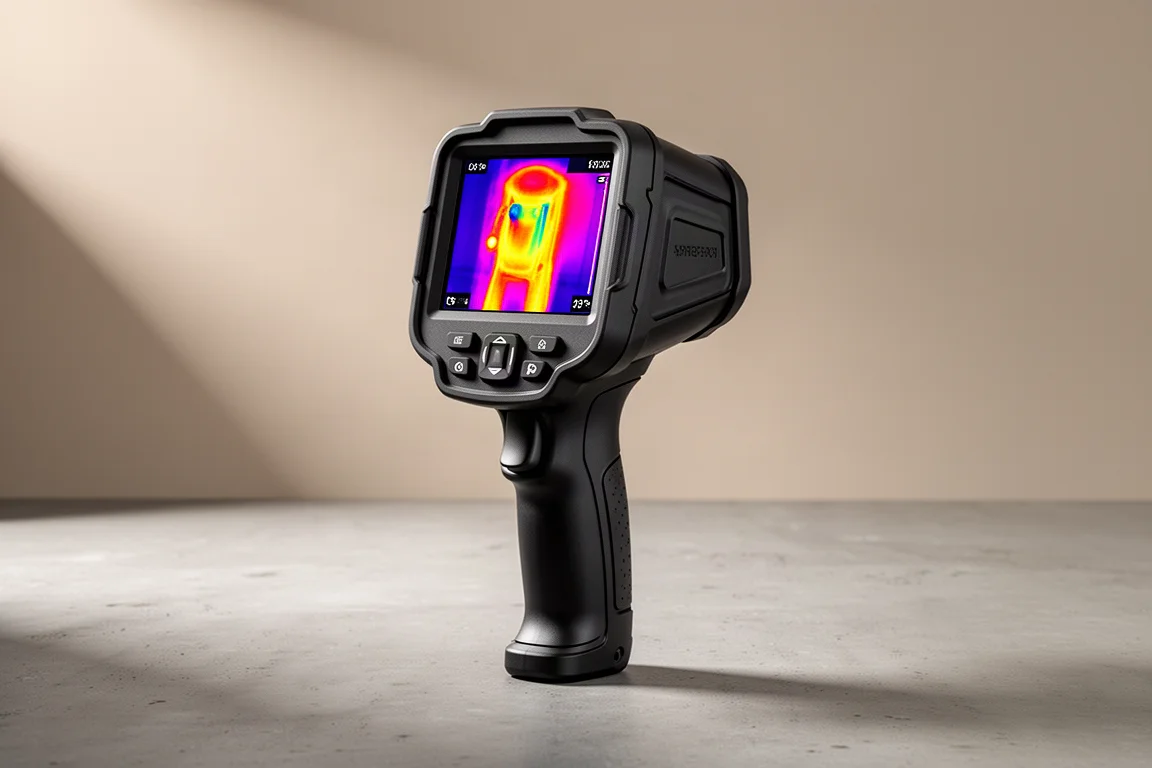
Straight out of the box, the TR20 feels beefier than expected. The display is larger than you might assume from photos, and the overall size sits comfortably in the hand rather than feeling like a flimsy gadget. The body uses a rubberized over-molding that adds a layer of durability, which you want on a tool like this.
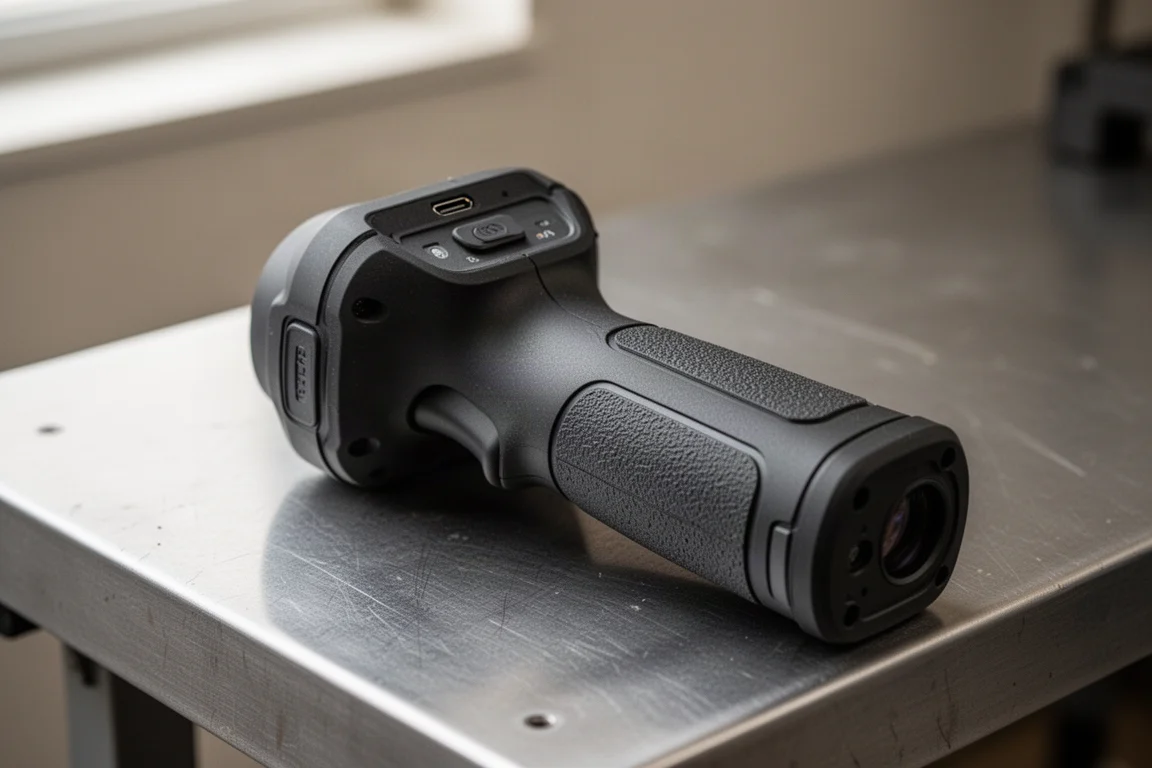
A few practical details stand out. There is a tripod mount on the bottom, which is a nice touch for steady inspection work or documenting readings. Charging is handled over USB-C, so there are no disposable batteries to worry about, although the port sits on the top of the device rather than the bottom, which takes a moment to get used to. A wrist strap is included in the box, and it is worth attaching immediately, because this is not a cheap tool to drop.
One thing to set expectations on: the included carrying case is functional but not especially protective. There is limited padding around the sides, so if this device is going to live in a truck or a tool bag, adding your own foam or upgrading to a fitted hard case is a sensible move.
Ease of Use
This is where the TR20 earns a lot of goodwill. It boots up on its own without needing a charge first, and the menu system is laid out clearly. Nothing is overly confusing, and the on-screen icons make sense at a glance.
The honest take: you could pick this up with zero experience, skip the manual entirely, and still get the job done. Press the trigger and it saves a photo. Open the gallery and you can scroll back through saved photos or videos. Hold the power button and it shuts down. Everything behaves the way you would expect it to, which is not something you can say about every budget-oriented diagnostic tool.
Real-World Testing
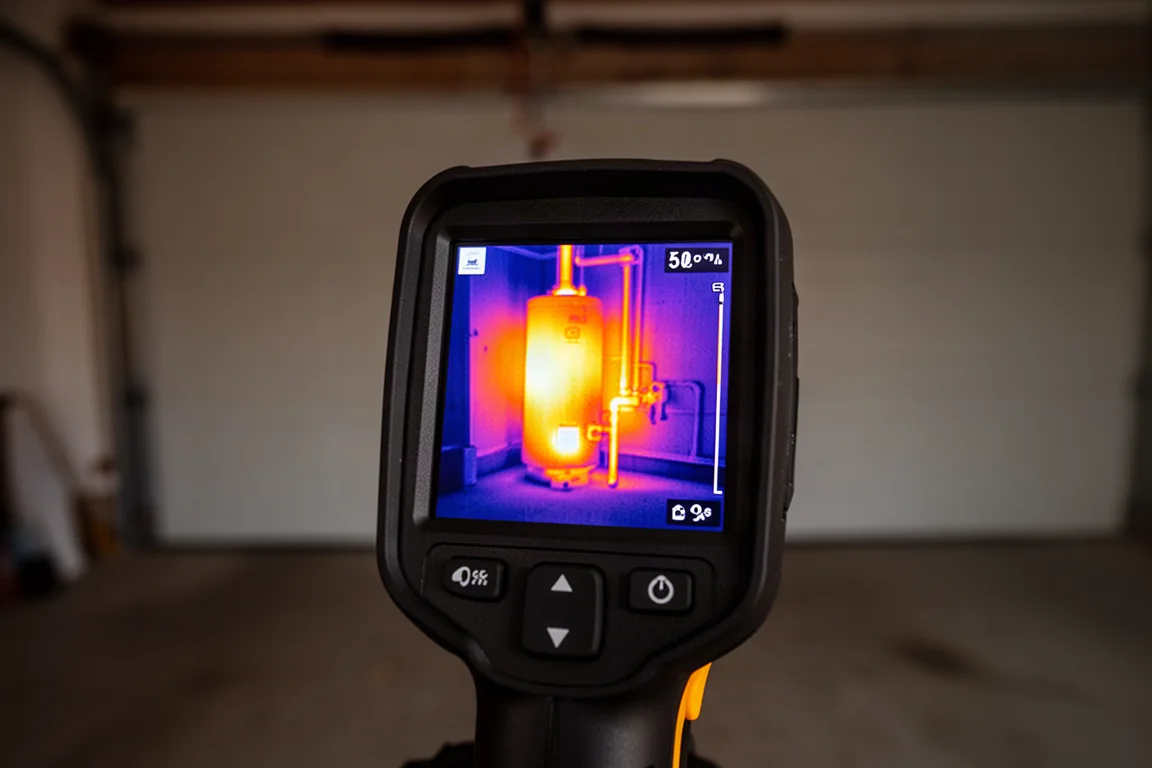
The best way to judge a thermal imager is to point it at things you already know the temperature of. In a garage test, the hot water heater showed exactly the kind of warmth you would expect, and the hot water line was clearly distinguishable from the cold one. The washer running on tap-cold water read appropriately cool, while the dryer, having been off for a while, showed no residual heat.
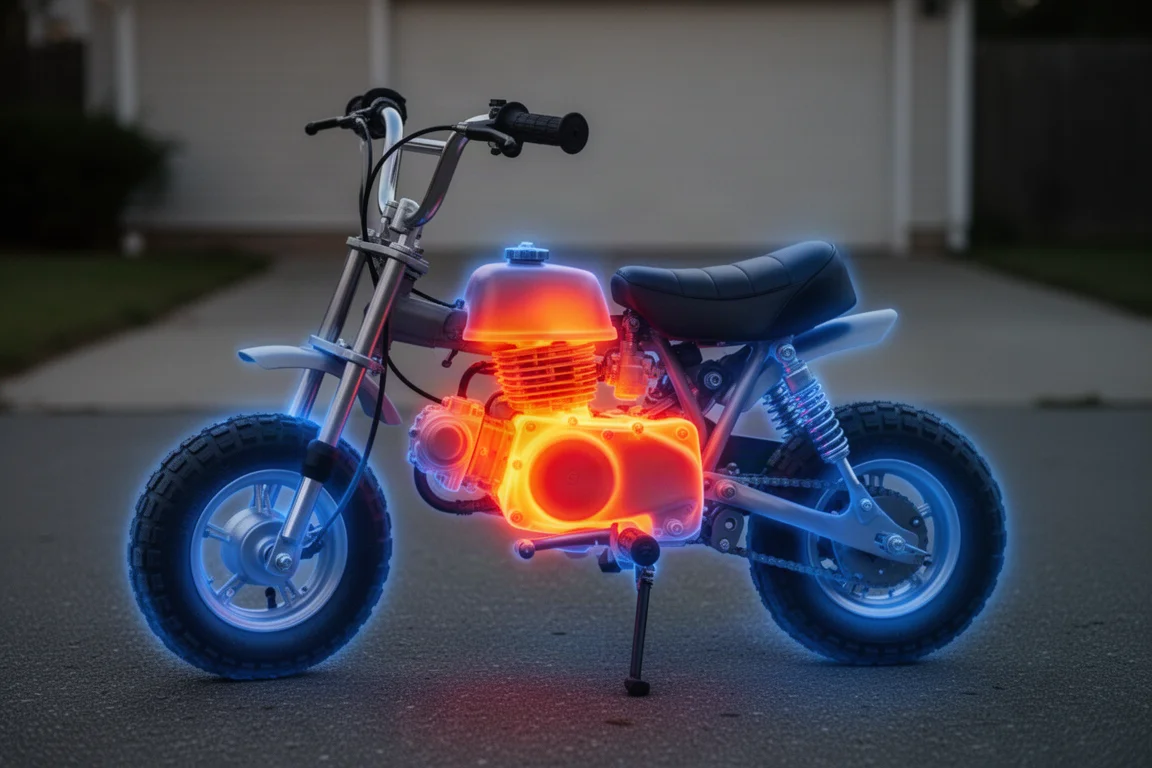
Outside, a mini bike engine that had just come back from a test run glowed warm exactly where it should, with the rest of the bike reading cool to the touch. That kind of intuitive, verifiable result is what makes this tool genuinely useful rather than a gimmick.
The image detail and accuracy were more impressive than expected. The resolution is sharp enough to make out specific lines and components, and the temperature readings lined up with reality across every test scenario. For spot-checking HVAC vents, chasing hot water leaks, or diagnosing overheating equipment, this does the job quickly and confidently.
Things to Consider Before Buying
A couple of caveats are worth knowing before you click buy. First, the boot-up time is a little long, so do not expect instant-on the way you get with a phone camera. Second, thermal imagers in general are not inexpensive, and the TR20 is no exception, so it is worth being honest about whether you will actually use it.
There is also a TR20 Pro version available with a few additional features. The two are very similar in what they do day to day, and the extra features on the Pro may or may not be useful depending on your work, so most buyers should think carefully about whether the upgrade justifies itself.
Buying Advice
If you regularly troubleshoot heating, cooling, plumbing, or mechanical equipment, the TR20 is an easy recommendation. It is well built, accurate, and simple enough to use straight out of the box. The combination of USB-C charging, photo and video capture, and a tripod mount makes it a genuinely practical tool rather than a toy.
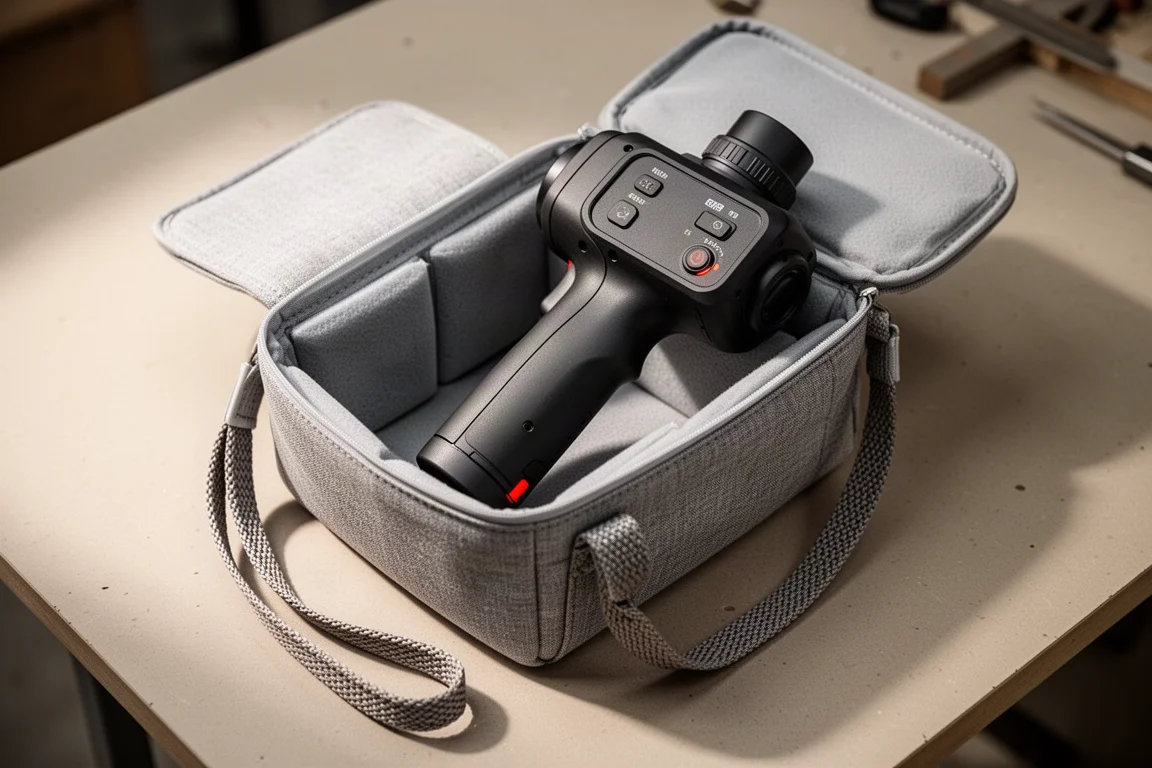
If you are an occasional DIY user, it is still worth considering, but plan on spending a little extra time and money on protection: add foam to the included case or buy a fitted hard case, and keep the wrist strap on at all times. The device is nicely calibrated, and treating it with care will protect that investment.
Conclusion
The MileC TR20 does exactly what it promises, and it does it with better image detail and accuracy than its price suggests. The lack of serious out-of-the-box protection and the slightly slow boot are minor complaints against an otherwise very polished experience. For homeowners, technicians, and anyone who wants to see heat with their own eyes, this is one of the more impressive handheld thermal imagers you can pick up right now.
Product link
View more details for MileC TR20 Handheld Thermal Imager
This product is mentioned in the review. Check the specifications, options, and compatibility before buying.
View more details for MileC TR20 Handheld Thermal ImagerFurther reading
Related Reviews
Tools & Diagnostics
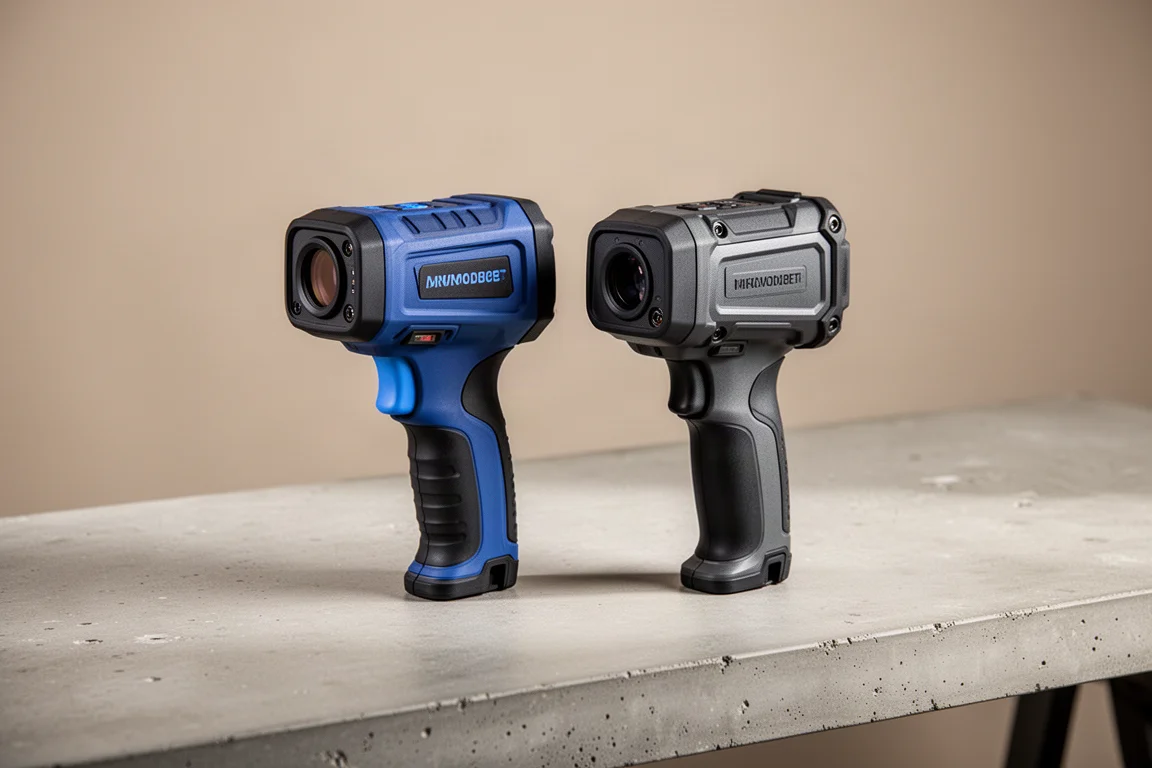
TopDon TC005 vs Klein Thermal Imager: Which Handheld Thermal Camera Deserves a Spot in Your Toolbox
Two handheld thermal imagers compared for home diagnostics, HVAC work, and trailer bearing checks, with honest notes on refresh rate, reliability, and features.
Automotive Tools
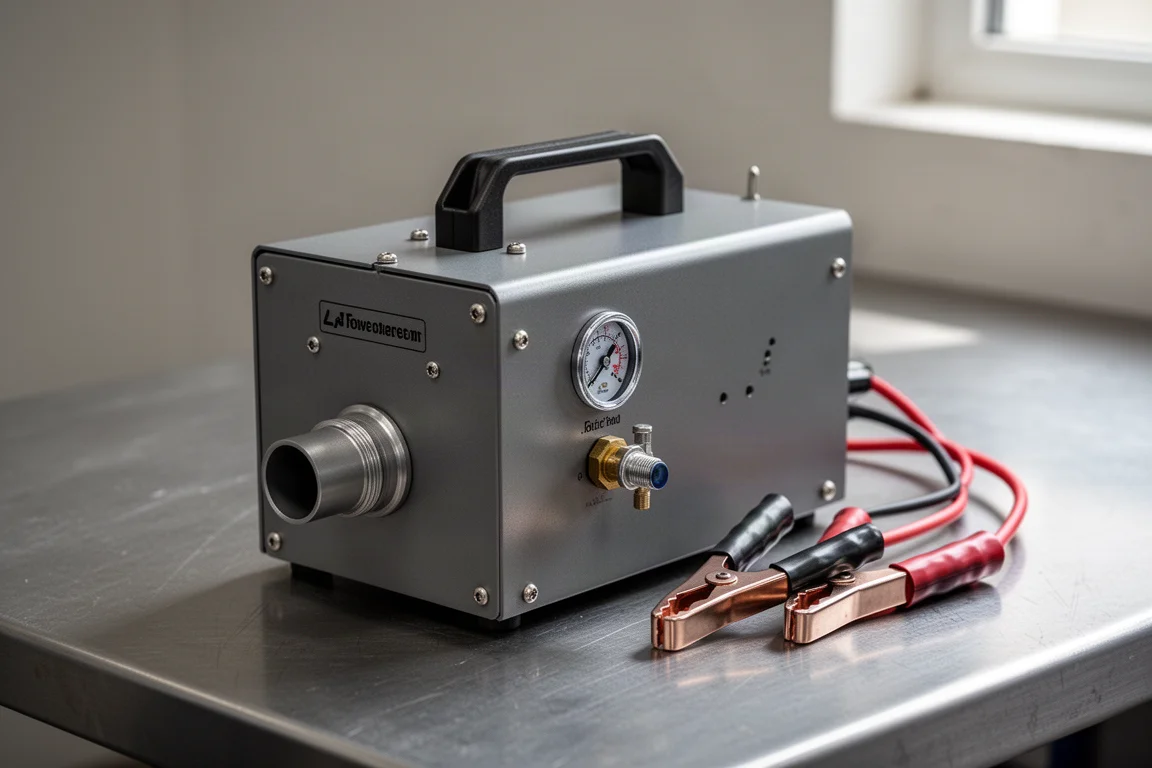
ANCEL S100 Smoke Machine Leak Detector: A Budget-Friendly Way to Find Vacuum and Exhaust Leaks
A compact smoke machine that uses your own shop air and 12V battery instead of a built-in compressor, cutting the price to around $100.
Automotive Tools
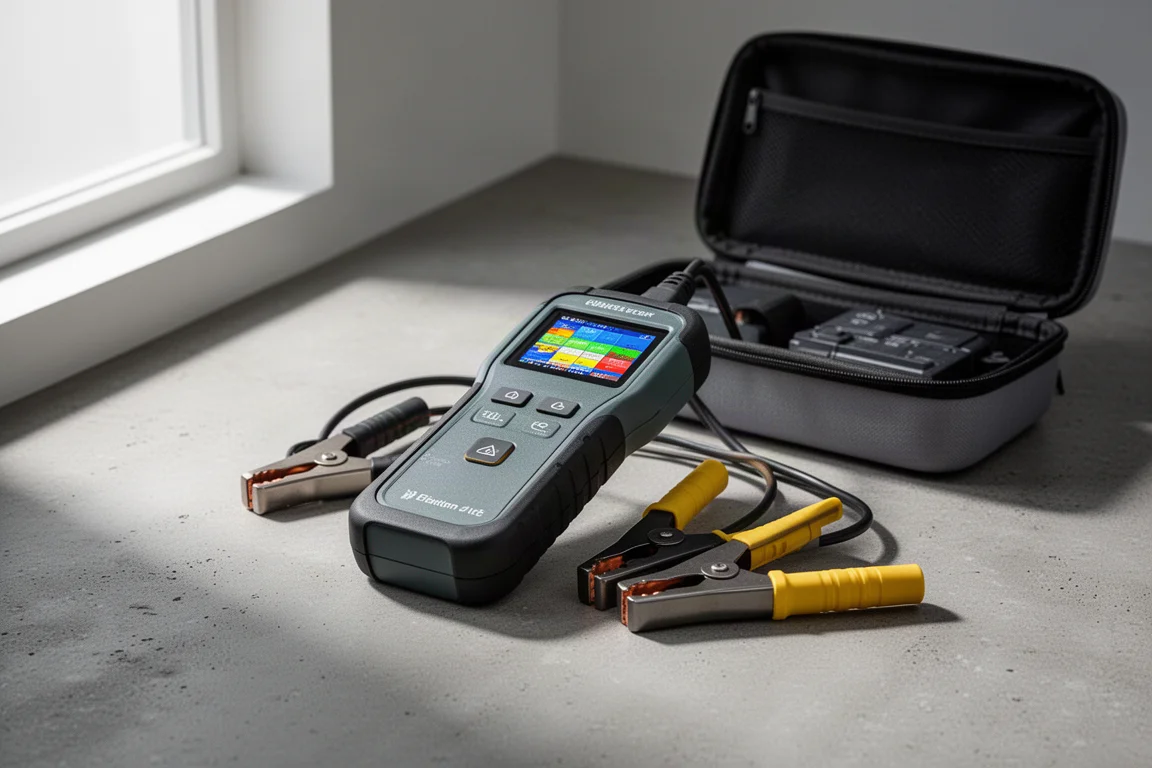
Gulu ST5 Battery Tester Review: A Solid Tool for Checking 12V and 24V Batteries
The Gulu ST5 battery tester runs battery, cranking, and charging tests on cars, trucks, and boats. Here is how it performed on a real truck and a stored RV battery.