Office Furniture
Leabher Novus Omni Review: An Ergonomic Chair with a Few Surprises
A memory foam ergonomic chair with a flexible backrest, electronic lumbar control, four recline modes and a massage feature that most chairs simply don't offer.
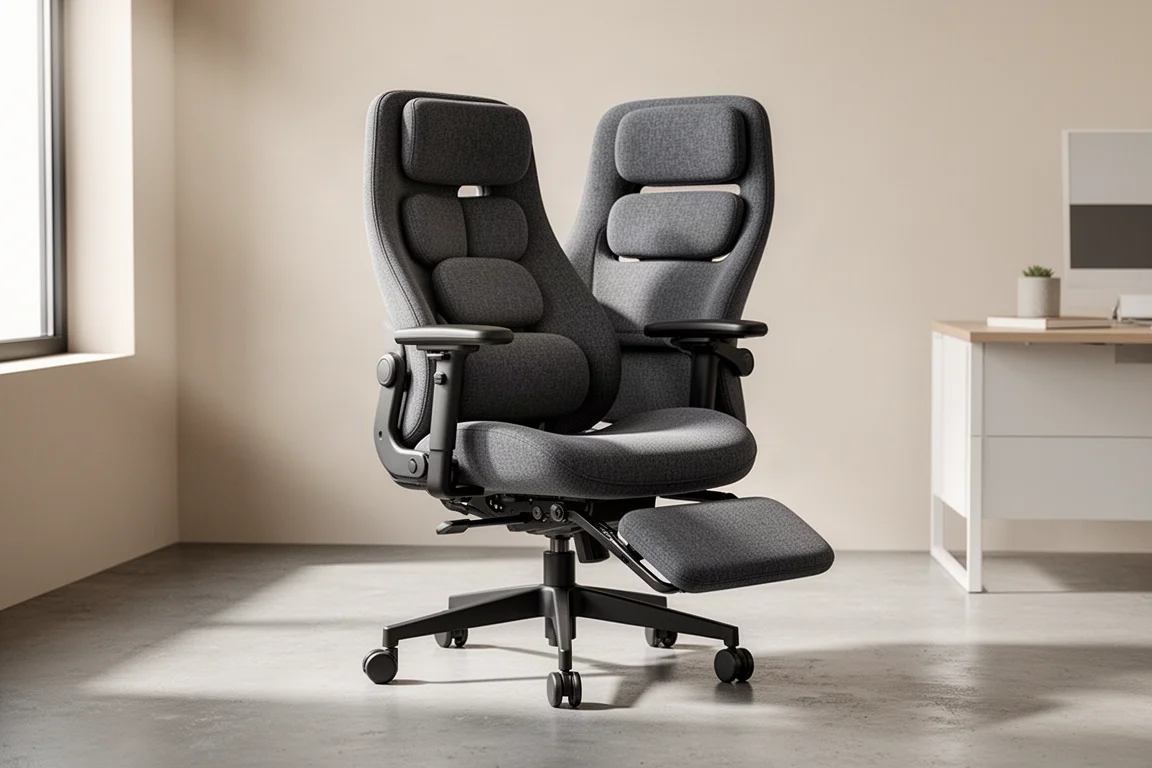
Introduction
Something you probably don’t think about when you watch a video or read a review is how long the person behind it spends at their desk. Editing and preparing content can easily take twice as long as recording it, which means the chair matters just as much as the computer. That’s exactly the kind of environment the Leabher Novus Omni was designed for, and after spending a few weeks with it, it’s fair to say it’s not like any other office chair I’ve used before.
The Omni has all the standard adjustments you’d expect from an ergonomic chair, plus a couple of surprises, including an electronically controlled flexible backrest and a built-in massage function. Here’s how it all comes together.
Who This Chair Is For
Although a lot of younger buyers will call this a gaming chair, that label doesn’t quite fit. Most of us spend long hours at our computers these days, whether gaming, working or creating, so what matters is a chair that’s not only comfortable but actively looks after your posture, moves with you and supports you in whatever position you end up in.
If you work from home, edit video, code, or spend long stretches in front of a monitor, this is the profile the Omni is built around.
Assembly: Simpler Than Most Chairs
The chair arrives in a fairly big box, and the first thing you see when you open it is a large assembly guide printed on cardboard. You can lean it against the wall and refer to it easily, which is a small idea that makes a big difference. There are only four or five main parts and four screws in total, so nothing like as complicated as a flat-pack wardrobe.
A particularly nice touch is the supplied hex key screwdriver, which fits the screws you need, so for the first time in a long while there’s no rummaging for tools. Everything either clips together or clips and screws together. The whole assembly took around 10 to 12 minutes, plus a few more for the footrest.
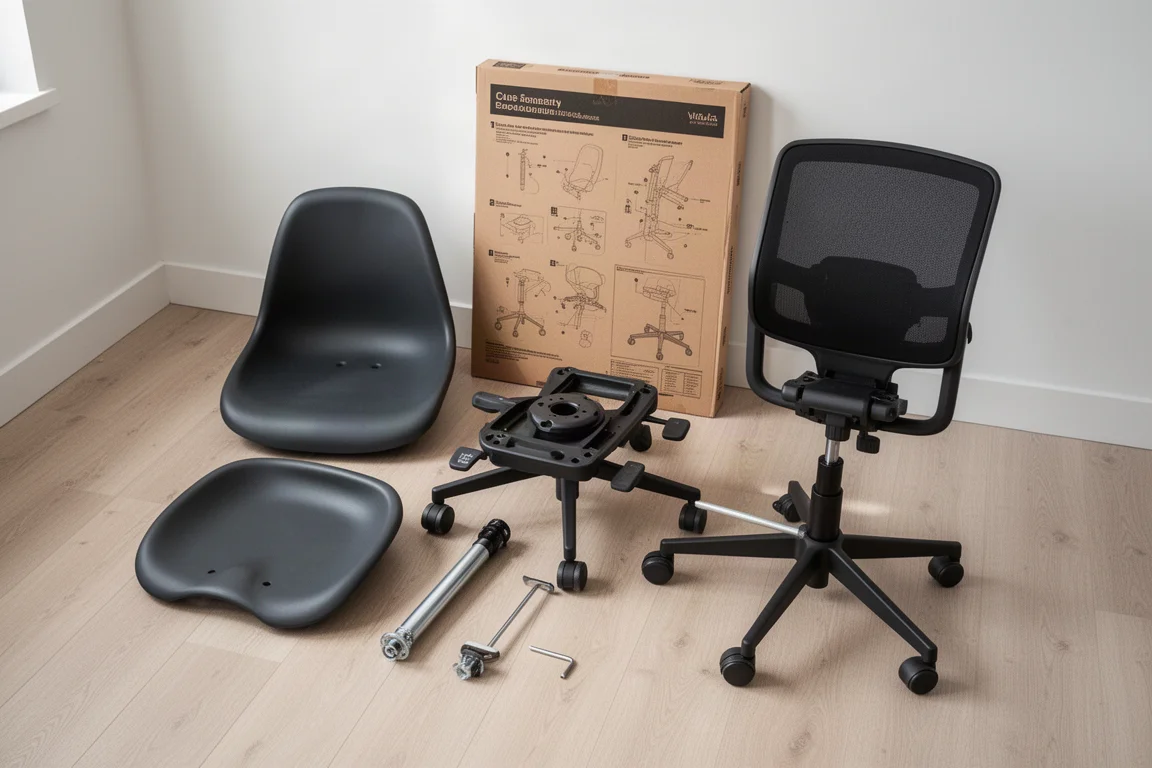
One genuinely unusual step: connecting the seat to the backrest with a USB-C cable and popping in a battery. Not something you normally do on a chair, but it’s what powers the electronic features.
What Sets the Omni Apart
The first thing that strikes you out of the box is how soft all the fabric is. There’s memory foam in the seat and the whole thing is wrapped in breathable material, so whatever you touch, it feels pleasant.
Beyond that, it’s fully adjustable: the headrest moves up, down, backwards and forwards; the armrests adjust in height and in and out, so even bigger users have plenty of room to sit comfortably; and there are the usual seat height and recline force controls.
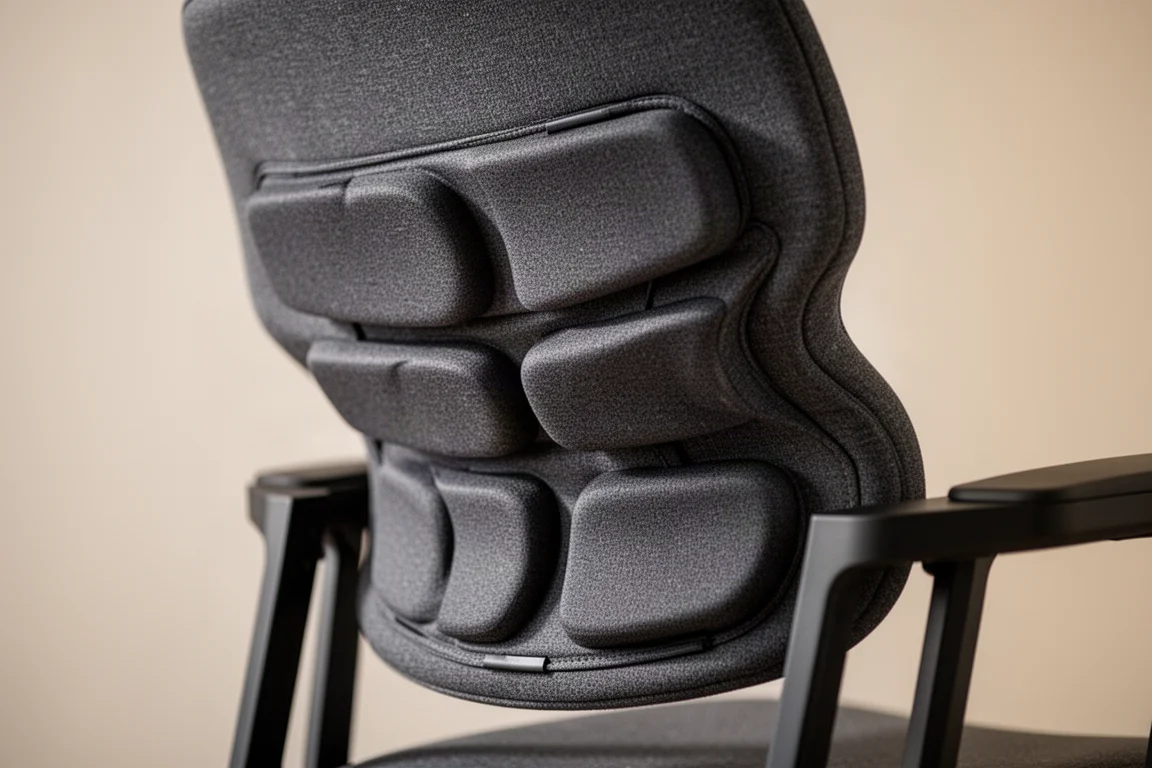
Where the Omni diverges from a standard ergonomic chair is the row of buttons on the left armrest. These electronically control what the company calls the bionic flex fit backrest, letting you adjust the lumbar support to perfectly fit the shape of your back. The backrest also flexes and moves, even from side to side, as you shift around on the seat, so you’re never locked into one posture. It moves with you and supports you in whatever position you take, and once you’ve tried it, you realize most other chairs just don’t do this.
Recline Modes and Moving Armrests
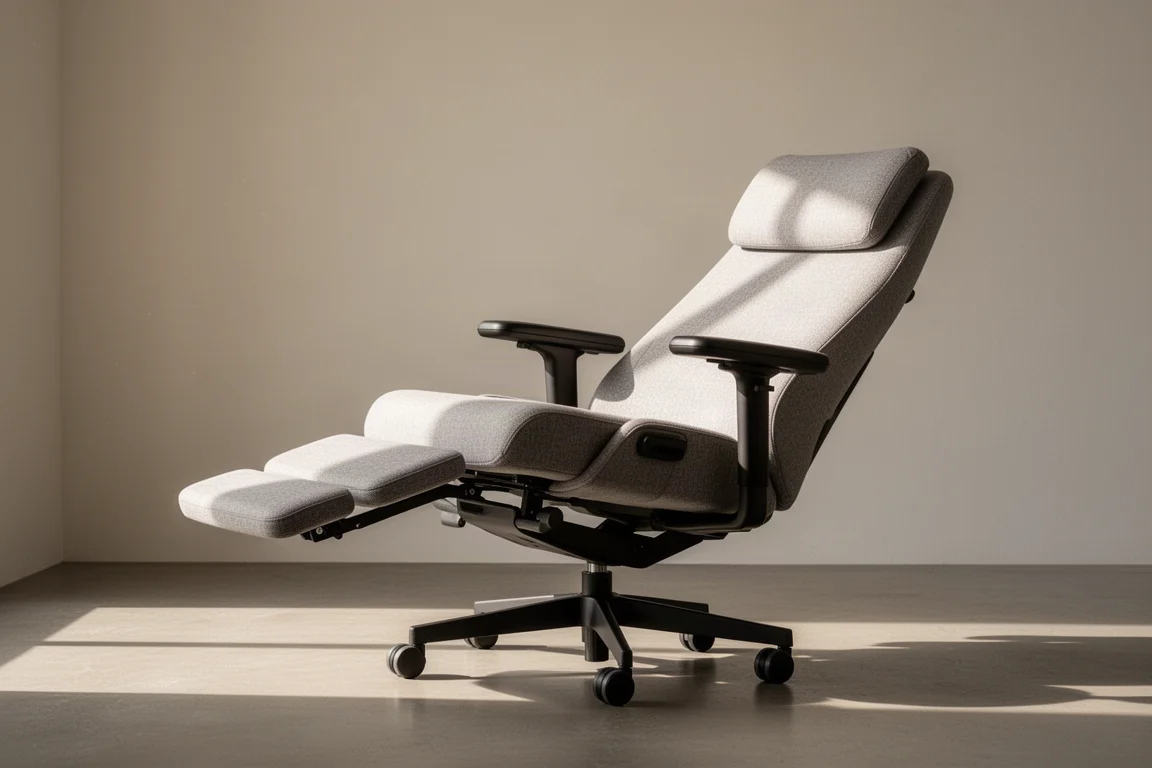
The Omni offers four recline modes. One click takes you to a slight 105° recline, another to a comfortable 120°, and a third to 160°, which is genuinely laid back. Combined with the included footrest, the fully reclined position is pretty much designed to send you to sleep.
The clever part, and something I haven’t seen on another chair, is that as you recline, the armrests move back with you. Your arms stay in the same natural position, so every part of the seat adjusts for you: the seat, the back, the head support and the armrests.
Then there’s the standout feature: a massage function. Rather than vibrating, it compresses and decompresses the lumbar support, producing a slow wave of pressure and release across your lower back, much like a decent massage. Fully reclined with your lower back being massaged, if you don’t fall asleep at that point, you never will.
Setting It Up Properly
One lesson from weeks of daily use: take the time to set the chair up correctly. There’s a four-step alignment sequence worth following.
Start with the lumbar support, adjusting it with the armrest button so it suits your frame and supports your lumbar area properly. Then set the armrests so your elbows sit comfortably at 90°, supported naturally. Only then adjust the seat height, so the line from your elbow to your hand on the mouse is flat and straight. Finally, set the neck support; for me that was fully up and fully out.
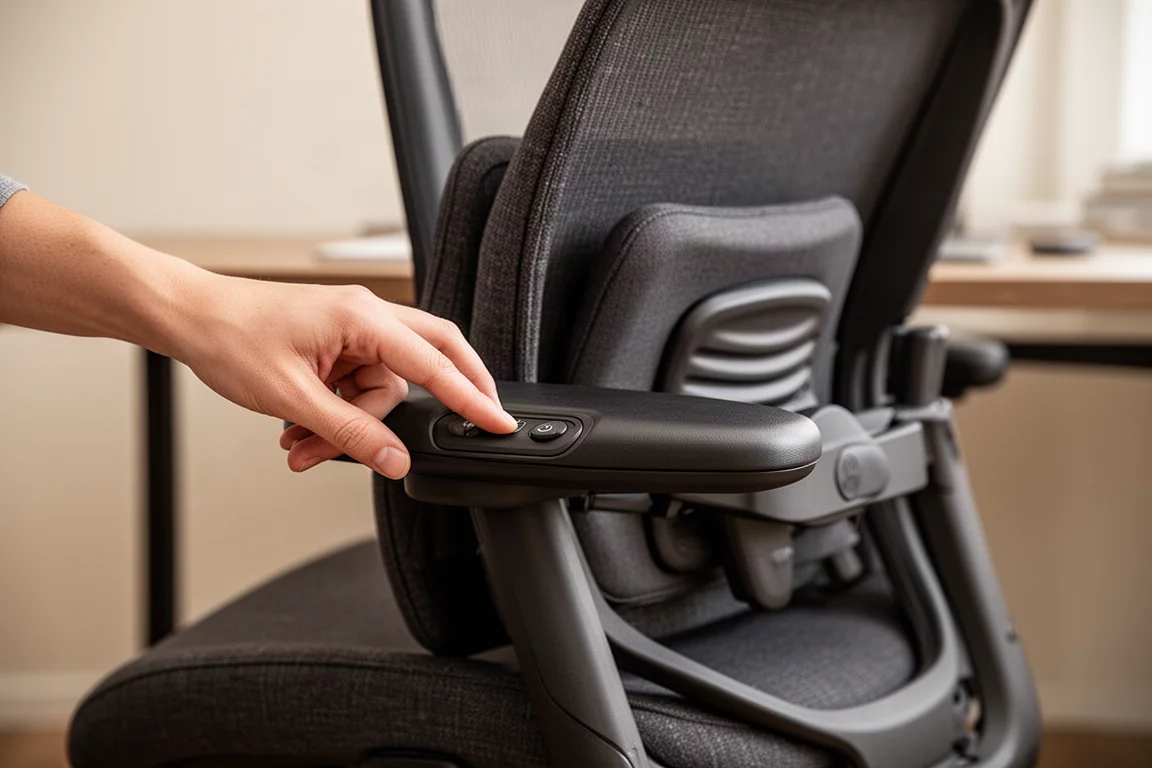
If you have shorter legs, a footstool may help complete the lower body support. The chair includes a two-height footrest, which taller users may not strictly need, though I found the padded top of the footrest genuinely useful for resting my feet on when reclining all the way back. At that point, switch on the massage and you’re set.
Buying Advice
For everyday desk work, I found the Omni really comfortable over several weeks. The ability to recline slightly while previewing something or taking a break is a genuinely useful touch, and the flex fit backrest’s dynamic support works in a way I haven’t seen elsewhere. Between the massage function and the 160° recline, there’s a real chance you’ll end up spending more time at your desk than you normally would, which is either the recommendation or the warning, depending on your workload.
If your priority is a chair that adapts to your body throughout the day rather than asking you to adapt to it, the Omni deserves a spot on your shortlist.
Conclusion
The Leabher Novus Omni takes the standard ergonomic chair formula and pushes it forward with a flexible, electronically adjustable backrest, armrests that track your recline, and a lumbar massage that turns breaks into something to look forward to. Easy assembly, soft memory foam upholstery and genuinely thoughtful adjustments round out a package that suits anyone spending serious hours at a desk.
Product link
View more details for Leabher Novus Omni
This product is mentioned in the review. Check the specifications, options, and compatibility before buying.
View more details for Leabher Novus OmniFurther reading
Related Reviews
Office Furniture
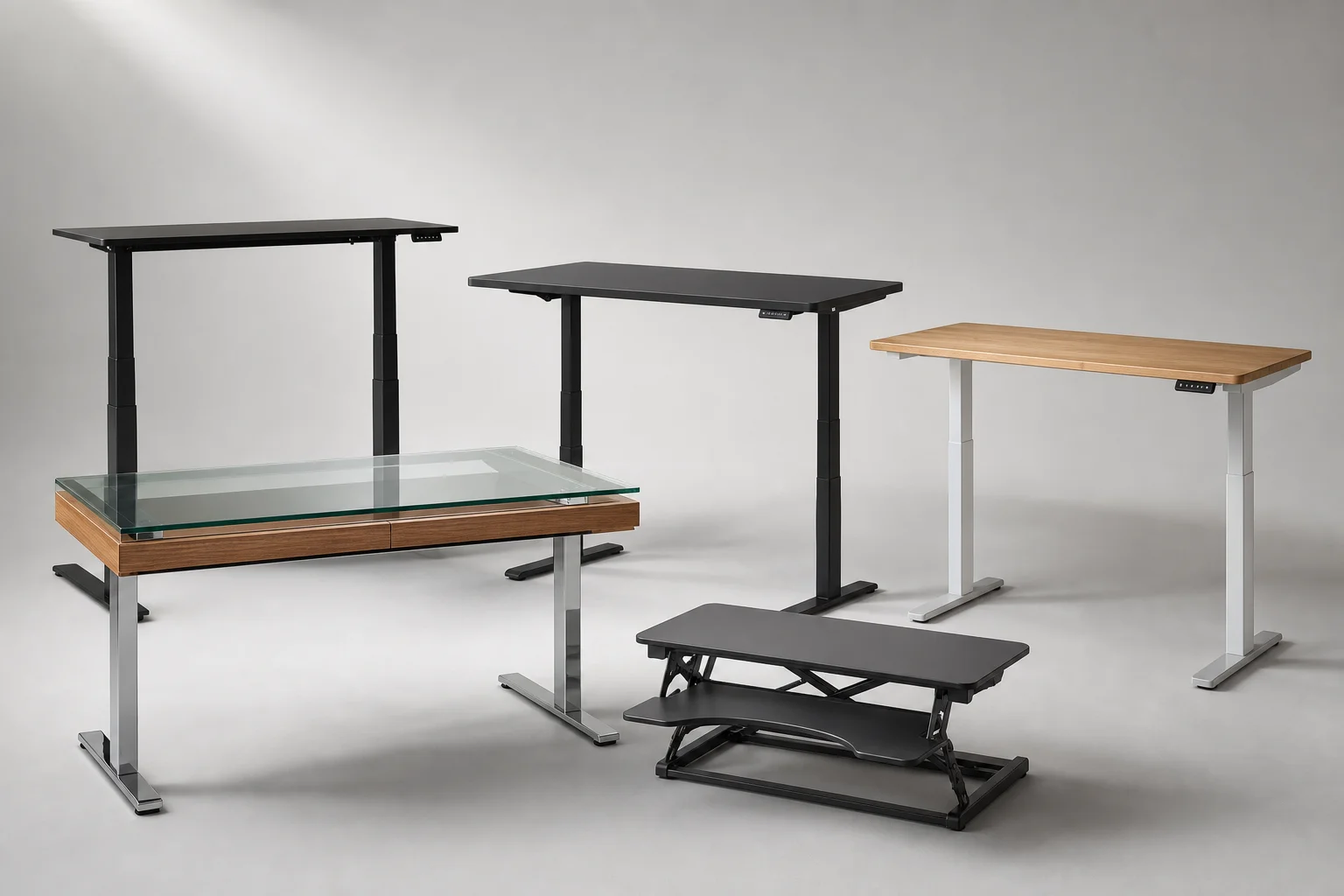
Best Standing Desks 2026: Five Options for Every Budget and Space
A practical roundup of five standing desks ranging from compact converters to full electric models, each with clear strengths and trade-offs to consider before buying.
Office Furniture
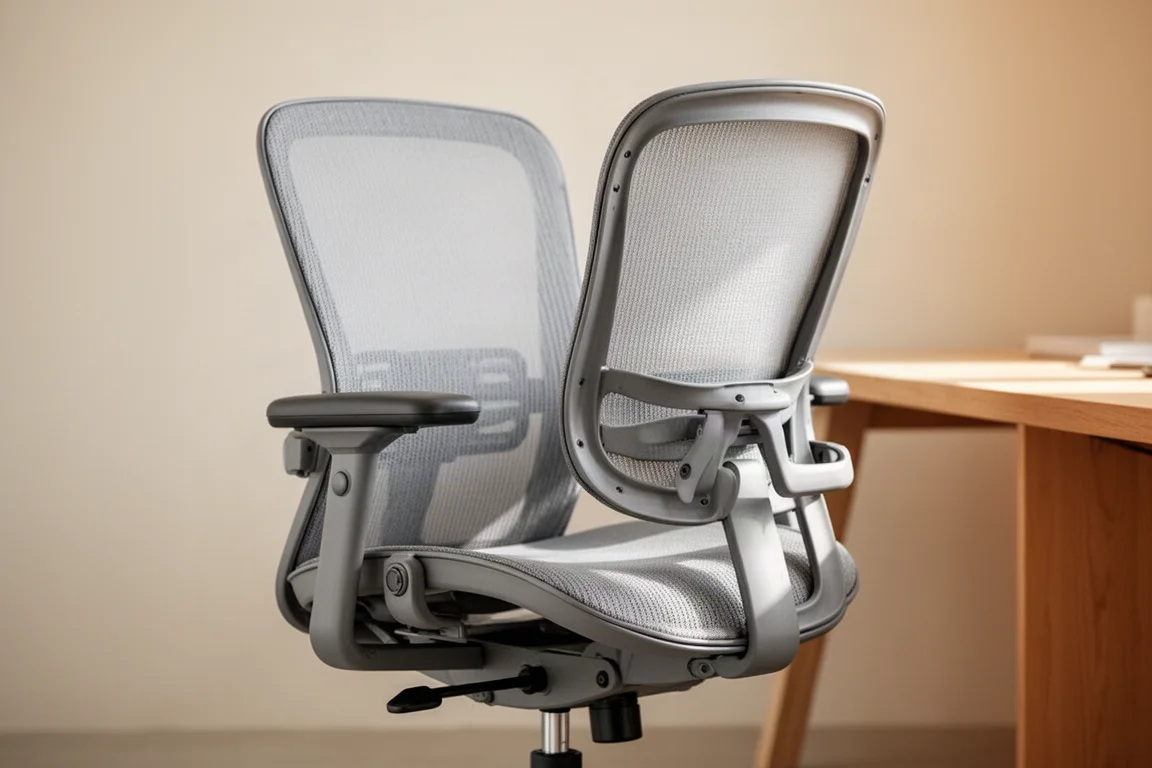
Office Chair Buying Guide: Seven Levels From Budget to Premium
A practical guide to office chair levels, from budget models to flagship ergonomic chairs, with picks at each tier.
Office Furniture
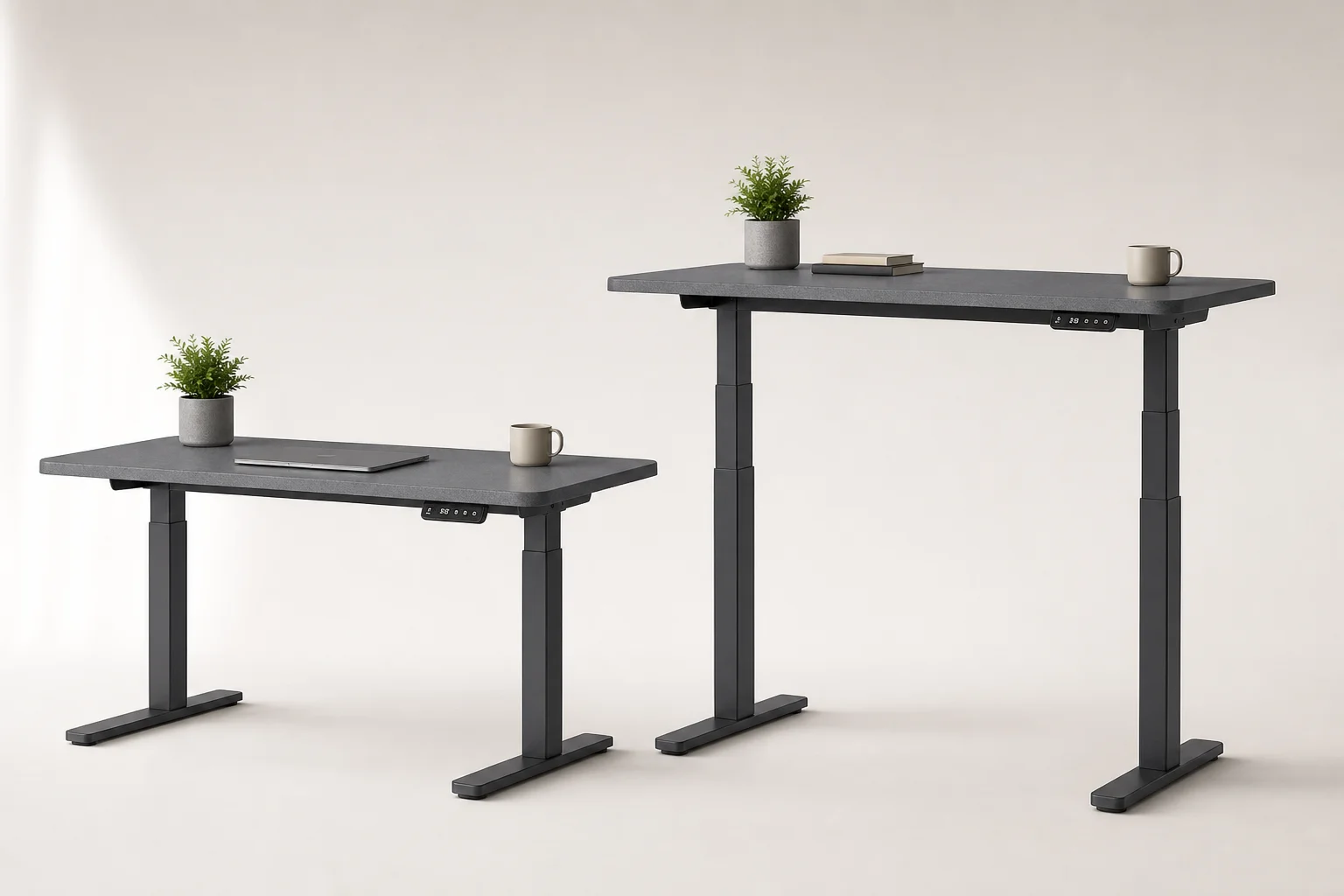
Seville Classics AIRLIFT Standing Electric Desk Review: Affordable Height Adjustment for Home Offices
The Seville Classics AIRLIFT brings electric height adjustment to standing desks at a fraction of premium brand prices. Here's what works and what to consider before buying.