Tools & Workshop
LaserPecker 2 Review: A Compact Laser Engraver That Works on Steel, Wood, and More
A portable laser engraver that etches logos and text directly onto metal, wood, paper, fabric, leather, and plastic, with Bluetooth control and clever accessories for curved surfaces.
Introduction
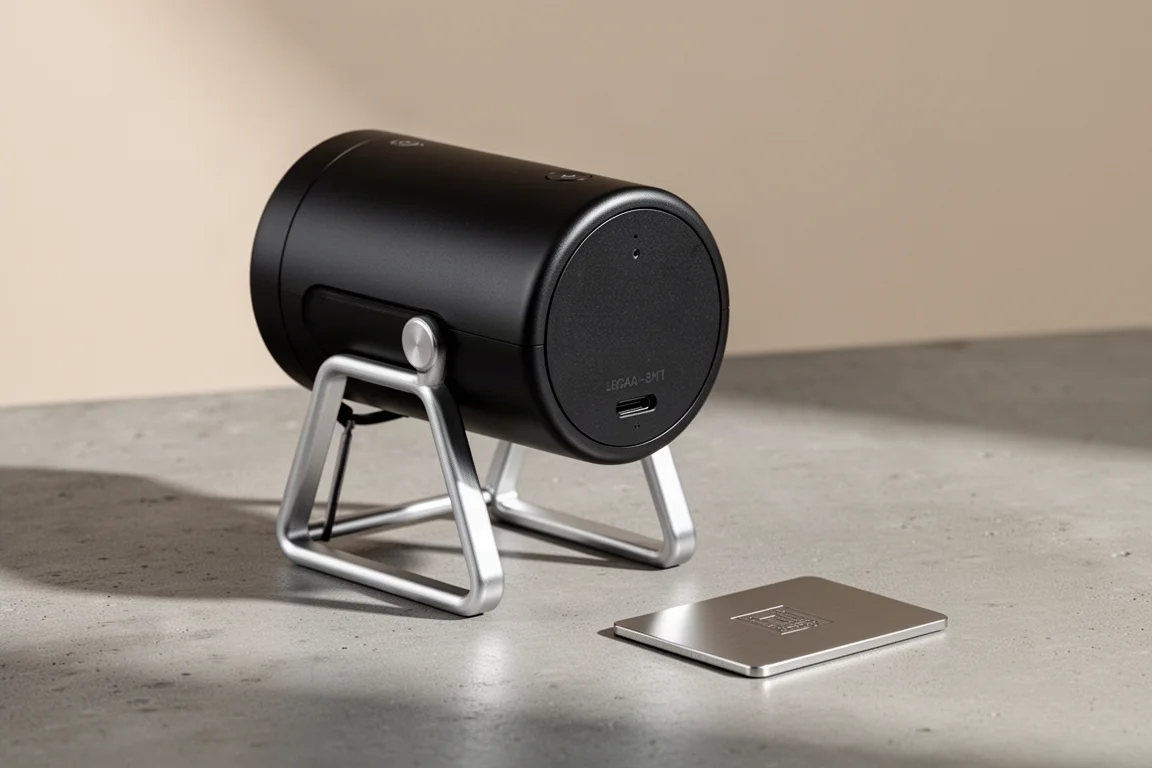
The LaserPecker 2 is a compact laser engraver that makes one thing genuinely easy: burning a logo, text, or design directly onto everyday materials. Steel, wood, paper, fabric, leather, plastic, and more are all fair game, and a small logo can be etched in seconds, with larger, harder-material jobs taking closer to a minute. It is not cheap, but given what it can do, the pricing feels reasonable for the category.
Who This Product Is For
This is a tool for makers, small workshops, and anyone who wants to personalize tools, gifts, or products with their own branding. It works over Bluetooth or a USB connection to a computer, so controlling it from a phone or laptop is straightforward. If you have ever wanted to put a logo on a screwdriver handle, a wooden block, or a piece of cardboard packaging without owning a full-size industrial laser, this fills that gap nicely.
Main Strengths
The core hardware is simple to live with. It runs from a 12V 5A input, offers USB out to a computer, and supports full Bluetooth connectivity, which is the most convenient way to drive it. Two external USB ports can also power accessories such as a fan in the handheld unit, useful for fumes while engraving.
The app-based workflow is approachable. You pick or type a design, adjust the size, choose a font if needed, and send the file straight to the unit. A preview mode shows exactly where the engraving will land before you start, and a centering button helps line it up precisely. Settings like power, depth, and passes are set per material, and material presets are included for common surfaces.
Hardware and Accessories
The included accessories extend what the base unit can do. An anodized aluminum stand with a powered height adjustment column lets you dial in the exact working distance in one millimeter increments, which matters because the laser needs a precise 11 centimeter focal distance. Drop the engraver onto the stand, screw in the connector, plug in power at the back, and the height is easy to get perfect every time.
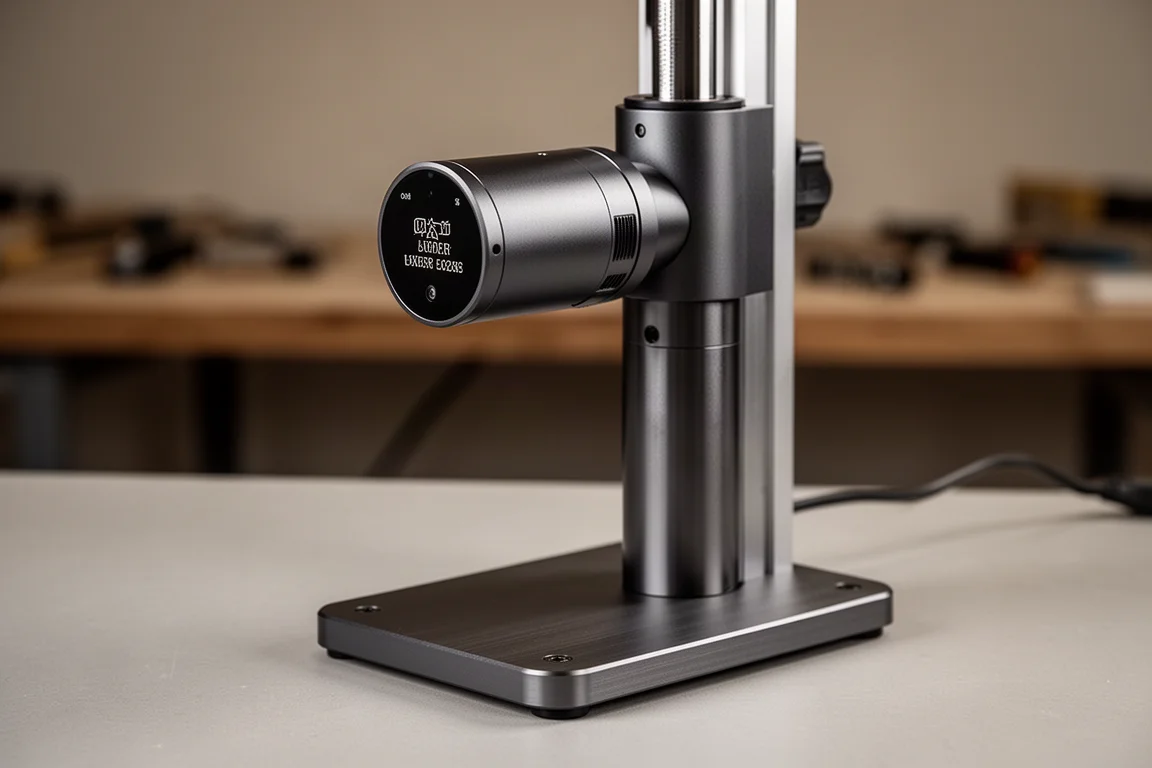
A handheld setup is also possible: the unit docks into dedicated holes, snaps onto a handle, and plugs in for power, letting you hold it directly over an object at the correct distance. For curved and long items, there is a rotating attachment that turns cylindrical objects while engraving, plus roller wheels that let the engraver travel across longer flat surfaces such as a wide board. It is a thoughtful ecosystem for a device this small.
Safety is handled sensibly too: protective glasses are included, and a preview mode helps confirm your work area before the laser fires.
Things to Consider Before Buying
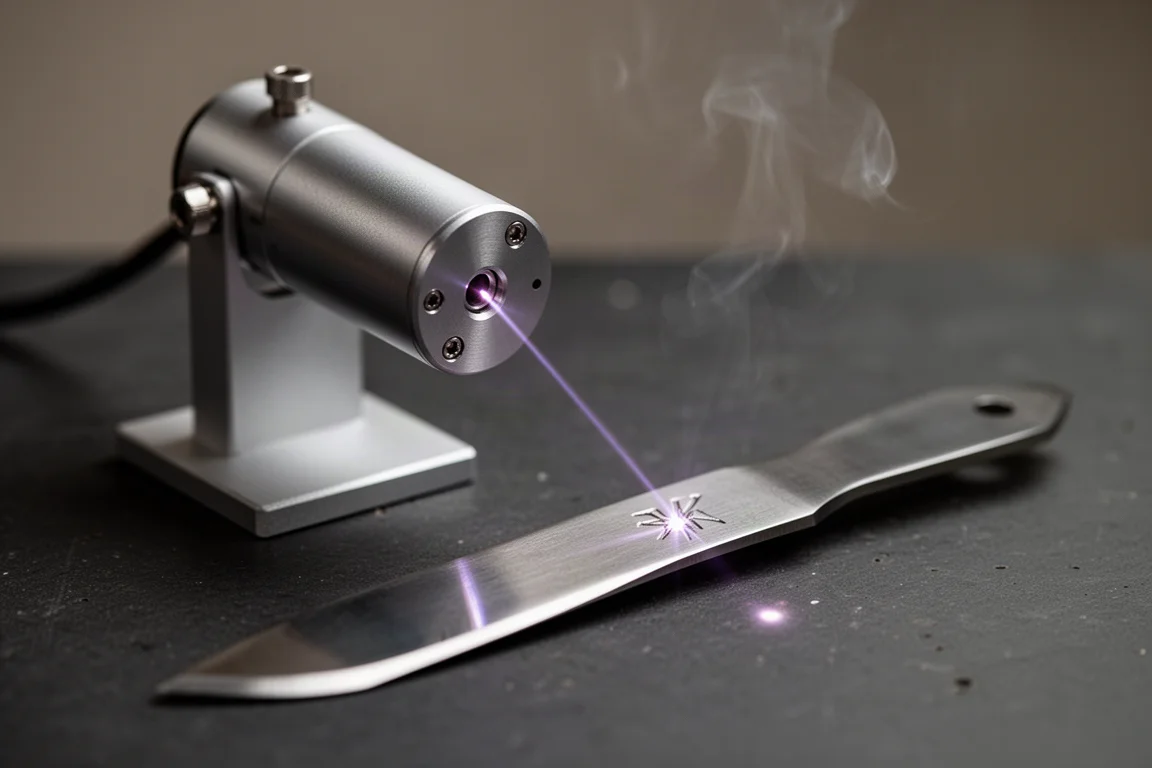
Material tuning takes some experimentation. On stainless steel, a full-power pass produced a slightly burned result, and backing power down to around 80 percent gave a cleaner finish. On a soft plastic box, an initial attempt left barely a visible mark, and it took adjusting depth and power settings (down to around 15 to 20 percent power at greater depth) before the result looked acceptable rather than rough. Expect a few test runs on new materials before you get the settings right.
Power levels and hard materials also affect speed. A fairly large engraving on stainless steel took close to a minute in real time, so patience helps for bigger jobs on tough surfaces.
Engraving on Different Materials
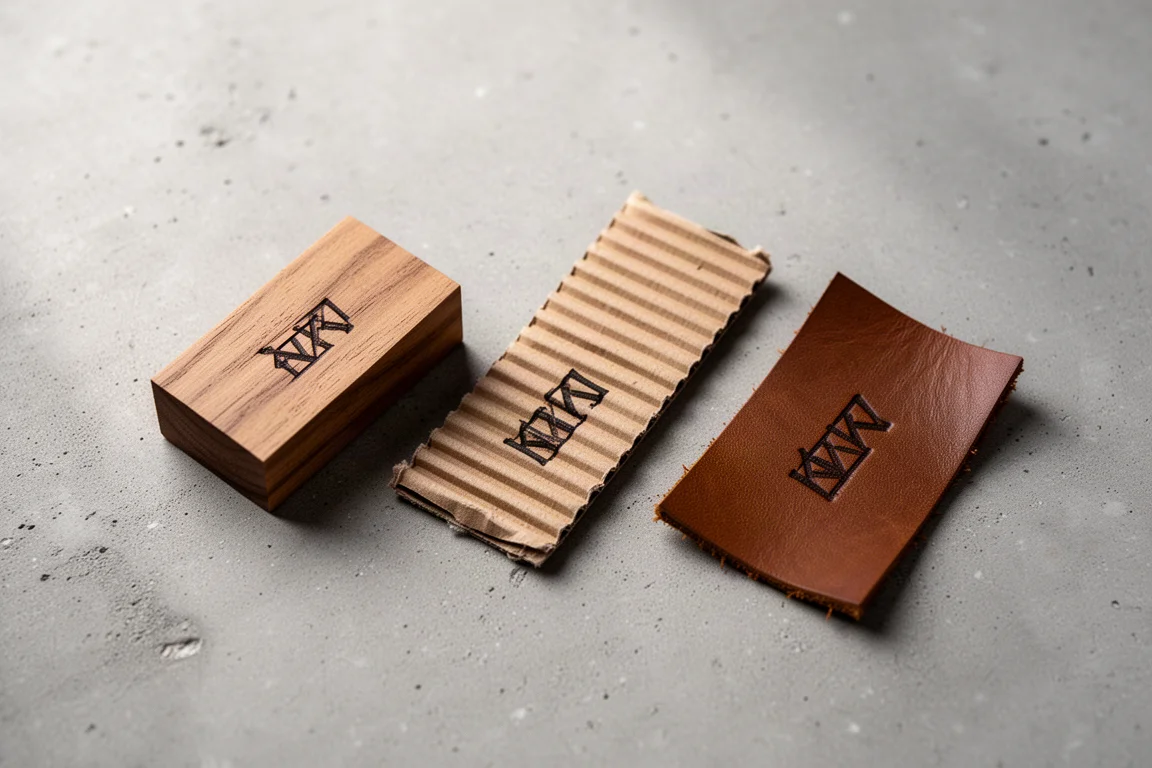
Real-world results show the range. A logo etched into the nitrous carbide teeth of a saw blade came out with impressive fine detail. A Klein-style logo on wood looked gorgeous on a small finished block. Corrugated cardboard engraved cleanly with sensible settings, and a vintage screwdriver face took an anniversary-style logo with no trouble. Across steel, wood, paper, cardboard, fabric, leather, and plastic, the same compact unit handled everything thrown at it.
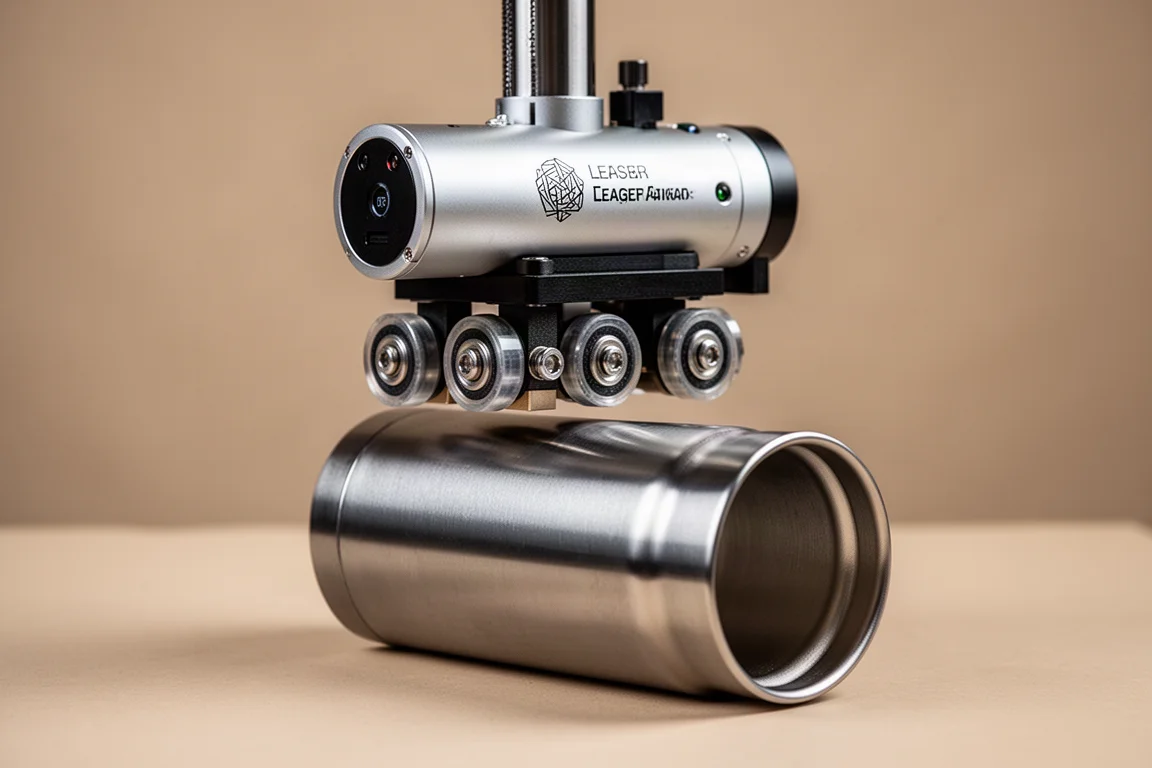
For curved surfaces, the rotating attachment opens up mugs, bottles, and cylindrical tools, and the roller mode covers long workpieces that exceed the laser’s field of view. That flexibility is a big part of why this little engraver feels more capable than its size suggests.
Buying Advice
Plan to start with the app’s material presets, then fine-tune power and depth on scrap pieces. Use the preview and centering tools every time to avoid misaligned burns, keep the fan running and wear the included glasses, and consider the stand a near-essential companion since nailing the 11 centimeter focal height by hand is fiddly. If you mostly engrave small logos and text on mixed materials, this is an easy recommendation.
Conclusion
The LaserPecker 2 packs a surprising amount of capability into a small, portable package. Fine detail on hard steel, clean marks on wood and cardboard, Bluetooth control, and a clever accessory system for curved and long surfaces make it a genuinely useful workshop addition. Just budget some time for material testing, and it will reward you with professional-looking engraving in seconds.
Product link
View more details for LaserPecker 2
This product is mentioned in the review. Check the specifications, options, and compatibility before buying.
View more details for LaserPecker 2Further reading
Related Reviews
Tools & Workshop
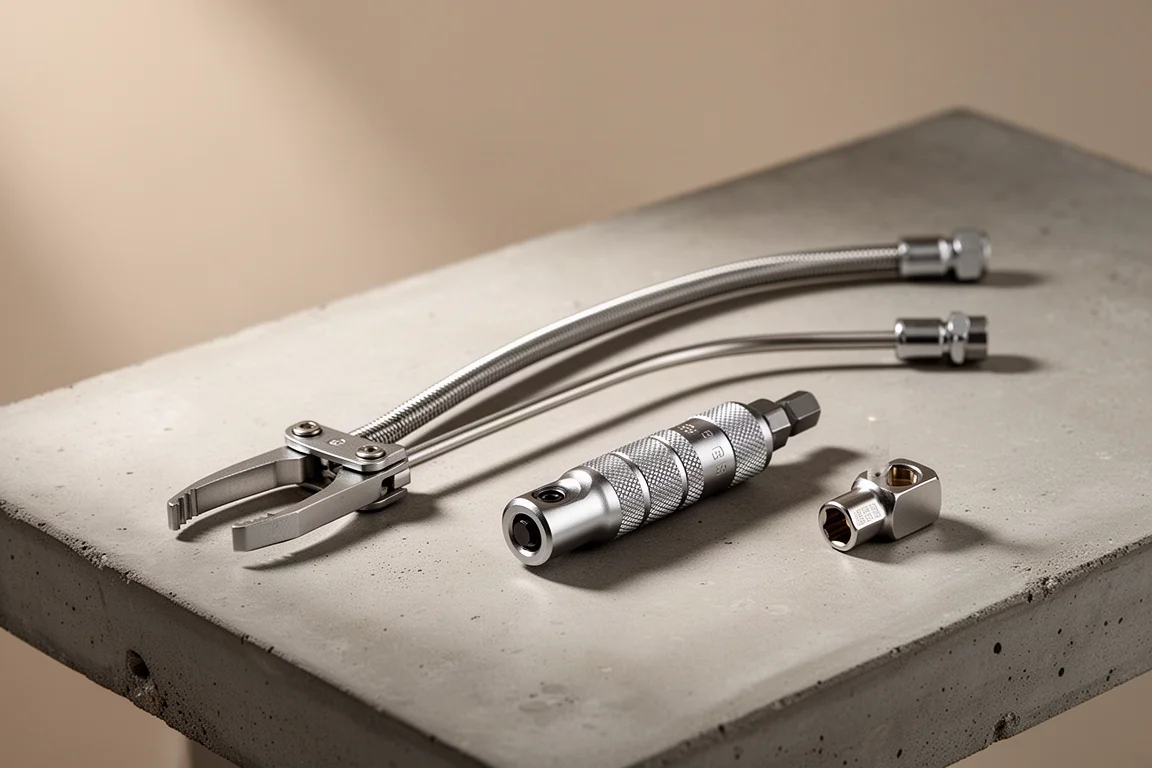
Three Tools That Saved a Tight Dishwasher Installation
A long-reach hose clamp tool, a locking ratcheting bit driver, and a flip socket that earned their spot during a cramped appliance install.
Tools & Workshop
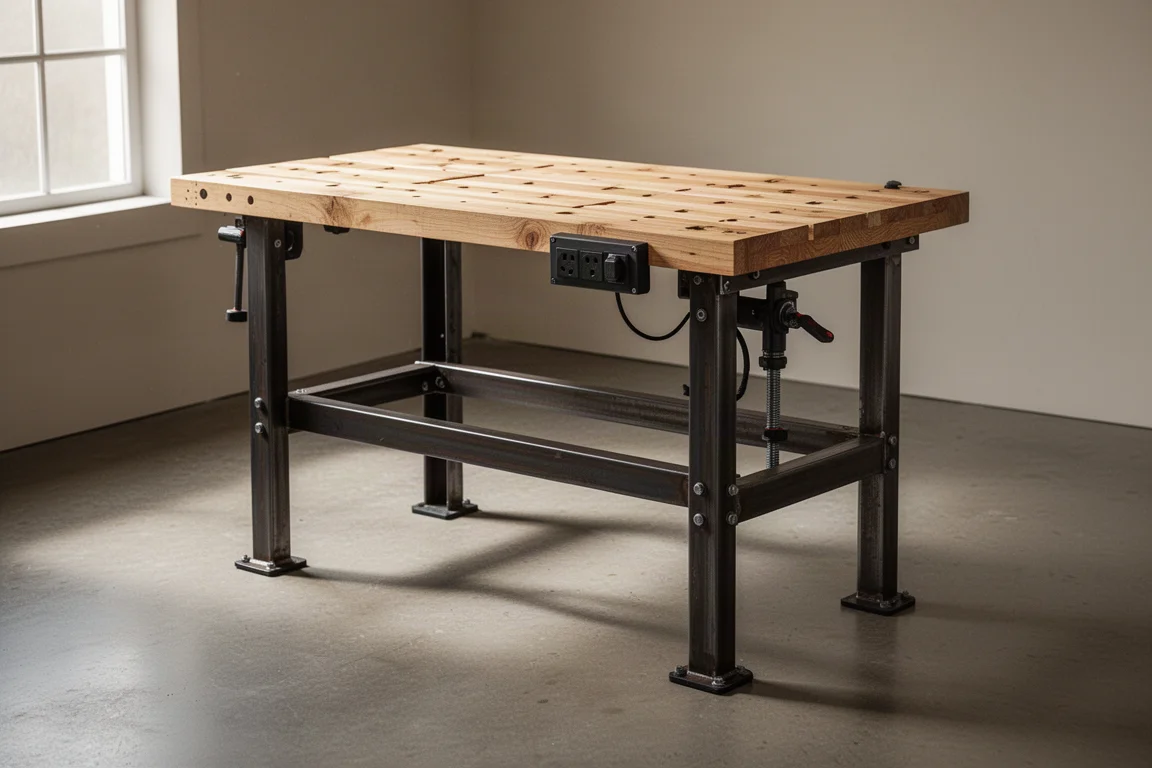
Banggood WB0102 Pro Workbench Review: A Stable, Height-Adjustable Bench for Small Workshops
A heavy, well-priced workbench with a pine top, built-in power strip, height adjustment, and a straightforward assembly that takes under 30 minutes.
Tools & Workshop
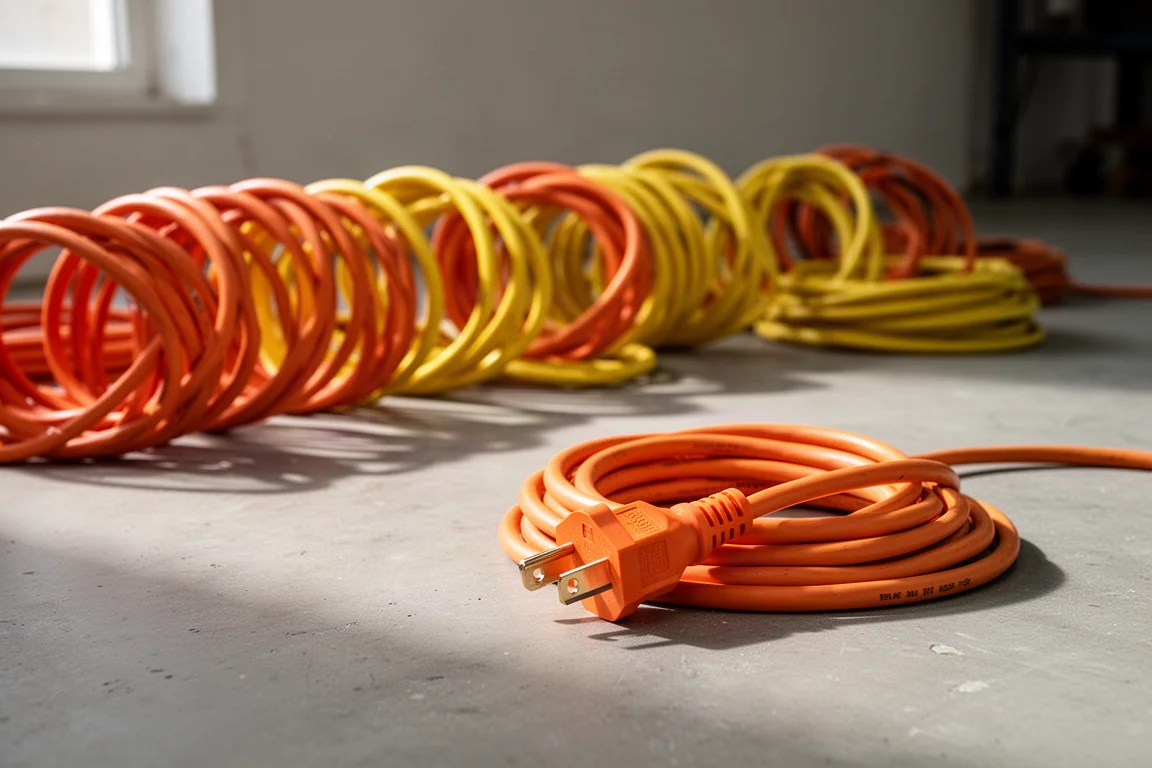
Best 50 ft Extension Cords: 15 Cords Put Through Real-World Testing
Fifteen 50 ft extension cords compared on blade strength, abrasion resistance, voltage drop, plug retention, and cold weather flexibility.