Stationery Tech
LAMY Ncode Digital Pen Set Review: Handwriting That Turns Into Text
A Safari-style smart pen, a dot-grid notebook, and an app that digitizes, replays, and transcribes your handwriting. Here is what works and what to check before buying.
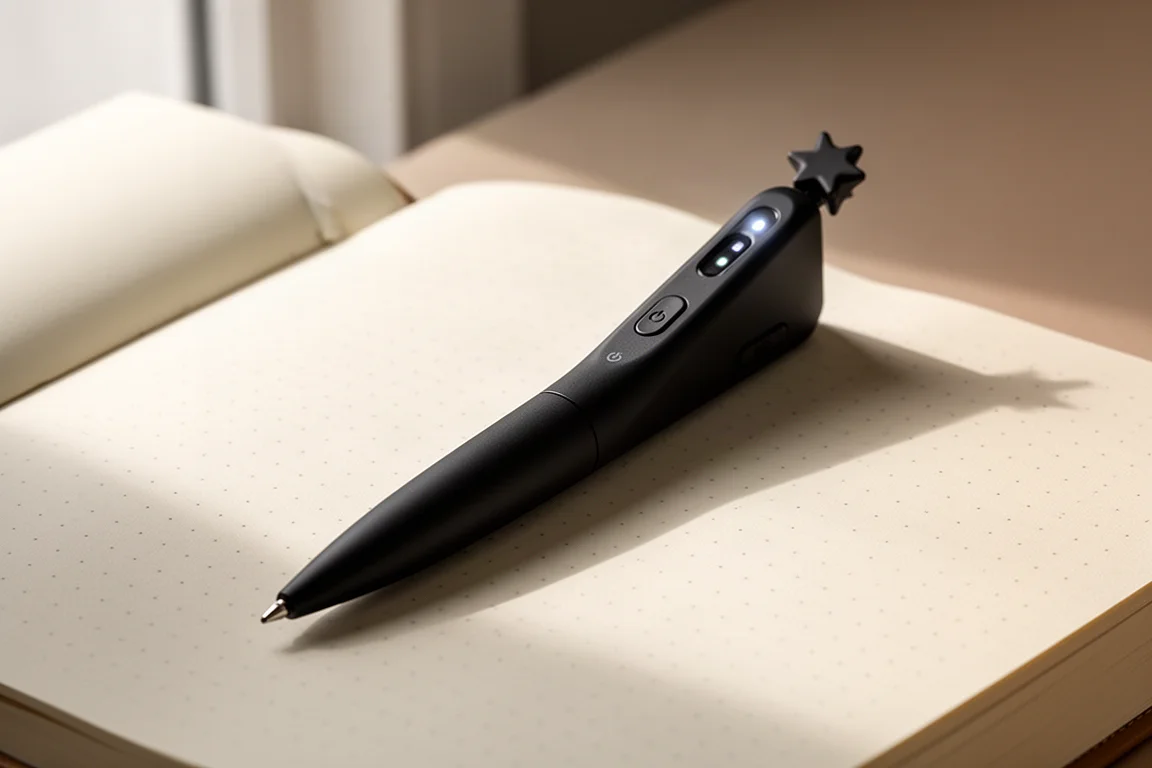
Introduction
The LAMY Ncode digital pen set is one of those products that sounds gimmicky until you actually use it. It looks almost exactly like a LAMY Safari, writes like a decent rollerball, but everything you put on the special dot-grid paper appears instantly in a phone app. That opens up more than you might expect: editable colors and line widths, a handwriting replay function, and optical transcription that converts your scribbles into typed text.
After spending real time with the full set, the verdict shifted. The initial impression was that it solves a problem most people do not have. The range of app features changed that opinion. For meeting notes, quick digitization, and even light creative work, it genuinely earns its price.
What’s in the Box
The set arrives in a nicely made large box containing the pen, a USB charging cable, a dot-grid notebook, and a small manual. Charging did not take long, and there are no batteries to buy; the pen simply recharges like any other device, which makes it easy to live with.
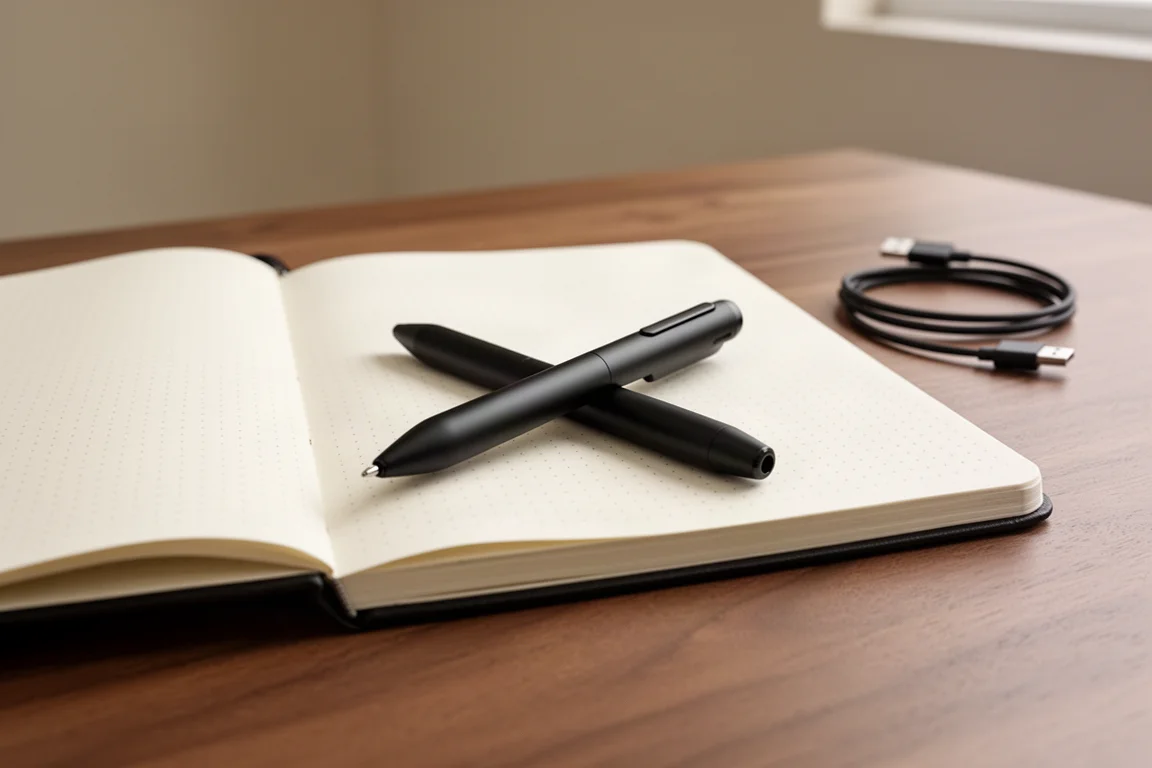
The pen itself follows the Safari design language closely. There is the familiar Safari clip and grip section, an interesting new nose cone, and a distinctive cap finial that sets this writing mode apart from the standard Safari family, in keeping with LAMY’s tradition of giving each mode its own finial. A small multicolored LED indicates status, and the power switch sits at the back. Unlike a regular Safari, the barrel does not open; instead, the rollerball refill slides out easily for replacement. The writing experience is smooth, and it works as a normal pen on paper even with the electronics off.
How the Pen and App Work Together
Setup was genuinely painless. Download the app, switch the pen on, and the two connect over Bluetooth; the phone does need location enabled, but there were no codes to enter or pairing rituals to endure. From there, handwriting digitizes in real time as you write.
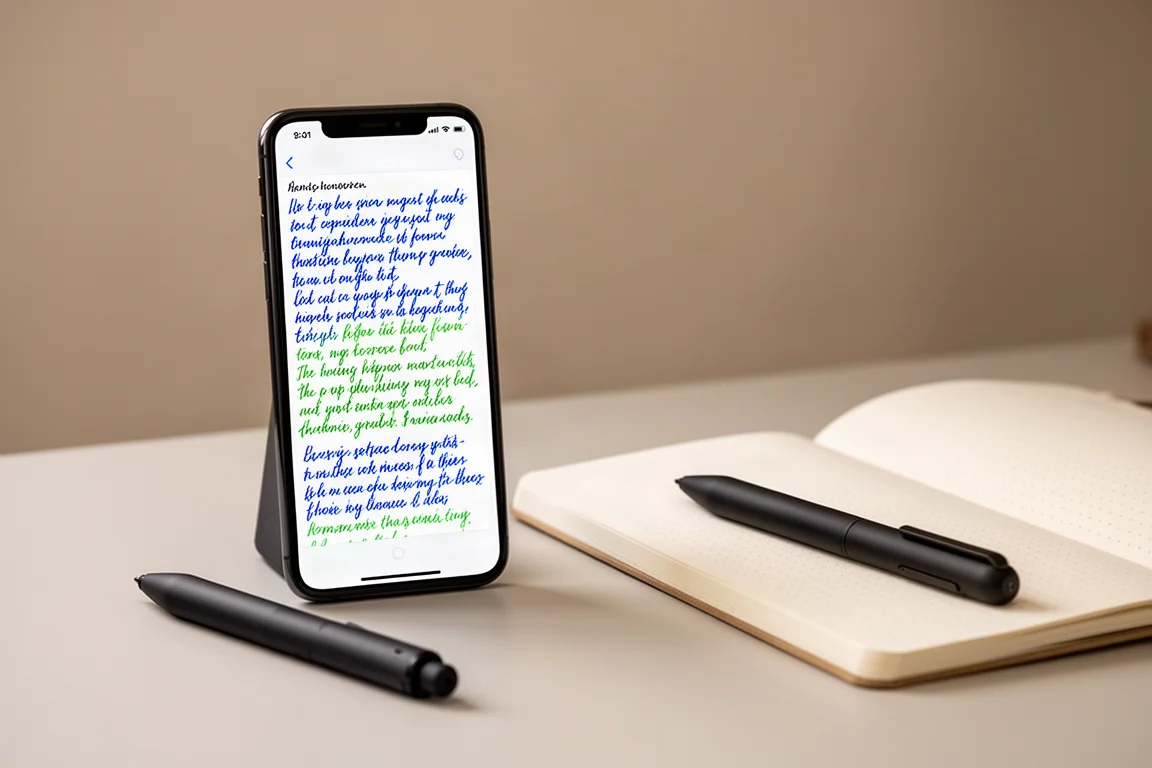
The app is where this set earns its keep. You can change the color and line width of your strokes after the fact, with a wide palette to pick from, since the ink on paper never changes. A replay feature lets the app animate your handwriting stroke by stroke, with adjustable speed, which is a fun way to share notes or short clips. The transcription function converts handwriting into typed text. Cursive handling was imperfect during testing, but block print did reasonably well, and even a grocery list written in capitals came out nearly clean. Editing a slightly flawed transcription is still far faster than typing everything from scratch.
One small but delightful detail: when you start writing on a new page of the notebook, the app follows you to a new page automatically.
The Notebook and Dot Grid
The included notebook measures 145 by 210 millimeters with 192 pages of 80 gsm paper. It has two bookmarks, a rear pocket, a table of contents, and a pen loop, which is a thoughtful touch. The paper is dot grid, and those tiny dots are the key: the pen and app use them to track exactly where you are on the page.
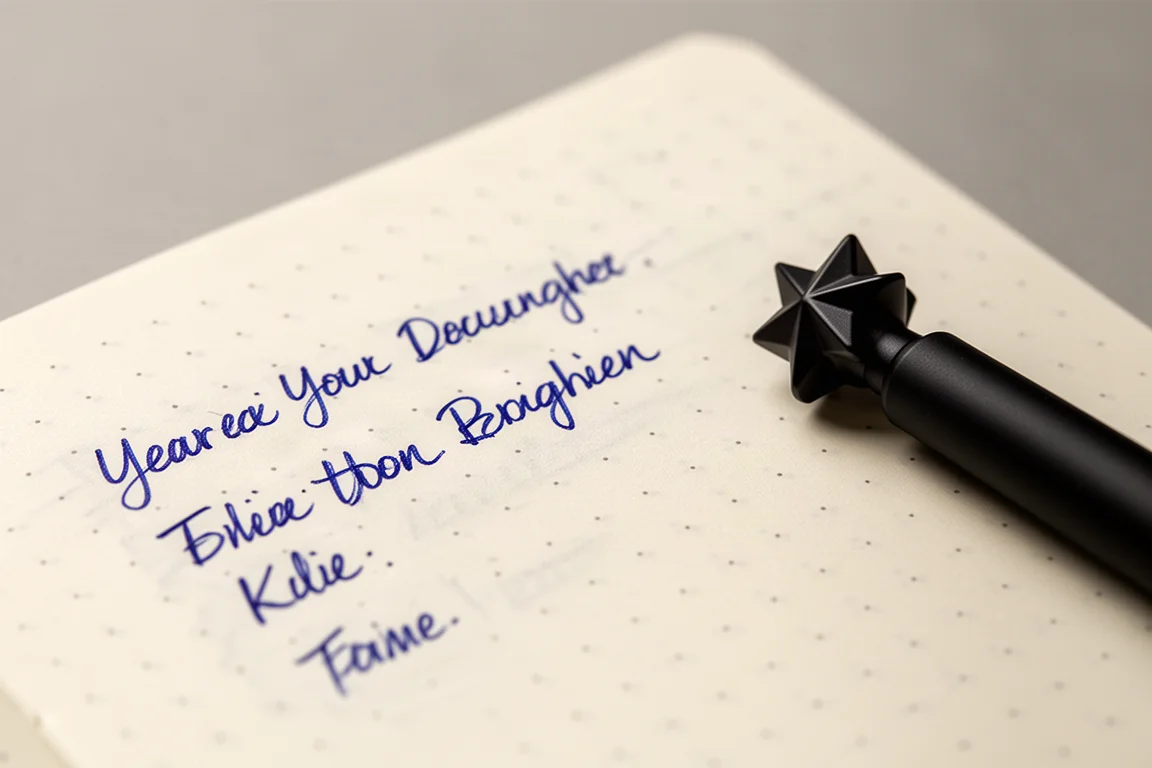
This is the one real constraint worth understanding before buying. The pen does not digitize on normal paper. It needs the proprietary dot-grid stock, and that applies to any competing dot-pad systems too. Replacement notebooks cost around 16 euros each, which is a recurring cost but not an unreasonable one.
What We Like
The value proposition stands out. The full set costs about 125 euros, including a rechargeable pen and a notebook, and follow-up notebooks are around 16 euros. Comparable systems from other German stationery brands charge north of 80 euros for notebooks and multiples of this price for the pen. The app’s feature depth, especially transcription and replay, adds real utility beyond simple digitization, and the rechargeable design means no battery purchases.
Handwriting-to-text conversion is not flawless; it is optical character recognition applied to handwriting, so expect occasional errors. It also raises fair questions about privacy, since the pen pairs without an authentication step. And if you were hoping for a fountain pen version, that does not exist yet, though it would be a natural future step.
Things to Consider Before Buying
Think first about whether your handwriting habits suit transcription. Quick, fairly neat block print produced the best results; elaborate cursive needs more editing. Consider the ongoing notebook cost and the fact that your digitized writing is tied to this paper system. Also confirm you are comfortable with a phone app sitting at the center of your note-taking workflow.
Who This Set Makes Sense For
Artists who want to digitize sketches are an obvious audience, but the more interesting use case is office work: meeting notes and minutes that turn instantly into editable text you can copy into an email. Anyone who prefers handwriting but hates retyping will find the transcription saves meaningful time. It is not perfect, but it is close enough that editing beats retyping.

If you write mostly on the move in any random notebook, this is not the system for you, since the digitization depends entirely on the dot-grid paper. But if your writing happens at a desk, in meetings, or in a dedicated journal, the workflow fits naturally.
Conclusion
The LAMY Ncode digital pen set is more capable than its Safari-style exterior suggests. The pen writes well, setup is effortless, and the app delivers color control, replay, and surprisingly usable transcription. The recurring notebook cost and the reliance on proprietary paper are the main caveats, but for meeting notes and handwriting digitization, the set offers a lot of functionality for the price.
Product link
View more details for LAMY Ncode Digital Pen Set
This product is mentioned in the review. Check the specifications, options, and compatibility before buying.
View more details for LAMY Ncode Digital Pen SetFurther reading
Related Reviews
E-Readers
Boox Go 10.3 Gen 2: A Deep Dive Into the Writing Experience, Screen Quality, and Everyday Trade-Offs
A detailed look at the Boox Go 10.3 Gen 2, covering the active pen, front light options, ghosting behavior, and how it compares to the Gen 1 and Note Max.
Stationery
LAMY Fountain Pens Compared: Six Pens from Budget to Luxury
From the beginner-friendly LAMY Nexx to the iconic LAMY 2000, six fountain pens across three price tiers, with honest guidance on which one fits your hand and budget.
Stationery
LAMY Safari Kuru Toga Inside Review: A Classic Body With a Smarter Lead Rotation Engine
The LAMY Safari Kuru Toga Inside pairs LAMY's iconic ergonomic grip with Mitsubishi Pencil's refined Kuru Toga KS engine. Here is what works, what does not, and who it suits.