Tech
Komoot Apple Watch App Review: Offline Maps and Turn-by-Turn Navigation on Your Wrist
The new Komoot Apple Watch app brings offline maps, route navigation, and workout recording to your wrist, letting you leave the phone behind.
Introduction
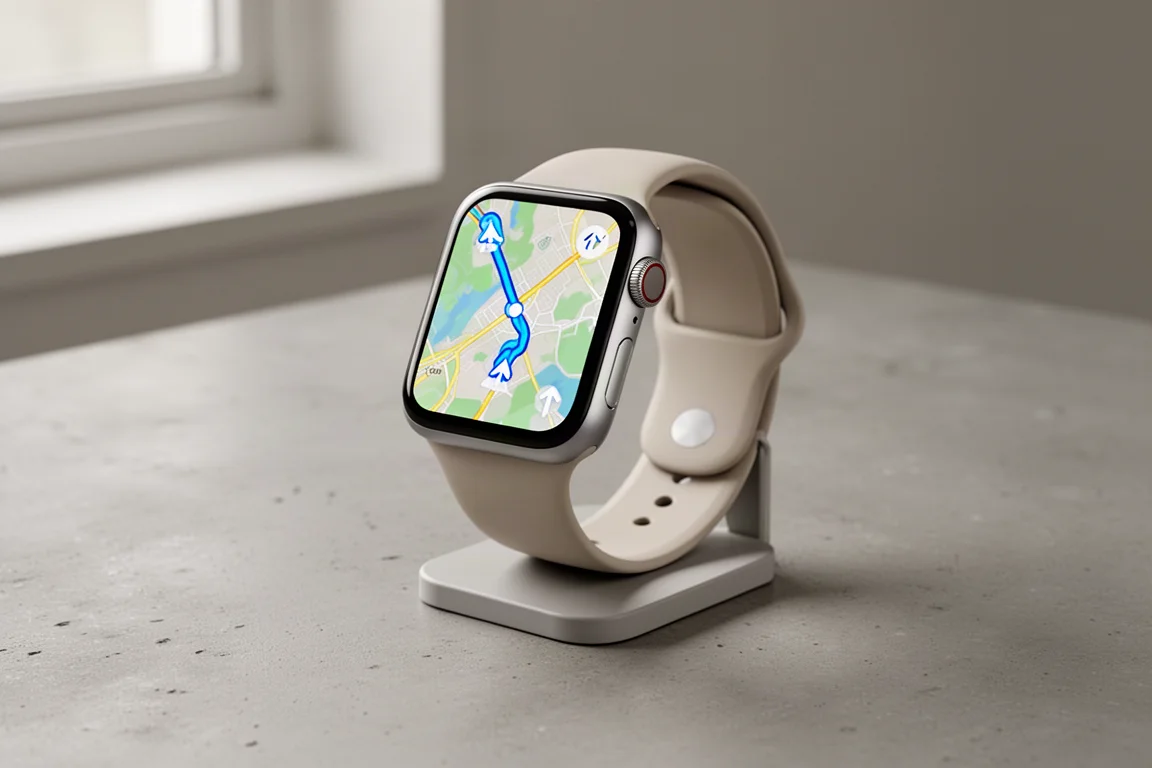
Komoot has launched a new Apple Watch app that finally makes leaving your phone behind practical. It combines offline maps, turn-by-turn route navigation, and workout recording in a single app on your wrist. You can sync routes from your Komoot account straight to the watch and navigate them while hiking, biking, running, or doing other activities.
Komoot itself is a route-planning service similar to Strava or Ride with GPS. It uses crowd-sourced data to show how popular a street or trail is, so you can build the most suitable route for your activity. The previous Apple Watch app already offered turn-by-turn directions, but this new version adds offline map functionality, with more features planned in future updates.
How Much Does It Cost?
Here is the good news: the offline map feature does not require a Komoot premium subscription. As a free user, you can choose one region of your choice for offline use. If you need more coverage, you have the option of purchasing additional regions or the entire world map, depending on your needs.
Getting Started and Setup
Once the Komoot app is updated on your phone, you can install the Komoot app on your Apple Watch and complete the setup process to connect it to your Komoot account. During setup, the app also asks to sync with Apple Health, which sends activity data over to Apple Health and the Fitness app.
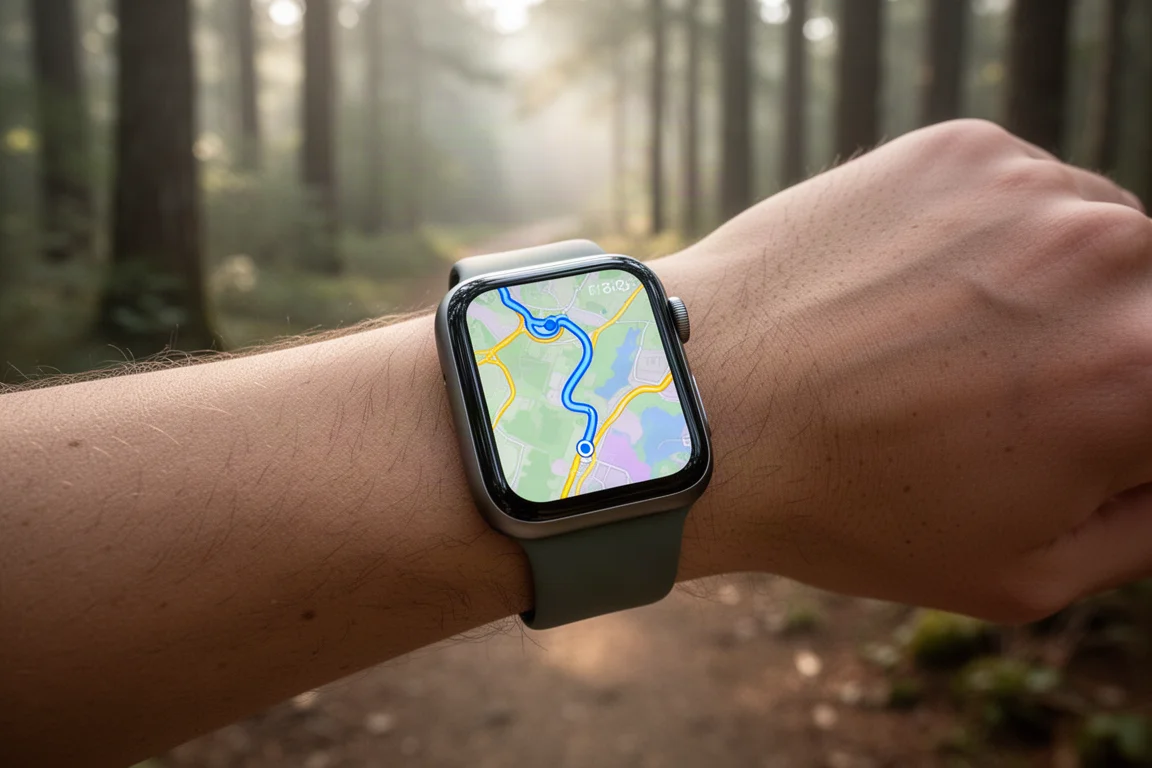
After installation, the watch app presents three options: viewing your saved routes, recording an activity without a route, and settings. Your saved routes are the ones you have already built in Komoot on the smartphone app or on the web.
Saving Routes for Offline Use
Tapping a saved route gives you the option to download the map for that route offline. Scrolling down shows route details such as distance, estimated finish time, elevation gain, and an elevation profile. Once the map is downloaded, the route is marked as saved offline and ready to use without your phone.
Navigation and Map Experience
Even before pressing start, the route appears on the map so you can pan around and get a feel for where it begins and where it goes. Once started, the app shows turn-by-turn directions along the route.
One limitation at launch: the app does not guide you to your start location if you are some distance away from it. Re-routing features that relate to this are planned for the future.
On the route itself, the path ahead is shown as a solid blue line, while an orange line marks where you have already been. Directional arrows appear on the route path, so if you are doing a loop, the app shows whether to go clockwise or counter-clockwise. The clear white arrows indicating which way to turn are particularly easy to read at a glance.
The map theme deserves a mention as well. Colors matter enormously for readability, and Komoot has done a strong job here, making it easy to see where you are, where you have been, and which way to go. You can pan around the map by touch and use the digital crown to zoom in and out. The zoom range is currently somewhat limited, as you cannot zoom out very far, but the useful range is still practical, and a higher zoom level is planned in an update.
The maps are also sport-specific. For cycling, the map shows cycling paths; for mountain biking, it shows mountain bike trails.
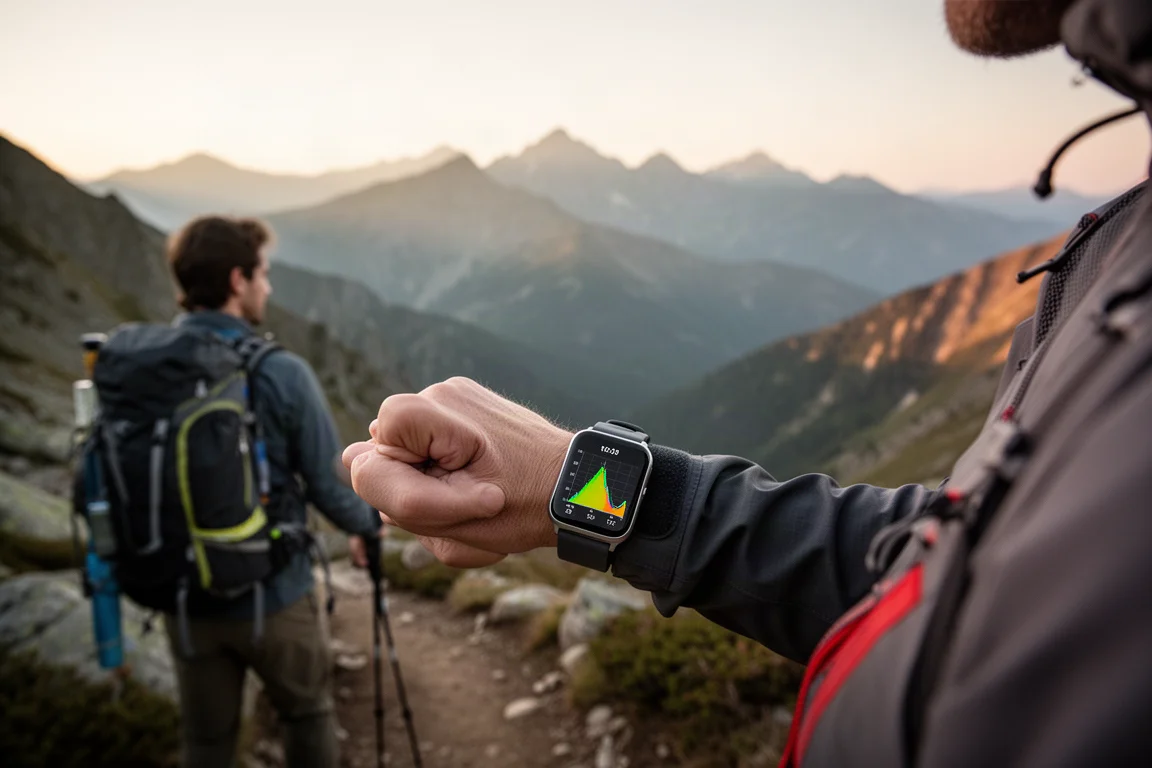
Tapping the upper right corner switches between the map view and data pages showing stats like distance, elevation gain, distance remaining, estimated time remaining, current elevation, incline or grade, heart rate, calories burned, and a handy elevation profile showing where you are on your climbs and descents.
Going Off Route
When you stray off route, the app takes roughly 50 to 60 meters before alerting you with a haptic vibration to return to the route. This is one area where the experience could be more obvious: a louder alert tone, larger red text on the map, or a color change on the breadcrumb trail indicating you are off route would help.
Automatic re-routing, meaning specific directions to get back onto your route, is not available at launch but is planned for the future. In the meantime, the breadcrumb trail and map still give you enough information to find your way back if you want to explore briefly off route.
Recording and Saving Activities
To finish an activity, tap the upper left corner to bring up the pause screen, then tap finish. The activity summary shows distance, elevation gain, calories burned, and even steps, and everything is saved to your Komoot account. Activities also sync to Apple Health so you get credit for your rings and steps.
One oddity noticed during testing: in the Fitness app activity summary, heart rate during the activity was displayed, but calories burned and a map of the activity were not shown, even though the watch itself displayed calories burned and permissions were verified as enabled. The move ring did update correctly. This may simply need to settle during the Apple Health connection.
Recording Without a Planned Route
You can record an activity without a pre-planned route, but keep in mind that maps may not be installed if you are out of phone range or did not have connectivity. Right now, the experience is really about having your route planned before heading out.
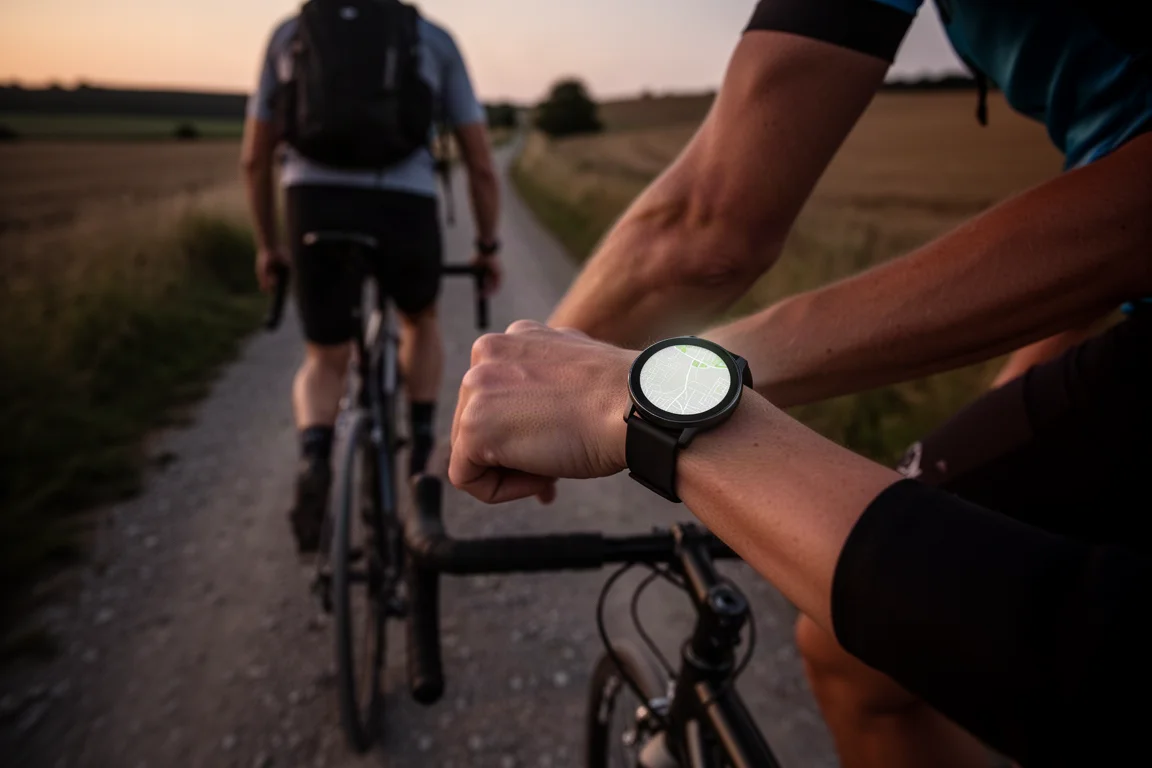
There is also a limitation on how maps reach the watch: you can currently only download maps associated with specific saved routes, not entire regions. You cannot, for example, download a map of Colorado. Region downloads are planned for the future.
When fully offline with no phone, Wi-Fi, or cellular connectivity, the watch retains maps covering roughly an estimated five-mile square area around where it last had a connection. These maps show streets, trails, and other landmarks, but not more detailed information such as actual street or trail names.
In the settings, you can delete offline maps and force a sync of your activities.
Planned Future Features
Komoot has a substantial roadmap for this app. Automatic re-routing is coming, which will calculate a specific path to get you back on route if you stray. There is also a live route editing feature, where changes made to a route on your phone automatically sync to your watch.
Not mentioned, but worth hoping for: creating a route on the fly on the watch itself, or choosing a location on the map to navigate to directly from the watch without your phone.
Another planned feature that could be exciting for cellular Apple Watch owners is live tracking, letting you send your location to contacts so they can follow your activity. Nothing was said about whether this would work with the Apple Watch Ultra 3 satellite connectivity, though it is worth noting that the native location sharing on that watch is not a real-time feature and must be sent manually.

Further plans include more map detail such as highlights, points of interest, and possibly dangerous sections along your route, plus more customization options for data fields and more sorting and filtering options for saved routes on the watch.
Buying Advice
If you already use Komoot for route planning, this app makes everything feel seamless: your routes, the navigation, and the workout recording all live in one place on your wrist. If you prefer heavy customization, an app like WorkOutDoors offers a lot in that regard, but it is not a native route-building service with crowd-sourced data like Komoot. For anyone who wants to leave the phone behind and still navigate confidently, this app is a compelling reason to plan routes in Komoot.
Conclusion
The new Komoot Apple Watch app delivers on a simple but valuable promise: offline maps, turn-by-turn navigation, and activity recording without needing your phone along. It works with a free Komoot account for a single region, the map design is clear and sport-specific, and a solid roadmap of features like automatic re-routing and live tracking is on the way. With a few rough edges around off-route alerts and Fitness app syncing still to be ironed out, it is already a genuinely useful tool for hikers, cyclists, and runners alike.
Product link
View more details for Komoot Apple Watch App
This product is mentioned in the review. Check the specifications, options, and compatibility before buying.
View more details for Komoot Apple Watch AppFurther reading
Related Reviews

Tech
Apple MacBook Neo Review: A Surprisingly Capable Budget Laptop
The MacBook Neo brings M1-equivalent performance to a $599 entry-level laptop. We tested it across real workflows to see if it's worth considering over pricier alternatives.

Tech
ASUS ZenBook 16 With Snapdragon and RTX 4060: Can an ARM Laptop Game With an External GPU?
An early look at pairing an Nvidia RTX 4060 with a Snapdragon-powered laptop using a Thunderbolt 5 eGPU dock, including real gaming results.

Tech
GPD G2 eGPU Dock Review: A Sturdy, Future-Ready Boost for Your Handheld or Mini PC
The GPD G2 eGPU dock brings new connectivity standards, a robust build, and desktop-class graphics to laptops, handhelds, and mini PCs.