Tech
Kaizee Digital Microscope Review: A Fast, Capable Inspection Microscope on a Budget
A 7-inch digital microscope with 1080p video, 16MP stills, adjustable LED lighting, HDMI output, and a detachable head that works for soldering, tool inspection, and documentation.
Introduction
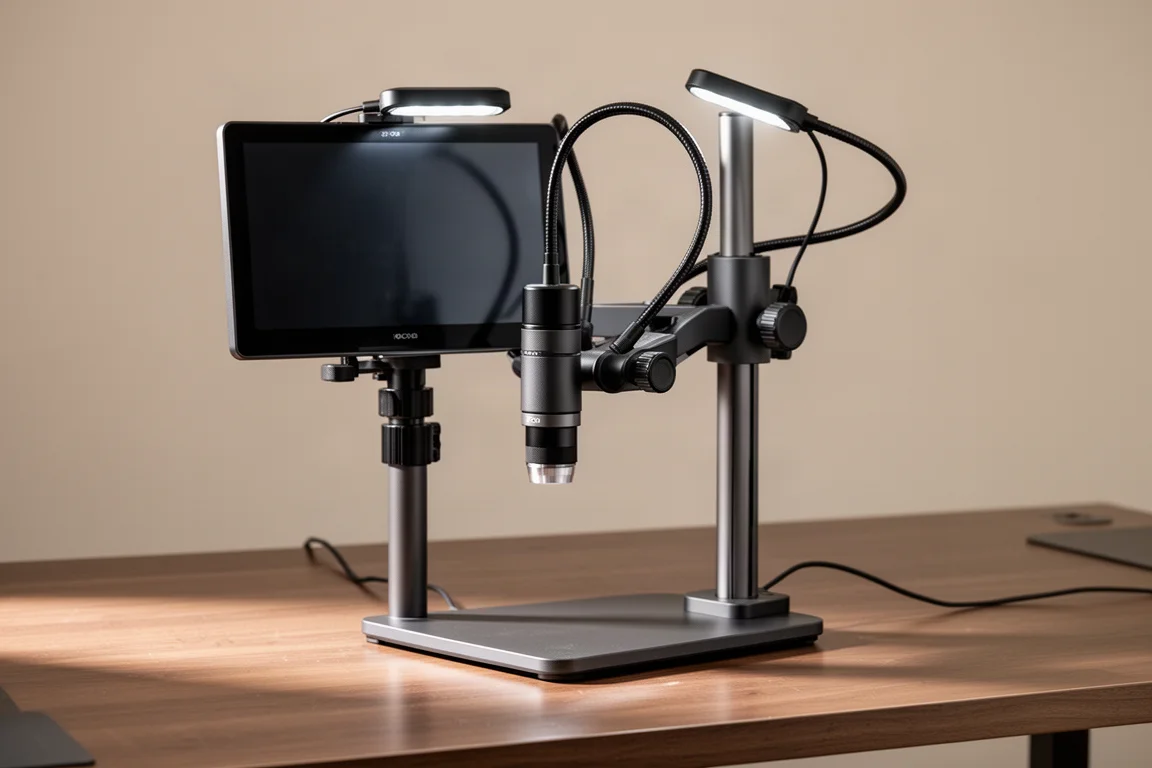
Digital microscopes used to mean a compromise: either an expensive professional optic or a cheap toy that could barely resolve detail. The Kaizee digital microscope lands somewhere much more interesting. It pairs a 7-inch display with 1080p video and 16-megapixel still resolution, a fast zoom-and-focus workflow, adjustable LED lighting, and a detachable head that can live on its stand or move to a tripod mount entirely.
For anyone who inspects small parts, documents findings for customers, teaches, or shoots close-up content, it removes nearly all of the friction that made traditional magnification awkward. You look at the screen, zoom in, focus, and capture. That is the whole workflow, and it is genuinely fast.
Built for Hands-On Work: Soldering and Small Repairs
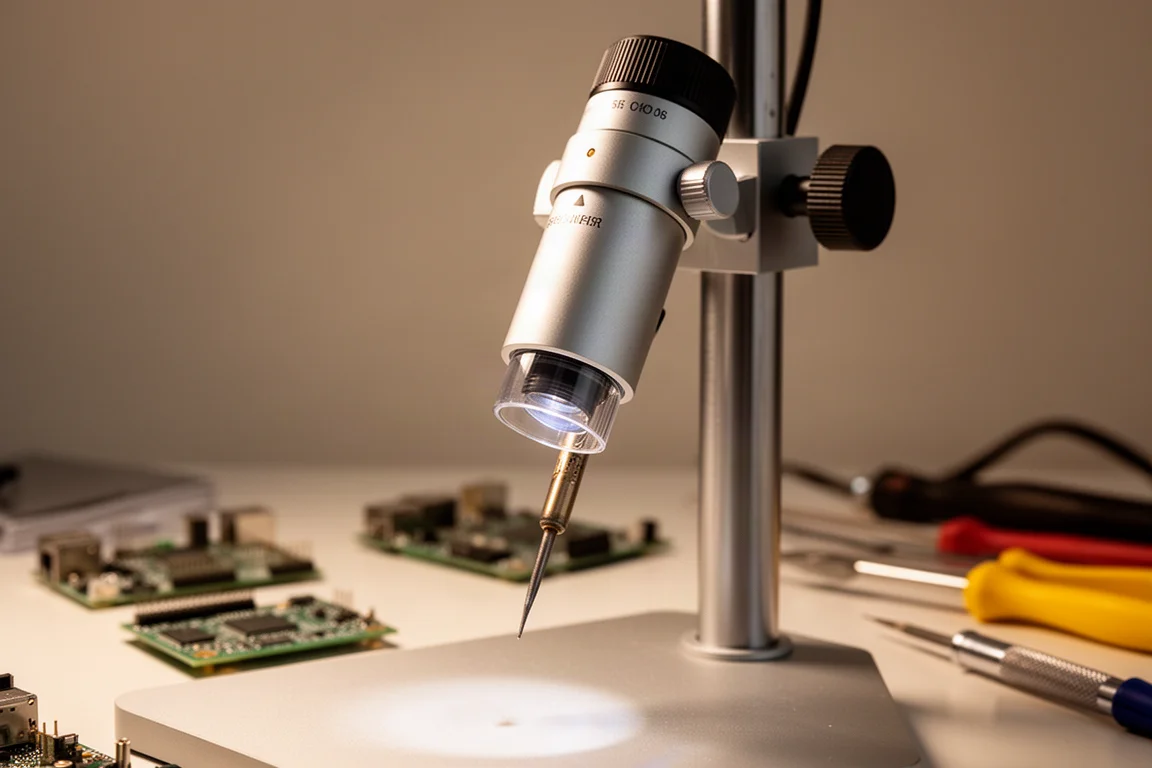
This is often sold as a soldering microscope, and the reason becomes obvious the first time you use it. The large gap between the lens and the workpiece means you can slide a soldering iron, probe, or tweezers right into the frame without knocking anything over. The vertical shaft lets you change working distance and then refocus quickly, so moving from a wide overview to a tight detail shot takes seconds.
That same clearance makes it useful for phone repair and other small-electronics work, where holding a magnifying glass while making connections simply does not work. The gooseneck LED arms and the light inside the lens tube both adjust in brightness with a slide of a finger, so you can dial in contrast instead of fighting glare.
Zoom, Focus, and the Freeze Feature
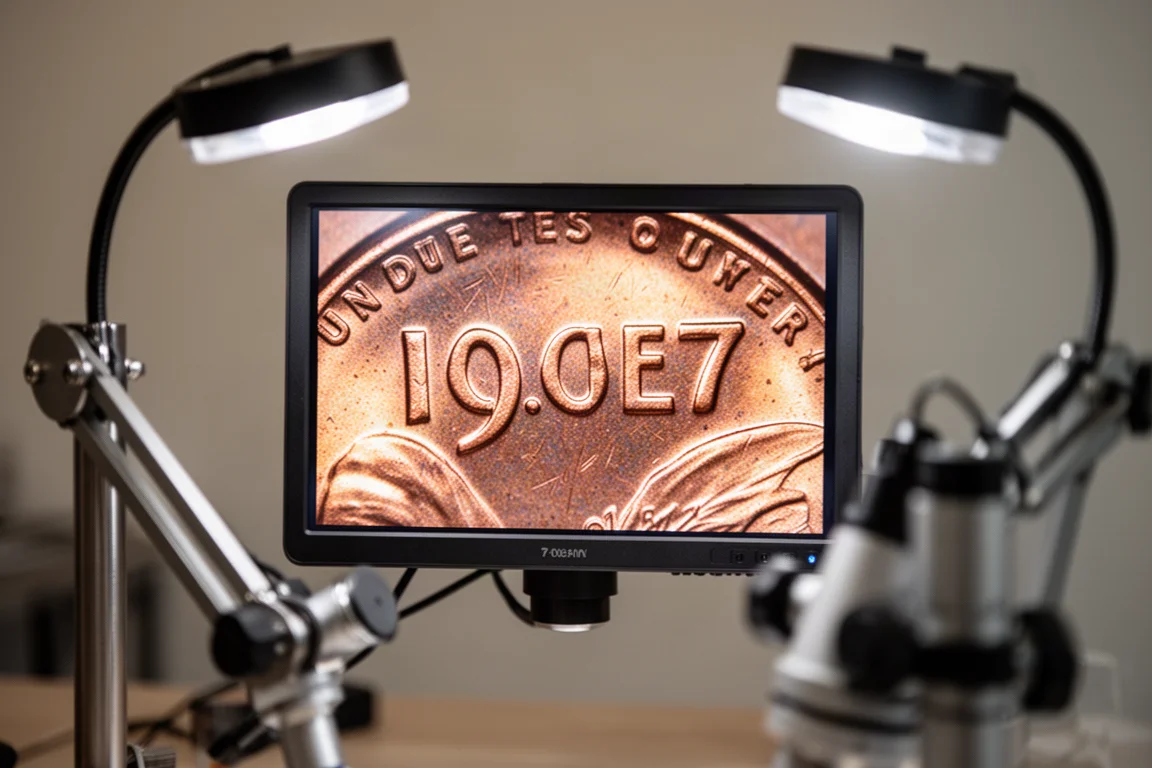
The zoom is the standout. You can go from a wide field of view to a very tight crop on a single detail, like the date stamped on a coin, in a couple of seconds, then refocus just as quickly. A two-way pan-tilt arrangement in the stand helps you line up the subject, and an accessory extension raises the whole column higher if you need more workspace under the lens for larger objects.
The menu system includes a freeze mode that supports up to four on-screen quadrants. You capture a live frame, keep it in one quadrant, and continue working in the others, which makes side-by-side comparison straightforward. That is a practical feature for documenting a sequence or verifying a repair step by step.
Connectivity and Recording
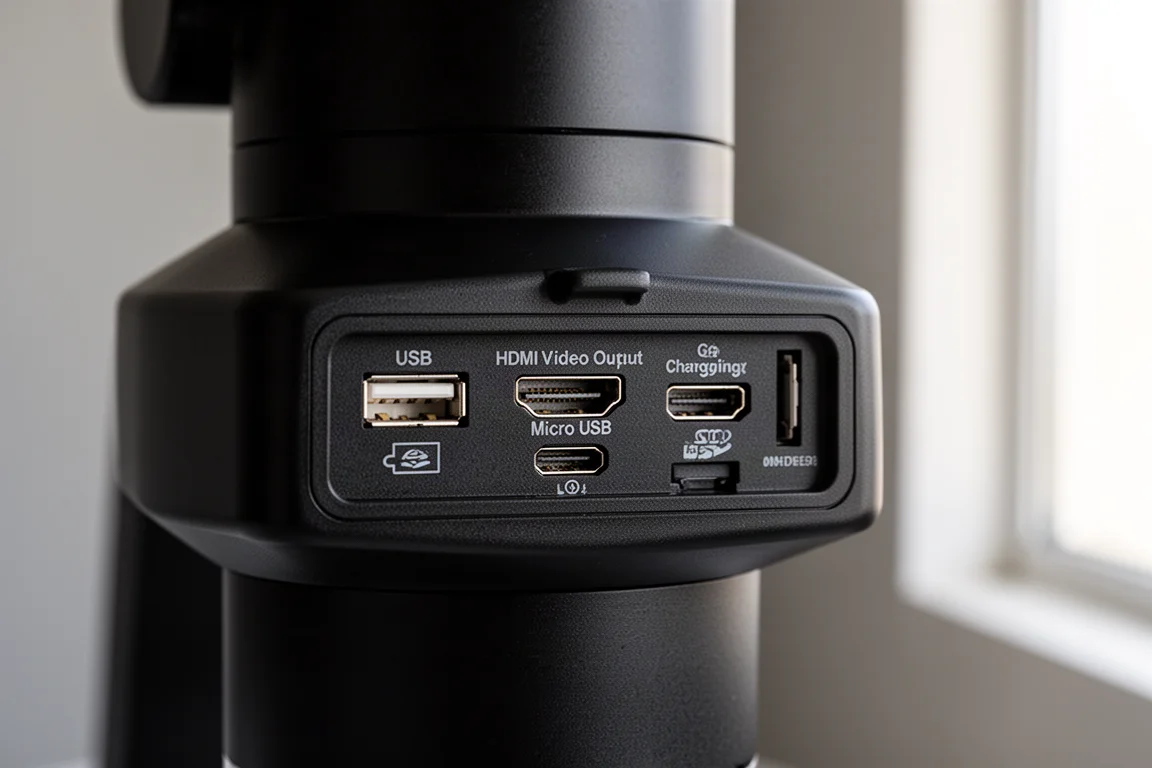
The rear panel covers the essentials: a USB output that powers the lights, a USB input for charging, a micro SD slot, and a full-size HDMI video output for sending the signal to a large screen. Recording goes straight to the included 32GB micro SD card in both video and still formats.
A bundled remote control handles zoom, still capture, and video start from a distance, which matters when you do not want to bump the stand mid-shot. The included battery life is genuinely long; the unit can run for days of casual use between charges. The main interface nitpick is that the screen is not a touch display, so menu navigation feels a bit old-school, though the physical controls are logical enough once learned.
Everyday Inspection and Documentation
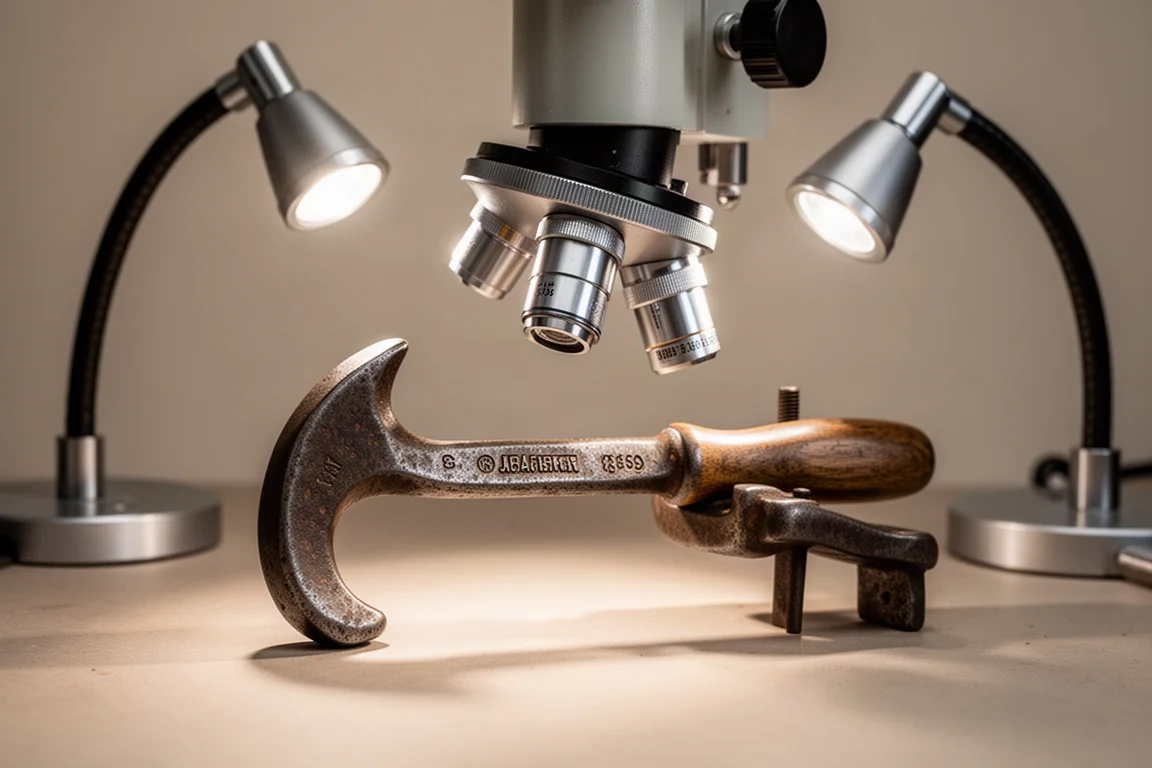
In practice, this is the kind of tool that earns its keep on miscellaneous jobs: identifying an unfamiliar tool from a worn stamped marking, checking the condition of a coin, or photographing a detail for a customer record. Because the head detaches and includes a tripod mount, you can move it to a different rig entirely, and raising the column gives a much larger field of view for bigger objects.
The image quality holds up surprisingly well under real use. Sharpness at high magnification is impressive for the price bracket, and the ability to reposition the light pipes and kill competing room lights makes it much easier to read faint engravings or logos that would be invisible to the naked eye.
Things to Consider Before Buying
The screen is not touch-enabled, which means working through menus with buttons rather than taps. The non-stand parts are lightweight plastic where a premium optic would use metal, though nothing felt fragile during use. And if you need laboratory-grade optics for scientific work, a dedicated stereo microscope is still the right tool. For inspection, repair, teaching, and documentation, though, the Kaizee covers a huge amount of ground at roughly a fifth of the cost of a professional setup.
Buying Advice
Buy this if you solder, repair small electronics, collect or appraise coins and tools, produce close-up content, or teach and need to show fine detail to a group over HDMI. It is simple enough that a beginner will be productive in minutes, but capable enough that it stays useful as a daily inspection tool. A coupon code has been available on Amazon, so check the current listing price before ordering.
Conclusion
The Kaizee digital microscope is one of those tools that quietly changes how you work. Fast zoom, clean 1080p video and 16MP stills, thoughtful lighting control, and a detachable head make it far more versatile than its price suggests. It will be showing up in a lot of future inspection work, and for most people who need to see and capture small detail, it is an easy recommendation.
Product link
View more details for Kaizee Digital Microscope
This product is mentioned in the review. Check the specifications, options, and compatibility before buying.
View more details for Kaizee Digital MicroscopeFurther reading
Related Reviews
Tech
Apple MacBook Neo Review: A Surprisingly Capable Budget Laptop
The MacBook Neo brings M1-equivalent performance to a $599 entry-level laptop. We tested it across real workflows to see if it's worth considering over pricier alternatives.

Tech
ASUS ZenBook 16 With Snapdragon and RTX 4060: Can an ARM Laptop Game With an External GPU?
An early look at pairing an Nvidia RTX 4060 with a Snapdragon-powered laptop using a Thunderbolt 5 eGPU dock, including real gaming results.

Tech
GPD G2 eGPU Dock Review: A Sturdy, Future-Ready Boost for Your Handheld or Mini PC
The GPD G2 eGPU dock brings new connectivity standards, a robust build, and desktop-class graphics to laptops, handhelds, and mini PCs.