Thermal Imaging
Kaiweets KTI-K01 Thermal Imaging Camera Review: A Standalone Point-and-Shoot Thermal Tool
The Kaiweets KTI-K01 combines a touchscreen interface, five onboard sensors, and flexible temperature modes in a standalone thermal camera aimed at practical inspections.
Introduction
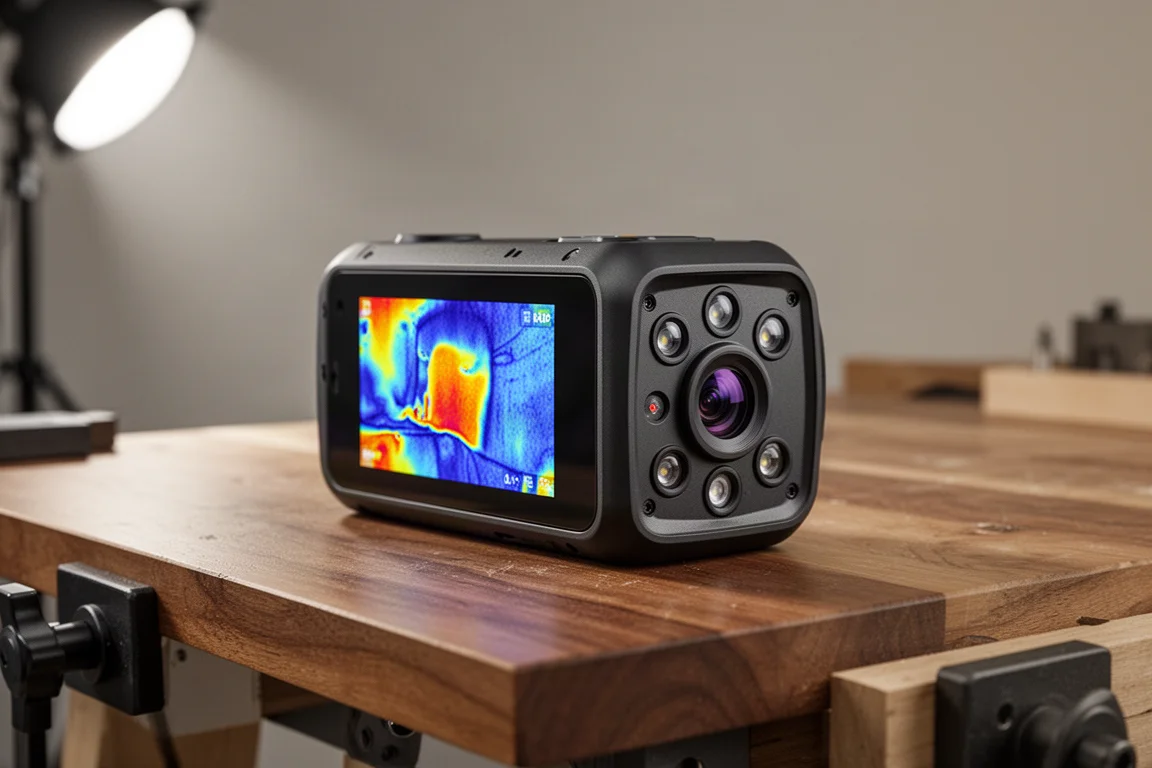
Kaiweets is best known for multimeters, voltage testers, and a few hand tools, and the KTI-K01 thermal imaging camera is a notable step into standalone thermal imaging. Rather than a module that attaches to a phone, this is a point-and-shoot style camera that feels much like a traditional camera in the hand, with a big shutter button for the index finger and power at the top.
It performs at a level Kaiweets positions above the usual budget attachments and gun-style thermal viewers, and for most inspection applications it reads as a genuinely high-end option that is still quite affordable for what it does.
Design and Handling
The form factor will feel immediately familiar to anyone who has used a compact point-and-shoot camera. The bottom houses a USB-C charging port and a quarter-inch socket for tripod mounting. On the back there are just two function buttons, which can be assigned to your most-used features, alongside a big, bright full-color touchscreen.
Navigating the interface feels somewhat like using a smartphone, which makes the deep feature set easy to explore without a manual.
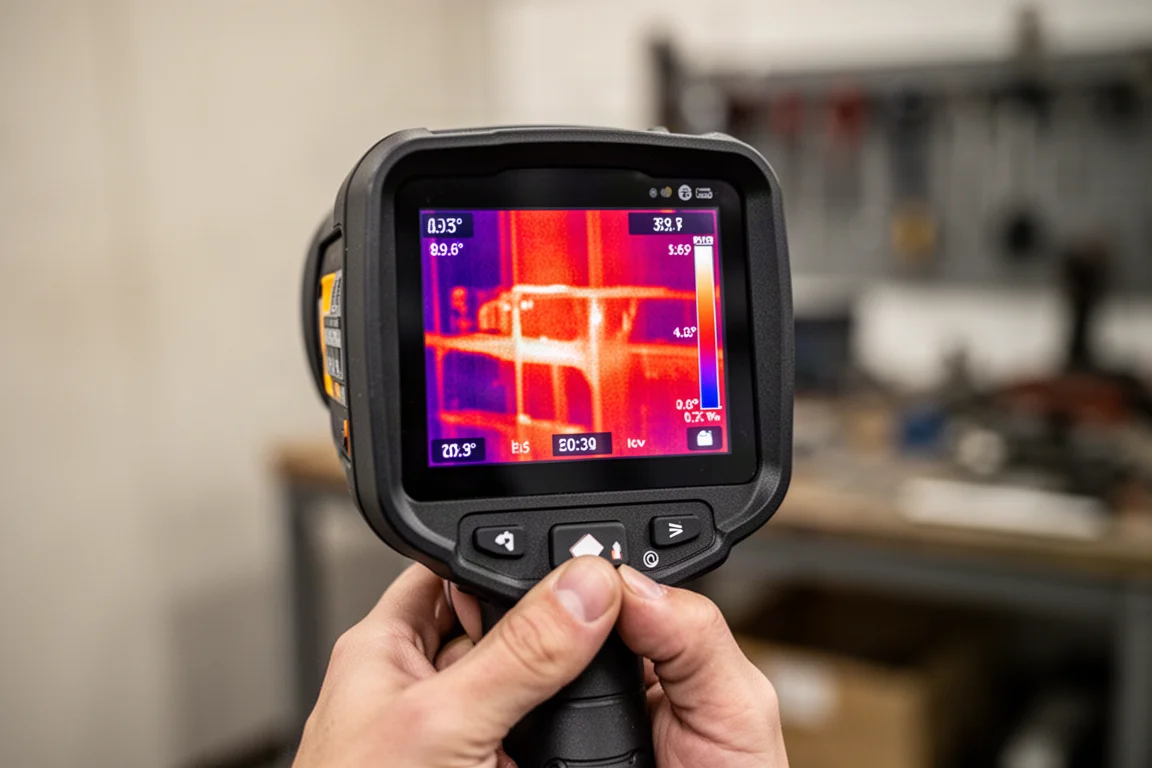
The front end is where things get interesting: there are five separate lenses. These include a fill light or flash, laser range finding, a visible-light camera, a laser spot for targeting, and the main infrared lens. Switching between modes is done directly on the touchscreen.
Image Modes and Menus
The KTI-K01 offers several capture modes. Infrared is the core mode, visible light works like a traditional camera, picture-in-picture combines the infrared and visual feeds, and there is a 3D-style multi-spectral setting as well.
Menus are touched through quickly. You get the gallery, image capture types, targeting, color palettes, control over the front light and flash, and general settings. The palettes include white hot, black hot, iron red, hot iron, rainbow, and Arctic, with iron red being a common working choice.
Object analysis is one of the more useful touches. You can target specific objects and draw shapes or testing regions on screen to measure exactly the area you care about, then clear those regions when you are done.
Everyday Use Cases
In practice the camera handles a wide range of scenes. It picks up fine temperature differences between trees in a forest at around 40 degrees, tracks a dog resting near a wood stove at around 133 to 134 degrees on the surface, and reads cooking surfaces above 300 degrees. On a fire it even registered greater than 1,000 degrees, showing the high end of its range.
That breadth maps directly onto real work: ductwork inspection, spotting hot electrical systems, and finding friction in mechanical systems are all listed uses where this kind of camera earns its keep. An electrical panel where cords are plugged in showed problem heat quickly and clearly.
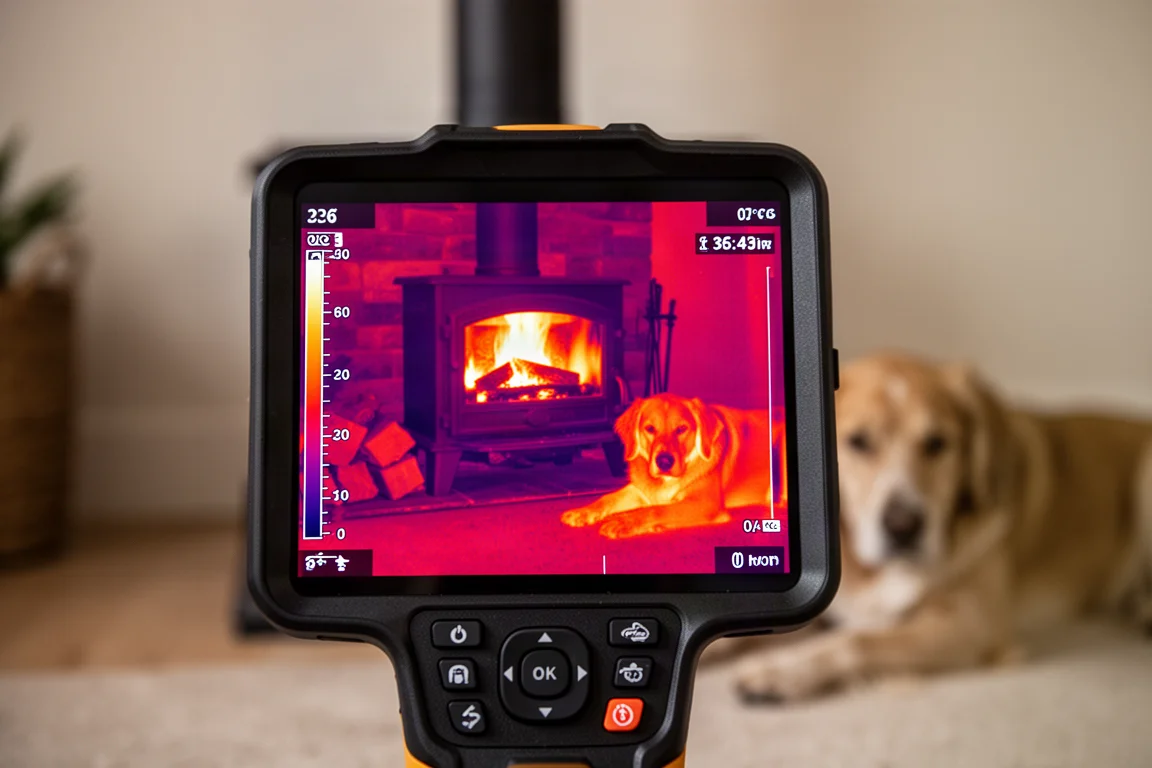
The F2 function button, as configured, cycles through three temperature modes: auto, a lower range, and a high range that goes up to 1,000 degrees. On the high range, objects can all stay the same color because the differences between them are not enough to register on that scale; dropping to a lower range immediately reveals detail, including a hand’s heat signature.
Storage, Connectivity, and Sharing
Onboard storage holds a solid gallery of captures, and there is a second gallery mode for the cloud. The camera connects over Wi-Fi to a cloud storage platform hosted by Kaiweets, letting you drop images there to share with anyone logged into that platform.
From there you can draw the images down onto a PC (not Mac) and use Kaiweets’ thermal imaging software for further analysis. It is a simple workflow, though Mac users will want to note the limitation.
Carrying Case and Accessories
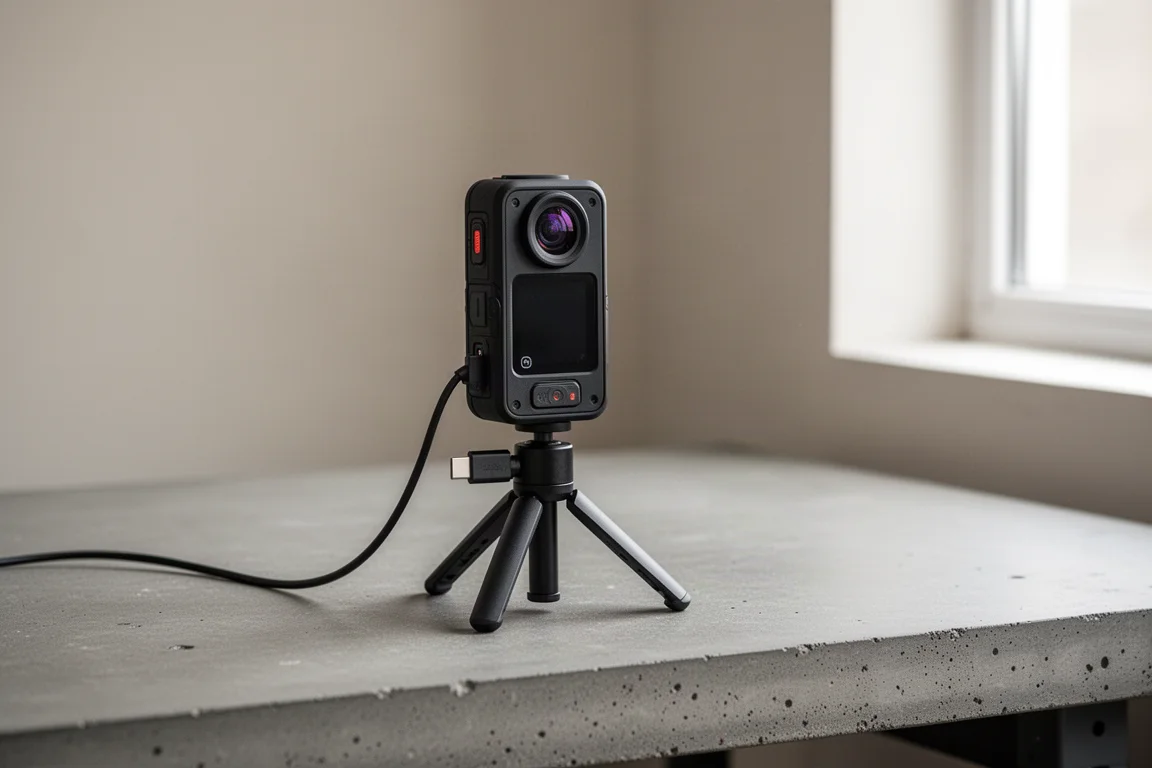
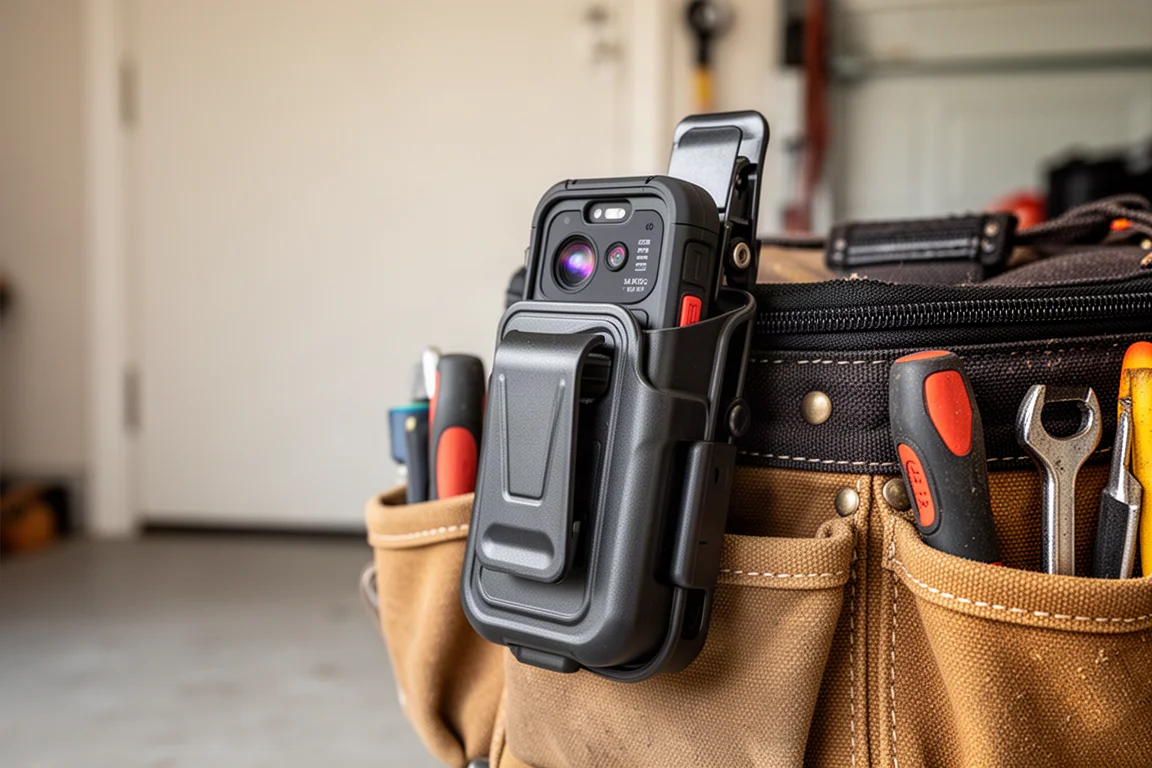
The KTI-K01 ships with a case and a factory calibration certificate, which is a nice touch for anyone using it in a professional context. One owner-friendly tip: the camera also fits well into a repurposed hard-shell phone case with a clip, making it easier to pull out and use on the go, while the included case remains the better option for storing it in a toolbox.
Buying Advice
This camera suits homeowners, DIYers, and tradespeople who want standalone thermal imaging without the price and complexity of professional-grade equipment. If you inspect ductwork, electrical connections, or mechanical systems, the object analysis tools and multiple temperature ranges make it genuinely practical rather than a novelty.
If you mostly work on a Mac, weigh the PC-only thermal software limitation. Everyone else gets a capable, phone-like interface with flexible palettes, targeting tools, and cloud sharing in a package that undercuts many dedicated thermal cameras.
Conclusion
The Kaiweets KTI-K01 is a confident first step from a brand known for affordable test tools into standalone thermal imaging. With five front-end sensors, a responsive touchscreen, multiple image and temperature modes, and cloud sharing built in, it delivers a next-level point-and-shoot thermal experience at a price that stays within reach for most applications.
Product link
View more details for Kaiweets KTI-K01 Thermal Imaging Camera
This product is mentioned in the review. Check the specifications, options, and compatibility before buying.
View more details for Kaiweets KTI-K01 Thermal Imaging CameraFurther reading
Related Reviews
Thermal Imaging
Best Thermal Imaging Cameras 2026: Top Picks for Accuracy and Value
We tested 12 thermal imaging cameras across accuracy, image quality, and durability to find the best value picks for home and professional use.
Thermal Imaging
Best Thermal Imaging Deals Summer 2026: Five Units Worth Considering
Five thermal imaging scopes with strong summer pricing, from compact monoculars to rangefinder-equipped tube designs. Real strengths and trade-offs for different hunting needs.
Thermal Imaging
Best Thermal Monocular Under $1,000: Five Practical Options for Night Vision
Five thermal monoculars that balance heat detection clarity, battery life, and usability without premium pricing. Real strengths and trade-offs for hunters and night explorers.