Tech Reviews
iPad Mini 6 vs iPad Mini 5: A Pilot's Honest Review
A detailed comparison of the iPad Mini 6 and iPad Mini 5 for aviation use, covering processor upgrades, design changes, Apple Pencil compatibility, and whether pilots should upgrade now or wait.
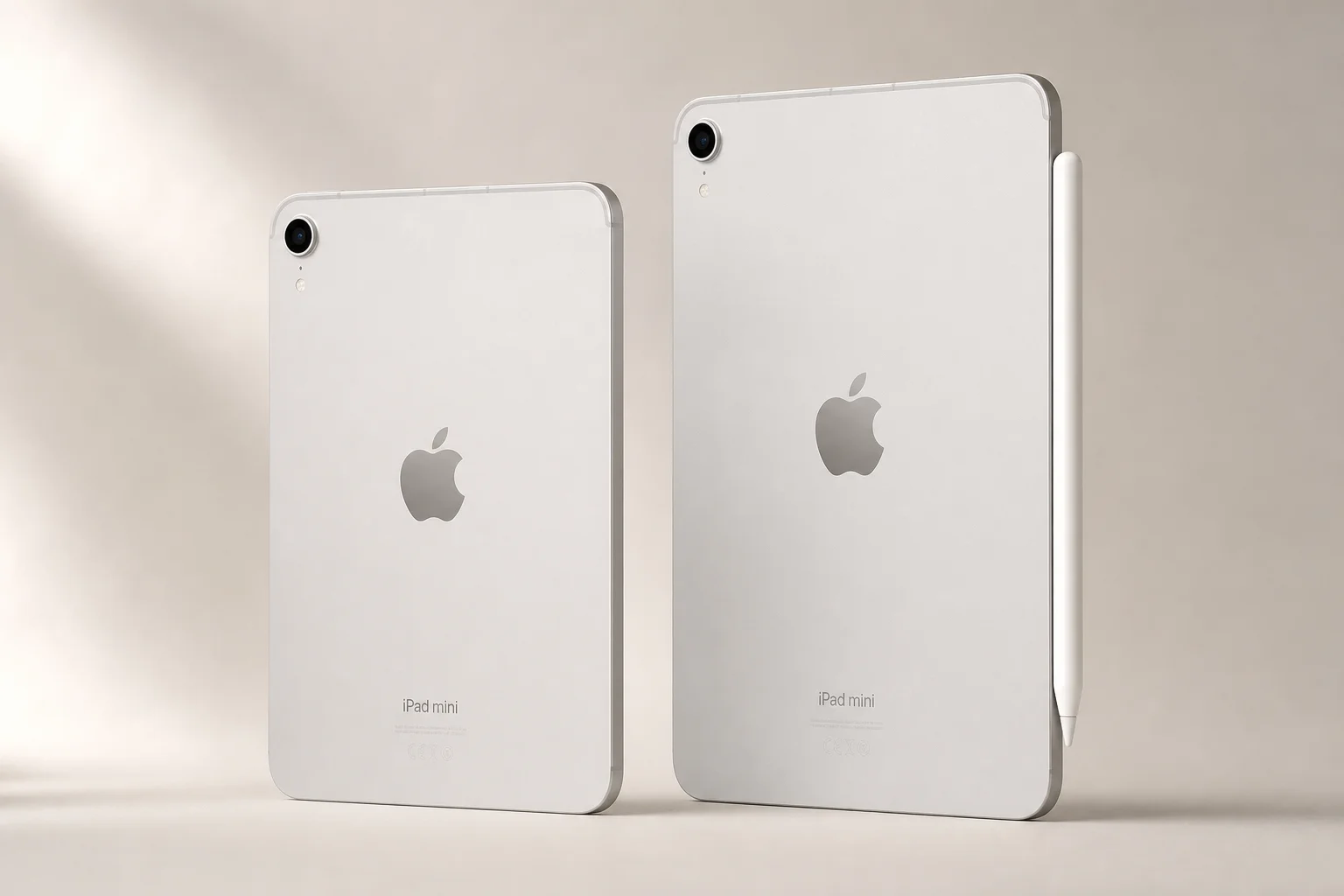
Why iPad Mini for Aviation
The iPad Mini has become the preferred tablet choice for pilots and aviation professionals. Unlike the standard iPad, which many find too large for cockpit use, the iPad Mini strikes a balance between screen real estate and practical portability. Apple even highlighted aviation as a key use case when announcing the latest generation, underscoring how synonymous the device has become with electronic flight bag applications in the cockpit.
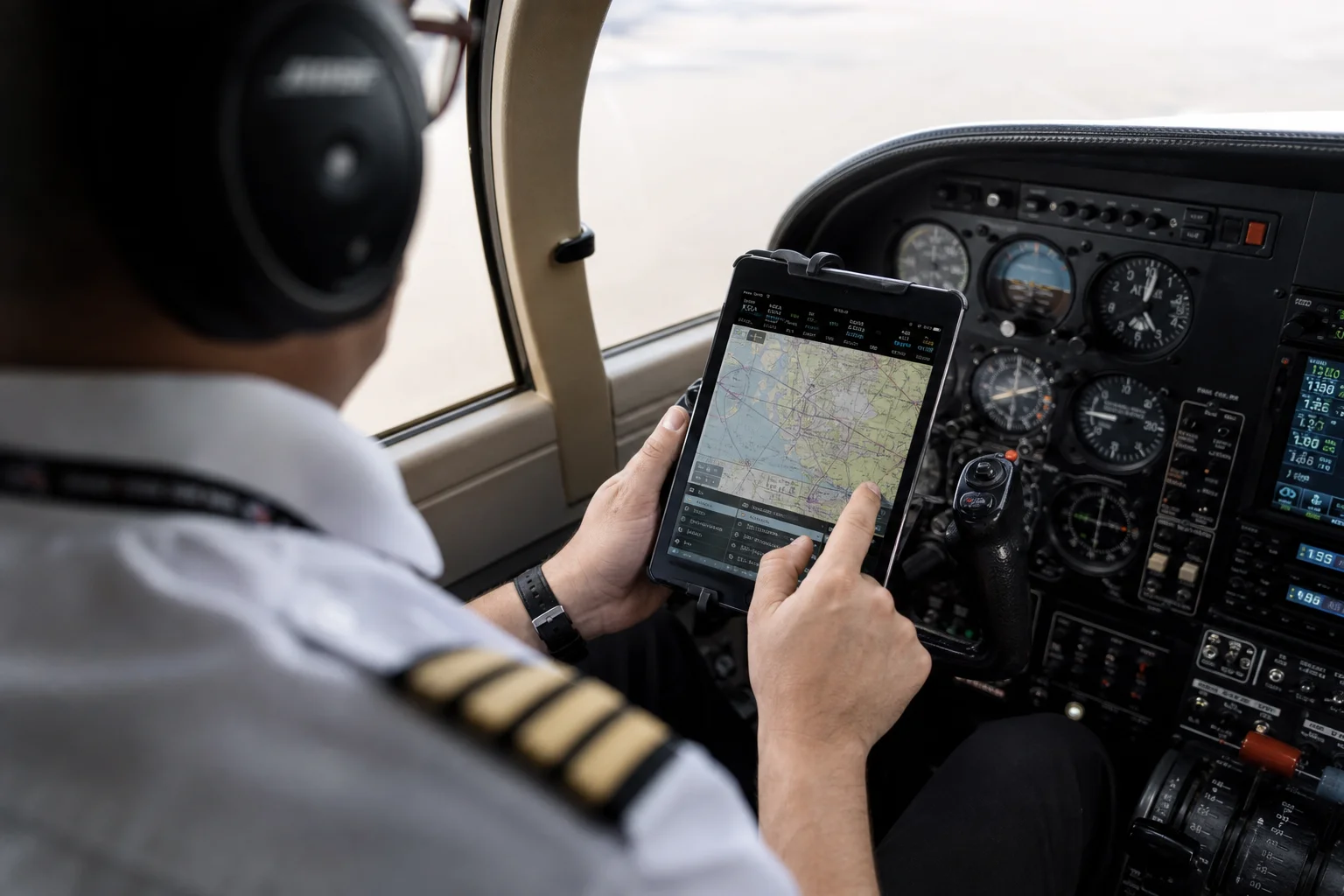
For pilots managing flight planning, weather data, navigation charts, and real-time communication with air traffic control, the iPad Mini’s compact form factor makes it the natural choice. It fits comfortably on a yoke mount, sits easily on a lap, and doesn’t consume excessive cockpit space.
Processor and Performance
The most significant internal upgrade between the iPad Mini 5 and iPad Mini 6 is the processor. The iPad Mini 6 features Apple’s A15 chip, a substantial jump from the A12 processor in the iPad Mini 5. This means faster app loading, quicker calculations, and snappier overall performance.
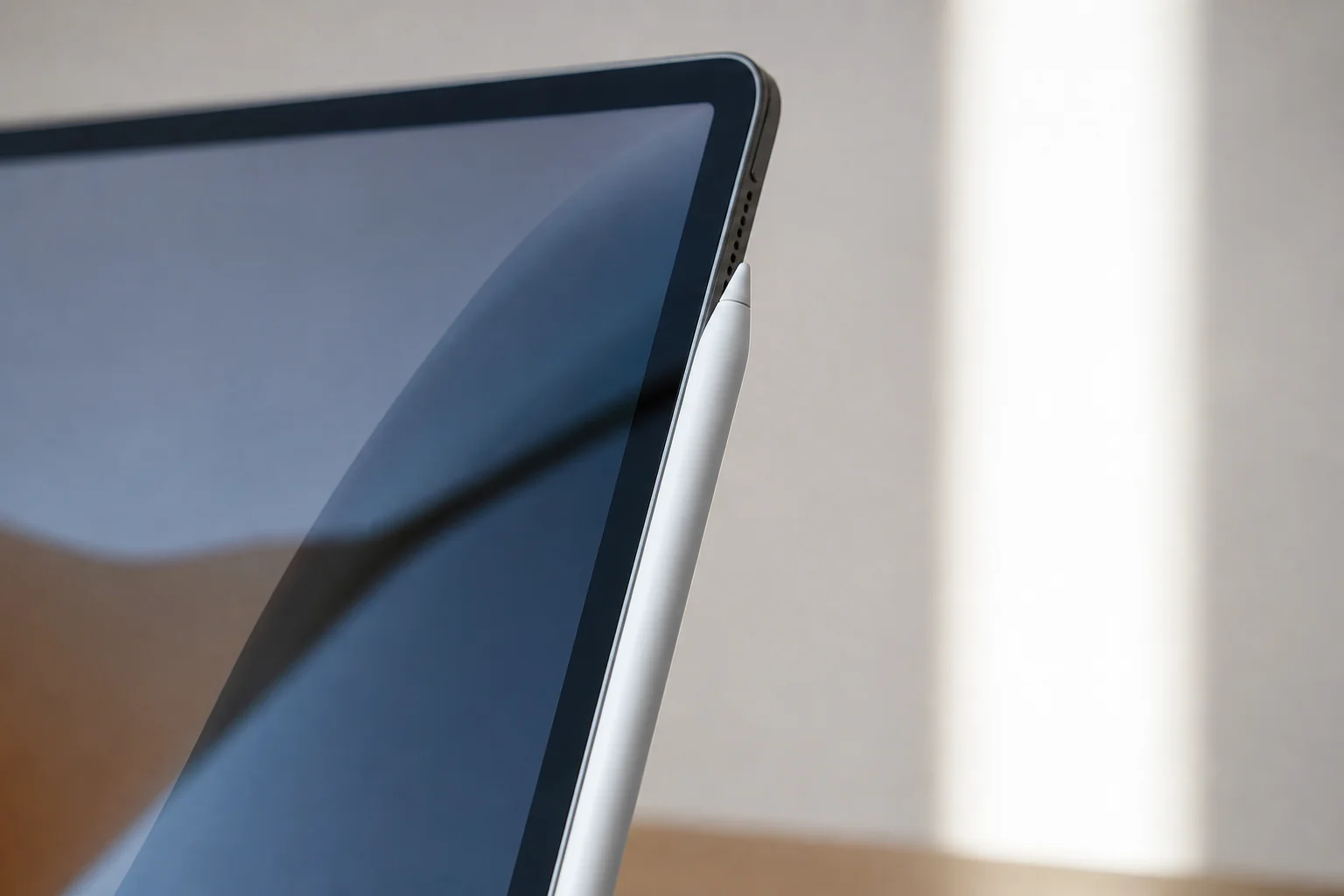
For electronic flight bag applications, which are becoming increasingly complex with real-time weather integration, radar imagery, and navigation data, the faster processor is a practical benefit. Apps load noticeably quicker on the new hardware, and complex flight planning tasks execute more smoothly. If you’re running software like Garmin Pilot, ForeFlight, SkyDemon, or AvPlan, the performance difference becomes apparent during longer flights when you’re managing multiple data streams simultaneously.
Design and Physical Changes
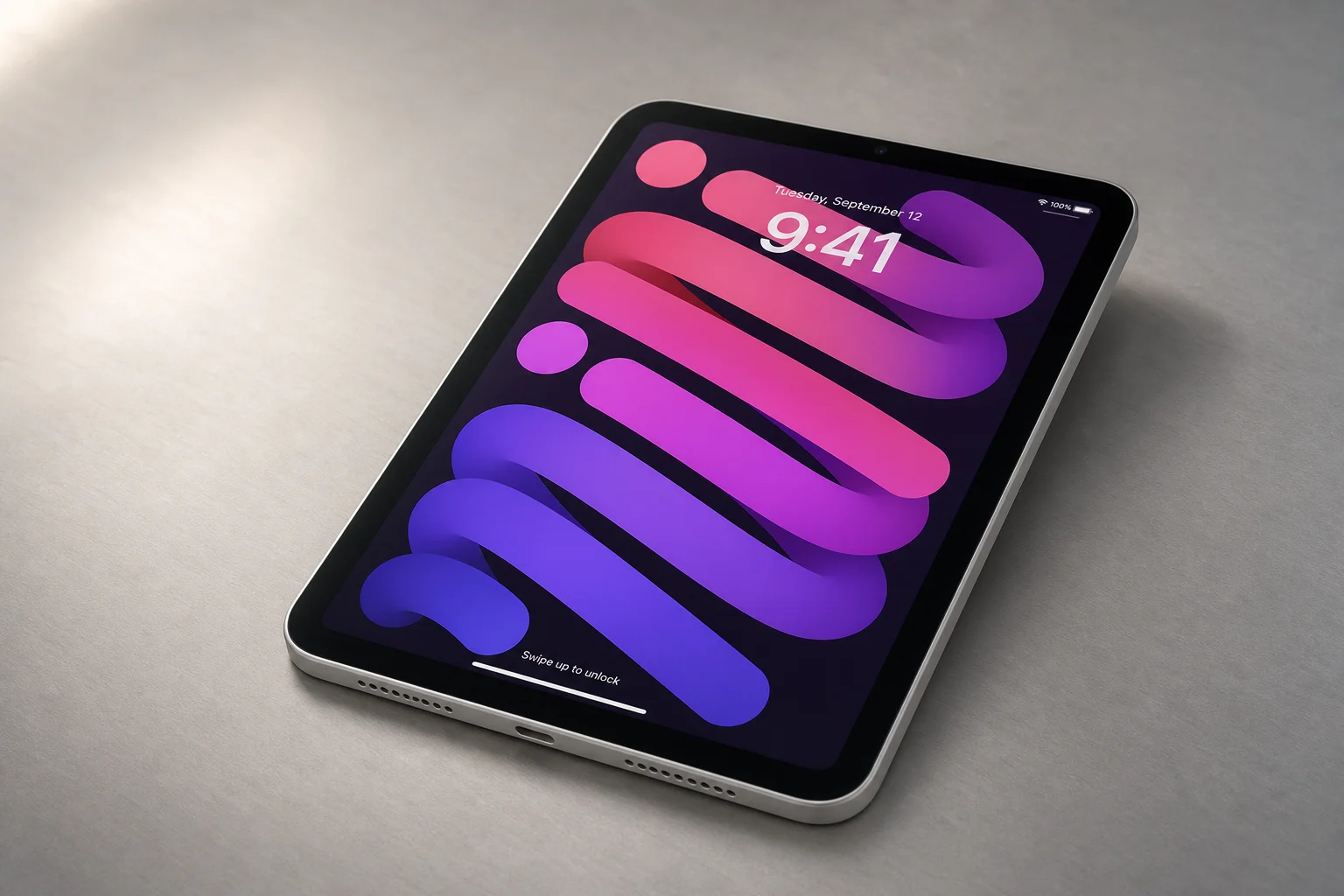
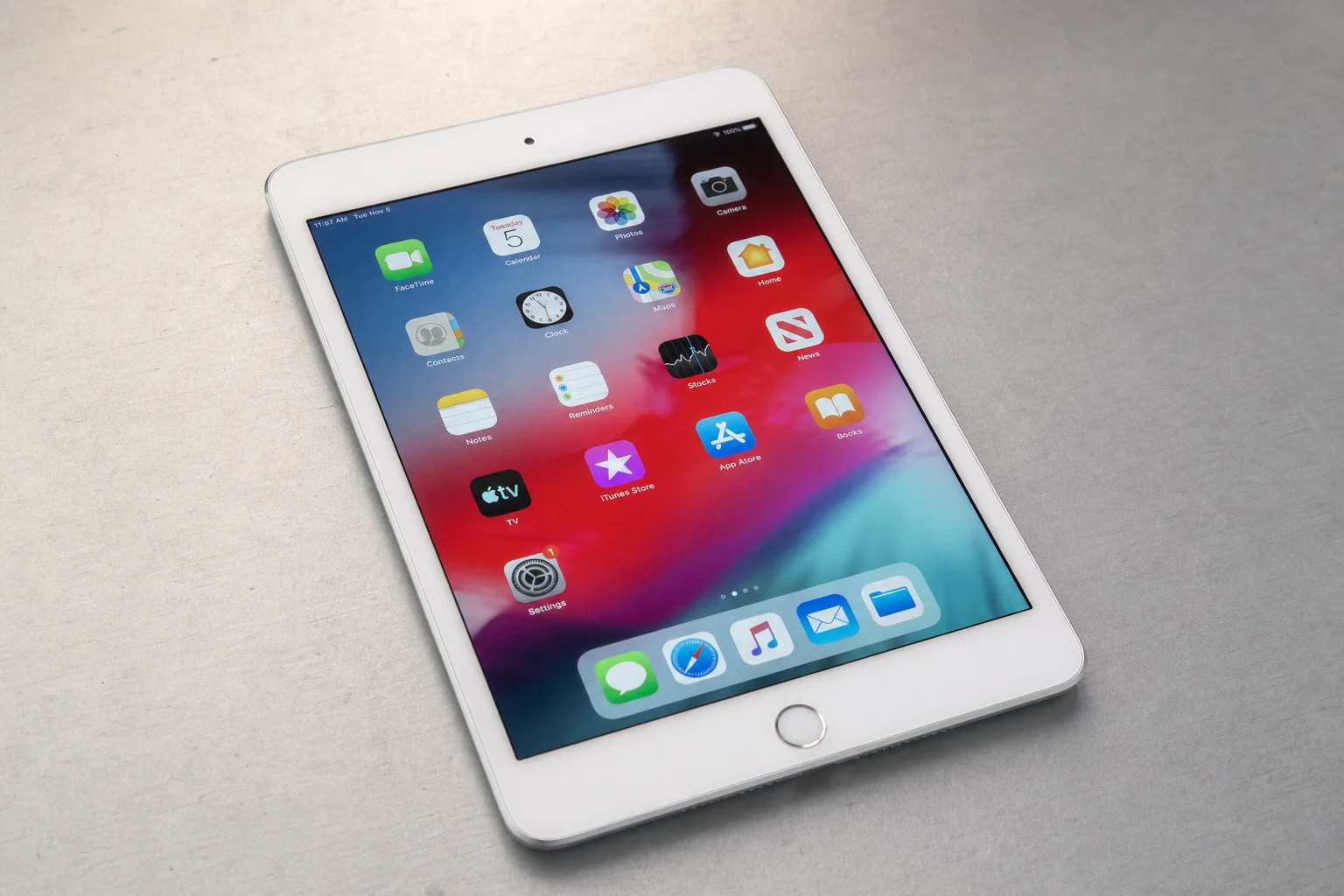
The iPad Mini 6 is slightly smaller and lighter than its predecessor, yet paradoxically offers more usable screen space. The new model measures 10.5 ounces compared to the iPad Mini 5’s 10.8 ounces, and the physical dimensions are slightly reduced. However, the screen extends closer to the edges of the frame, eliminating the large black bezels that characterized the iPad Mini 5. This means you gain screen real estate despite the smaller overall footprint.
A notable design change is the removal of the home button. If you’re familiar with modern iPhones or other recent iPad models, the gesture-based navigation and multitasking controls will feel natural. For pilots accustomed to older iPad interfaces, this transition is straightforward and shouldn’t present any operational challenges in the cockpit.
Storage options remain consistent between both models: you can choose either 64GB or 256GB. For aviation use, the 64GB base model is typically sufficient, as most pilots use the iPad exclusively for flight planning and in-flight operations rather than storing large media libraries or games.
Apple Pencil and Charging
One of the most practical improvements in the iPad Mini 6 is the new Apple Pencil compatibility. The iPad Mini 5 required the Apple Pencil (1st generation), which charged via a USB connector positioned under the stylus tip. This design was awkward in the cockpit: when the pencil needed charging during flight, the connector would protrude from the iPad, creating a bulky and potentially hazardous setup.
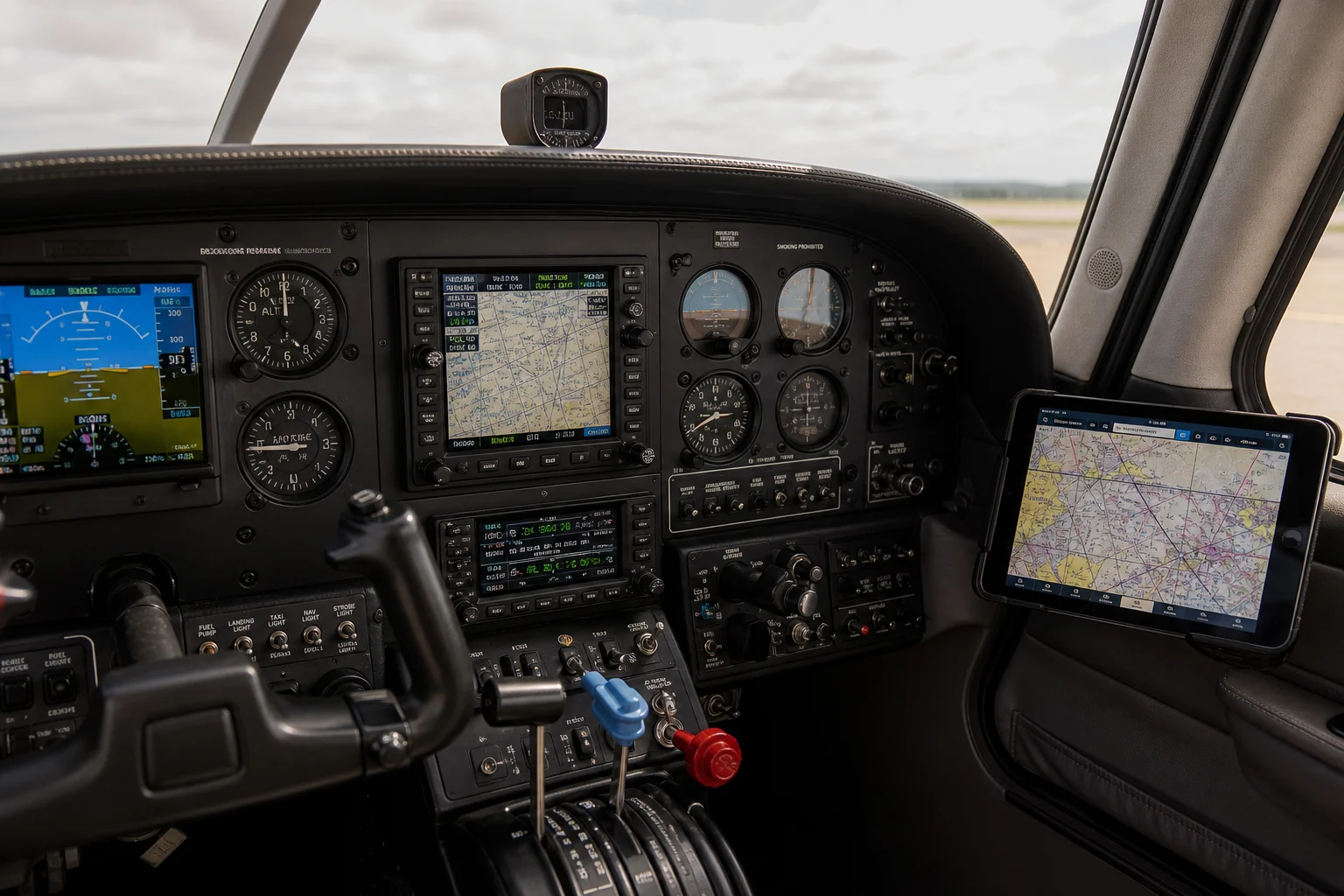
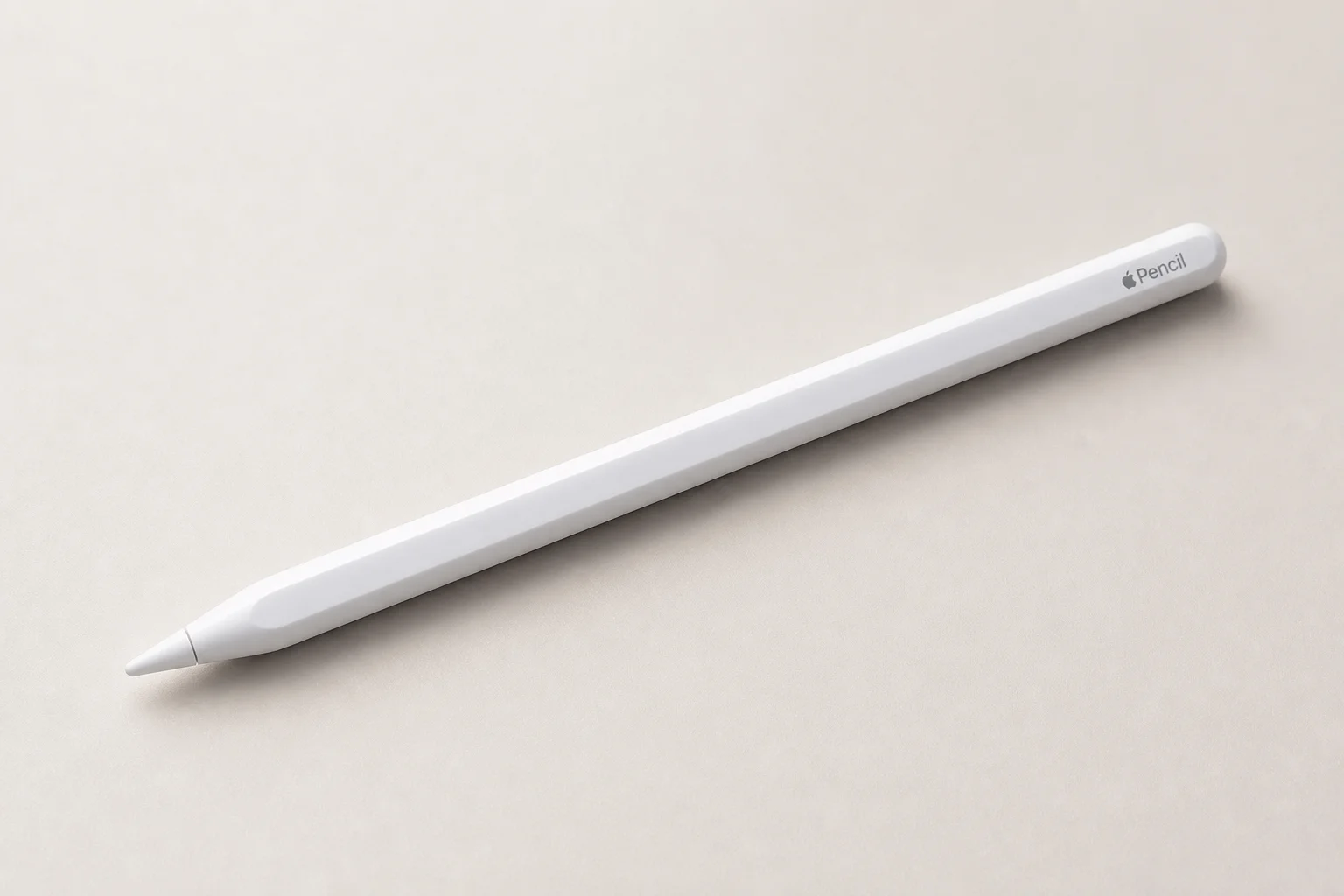
The iPad Mini 6 uses the newer Apple Pencil (2nd generation), which attaches magnetically to the side of the device. This magnetic connection is remarkably secure, holding the pencil firmly even during simulated turbulence. The pencil charges wirelessly through this magnetic attachment, eliminating the need for a separate charging cable or the awkward protruding connector. For pilots who need to take notes, annotate charts, or write down frequencies during flight, this is a significant quality-of-life improvement.
Quick Note Feature and Practical Use
The iPad Mini 6 ships with iOS 15, which introduces a feature called Quick Note that has immediate practical value for pilots. When you’re flying and need to jot down information quickly, you can swipe up from the bottom corner of the screen and the Notes app appears instantly. Once you’ve written what you need, you can dismiss the note and return to your primary flight application without interruption.
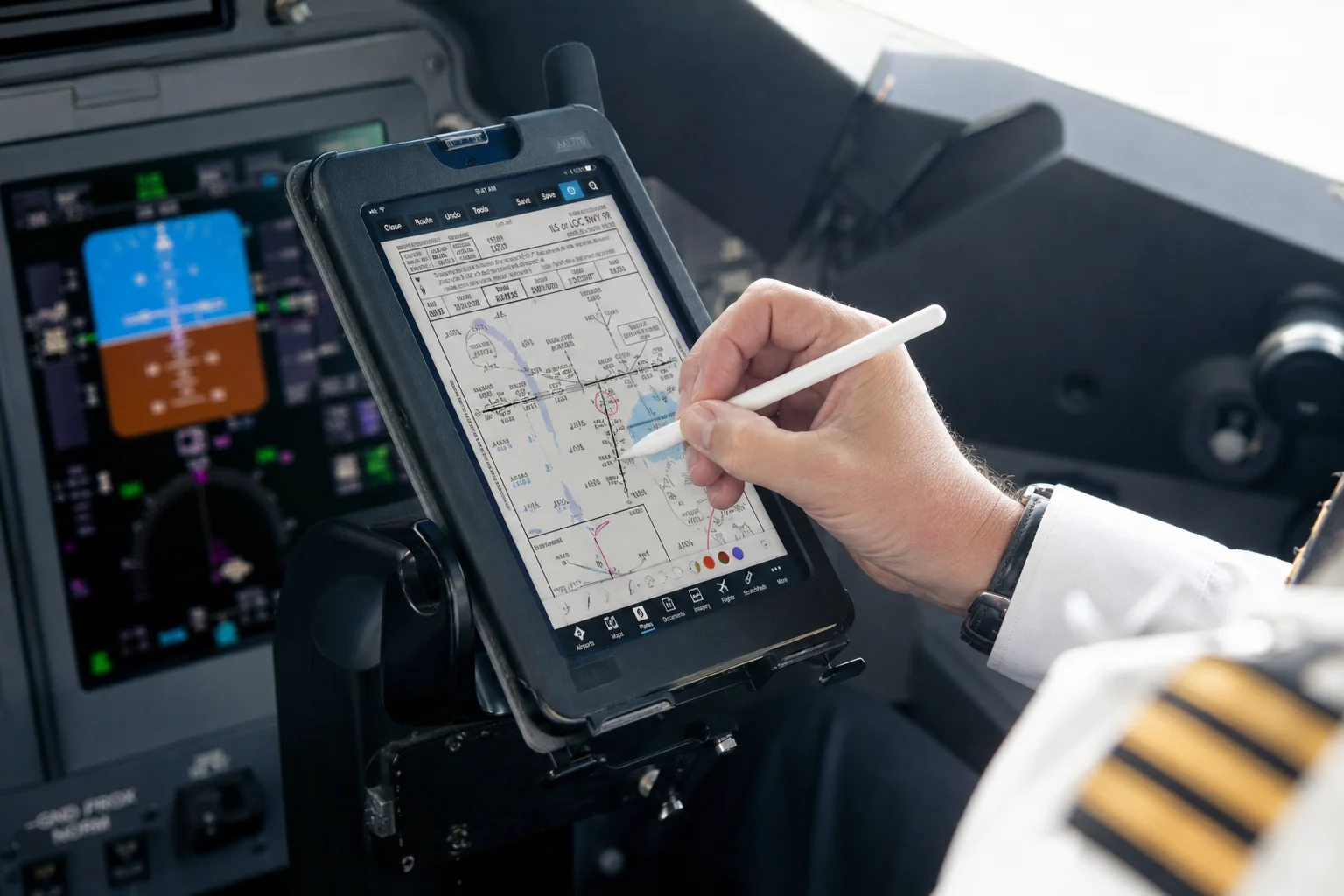
This feature eliminates the need to carry a separate notepad and pen in the cockpit. When air traffic control issues a new frequency, weather update, or other critical information, you can capture it directly on the iPad without fumbling for paper or switching between devices. This streamlines cockpit workflow and reduces the clutter of managing multiple tools during flight operations.
Pricing and Upgrade Recommendations
The iPad Mini 5 remains available at a lower price point, starting at $599 for the 64GB Wi-Fi model. The iPad Mini 6 begins at $749 for the equivalent configuration, representing a $150 premium for the new hardware.
If you don’t currently own an iPad Mini and are entering aviation or upgrading your electronic flight bag setup, the iPad Mini 6 is the clear choice. It’s a capable machine that will serve you well for years.
If you already own an iPad Mini 5, the decision to upgrade is less urgent. I would recommend waiting three to six months before upgrading. Allow iOS 15 to mature and for electronic flight bag manufacturers like Garmin Pilot, ForeFlight, SkyDemon, AvPlan, and others to fully optimize their applications for the new hardware and operating system. This ensures you’re moving to a stable, well-tested platform rather than adopting new hardware and software simultaneously.
When purchasing the iPad Mini 6, consider this upgrade path in order of priority:
Start with the base 64GB Wi-Fi model if budget is tight. It’s more than adequate for aviation use.
If you can stretch your budget, add cellular connectivity. The ability to download weather, NOTAMs, and radar imagery over 3G or 4G in the cockpit is genuinely useful on longer flights.
Next, add the Apple Pencil (2nd generation). The ability to annotate maps, write frequencies, and take notes directly on the device eliminates the need for separate paper and pen, creating a more efficient cockpit workspace.
Finally, if you have remaining budget, upgrade to the 256GB model. This is optional for aviation use, though it provides flexibility if you want to install additional applications or media.
Conclusion
The iPad Mini 6 represents a meaningful upgrade over the iPad Mini 5, particularly for pilots and aviation professionals. The faster processor, improved screen-to-body ratio, magnetic Apple Pencil compatibility, and Quick Note feature all contribute to a more capable and efficient electronic flight bag platform. For new buyers, it’s the right choice. For existing iPad Mini 5 owners, waiting a few months for software maturation is the prudent approach.
Further reading
Related Reviews

Tech Reviews
Aostar AG03 eGPU Enclosure Review: A Practical Thunderbolt 5 Upgrade
The Aostar AG03 brings Thunderbolt 5, a built-in 800W power supply, and solid performance to the eGPU market at a competitive price.
Tech Reviews
Mac mini M4 Review: Three Reasons This Tiny Desktop Stands Out
Apple's redesigned Mac mini M4 combines an impossibly compact form factor, exceptional base-model value, and surprising portable workstation credentials into one five-by-five-inch package.

Tablets
Best iPad Mini Alternatives 2025: Six Compact Tablets Ranked
Six serious iPad mini competitors with 165Hz displays, flagship processors, and prices half what Apple charges. A detailed ranking from good to absolutely dominant.