Tech Reviews
Apple Vision Pro for Cycling: An Honest Look at Indoor and Outdoor Riding
We spent hours riding with the Apple Vision Pro indoors and out to see how it handles sweat, trainer apps, passthrough video, and motion.
Introduction
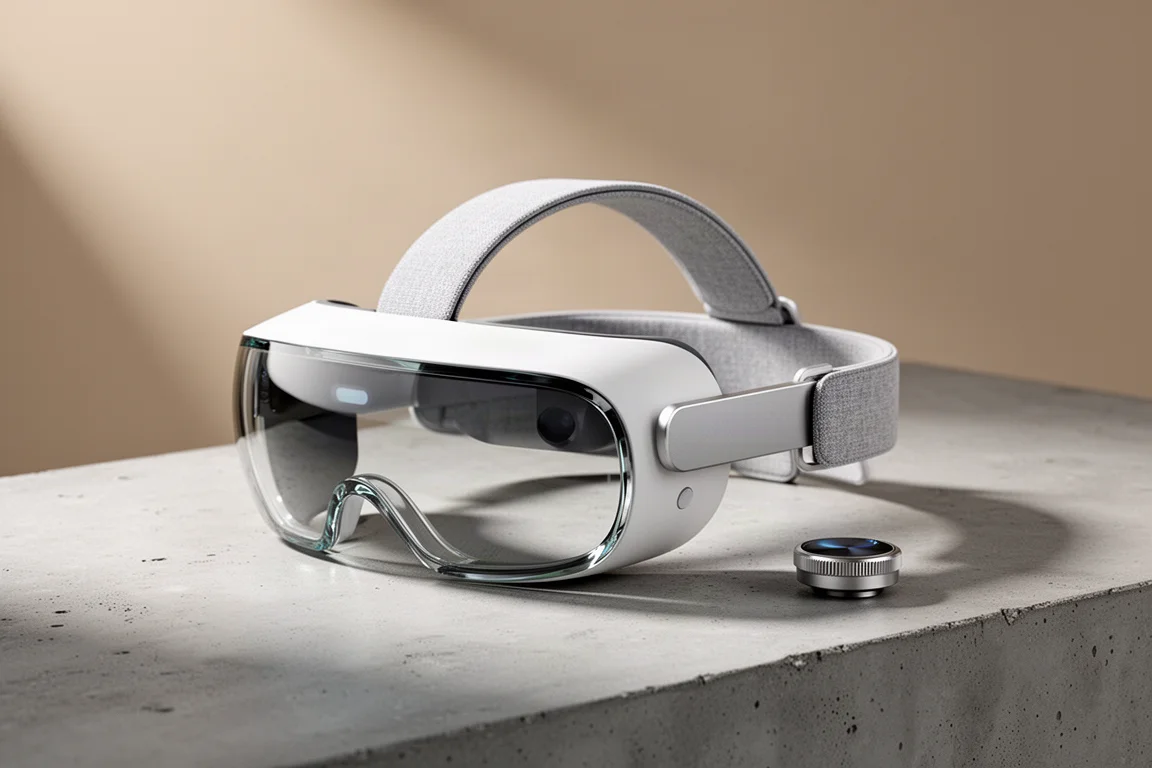
The Apple Vision Pro has been reviewed to death as a productivity device, but cycling is a different question entirely. At $3,500, it uses outward-facing cameras to recreate the outside world inside the goggles, since unlike ski goggles you cannot see through them. If those cameras stop, your world goes black. We spent extended time with it on the indoor trainer and out on real roads and trails to find out where the precise limits of this technology sit today, and where they might be heading.
Who This Product Is for
This is not a device designed with athletes in mind. Apple skipped publishing its Fitness app and Fitness Plus content for the headset, and the documentation says nothing about sweat. It is built as a spatial computing workstation and entertainment device first. If you ride indoors regularly and want a genuinely enormous screen, there is real appeal here. If your main interest is riding outdoors while wearing it, keep reading before spending a dime.
Indoor Riding: The Sweet Spot
Indoors is where the Vision Pro makes the strongest case. A quick primer on the app situation helps: native visionOS apps are rare, iPhone and iPad apps run by default unless a developer opts out, Mac apps can be projected onto the headset, and Safari runs anything in a browser. That last category is barely an app tier at all.
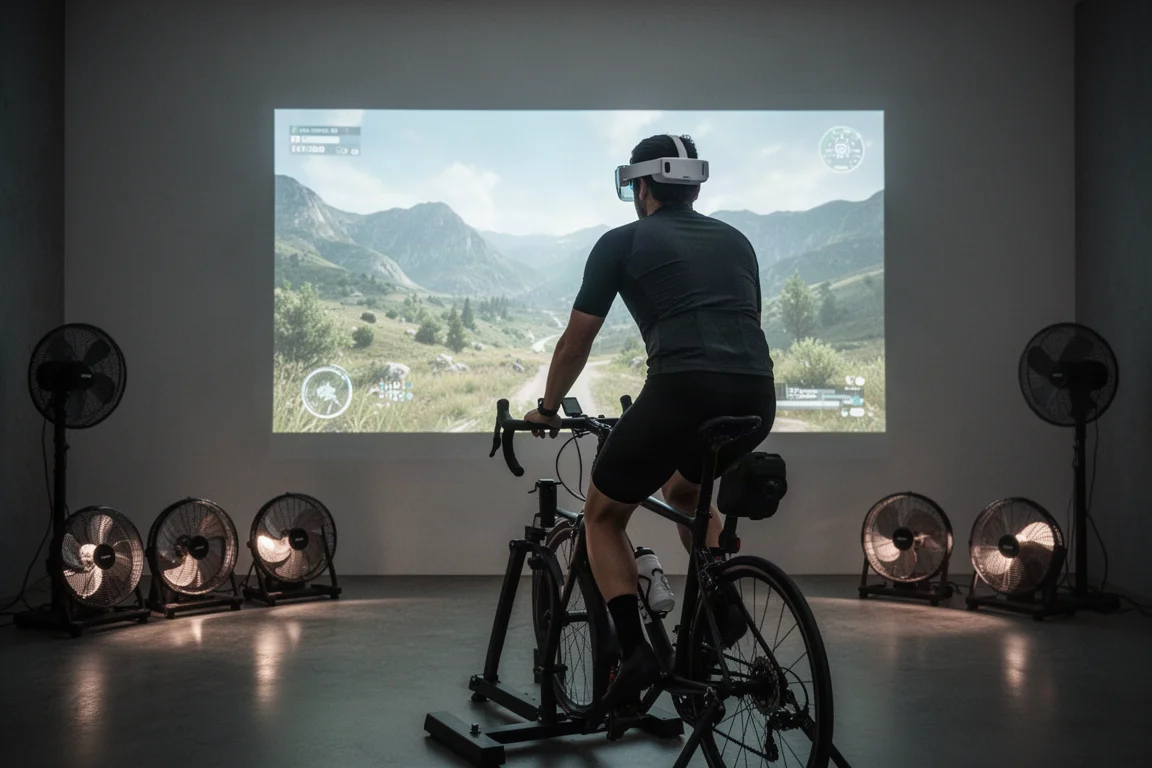
Here is the catch for trainer platforms: Zwift and Peloton have both opted out, so neither can be installed as a native or iPad app. The workaround is screen mirroring from a Mac, which worked well in practice. Setup was quick, interaction needs are minimal once a ride starts, and with handlebar remote controls the headset essentially becomes a giant personal display. You can reposition the screen by grabbing its bottom edge, resize it from the lower corner, and stretch it impressively wide.
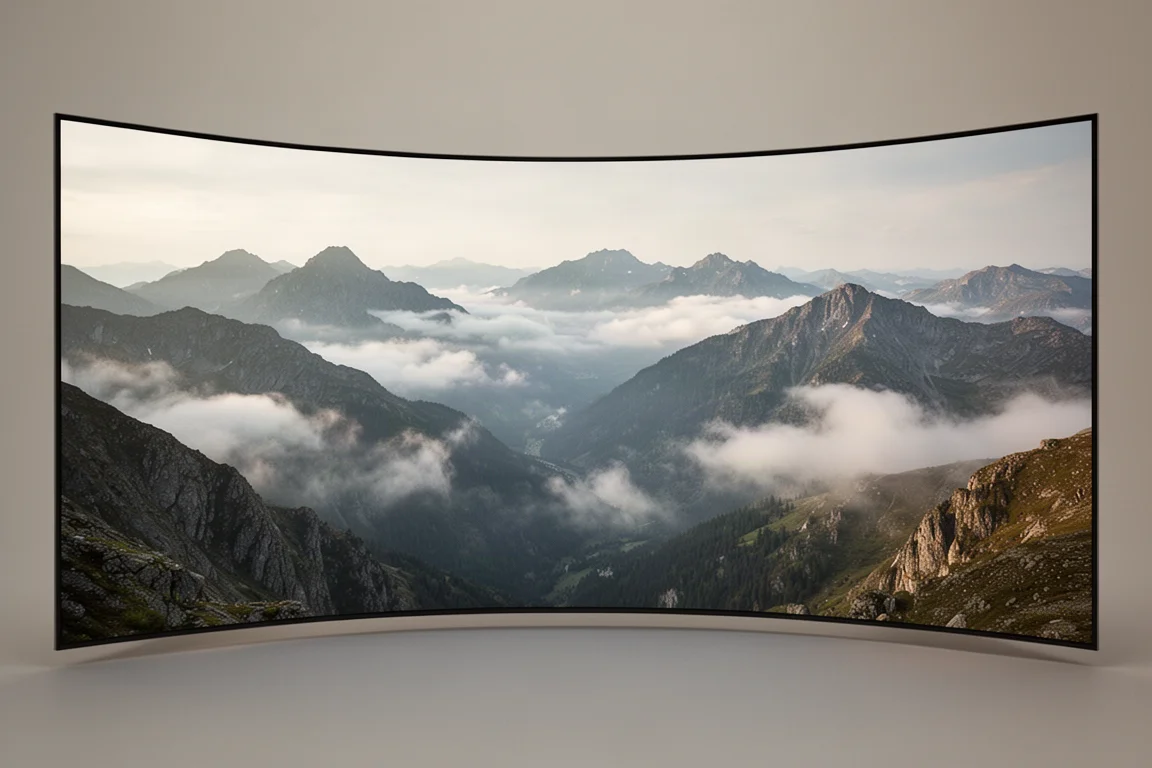
The standout feature is the immersion dial. Turning the Digital Crown gradually dissolves your real surroundings and replaces them with an environment, such as standing on top of a Hawaiian mountain. Because the screen stays pinned in place no matter how your head moves, the motion sickness that plagues most VR headset riding simply did not appear. Looking down showed hands but no handlebars, which was an odd but genuinely cool effect.
How It Handles Sweat
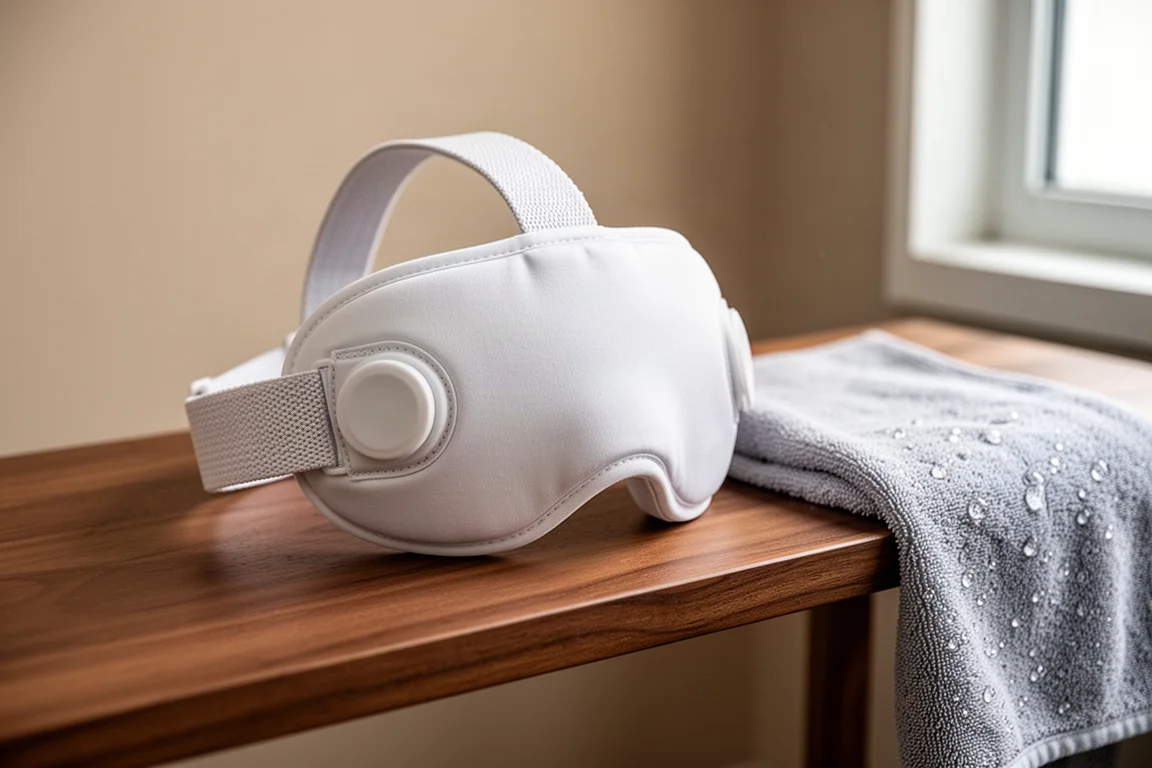
Sweat is the obvious risk, and Apple’s official guidance says to avoid it altogether. Yet the design tells a more nuanced story. The fabric face cushion is magnetically attached, you get two of them in the box so one can stay clean, and a shield with a small hole allows airflow. Fans behind the goggles provide internal cooling, and a plastic liner seals in the electronics beneath the fabric. The pack also includes a second, washable strap-style headband that is the better choice for riding.
After more than 70 minutes of hard indoor riding with fans off, the results were encouraging. At the one-hour mark the tester was drenched, and there was zero fogging, no clarity issues, and no excessive heat. Moisture was visible in the corners of the ventilated system, but the lenses stayed clear. Whether daily sweat exposure for a year or two would degrade the unit is an open question, but the engineering appears to go beyond what the paperwork admits.
One real annoyance surfaced during the session: an intermittent input error near the top of the headset, and a Mac update that interrupted the mirrored setup mid-ride. Neither ruined the experience, but both are worth knowing about.
Outdoor Riding: Where It Falls Apart
Outdoors, three questions matter: is passthrough fast enough, is there enough detail for trails, and does it handle low light under tree cover. The answers get progressively worse. A note of caution first: the manual explicitly says not to operate the device on a moving bicycle, and any outdoor testing should only happen on completely empty paths and trails.
On the road, the Ride with GPS app initially pinned itself to a spot behind the rider like a true AR object, showing a “moving too fast, content remains hidden until you slow down” message. Travel Mode, found next to airplane mode in settings, is meant to fix this, but after extensive toggling it simply did not work reliably for cycling. On trail sections, the passthrough was noticeably jittery and unquestionably blurry. Sand patches looked like hardpack, roots were hard to distinguish, and bigger bumps turned the image genuinely fuzzy. Reading a watch mounted on the bars was impossible due to close-focus blur.

Then came the defining moment. At peak speed coming around a corner, the entire world went black for roughly two seconds, which feels like an eternity at speed. The cause turned out to be a screen recording ending, but the lesson stands: any interruption in the camera feed while moving fast is dangerous, and this is exactly why the manual prohibits riding with it.
Buying Advice
If you cycle, the Vision Pro earns its place indoors and nowhere else. As a virtual big-screen trainer display with adjustable immersion and no motion sickness issues, it legitimately works, and it survived a sweaty hour-long session without fogging or overheating. The workaround friction, from Zwift and Peloton being unavailable natively to Mac mirroring being required, is real but manageable.
Outdoors, do not. The blur, jitter, Travel Mode failures, and black-screen risk make it unsuitable, and the manual agrees. Apple is clearly laying groundwork for a future, cheaper follow-up with better sport readiness to match competitors like the Meta Quest 3, which openly markets a fitness category. That future product is the one worth waiting for.
Conclusion
The Apple Vision Pro is an extraordinary indoor training display wrapped around a device that is not meant for athletes. At $3,500 it is an expensive experiment, but for indoor riding it is a genuinely impressive one. For outdoor use, the risks outweigh any novelty, and a full-featured sport-focused successor is the logical next step.
Product link
View more details for Apple Vision Pro
This product is mentioned in the review. Check the specifications, options, and compatibility before buying.
View more details for Apple Vision ProFurther reading
Related Reviews

Tech Reviews
Aostar AG03 eGPU Enclosure Review: A Practical Thunderbolt 5 Upgrade
The Aostar AG03 brings Thunderbolt 5, a built-in 800W power supply, and solid performance to the eGPU market at a competitive price.
Tech Reviews
iPad Mini 6 vs iPad Mini 5: A Pilot's Honest Review
A detailed comparison of the iPad Mini 6 and iPad Mini 5 for aviation use, covering processor upgrades, design changes, Apple Pencil compatibility, and whether pilots should upgrade now or wait.
Tech Reviews
Mac mini M4 Review: Three Reasons This Tiny Desktop Stands Out
Apple's redesigned Mac mini M4 combines an impossibly compact form factor, exceptional base-model value, and surprising portable workstation credentials into one five-by-five-inch package.