CNC Machines
InfiMaker K1 Review: A Desktop 5-Axis CNC That Cuts Metal in One Setup
A hands-on look at the InfiMaker K1 desktop 5-axis CNC, covering its automated toolpaths, built-in tool changer, and ability to cut everything from wood to stainless steel without re-clamping.
Introduction
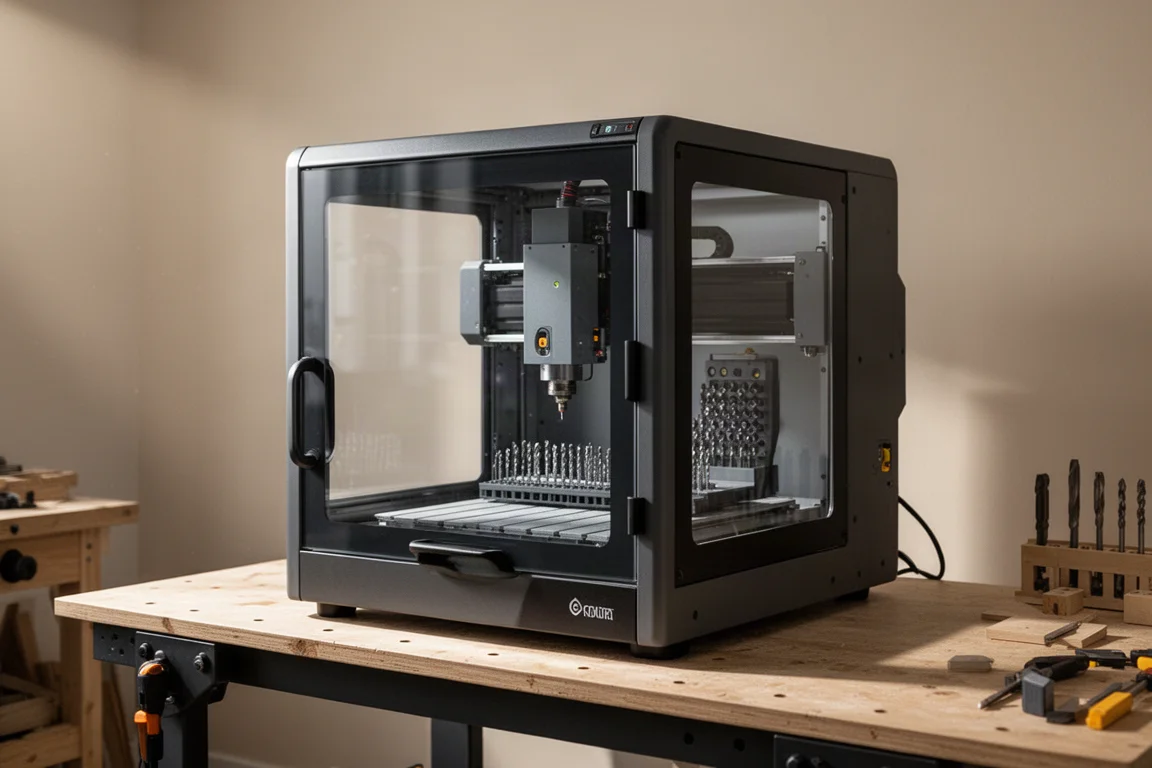
The InfiMaker K1 is a desktop 5-axis CNC machine that brings capabilities once reserved for industrial shops into a home workshop. It can cut wood, aluminum, brass, stainless steel, titanium, and more, all in a single setup. Once you clamp your material into the vise, you never have to touch it again. No flipping, no re-clamping, no second setup. The machine handles the entire process from start to finish in one go.
This is a reveal of the machine rather than a formal review, and the manufacturer provided the unit for this demonstration. The K1 is one of the first consumer-available 5-axis CNCs, and it includes a built-in tool changer and a fifth cutting axis. The unit shown here is a prototype, so the production model may differ slightly.
Who This Machine Is For
The InfiMaker K1 is aimed at makers, small-batch manufacturers, and hobbyists who want to prototype and produce parts at home without sending work to a machine shop. It is designed for people who are comfortable designing their own files in software like Fusion 360 and want a machine that handles the machining process automatically.
The machine is compact enough to sit on a desktop, though it is heavy enough that it may end up on the floor or a sturdy workbench. It runs on standard North American 110-volt power, which is surprising for a machine this capable. If you work with a variety of materials and want to move from 3-axis to 5-axis machining, this is a machine worth considering.
What Makes the InfiMaker K1 Different
The K1 stands out because of its fifth axis and its automated workflow. With a standard 3-axis CNC, cutting a complex part like a hammerhead would require multiple setups and re-clamping. The K1’s fifth axis lets the machine reach around the part, cutting features that would be impossible on a 3-axis machine in a single pass.
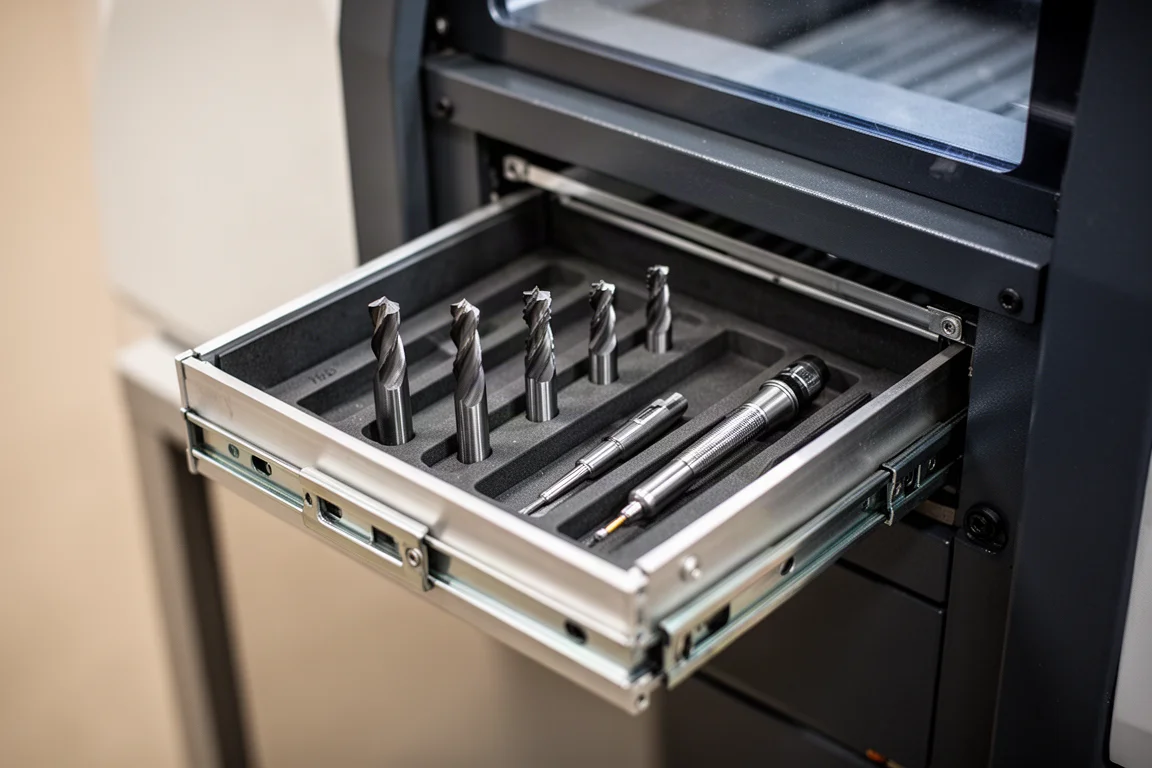
The machine also includes a built-in tool magazine that holds five different bits plus a probing tool. A touch-off plate lets the machine know the exact length of each tool. When you start a job, the machine runs a pre-check: it grabs the probe, zeros off on the touch plate, touches off on the top, left, right, front, and back of the material, and then determines the exact size of the workpiece. It then swaps in the first bit and begins cutting.
This automation extends to the software. InfiStudio, the included software, is simple in a good way. Once you place your model, you hit process and it creates all the tool paths for you. You do not have to worry about feeds or speeds. You enter the material and the software does the rest. This is a significant departure from traditional CNC software like Fusion or VCarve, where each tool requires a separate path that you have to combine manually.
Cutting Wood, Aluminum, Brass, and Stainless Steel
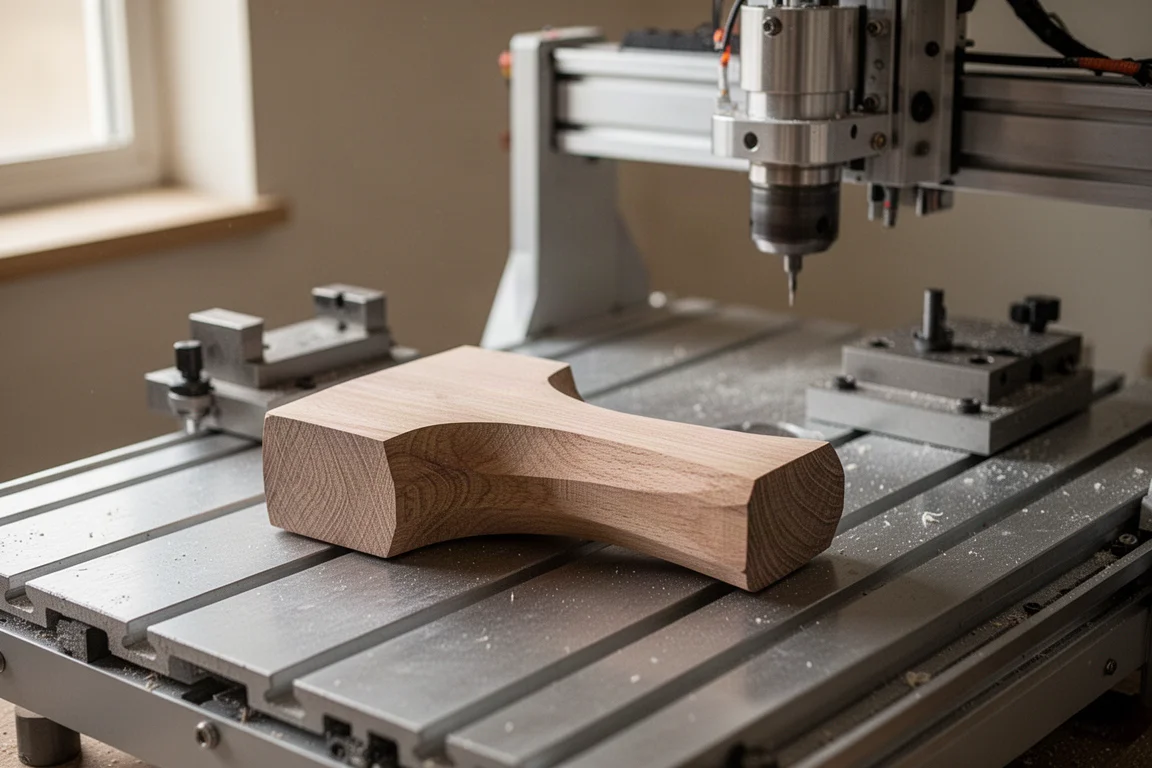
The K1 was tested with a series of hammerhead projects, starting with wood and working up the hardness scale. The wooden hammerhead took about three hours to complete, including roughing and finishing passes. The finish was smooth enough that no sanding was needed afterward.
Next came aluminum, the first metal test. The machine handled it well, producing a part that was mostly polished with only a dull section where it had been clamped. That cleaned up quickly with some polishing. The brass hammerhead came out nearly perfect, with a finish that polished up to a mirror shine.
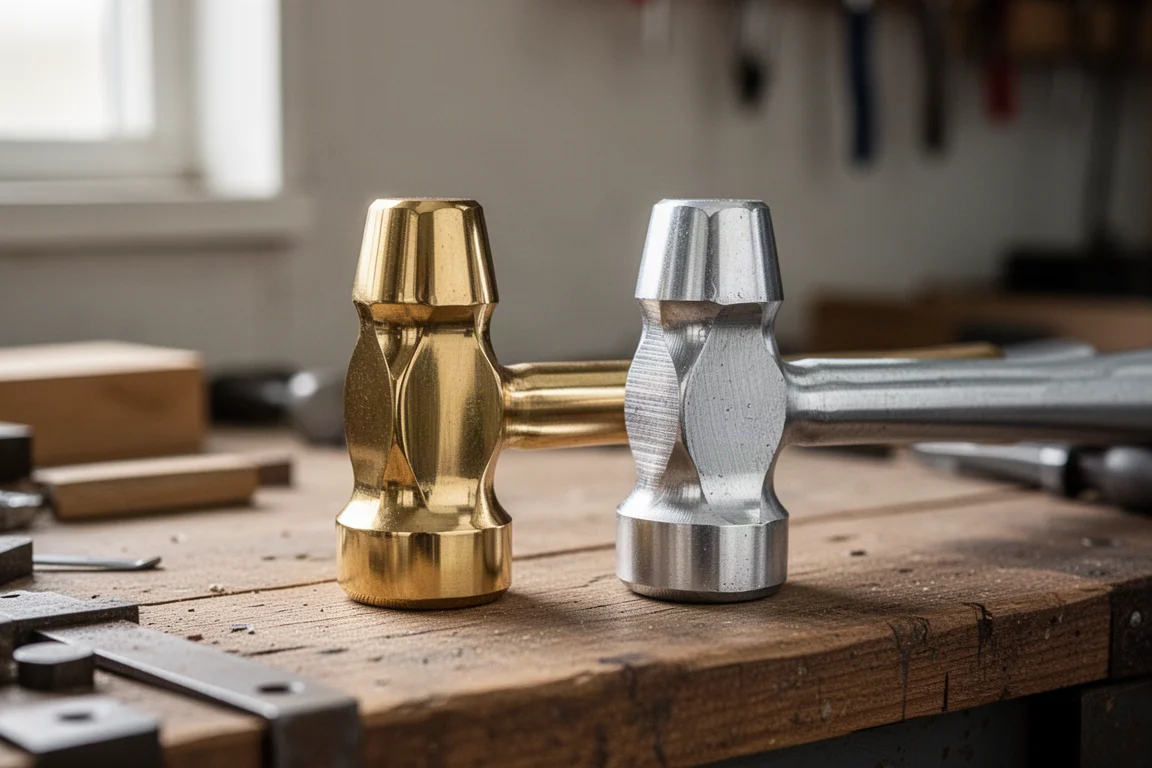
The final test was stainless steel, a hard metal that most desktop CNCs cannot handle. The K1 cut through a solid stainless steel rod with ease. The roughing pass removed a huge chunk of material, and then the machine switched to finishing bits for two passes: first a medium-sized finishing bit, then a smaller one. The result was nearly perfect, with only a little final polishing needed to achieve a mirror finish.
The machine comes with two sets of tools: one for soft materials like wood, aluminum, brass, and acrylic, and another for hard metals like stainless steel and titanium. You need to swap the tool set and regenerate a new path when changing materials, since the feeds and speeds differ.
Software and Workflow
InfiStudio is the software that controls the K1. It is organized with tabs across the top, similar to what you might see in modern 3D printing software. The workflow is straightforward: import your model, hit process, and the software generates all the tool paths. You can analyze the toolpath before cutting to see how well the part will machine and where material might be left behind.
The software accepts standard 3D file formats including STEP, OBJ, and STL, and it works with standard bits. This means you can design your files in whatever software you prefer and bring them into InfiStudio for machining.
The software also includes an AI feature that can generate a file from a text prompt. This feature is demonstrated on the manufacturer’s website and social media, but it is not something everyone will want to use. If you take pride in designing your own files, you can simply ignore it.
The software is still in beta, and there are a few things that could be improved. It would be nice to choose how rough or smooth the final piece is, similar to 3D printing settings. It would also be helpful to break long runs into smaller segments so you can pause between them. These are incremental improvements rather than limitations, and the manufacturer is reportedly working on them.
Things to Consider Before Buying
The K1 is a significant investment, and there are a few things to keep in mind. The cutting volume is at least 120 by 120 by 120 millimeters, and you can go larger if you do not use the full fifth axis. The cutting area could be bigger, and the machine only accepts bits up to a certain size. The size and weight of the machine are as small as the manufacturer could make them while keeping the precision, according to an interview with the CEO.
There were a few learning mistakes during testing. Using the hard tool set to cut aluminum broke two bits, and another bit broke when chips compacted in the handle hole of the stainless steel hammerhead. The software tells you which tool set to use, but you still need to pay attention to what you are doing.
The machine is a prototype, so the production model may differ slightly. The beta software is already impressive, and the manufacturer is actively adding features based on feedback.
Buying Advice
The InfiMaker K1 is a well-thought-out machine that has logged over 30 hours of working time in testing. It is built to a high standard and can handle materials that were previously out of reach for desktop machines. The automated toolpath generation and tool changing make it accessible even if you are new to 5-axis machining.
The Kickstarter campaign launched on the day of this reveal, with early discounted pricing available. If you are looking to do small-batch manufacturing or prototyping at home, this machine makes it possible in a way that was not thinkable just a few years ago.
Conclusion
The InfiMaker K1 is an impressive piece of equipment that brings 5-axis machining to the home workshop. It can cut everything from wood to stainless steel in a single setup, with no re-clamping or manual tool changes. The software is simple and automated, and the machine is built to a high standard.
There are a few software improvements to look forward to, and the cutting area could be larger, but nothing limited the capabilities during testing. For makers who want to push their workshops to the next level, the K1 is worth a serious look.
Product link
View more details for InfiMaker K1
This product is mentioned in the review. Check the specifications, options, and compatibility before buying.
View more details for InfiMaker K1Further reading
Related Reviews
CNC Machines
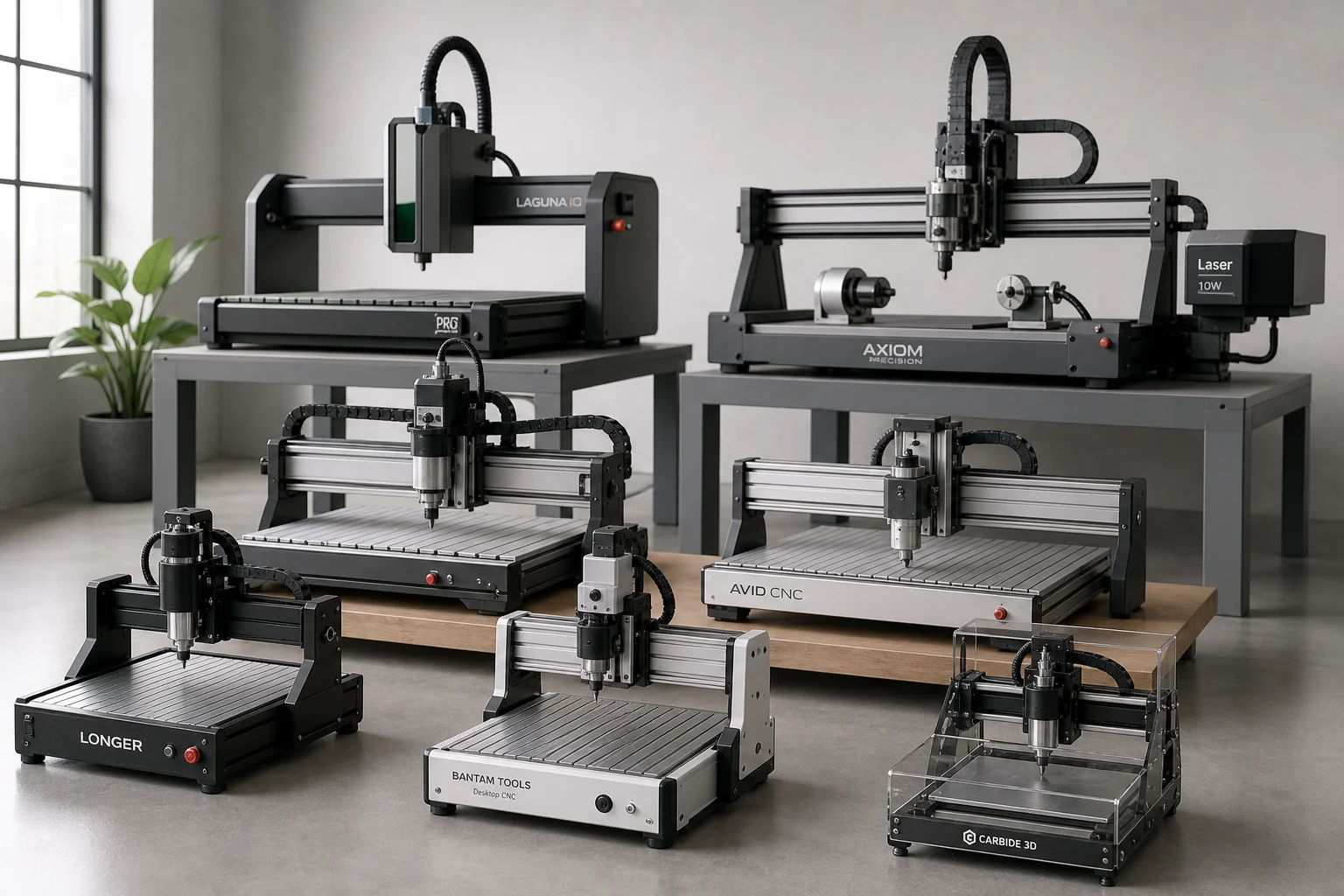
Best CNC Machines for Small Shops and Garages: Six Options Compared
Six desktop and mid-size CNC machines designed for small spaces, from compact desktop models to expandable 4x8 systems with laser and rotary attachments.
CNC Machines
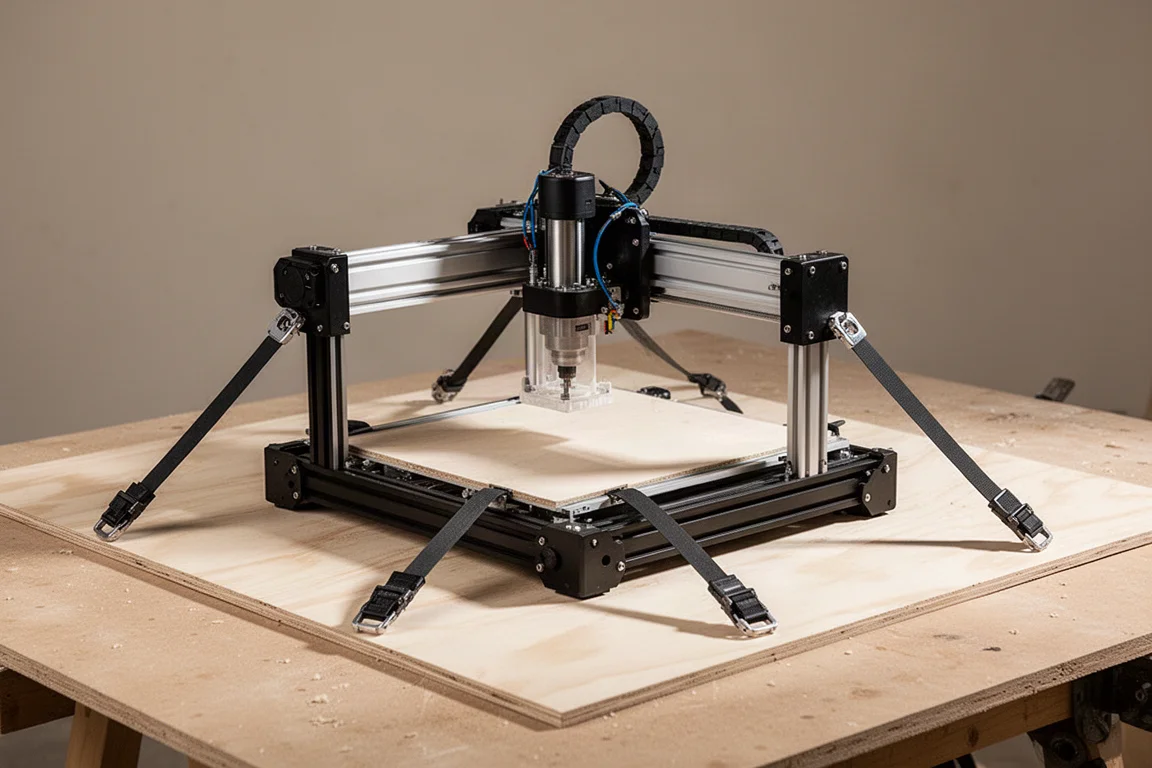
GORDIX CNC Review: A Portable, Hands-Free CNC for Non-CNC People
The GORDIX CNC is a portable, rail-free CNC that can cut a full sheet of plywood. We tested routing, laser engraving, and pen plotting to see if it lives up to the hype.
Laser Cutters
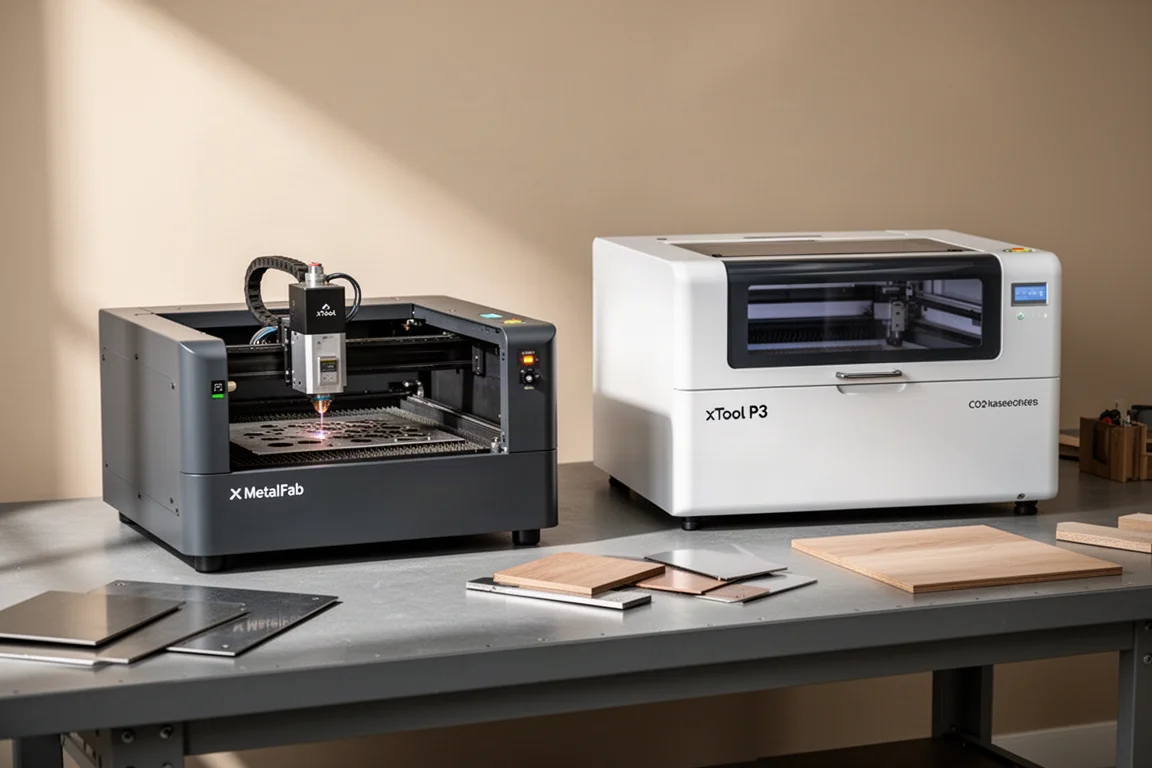
xTool MetalFab and xTool P3: Two Laser Tools for Metal and Wood Projects
A look at two laser cutting tools that handle metal fabrication and wood cutting with precision, speed, and minimal cleanup.