Studio Monitors
iLoud MTM MK2 Review: Compact Powered Monitors for the Desktop
A close look at the iLoud MTM MK2: strong linearity, flexible rear-panel tuning, and bundled room calibration, plus the bass and output limits to plan around.
Introduction
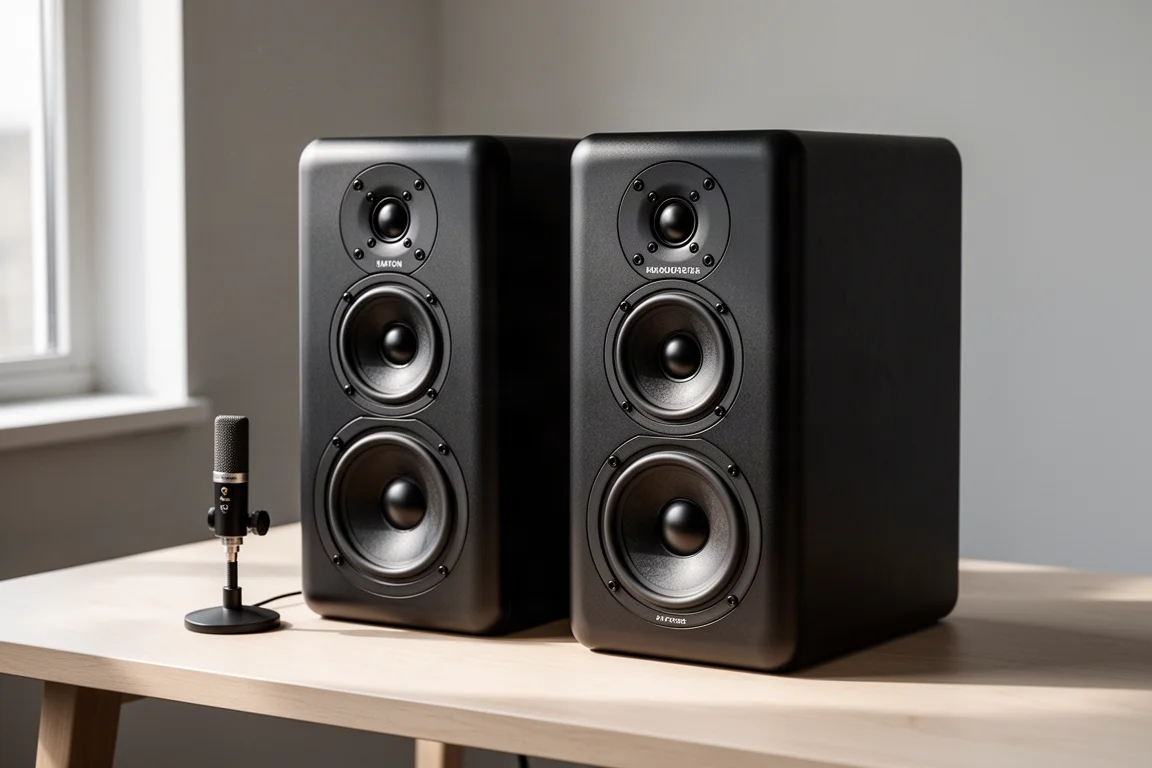
The iLoud MTM MK2 is a compact powered studio monitor built around a vertical MTM driver layout: two 3.5-inch midwoofers arranged above and below a 1-inch tweeter. Each speaker carries a total rated power of 100 W and accepts a balanced XLR input. The pair ships with a small measurement microphone that runs an automatic room calibration routine, and that bundled microphone turns out to be one of the most useful parts of the package.
This assessment is written from the perspective of desktop use. The speakers were used as computer desk monitors in a nearfield setup rather than as living-room speakers, and that context shapes everything below: what they do well, where they need help, and how much output you can realistically expect.
Who This Product Is For
The MTM MK2 makes the most sense for someone who works close to their speakers. Mixing, mastering, and critical listening at a desk are the natural fit, and the strong linearity of the frequency response supports that kind of work. If you want a monitor that tells you what is actually in a mix rather than flattering it, this is the intended use case.
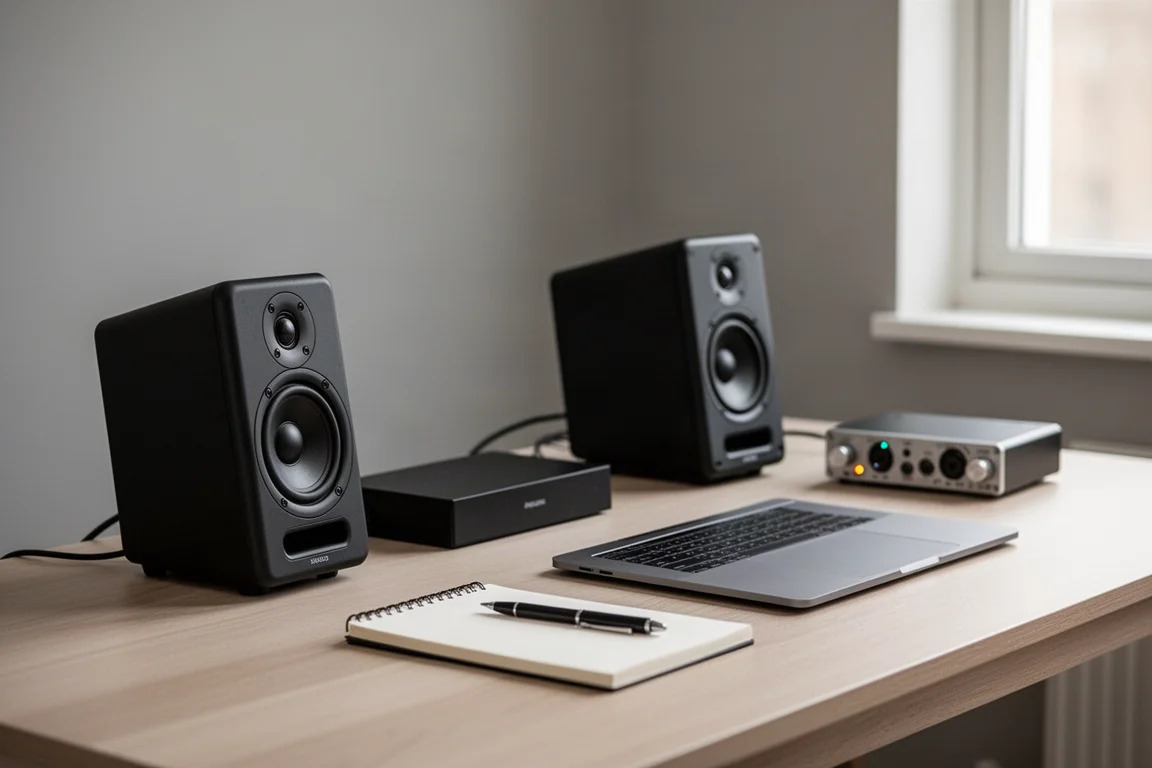
They are also a good option for people working in rooms that fight back. A small untreated space tends to add bloated bass and uneven midrange, and the included calibration microphone gives you a practical way to reduce those room-driven peaks. That combination of compact size and built-in correction is the core appeal for a desktop studio.
If you mainly want a speaker for casual living-room listening at high volume, this is a different kind of product. The design trades output and low-frequency extension for accuracy at close range.
Main Strengths
Compact size is the first thing you notice. Two 3.5-inch midwoofers and a 1-inch tweeter fit into a cabinet that sits comfortably on a desk, and the vertical arrangement keeps the footprint narrow.
Linearity is the second. The frequency response stays impressively even across most of the range, which is exactly what you want from a monitor used for mixing or mastering. Detail and consistency matter more than sheer scale here, and the speakers deliver on that front.
The rear panel gives you real flexibility. There are switches for desktop or free-field placement, treble cut or treble boost, and bass extension. Those options let you adapt the speaker to a desk, a console, or a stand without reaching for external processing.
Finally, the bundled calibration microphone. Automatic room correction is a genuinely valuable feature, because a speaker placed in a real room rarely behaves the way it does in open space. Having that tool in the box means you can address the worst of the room’s influence instead of learning to live with it.
Room Calibration and Placement
Running the automatic calibration with the supplied microphone produced a clear improvement. Two peaks stood out in the setup used here, one around 150 Hz and another around 220 Hz. Once those resonances were reduced, the midrange became noticeably more lifelike and natural, and the overall listening experience improved well beyond what the raw numbers would suggest.
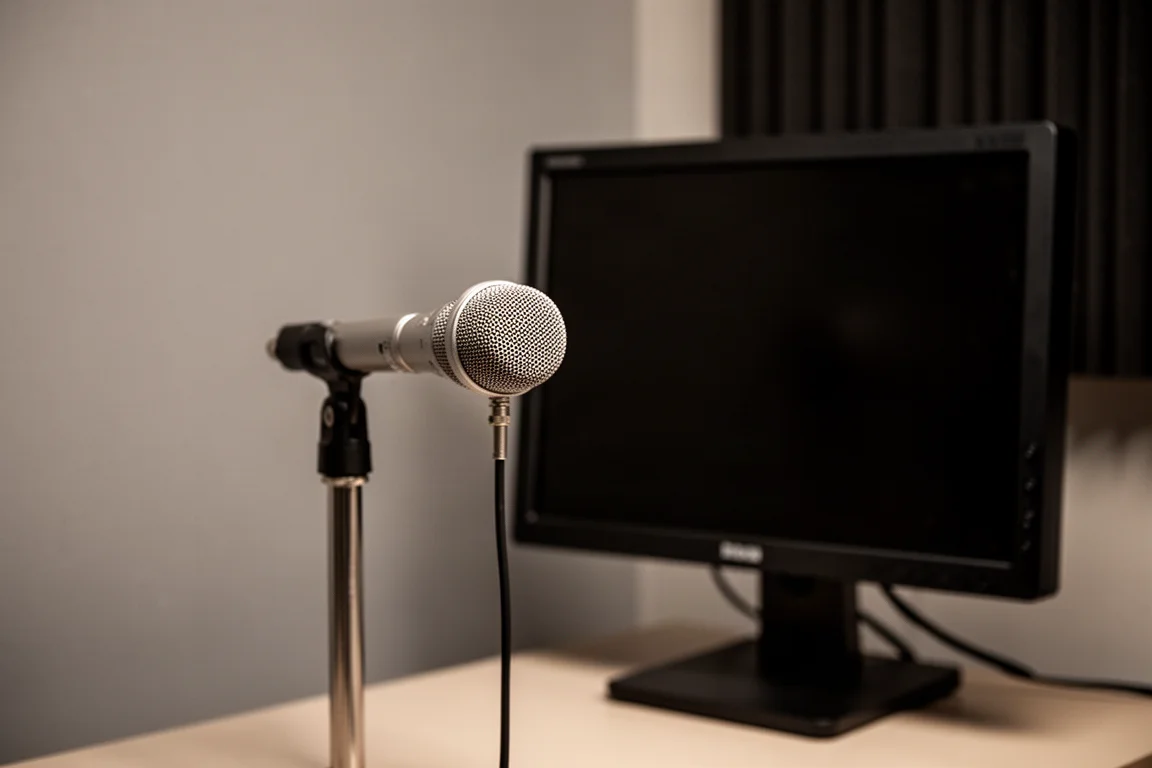
That is the practical argument for the microphone. Speakers in a room often sound muddy or uneven in ways listeners simply adapt to over time. If equalization can tame those room-induced problems, you end up with a result that is far more enjoyable and far more trustworthy for mixing decisions.
The rear-panel switches work alongside the calibration. Desktop and free-field settings adjust the response for where the speakers actually sit, while the treble controls and bass extension options let you fine-tune the balance further. Between the switches and the calibration, there is a lot of adjustment available without adding external gear.
Things to Consider Before Buying
Treble is the first thing to plan around. In their native state the speakers run a little hot in the high frequencies, and a measured boost of roughly 3 dB in the treble region is consistent with what you hear. Cutting the rear-panel treble by 3 dB turned out to be too much; a gentler reduction of about 1.5 dB applied through computer equalization worked better. Plan on some treble adjustment, whether through the switches or through EQ.
Orientation matters more than usual. The speakers are meant to stand vertically. Laying them on their side introduces lobing problems that are especially noticeable in the nearfield, where the sound changes significantly with your listening angle. If you do place them sideways, aim the tweeter directly at your ears.
The MTM layout also creates vertical lobing. Staying within roughly 20 to 25 degrees of the tweeter axis is important, otherwise a significant suckout appears and the treble can sound unnatural where the midrange meets the tweeter.
Bass extension is limited by physics. Two 3.5-inch midwoofers with DSP assistance can only do so much, and below about 50 Hz you will want a subwoofer.
Measured Performance and Output Limits
The frequency response is quite linear until the treble region, where the response rises by about 3 dB. F3 sits at roughly 51 Hz and F10 at about 45 Hz, which means the low end falls away steeply once it reaches that point. The horizontal response narrows with frequency rather than staying constant, which is not a flaw in itself, but it is worth knowing how the speaker behaves off axis.
Harmonic distortion at 86 dB looks good for a speaker of this size. At 96 dB the limits of the small drivers start to show, and multi-tone distortion at that level is high. Around 86 dB at one meter is a sensible ceiling for the pair, which is a moderate and comfortable level for nearfield listening.
Adding a subwoofer with an 80 Hz crossover brings a slight distortion advantage on top of the low-frequency gain, though the improvement in distortion headroom is modest. Dynamic range is the harder constraint. Moving up to 96 dB costs bass weight and some of the punch and quickness, and 102 dB is simply out of reach. With a broadband signal, the highest output achieved was about 94 dB at one meter for the pair. These are SPL-limited speakers, and that is the expected trade-off for their size.
Practical Placement Tips
Stand them upright, on a desk or a stand, with the tweeter aimed at your ears. If you can sit slightly above the tweeter axis, that helps soften the high-frequency lift these speakers have on their own, and it is a useful trick if you would rather not rely on equalization.
Keep listening distances and levels sensible. Sitting within a meter and pushing beyond 86 dB is not recommended, and long sessions at higher levels are best avoided regardless of distance. Used within those limits, the speakers stay clean and composed.
If you lay the speakers on their side, accept the compromise and aim the tweeter straight at you. A subwoofer is the natural companion if you need output below 50 Hz, and it also frees the small drivers from the lowest octaves.
Buying Advice
Buy the MTM MK2 if you want compact, accurate desktop monitors with genuinely useful room correction in the box. The combination of a flat response through most of the range, a flexible rear panel, and the bundled measurement microphone makes them easy to integrate into a small studio or a desk setup.
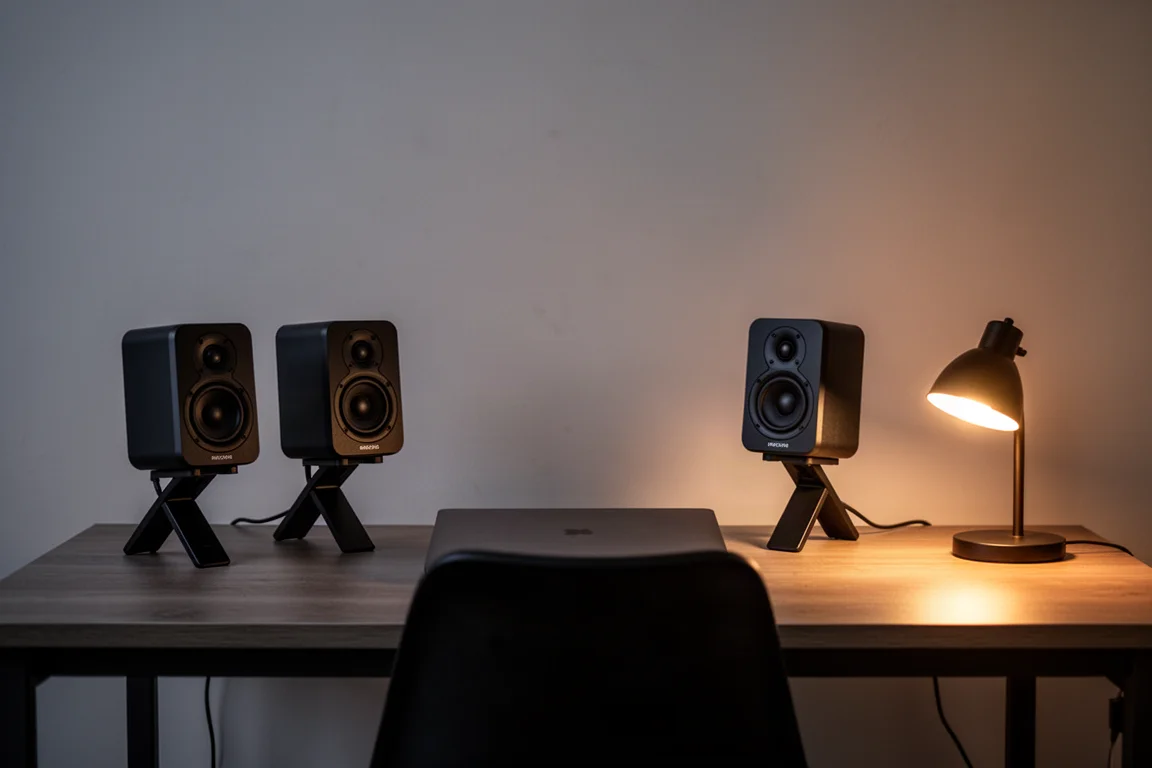
Be honest about your priorities before you commit. If you need deep bass, high playback levels, or a speaker for casual room-filling listening, plan for a subwoofer and accept the output ceiling. If you work close to your speakers and care about accuracy, the strengths here line up well with how you will actually use them.
Conclusion
The iLoud MTM MK2 is a well-judged compact monitor for nearfield work. Its linearity, adjustable rear panel, and automatic room calibration are the reasons to consider it, while limited bass extension, a hot native treble, and a firm output ceiling are the reasons to plan your setup carefully. Match it to a desk, give it a little treble adjustment, add a subwoofer if you need the low end, and it does its job well.
Product link
View more details for iLoud MTM MK2
This product is mentioned in the review. Check the specifications, options, and compatibility before buying.
View more details for iLoud MTM MK2Further reading
Related Reviews
Studio Monitors
ADAM Audio A8H Review: A Three-Way Studio Monitor That Also Knows How to Have Fun
A three-way active studio monitor with an 8-inch woofer, a handmade AMT tweeter, and two distinct tunings, the ADAM Audio A8H aims to satisfy both critical work and everyday listening.

Studio Monitors
Best Studio Monitors 2026: Six High-End Options Compared
We tested six premium studio monitors in a real studio space to see which ones deliver the best mix of accuracy, musicality, and value.
Studio Monitors
Focal Alpha 65 Evo Review: An Honest Studio Monitor With Real Bass
A bi-amplified active studio monitor with deep bass, useful tone controls and a truthful, uncoloured voicing, assessed for small studios and home setups.