Tools & Measuring
Hoso Design Neo Ruler Review: A Smart Ruler and Digital Caliper in One
A premium smart ruler with a full-color LCD, Bluetooth app support, and an optional caliper attachment that makes measuring and unit conversion remarkably quick.
Introduction
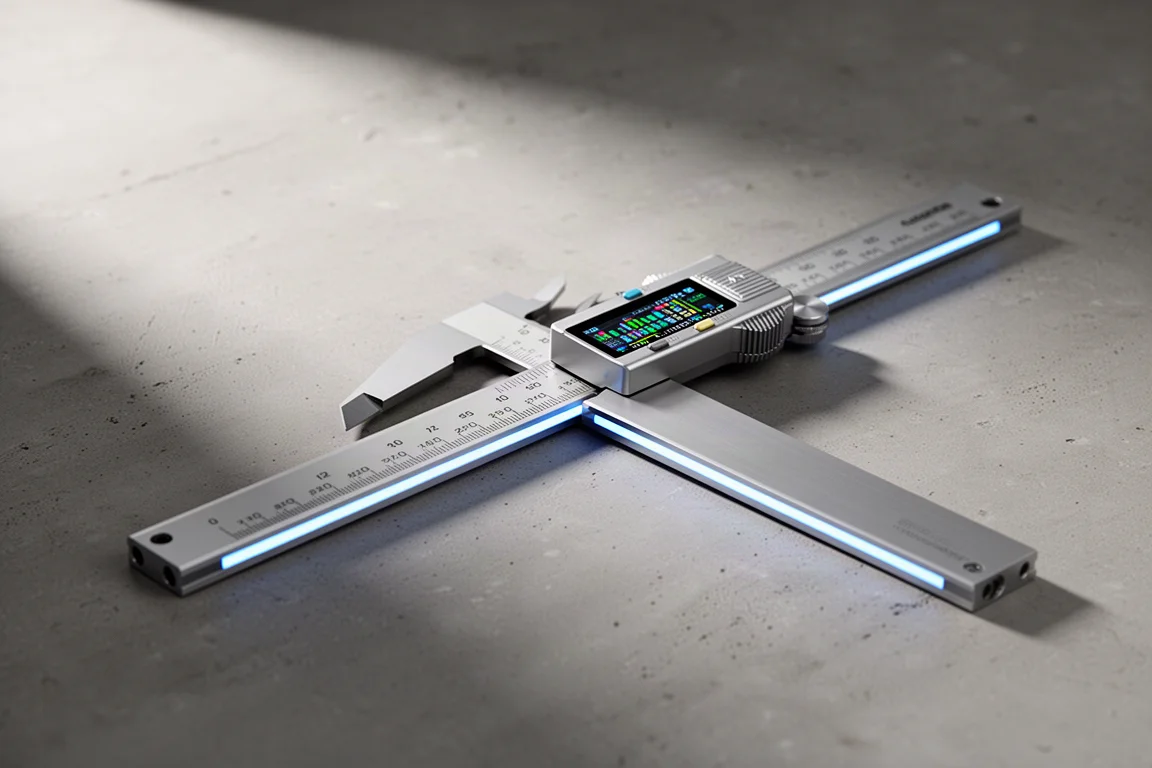
Every time this measuring tool appears on screen, the same question follows: what digital caliper is that? The answer is the Neo Ruler by Hoso Design, a smart ruler that pairs a sliding digital caliper attachment with a full-color LCD and Bluetooth app support. After extended use, it has become the only measuring tool of its kind in regular use here, and it is easy to see why it generates so many questions.
What the Neo Ruler Is
The Neo Ruler is essentially a smart ruler. The base unit works on its own, but this setup uses the digital caliper attachment, an add-on that slides back and forth along the frame the same way the included ruler accessories do. Other modes and attachments exist, but for precise measuring, the caliper is the configuration that matters.
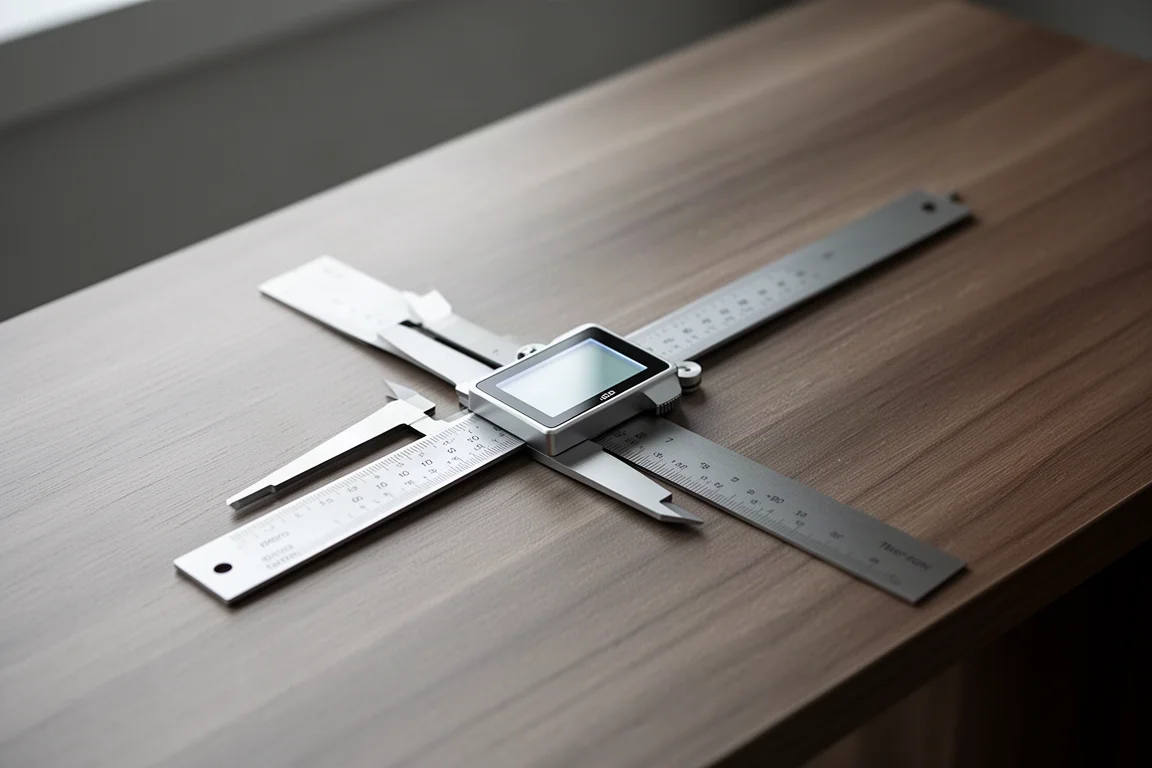
With the caliper mounted, the useful measurement range shrinks somewhat, since the caliper itself takes up part of the 12-inch (305 mm) rail. Even so, it covers the vast majority of everyday measuring tasks, and the sliding action feels smooth and precise.
Display, Controls, and App
A 1.14-inch full-color LCD sits right near the caliper, with a 240 PPI resolution that keeps readings crisp. Press and hold the triangle button to power it on, and the square button cycles through four modes: unit conversion, smart scale, space divider, and settings. The circle button confirms a selection.
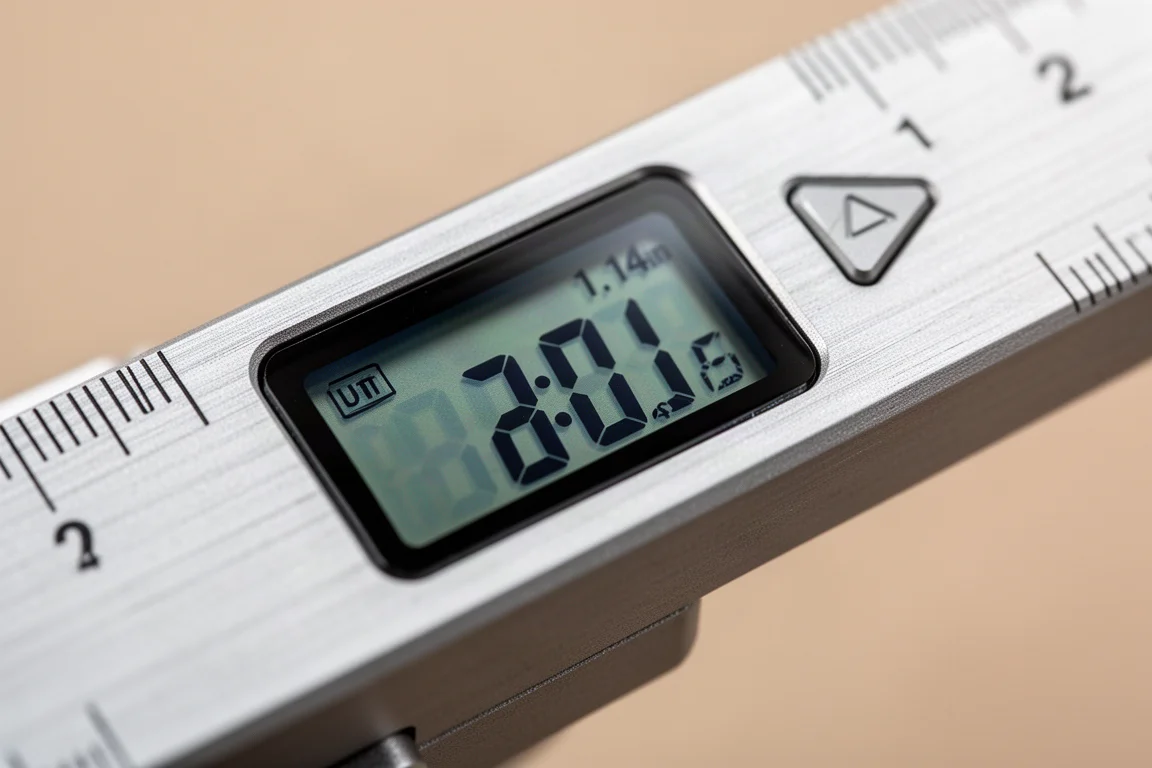
Unit conversion is the mode that gets the most use. Switch between millimeters, centimeters, meters, and inches with a couple of taps, and the reading updates instantly as the caliper moves. Accuracy is rated to 0.1 mm, and in testing it has proven reliable. There is also a companion Bluetooth app, though if you only need basic measuring and conversion, you may not miss it. Supported units include millimeters, centimeters, meters, inches, feet, yards, miles, and kilometers, with miles and kilometers available when the 50,000:1 scale is selected.
The space divider mode is a genuinely useful bonus. Set it to divide a measurement into equal parts, and the display shows each fraction instantly. A box measuring 4.59 inches across divides by ten into 0.46-inch segments, and switching to three, five, or any other division is a single button press. Calibration is straightforward too: open the caliper fully, close it completely, and the zero point is set.
Build Quality and Battery Life
The main body and caliper jaws are made of either aluminum alloy or stainless steel, and the quality shows. This feels like a precision instrument, not a gadget, and the blue indicator light that stretches along the beam as the caliper opens is a nice touch.
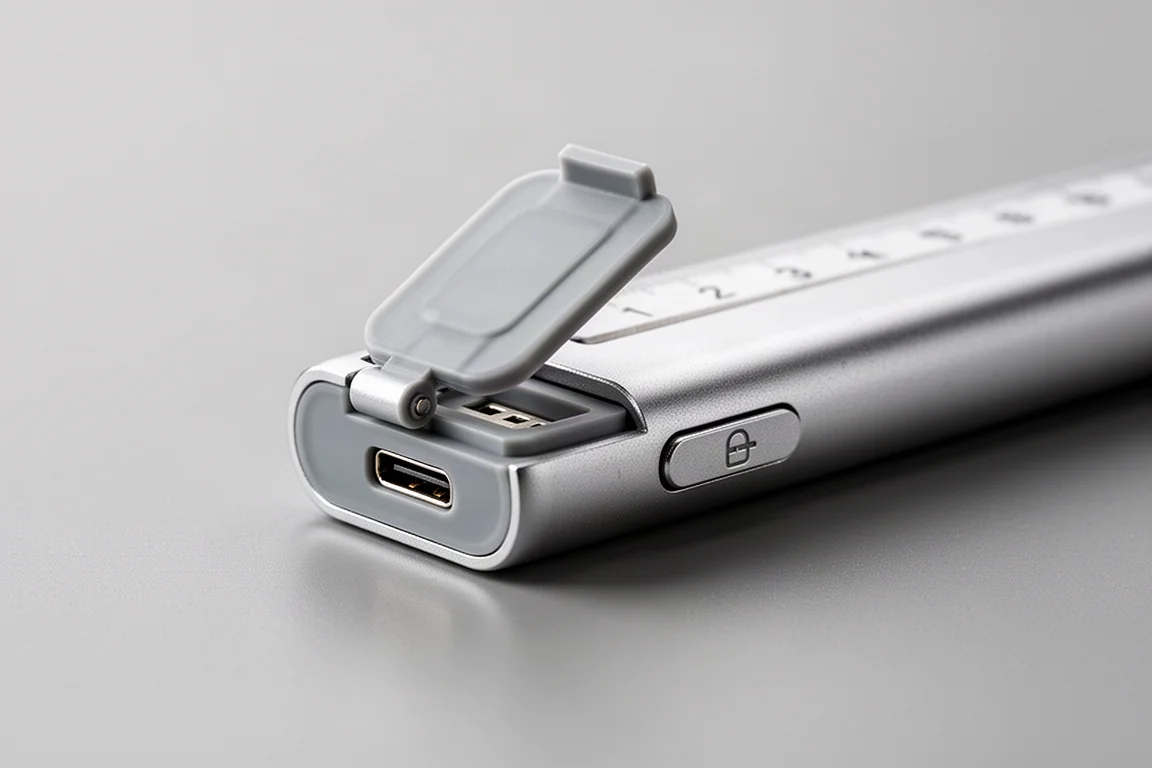
Battery life is rated at 180 days in standby, backed by a 1,000 mAh lithium polymer battery. Charging is via USB Type-C, and the port sits under a small locking lid that keeps dust out and automatically locks when closed. Powering down is simply a matter of press-and-hold on the triangle button.
Things to Consider Before Buying
The Neo Ruler is not cheap. The smart ruler base alone costs $129, and the digital caliper attachment adds another $49. A fitted case runs $59, and while other case options exist on the manufacturer’s website, the included-style case fits nicely and is worth it for a tool this pricey. Additional add-on kits, such as the drafting and reading kits discussed below, run about $19 each.
If you only measure occasionally and never need instant unit conversion or division math, a standard digital caliper remains the more economical choice. But if measuring is a frequent part of your workflow, the speed and accuracy here are hard to give up once you are used to them.
Optional Accessories and Pricing
Beyond the caliper, Hoso Design sells expansion kits. The Neo drafting kit includes slider attachments that hold a pen, letting you draw exact-length lines along the rail. The Neo reading kit adds a pointer and a small magnifying glass for reading fine graduations more easily. Both kits cost around $19.
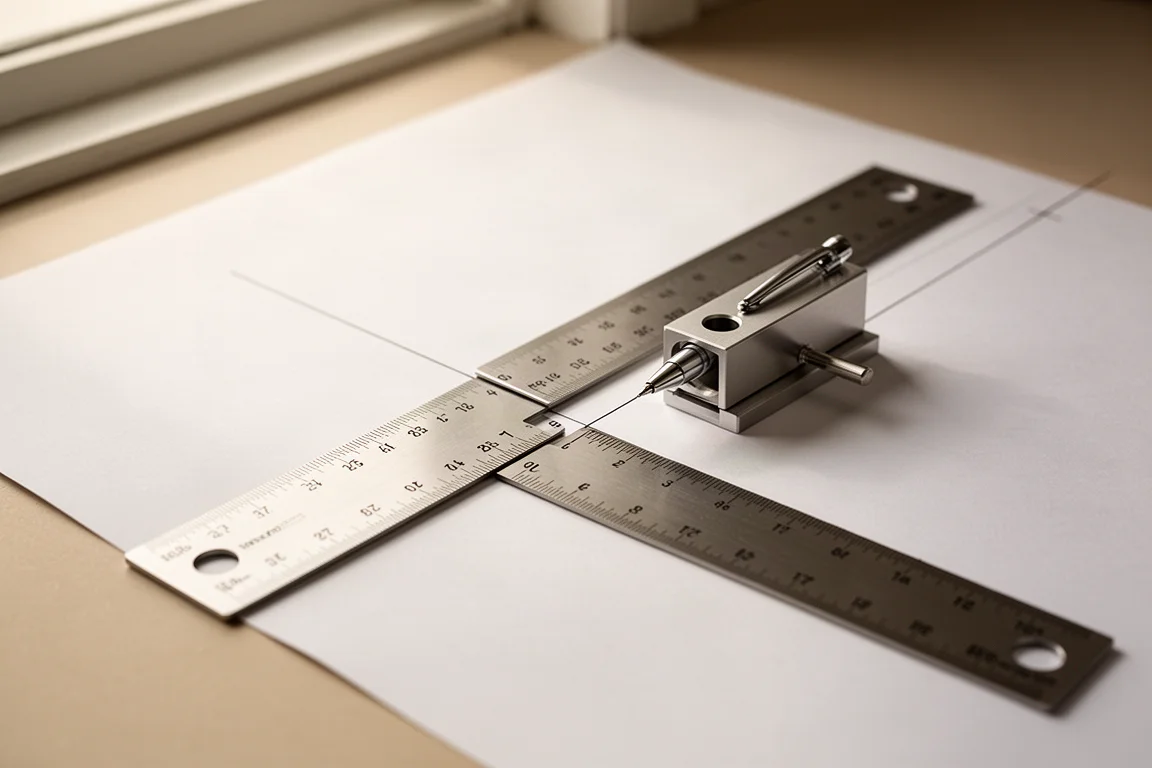
Add everything together: the $129 base, $49 caliper, $59 case, and both $19 kits, and the full setup shown here totals $275. The box includes the USB Type-A to Type-C charging cable, a quick start guide, and additional guides for the caliper and other functions.
Buying Advice
For makers, drafters, woodworkers, and anyone who measures constantly on camera or at a workbench, the Neo Ruler with the caliper attachment is a genuinely excellent tool. The quick unit conversion, the space divider mode, and the long battery life justify the premium for heavy users. If you pick one up, budget for the case; the build quality deserves protecting, and the price of admission is high enough that you will want it to last.
Conclusion
The Hoso Design Neo Ruler is a pricey but impressive piece of equipment. With the caliper attachment, fast and accurate conversions, a lovely color display, and thoughtful touches like the covered USB Type-C port, it is hard to imagine going back to a standard digital caliper. If the price fits your budget and measuring is part of your regular routine, it is an easy recommendation.
Product link
View more details for Hoso Design Neo Ruler
This product is mentioned in the review. Check the specifications, options, and compatibility before buying.
View more details for Hoso Design Neo Ruler