Gaming Headsets
Glorious GHS Eternal Headset Review: Two Versions, One Comfortable Core
Glorious enters the gaming headset space with the GHS Eternal in 3.5mm and USB versions. We break down comfort, sound, software, and value.
Introduction
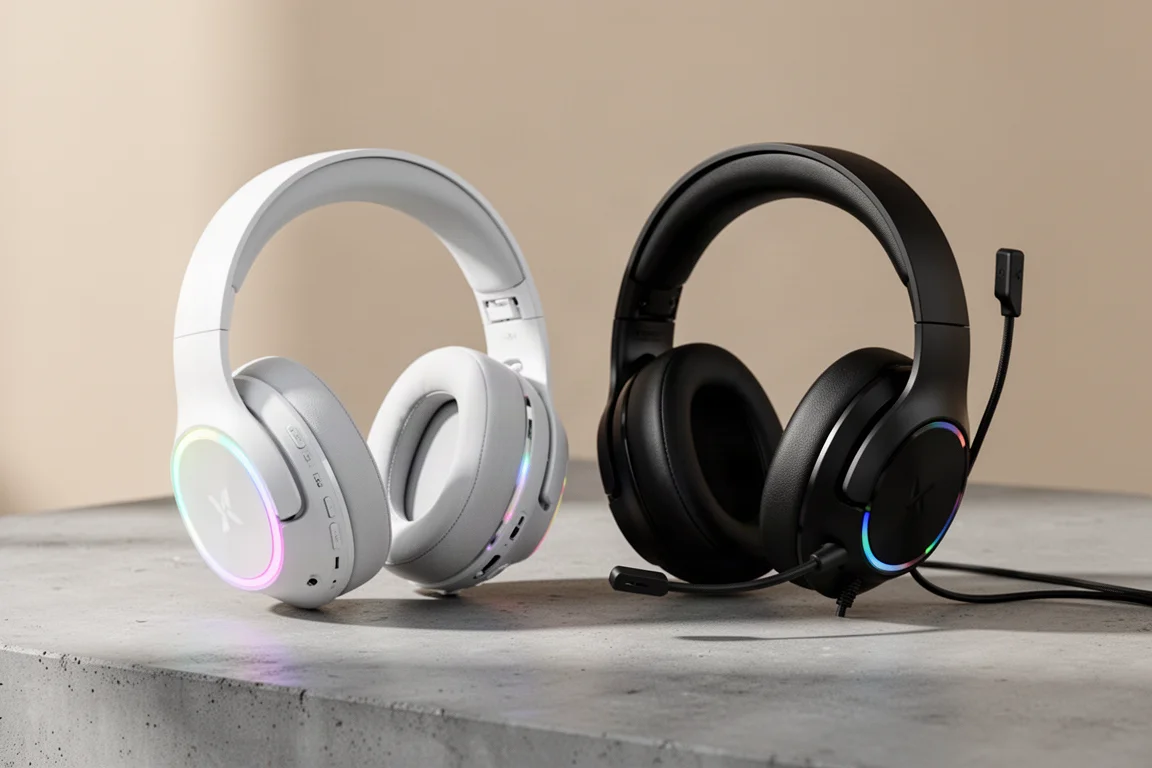
Glorious is a name most PC gamers associate with budget-friendly mice and keyboards. Now the company has stepped into the gaming headset space with the GHS Eternal, available in two versions: a wired 3.5mm model and a USB version with RGB lighting. Both share the same core design, but they differ in features, connectivity, and price.
The 3.5mm version comes in at $60, while the USB version with RGB sits at $90. Both are available in white and black colorways. Each headset includes a detachable microphone, and the USB version ships with a USB-C to 3.5mm cable, a USB to USB-C cable, and a USB-C to USB-A adapter, covering just about every connection scenario you might need.
Comfort and Build Quality
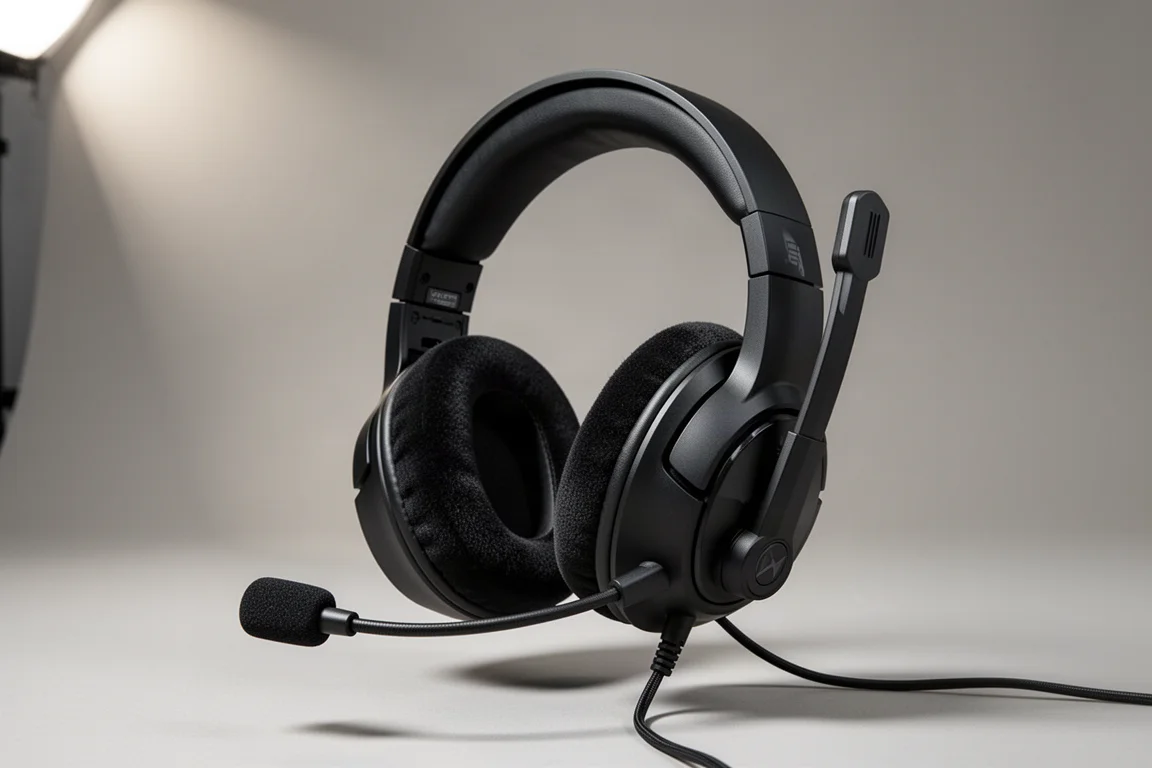
Comfort is where the GHS Eternal headsets shine. Both versions use the exact same ear cushions, made from a plush sports material inside and out. The pads measure roughly 21mm thick with an inner width of about 45mm, and they are incredibly soft. During extended sessions, there were no pinch points and no issues with ears touching the drivers.
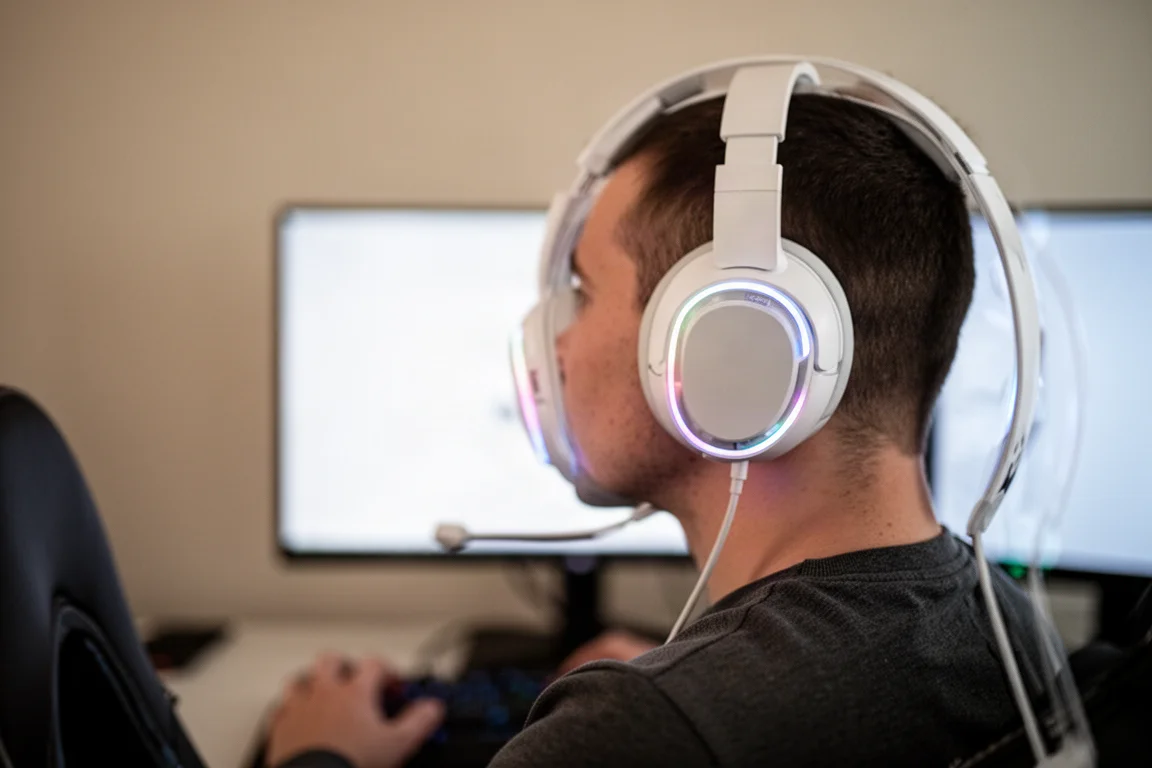
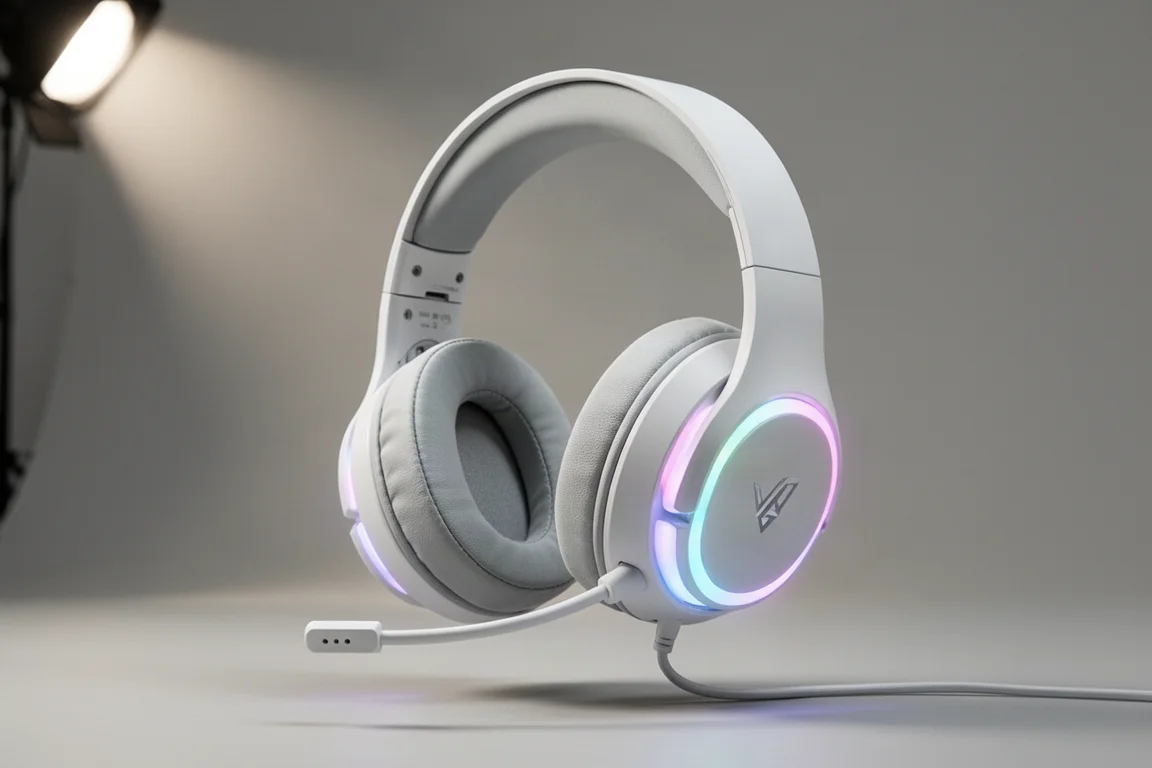
Where the two versions differ is the headband design. The USB version features a floating headband with light tension and padding up top, which relieves pressure across the top of the head. The 3.5mm version uses a more traditional padded headband, and it is also very comfortable, with generous padding throughout. Both designs hold their position well out of the box, and the tension adjustments did not require micro-adjustments during use.
The ear cups on both models have full swivel with no tension, which means they move very freely. This is great for fitting any head shape, but it also means the headsets do not hold their position when set down. There are small dampeners in the swivel mechanism, so the movement does not produce a plasticky clanking sound. The build quality is solid when stretched and twisted, but the loose movement of the ear cups does raise some concern about potential break points over time.
Features and Functions
The two versions diverge significantly in their controls. The 3.5mm model has a traditional springy microphone mute button that you press in to mute and press out to activate. It also has a plastic volume knob with nice tension that bottoms out at the lowest and tops out at the highest setting. The knob can be clicked in, but it does not appear to trigger any function.
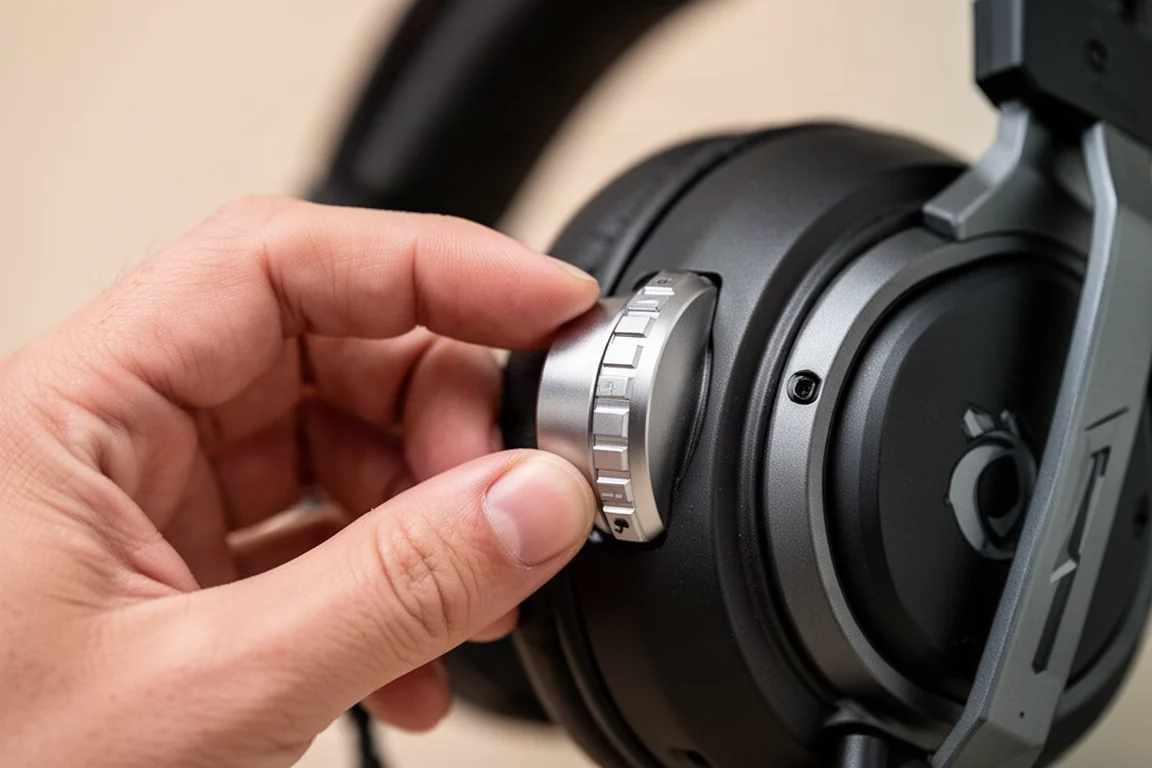
The USB version upgrades to metal knobs with tactile steps. The left ear cup knob controls RGB on and off, game-to-chat balance, and can be held down to cycle through EQ presets. The right knob handles volume, answering calls, and skipping tracks. The microphone mute on the USB version is a clicky button that only works when the headset is plugged in via USB-C. When running through 3.5mm, the mute button does not function.
The USB version connects via USB-C, and the included cables allow for USB-C to USB-C, USB-C to USB-A with the adapter, and USB-C to 3.5mm for direct connection to a controller. The 3.5mm version has a standard 3.5mm port and a separate microphone port for the detachable boom.
Microphone Performance
The detachable microphone on the 3.5mm version delivers solid raw performance when connected directly via 3.5mm. It picks up voice clearly, though it does capture some mouth sounds like P’s and T’s, as well as breathing. Pulling the microphone further away helps reduce some of that, but the boom is not particularly long, so positioning options are limited.
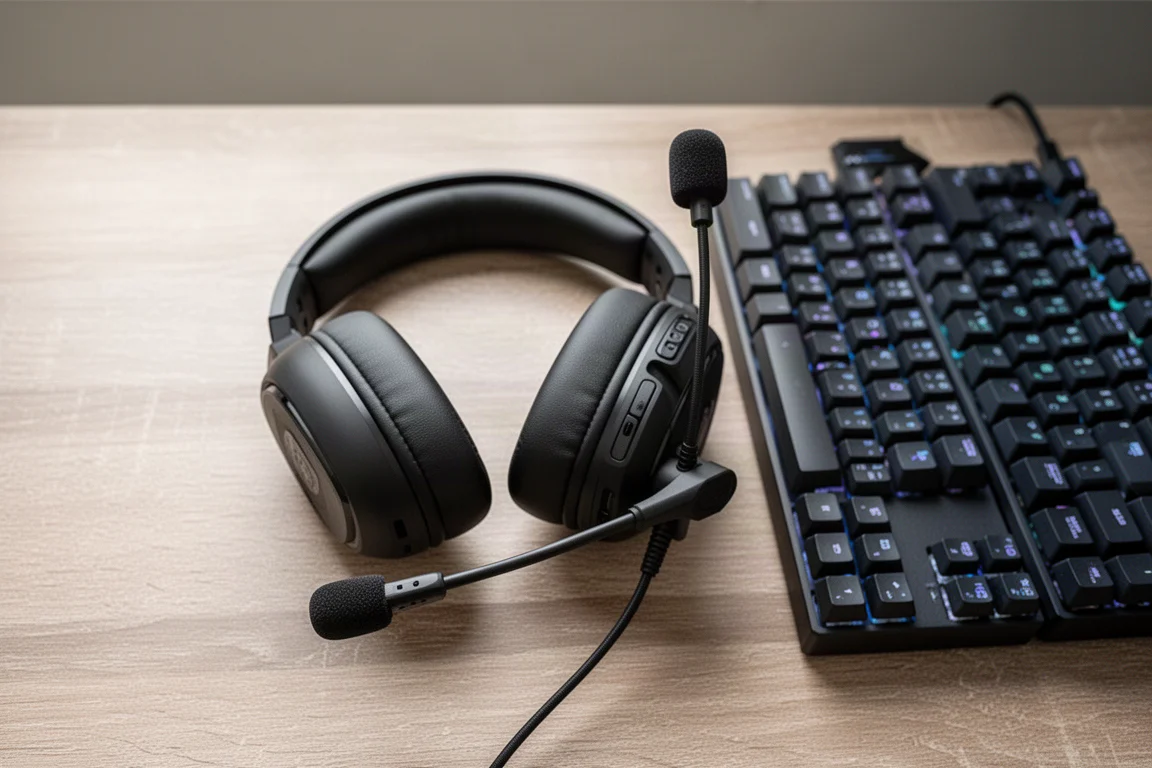
The USB version behaves differently. When connected via USB-C, the microphone compression keeps the pickup level lower compared to the 3.5mm connection. There was also an odd popping sound when clapping during testing, though lower-volume sounds did not trigger it. The microphone level can be adjusted in the companion software, with low, mid, and high settings available.
The software also includes a side tone feature. At the mid setting, the side tone is a subtle background presence. At high, it becomes more noticeable but does not get screechy or airy. The mid setting is the sweet spot for most users.
Software
The companion software for the USB version covers audio settings, microphone levels, side tone, RGB control, and EQ presets. The EQ section offers presets like Glorious mode, Music, Immersion, and FPS, but there is no option to create a custom EQ curve. This is a notable limitation, especially for a gaming headset in this price range.
The software also lacks voice prompts. When muting the microphone, there is no audible confirmation in the headset, only a red light on the front. Cycling through EQ presets on the headset itself produces only a beep, with no indication of which preset is active. The interface could also benefit from visual representations of the controls it is describing.
Sound Quality
Both versions use the same drivers and frequency range, and the clamping force is light to medium. The sound signature is natural and true rather than bass-heavy or punchy. It is closer to a traditional headphone sound than the typical gaming headset tuning.
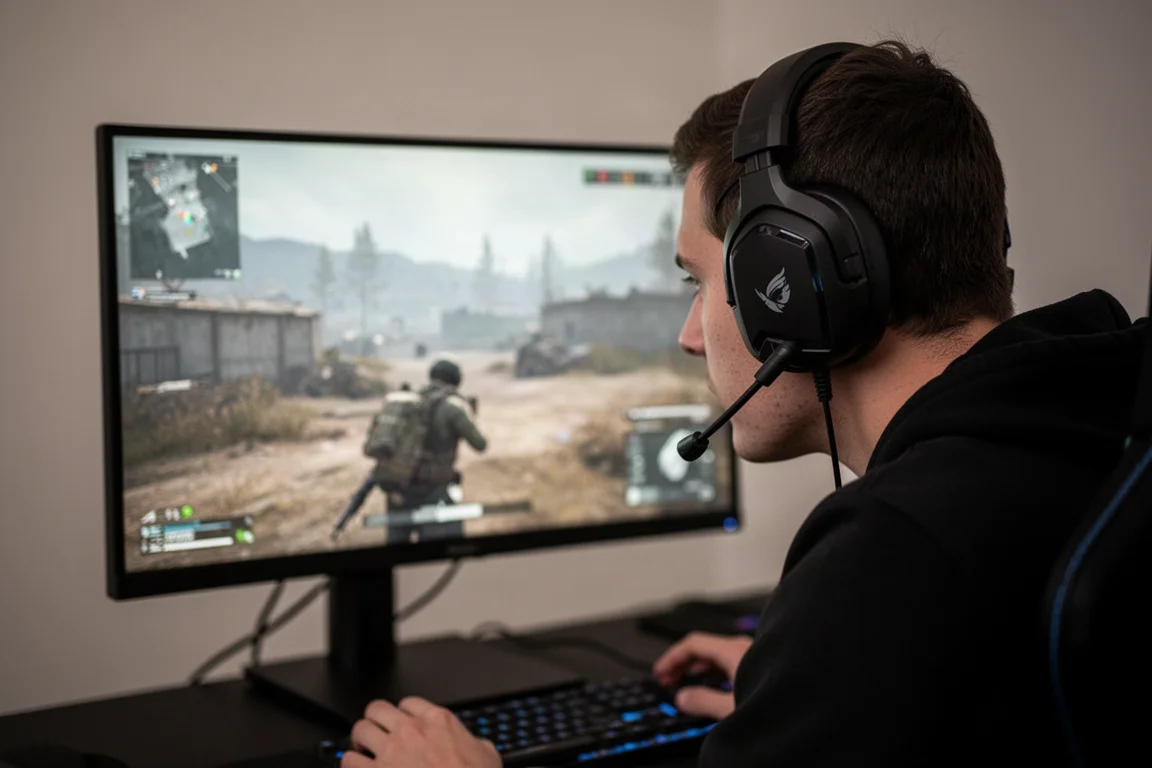
Running the 3.5mm version on console delivered strong immersion and detail. Dialogue in story games comes through crisp and clear, even with action happening in the background. The sound is not muddy or overly full, but it has a natural balance that makes it easy to keep using for long sessions.
The USB version performed well when connected via USB-C to a PC. Playing shooters like Battlefield, the headset delivered good immersion and body, with a mix of environmental detail and battlefield atmosphere. Footstep detail is not overly pronounced, but the overall presentation is solid.
One notable issue: running the USB version via USB to 3.5mm resulted in very low volume and a sound profile dominated by highs. Even with the volume cranked up on both the console and the headset, the experience was lackluster and nearly unusable. This is a significant drawback for a headset that advertises multi-platform connectivity.
Buying Advice
The Glorious GHS Eternal headsets are comfortable, well-designed, and deliver a natural sound signature. The 3.5mm version at $60 is the stronger value, especially for console players who want a simple, comfortable headset without extra features. The USB version at $90 adds RGB, metal knobs, and software support, but the software limitations and the finicky USB to 3.5mm behavior hold it back.
For the 3.5mm model, there are established competitors in the same price range, so the decision comes down to whether the comfort and natural sound profile appeal to you. For the USB version, the RGB lighting on the front of the ear cups can reflect off glasses and screens, which may be a dealbreaker for some users. The RGB can be turned off, but it is a feature that adds cost without adding much practical value.
If you are choosing between the two, the 3.5mm version is the safer pick. The USB version makes sense only if you specifically want the software features and are willing to work around its quirks.
Conclusion
Glorious has delivered a comfortable pair of headsets with a natural sound signature, but the two versions feel like incomplete halves of a single product. The 3.5mm version nails the basics at a reasonable price, while the USB version adds features that are undermined by limited software and inconsistent connectivity. If Glorious combines the best of both into a single headset at the $60 price point, it could be a standout. As it stands, the 3.5mm version is the one worth considering for most buyers.
Further reading
Related Reviews

Gaming Headsets
ASUS ROG Cathara Review: Planar Magnetic Sound With a Few Caveats
The ASUS ROG Cathara brings planar magnetic drivers and audiophile-grade tuning to a gaming headset, but volume sensitivity and mic quirks mean it is not for everyone.

Gaming Headsets
Asus ROG Kithara Review: A Cozy Open-Back Headset With Audiophile Sound
The Asus ROG Kithara blends HiFi Man planar magnetic drivers with ROG gaming features. We test comfort, microphone quality, and sound across games and music.
Gaming Headsets
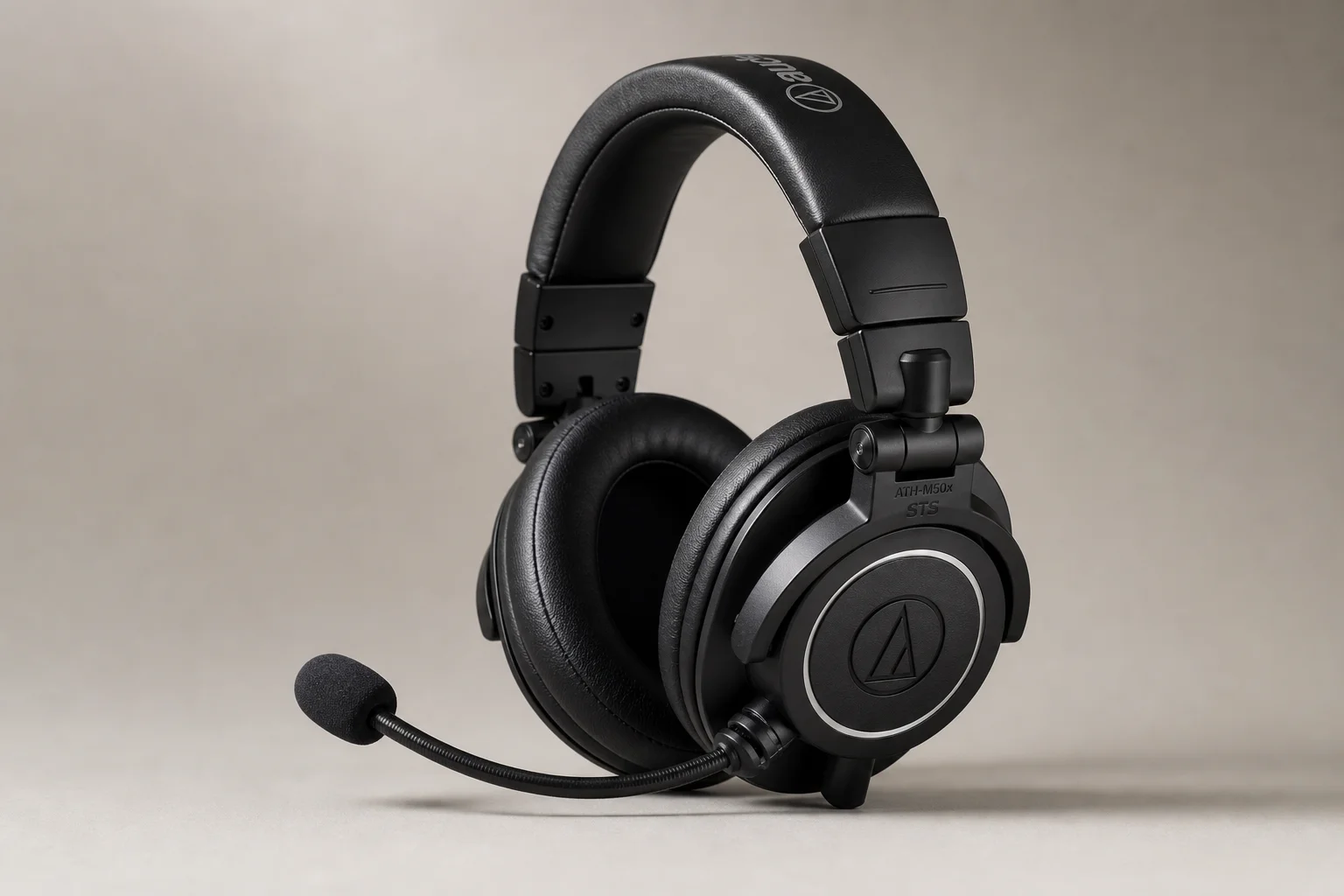
Audio Technica ATH-M50x STS Review: Music Headphones Meet Gaming Headset
Audio Technica combined their respected M50x headphones with an integrated microphone to create a hybrid gaming headset. We tested both the USB and XLR versions to see if the formula works.