GPS Watches
Garmin Forerunner 265 vs 265S: A Complete Beginner's Guide
Everything to know about the Garmin Forerunner 265 and 265S, from the AMOLED display and battery behavior to training tools, GPS, music, and payments.
Introduction
The Garmin Forerunner 265 is the watch that brought Garmin’s AMOLED display and training readiness tools down to a much more approachable price point. This guide walks through everything you need to know if you are brand new to the watch, upgrading from an older Forerunner, or just curious whether it fits your running. Both the standard 265 and the smaller 265S are covered here, including the practical trade-offs between the two.
Hardware: Two Sizes, One Difference
There are two versions of the Forerunner 265: a larger version and a smaller 265S. The only differences are the display size and, as a result, the battery life. Notably, the battery itself is identical between the two, which means the smaller 265S actually gets longer battery life than the larger 265, something that virtually never happens on Garmin devices or any other watch.
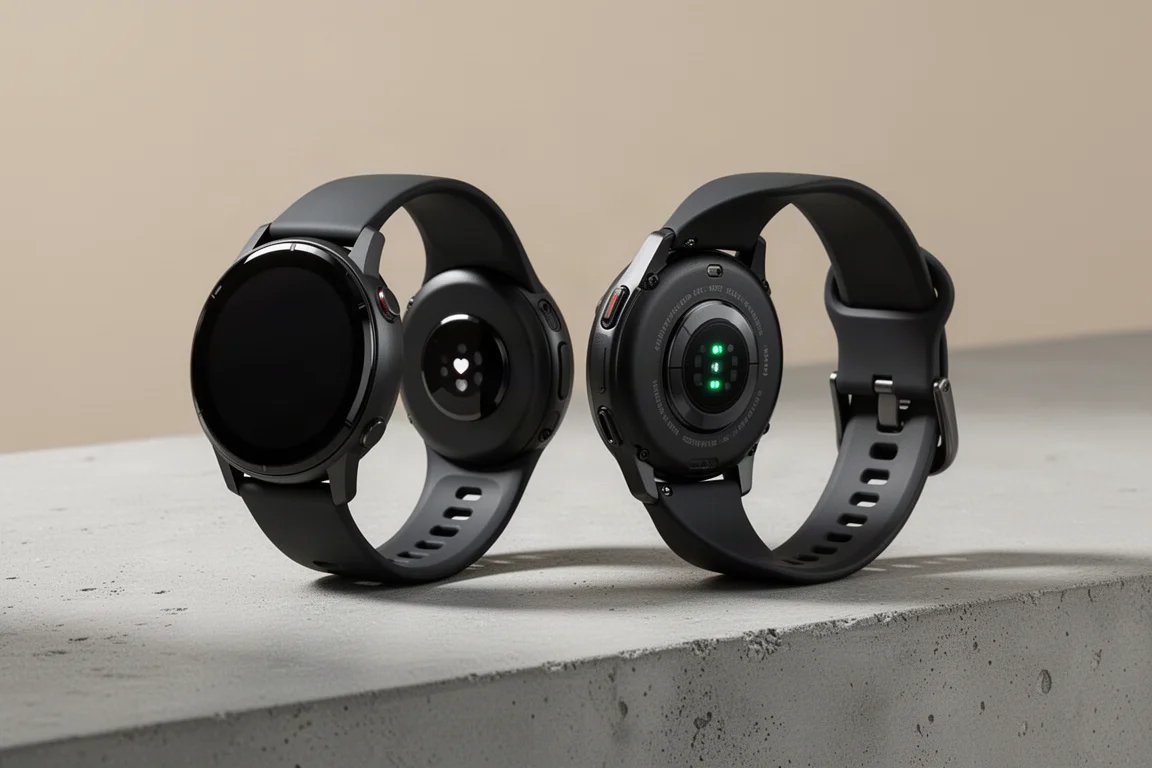
On the back you find the standard Garmin charging connector and the optical heart rate sensor. The in-box charger is a USB-C version rather than the older USB-A plug, which is a welcome touch. The bands are pseudo-quick-release: you can pop them off with a fingernail or a small tool, and you can also install proper quick-fit or third-party bands if you want. Interestingly, the more expensive Forerunner 965 does not include quick-release bands at all.
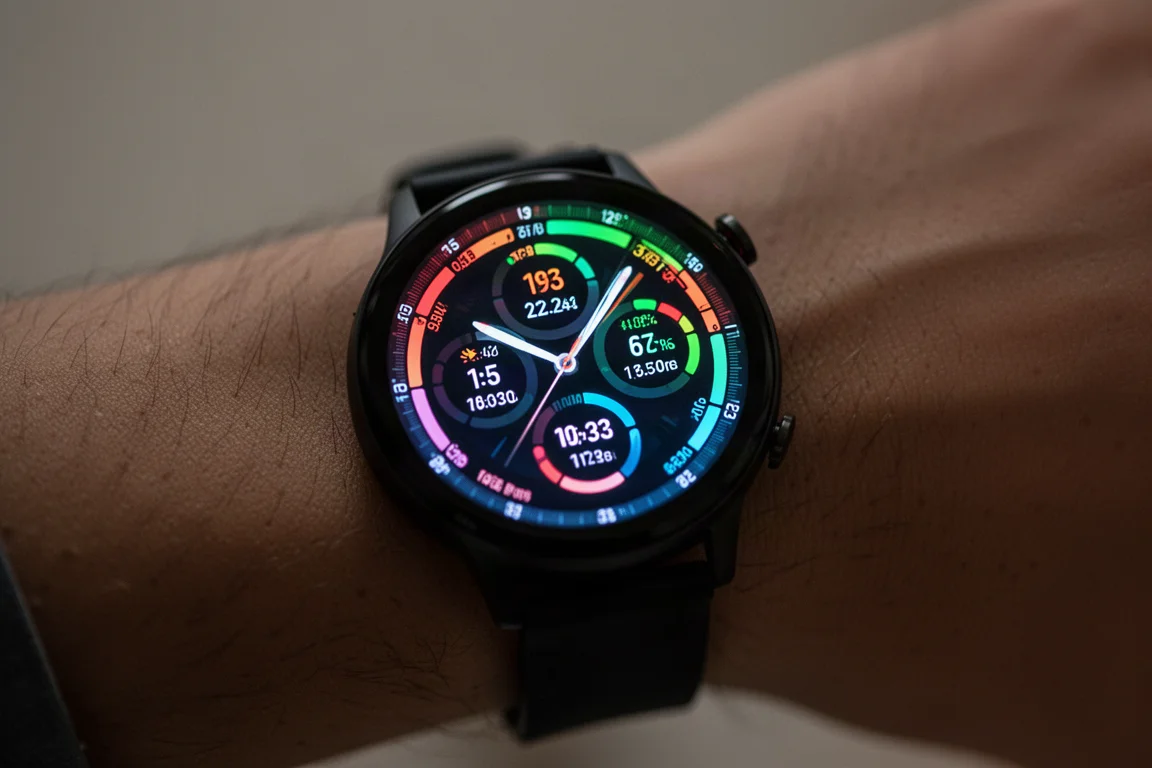
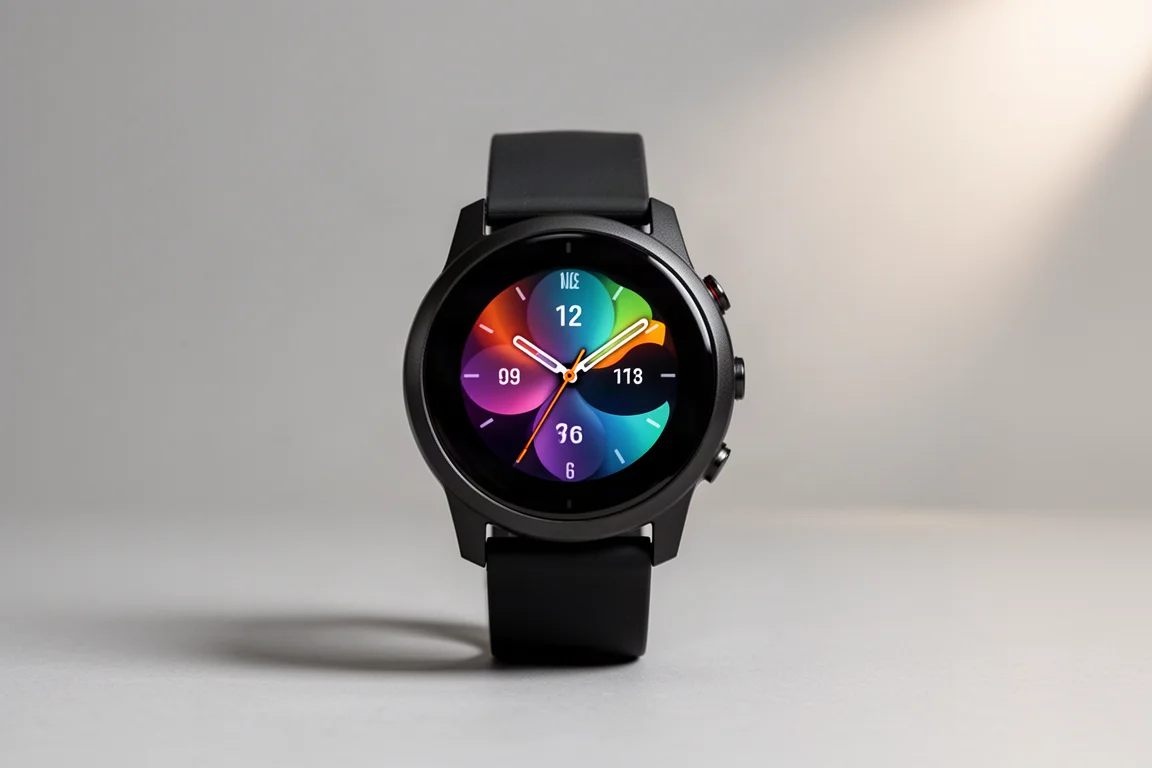
The front is where the magic happens. The AMOLED display is the big selling point of the 265 series. Compared with the previous Forerunner 255, the difference in color and brightness is immediately obvious, similar in character to an Apple Watch or Samsung watch. By default the display is not always-on, because AMOLED burns more battery than the older always-on MIP displays. You can enable an always-on dim mode though: the screen sits in a low-power dim state and jumps to full brightness when you raise your wrist. Garmin’s battery management is excellent here, and its AMOLED battery life beats most competitors.
Sunlight visibility, historically a weak point for AMOLED watches, is no longer a real concern. Side-by-side in direct sun, the 265 and the 255 are virtually identical and easy to read. The 265 also has a dedicated sleep mode that dims the display far more than the normal dim setting, scheduled per day of the week, so the watch stops glowing in bed. You can access things from sleep mode, but everything is deliberately muted.
Controls are a mix of three buttons on the left and two on the right, plus a touchscreen. If you hate touchscreens you can disable it entirely; if you love it, you can use touch for nearly everything except starting, stopping, and lapping a workout, which is by design so you do not accidentally stop a run with a brush of rain or snow.
Watch Faces, Widgets, and Sleep Tracking
The watch face is customizable from a range of stock options, and you can pick which data fields appear on each. One minor disappointment: the stock faces cannot show trending load or trending readiness, which are major features on this watch. Third-party Connect IQ watch faces can do it, and you can also create your own watch face from a photo.
Below the watch face sit the widget glances, quick bites of information from training status, FTP, training readiness, HRV status, weather, steps, and more. Each glance opens into more detail, and everything is replicated in the Garmin Connect app and website, which offers far more sport and fitness metrics than any competitor. It can feel overwhelming at first, but the main dashboard is straightforward if you stick to it.
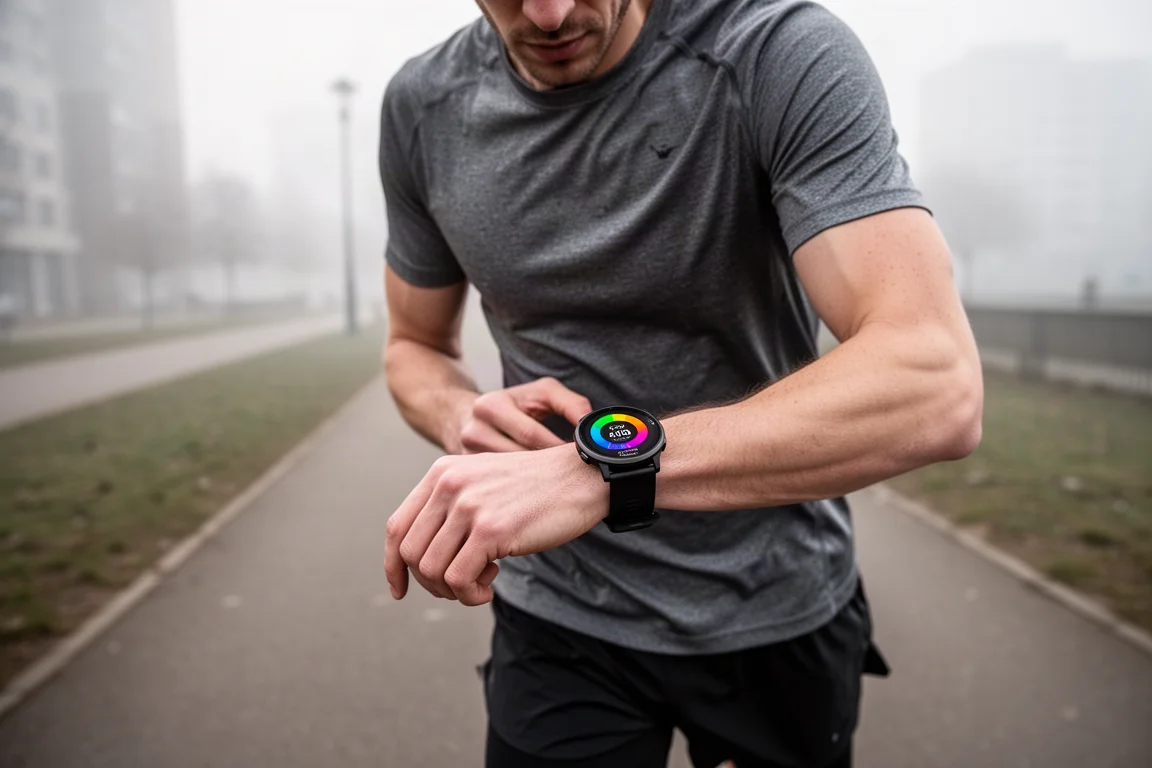
Body Battery is worth understanding before diving into the training features. Think of it as your energy level over the course of the day: charging overnight while you sleep, draining as you train and stress. In real use it is a solid proxy for how you actually feel, though it breaks down in extreme scenarios like redeye flights or all-nighters. It is best treated as a per-day metric rather than something to trend over weeks.
Sleep tracking on the 265 is strong where it matters most. Total sleep duration was spot-on in long-term use, and sleep times matched reality closely. The sleep score and quality ratings are reasonable, but the individual sleep stages deserve skepticism: even in the best case, this stage technology is only around 80 percent accurate in lab testing, so treat stages as a rough guess and focus on total duration instead.
Waking up, you get the Morning Report: a beautifully animated summary of the weather, last night’s sleep, training readiness, HRV status, and your calendar. The weather animations are genuinely polished. If you do not like it, you can turn it off or edit which items appear, including adding body battery, intensity minutes, or steps, and even have it greet you by name.
HRV Status Explained
HRV status, your heart rate variability, is collected only while you sleep at night. It starts with raw values on the very first night, but the colorful baseline chart only appears after 19 sleeps of data. Your personal green zone is built from that trended baseline; values above it are generally better, values below it can signal fatigue, illness, alcohol, medication, or other stressors. For example, alcohol will visibly depress HRV overnight, and it may partially recover if you get a long night of sleep.
The right way to use HRV status is to watch the trend, not any single night. One low night is nothing to worry about; three or four consecutive nights of depressed values usually means something is going on, whether that is too much training load, an appropriate training block, or the start of an illness. Garmin computes the nightly average in a straightforward way, and you can view 7-day averages and a 4-week baseline to see where things are heading.
Training Readiness and Training Status
Training readiness is new to the Forerunner 265 series and makes this the lowest-priced Garmin watch with the feature. It answers a literal question: how ready is your body to train right now? Unlike Body Battery, which tracks energy across the day, training readiness fluctuates through the day. It might start at 60 after waking, climb toward 70 or 80 by lunch, then drop hard after a tempo run because you just added recovery time, then climb back over the following hours and replenish overnight.
Press down on the readiness screen and you see the factors behind the score: sleep, recovery time, HRV status, acute load, sleep history, and stress history. Sleep and recovery time are the two most important. Bad sleep tanks your readiness even if everything else is perfect, which is exactly what you would expect with a newborn at home. Recovery time, driven by your workouts, can even decrease faster if you have a genuinely relaxing, low-stress day.
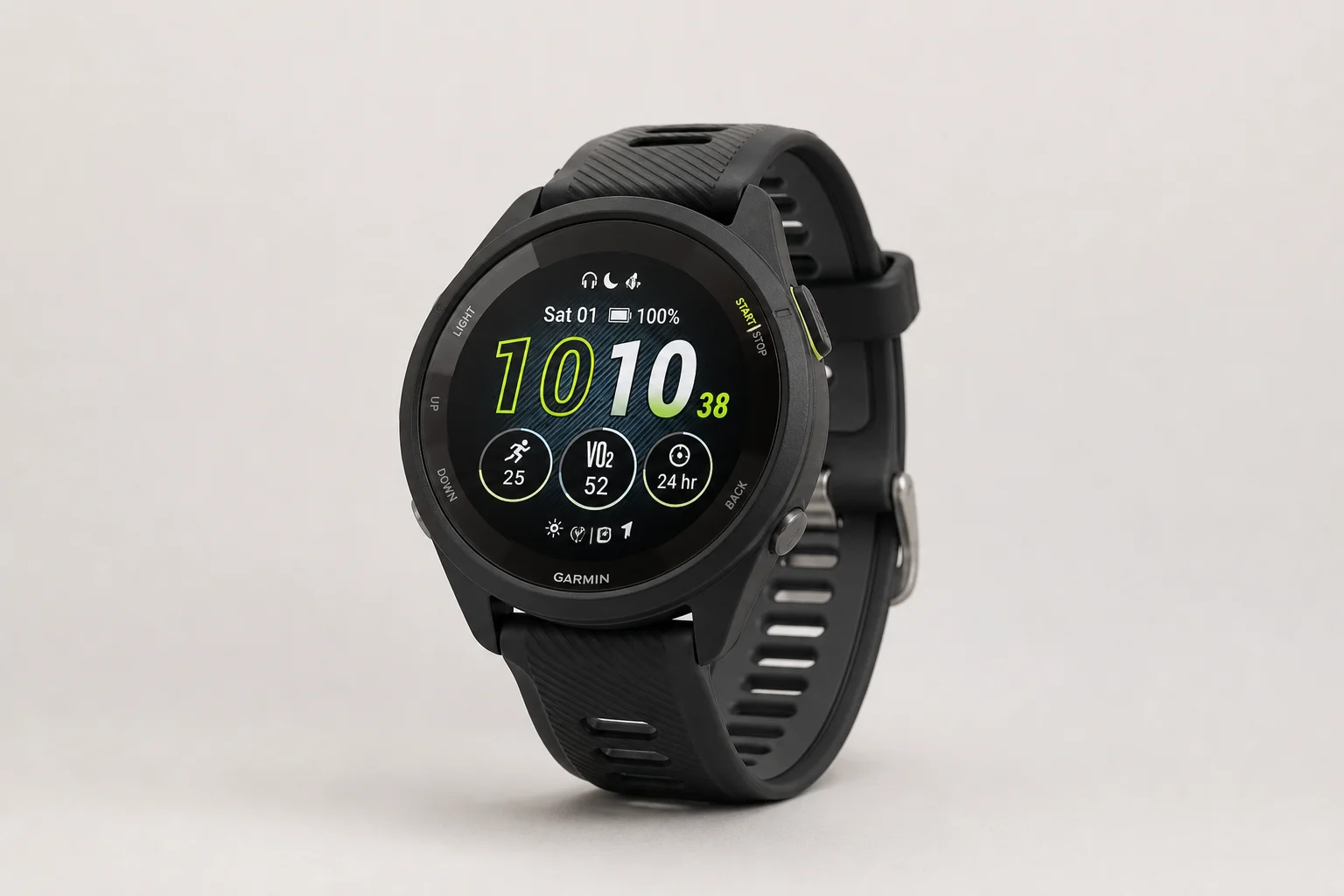
Training status is the older sibling feature, and it has three core components: VO2 max trend (increasing, decreasing, or steady), HRV status balance, and your acute load. It thinks from a coaching standpoint, asking whether you are doing the right mix of high-intensity and low-intensity work. Acute load is essentially your training load over the last seven days, with older load burning off: a two-hour long run matters most today and tomorrow, but hardly registers seven days later. For context, a VO2-max tempo run might generate a load around 300, an easy hour on the trainer around 100, and a casual easy ride only 20 to 30, since load is mostly heart-rate driven. The green “optimal load” tunnel shows where your ramping should sit, and the exercise load breakdown shows whether you are balancing high aerobic, anaerobic, and low aerobic work.
Two honest caveats from long-term use: VO2 max has been stubbornly stuck at the same value for months despite measurably faster racing and a rising FTP, a known frustration that Garmin has been investigating. And a newly paired second watch briefly corrupted the acute load graph on the 265, a bug Garmin fixed quickly, but worth knowing if you run two watches.
Race Calendar and Daily Suggested Workouts
The race calendar widget lets you add running or cycling races from Garmin Connect, complete with the exact course, date, and start time. Once loaded, the watch estimates your finish time (tied to VO2 max), shows average race-day temperature, and generates a full periodized training plan: base, build, peak, taper, race, and recovery phases, with daily suggested workouts that adapt along the way.
Settings let you choose preferred long-workout days, pick a pace or heart rate target (running power is not supported as a target here), and pause training if you are sick or on vacation. The running side is genuinely good at getting you to a finish line at any distance. Cycling is supported in spirit but weaker, and triathlon gets no swim-bike-run plan at all, only running and cycling workouts.
Sport Modes and Workout Tools
The sport mode list is deep: run, track run, treadmill, bike, indoor bike, pool swim, open water swim, triathlon, downhill skiing, and many more. What separates Garmin from Polar, Suunto, and Apple is that there is real data behind these modes. Downhill skiing, for example, automatically pauses on the chairlift, resumes on the descent, records individual runs, and calculates descent rates. One amusing gap: there is no ice skating mode on any Garmin watch, even though Garmin sponsors a national ice skating team, so skaters have to record a random sport and re-categorize it later in Garmin Connect.
Within each sport you can configure data pages with up to six fields per page, plus stock pages like heart rate zone gauges, virtual partner, compass, and elevation. Note there are no full maps on the 265, only breadcrumb navigation. Nearly every setting can be customized from your phone, a huge time-saver, though sensors cannot be paired from the phone and settings do not migrate from an older watch, so plan to spend some setup time.
Workout options include structured training workouts, interval sessions on the fly, PacePro race pacing plans that adjust pace targets per split based on course elevation, and a lactate threshold guided test. LiveTrack sends a real-time link with your location, heart rate, and pace to chosen contacts automatically, which is great for races and peace of mind. You can even charge the watch mid-workout from a USB battery bank without ending the activity.
Running Power and Running Dynamics
Running power is now fully wrist-based on the 265, no chest strap or running dynamics pod required. Garmin joined Apple, COROS, Suunto, and Polar here after rolling it out to the 255 as well. The important caveat: there is no industry standard for running power. Every manufacturer computes a different number, and even scientists disagree on what it should include. You can use it to trend within one brand, but do not compare values across brands.
By default running power is on, and you will be asked on your first run. Leave it on unless you use a stryd-style running sensor that might conflict with the data. You can set the source to smart mode (wrist when alone, accessory when paired), wrist-only, or a compatible Garmin heart rate strap such as the HRM Pro, HRM Pro Plus, or HRM run. There is also an option to account for wind, which pulls weather data from your phone; it kind of works but gets confused by tunnels, downtown wind effects, and forests, so many users simply leave it alone.
Running dynamics, including ground contact time, cadence, vertical oscillation, and vertical ratio, are also now wrist-based. Honestly, this data has existed for nearly a decade and almost nobody has found a practical use for it. The one exception is the left/right balance ratio, which still requires a chest strap and is mostly useful during injury recovery. It is fun to look at, and now you no longer need extra hardware for it.
Multiband GPS and Sensors
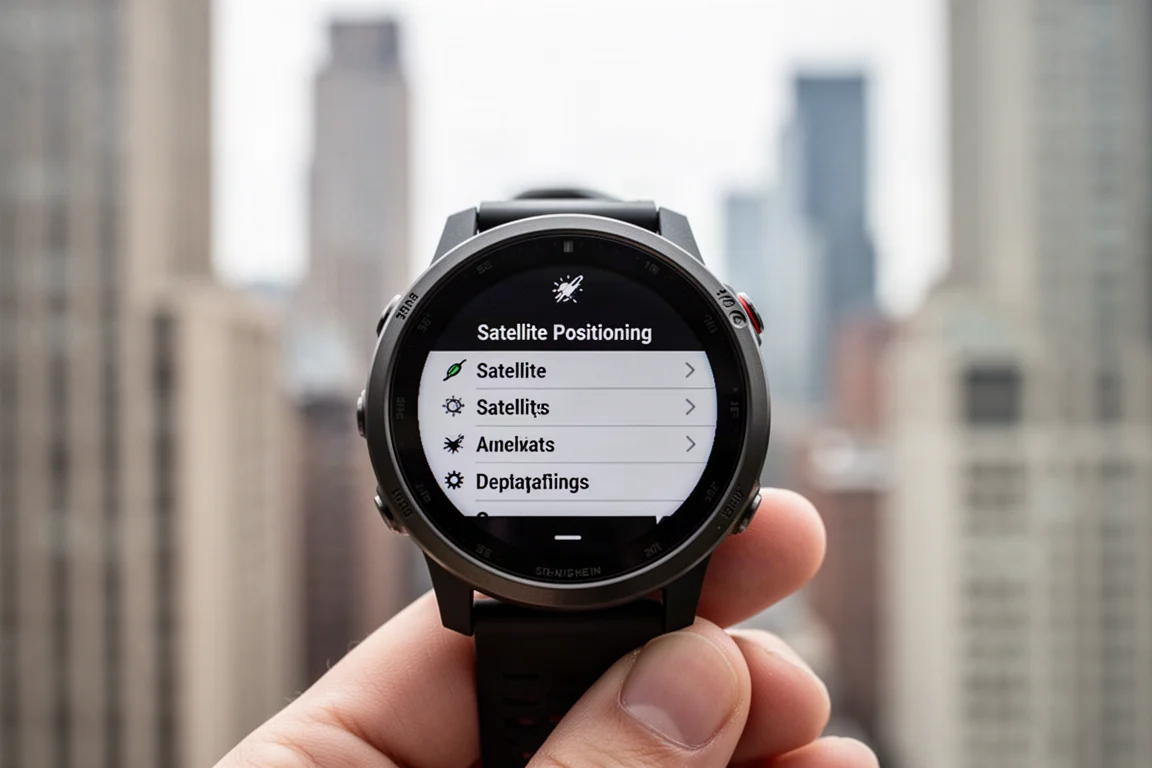
Multiband, or dual-frequency, GPS is arguably the second most important piece of hardware here. It uses two satellite frequencies and many more satellites for the best possible accuracy, which makes a tremendous difference in hard environments like Manhattan’s skyscraper canyons or cliff faces in the Alps. The trade-off is battery: multiband roughly halves your battery life, and in wide-open terrain it adds nothing.
That is why auto select, introduced last summer, is the setting to use. It dynamically drops down to cheaper GPS-only positioning in open areas and ramps up to multiband when the environment demands it. In long-term side-by-side testing across cities and mountains, auto select tracks were virtually identical to forced multiband while using dramatically less battery. Leave it on auto select and stop thinking about it.
Sensor support covers ANT+ and Bluetooth Smart: external heart rate, foot pods, power meters, smart trainers, radar, lights, headphones, and more, with multiple sensors of the same type saved and roughly a 20-sensor limit. Two notable gaps versus the Forerunner 965: no inReach satellite communicator support, and no electronic shifting integration from Shimano Di2 or SRAM eTap. You can also broadcast your heart rate out over ANT+ and Bluetooth, which is a favorite for indoor training on Zwift or Peloton, especially for anyone who hates wearing a chest strap.
Navigation, Courses, and the Software Flashlight
Navigation on the 265 is breadcrumb-style rather than full mapping: load a course and the watch shows your position relative to the line, points the way with a compass, and gives turn-by-turn heads-ups. There is an elevation plot, a PacePro option for raced courses, and you can preview the route and elevation before starting. It is not the full map experience of the 965 or 955, but for following a planned route it works well.
There is no hardware flashlight like the Fenix 7X, but there is a surprisingly effective software flashlight: the AMOLED screen at full brightness genuinely lights up a dark room, with three brightness levels plus a dim red mode. It is ideal for checking on small children at night without blinding anyone. It is not enabled by default; assign it to a hotkey or add it to the controls menu to make it one press away.
Music, Garmin Pay, and Everyday Features
The 265 connects to any Bluetooth headphones and stores onboard music from Spotify, Amazon Music, or Deezer offline playlists, plus MP3 files. There is a speaker for beeps and alerts but not for playing music out loud. Playlist downloads over Wi-Fi take a few minutes for around 50 tracks, better than past Garmin watches but still not instant. Once downloaded, your phone stays home: the watch plays the entire playlist from start to finish or shuffled, with simple controls for volume, repeat, and shuffle. A practical tip: use Spotify or Amazon Music for podcasts rather than Garmin’s own desktop solution, which is clunky and does not track episode progress automatically.
Garmin Pay handles contactless payments the same way your phone does. The catch is bank support: it depends on your specific bank and country, not just the card network. Major US issuers like Chase are supported, and many Dutch banks work too, but check Garmin’s country-and-bank lookup tool before counting on it. Once your card is loaded and your passcode entered, paying at a supported terminal is a quick tap of the wrist, perfect for the post-run coffee stop.
Which Version Should You Buy?
Choose the Forerunner 265 if you prefer a larger display and do not mind the shorter battery life. Choose the 265S if you have a smaller wrist or want the longer battery life that comes from the identical battery in a smaller body. Everything else, training features, sensors, GPS, music, and payments, is identical. Anyone eyeing the step-up model should know the 965 adds full onboard maps and more, at roughly $150 more, but loses the quick-release band convenience.
Conclusion
The Garmin Forerunner 265 and 265S deliver the complete modern Garmin experience: a bright AMOLED display, training readiness, race planning, wrist-based running power and dynamics, multiband GPS with smart auto select, offline music, and contactless payments. A few software quirks, from the missing trending-load watch faces to the occasionally stubborn VO2 max, are worth knowing about, but none of them undermine what is an impressively complete package for runners who want serious data without premium-watch pricing.
Further reading
Related Reviews
GPS Watches
Garmin Fenix 6S Pro Review: A Compact Multi-Sport GPS Watch
A long-term look at the 42mm Garmin Fenix 6S Pro, covering mapping, training metrics, battery life, and what to weigh before buying.
GPS Watches
Garmin Instinct 2 Solar Review: Weeks of Battery for Runners, Riders, and Hikers
A practical look at the Garmin Instinct 2 Solar, covering solar charging, multi-week battery life, training metrics, and GPS performance across running, cycling, and hiking.
GPS Watches
Suunto 9 Peak Pro Review: A Light, Long-Lasting GPS Watch After 12 Months
A compact multisport GPS watch with exceptional battery life, accurate breadcrumb navigation, and a deliberately simple interface. Here is where it shines and where it falls short.