Office Furniture
FlexiSpot E7 Pro Plus Standing Desk Review: A Solid Foundation for a Home Office Refresh
A hands-on look at the FlexiSpot E7 Pro Plus motorized standing desk, covering assembly, build quality, controls, accessories, and whether it earns a place in your workspace.
Introduction
Every home has that one room that quietly becomes the center of everything. For many people it is the home office: part workspace, part hobby den, part entertainment corner. Over time, though, those rooms tend to collect more than they shed. That was exactly the situation here: a functional but increasingly cluttered office with two computers, a tangle of cords under the old desk, two printers, and surfaces piled with whatever did not have a home.
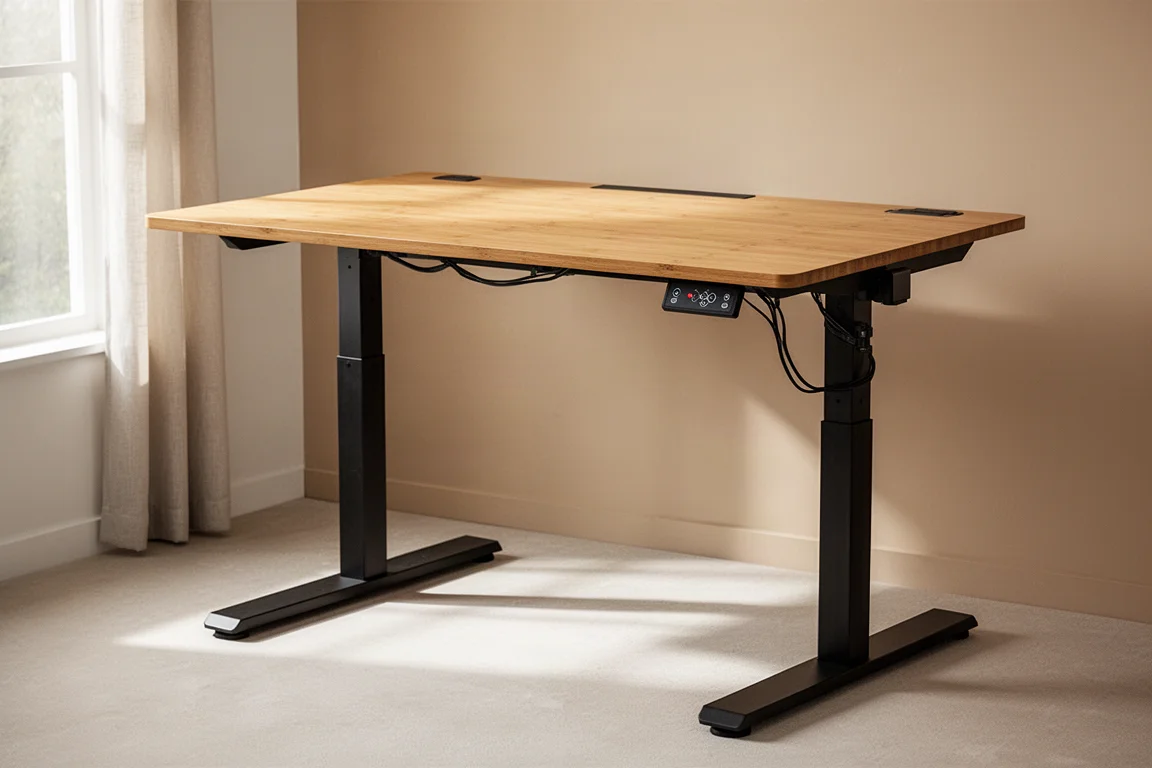
The catalyst for the refresh was a new FlexiSpot E7 Pro Plus standing desk, selected in the 60 x 30 inch size with a bamboo top. The desk became the anchor of a broader decluttering effort, and after weeks of use the verdict is broadly positive. Here is how it went together, how it works day to day, and what to know before buying.
Who This Desk Is For
The E7 Pro Plus suits anyone spending long hours at a desk who wants the flexibility to alternate between sitting and standing. In practice that means writers, remote workers, gamers with multi-monitor setups, and hobbyists with heavy equipment on the desktop. With a dual-motor frame rated to hold up to 350 pounds, it is especially appealing if your setup includes multiple monitors, a full-size PC, speakers, and accessories that would strain a lighter desk.
Assembly and Setup
The desk arrives in two boxes, one for the base and one for the top. Assembly took about an hour at a relaxed pace, with clear instructions and parts that fit together without any forcing or finagling. The base is available in black or white.
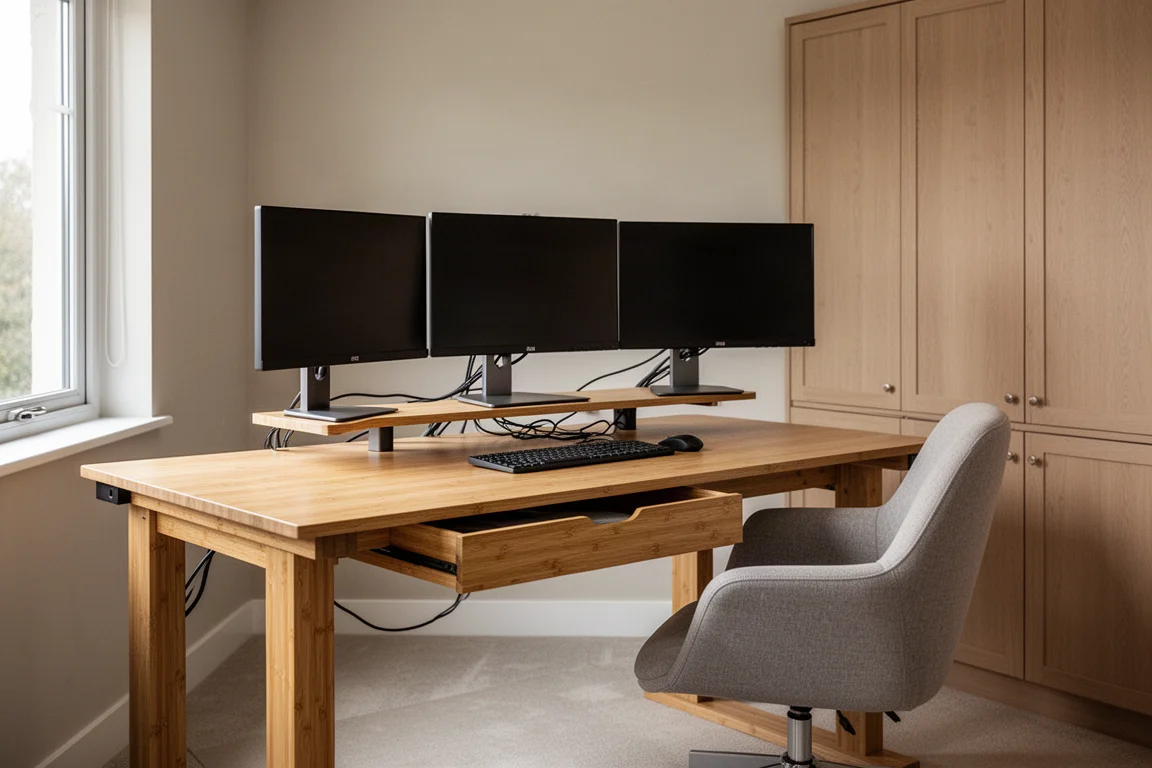
One practical tip worth passing along: leave the desktop in its box while attaching the base. That keeps the surface off the floor and scratch-free while you move things around during assembly. A second lesson learned the hard way: if you plan to add an under-desk cable management tray, install it while the desk is still upside down. Attaching it after the desk is upright is possible, but far less convenient.
Build Quality and the Bamboo Top
If one word describes this desk, it is solid. It is not overly heavy, but it feels very sturdy at every height, and the leg mechanisms are designed without large gaps around the expanding sections. That matters for more than looks: open gaps tend to collect dust and grime over time and can eventually interfere with the motors.
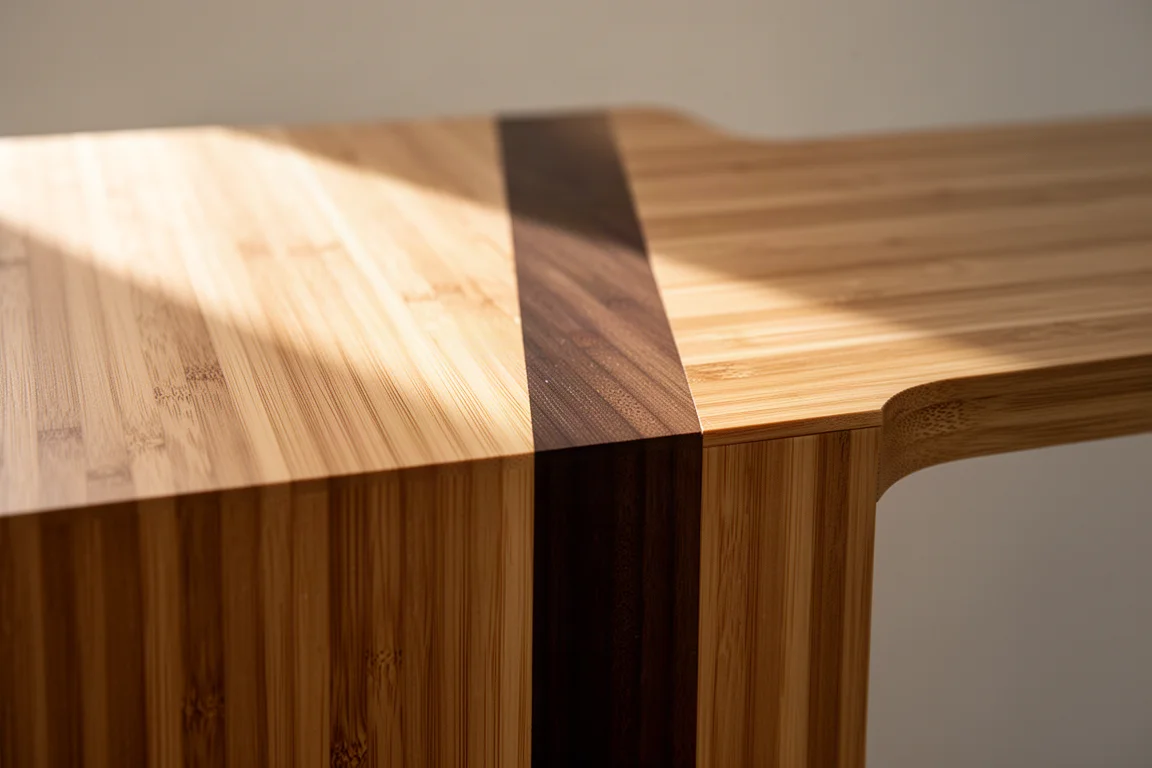
The bamboo top is a highlight. The surface is smooth with fine, thin grain lines, and the vertical edging creates a contrast between bamboo pieces that almost reads as a color gradient. It looks sharper than the average laminate desktop.
Controls, Presets, and Everyday Features
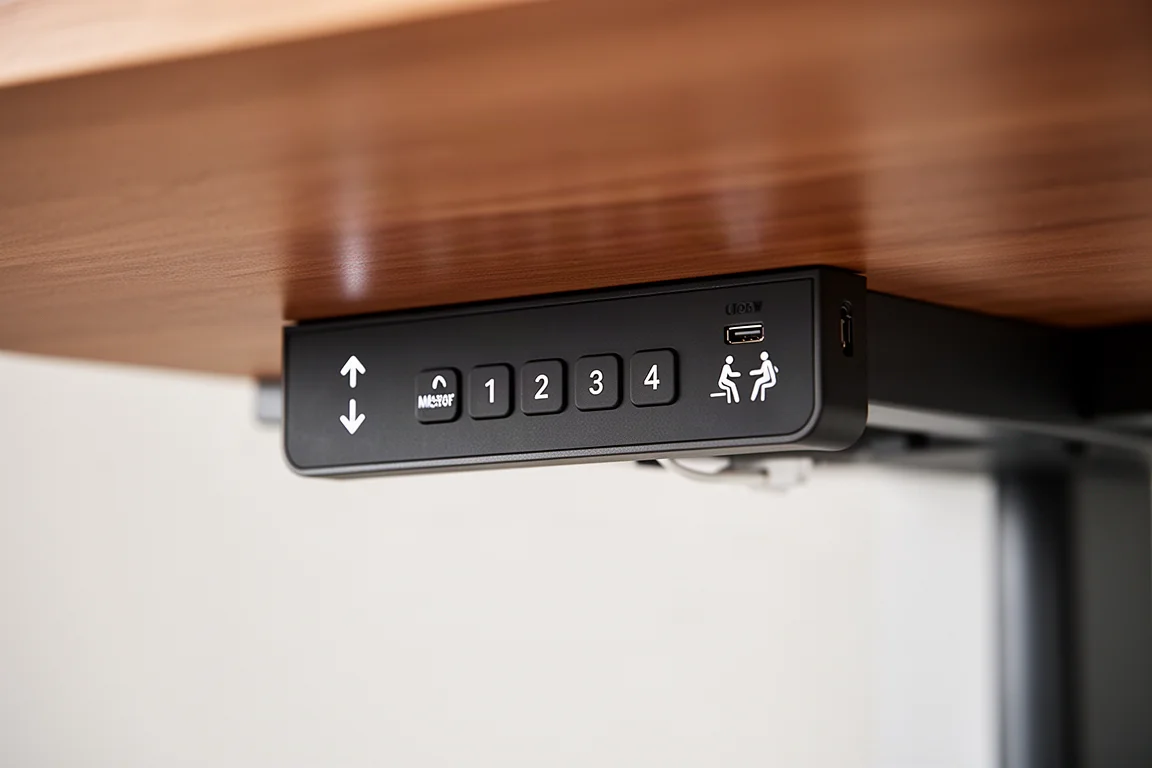
The control panel mounts on either the left or right side using pre-drilled holes, with a little play so you can position it right at the edge or slightly deeper under the desktop. The controls are straightforward: up and down buttons, a memory/lock button, and four programmable presets. The sit and stand buttons use pictograms, so there is no need to remember which number maps to which height.
Several small features add up in daily use:
- The display shows the current desk height, and a check with a measuring tape confirmed it reads accurately.
- The controls can be locked with a long press, which prevents accidental movement when someone leans against the panel.
- A USB port on the panel handles occasional charging without hunting for a wall outlet.
- An anti-collision safety feature stops the desk before applying too much pressure if something is underneath.
The dual motors are strong and move the desk at an acceptable volume. It would not be described as quiet, but it is not intrusive either, and the motion is smooth and confident even under load.
Accessories: Power Strip, Cable Tray, and Drawers
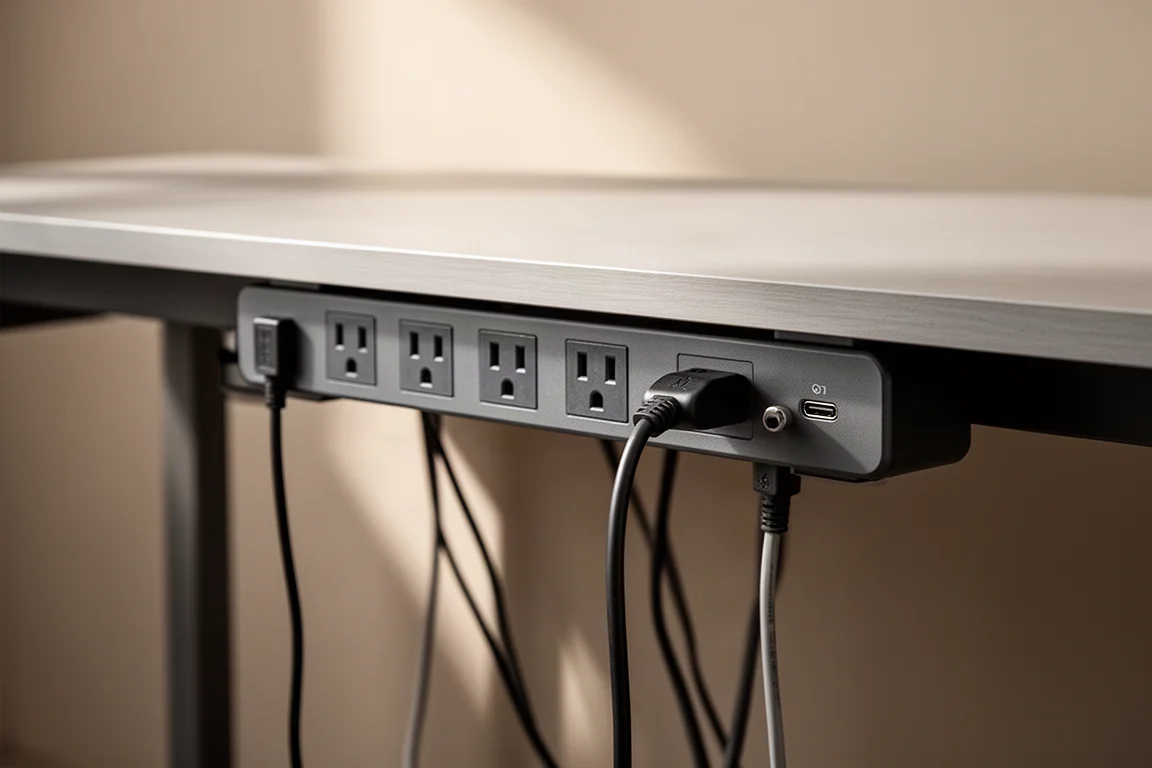
FlexiSpot sells a set of accessories that integrate cleanly with the desk. The clamp-on power strip is a standout: it offers three outlets plus USB-A and USB-C ports, with the plugs spaced far enough apart that a chunky charging brick does not block its neighbors. Mounted at the far back edge, it practically disappears into the desk rather than reading as a power strip bolted on top.
The cable management tray tucks a power strip underneath the desktop for monitor cables and more. Installation is simple, though this accessory lacks pre-drilled holes; a small cardboard guide is included to help with drilling.
Under-desk drawers are available in black or bamboo, and a bamboo desk organizer rounds out the lineup. One note: the drawers were left uninstalled at first to live with the desk for a while and find the best placement, and one later found duty as everyday-carry storage near a secondary work desk.
Things to Consider Before Buying
A few trade-offs are worth weighing. The motors are audible during movement, so if near-silent operation is a priority, manage expectations. The 60 x 30 inch footprint is generous, which is great for spreading out but demands the floor space to match. And if you want add-ons like the cable tray or drawers, budget for the drilling and planning time they involve, ideally before the desk is fully assembled.
Buying Advice
The desk carries a 15-year warranty, which is a notably long commitment for furniture and signals real confidence in the build. Watch for seasonal sales and promotional codes, as they can meaningfully reduce the price on larger orders. Pairing the desk with a monitor stand, a UPS, and some thoughtful storage goes a long way toward a cleaner, more functional setup overall.
Life With the Desk After the Refresh
Day to day, the desk mostly gets used at seated height, but a few times an evening it is genuinely pleasant to hit a preset, raise the top, and keep working or watching while stretching the legs. Adjusting to the most ergonomic height takes seconds. Combined with a decluttered room, closed storage, and neatly managed cables, the whole space simply feels calmer and easier to use.
Conclusion
The FlexiSpot E7 Pro Plus delivers exactly what a motorized standing desk should: sturdy dual-motor lift, accurate height readout, useful presets, and a bamboo top that looks better than most. Add a long warranty and well-integrated accessories, and it makes a strong anchor for any home office refresh.
Product link
View more details for FlexiSpot E7 Pro Plus Standing Desk
This product is mentioned in the review. Check the specifications, options, and compatibility before buying.
View more details for FlexiSpot E7 Pro Plus Standing DeskFurther reading
Related Reviews
Office Furniture
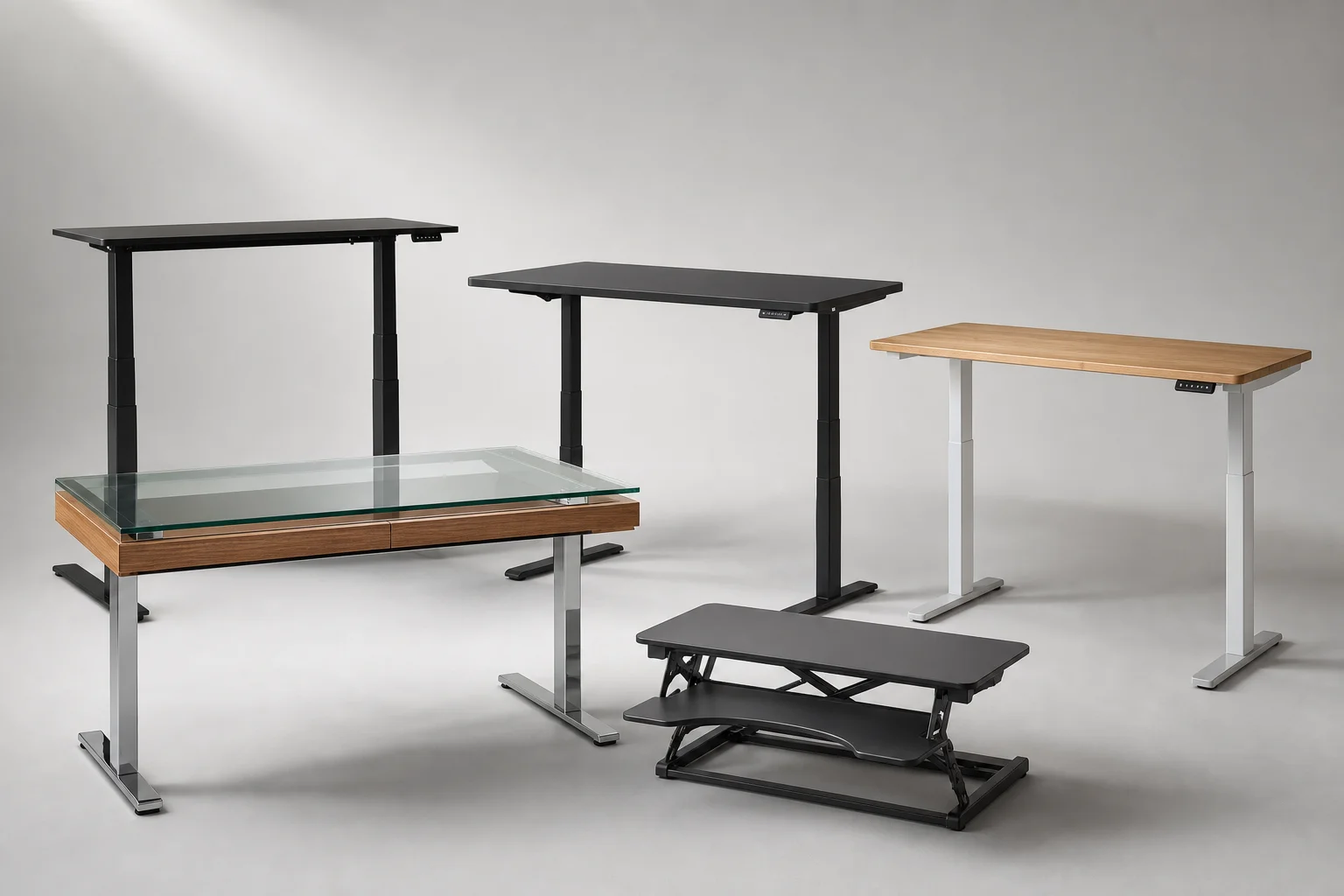
Best Standing Desks 2026: Five Options for Every Budget and Space
A practical roundup of five standing desks ranging from compact converters to full electric models, each with clear strengths and trade-offs to consider before buying.
Office Furniture
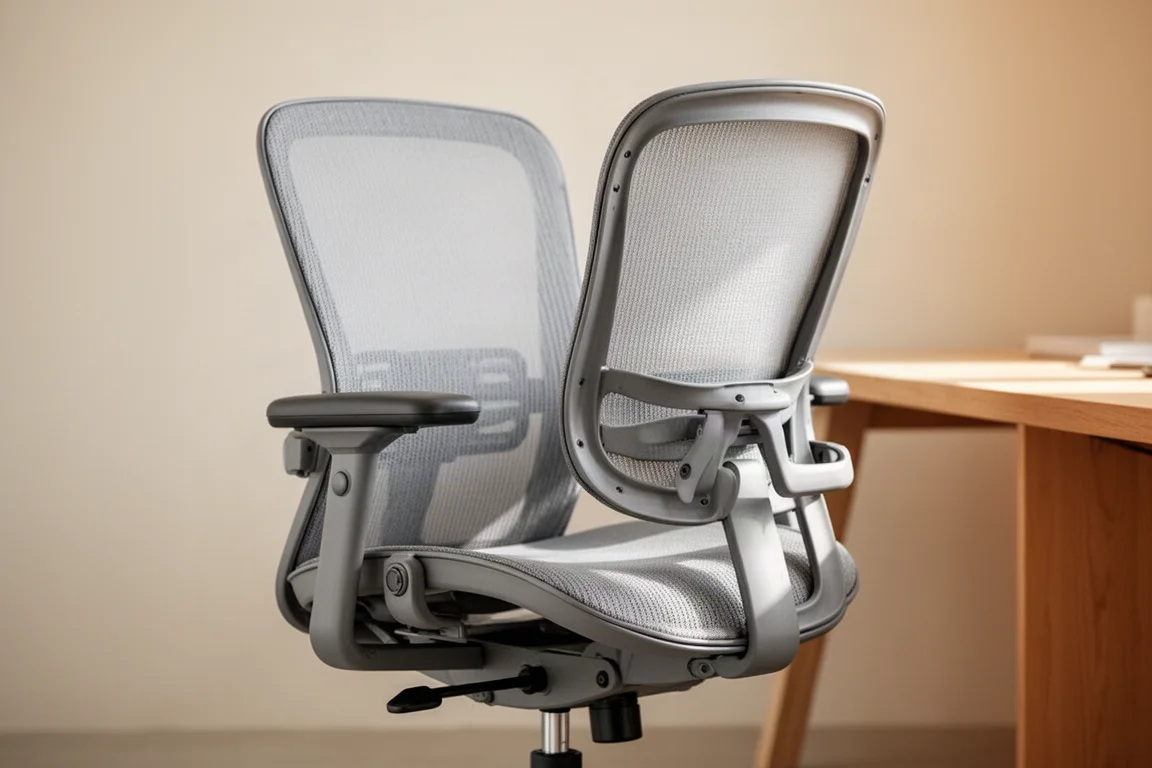
Office Chair Buying Guide: Seven Levels From Budget to Premium
A practical guide to office chair levels, from budget models to flagship ergonomic chairs, with picks at each tier.
Office Furniture
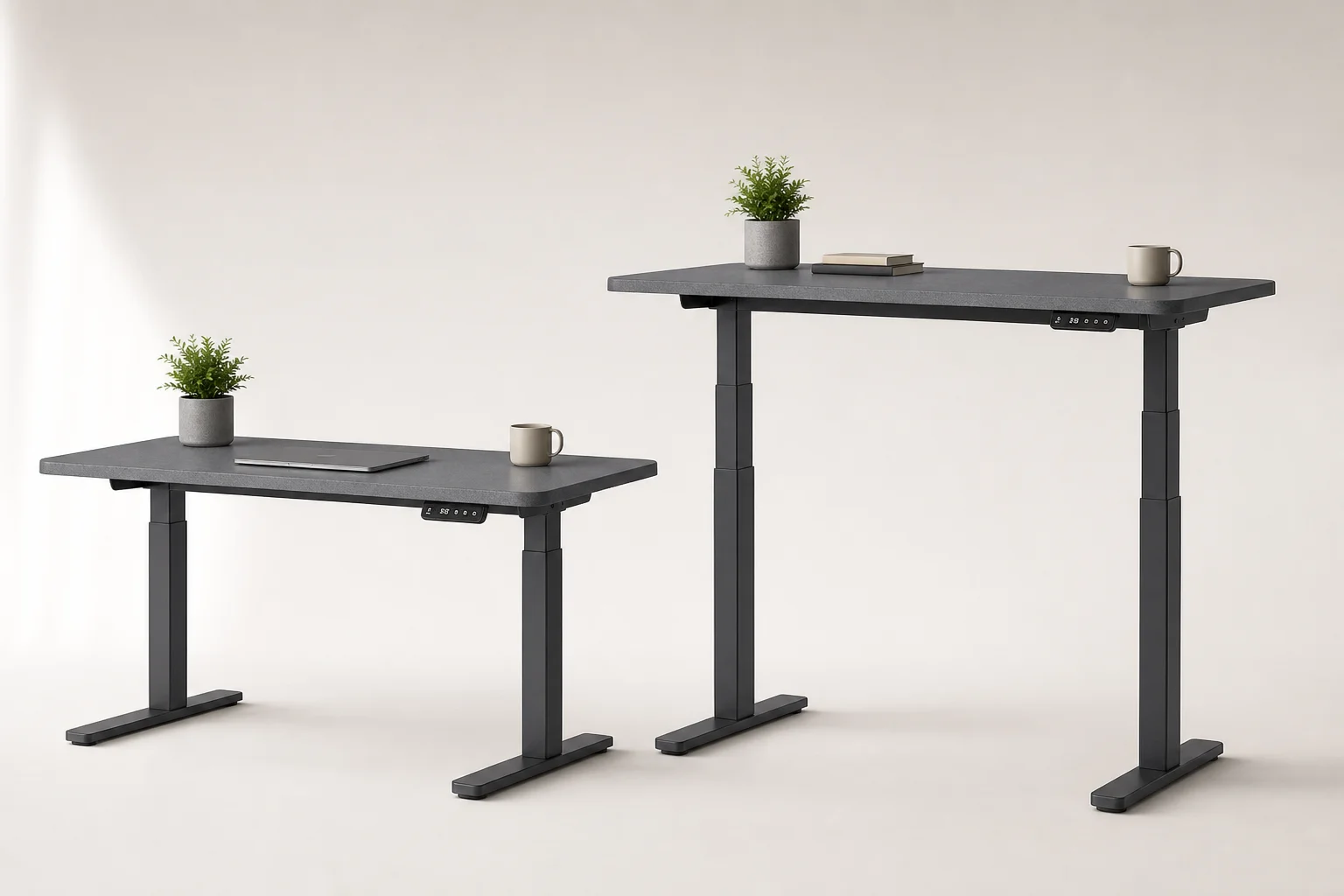
Seville Classics AIRLIFT Standing Electric Desk Review: Affordable Height Adjustment for Home Offices
The Seville Classics AIRLIFT brings electric height adjustment to standing desks at a fraction of premium brand prices. Here's what works and what to consider before buying.