Monitors
Dell Alienware AW3426DW Review: A Smarter Way to Get 2026 QD OLED
The Dell Alienware AW3426DW brings the latest RGB stripe QD OLED panel to a more accessible price point without cutting corners.
Introduction
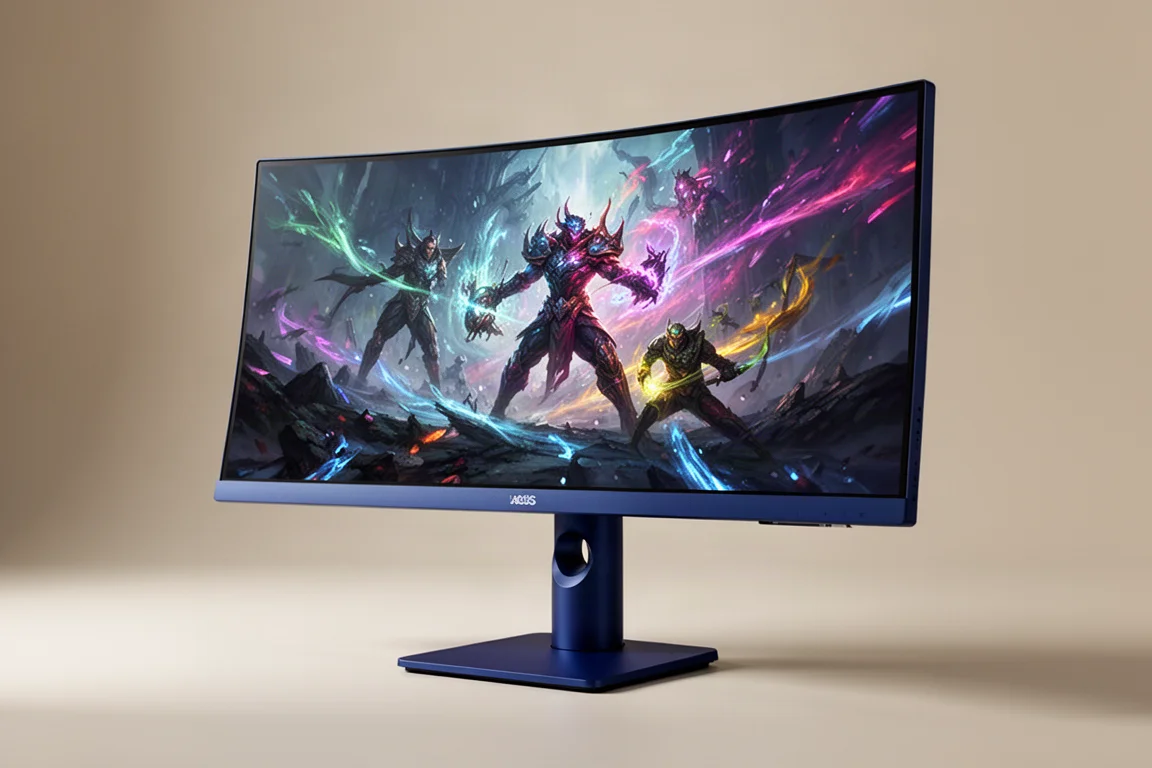
The Dell Alienware AW3426DW is a 34-inch ultrawide gaming monitor built around the latest 2026 QD OLED panel from Samsung Display. It offers the same RGB stripe subpixel layout, improved coating, and brightness gains found in the flagship 360 Hz models released earlier in the year, but it runs at a slightly lower 280 Hz refresh rate. That single change brings the price down to $800, making it a more accessible entry point into this new panel technology.
For gamers who do not need the absolute highest refresh rate, this monitor looks like a compelling option. It delivers the same core panel improvements as the more expensive models, including better text rendering, reduced ambient light reflectivity, and higher peak brightness, all at a more approachable price.
The 2026 QD OLED Panel Explained
The AW3426DW uses the same 34-inch 3440x1440 QD OLED panel found in the high-end 360 Hz displays released earlier in the year. The most significant change with this 2026 panel is the move away from the triangle RGB subpixel layout to a traditional RGB stripe layout, which Samsung Display calls Vstripe.
This change dramatically improves text rendering quality. The RGB stripe layout matches what LCDs use, so subpixel font rendering works perfectly without the pink and green fringing artifacts seen on earlier QD OLED monitors. Text looks fantastic on this panel, equivalent to LCDs of similar pixel density. For desktop use, browsing the web, or working in apps, this effectively feels like a resolution increase.
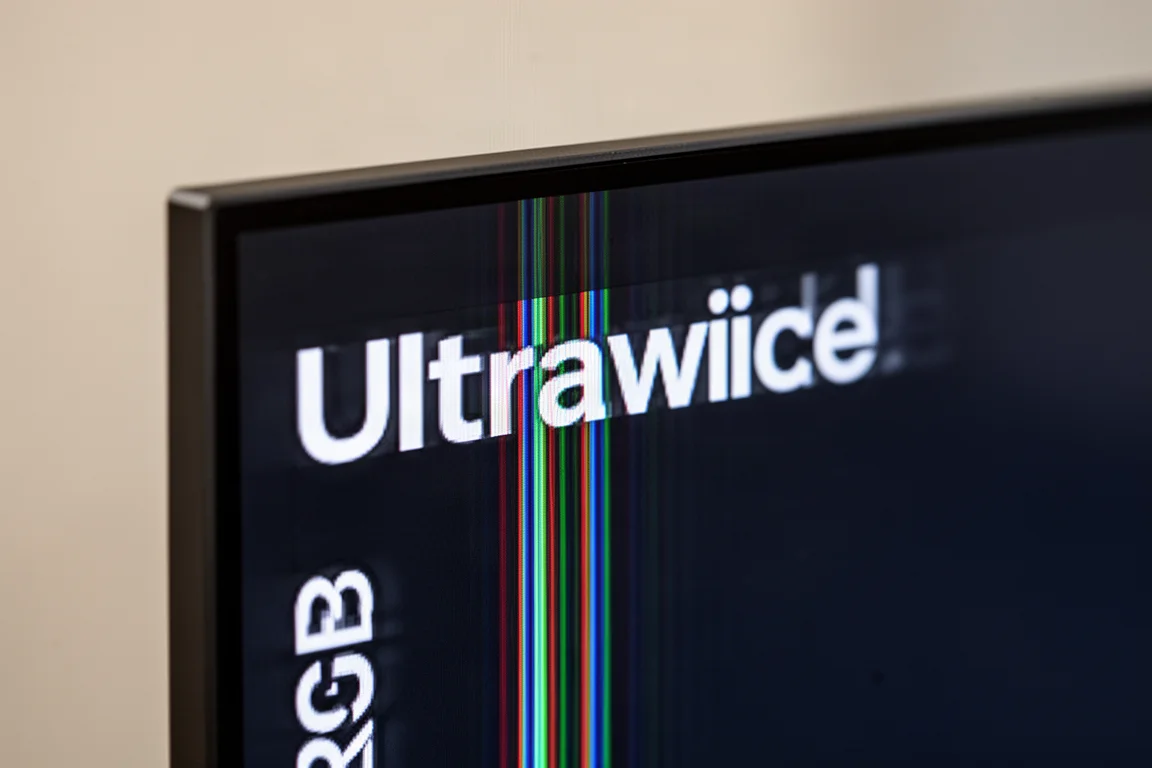
The screen coating and layer composition have also been improved to reduce ambient light reflectivity. Earlier QD OLEDs reflected light in brighter environments, causing blacks to appear gray or slightly purple. The new panel reduces this reflected light significantly and handles ambient light better than any previous QD OLED. However, glossy W OLED panels still offer deeper blacks in bright conditions overall.
The coating hardness has also increased from a 2H to a 3H rating. First-generation QD OLED ultrawides were relatively easy to scratch, but this improvement makes the surface more scratch resistant and easier to clean without worrying about permanent marks.
Refresh Rate and Motion Clarity
The main difference between the AW3426DW and the flagship 360 Hz models is the refresh rate, reduced from 360 Hz to 280 Hz. That is a 22% lower peak refresh rate, but adaptive sync variable refresh rate capabilities remain unchanged.
Response times are identical to other OLEDs, meaning lightning-fast speeds that far exceed LCDs. With OLEDs, motion clarity is directly tied to refresh rate. A higher refresh rate model delivers better clarity when running at its maximum, but if you operate two different OLEDs at the same refresh rate, motion clarity is identical regardless of the maximum refresh rate.
For example, running a game at 120 fps and 120 Hz produces the same motion clarity on both the 280 Hz and 360 Hz models. The 360 Hz models only have an advantage when games run above 280 fps. For most gamers playing in the 100 to 200 Hz range, there is no benefit to spending more on 360 Hz.
Input latency is excellent, with a recorded 0.5 millisecond processing delay. The 360 Hz models have slightly better overall input latency due to their higher refresh rate, but the difference is small. The same processing delay applies in HDR mode, making this display ideal for responsive HDR gaming.
HDR Performance and Dolby Vision
OLED panels are excellent for HDR thanks to individual pixel control and zero-level blacks, creating high local contrast. The AW3426DW produces very similar HDR performance to the 360 Hz QD OLED models, with the usual true black and peak brightness modes labeled Display HDR True Black and HDR Peak 1300.
The Display HDR True Black mode caps brightness at 530 nits but offers an accurate experience with no panel dimming. The Peak 1300 mode raises the brightness ceiling to 1300 nits, achievable in dark content with small highlights. This mode is very accurate in dark scenes with excellent color results, but panel dimming becomes a problem in bright scenes.
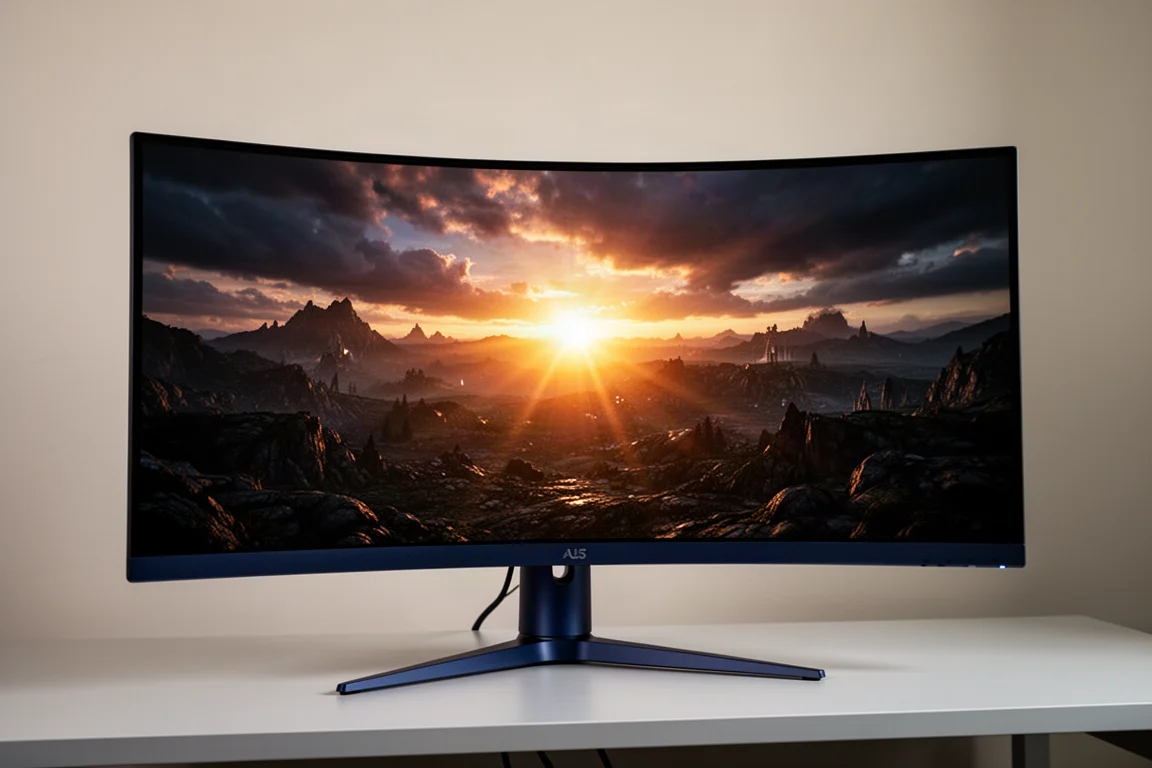
The Peak 1300 Bright mode combats panel dimming at the expense of raising brightness in dark scenes beyond what is accurate. As with every QD OLED so far, there is no single perfect HDR mode. You must choose between better overall accuracy in True Black mode or higher peak brightness with panel dimming in Peak mode.
The AW3426DW is the first Dell QD OLED ultrawide to offer Dolby Vision support, something the 360 Hz models from Asus and MSI do not include. In Windows, Dolby Vision now automatically switches to HDR10 mode when HDR10 content is played, ensuring the correct monitor mode is used. For PC users, Dolby Vision is most useful for desktop apps, where it provides brighter, better-tonemapped performance than the HDR10 Peak 1300 mode.
SDR Performance and Color Accuracy
In SDR mode, performance is reasonable out of the box. Dark gray gamma is slightly elevated, making content a bit too contrasty, but grayscale results are otherwise good with decent color temperature. There are the usual oversaturation concerns since no Rec. 709 gamut emulation is used by default, which can make skin tones appear redder than they should.
Windows Auto Color Management eliminates oversaturation and improves color accuracy with a color checker delta E average of 5.9. The built-in sRGB mode locks most settings but is exceptionally well calibrated, with magnificent white balance and gamma, leading to very low grayscale delta E. Saturation and color checker results are also excellent, making this one of the most accurate sRGB modes available.
Full-screen SDR brightness comes in at 313 nits, a healthy 27% increase over the previous generation model. Minimum brightness is a very good 22 nits. Viewing angles and panel uniformity are excellent, with no dark gray banding or dirty screen effect.
Design, Build Quality, and Ports
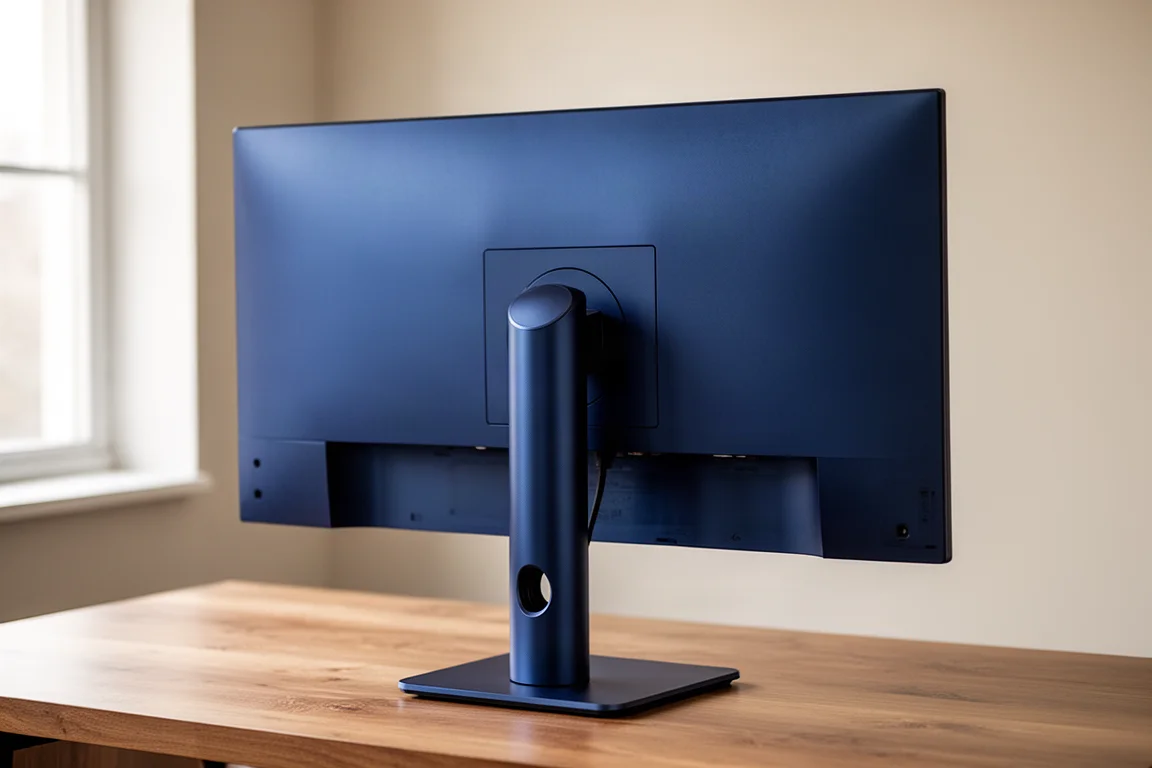
The AW3426DW uses Dell’s AW30 design with a deep blue finish called Interstellar Indigo. The rear is a single sleek panel with fantastic build quality, using a high-quality plastic outer shell. The rounded stand pillar includes a cable management hole, and the small square base does not take up much desk space.
The stand supports height, tilt, and swivel adjustment with acceptable wobble resistance. Port selection includes one DisplayPort 1.4 with DSC, two HDMI 2.1 ports, and a two-port USB hub with Type-A and Type-C connectors. The USB ports are placed along the bottom edge for easy access. The Type-C port supports data and 15 W power delivery but cannot be used as a display input. There is no KVM switch.
The OSD is controlled through a directional toggle on the bottom edge. Features include several preset modes, color controls, a dark stabilizer, picture-in-picture mode, DSC toggle, and RGB LED lighting controls. The Alien Vision mode adds crosshairs and color filters to defined areas. An esports mode emulates a 25-inch screen at 2368 by 1332 resolution with 1:1 pixel mapping, retaining the 280 Hz refresh rate and HDR support.
Dell’s OLED care settings are always enabled with no user control, though the company offers a 3-year burn-in warranty.
Who Should Buy the AW3426DW
The AW3426DW is an excellent choice for gamers looking for a 34-inch QD OLED ultrawide without paying flagship prices. It delivers essentially the same performance as the 360 Hz models for $150 to $200 less, with the only meaningful cutback being the refresh rate.
If you mostly play games in the 100 to 200 Hz range, the 280 Hz refresh rate is more than sufficient, and the extra cost of 360 Hz provides no real benefit. Even at very high frame rates, the difference between 280 Hz and 360 Hz is marginal. The only reason to choose a 360 Hz model is if you consistently play above 280 fps or want specific features offered on the Asus and MSI flagships.
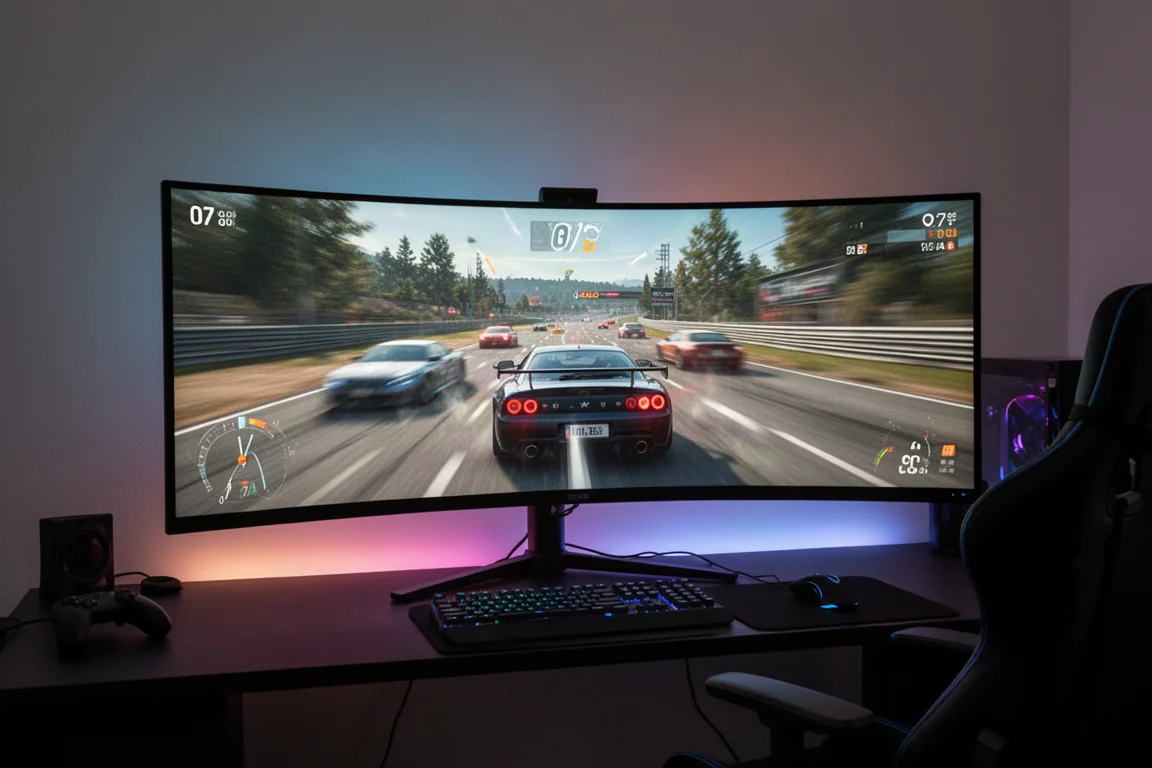
For first-time OLED buyers, this monitor is a treat. Motion performance is fantastic, contrast is immaculate with deep blacks, and HDR gaming looks superb. The 34-inch ultrawide format adds immersion compared to standard 27-inch monitors.
Buying Advice
At $800, the AW3426DW is the go-to choice for 34-inch QD OLED ultrawide gaming in 2026. It offers the same 2026 panel technology as the more expensive 360 Hz models, including the RGB stripe subpixel layout, improved coating, and higher brightness, at a substantial savings.
The previous generation AW3425DW launched at the same $800 price, so Dell is offering upgraded panel performance at no additional cost. The improvements include better text rendering, reduced ambient light reflectivity, increased screen hardness, higher SDR and HDR brightness, and a slightly higher refresh rate.
There is little reason to spend more on the 360 Hz models unless you always play at very high frame rates. For most gamers, saving the money and getting the 280 Hz model provides a great experience.
Conclusion
The Dell Alienware AW3426DW is the biggest upgrade to Dell’s flagship 34-inch ultrawide since the original QD OLED model. The new 2026 panel brings significant improvements across text quality, ambient light handling, brightness, and color accuracy, all at the same launch price as its predecessor.
With excellent SDR calibration, strong HDR performance, and the first Dolby Vision support on a Dell QD OLED ultrawide, this monitor is a highly recommended choice. The only real trade-off is panel dimming in bright HDR scenes, an issue shared by every QD OLED to date. For gamers seeking a premium ultrawide experience without the flagship price tag, the AW3426DW is an outstanding option.
Product link
View more details for Dell Alienware AW3426DW
This product is mentioned in the review. Check the specifications, options, and compatibility before buying.
View more details for Dell Alienware AW3426DWFurther reading
Related Reviews
Monitors
ASUS ROG PG27AQWP-W Review: Tandem OLED Meets 540 Hz
A 27-inch 1440p OLED monitor with Tandem panel tech, a 540 Hz refresh rate, and serious motion clarity for competitive gamers.
Monitors
ASUS ROG Swift OLED PG27AQDP G Edition 20 Review: A 540 Hz Tandem OLED Gaming Monitor
The ASUS ROG Swift OLED PG27AQDP G Edition 20 brings a tandem OLED panel, 540 Hz refresh rate, and striking 20th anniversary design to competitive gaming.
Monitors
BenQ EX271QZ Review: A 27-Inch QD-OLED Gaming Monitor Built for Immersion
The BenQ EX271QZ pairs a 27-inch QD-OLED panel with a 500 Hz refresh rate, aiming to deliver both competitive performance and rich, story-driven visuals.