Cameras
Canon EOS R50V Review: A Creator Camera Built for Effortless Video
In-body stabilization, slow motion, Canon Log 3, and an in-camera color filter make the Canon EOS R50V an easy recommendation for solo content creators.
Introduction
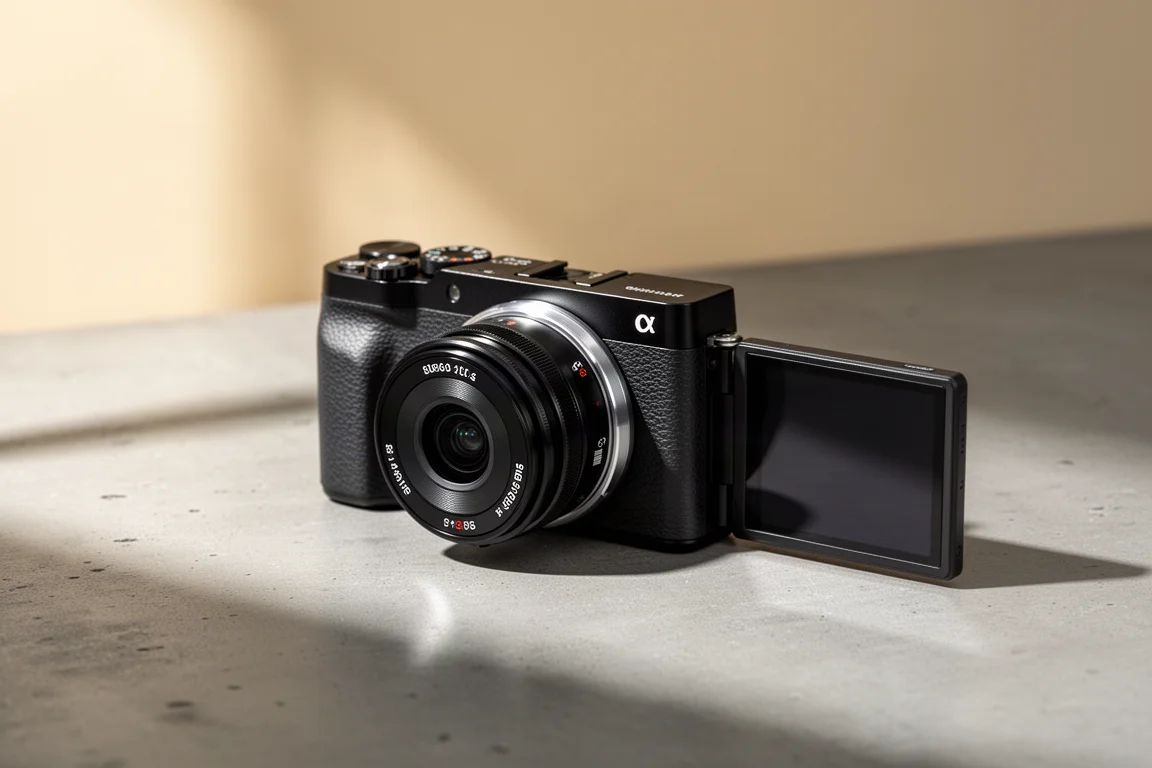
Some cameras feel like they were designed by engineers, and some feel like they were designed for people who actually make things. The Canon EOS R50V sits firmly in the second camp. It is a compact mirrorless camera aimed squarely at creators, and its feature list reads like a checklist of the things that quietly eat up time in a content workflow: stabilization, slow motion, usable color straight out of camera, and clean audio.
The clearest way to see what this camera does well is to look at a real shooting scenario, so this review walks through a food-recipe video shoot and how the R50V handled every step, from close-up slow motion to the final look.
Who This Camera Is For
The EOS R50V is built for creators who want to capture their world without wrestling with gear. If you film recipes, tutorials, travel diaries, or vlogs, most of your shooting happens solo, and every extra accessory is another thing to carry, charge, and set up. That is exactly the situation this camera is shaped around.
The most striking demo of what it offers is slow motion mode. Footage of coffee granules falling looked genuinely cinematic, with every individual granule rendered beautifully, and getting that shot required nothing beyond switching to the slow motion mode. No additional accessories, no special rigging. That ease of use is a recurring theme with this camera.

Main Strengths
The in-body stabilization is one of the standout features. A handheld overhead shot of a baking scene came out super steady, with no gimbal and no fuss, just handheld confidence. When you are shooting alone, being able to pick the camera up and move with it is a genuine win.
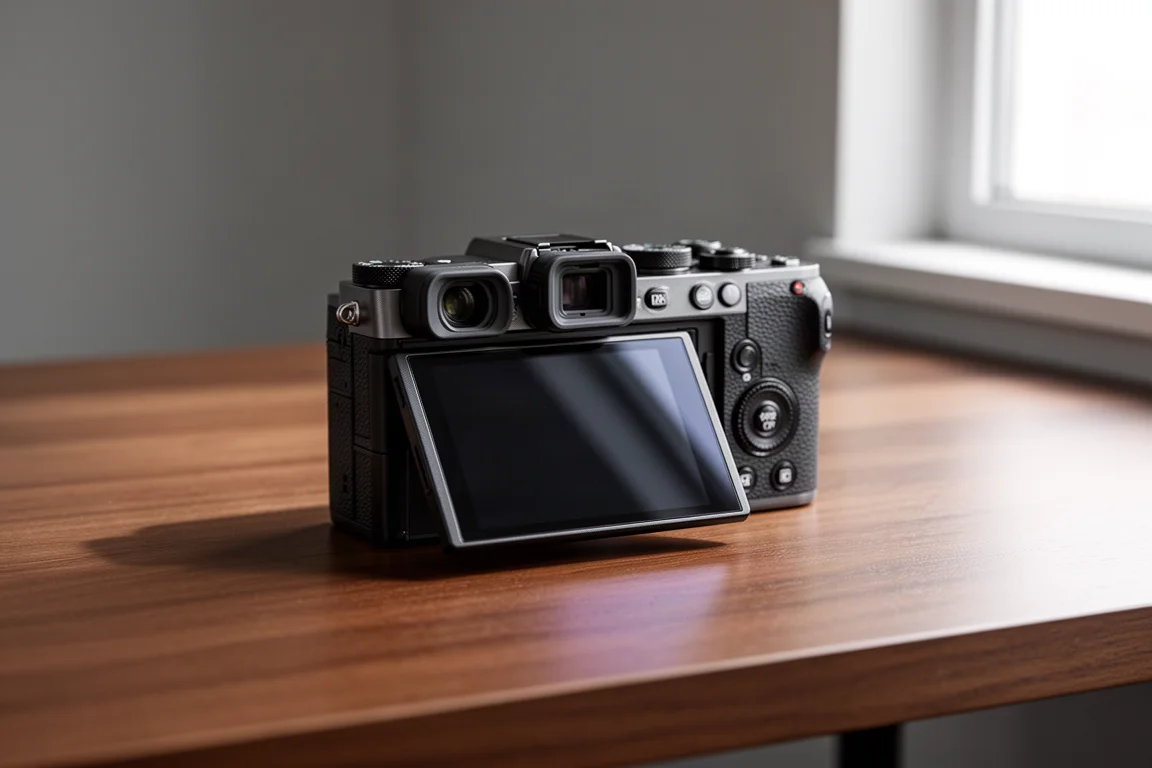
The R50V also supports Canon Log 3, which provides greater dynamic range and flexibility in post-production. For anyone who likes to grade their footage, that headroom matters. But the interesting counterpoint is that grading is not always necessary: the camera offers a tasty warm color filter applied directly in camera. Those golden tones in caramel shots needed zero post-processing. It was literally only the filter in the camera doing the work.
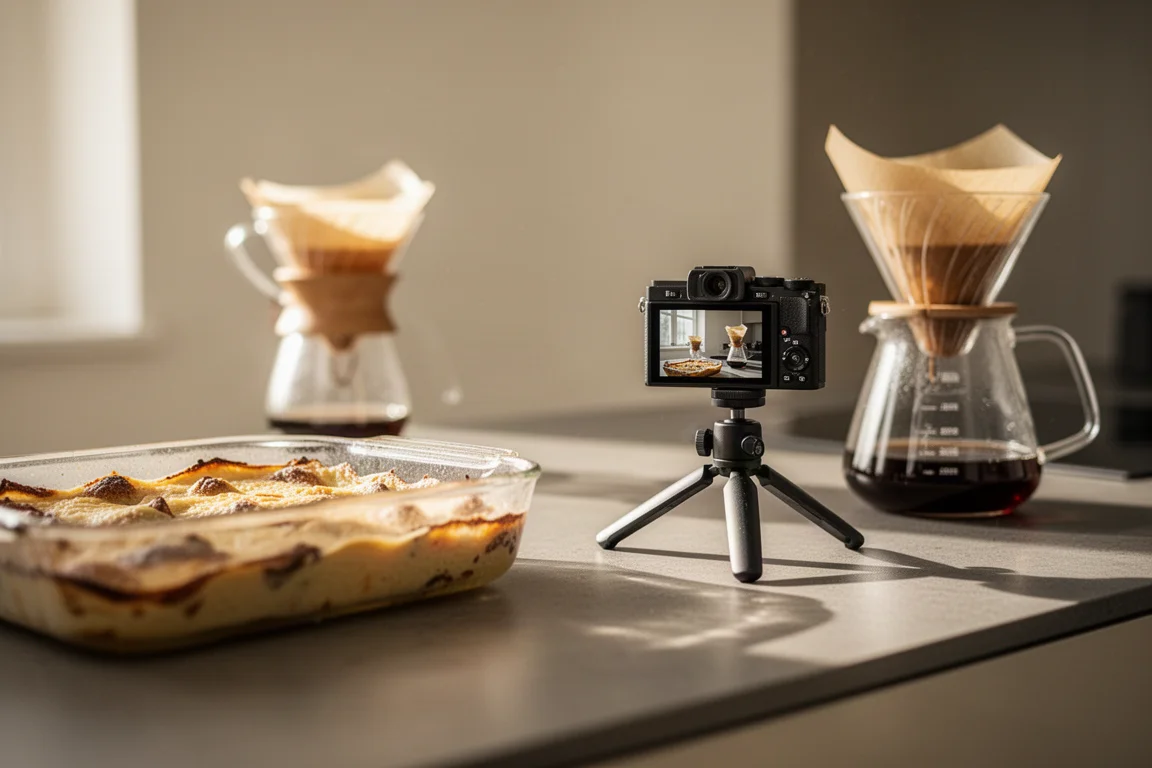
Audio is handled thoughtfully too. The camera has a three-microphone setup that cuts out excess noise, which means dialogue and ambience sound cleaner without external microphones or recorders.
What Makes It Feel Made for Creators
Beyond individual specs, the whole experience is coherent. The video focus dial, the flip screen, and the auto demo mode all feel intuitive. You could literally just set up the camera, hit record, and start telling your story. That workflow simplicity is what separates a camera that is technically capable from one you actually enjoy using every day.
Things to Consider Before Buying
The review experience highlights strengths rather than shortcomings, but a few practical points are worth weighing. Canon Log 3 footage benefits from editing skills if you want to take advantage of the extra dynamic range, so absolute beginners who never plan to edit may lean on the in-camera color filter instead. And while the built-in stabilization is impressive for handheld work, creators with very specific movement styles may still choose to build on it with their own support gear. None of these are dealbreakers; they are just things to match against how you shoot.
Buying Advice
If you are a creator who loves capturing your world, this camera just gets you. From better footage to beautiful B-roll, the Canon EOS R50V makes it all feel effortless. The most sensible way to buy it is as a complete creator tool: lean on slow motion for visual transitions, the in-camera warm filter for quick turnaround content, Canon Log 3 when you want maximum grading flexibility, and the three-mic setup for cleaner sound on the go.
Conclusion
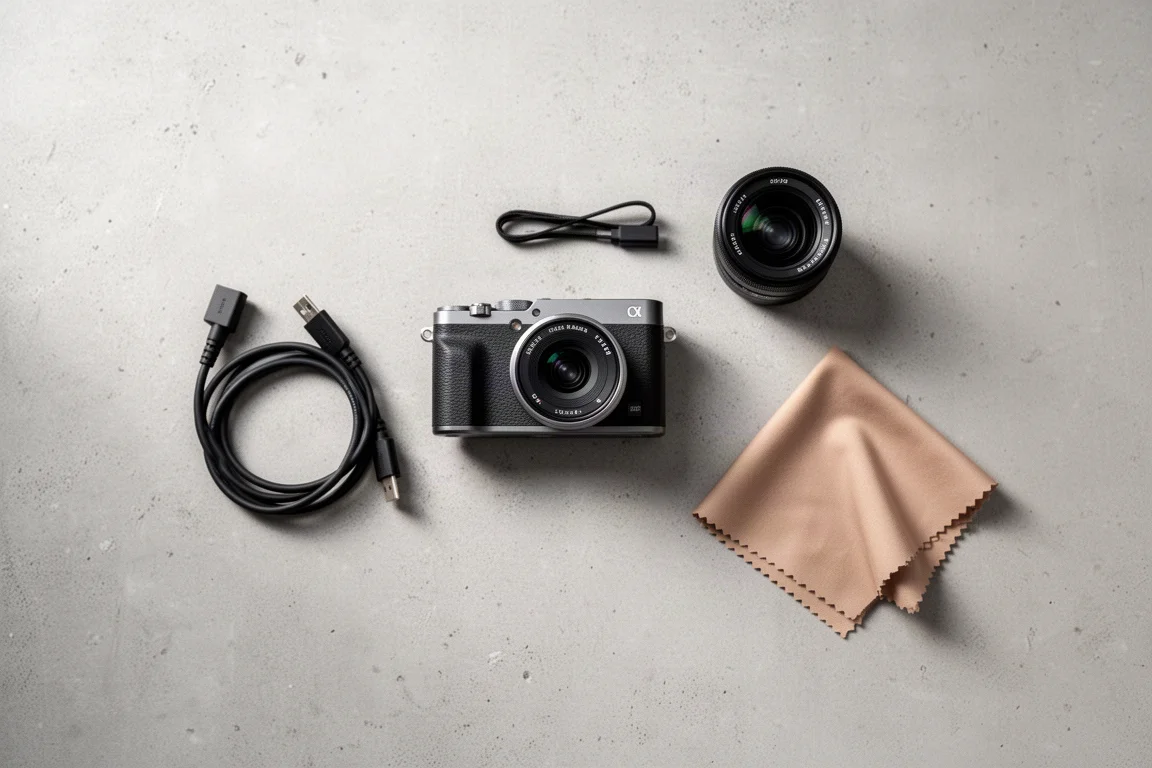
The Canon EOS R50V earns its place in a creator kit by removing friction at every step of shooting. Stabilization that removes the need for a gimbal, slow motion that needs no extra gear, in-camera color that skips post-processing, and an interface built around the way creators actually work. For solo shooters and content makers, it is an easy camera to recommend.
Product link
View more details for Canon EOS R50V
This product is mentioned in the review. Check the specifications, options, and compatibility before buying.
View more details for Canon EOS R50VFurther reading
Related Reviews
Cameras
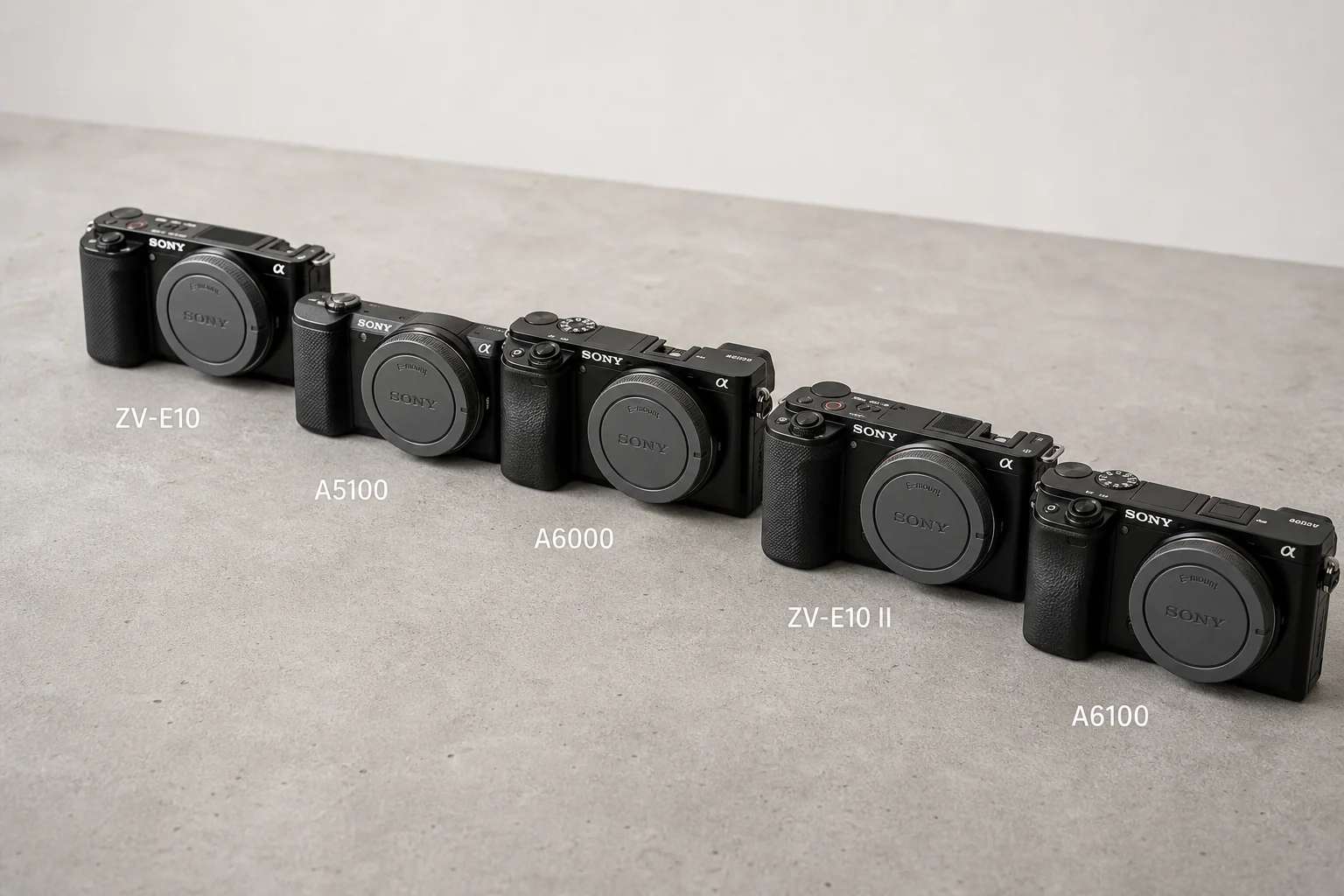
Best Budget APS-C Cameras: Five Sony Options for Photography and Video
Five compact Sony APS-C cameras ranging from $250 used to $1,000 new, each suited to different creative needs and budgets.
Cameras
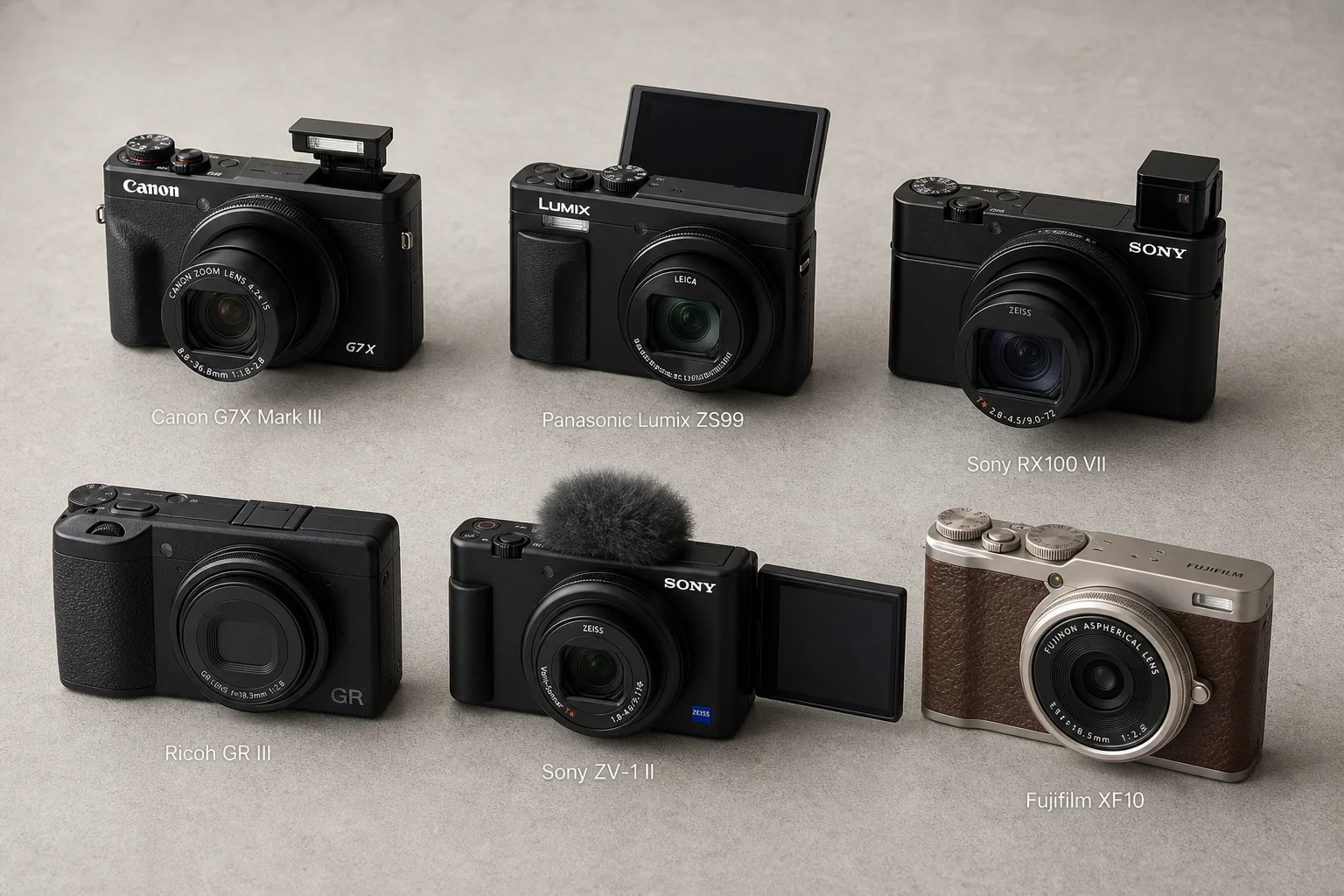
Best Compact Cameras 2026: Six Models Tested Side by Side
A practical comparison of six popular compact cameras, from the Canon G7X Mark III to the Fujifilm XF10, tested in real-world conditions to help you choose the right one.
Cameras
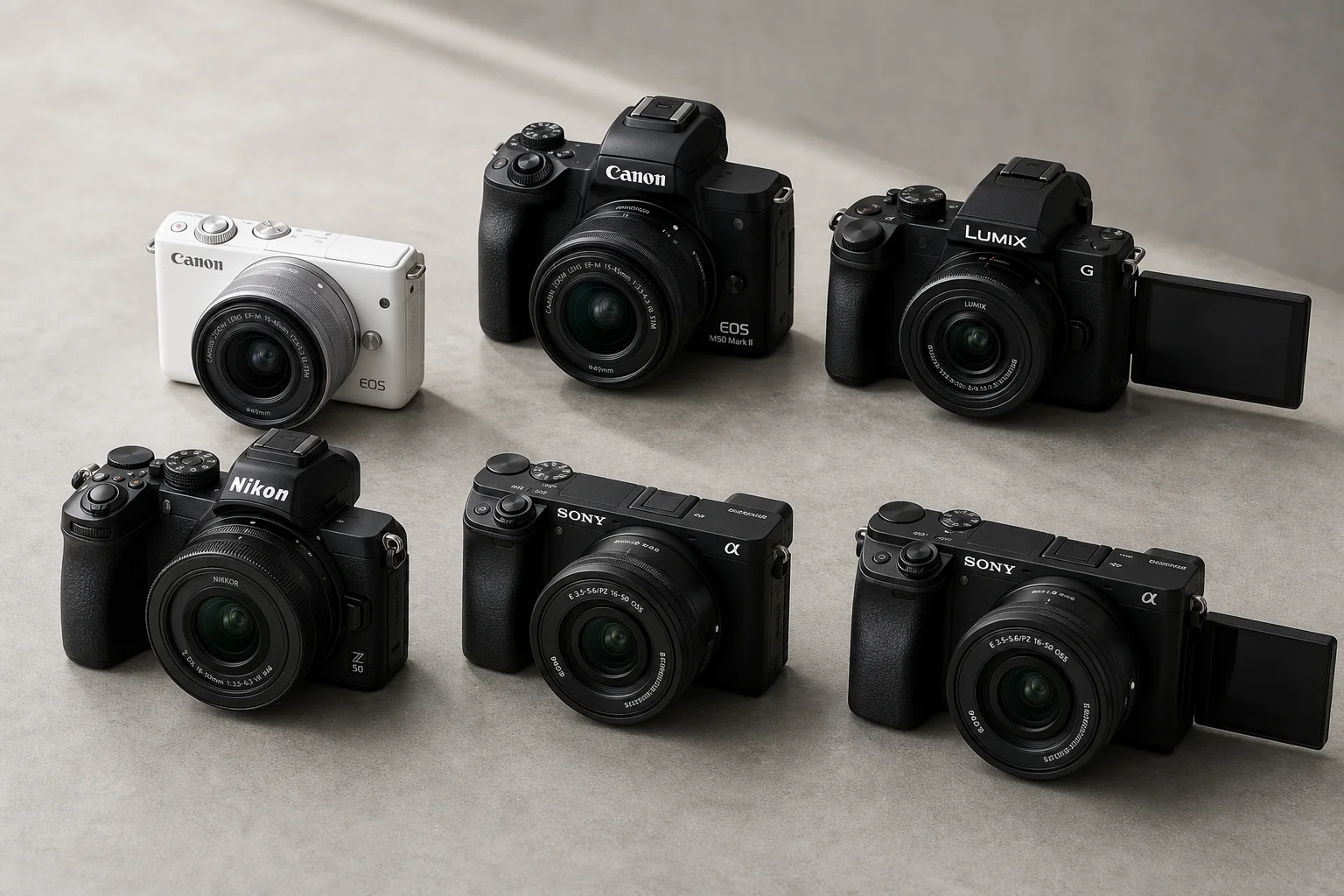
Best Mirrorless Cameras Under $1000: Six Practical Options for Different Needs
A detailed comparison of six mirrorless cameras under $1000, ranked by value, performance, and suitability for vlogging, stills, and beginner use.