PC Builds
Budget 1440p Gaming PC Build: A $600 Setup That Delivers
A practical budget gaming PC build using 12th gen Intel parts and the Intel Arc B570 that handles 1440p gaming without breaking the bank.
Introduction
PC part prices in 2026 have made budget builds feel out of reach for many people. This build challenges that assumption with a total cost of around $600 while delivering strong 1440p gaming performance. The key is mixing older 12th gen Intel components with a modern budget graphics card that punches well above its price point.
The result is a custom PC that looks clean, runs cool, and handles demanding titles at 1440p with impressive frame rates. This guide walks through every component choice, the reasoning behind each one, and the real-world gaming performance you can expect from the finished system.
The Platform: Motherboard, CPU, RAM, and Cooling
The foundation of this build starts with a 12th gen Intel CPU, which means the motherboard needs to support that platform. The MSI Pro B660M fits the bill perfectly. This refurbished micro ATX board supports DDR4 RAM instead of DDR5, which brings the total cost down significantly. With DDR4 memory being much more affordable, this single choice saves a substantial amount of money up front.
The build uses 16 GB of DDR4 running at 3200 mega transfers per second. The board has four DIMM slots, so upgrading to 32 GB later is straightforward. Storage comes from a 512 GB M.2 SSD, which keeps things simple. If more space is needed, an external drive can handle Steam libraries without issue.
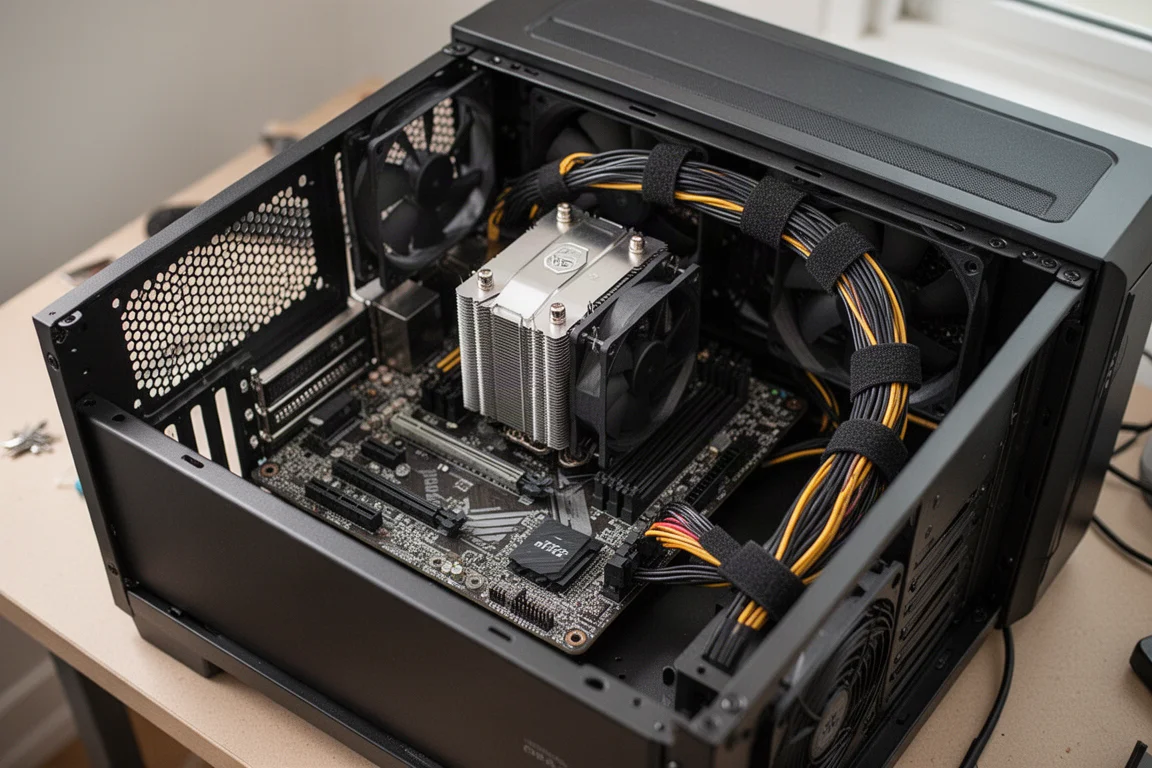
For the CPU, the Intel i5 12600K offers 10 cores and 16 threads. However, the recommended choice is actually the Intel i7 12700 non-K variant. That chip provides 12 cores and 20 threads for a better price-to-performance ratio, and it offers more than enough power for this setup. Keeping the CPU cool is the ID Cooling IS-777 XT, a compact tower cooler that costs under $30 and fits easily in the chosen case.
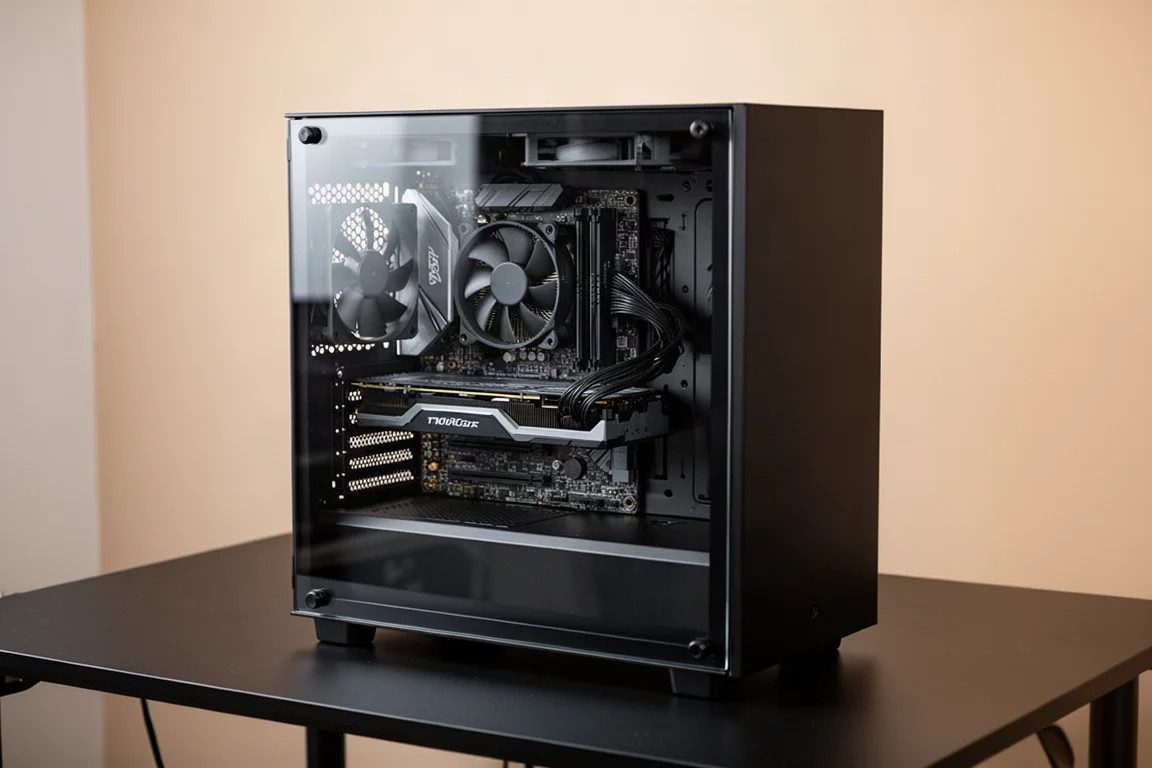
The case is the Zelman Cubix, available for around $36. It supports the micro ATX motherboard and a full-size ATX power supply up top, avoiding the extra cost of SFX units. There is also room for a larger GPU. One thing to note is that the case does not include front fans, so adding a low-profile 120 mm fan up front is recommended for better airflow.
Power Supply: Thermaltake Smart 500
The Thermaltake Smart 500 provides 500 watts of power, which is enough for this configuration. The 550, 600, and 750 watt versions are also available if more headroom is desired, but 500 watts handles this build comfortably, especially since there is no overclocking planned. The full-size ATX form factor keeps costs lower than smaller SFX power supplies.
The power supply mounts at the top of the case, and Velcro straps help keep wiring tidy. The single 8-pin PCIe power connector is all that is needed for the graphics card, keeping the interior clean and organized.
The Graphics Card: Intel Arc B570
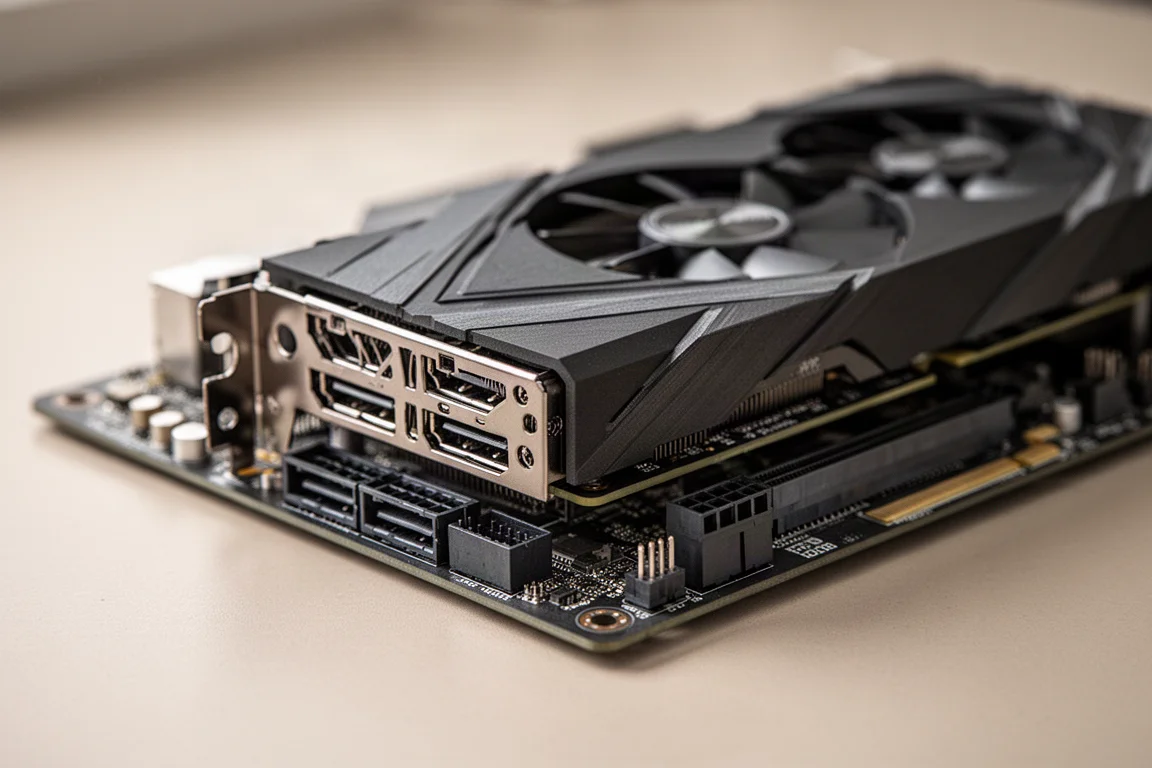
The star of this build is the Intel Arc B570. This card offers 10 GB of VRAM, which is a significant advantage over most 8 GB cards in the same price range. The ASRock Challenger Edition is available for $180 to $200 brand new, and used options can be found for even less. The extra 2 GB of VRAM makes a real difference in newer games that are increasingly VRAM hungry.
The card requires only a single 8-pin power connector, which keeps the build simple. It also supports XESS multi-frame generation, a feature that can dramatically boost frame rates in supported titles. Raising the power limit is easy if you want to squeeze out a little extra performance.
Benchmark Results: 3DMark Time Spy
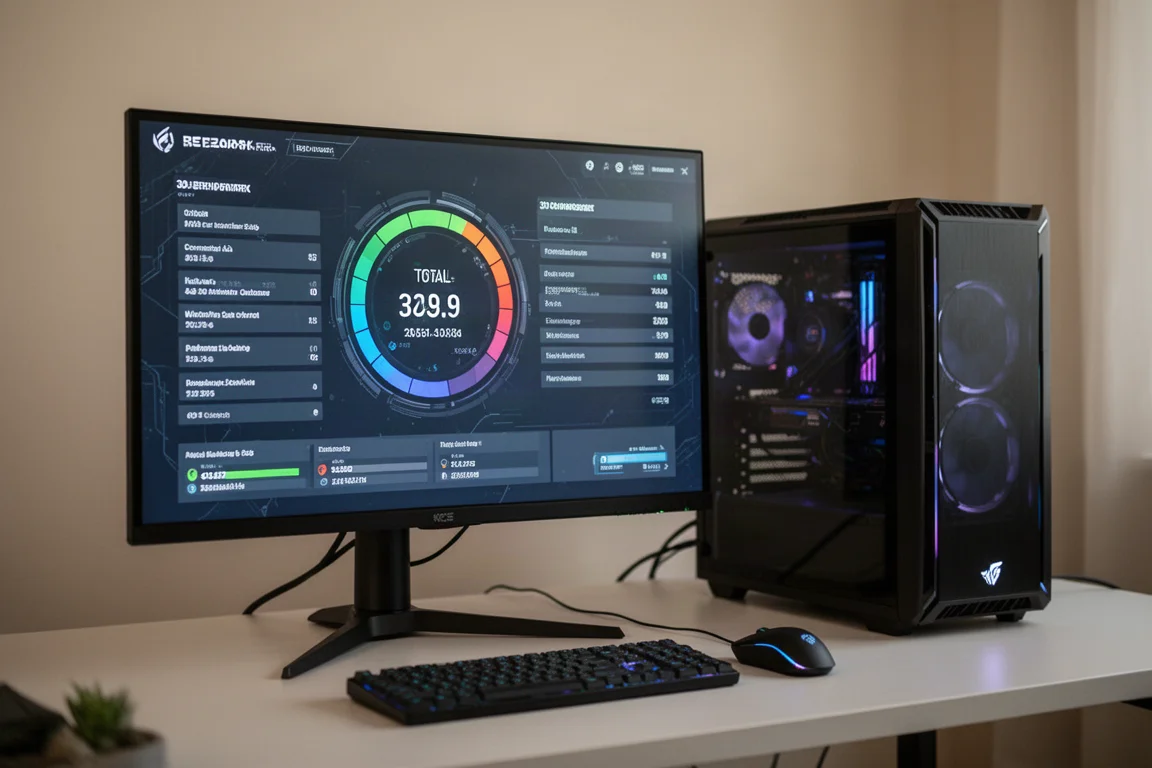
In 3DMark Time Spy, this system scored 12,596 with the B570 at stock settings. For context, a build that cost almost double this amount scored 14,390. While the more expensive system is faster, the performance gap is surprisingly small given the massive price difference. This makes the budget build an exceptional value proposition.
All testing was done at stock configuration with no overclocking on the CPU or GPU, so these results represent what you can expect from a straightforward build.
Gaming Performance: Real-World Results
Cyberpunk 2077 at 1440p high preset with XESS set to quality averages in the low 70s FPS. Turning XESS off drops performance to around 62 FPS, so keeping scaling enabled is worthwhile. Enabling XESS multi-frame generation at 4x pushes frame rates above 200 FPS on average at 1440p high, a remarkable result for a budget card.
Doom: The Dark Ages runs at 1440p high with XESS set to quality, averaging mid-80s FPS. The 10 GB of VRAM is the key here. With only 8 GB, the settings would need to drop to medium to avoid maxing out memory. The extra 2 GB makes high settings achievable.
Forza Horizon 6 runs at 1440p ultra settings with no upscaling, averaging 84 FPS. This was unexpected, as the expectation was that high settings might be necessary. The game feels smooth and responsive throughout.
Red Dead Redemption 2 does not support XESS without mods, but FSR works with this card. At 1440p with a high and ultra mix, the game runs well without needing upscaling. Texture quality is set to ultra with everything else at high, and the game still looks excellent at native resolution.
Horizon Zero Dawn Remastered averages 68 FPS at 1440p high with XESS set to balanced. Quality mode dips below 60 FPS in some areas, but balanced keeps things steady.
Crimson Desert puts a real load on the B570, but it supports XESS multi-frame generation directly from the in-game settings. Setting it to 3x delivers over 120 FPS on average, which is impressive for such a demanding title.
Overall Buying Advice
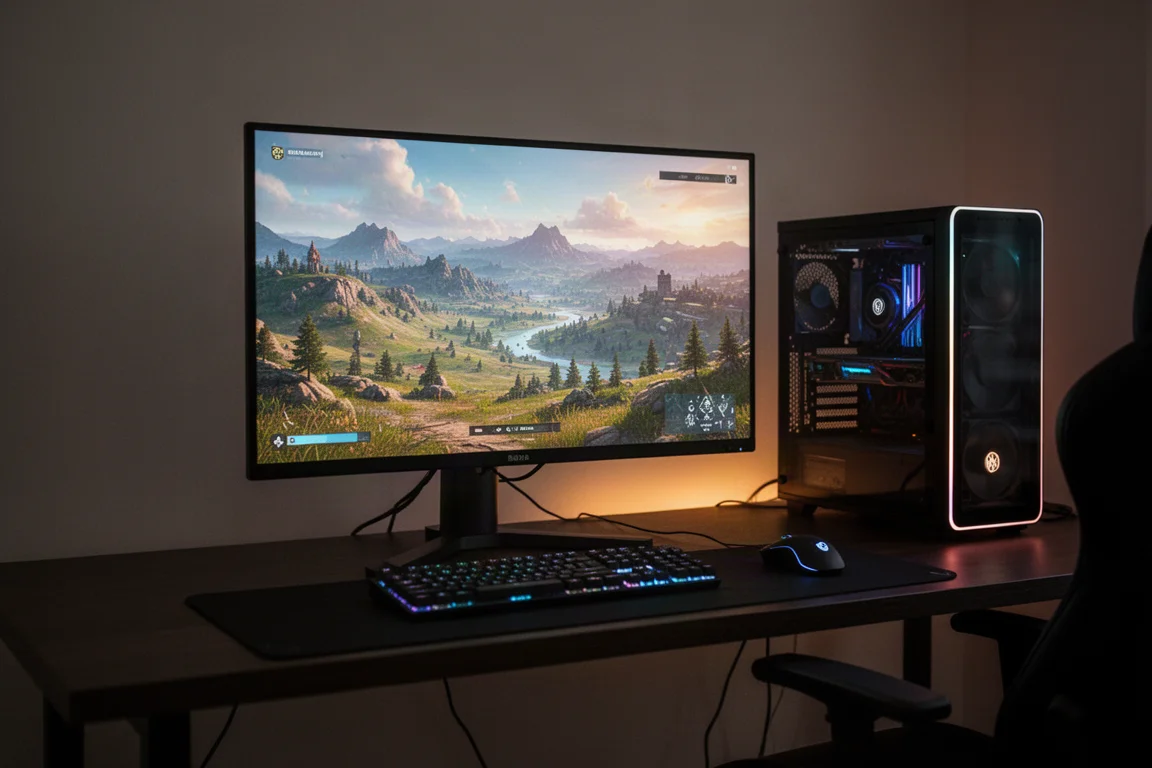
The total cost of this build comes to a little over $600 when using the i7 12700 non-K variant. Choosing a lower-end CPU can reduce the price further, and hunting for used parts on eBay helps bring costs down even more. For a machine that delivers this level of 1440p performance in 2026, that is an outstanding deal.
The key components are the Intel Arc B570 for its 10 GB of VRAM and XESS support, the MSI Pro B660M for its DDR4 compatibility, and the i7 12700 for its 12 cores and 20 threads. The ID Cooling IS-777 XT keeps temperatures in check, while the Zelman Cubix provides a clean, functional home for everything.
Conclusion
This $600 build proves that strong 1440p gaming performance does not require spending a fortune. By combining older 12th gen Intel parts with the modern Intel Arc B570, you get a system that handles demanding titles with ease. The performance gap between this build and one costing nearly twice as much is surprisingly small.
If you have been waiting for the right time to build a budget gaming PC, this setup makes a compelling case. The combination of value, performance, and upgrade potential is hard to beat at this price point.
Product link
View more details for Intel Arc B570
This product is mentioned in the review. Check the specifications, options, and compatibility before buying.
View more details for Intel Arc B570Further reading
Related Reviews
PC Builds
Budget 1440p Gaming PC: HP EliteDesk 800 G6 With RTX 5060
A used office PC transformed into a capable 1440p gaming machine for around $500, outperforming a much more expensive Steam Machine.
Gaming Monitors
Budget 1440p Gaming Monitors: Three Solid Options Under $200
A practical comparison of three affordable 1440p gaming monitors that deliver strong value without breaking the bank.
Gaming Peripherals
Budget Gaming Keyboard-Mouse Combos Under 1600: Which Ones Are Worth Buying
A practical review of eight affordable keyboard-mouse combos, identifying which deliver genuine value and which to skip when building a budget gaming setup.